I’m not seeing any crashes or errors so far, so Rhea seems to be working. But it runs at 1/4 the speed of Proteus and 1/3 the speed of Iris, and I can’t see enough improvement in results to justify that big a performance hit.
Windows ?
First post.
2 Likes
Yes, I probably won’t be able to really determine whether I’ll get anything out of this model until it’s optimized for speed and lower enhancement than 4X.
Honestly, Rhea looks better than iris here in your example. If you closely see the artifacts below her left eye in IRIS MQ,
Dunno man. For me those tiny artifacts dont matter. I’ll add a lot of film grain and scanlines to the video anyway. Imo the details created by Iris make up for a little bit of sh*t… Rhea for me softens everything way too much…
1 Like
5.2.0.1.rhea
- Ghosting is still present so not fixed. Happens when I crank up "Recover detail past default
- Long standing issue of before/after not syncing making Split View unhelpful
- The bright green light is supposed to indicate rendered frames yet they are not rendered and the processing animation is visible. Given the .6 frame rate testing is impossible even on my maxed out M3 Max
- Seeing some really good things such as quality results with faces, hair, and objects but getting some wonky distortions in some faces in a crowd of faces I thought resolved in Iris.
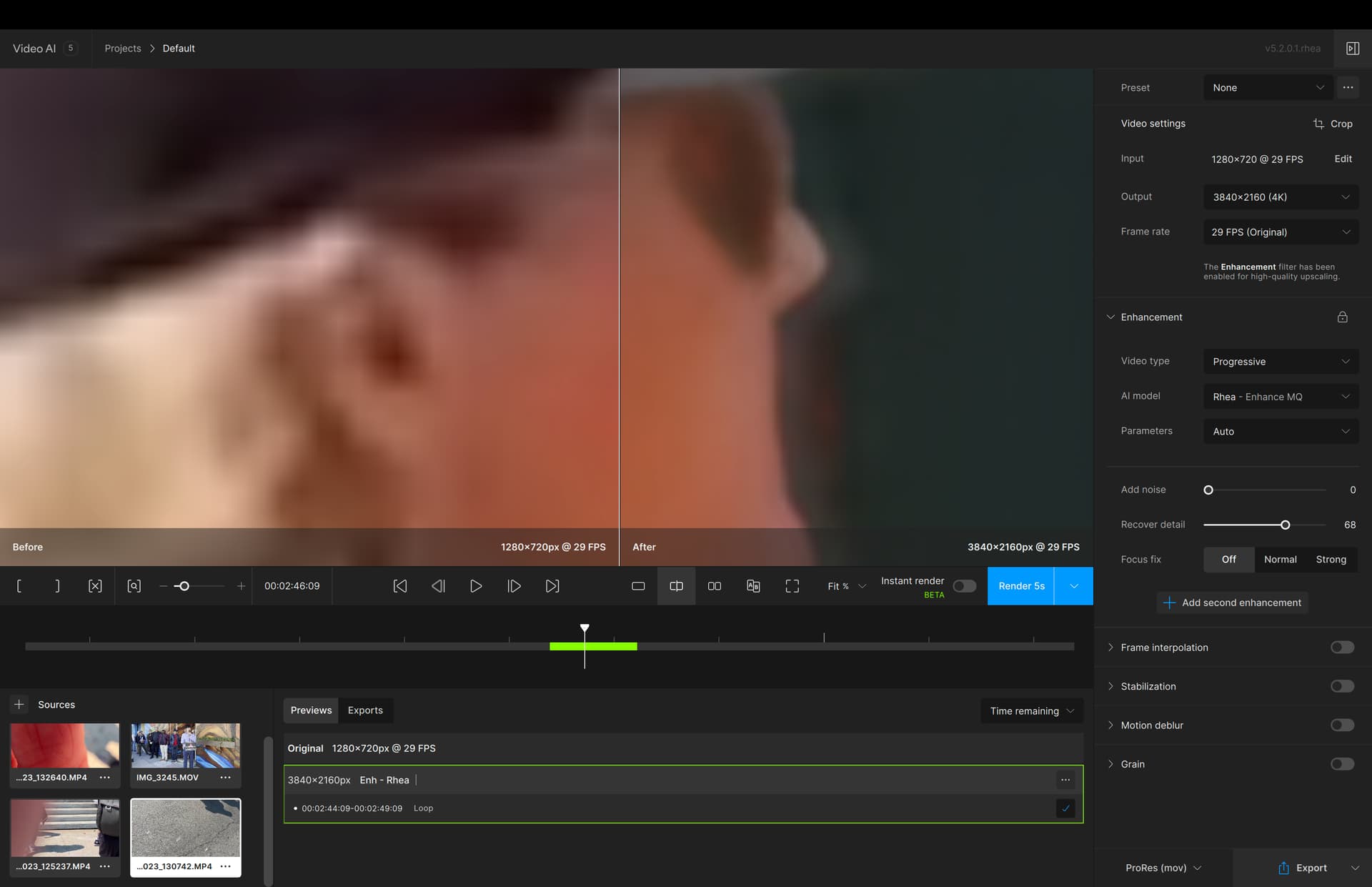
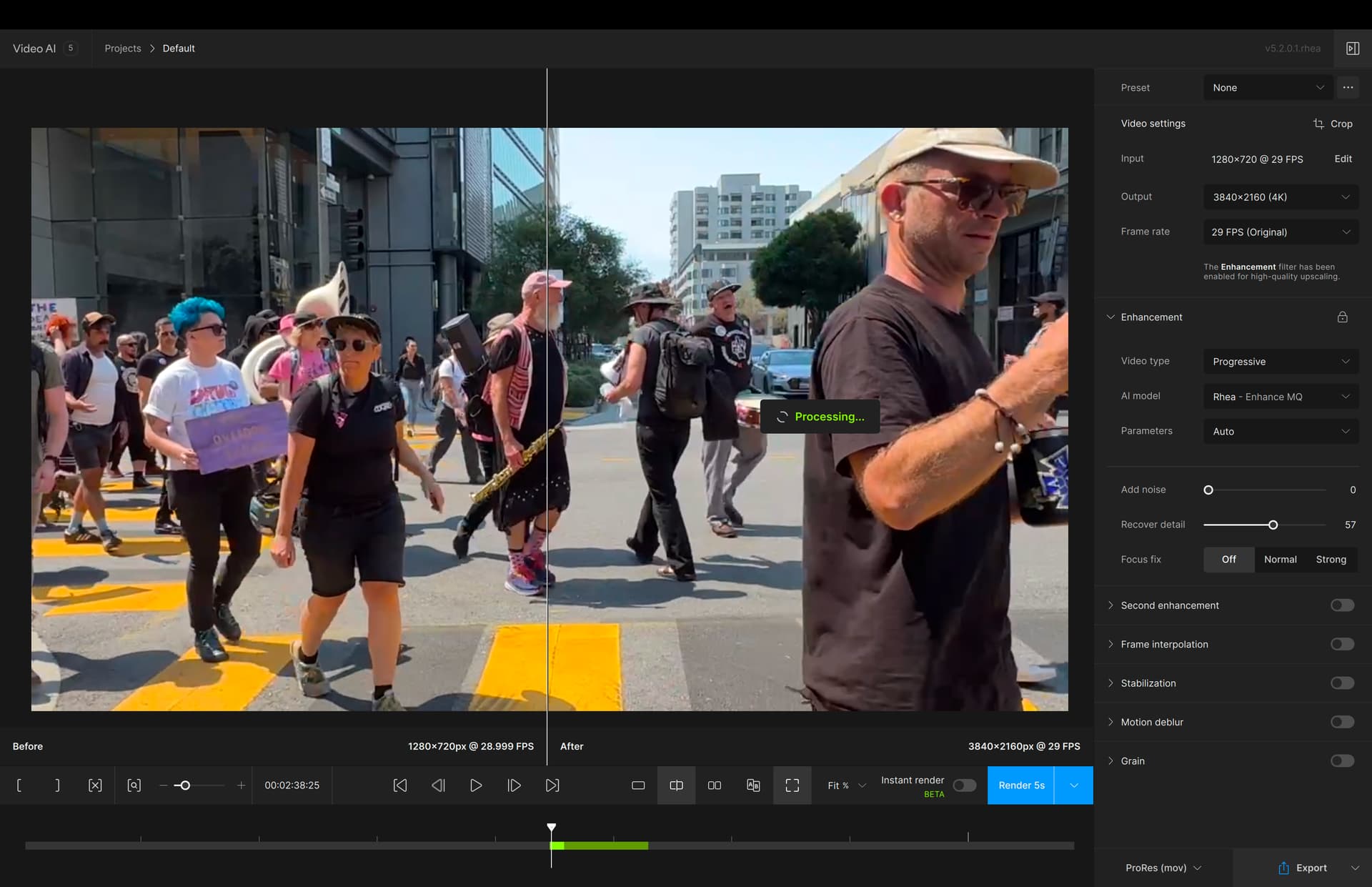
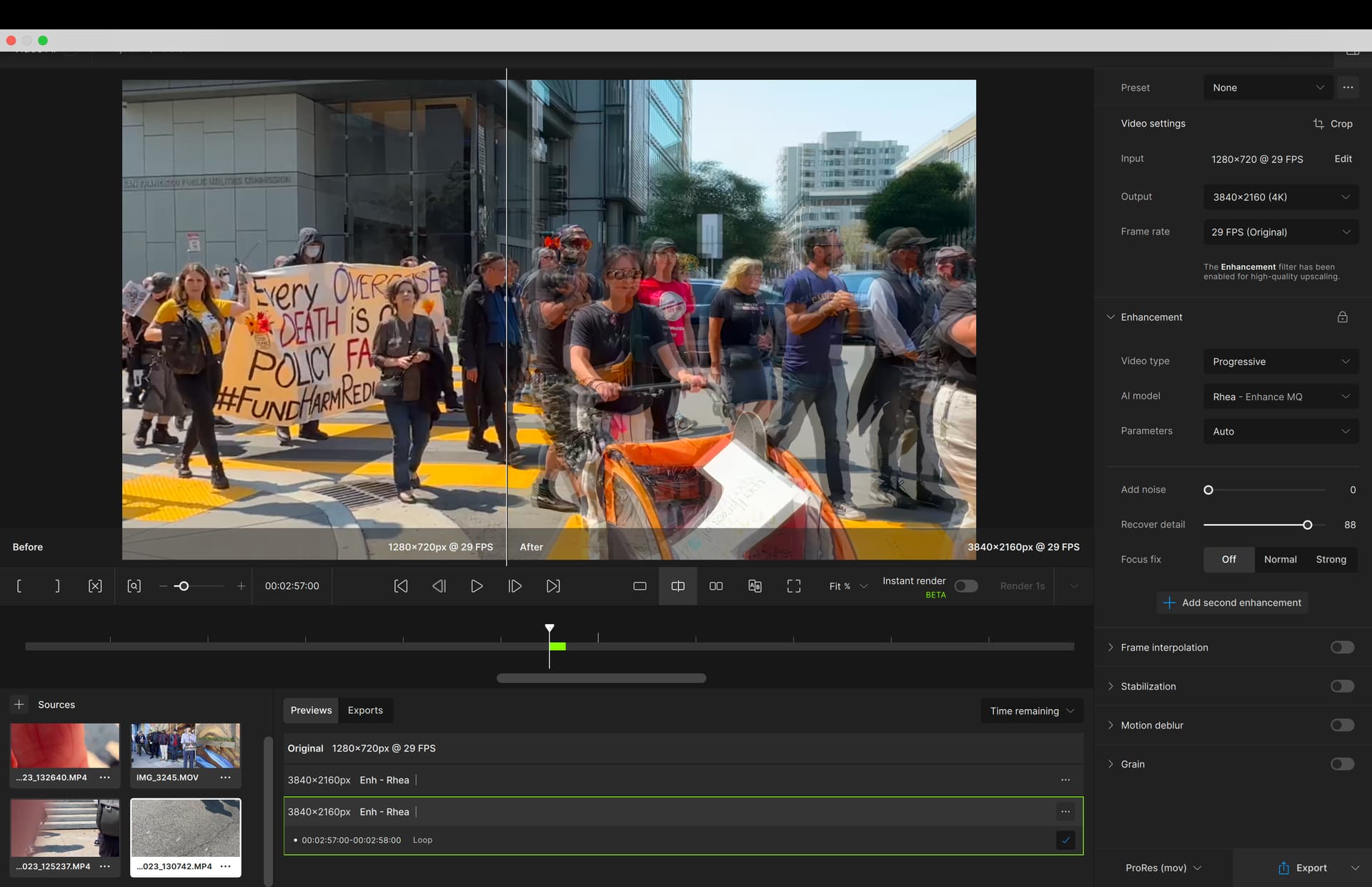
2 Likes
Yes, I tried this alpha out and I was not impressed. Compression artifacts remain and the ghosting is more apparent than ever.
1 Like
I agree. It has potential, but right now its difficult to recommend.
Rea does not aspect ratio used by my I phone.
Does what?
1 Like
That is key, sure 720p looks great when you upscale it to 1080p and up, but restoring 240-320p videos is where this program should really be tested!
Looking forward to what you find, while I give it a go myself!
