Having ‘Duplicate frame Replace’ checked ruins the motion on most if not all of the interpolation models.
Yes indeed. I think the only way this could be done reliably while retaining smooth motion at the correct speed throughout the video would be
a) for regular patterns of dups (every nth. frame with no exceptions): select the first dup and let the model run through removing every nth. frame thereafter. But freeware programs have been able to do this for years.
b) for irregularly spaced dups, allow the user to go through a clip one frame at a time, identify visually all the significant dups, and mark them with a key press (which the program remembers). Then, after completing marking all the dups, TVAI (or other program) could be run and remove all the marked dups.
HOWEVER - dups are often accompanied by skipped frames so to achieve or maintain smoothness then, the user would have to be able to mark the location of each skipped frame as well. TVAI could then be run to remove the marked dups and also interpolate the skipped frames, all at the same time.
I find the existing remove duplicates option in TVAI to be useless if used in conjunction with interpolation/slow motion. The only reason it can seem to work at normal speed is that inconsistencies are less visible to the human eye in normal speed video.
@ jojje may comment on this, though I think there’s a thread about it elsewhere.
The site you gave me is for images but wait I’m updating a post I had already made on the improvement
Αpparently you don’t even know what the professional deflicker tool is and what its usefulness is in professional film. Any serious and professional program that deals with video enhancement, the first thing it should have is deflicker, but probably even the developers don’t know this because it’s mainly for professional editors of modaz.
SD. The edge over-sharpening gives it away.
But aren’t you using overlapping strides? That should give the model enough data to process the center information. Then when you’re cutting away the overlap and blending the result back the artifacts produced by the model having too little edge information should vanish as well.
Or perhaps you’re already doing that, and you’ve reached the smallest tile size required for the model to produce any good center information. That would be the only reason I can see why this would produce visible artifacts in the stitched resulting frame.
PS. Thanks for the tiling slip Tony. It finally makes sense why your engines are so small and why you have so many different variants of them for each “model” 
Pretty much. The “replace dupes” feature in TVAI seems to be designed for handling a very specific, but also uncommon dupe frame situation. It seems to naively replace dupes by interpolating between the previous non-dupe and following non-dupe surrounding the dupe.
I can’t think of a single real-world situation which would produce such dupe pattern where naive adjacent frame interpolation would be the answer, because the effect of the described correction will be stuttering anyway.
Take a case of a bad conversion from 24 FPS to 30 FPS which requires inserting one new frame every 4 frames. If the new pattern was F F F F D F F F F D .... (where F is a normal good frame, and D is a duplicate of the preceding frame), when TVAI interpolates away the D-frames, it would insert a frame with half the amount of motion compared to the F-frames. This would still create stuttering motion, as the video would slow down every 5 frames which creates judder.
The solution to this situation would be to just decimate away the D-frames and get back the smooth original at 24 FPS. Now, since TVAI can’t handle skips, it can’t handle the most common case of F F F S D F F F S D .... either (S being a skip; sharply increased motion). The interpolated D will still be artificially “fast”, and the sharp skip between S and the previous frame will remain a nail in the eye.
The right solution here would be to drop both Sand D, then interpolate one frame between the next and previous good frame in their place, dropping the 30FPS clip back to 24 FPS, which would restore smooth motion. The TVAI models could theoretically do an even better job than the traditional solution, since their models can leverage picture information from the S-frames before dropping them, which would result in even higher fidelity when interpolating the new replacement frame.
Note that the above is just an algorithmic reverse engineering based on observed results of using this TVAI feature on a few problematic clips. We would need @tony.topazlabs or some other team member to chime in and set the record straight for an authoritative insight on what the feature is supposed to do and when we should and shouldn’t use it.
(Until that happens, I’m not touching it again )
5 Likes
When it’s “pumping” like that, it sounds like either the processing isn’t being processed multi-threaded, or the CPU simply can’t feed the GPU quickly enough. A component imbalance between CPU speed, RAM speed and the GPU capacity, where the GPU is way faster than the other two components.
But it shouldn’t “pump” (osculate) like that. Definitely sounds like a bug. Even if your CPU and Memory couldn’t keep up, there should be a constant slow trickle of “batched frames” (tensors) being sent to the GPU at pretty much an even pace, which you’d simply observe as low but constant GPU utilization in your GPU monitor.
What you’re describing sounds like there’s a multi-threading problem, where the CPU does a bunch of work, then hands that work over to the GPU that then processes the work while the CPU sits twiddling it’s thumbs. Once the GPU is done, the CPU processes the results and prepares a new set of work for the GPU and so on. I know TVAI, FFMPEG and ONNX runtime (which topaz uses) are all designed to let the CPU and GPU do their thing in parallel, and I’ve not seen this problem on older version, that’s why it sounds like a bug.
To make certain, please use a different GPU monitor. Windows task manager lies and has no idea about the GPU use. Download GPU-Z and use that instead for GPU usage monitoring. Perhaps it’ll show you the expected usage pattern I described (constant low GPU usage).
You should notice that this high CPU usage is happening while TVAI tasks are all set to pause.
There should be no CPU or GPU action most of the time.
Exiting TVAI is eliminating the high CPU usage while doing nothing…
There must be a bug somewhere that is doing a lot of CPU work when all exports are paused.
hey why my topaz will immediately closed if i input AVI file?
all other files seems fine, and never encounter this problem in topaz video 4
I know what a deflicker is and use it in my workflow (Boris Flicker Fixer).
My point is that Topaz is good for one purpose, and it’d be great to have a one-purpose great tool than multi-purpose mediocre tool.
Never half-ass two things.
Whole-ass one thing.
5 Likes
When saving a preset, if the frame rate is the original value, can the frame rate not change when the preset is applied?
You understand that I mean it to be added as an additional tool that anyone can activate whenever they need it, such as for example focus fixed or motion deblur.
So what’s the problem with having a good deflicker tool for anyone who needs it in such a good professional video enhancement program like topaz?
@Plax33
I think that part of the reason (of not adding other features) is that I would rather have good, solid working software with very few bugs, than lot of features…most not working fully and cluttering up the GUI. Also, a single feature “tool” is easier to develop and typically the price would be lower.
3 Likes
Are you trying to say you want an AI model that’s trained to deflicker?
The problem is that Topaz has a very limited resources compared to giants like Adobe.
Okay ^^.
Why is the color shifting not listed as a known issue? My upscales from 2 months ago didn’t have this problem and even when I try to roll back to something like 4.2.1, the problem still persists.
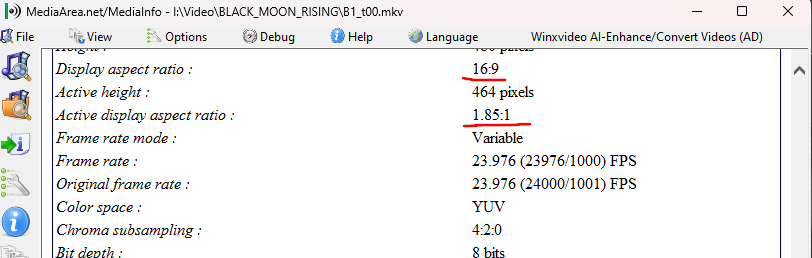
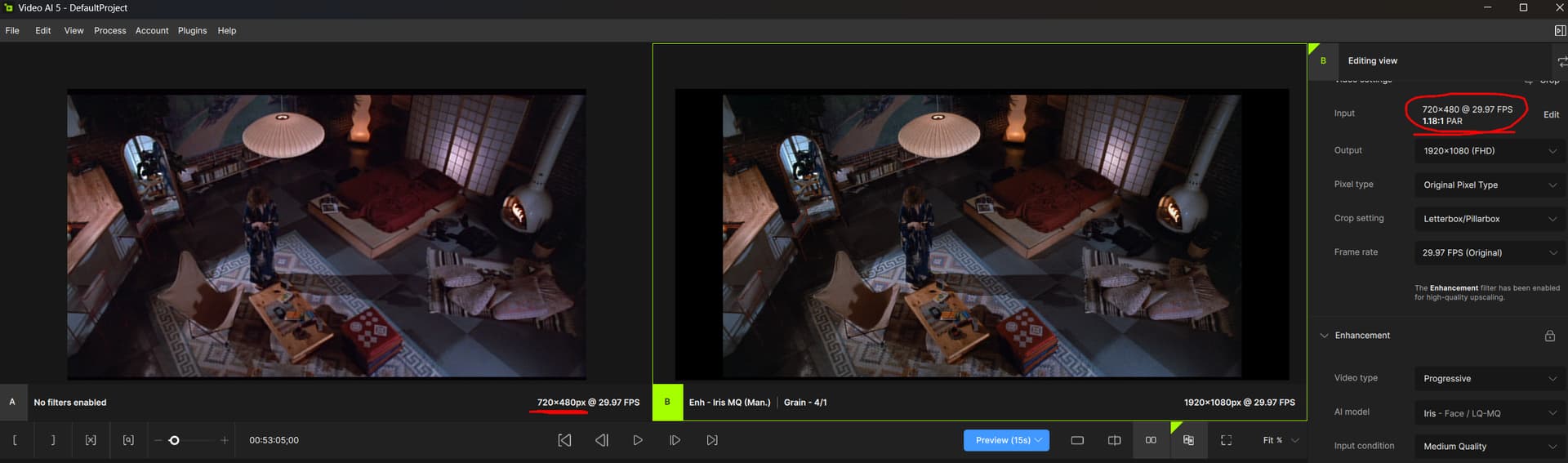
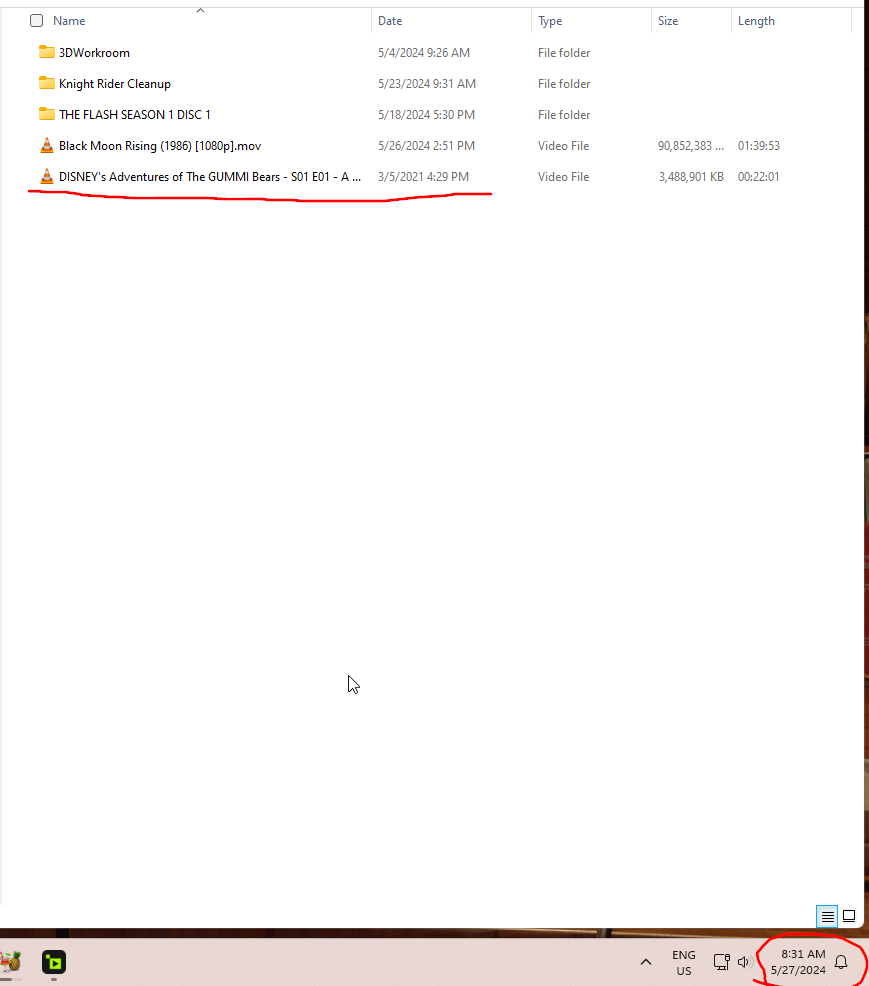
Something odd… When Topaz finishes a file “time” that is registered “ON THE FILE” is wrong. I’ve noticed the recorded date on the file was ahead of the actual time when I was using it a couple days ago. It seems random on what date it chooses to apply.
No other application does this… Is there a time zone setting that may be broken someowhere on the app?
As I was typing this I cleaned up one of my rips as an example… It’s May 27 around 8 30 am…
The file says Mar 5 2021… ???
Try Iris V1. Use Relative to Auto. Turn Fix Compression all the way down and set Improve Detail to 90. Set Recover Detail to 100. Iris V1 is freaking amazing at fixing crap video.
2 Likes
