Depends heavily on your hardware, in this case the OpenVINO changes will improve performance and reliability for Intel users. FFmpeg 7 includes some significant changes, here’s their full upstream changelog:
Insta-fail using NYX v3. I now have failures more than successes.
Actually, after testing more, it failed on 5 out of 5 videos for either NYX or Aion. It is now completely unusable.
That is the ticket! Changing my value to just point to the GPU seems to have fixed the issue, at least for previews so far. I just kicked off a Aion FI job, so we will see if it finishes.
It took a full year to add the pause task feature.
Please don’t let us wait another full year to implement the simple feature of being able to save all the loaded media as a task list, listing media and encoding parameters to be able to load and start encoding at a later time.
This functionality is currently available. Projects are automatically saved and reloaded when relaunching Video AI, and different project files can be created from the File menu.
I stand corrected then.
My apologies, my licence expired some 3 months ago and I haven’t been able to try the latest versions and although I had read in the update notes, that if the program crashed or there was a power failure or whatever, it would remember where it left off, I thought this meant only for the video that was being processed at the time of the interruption.
Clear one thing for us please, what I call as “task/job list” is what you mean by “project file”?
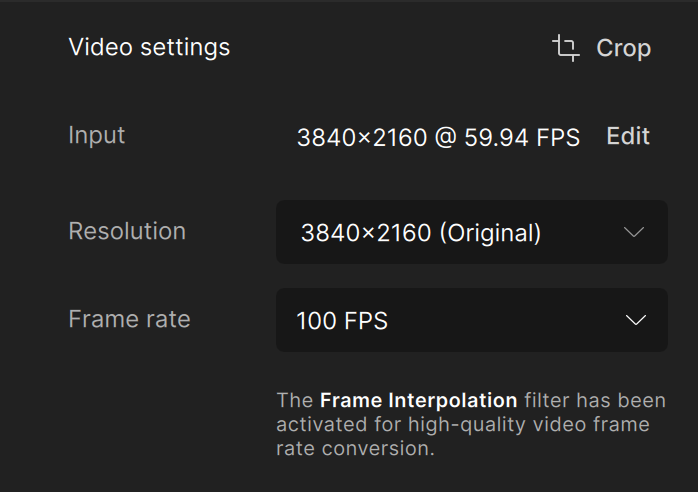
We have a 50fps source file and want to change the framerate to 100. Doubling the framerate usually gives the best results, it does not seem possible with the latest Video AI version. It’s very important, since 90 or 120fps does not work for us. There is also no way to input the framerate manually. It is possible to use 2x slowmotion though, so i wonder why it’s not possible with the framerate setting.