Weird noise during processing? TVAI is the only software that makes a subtle clicking noise during processing… regardless of the model or source. It’s really weird since my computer is a stock Lenovo Legion Laptop with an Intel CPU and Nvidia 3070m. SSD’s
It reminds me of an arcing sound and regular rapid intervals. Again real subtle and just barely above the fan noise when they are higher speed (BTW I don’t hear that same noise when the fans are ramped up using any other software).
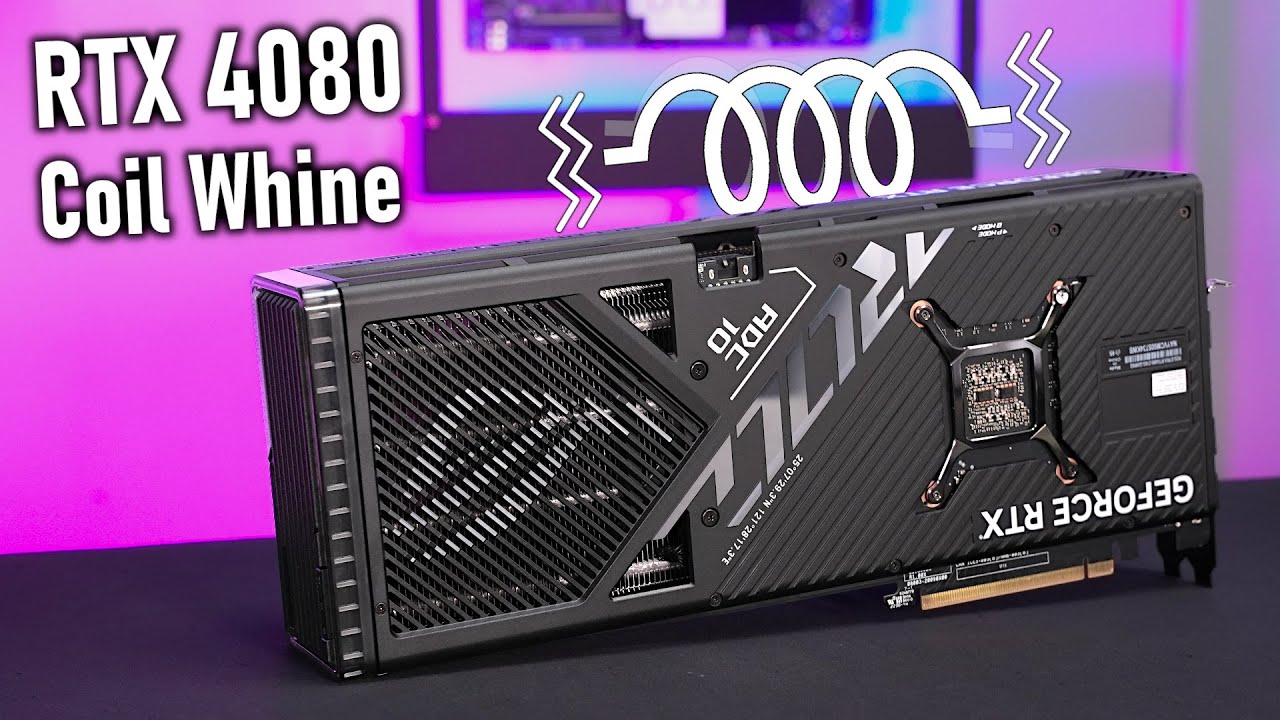
This sounds like “coil whine”. My 4080 Super rig makes a noise like this when I’m procesing if the room is quiet and the fans aren’t spun up too much.
The most common examples on youtube seem to be while running games and sound is more consistent as the GPU is busy producing a steady stream of frames.
Here is an example: (the whine is discussed at 7:45)
Can you kindly explain to me how it can be a system stability problem if the conversion crashes after really very few seconds after starting?
I think much more, at this point, that it’s a memory problem, but as another user said in the thread I created about this error, that it’s a “low RAM” problem… although talking about low RAM with 32GB seems really nonsense to me (with 32GB I can work and export very heavy 4K video projects with Premiere Pro).
If it “nopes out” immediately, every time you try to run it, (never indicates any progress at all) then that aspect of the behavior would move instability further down my suspect list.
As for the memory: I have read that some users needed to change memory settings in Topaz to fix issues with the software. I thought it was related to the M1 apple hardware, but maybe it effects other hardware too.
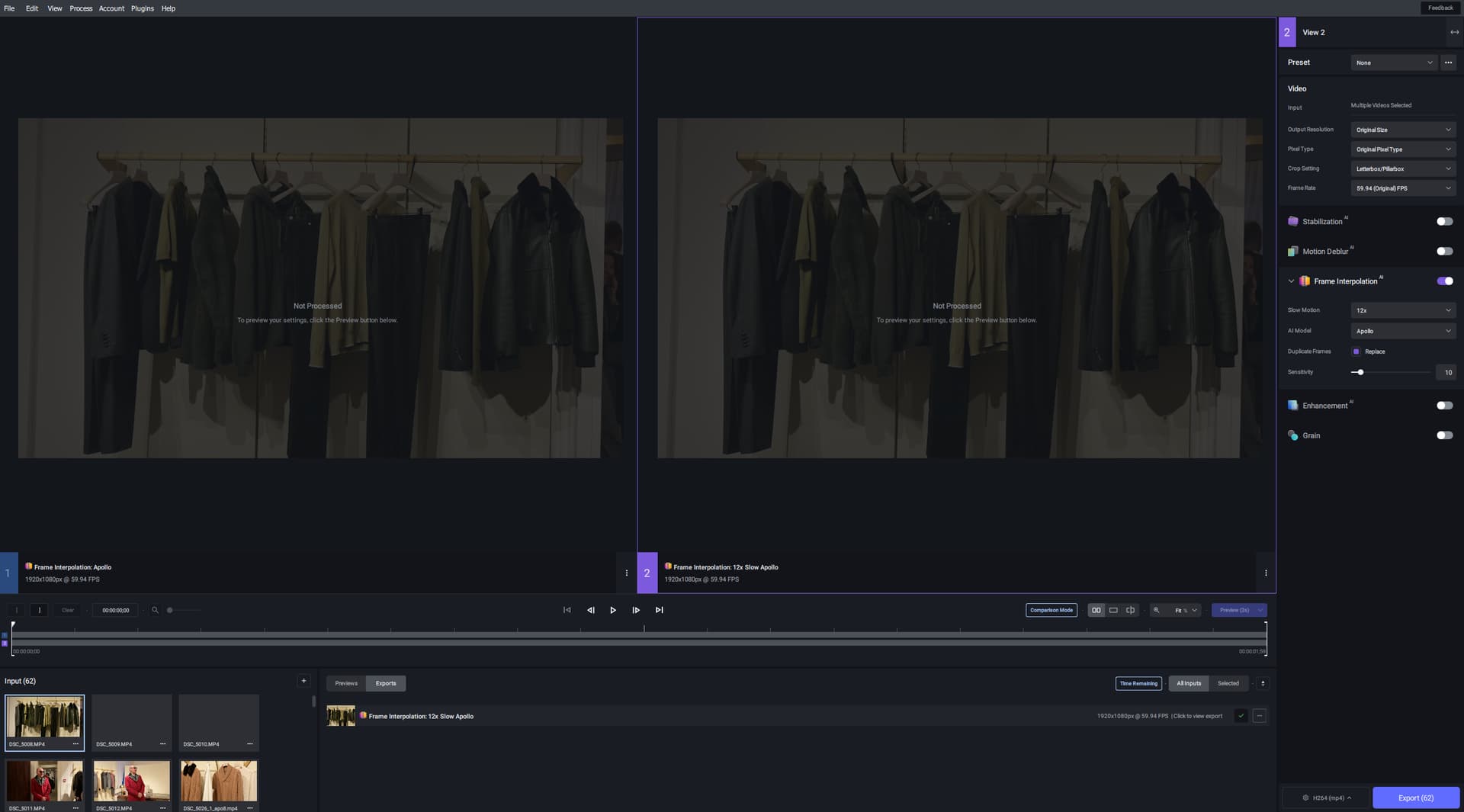
I have the same problem! When you select multiple files, Export button shows the correct quantity of files to export but in the process window adds and process just the first one.
That is a known, newly invented issue. A fix has been officially announced with the next patch.
For the time being, the workaround is: With a single item selected, switch the export mode on the export button lower right hand side from ‘Export As…’ to ‘Export’. Now you can select multiple items and export them all at once by clicking the Export button or using the shortcut.
RTX 4080 + 5950x here and the 4080 is fabulously well cooled for its power (quite similar to 4090s in cooling setup but runs much quieter/cooler). I have a Bequiet dark rock slim CPU air cooler, a couple of intake case fans, perforated top of the case and one rear exhaust fan.
All was well before my upgrade from 5800x to 5950x but my case cooling setup could not handle the 5950x plus 4080. So I tried removing the main access side panel. It’s worked a treat, temperatures are all fine again, and I still can hardly hear any of the fans or the GPU when running TVAI full-tilt for lengthy periods of time, just a gentle faint and quite pleasing background whoosh.
Therefore, if like me your PC case location lets you do that, it is well worth a try (in spite of various experts telling you never to remove the side panel!). Saved me changing my fan setup anyway!
Above all, the side panel keeps dust out of the housing. Or at least very little. If you don’t have any dust in your home, then you’ll be fine. As for me, I vacuum the dust from my front filter once a month, as it clogs up pretty quickly. I vacuum the inside of the housing once every 2 months. My GPU is an MSI with 2 110 mm fans. A 3-fan model would be far too small to fit in my case.
Season 7 credits in 60 FPS and remastered by myself.
For the record, I used Artemis MQ denoise as my first pass. Then Proteus v4 and iris v2 in 2nd pass for scaling. And Artemis HQ + Gaia in 3rd pass. Finally, for 60 FPS conversion, I combined Apollo 8 and Themis v2.
I deem Topaz long having passed the MVP stage as a company. As such it seems high time that a proper bug tracker was offered. After one year of viewing the discussions accompanying each release, my overall takeaway is that it’s extremely chaotic to get a sense of what has been fixed, what bugs have been reported, what regressions there are that resurface with each respective release, what bugs Topaz has acknowledged, which ones they need help reproducing, which ones have been slated for priority to fix for the upcoming release etc.
If there was a way for customers to issue bug reports that each get their own unique ID, that can be linked to and searched for, then it would be a lot easier for customers to figure out if they’re the first one that have observed some particular defect, if someone else has already discovered the same in which case they can simply re-confirm the issue with additional detail, help getting a clear picture of when a particular bug is fixed, and gain the ability to simply re-open past bugs when a regression surfaces in a new release.