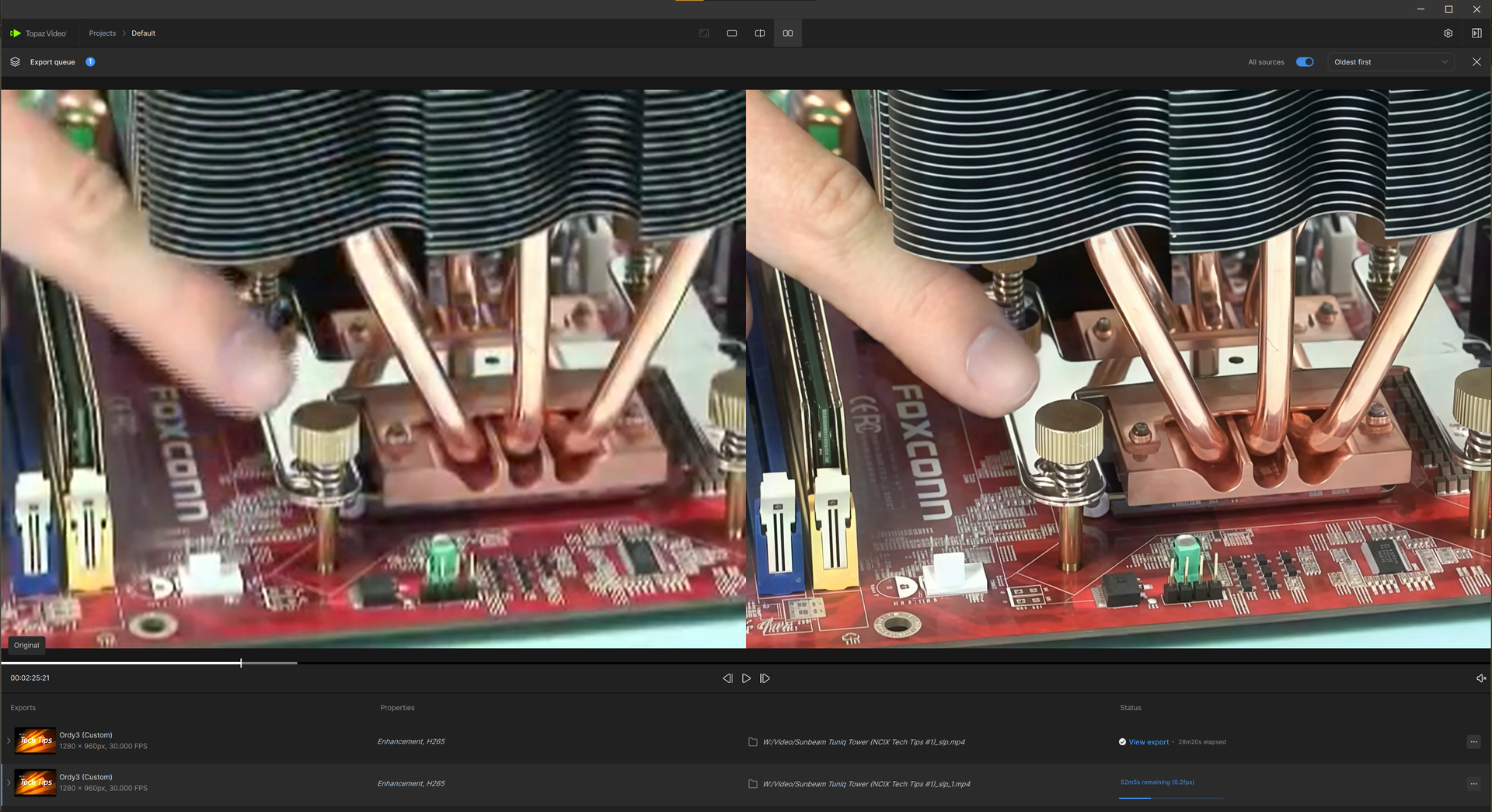
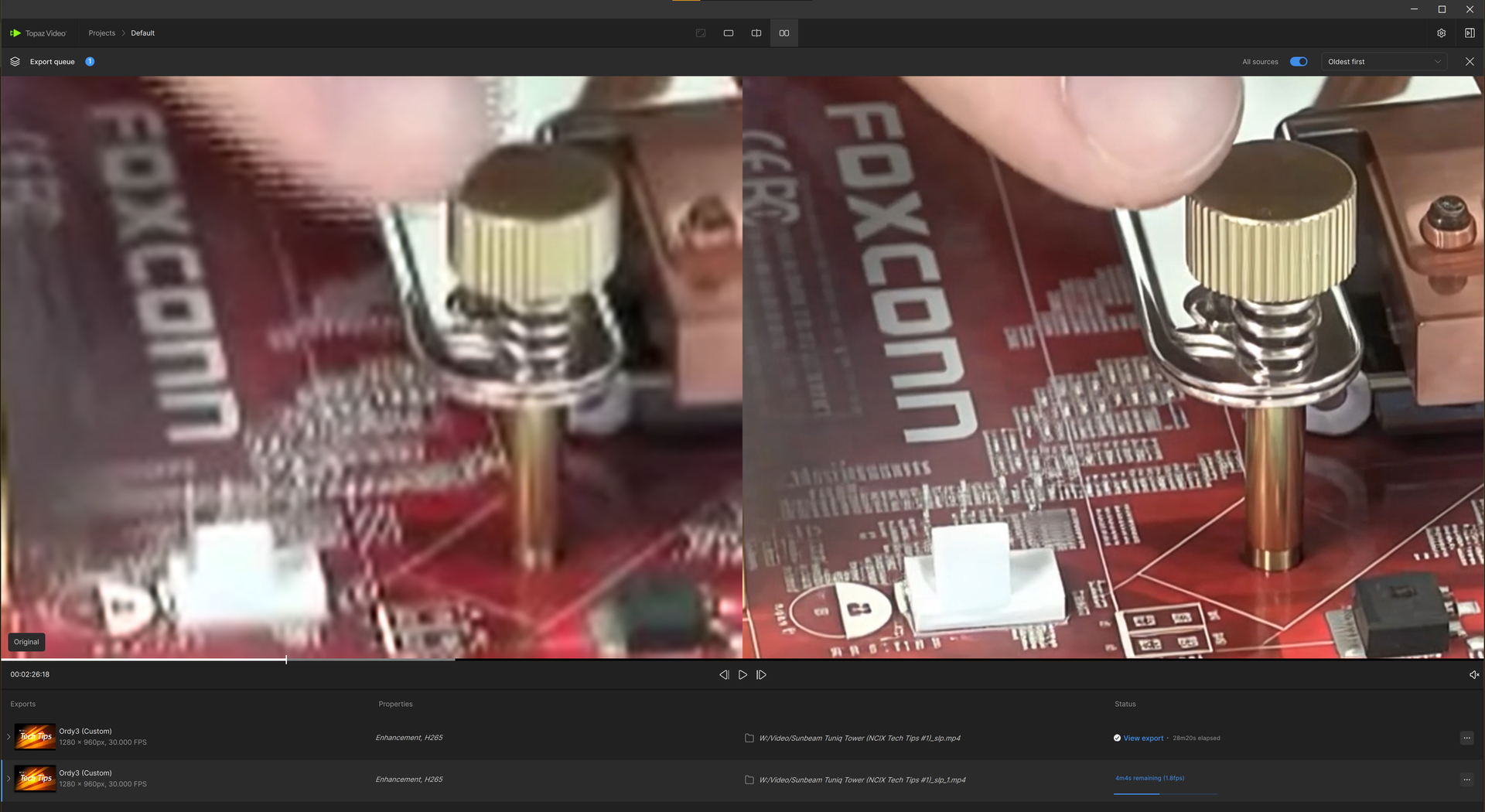
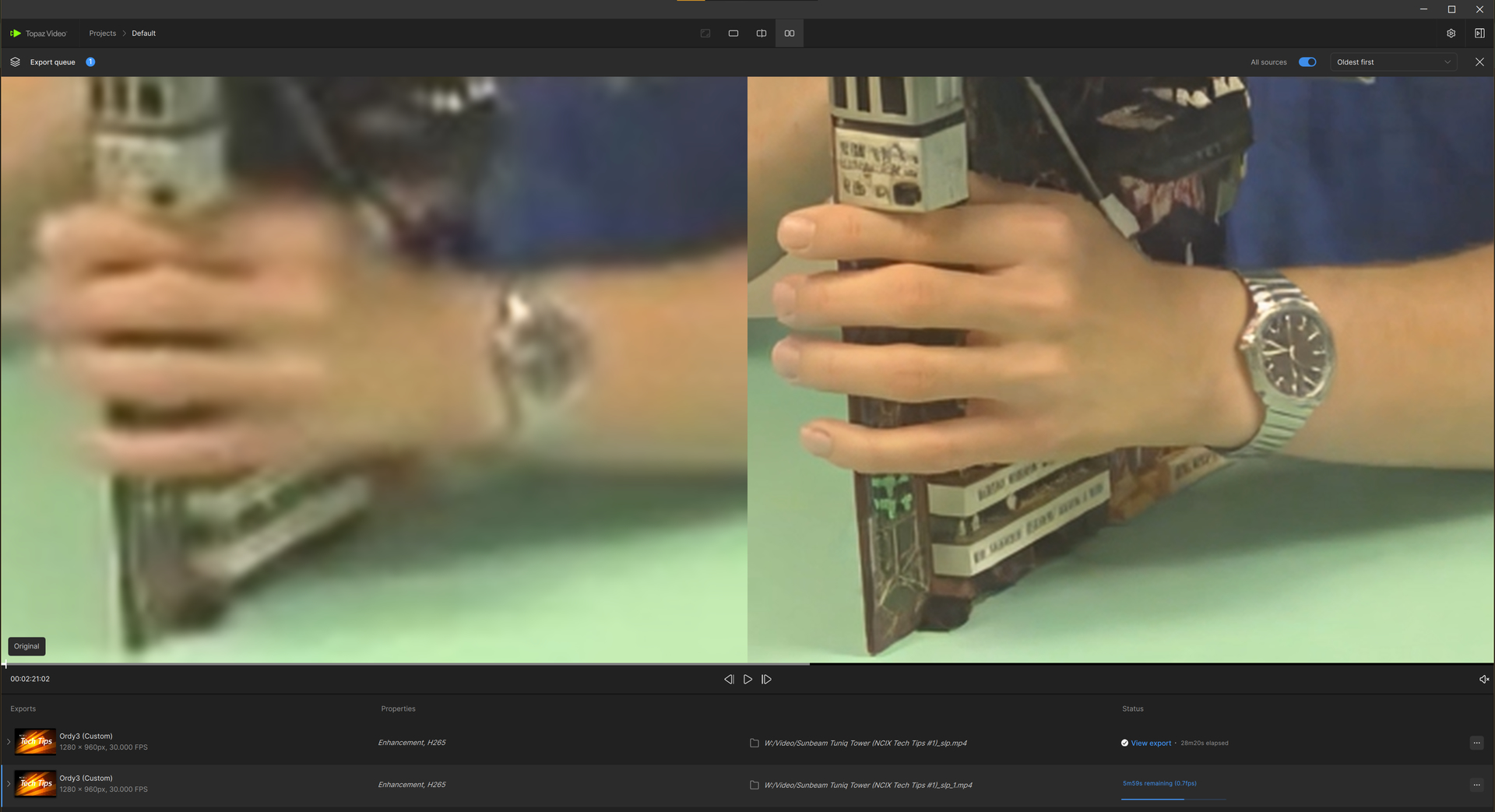
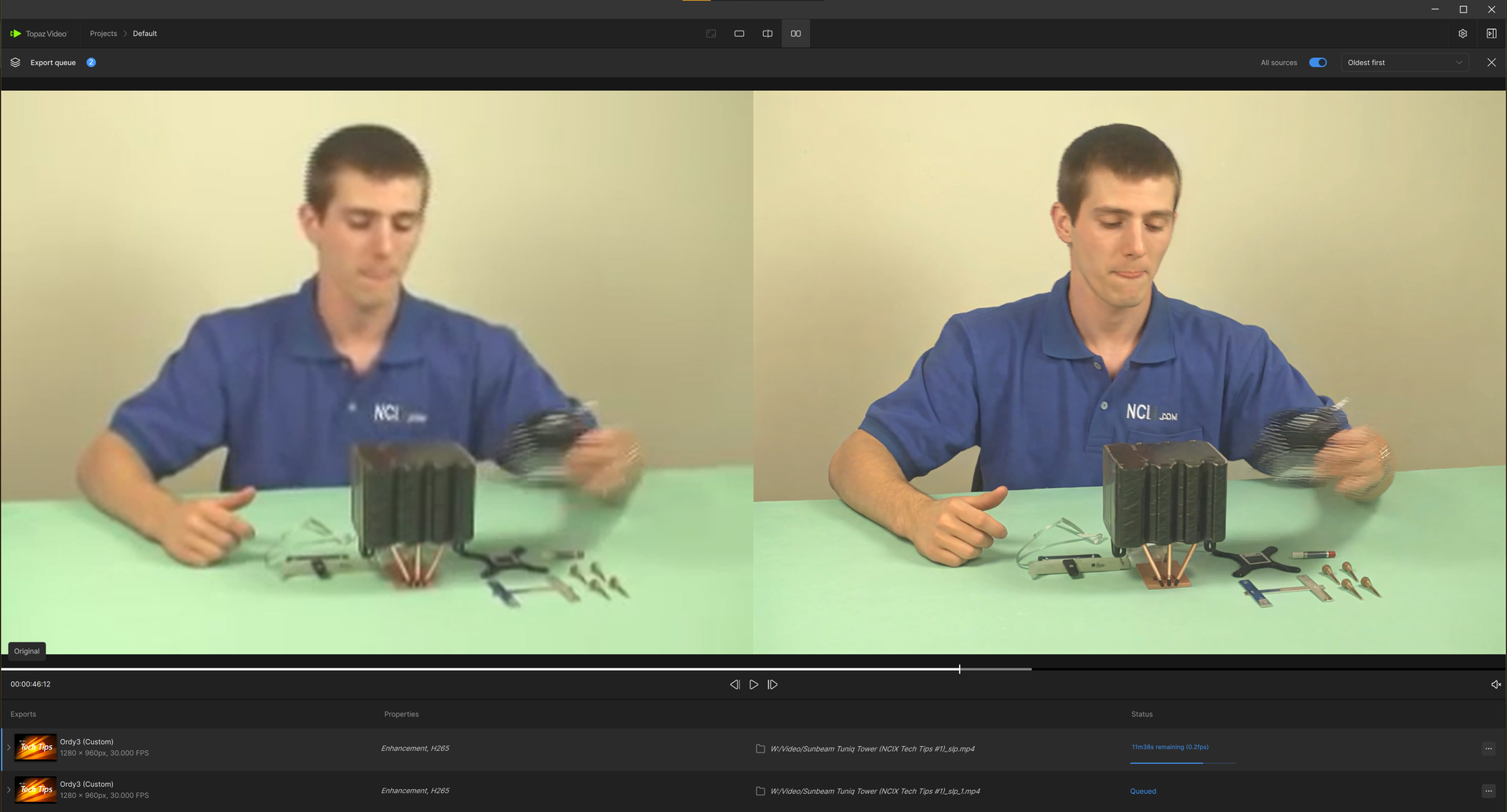
Your Starlight Precise is running at 1.4 FPS on a 4090? That’s insanely fast — thank you for the reference. Honestly, I might end up switching to Nvidia myself at this rate.
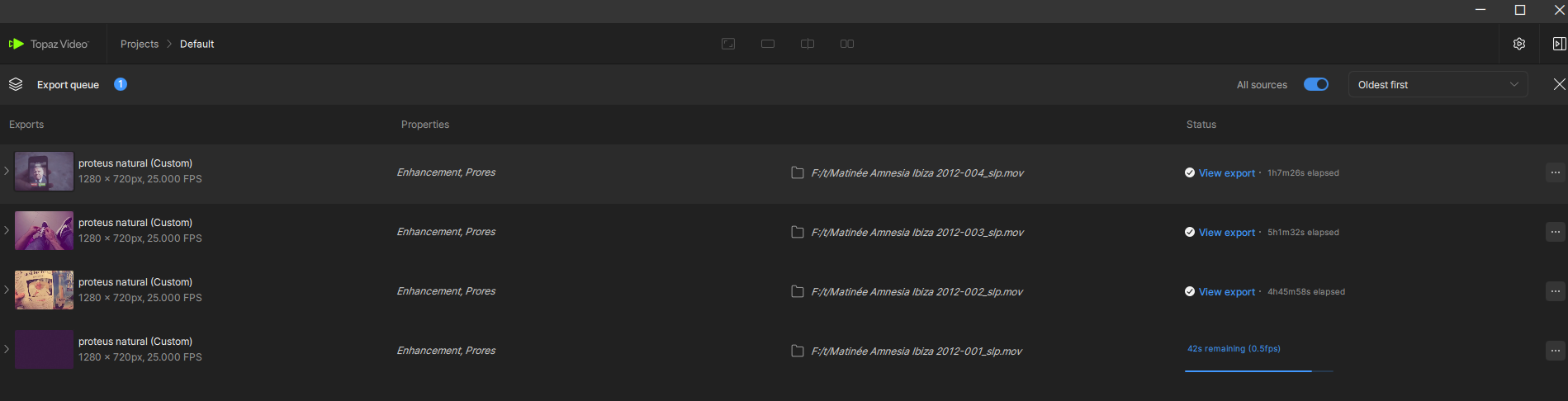
I’m on a 7900XTX and my SLP performance is nowhere near that. I’ve only recently started using Starlight Precise, so my test samples are still limited, but based on the clips I’ve processed so far, my estimated performance is roughly:
0.00225 FPS (Starlight Precise 2.5 on Topaz 1.6.1)
0.00333 FPS (Starlight Precise 2.6 on Topaz 1.7.0)
These numbers should be taken with a grain of salt since the footage I tested varies widely in quality and resolution, but they’re in the general range I’m seeing on RDNA3.
I want to use HDR so I can continue working in DaVinci later. I have MiniDV footage—I import it into SLP 2.6 (x3), perform color grading in DaVinci to correct the color issues typical of MiniDV, and then I want to convert the footage to HDR so I can continue working within the best possible color range.
The input resolution is 720x324 (cropped from 720x576), the output resolution is “minimum”, in this case 1600x720. I have fixed the aspect ratio later by simply upscaling to 1712x720.
Maybe is will upscale with protheus or Iris and then downscale to 1920x816…
I have split the whole movie into 1min parts, each part takes about 18min to process.
At 25fps this is 18x slower, 25/18 = ca. 1.4 fps
When you want a NVIDIA, i would take a 5090 (not 5080), it is more expensive, but it will be fast for many years.
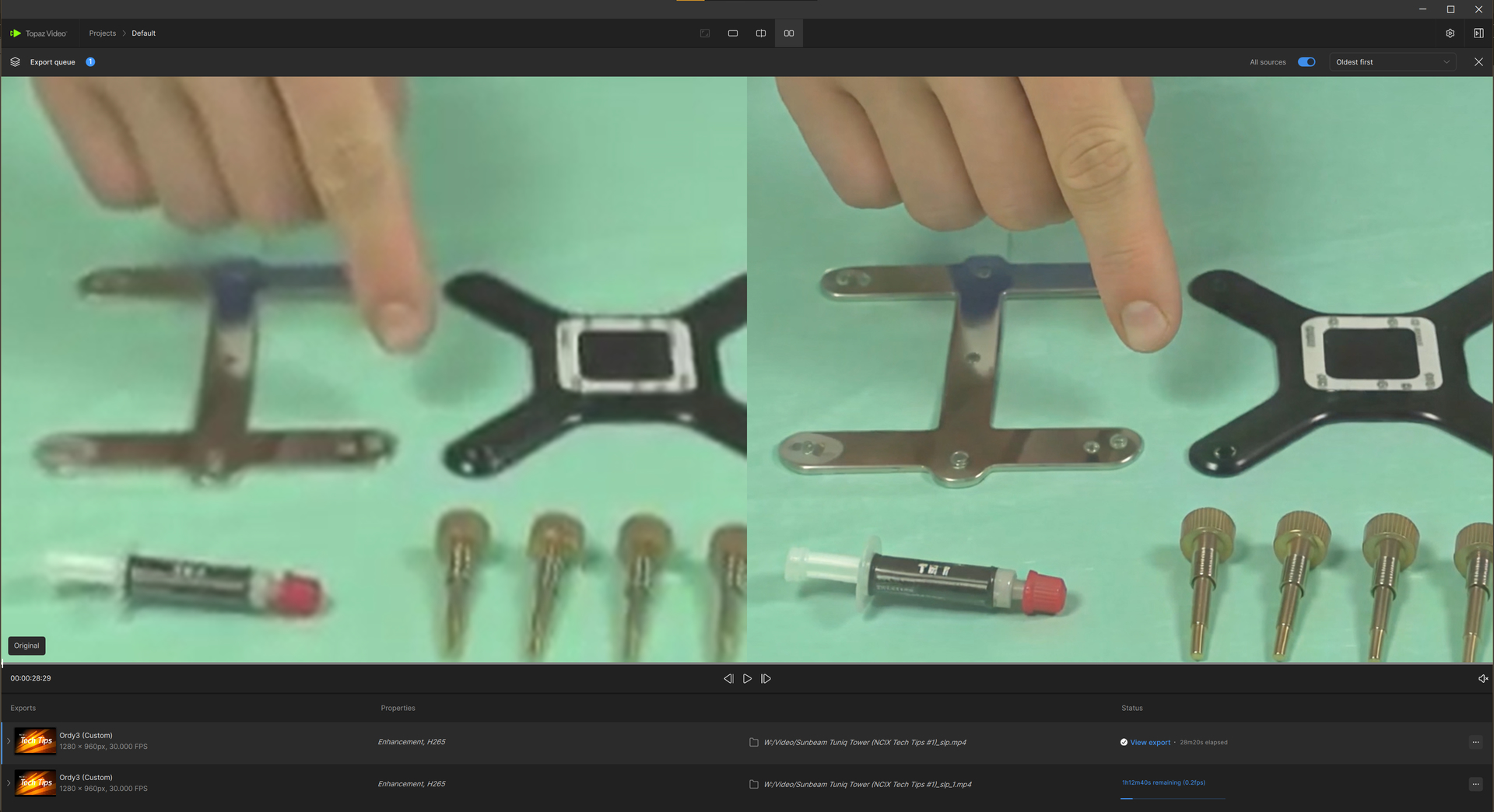
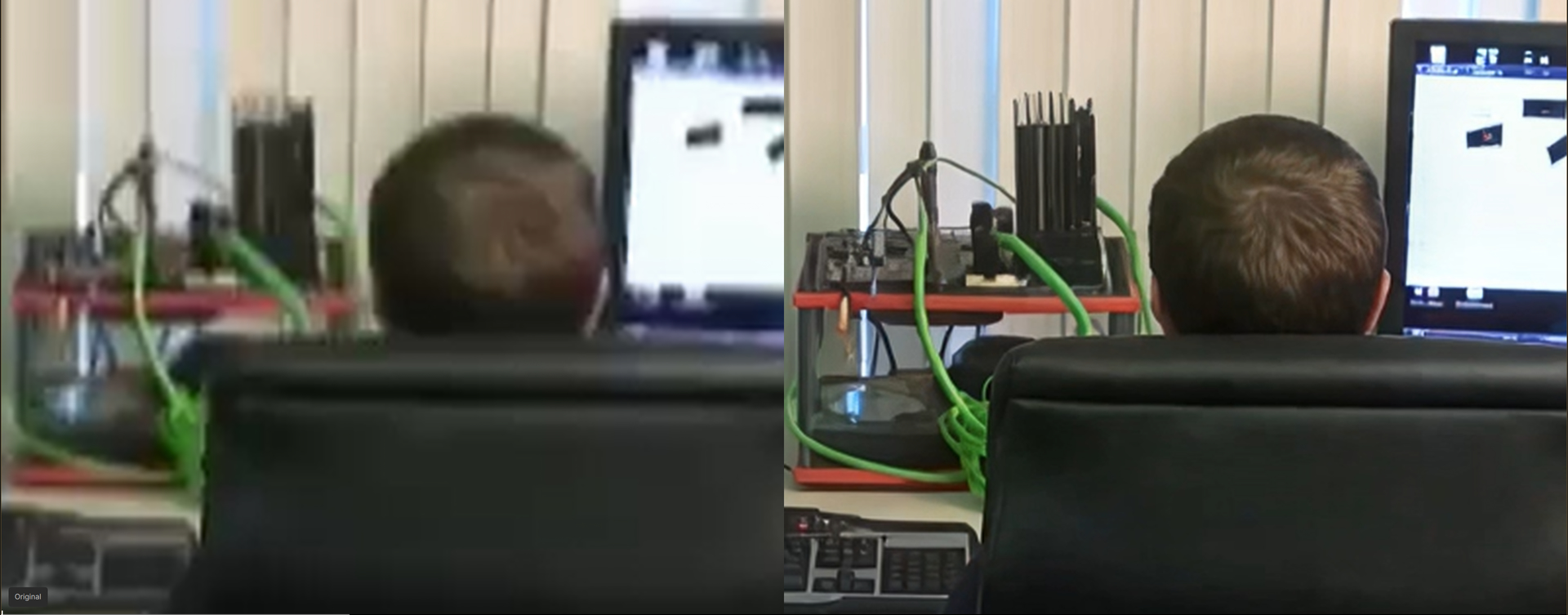
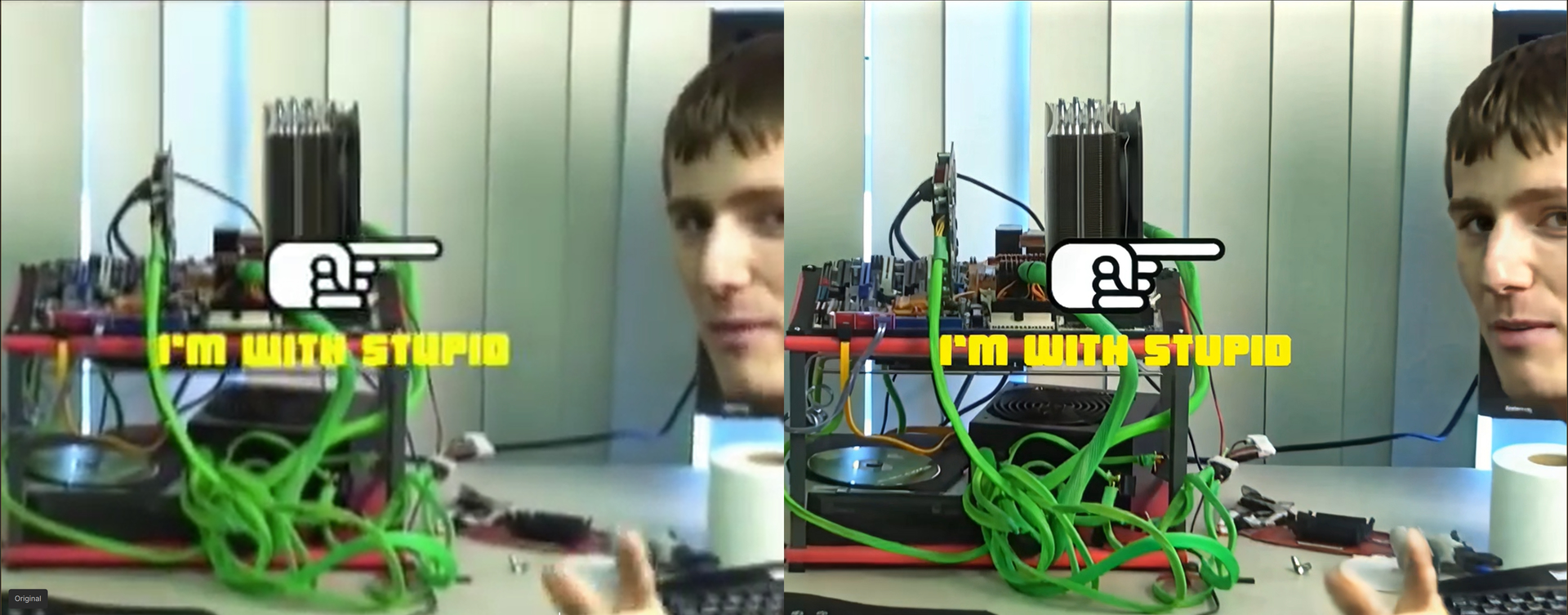
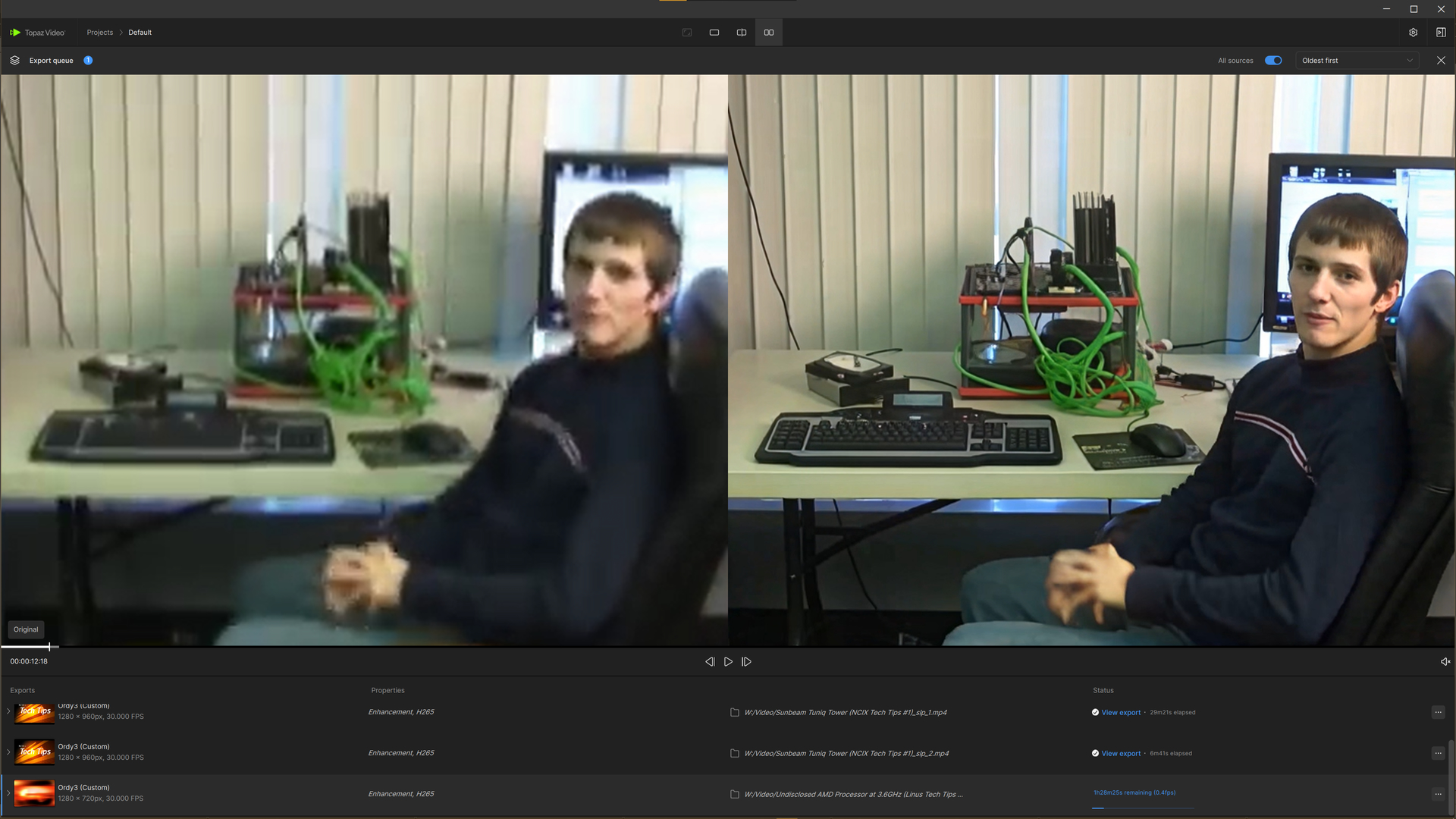
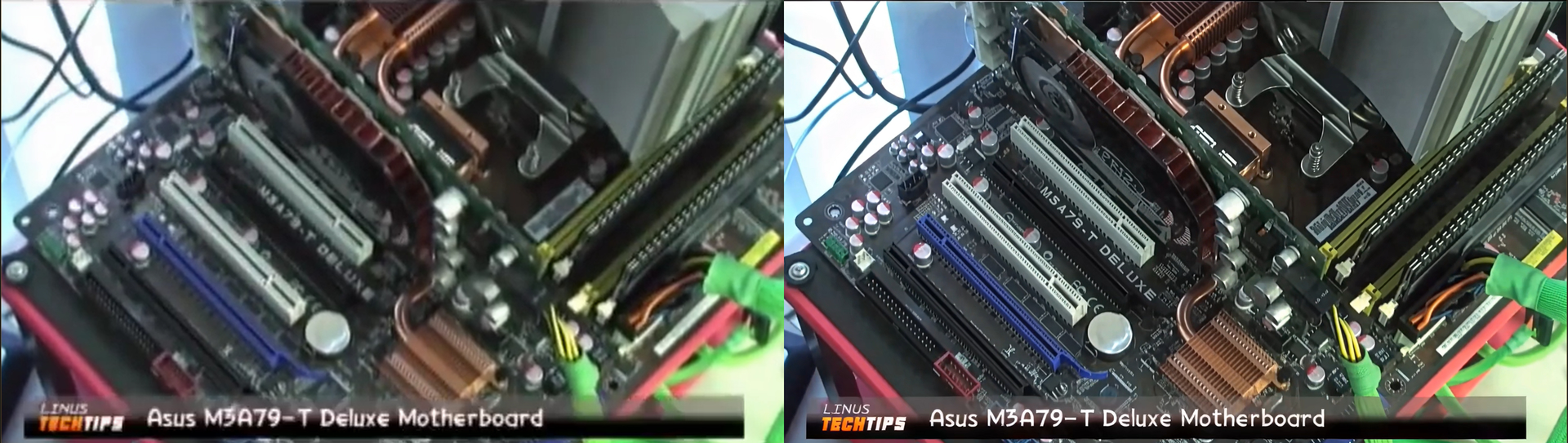
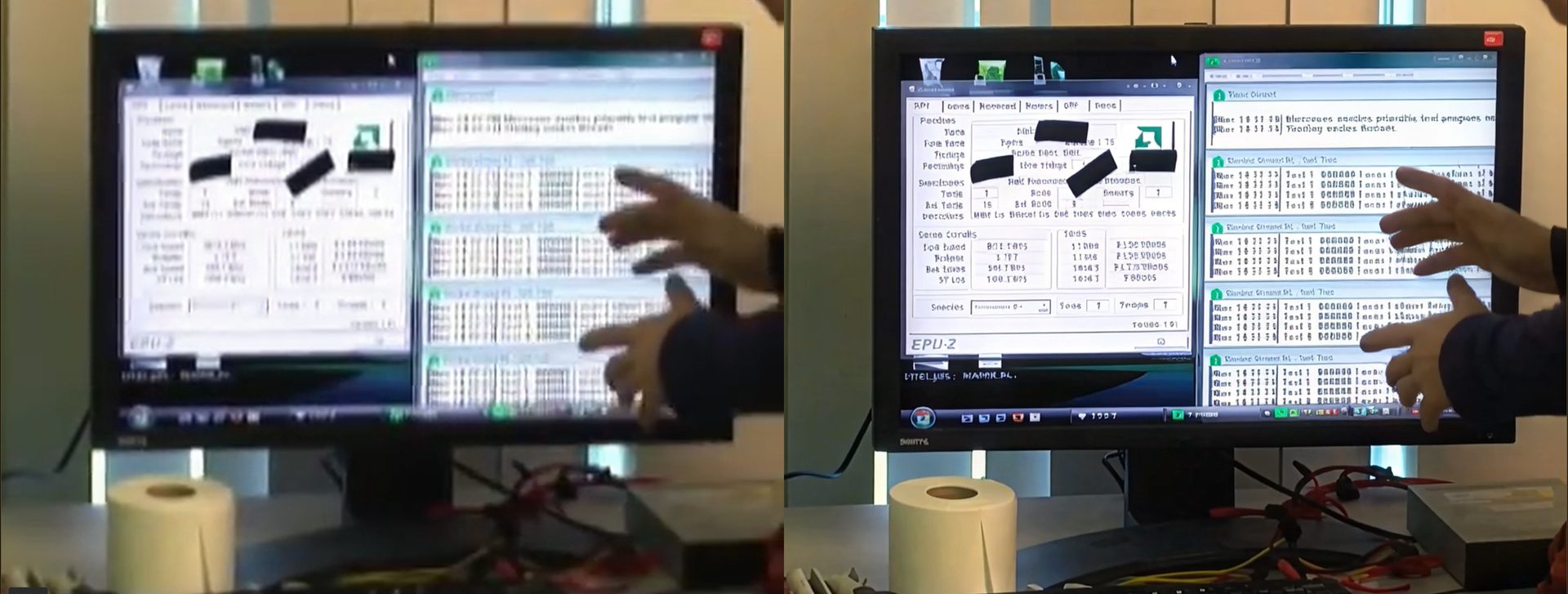
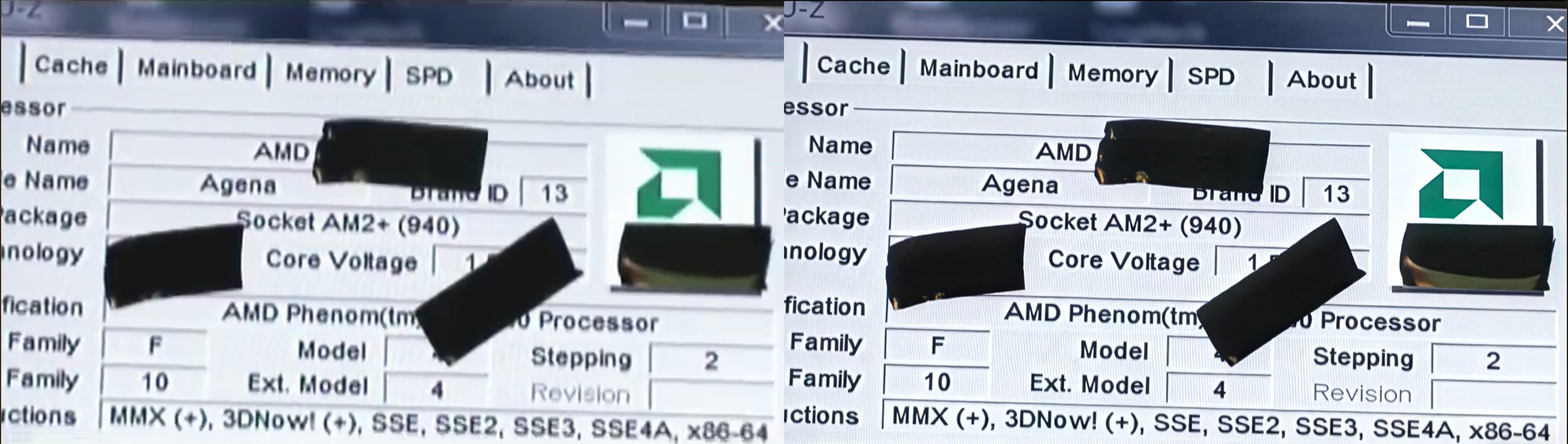
Also a good reference — yes, I have a very similar workflow. I’m also doing minimum output and in this case no change in resolution since the source is 720p. I split my project into 1‑minute segments as well, and this current project is 25fps (the same one I posted comparison pictures of above).
Yeah, that confirms it — your 4090 really is moving much faster than my 7900XTX.
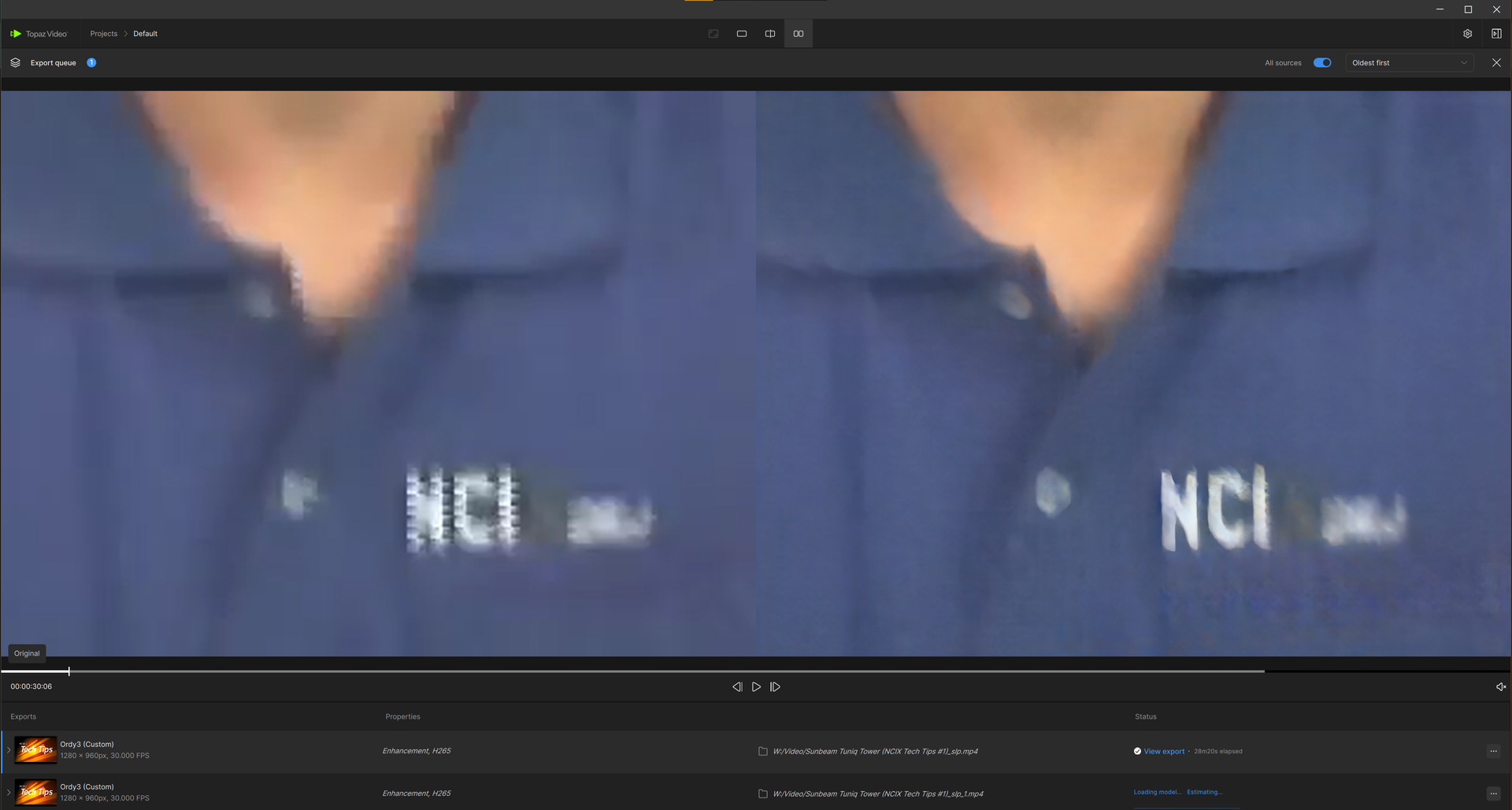
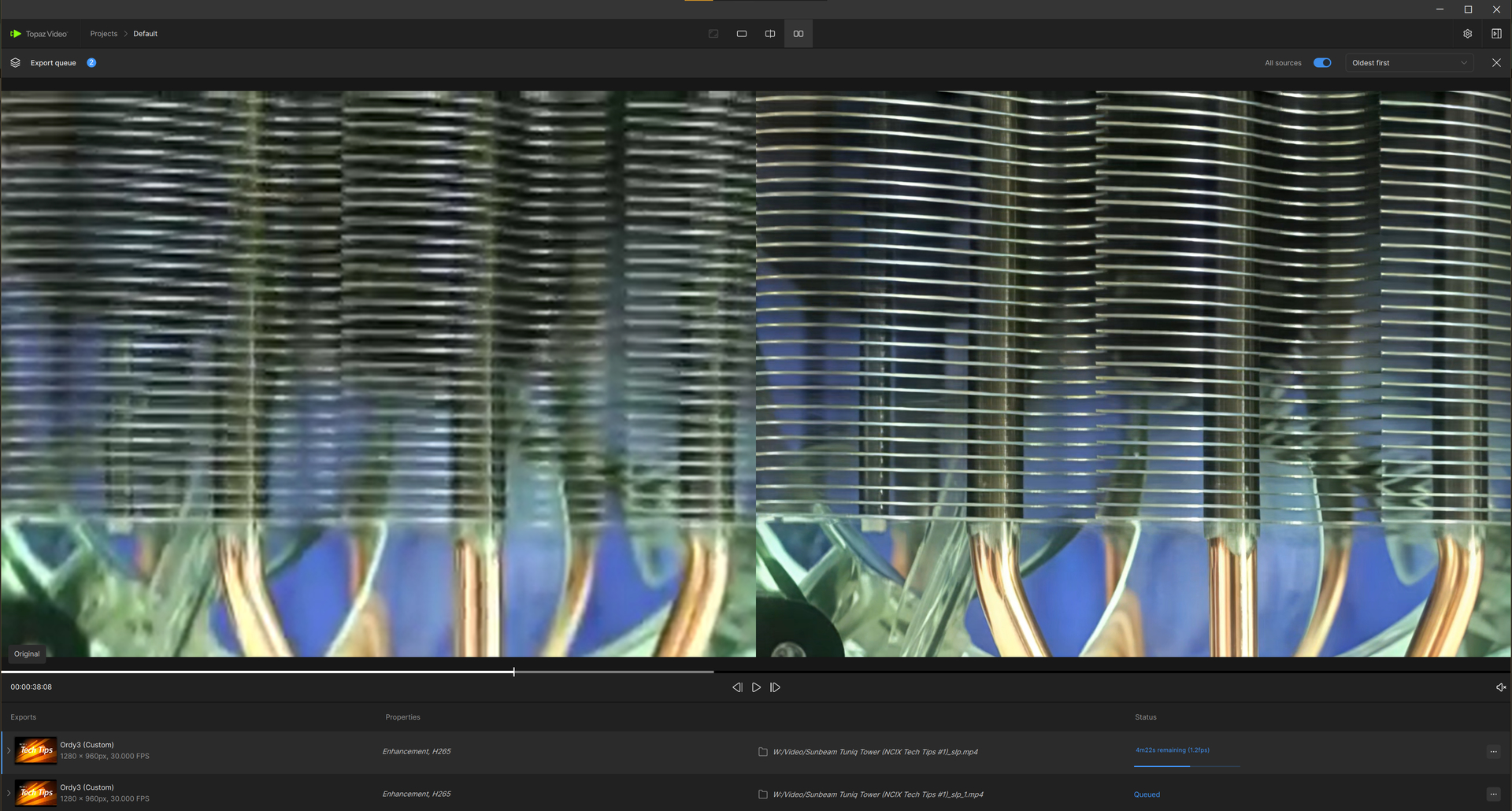
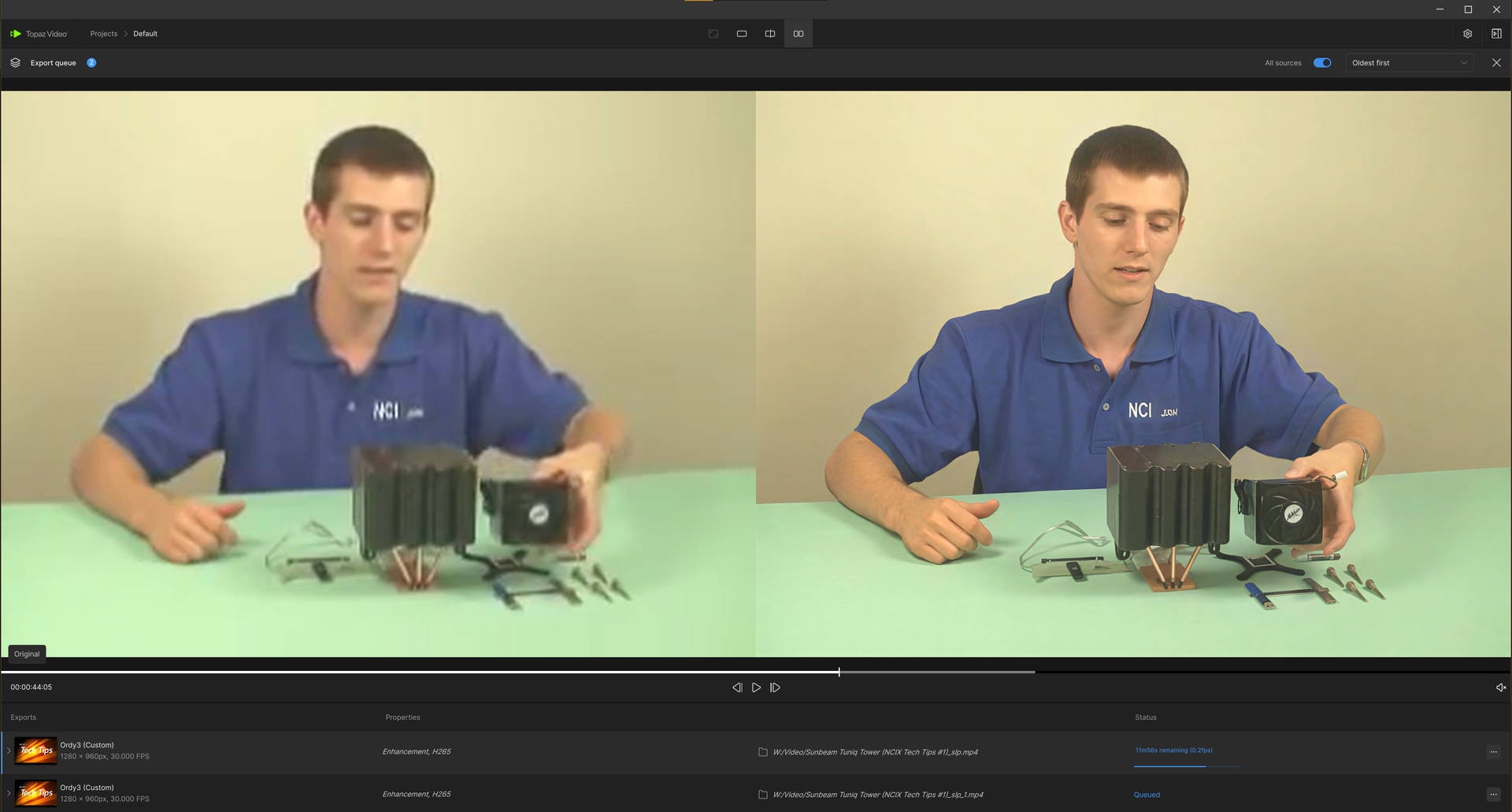
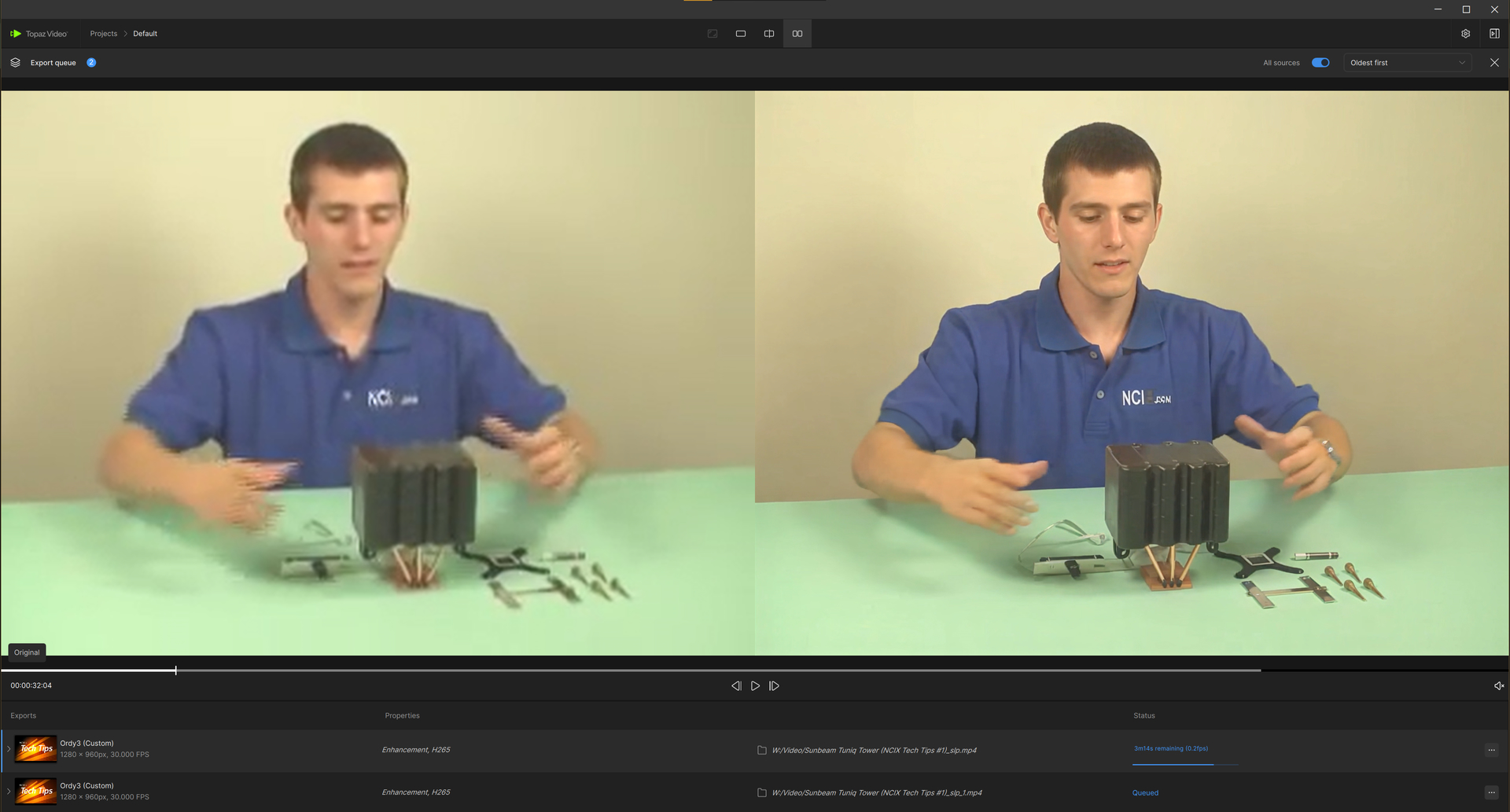
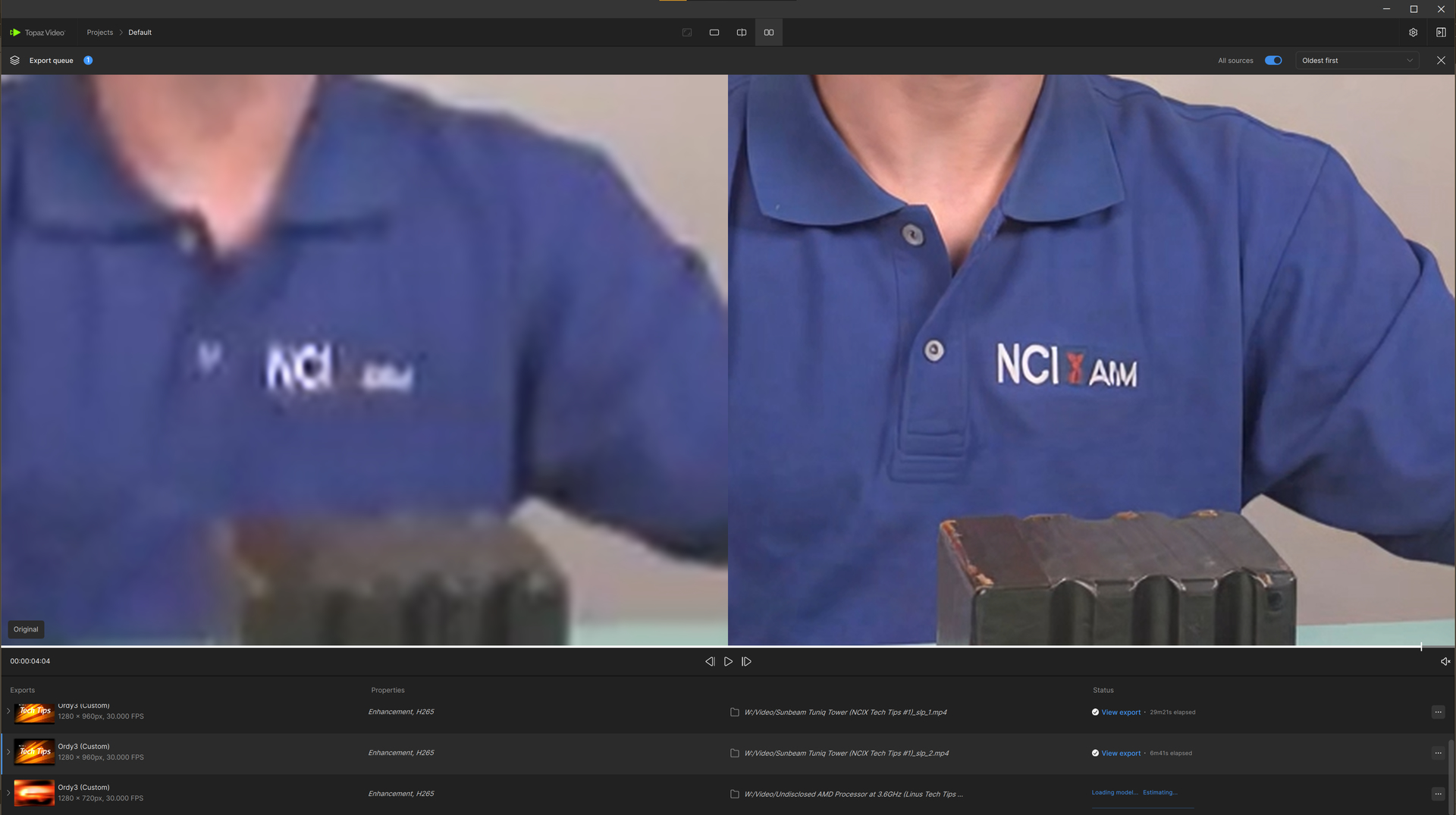
Here’s the exact export queue I started last night, and it’s only just now finishing up: (ignore the “Proteus Natural” project name — this project is actually Starlight Precise 2.6 on Topaz 1.7.0)
This is indeed slow.
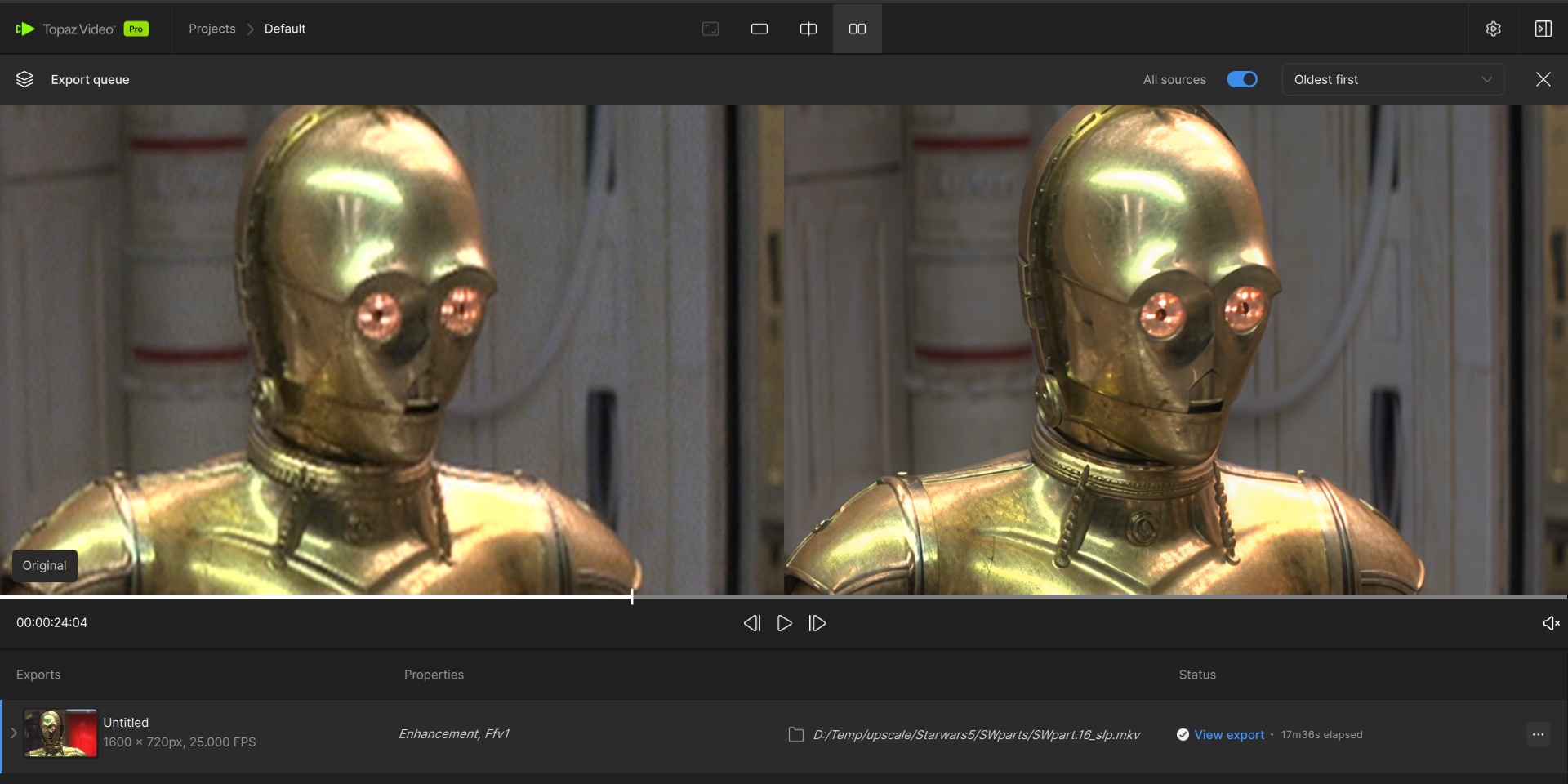
Maybe try FFV1 codec (8 bit, 4:2:0)
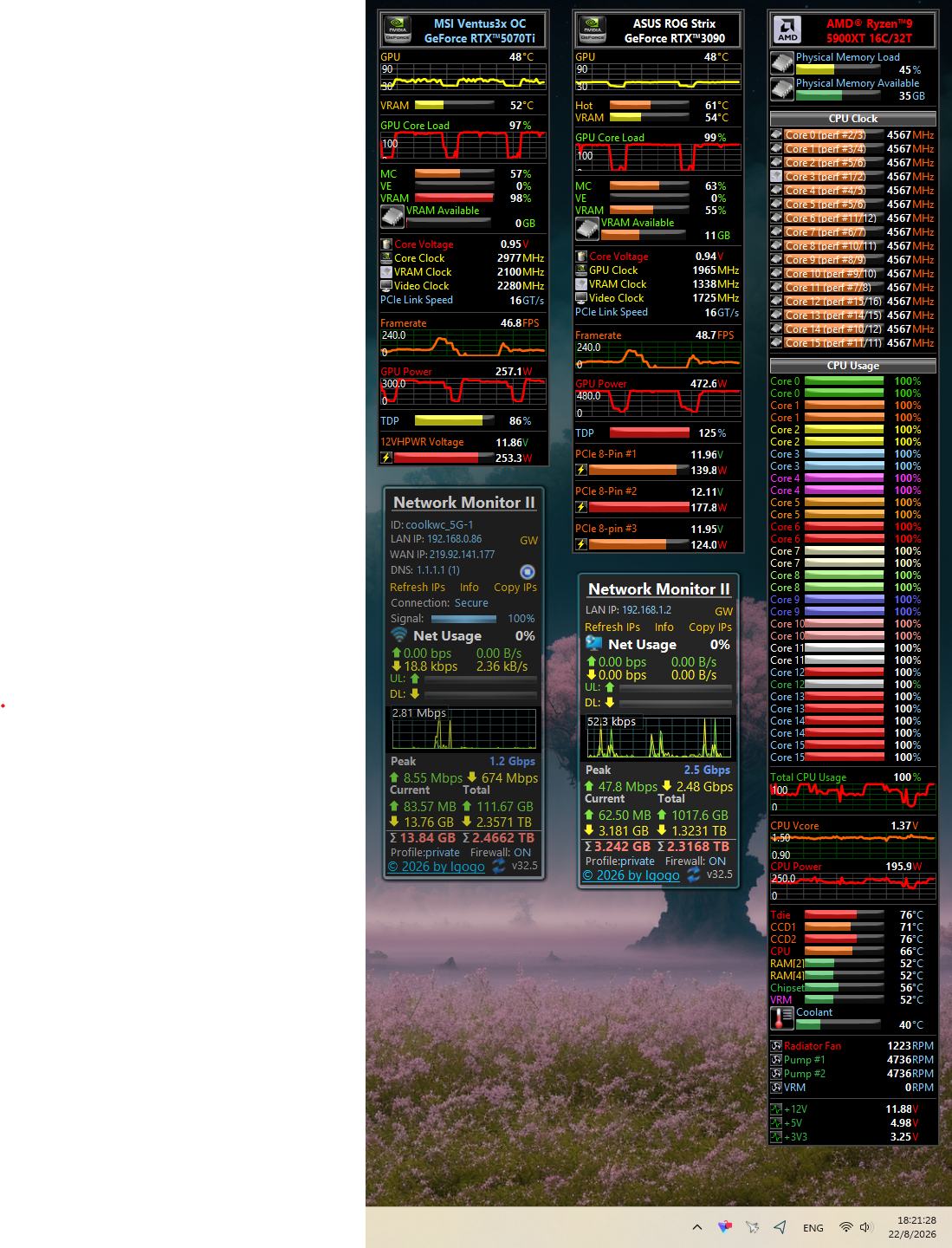
Sometimes the bottleneck is the RAM (not VRAM).
I have 64GB DDR5 at 6000 speed. (2x 32GB).
Topaz Video uses shared memory, this means that it uses system-RAM which slows down.
Maybe you can tune your RAM for faster speed (on my old PC i used the AMD-Tool to speed up RAM-Speed to the max)
Interesting — I can upgrade this system to 64GB of RAM, but I’m not sure it would improve performance enough to justify opening the kit. I’m at 32GB right now because I’m planning to sell a brand‑new 64GB kit and would prefer to keep it sealed. But if extra RAM actually makes a noticeable difference in speed, I may need to consider using it instead of selling it.
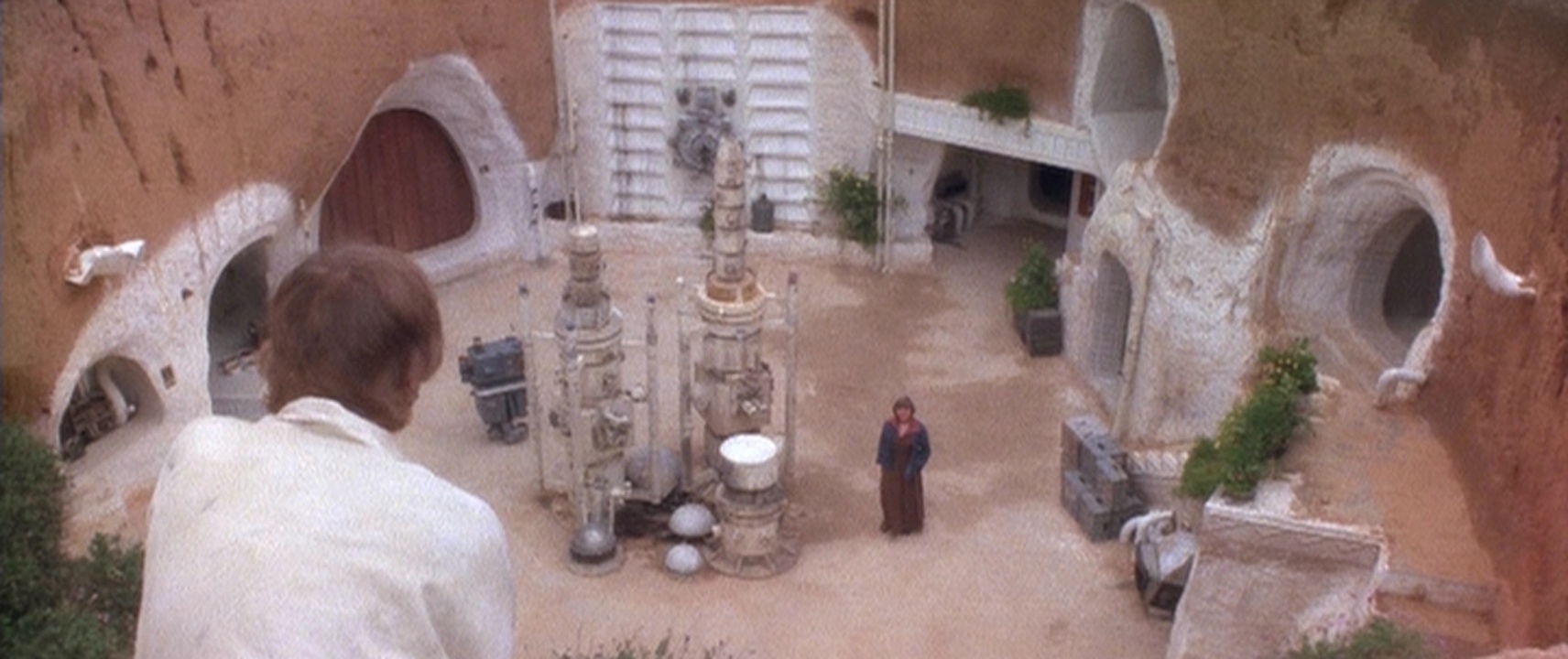
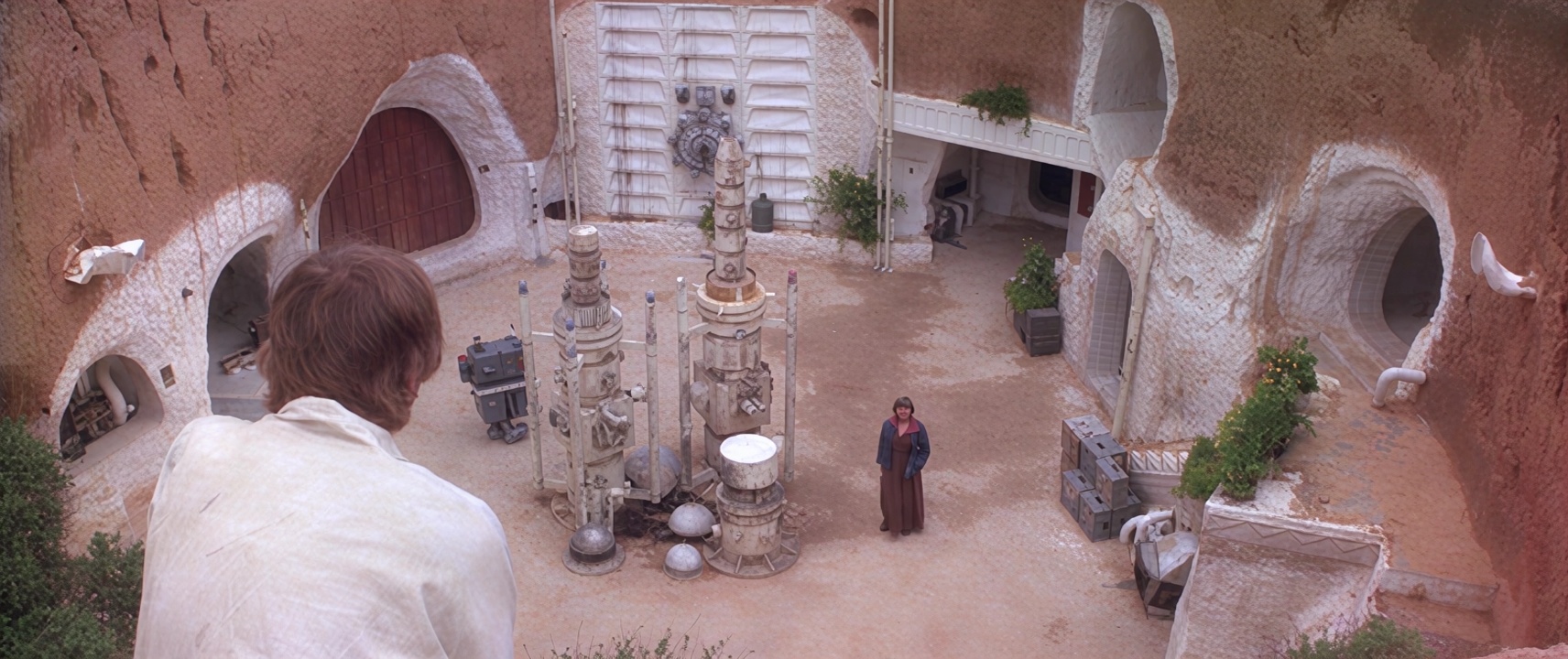
Before start any upscale, adjust Gamma/Brightness/Saturation/Colors in a video editor. With shots like these, it makes a huge difference — you can get rid of the grey haze and models works better with it.
I took your posted photo, after orig adjust, result something like this…
If you can afford the lastest Nvidia price hikes, you won’t regret it. My RTX 5070 Ti machine is down, so I’m now testing my ‘old’ 7900-XT. The difference is astonishing, and clearly illustrates to me that trying to get anything done using Starlight models on a Radeon GPU is an exercise in futility.
SLP runs and produces an output on-par with my 5070 image quality-wise. But it wrote files with whiteout areas at 3X scaling with a 480 x 360p source video. (VHS or DVD files down-rezzed so that they’ll scale to HDV (1440 X 1080p) when run at 3X.) My 2X tests have been more successful in completing without the white sections.
Those .00nn fps numbers don’t ‘compute’ with me. So I’ll report my results on the RX 7900-XT as taking a bit over 3 hours to do a 27-second clip with those cited parameters.
It’s also interesting to note that I saw virtually no render time difference between GPU and CPU rendering with the AMD card.
For reference, I’m using a 4090. My settings are 1080p60 input and 4K60 output, using Starlight Precise 2.6 processing. The processing speed is 0.2 frames per second.
The updated SLM in 1.7.0 is a real deal in terms of speed, it got 2x speed improvement for rendering 1080p in 1x. it max out the power of my dual GPU rig now on both GPU and CPU.
Yep, it was way before any generative model was introduced in Topaz Video.
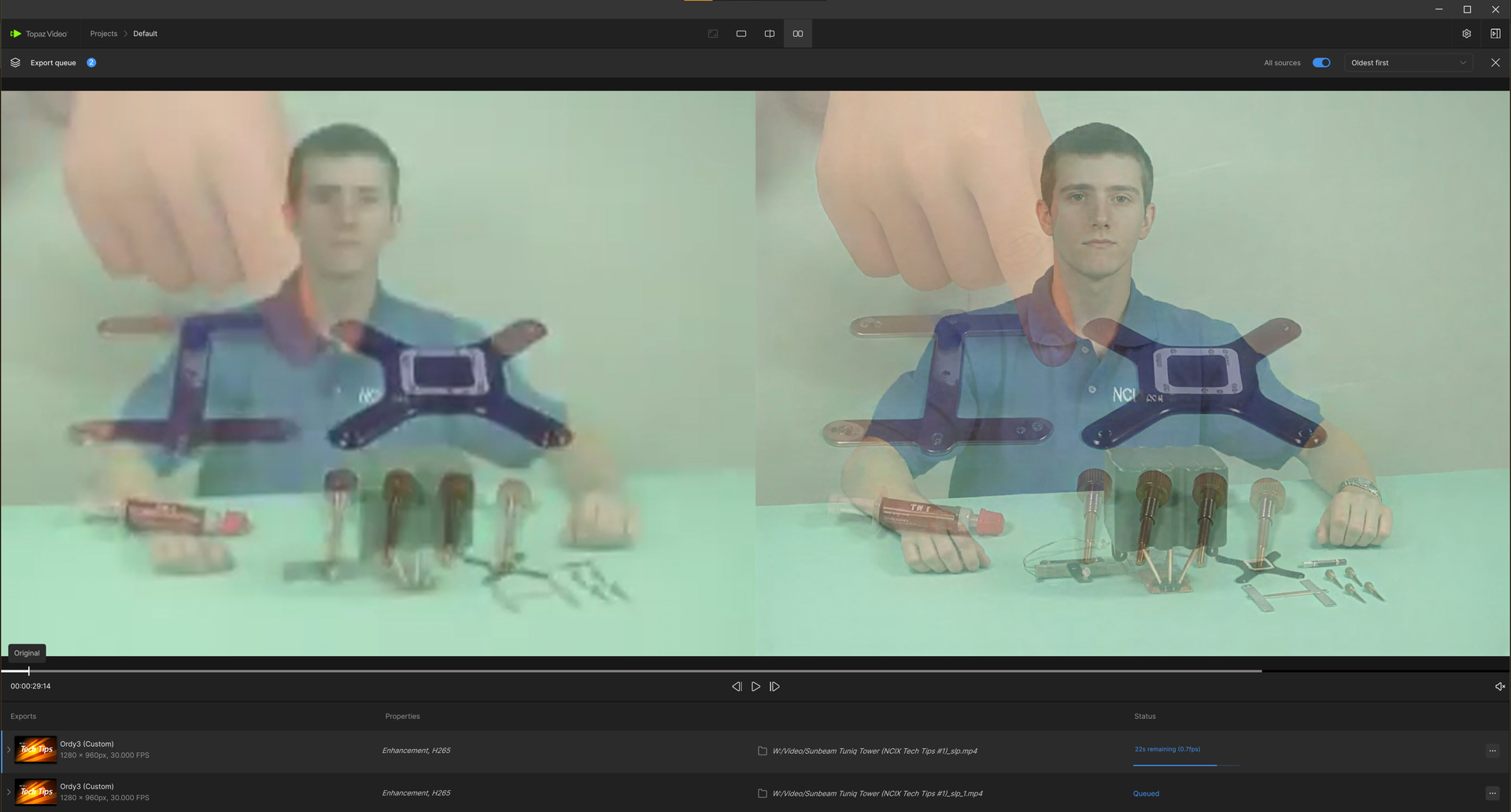
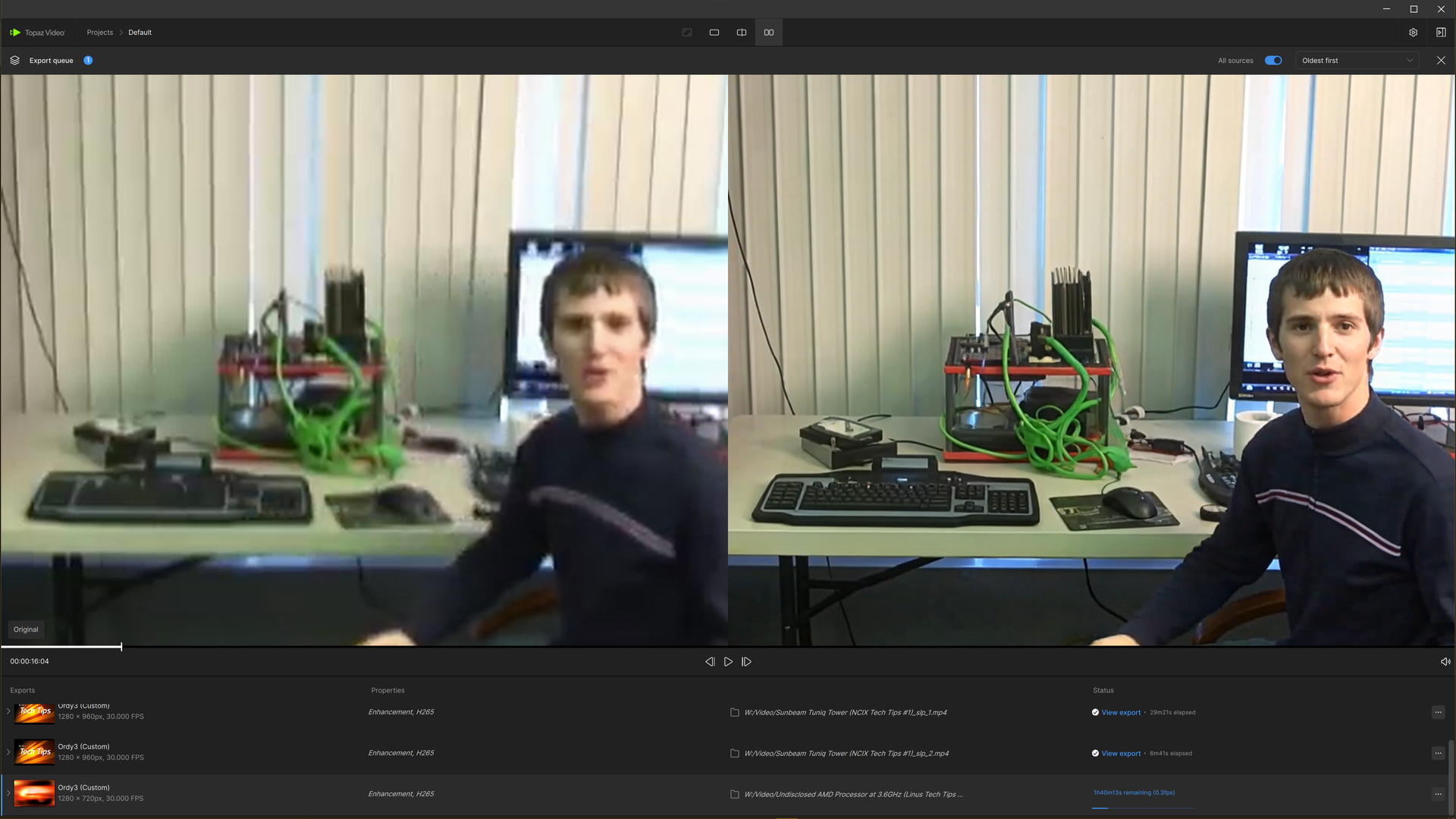
The YT thumbnail they used, is an exaggeration, though, I’d say. No model was able to recreate the blue X on Linus’ shirt!
EDIT: I’m wrong! SLP 2.6 did it!
During these tests I have to terminate ffprobe.exe process to be able to proceed, but that might be because I use “[ ]” for experimenting on parts of the video.
I have been using SLP 2.6 for weeks now, and it was great, best model so far with the ability to fine tune a bit. I’m a founder, so it functions quite fast for me relative to the early days lol
Yesterday I had a file hang while applying the model so I used the repair function which usually refreshes and fixes the studio for me. But now it won’t export files at all. It says it won’t because my hardware doesn’t support it.
Of course it does, worked just fine until yesterday. I have an Rtx 5080, 9800x3d, 64 ddr5 RAM. Tried uninstalling and installing from scratch, still not allowing me to export.
Do you have the Nvidia GSP firmware enabled? That reserves just enough video memory for itself that Topaz Video will think you don’t have enough even with a 5080.
I had processed several files with SLP2.6, and when the last file got hung up processing, I stopped the processing and used the Topaz install to repair the app. After that, it would no longer allow me to execute SLP 2.6.
Absolutely did nothing with the PC in between these events.
I would say, try force re-download models, go to “C:\ProgramData\Topaz Labs LLC\Topaz Video\models” and rename folder “models” for example to “models_old” if this doe not help deinstall the program and delete manually all topaz labs left folders.
delete all log files, if the error occurs again, you will only have this error in the log. You can also post the log to ChatGPT and send it to Topaz Labs Support.