I’m very disappointed the jittery motion that occurs every few frames in all the new Starlight models was not addressed in this patch, particularly SLP as well as the dropped frame issue in SLS. Now that this is a subscription service, the expectation to fix major flaws in the models in a timely manner is much higher. When is an update to fix these models expected to be released?
Caught me in between projects, so I’m testing out this new patch and jumping straight into a stress test of 2160p HDR to 4320p HDR. Really hoping this patch works for my system. Only 0.1 fps gain from this patch, but it seems stable so far (for perspective, that saves me nearly 2.5hrs rendering time). At the very least, I hope this patch doesn’t hard lock it so I can actually get a crash report to send in.
Update: Literally 2min after I wrote this reply this patch hard locked my system yet again. Cant get an error report because soon as I open the program it recovers just to crash again unless I stop the render in time. What a joke.
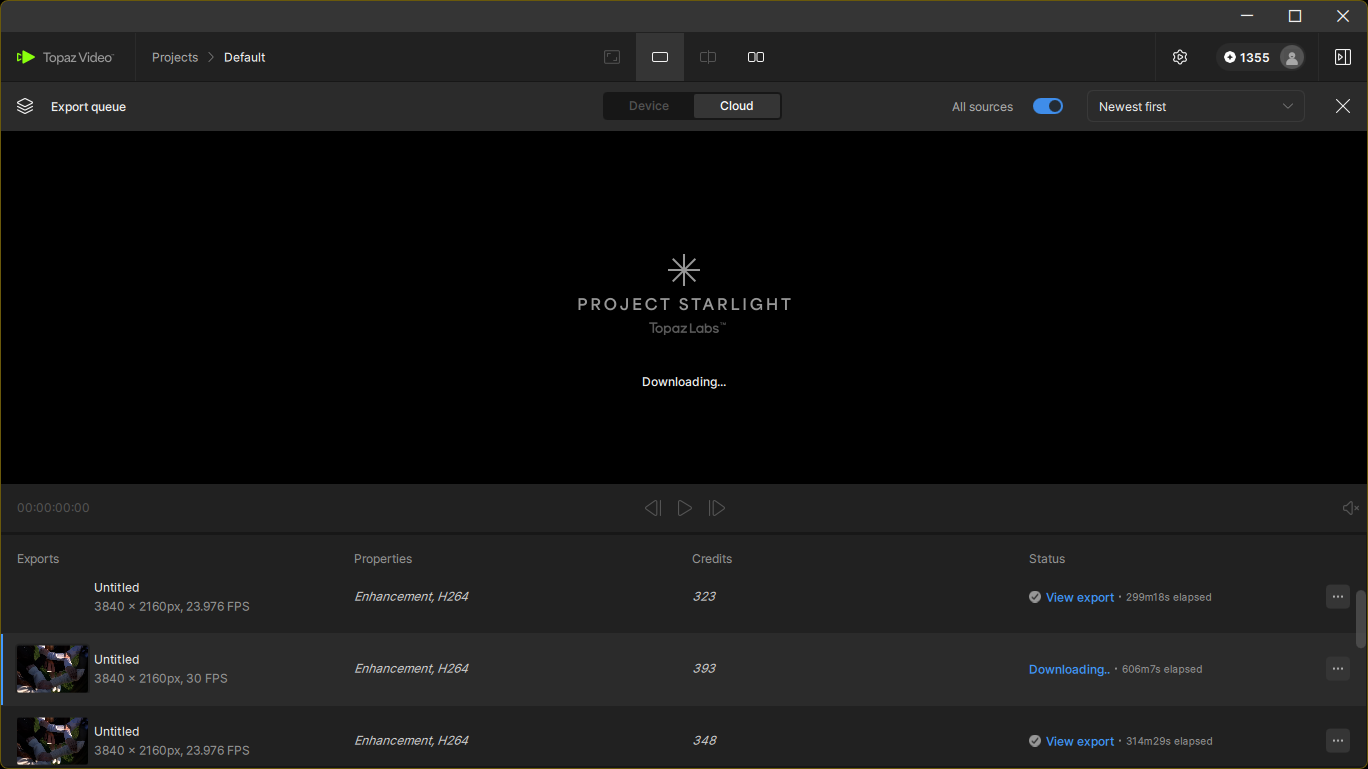
Also doesn’t address this issue where I click Download to get my Startlight cloud export but it just sits there pretending to download with zero network activity and never completes. I’ve emailed support now
Presuming it’s not baked into the model itself, I REALLY hope the temporal smearing/ghosting in SLP 2.5 is resolved by v1.7.0 or v1.8.0. Getting a fantastic looking first frame is just about all its good for when the rest becomes a smeary mess once there’s any motion.
At the time of writing, the direct link for the DMG file, which some Mac users prefer to use for installation, was not included. However, it does exist:
It’s always good when bugs get fixed, but with Topaz, new ones sometimes appear in areas that were working before. Hopefully that won’t be the case this time.
Apart from the models themselves, there are several shortcomings in the core functionality that have never been addressed, just two of them as example:
BT.601 (SD) content is converted to BT.709, but the resulting encodes contain neither the correct header information nor the necessary color metadata. This only works as long as other applications and players (such as VLC) simply assume the content is BT.709. Otherwise, the results can be completely wrong.
Topaz ignores uncommon SAR values. I recently had proof of this behavior: my footage had a SAR of 16:15, but Topaz ignored it and upscaled it as 1:1. It then wrote a DAR value into the header to restore the correct display proportions. However, that’s not what we want to see. Stretching when play operations are not optimized by the AI models, so the aspect ratio should be handled correctly before processing rather than compensated for afterward through metadata.
Maybe we as a community should create a dedicated thread that summarizes all the core functionality issues and defects (not feature requests) in one place, so they can be addressed by Topaz.
Another issue I just deal with using ffmpeg as preparation for Topaz. I always hand Topaz video files that are progressive, with equal DAR and SAR, audio converted to AAC. This works well for Topaz and also works well in DaVinci Resolve (which doesn’t like AC3 audio).
Yes, I do the same. Topaz handles SD DVD content with square pixels just fine, but for anything else, you have to convert it to the correct aspect ratio yourself, even though the video already contains all the information needed for Topaz to do it automatically. A few FFmpeg commands could easily handle that. It’s not a huge issue, but it’s still a bit disappointing.
Not sure if this was supposed to be fixed with 1.6.1, but I still have the nuke thingy in ~/Library/LaunchAgents and sh appearing in background processes. No issues deleting the whole thing (not using any plugins)
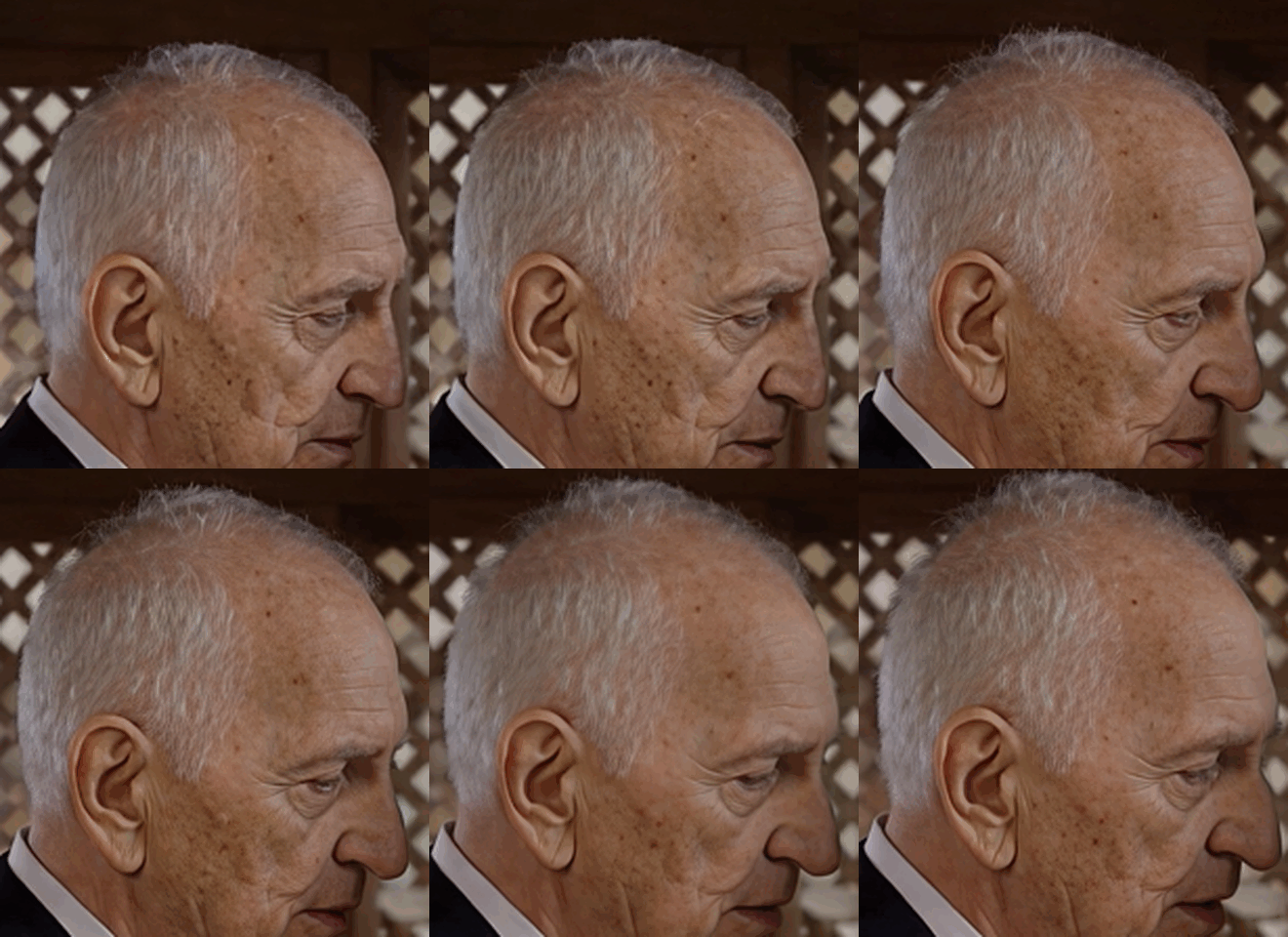
This is 10 seconds of processed video. It’s sped up. After every 25th frame, the grandfather’s face changes. This needs to be fixed. This has been discussed many times. The processing is 1:1. With 2:1 processing, the effect is less noticeable, but it’s still there.
Then we’re back to the consistency issue again, low VRAM usage, or we’ll have to buy a Mac because of the Neuroserver. I keep wondering why only half of my RTX 5090’s VRAM is being used and why GPU and CPU utilization aren’t optimal (resulting in a loss of speed). it’s great that it now runs on other platforms as well but now efficiency (and consistent quality) needs to be improved so that the available resources are utilized optimally.
What stands out is that the last third of a video rendered with SLP takes about as long as the first two-thirds. In other words, the FPS numbers drop the longer you render, so an estimated rendering time of, say, 4 hours for an entire video can easily turn into 10 hours. But maybe that’s just happening on my system?!
This actually looks like a system-specific issue on your end. On my setup, render performance with SLP stays consistent throughout the entire process.
Regarding hardware utilization: version 1.6(1) makes significantly better use of my system compared to earlier SLP versions, which is also reflected in render speed. Someone in the 1.6 thread even quantified the improvement—it was around 10% if I remember correctly.
My CPU (Ryzen 9950X3D) is being utilized much more efficiently now. Interestingly, only cores 14 and 15 are nearly fully saturated. RAM and especially VRAM usage, however, could still be improved. I don’t necessarily expect that to boost raw speed, but it might help with consistency between frames, which has already been mentioned multiple times.
This isn’t really a “bug,” as many here suggest—it’s how the SLP model is designed to operate. It’s not something that can be easily changed. The model likely isn’t optimized for systems with 32GB+ VRAM and 64GB+ RAM, since that kind of hardware represents a very small portion of users. So naturally, performance and behavior depend heavily on available VRAM and system memory, which vary widely across users.
From a development perspective, tuning a model like this across such a broad range of hardware is extremely challenging. The only real solution would be a separate model designed for high-end systems—but then you’d inevitably get complaints from users who can’t run it and feel left out.