I noticed that as well. The time estimates are great to have but on the previous update they could be a lot misleading. I noticed that a starlight precise render I had gave me the entire preview line completed but the render was only 1/4 complete. Usually they match. I hadn’t experienced this before. Still. It’s pretty incredible what the software does and it gets better all the time.
Users are demanding because it’s already incredible what the software does and when something small gets in the way of us being able to render incredible video - video that a few years ago would have been impossible to fix - we can’t wait for a fix because we need our own “topaz video fix”. You are delivering pretty much what you promise and we are all hooked on getting more. It still blows me away what I can achieve with it even with issues. A comparison of tech problems..I have a Samsung odyssey 3D glasses free monitor. The live 2D to 3D conversion is nothing short of spectacular and not having to wear glasses is exhilarating. However the software continually runs into problems because of windows and nvidia updates which is incredibly frustrating because Samsung does next to nothing to fix. Will I buy the bigger one when it comes out later this year? Of course. When it works it’s incredible but it’s new tech so gotta just wait it out as it matures. Topaz video is new tech too but you constantly fix the issues. I wish Samsung would take a page out of your play book. Please keep the updates coming. We all love them
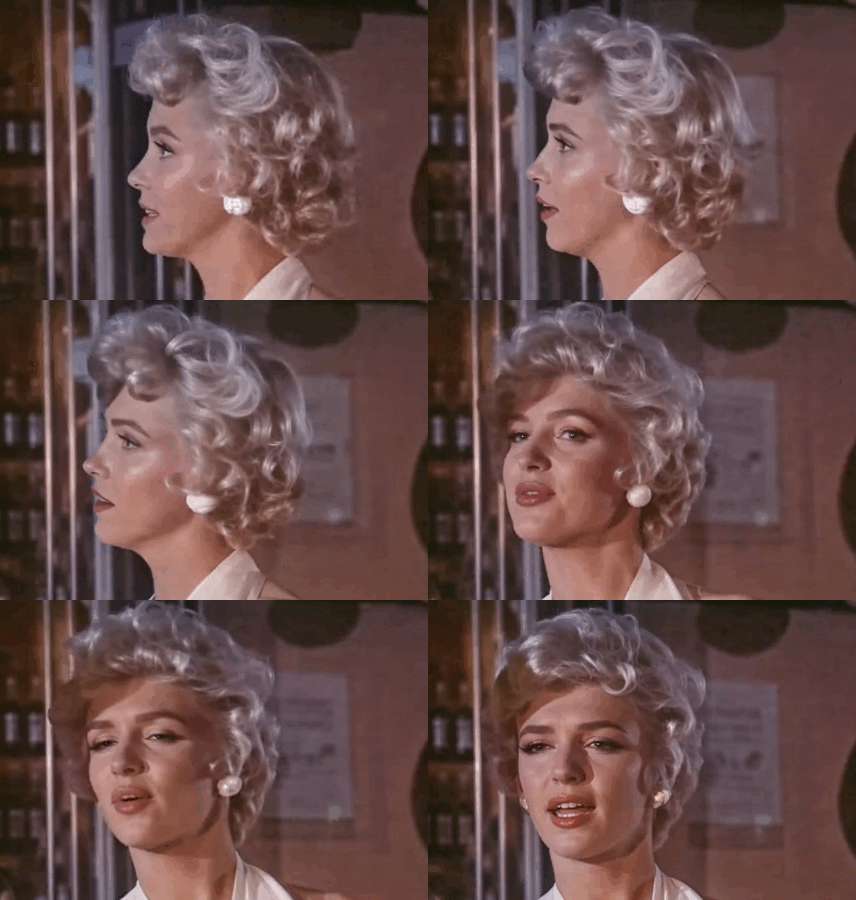
Here’s a few videos for testing. Try them out on your own systems. The video is encoded at 60 FPS, so the “25th frame” effect is more noticeable.
1 Like
Well, the jittering problem is definitely a fun killer. Of course, the impatience is understandable because we’ve received an excellent model. The SLP consistency issues probably cannot be solved while maintaining the same speed and without increasing resource usage. That’s why it’s important that the system can scale with hardware. Those with weaker hardware would then have to accept some compromises, rather than everyone with a fast system having to adapt to the limitations of slower hardware. Trains aren’t limited to 85 mph just because cars on the highway aren’t allowed to drive any faster.
3 Likes
What GPU do you have and what is your vram usage with SLP? With other Diffusion based VSR models in ComfyUI, reducing or eliminating the need for vae tiling and increasing the batch sizes significantly increases overall render speeds and temporal consistency. Both increases vram usage. Also increasing temporal overlap between batches eliminates the jumpiness shown in that old man’s head example posted above at the cost of some speed and extra vram usage. I’ve tested many if not all of the available diffusion models on ComfyUI and see this is in general how it works.
4 Likes
Regarding Starlight Precise:
Ideally, batch size should be equal to shot length. If SLP performed scene change detection, it could process each shot as a batch. Temporal overlap would only be necessary for shots that were longer than the hardware could handle.
1 Like
As I am now only generating TIFF files, I have written a little script (macOS) to merge all TIFF files into a video and combine the audio from the original file. Assumptions:
- launch from the folder where your original video file is
- video file is mp4 or mkv (can add more!)
- uses Starlight Precise (love it!)
- TIFF files are in a subfolder [video]_slp
- still experimenting with -q:v 75 (quality), I might be a little harsh there!
I get the original frame rate using ffprobe. Hope some will find it useful. Please free to critique and enhance 
#!/bin/sh
if [[ "$#" -ne 1 ]]; then
	echo "Usage: ffslp <video without extension>"
	exit 1
fi
if [ -f "$1.mp4" ]; then
	VIDEO=$1.mp4
elif [ -f "$1.m4v" ]; then
	VIDEO=$1.m4v
else
	echo "ffslp: cannot find $1.mp4 or $1.m4v"
	exit 1
fi
if [ -f "$1_slp.mp4" ]; then
	echo "ffslp: file $1_slp.mp4 already present"
	exit 1
fi
if [ -d "$1_slp" ]; then
	FRAMERATE=`ffprobe $VIDEO 2>&1 | grep fps| grep -oE '[0-9]+ fps' | grep -oE '[0-9]+'`
	if [[ $FRAMERATE -gt 0 ]]; then
		cd $1_slp
		ffmpeg -framerate $FRAMERATE -i %06d.tiff -i ../$VIDEO -map 0:v -map 1:a -vcodec hevc_videotoolbox -q:v 75 ../$1_slp.mp4
	else
		echo "ffslp: cannot find framerate"
		exit 1
	fi
else
	echo "ffslp: cannot find folder $1_slp"
	exit 1
fi
1 Like
I was able to use Starlight Precise 2.5 here on my Win11 machine when I was running v. 1.6.0. Now that I’ve installed the 1.6.1 patch, that’s greyed out. I hope this was a mistake - I was already testing it, and was planning to use it in an upcoming project. Can someone tell me if losing this feature was intentional or accidental?
I had a similar issue. Changed the model to something else `(Iris) and the back to Starlight and I could export locally.
3 Likes
in the past, sometimes also logout/login helped
2 Likes
Thanks, Mayday & w.schwarz for the tips! Didn’t work for me, but worth a try. For now, I’ve gone back to 1.6.0 and I’m hoping the next update addresses the issue.
2 Likes
Hello everyone. Since the 1.6.1. Patch, Topaz gets stuck in a model download loop when trying to apply Chronos for frame interpolation. The queue console displays “downloading model - estimating time” for a minute then fails and displays the red error message. Whereas I used Chronos with 1.6 without issues. Anyone else having that bug ?
1 Like
on 1.6.0
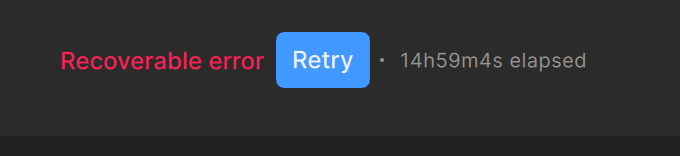
I’m was getting “recoverable error” on some exports and then when I hit the option “start from checkpoint” it just starts from the beginning.. (doing workaround by copying the unfinished video in between and then starting around the frame it stopped before)
Weird thing also is that I get these errors on one of my Mac Studio’s.. The M2 Ultra with 64GB. On the other one (M4 Max 64GB) never gives me errors. Neither does my M4 Macbook Pro. All of em are a copy system wise..
Hope this gets fixed in this patch
BTW. This models DOES WONDERS for my LQ content but needs optimization though. Slow AF…
2 Likes
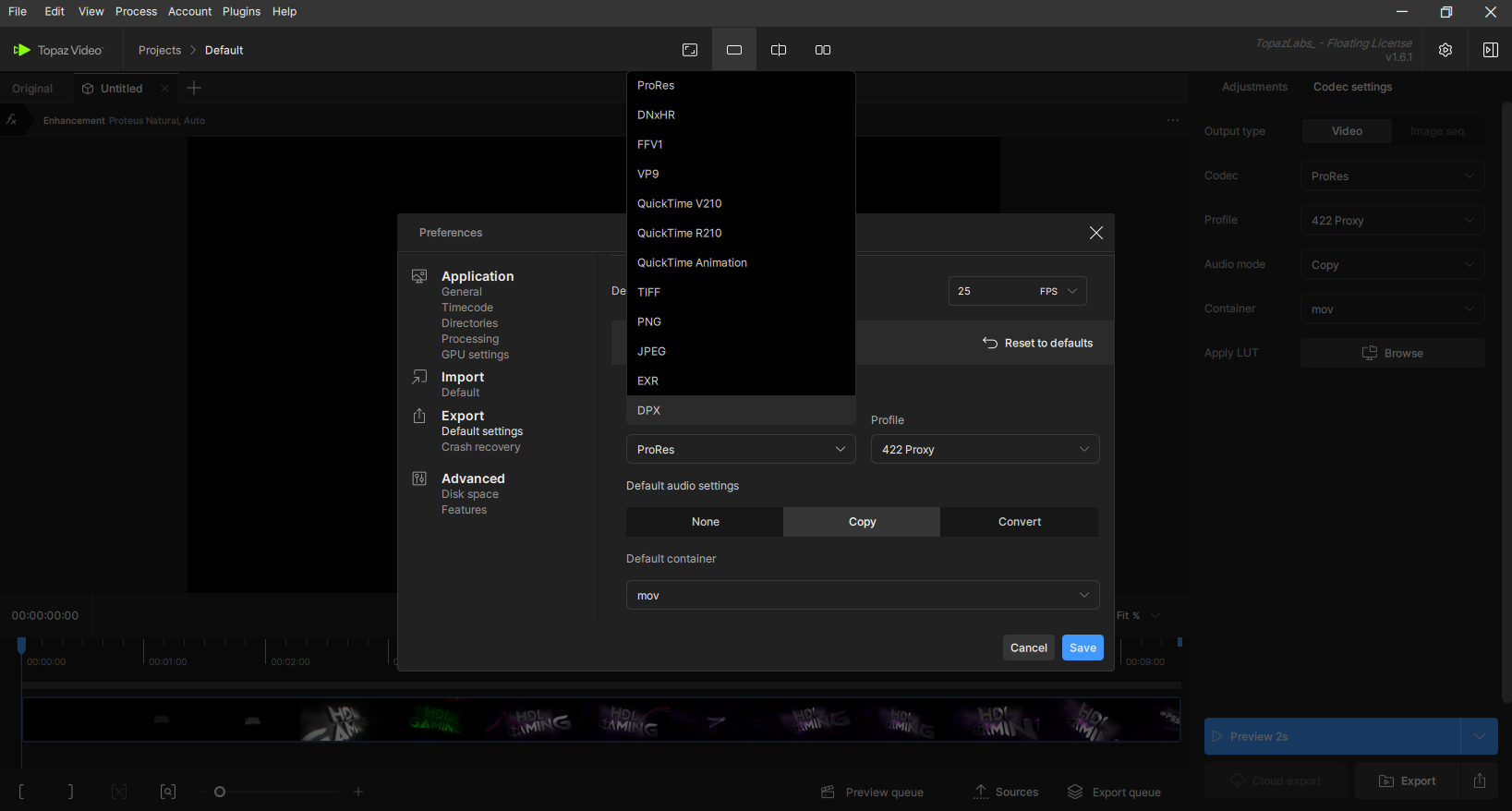
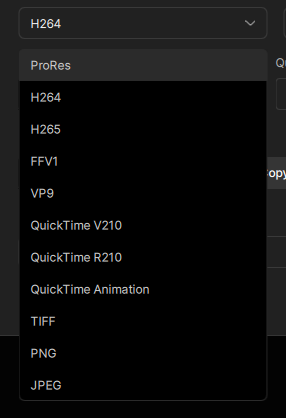
App still hangs for me on close on both my machines and has done for the last 4 or 5 updates.
I still have those available in my 1.6.1. You’re also missing AV1.
Using Windows11/Intel CPU and RTX4090 here.
1 Like
Strange. Afterwards, I tested it in a Windows 10 VM to avoid any potential problems with my old version installed on my physical machine.
Yeah, that’s good because it was on my VM. On my physical machine, I have all the other codecs, except AV1. But that’s because my machine doesn’t have it installed. It’s from 2019. But I suppose I can still install it later.
Running Starlight Precise 2.5 on Mac Mini M4 base model (16GB!) on macOS 27 beta 1. Of course it’s not fast, but it’s working!
P.S. as suspected I ran into networking issues with macOS 27, had to disable Little Snitch in network filters. Had the same issues with first beta of macOS 26. The test is working fine, feels even snappier!
Edit: completed 1m20s video in 8 hours… 2000 frames 432p → 720p. Each frame took 14.4s. I am amazed my little Mac Mini could do this. I am of course not recommending this, I just wanted to try macOS 27 first before touching the macStudio
1 Like
