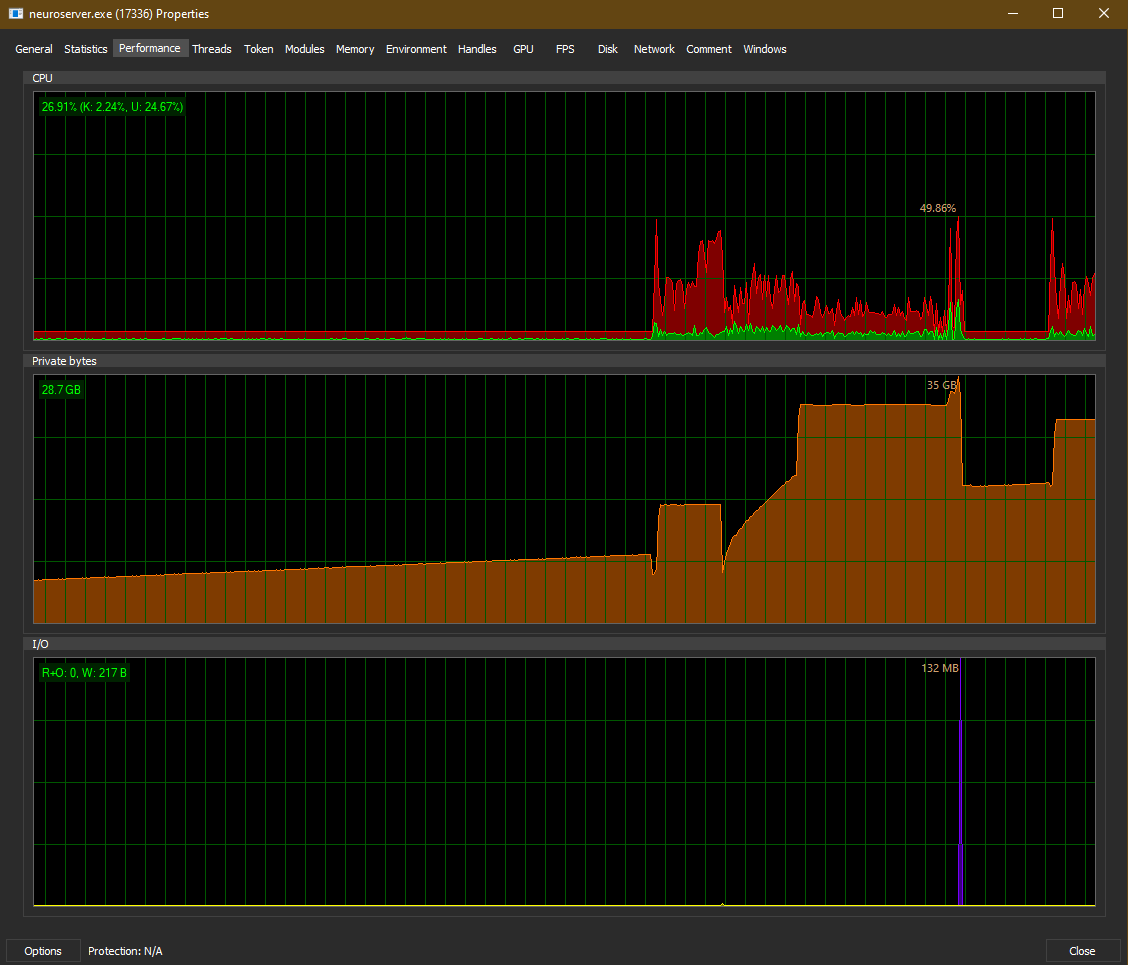
I also found that SLP doesn’t seem to fully use the processing resources.
Rendering one video uses only about 100 Watts, with two parallel SLP encodings it’s 150 Watts.
Still have to test what that means for rendering speed..
I also found that SLP doesn’t seem to fully use the processing resources.
Rendering one video uses only about 100 Watts, with two parallel SLP encodings it’s 150 Watts.
Still have to test what that means for rendering speed..
Installation silently fails for me, when run separately, not from the application:
Action 21:12:16: ProgressDlg. Dialog created
Action ended 21:12:16: ProgressDlg. Return value 1.
Action 21:12:16: ExecuteAction.
Action start 21:12:16: ExecuteAction.
Action ended 21:12:16: ExecuteAction. Return value 3.
Action 21:12:16: FatalError.
Action start 21:12:16: FatalError.
Action 21:12:16: FatalError. Dialog created
Action ended 21:12:23: FatalError. Return value 2.
Action ended 21:12:23: INSTALL. Return value 3.
=== Logging stopped: 5/15/2026  21:12:23 ===
MSI (c) (8C:C0) [21:12:23:789]: Product: Topaz Video -- Installation failed.
MSI (c) (8C:C0) [21:12:23:801]: Windows Installer installed the product. Product Name: Topaz Video. Product Version: 1.6.0. Product Language: 1033. Manufacturer: Topaz Labs LLC. Installation success or error status: 1603.
That’s a first for me. 
EDIT: The installation progresses normally after OS reboot, but that’s… interesting.
I like the Hyperion 2 very much.
It behaves very stable (brightness-wise) between different scenes.
Here is it, if anyone’s curious!
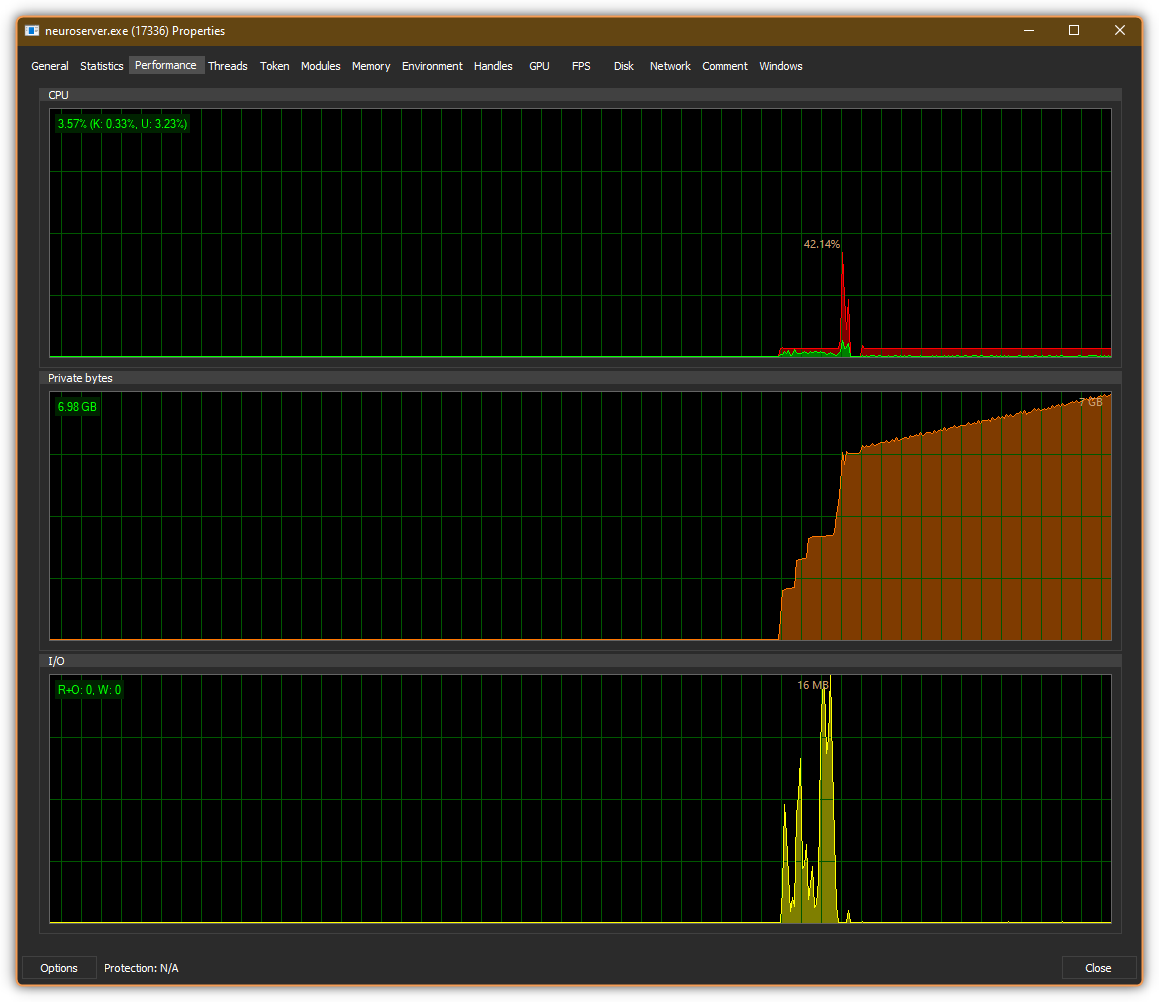
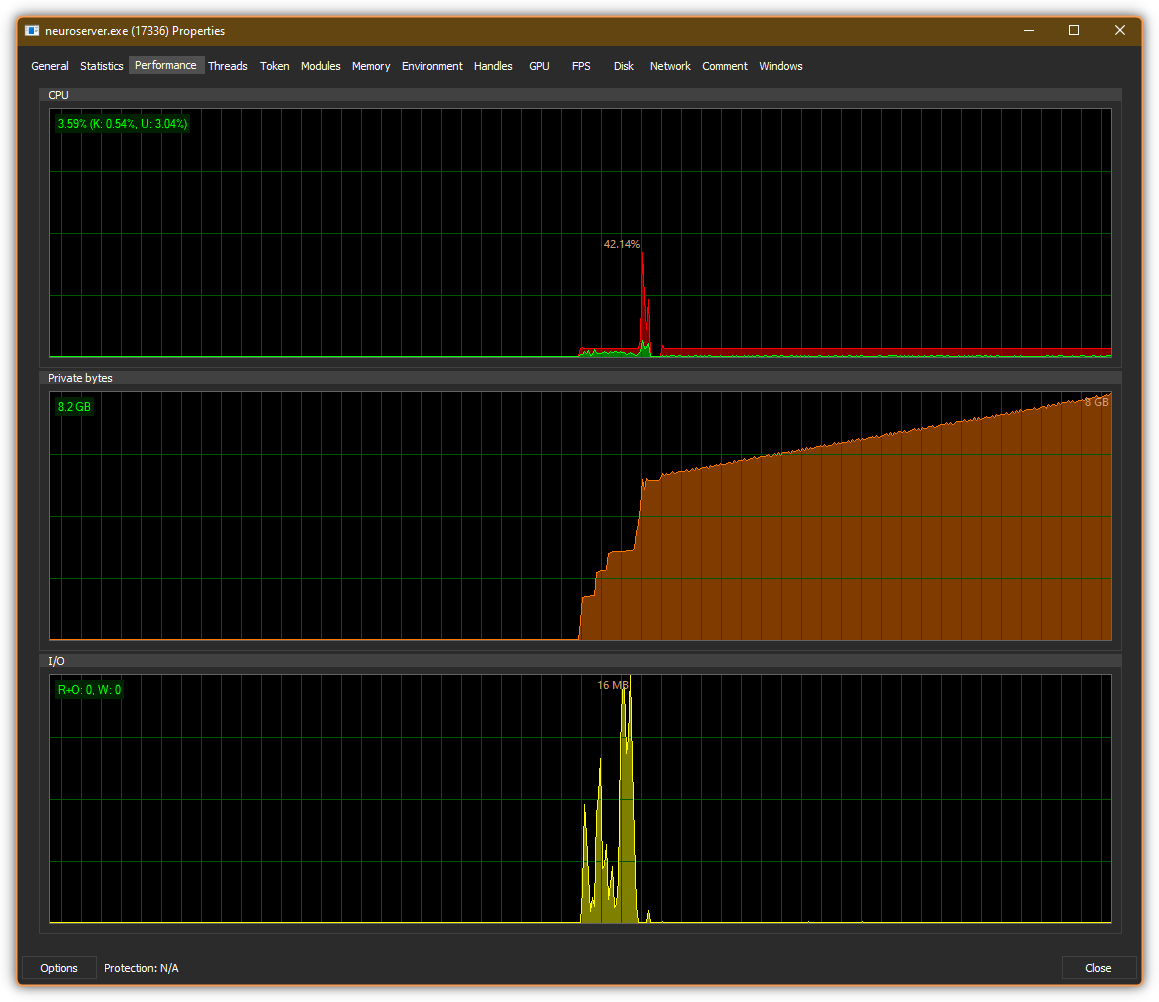
EDIT: Second attempt to export anything with Hyperion 2 on the same video (both attempts - part of it, with ) fails on me with slow, indefinite eating up RAM without starting the processing, with ‘Loading model…’. First attempt is initialized fairly fast and goes without hitch until the end.
An attempt to export different video within the same session (again, with ) also fails.
Terminating neuroserver.exe manually or with ‘Stop processing’ and then ‘Restart process’ in the queue view doesn’t help. ffprobe.exe does it’s job, then it’s just a stall.
The CMD for the neuroserver:
"C:\Program Files\Topaz Labs LLC\Topaz Video\neuroserver\neuroserver" --once --input-path W:/5.mp4 --output-path W:/5_103128671.mov --start-frame-idx 170 --end-frame-idx 793 --ffmpeg-preproc-filters "" --max-gpu-mem 18 --filters "[{\"model\": \"hyp-2\"}]" --output-width 1280 --output-height 720 --upscale-factor 1 --output-codec prores
EDIT 2: It eventually starts, but the init time is either weirdly long, or my CPU’s 1 thread performance is pretty underwhelming.
input file sources from network paths do not work anymore. Reverted back to v1.3.1.
The devs are looking into issues that have been reported with exports not going to set file paths. Can you email me the most recent logs to share with them to look into for your direct situation? help@topazlabs.com
Would be good to run a test to a separate drive and then one to the local drive for their review of what the app is doing.
Did you disable all of the plug-ins in the installer? I will have to look deeper into this on Monday to see if it is packaged with the Resolve OFX plug-in and talk with the team. Disabling the background activity for SH shouldnt cause any issues that I know of.
Yes, I unchecked all plug-ins as I always do.
(I’ve never understood why they are checked by default on Mac but unchecked by default on Windows.)
Thanks.
Andy
This is a MAJOR detractor on the Starlight Precise model. I hope this get corrected ASAP. Otherwise SLP has great enhancement, but currently the output is currently unusable and will have to revert back to the original Starlight Mini again.
Do you have an example?
Did anyone facing neuroserver occupied all the system RAM during loading model? I remembered alot of members mentioned this bug on 1.4.0, has this been resolved now?
I facing this issue in 1.5.0 on my dual GPU rig. RTX5070Ti is fine, no such issue, but happen on RTX3090 only.
Just look at the short clip I provided here:
Look at the vegetation in the background: it changes every few frames.
@yuan.liang any news about solving this (by larger batch sizes or an overlap and blending between those batches)?
You can try 1.6 - slp25 and hyp2 do require a minimal 32gb CPU ram. As long as that requirement meets and the system disk has space, windows machines should not crash on running the models.
The issue is noted and we are trying to put something for that in the coming a few releases. For this release we mainly focus on adopting neurostream 2 tech for enabling more systems to run the models locally.
It would certainly help to actually make greater use of the VRAM on graphics cards that have a lot of it. On an RTX PRO 6000 Blackwell, I have observed ~30 GB so far, which would allow for a threefold increase in batch size.
which models will use multi gpu and are you looking at getting starlite models using multi gpu
One of the important bug still hasn’t been fixed since post 1.2.0, which is the ‘timecode display format’ settings not change according to setting issue. I would like to use frame number, but it won’t change as long as i install it fresh.
The ‘temporary fix’ is to install 1.2.0 first, set the ‘timecode display’ to frame numbers, then uninstall and install the new version by select ‘NO’ when ask whether to delete user config and data during installation phase which will prevent the previous setting been deleted.
Please ask your team to look into that and fix it. It is really annoying especially i need to uninstall and reinstall when troubleshooting. Thanks.
This issue was reported in the previous thread for version 1.5, but it has not been resolved in version 1.6. I am also experiencing this problem with Starlight Sharp.
I would like to share an astonishing, almost horror-like phenomenon I recently experienced. Has anyone else encountered a similar issue?
It has been a while since I processed an SD source, and this time I used Starlight Precise (SLP) for a 2x enhancement. Knowing the notorious “dropped frames at the end of output” bug that has been frequently discussed in this forum, I wanted to be extra cautious. My workflow involved pre-rendering the source video into a ProRes intermediate file, splitting it into segments for enhancement, and then merging them back together afterward.
As a safeguard against the end-of-clip frame drops, I added a 2-frame blackout padding at the end (Out-point) of Segment 1. In my original plan, frame 26128 was the last frame of the actual footage, and frames 26129 and 26130 were supposed to be completely black frames where the output would stop. After the rendering was complete, I checked the total frame count of the output file. It showed exactly 26130 frames, making it look as though no frame drops had occurred.
However, when I scrutinized the timeline frame-by-frame before merging the segments, I discovered a highly bizarre phenomenon. On frames 26129 and 26130—which were supposed to be pure black frames (blackouts)—there was actual imagery that showed “slight, continuous movement” continuing directly from the actual footage of frame 26128.
I suspect that the AI tried to match the requested total frame count. To fill the remaining output slots, it seemingly carried over the motion data and automatically hallucinated (fabricated) the next two frames of the actual video, which should not even exist. While this behavior technically prevents frame drops, it introduces fake, hallucinated frames at the very end of the video.
If you merge this segment with the next one (which properly starts with a black frame), it creates an unnatural jump cut where the video briefly advances for two frames and then immediately snaps/rewinds back into a blackout, as if time-slipping. To avoid this, I currently have no choice but to manually cut and discard these two automatically generated frames right before merging.
I have never seen such a bizarre, supernatural-like phenomenon before and am deeply shocked by it.
i have 64GB RAM. 1.6.0 SLP just stuck at loading model - Estimate phase indefinitely. Whereas in 1.5.0 SLP, i can render if start from 0 frames, but if i use the cut in tool to start from middle of the video, the RAM fully occupied will happen until all the RAM is exhausted.
You can use the Windows Registry editor RegEdit to change the value directly, until Topaz sorts this out.
While Topaz Video isn’t running, do the following:
Windows Key + R then type RegEdit in the Run box
Then find
Computer\HKEY_CURRENT_USER\SOFTWARE\Topaz Labs LLC\Topaz Video
Change the value of the following by double-clicking on it
timecodeDisplayFormat
according to your preference:
0 for Timecode
1 for Frame Number
You might also want to make the same change to timecodeDisplayFormatDefault while you’re there, just to be sure.
Then when you next run Topaz Video, it should have the setting according to the Registry. It worked for me just now when I tried it on v1.5.
From memory, as I seldom use Windows now, I think you might need to reboot to make the registry change permanent (in case there was a crash or power cut).
Regards
Andy