Any Mac users manage to get Hyperion 2 to work? No luck here.
Mac Studio M3 Ultra, macOS 26.5. Passed all Topaz system tests. (SLP 2.5 works fine)
Any Mac users manage to get Hyperion 2 to work? No luck here.
Mac Studio M3 Ultra, macOS 26.5. Passed all Topaz system tests. (SLP 2.5 works fine)
There is a problem with avi-files again and it looks like at the beginning of the video is the first frame twice if the input is avi and has a audiostream.
input: avi / uncompressed / with audiostream / 181 frames
ouput:
AVI / ffv1 / no audio / 182 frames → The first frame appears twice
AVI / ffv1 / aac-audio / 183 frames → The first frame shows three times
MOV / ffv1 / no audio / 181 frames → ok
MKV / ffv1 / no audio / 181 frames → ok
input: avi / uncompressed / with no audio / 181 frames
AVI / ffv1 / no audio / 181 frames → ok
MOV / ffv1 / no audio / 181 frames → ok
MKV / ffv1 / no audio / 181 frames → ok
Found a Launch Agent in my Library folder: com.topazlabs.veai.nukepath.plist
RunAtLoad = True
Label = “com.topazlabs.veai.nukepath”
ProgramArguments = “/bin/sh”
ProgramArguments = “-c”
ProgramArguments = “existing=$(/bin/launchctl getenv NUKE_PATH); if [ -n “$existing” ]; then case “:$existing:” in “:/Users/dom/.nuke/topaz_video_ai:”) /bin/launchctl setenv NUKE_PATH “$existing”;; *) /bin/launchctl setenv NUKE_PATH “/Users/dom/.nuke/topaz_video_ai:$existing”;; esac; else /bin/launchctl setenv NUKE_PATH “/Users/dom/.nuke/topaz_video_ai”; fi”
than I did find a hinnen .nuke folder with a python file in there containing the following:
“”"Topaz Labs OFX integration for Nuke.
DO NOT EDIT
“”"
import nuke
_TOPAZ_GROUP = “Topaz Labs”
_HIDDEN_IN_NUKE = (“Frame Interpolation”,)
def _hide_topaz_unsupported():
group = nuke.menu(“Nodes”).findItem(_TOPAZ_GROUP)
if group is None:
return
for name in _HIDDEN_IN_NUKE:
try:
group.removeItem(name)
except Exception:
pass
_hide_topaz_unsupported()
Could we have an explanation of what that thing really does? I don’t remember seeing this in previous version.
Thanks.
Dom
Astonishingly SLP 3x seems about the same speed as 2x on the Mac - maybe it’s only 2x and 4x models and the 3x is simply upscaled 2x?
Going from a 524x360 source to 1572x1080 I got a speed of roughly 7.2spf or 0,14fps on the M2 Ultra.
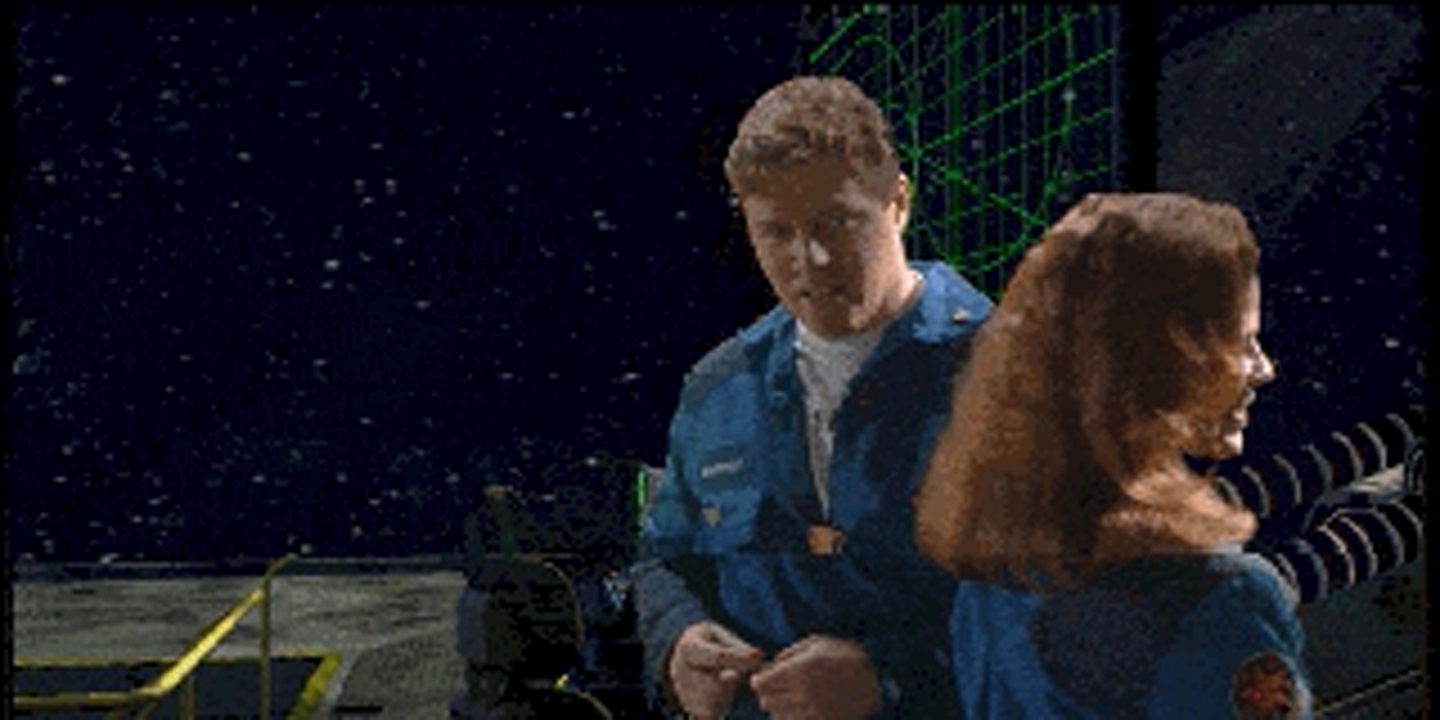
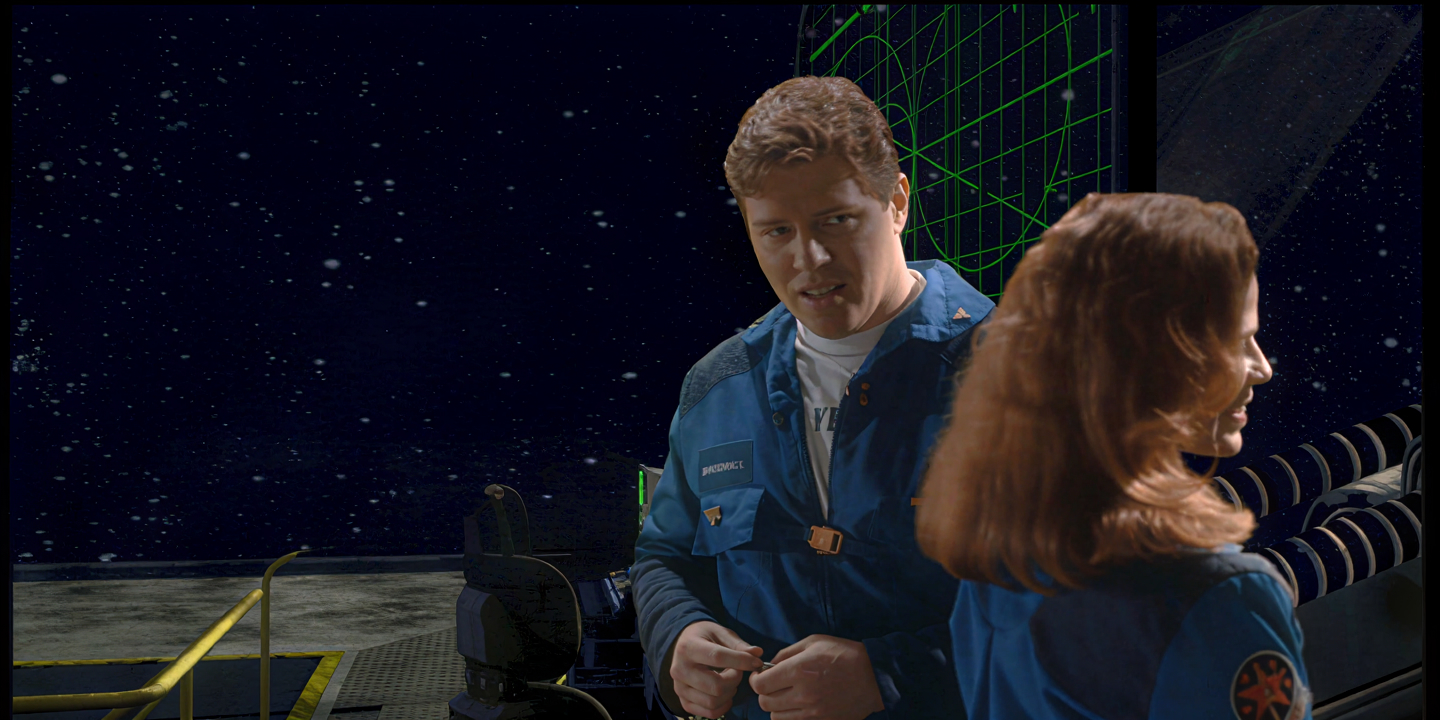
Quality is decent - original:
SLP 3x:
Has anyone noticed this weird shifting effect with Starlight Precise about every .5 second of runtime? It’s very noticeable on backgrounds but also seen through the entire frame.
Yes. Reported here:
A few posts down there are the reasons for this issue discussed.
ChatGPT
"What you found is a small macOS startup configuration plus a Python helper script that integrates Topaz Labs plugins into “Nuke”.
Nothing in the snippets you posted looks malicious by itself. It appears to be part of the Topaz Video AI / OFX plugin integration for “Nuke”.
“Nuke” is a professional visual effects (VFX) compositing program used in film, TV, and high-end video production."
Thank you. Was there a response by Topaz for a fix?
Sort of. But nothing really tangible up to now.
found an issue with SLP in 1.6.0. It will stuck at ‘loading model - estimate’ without error if render 1440p x1. 1.5.0 no such issue. Happen on RTX3090/5070Ti/5090.
I updated my AMD drivers and tried the same clip again. I also disabled the live preview. It took 38:37 this time. That’s quite a bit better and on par with 1.5.0 on the 3080 ti.
I just found that it was not on 2X scale. That was the minimum resolution.
Howdy! Topaz Labs Engineer Here:
This is apart of our install code for our new Nuke Plugin. Our Nuke plugin is an extension of our OpenFX Plugin (standard that works with DaVinci Resolve, Fusion, Flame, etc).
All this does is hide “Topaz Frame Interpolation” in Nuke’s software, as the plugin does not currently work with it right now. This should cause no other change to your system.
Did you have the “Install OpenFX Plugin” checkbox turned on in the installer by chance? If not, then we can investigate further.
Thank you for being dilligent!
Howdy! Engineer @ Topaz here.
The Nuke plugin is an extension of our OpenFX plugin with an extra modification as some of our plugin’s behavior works differently on Nuke vs other OFX Hosts (DaVinci Resolve, Flame, etc)
Did you have the OpenFX checkbox enabled when you installed? If not, then we can investigate further.
Thank you for being dilligent!
I noticed this too. Not sure why it’s happening. 2x/3x are the same speed for processing which doesn’t make sense. Maybe it can’t do 2x and it does 3x but then downscales for 2x? It’s confusing.
Hi, and thanks for your message. I can confirm that the OpenFX checkbox was not enabled before installation. Following previous replies, I even doubted myself so I ran the installer again to make sure. Once again, macOS warned about the “sh”, which I once again disabled from the background processes.
Regards
Andy
Thank you for the reply, when I installed 1.6.0, I had unchecked both plugins. I have submitted log files for the mkv issue, maybe you can find something of help in there?
So, if I understand correctly, the Nuke Plugin should not have been installed in my setup. No worries for me, I will remove the plist file from the LaunchAgents folder and the .nuke folder in ~ to clean things up. If I break something I will let you know.
Edit: removed com.topazlabs.veai.nukepath.plist file, renamed ~/.nuke folder, rebooted, generated new Starlight Precise enhancement with no issues. sh disseapeared from Settings/General/Login Items and Extensions
Please help drop the log files: Dropbox
After removing com.topazlabs.veai.nukepath.plist from ~/Library/LaunchAgents and the .nuke folder (and rebooted), Video AI does not crash on exit anymore…
Edit: sorry that is not the solution, it’s crashing on exit again  it did exit properly a few times before… I emailed new logs to the support team, with the apple crash report
Topaz devs, when NeuroStream 2 will be in Starlight Precise 2.5 for 4070 (8gb)?