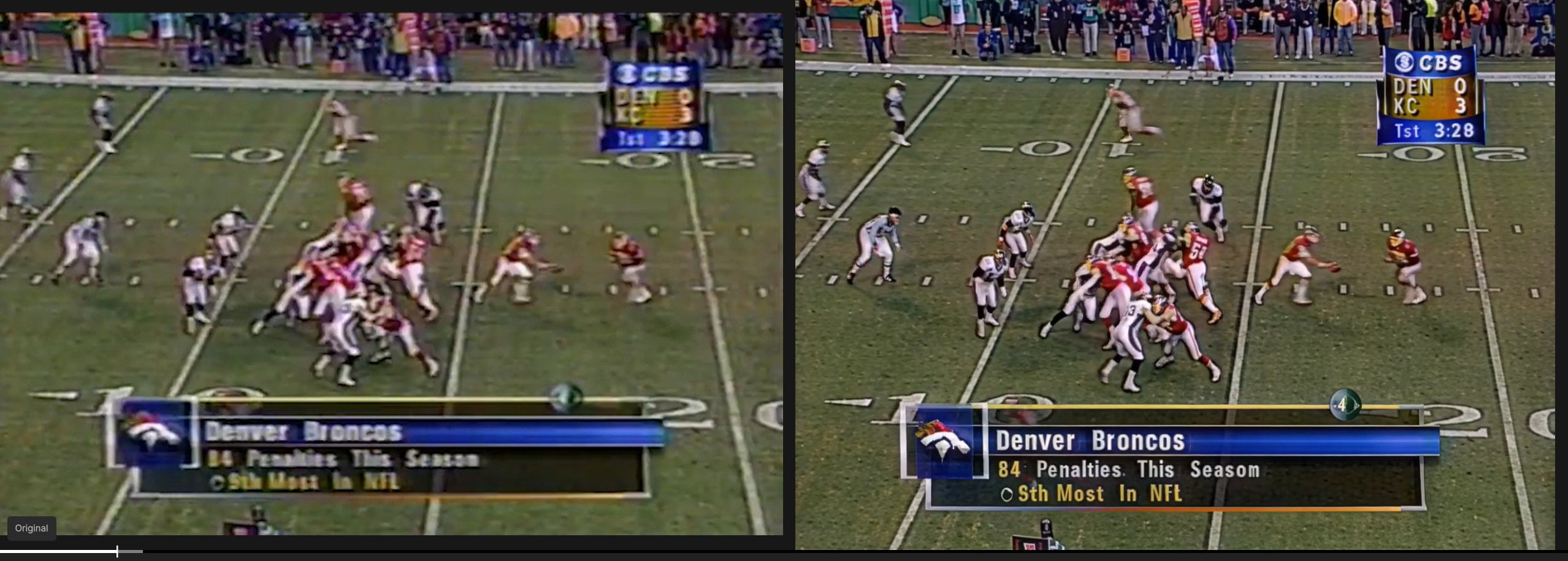
The frame rate (fps) displayed for the Starlight Precise model seems to be incorrect. The video has been rendering for almost an hour and has only processed a few seconds so far. Video length is 30 minutes and 50 fps.
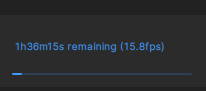
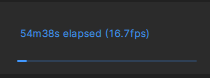
The frame rate (fps) displayed for the Starlight Precise model seems to be incorrect. The video has been rendering for almost an hour and has only processed a few seconds so far. Video length is 30 minutes and 50 fps.
So for you it’s only the new model they added is causing the memory leak. Cause if that’s the case I have to retest because I used the new one and my system slowed to a crawl.
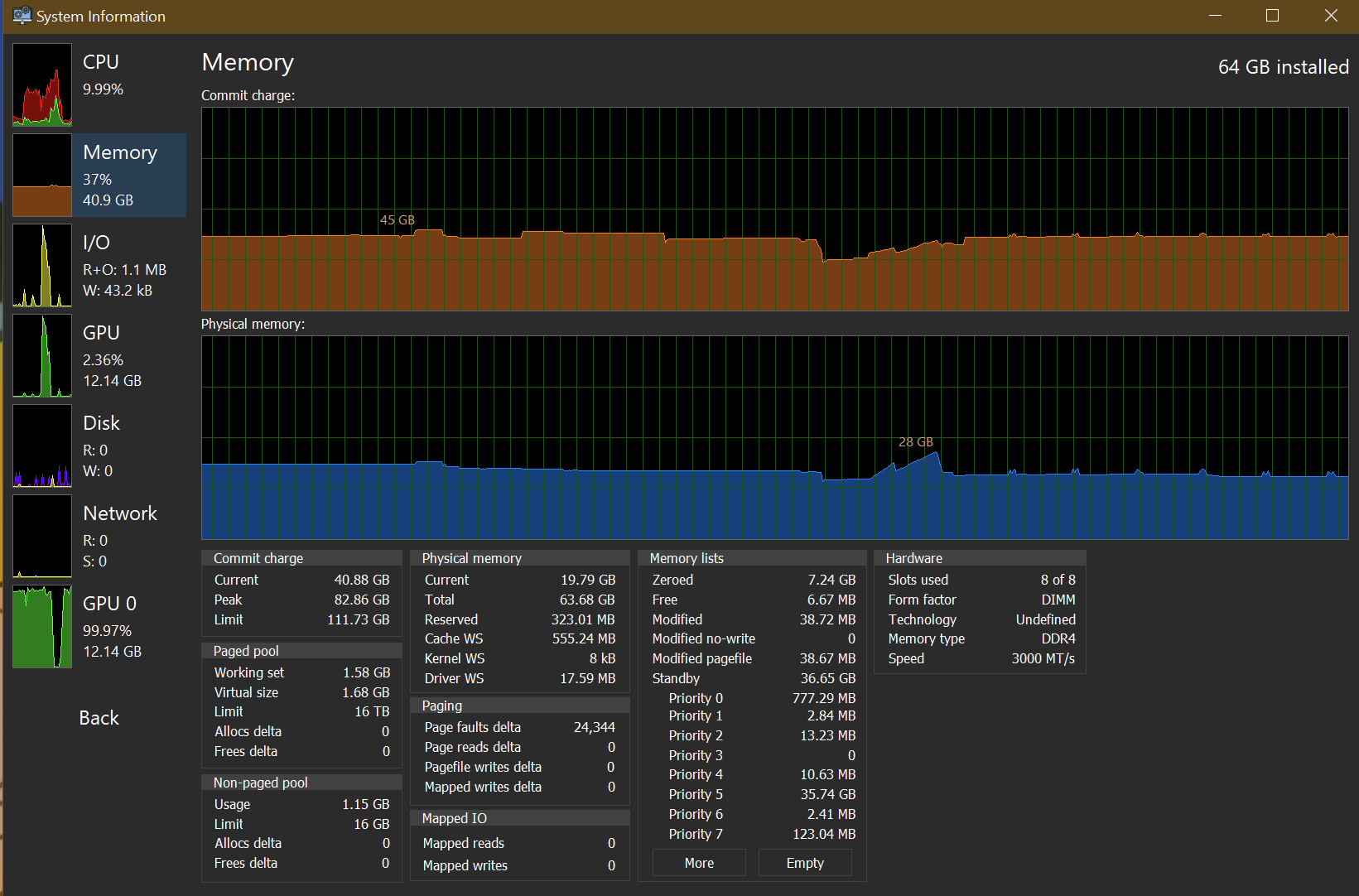
I have constant RAM usage during the processing with SL Precise, I unloaded ComfyUI though, cause I forgot I have Anima model in VRAM, too. 
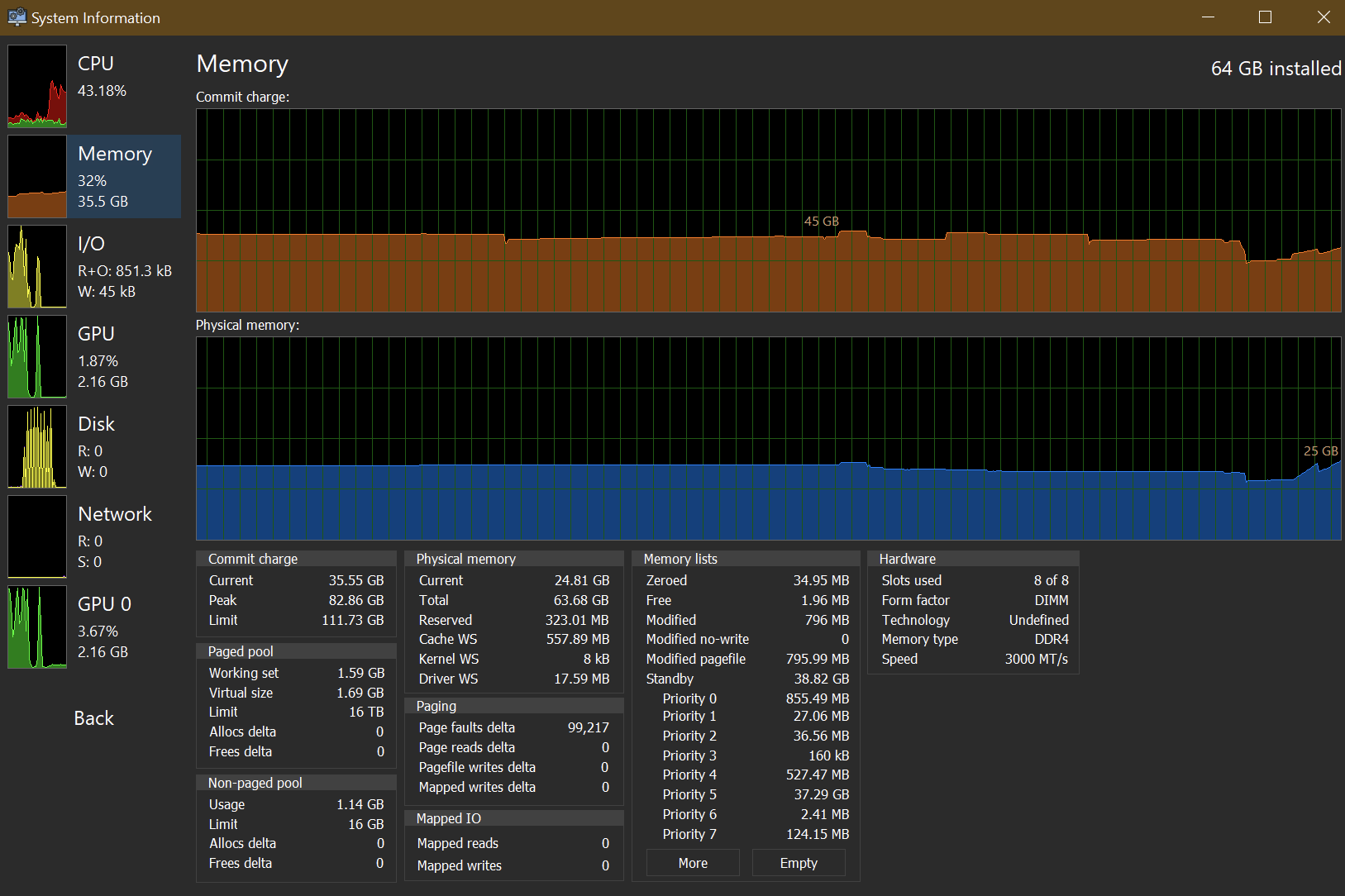
How does it show for you, with loading the model and starting export, if you use System Informer (on my screenshots, it’s that program)?
RAM usage during SL Sharp processing (just finished, which is visible on orange statistic part more):
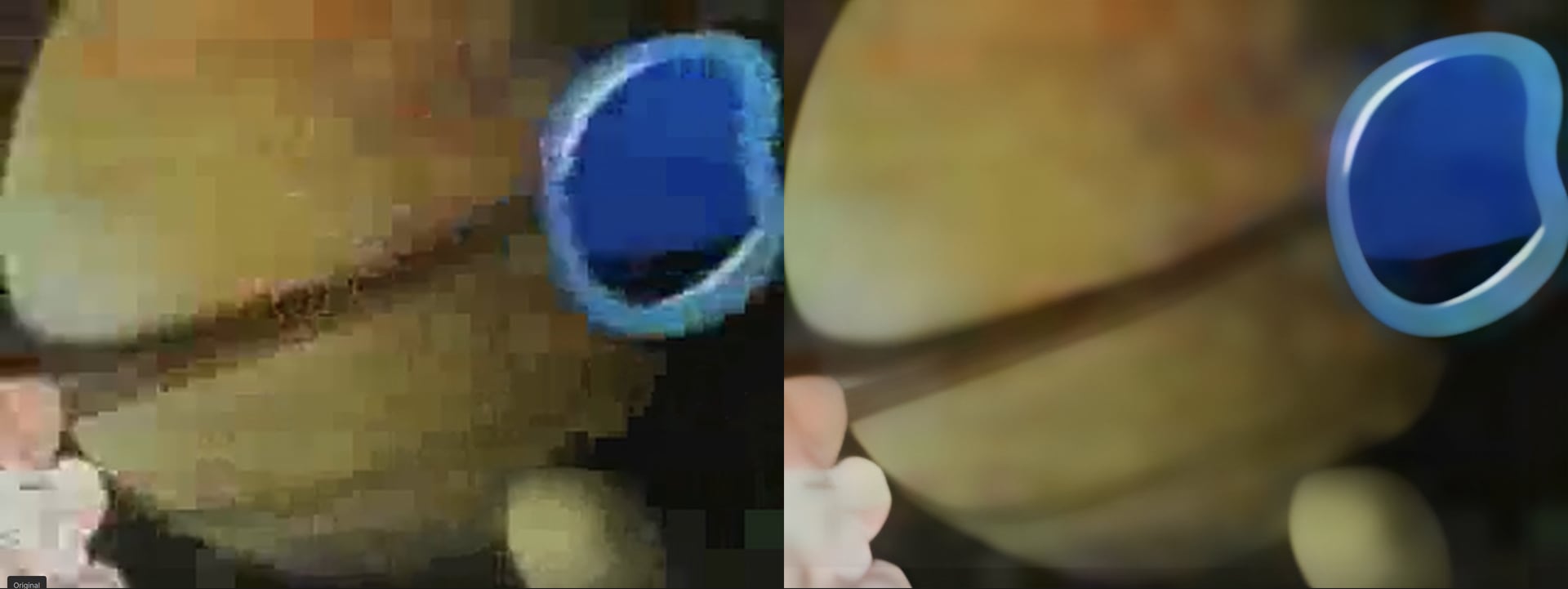
SL Mini with neuroserver looks good for this destroyed cartoon.
I’m still on English OS locale though. For now, I’m assuming it’s better to do so, to avoid issues with [dot] vs [comma].
I’ll have to look more into it but all I know once I used the new one my system slowed to crawl almost crashing. So I have to test if it’s specifically there new model or the new program we have to download to local render because if it’s just that model I’ll Uninstal the new one and use the others until this issue is fixed.
540p-960p with Precise 2.5
i9-12900k with 96GB DDR4 and RTX 5070 Ti - Windows 10
1-minute video render finished in 40 minutes
Was messing around in Chrome the whole time so might impact performance.
Exciting update! The Topaz team is really cooking. We’ve had many model releases in the last few months. I will test this out to see what it can do!
Can anyone else comment on the status of AMD GPU support? I upgraded to a 9070xt a while back and these new local SL models are making me consider finally renewing my subscription with topaz video. Still running 5.3.6 and rhea + manual parameters is my best bet. Most of my personal uses are 1080p > 4K for blu rays. But I also use it for upgrading some professional workloads which are poorer quality.
Starlight Precise worked for me as wel. Provided you render a full video. Rendering just a short segment doesn’t actually work and results in an error.
At first glance, the result is genuinely impressive. The video is still rendering, so I can’t give a final assessment yet, but it looks very promising.
In terms of quality, I’d say this model is on par with Starlight Sharp/HQ. It almost feels like a very intelligent IRIS model.
But i find the hardware requirements a bit odd. When it does work, it’s more RAM-hungry than VRAM-hungry. On my 5090, VRAM usage fluctuates between roughly 6 and 20 GB, and GPU utilization swings heavily between 35% and 100%.
Meanwhile, system RAM sits consistently at a solid 10 GB. My CPU (Ryzen 9950X3D), on the other hand, is practically idle.
Not too bad for a first version of the model.
same here nothing works
I installed the new version and tried Starlight Precise, but I’m getting an error and it’s not working. I tried every possible solution, from installing and completely erasing to reinstalling nothing works
The new update worked when rendering something 1080p, that’s only 20 minutes to 2160p HDR. When I did the stress test of taking something 2160p HDR to 4320p HDR, it failed after a few hours. Locked my system and had to do a hard reboot. Tried to recover, but after 5 minutes the same thing happened. Couldn’t find the logs. Already rolled back to version 1.04. Guess I’ll still be waiting for an update that’s compatible with my system and workflow because I can’t be babysitting a render all day.
I don’t know why, but it’s all working fine for me! Precise is really really great, although on some sources it’s a bit too textured so I’ll be doing some post-Precise work.
Is there any chance of scaling it up for people with better hardware? I have a modded 48GB 4090 and a standard 24GB 4090 in the same system, and even with multi-GPU turned on the main card never used above 15.1GB (the other not used at all). And unfortunately I can see where the batch of frames switches. The program really should take a look at what resources are available and scale to that…
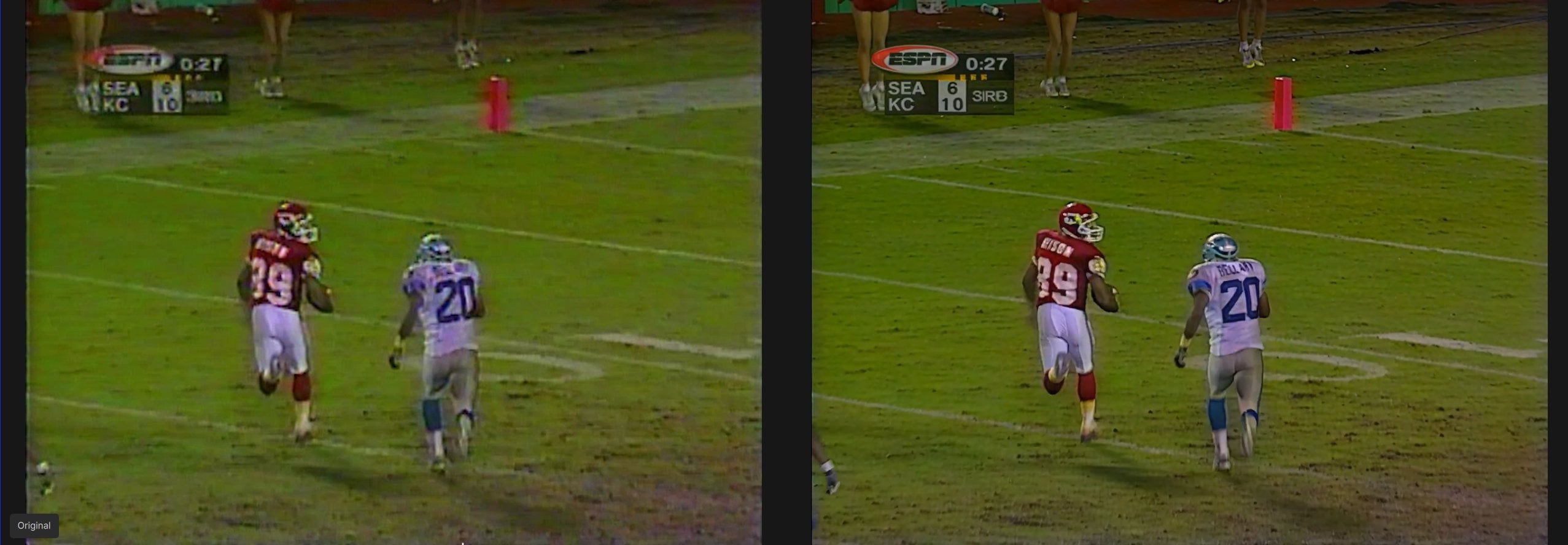
Did some initial tests — the results look great. It might be the best model so far, but it’s hard to compare directly with SLM. It’s sharper, does more reconstruction but less “smooth.” Now we need to figure out the best workflow — maybe SLM first and then Precise, but the opposite could also be interesting. If you run Precise first, one advantage could be the higher reconstruction gain compared to SLM. Or just Precise without anything?
It would also be important to know whether the model is designed for a specific resolution, as is the case with SLS, or not.
It seems to be it does NOT Alien Fonts, that’s great ! 
Something halfway between Starlight Precise 2.5 and Starlight Mini would indeed be interesting.
Maybe a faster Starlight Precise 2.5 if they combined it with Starlight Sharp would be really interesting too.
Spoke too soon… now a bunch of videos are resulting in “error” - it’s not obvious the difference between those that work and those that don’t
@yuzo.nagata @Grammy @billy_reichard @Orion @canax @Ruebarb @bfett81 @brian_sat2003 @dabbechmoheiddine @staticmotion
Hi everyone,
Quick reminder, if you’re running into issues with models or getting errors, we’ll need your logs to properly investigate.
To gather logs, please open the app and select Help > Logging > Get Logs for Support and attach the zip file to your reply.
you can’t render part of a clip, you have to do the whole clip
How we should call it, short name, I suggest “SLP”