Topaz Video 1.4.0

After restarting Topaz Video, Starlight Precise suddenly works. This time I selected the entire video and not just a small test segment. Perhaps that’s the reason.

2 Likes

For me, SL Precise works, Windows 10, RTX 3090 and 591.74 Studio drivers. But I’ve tried it on the whole video, not the part of it. SL HQ failed on me when I selected just the part of it with [ ], so I thought it downloaded erroneously. But I can’t retry it now, as I deleted the blobs. :stuck_out_tongue:

Though, SL Precise works for me also with [ ]. :slight_smile:

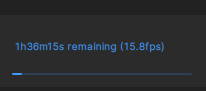
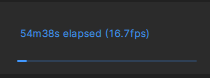
Great results! Even on low quality videos. And very fast! 17-18fps :partying_face:

Original:

Starlight Precise:

5 Likes

For some ‘shots’, SL Precise works wonders,


…but for some - be careful. :slight_smile:


There’s some ghosting from the previous frame, too.

The source is 480x360. :slight_smile:

2 Likes

Whether it’s game drivers or studio drivers, whether it’s a complete video file or excerpts from a video, nothing works. I always get an error message with Precise.

1 Like

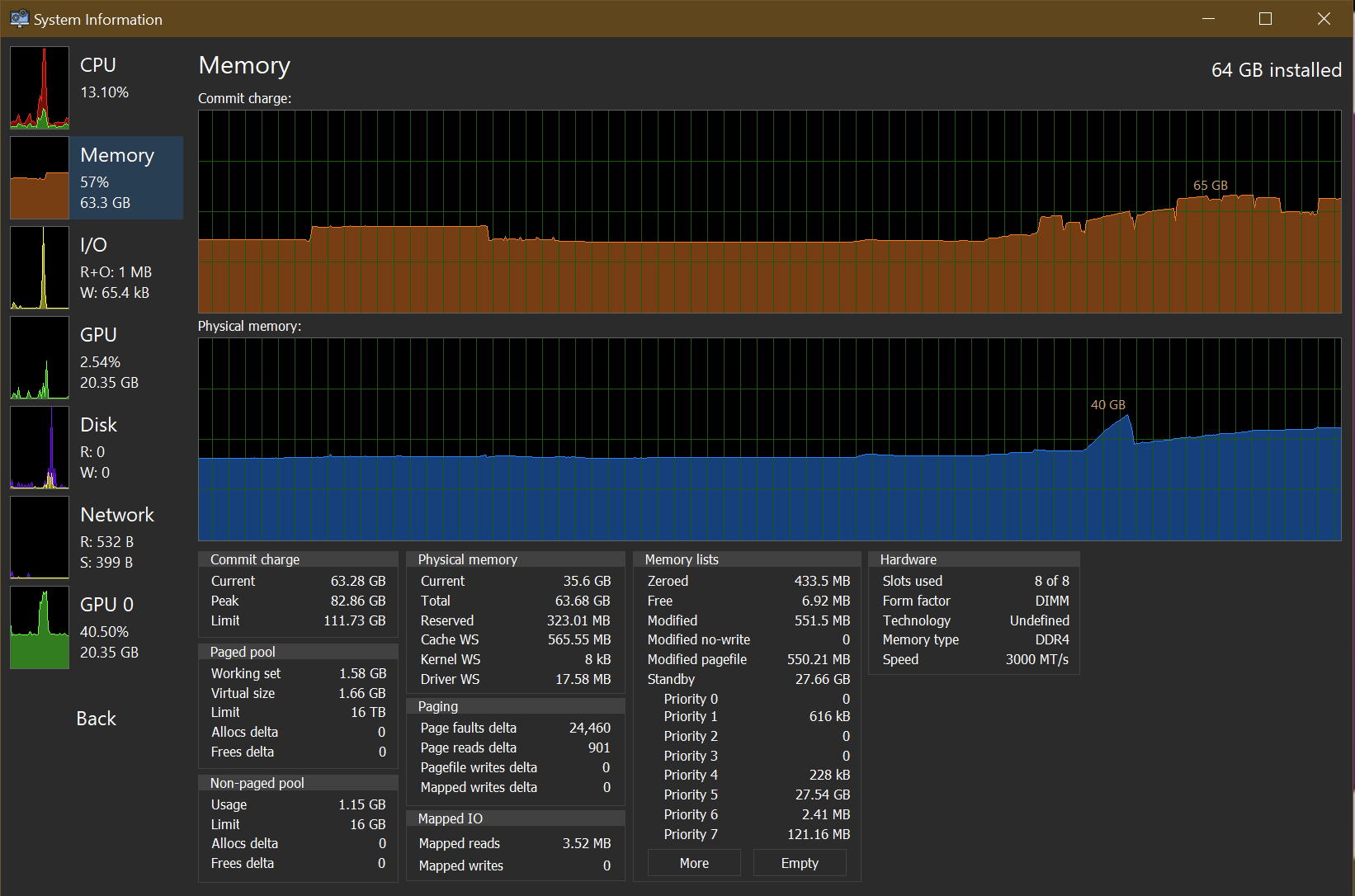
Starlight precise also not working when trying to process a portion of a video. Also appears to be a memory leak with neuroserver, it is eating my entire system memory of 64gb.

1 Like

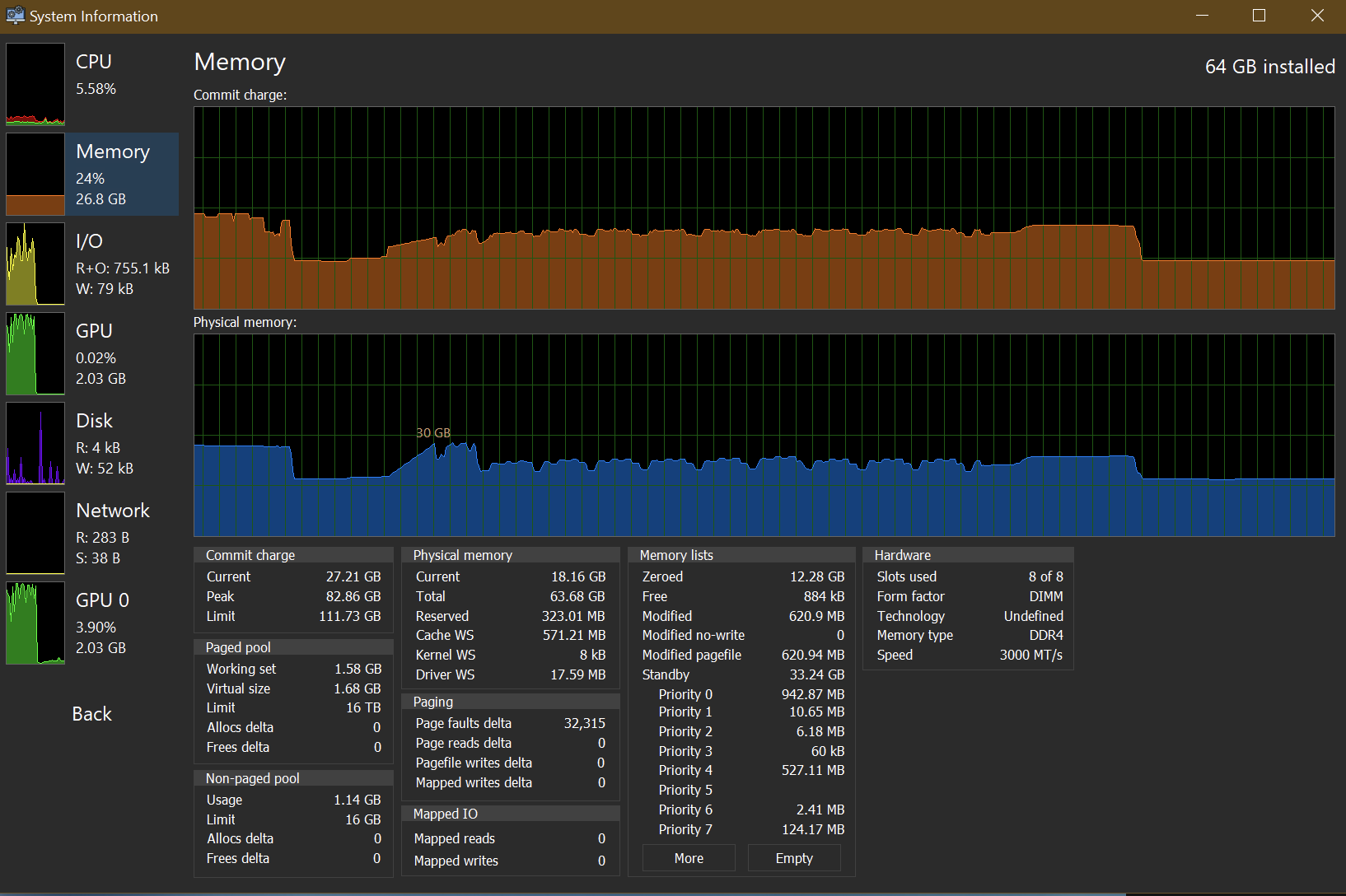
That’s how it looks like for me, with ComfyUI and Firefox launched, too:

The spike is the moment the model was loaded in RAM, some portions landed in virtual memory, it seems.

Ordy animation:

Crazy good, and, a couple of frames later… Ghosting. :slight_smile:
But the results are amazing for the model NOT intended to process LQ stuff.


Ordy’s got prominent facial hair here. :laughing:


Even if it’s garbled, it’s still amazing. :slight_smile:

1 Like

Testing it out on a football game!

Topaz 1.4.0 Starlight can’t process HQ, Precise, fast

Partial or full

HQ - last working on 1.3.1

Fast - last working 1.3.1

1 Like

How big is the SL HQ model for you? I had only 2.6-2.8GB of blobs, so I surmised it was incomplete (when it first downloaded itself and ‘finished’)?

I only get errors on 1.4.0, HQ worked on 1.3.1. I did not do a full video yet, a partial test only

The model is in different format now, for neuroserver to manage, so there are bound to be some issues.

Yeah this isn’t working for me, either. Updated the application and rebooted. Selected a 1-minute 540p clip to upscale in Precise. Starting the render fills up entire system memory of 96GB and gives an error on the render.

Other models work, at least Mini works, just tested it.

Will you guys be fixing the memory leak issue can’t really use any of the starlight models with out all my systems 64gb ram being used. Did not have this issue with previous update 1.3

That’s how it looks like on my Win10 system - SL Fast 2 loaded, did its thingy, and unloaded. The previous memory usage spike, of the left, is during SL Precise processing, which I cancelled (Ordy destroyed animation looks better with Fast 2 testing).

I’m using 591.74 Studio drivers though.

Sick to death of Topaz not focusing on MAC systems, at all.

2 Likes

Precise is now working for me. I let it work on a whole clip I uploaded instead of a one-minute selection and no crash.

I wonder if they have to convert the model for Mx GPU architecture first? Or re-train the model for this SoC?

This, a thousand times over. I’m so sick of this.