Yeah I’m just not seeing the idea of SLM as a first pass a good idea.
I’m going to try an SLP 1x and then a SLM 2x and see what it gives.
Yeah I’m just not seeing the idea of SLM as a first pass a good idea.
I’m going to try an SLP 1x and then a SLM 2x and see what it gives.
in case Using second enhacement with Proteus natural for perfect skin tones
I’ve been following everyone’s trials and errors with great interest, and your insights are always helpful. My focus might be slightly different from the mainstream here, as I mainly work with FHD sources and have been focusing on how to suppress over-restored details to achieve a more refined look.
I use Iris MQ as a second pass specifically to dial back the excessive textures generated by SLP. By using Iris’s manual settings, I can effectively suppress those over-processed details and refine the edges to be much thinner and more natural.
Nice. Is this your workflow?
At that resolution, is SLP really necessary? Why not just use iris mq or proteus natural to go to 4k?
SLP is definitely necessary. My workflow is SLP 1x → Iris MQ 2x.
In my experience, SLP’s ability to recover detail is in a different league compared to any previous Starlight models. Neither Iris MQ nor Proteus can generate such fine detail from scratch. Even with high-information FHD sources, I’ve found that SLM can sometimes turn small faces into ‘monsters,’ whereas SLP handles them flawlessly.
However, because SLP’s recovery power is so high, it often restores skin imperfections—like acne or rough textures—that weren’t even visible in the original FHD close-ups. Iris MQ helps to milden those over-restored textures. I’m still fine-tuning the Iris settings, but I have a good feeling that the final results will be exactly what I’m looking for.
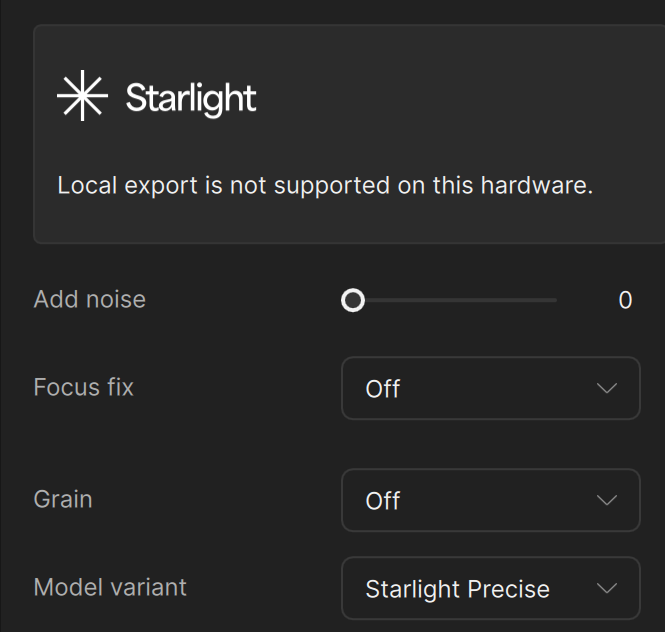
I purchased Topaz Studio and am having many problems; nothing works properly. So I uninstalled and reinstalled it, and it improved a little, but many problems persist. Before, all the Starlight models were available locally, but now only the Precise model is available. Is this a bug or a subscription limitation? I need to decide whether to request a refund within the 2-day period.
CFG:
9950x3D
64GB DDR5 6000Mhz
RTX 5090
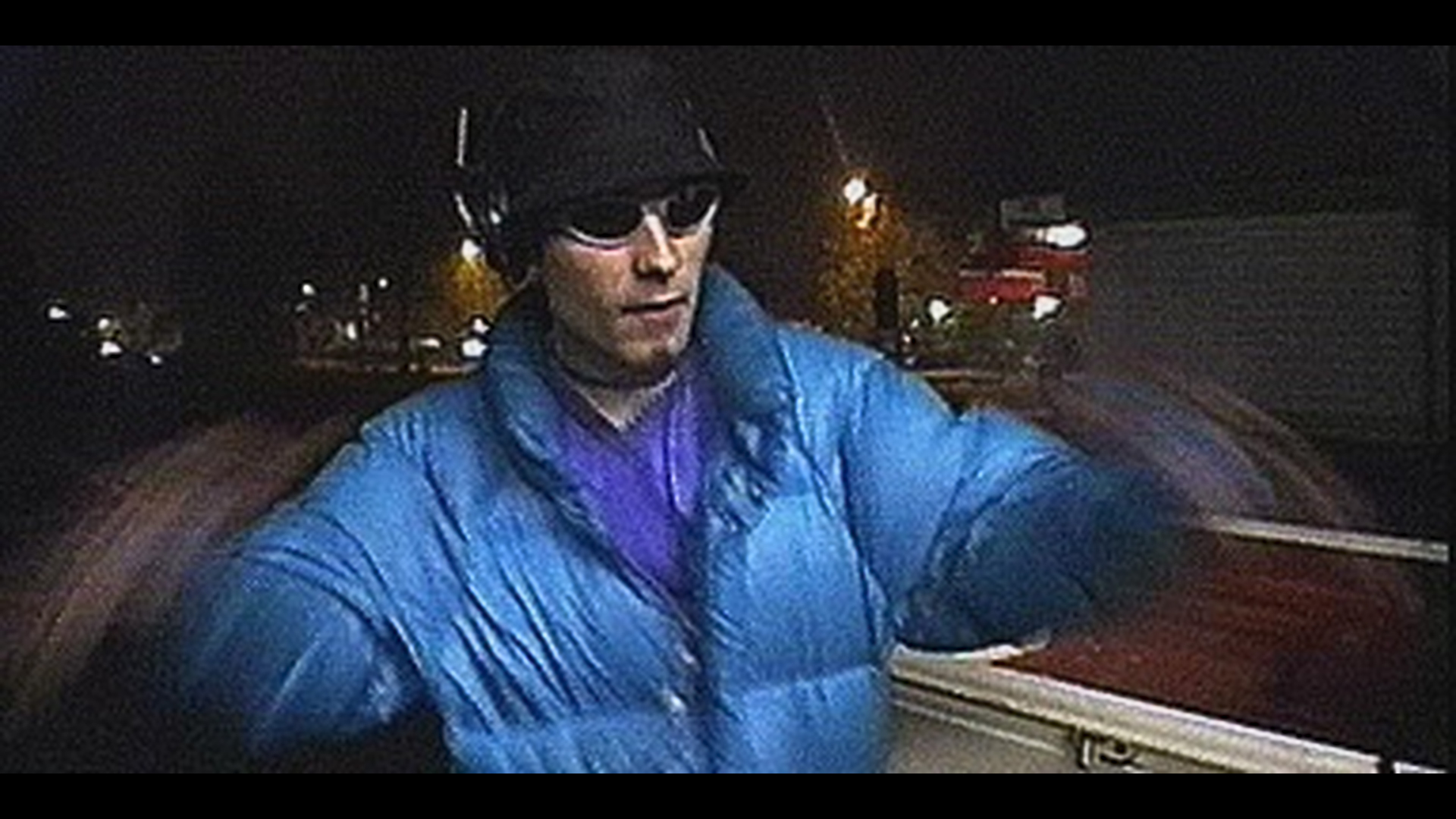
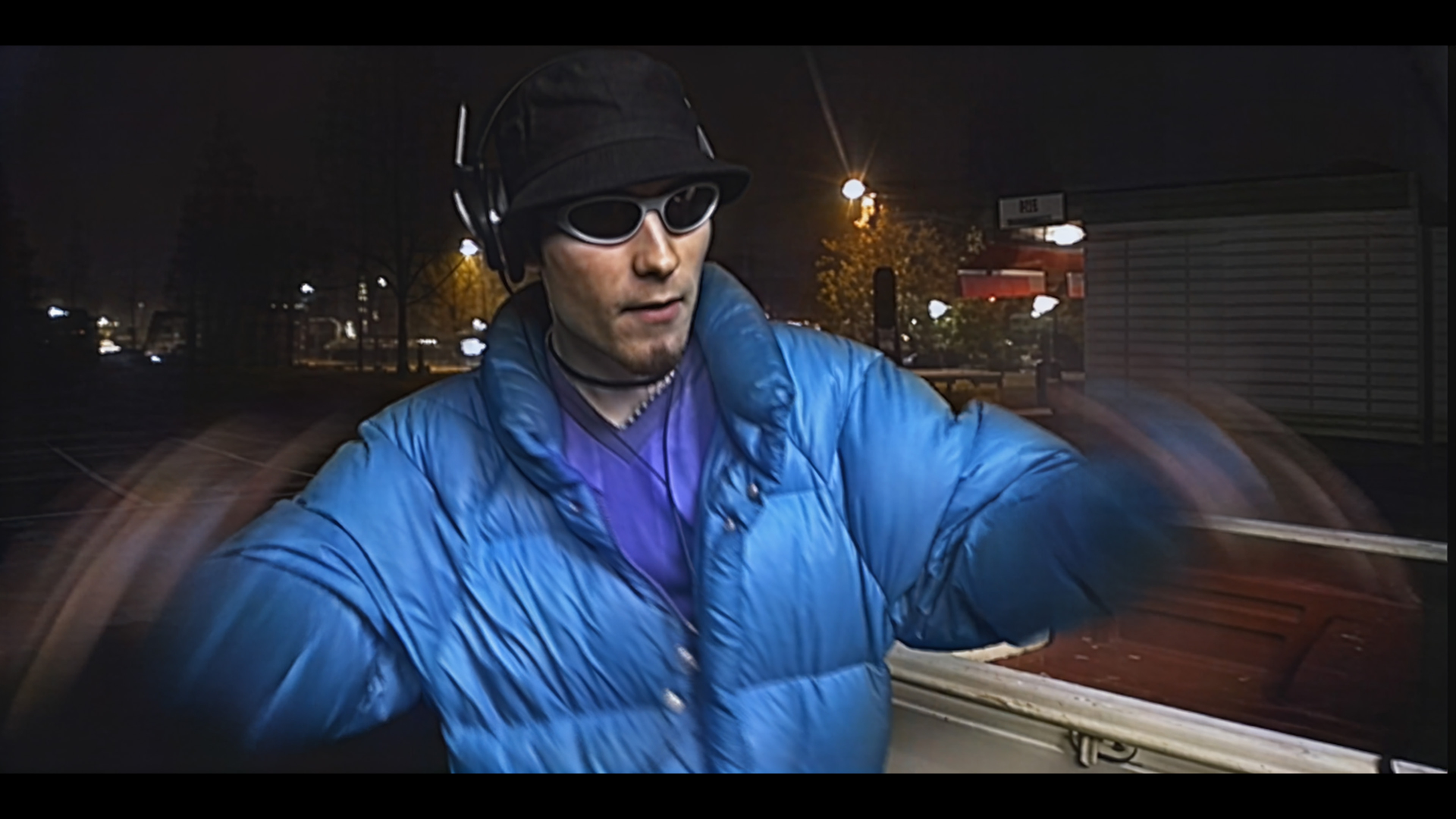
Original:
New remaster:
My skin was actually much smoother during that shoot. (Smooth like a 21 year old’s butt)…
But I will add some grain to make it look right.  I think it happened because during those frames there is slow-motion, so SLP does not have as much info to dig up, as frames are repeated…
So this is pretty RAW…
Made using @hi8upscale’s special 5-export & blend for zero detail update issues with SLP.
As you can see there are no longer any issues with motion blur when using this process.
I’ve found the cause of why only Starlight Precise isn’t working, even though Starlight Mini and Starlight Sharp are working fine.
It doesn’t work when the environment variable CC is set. Once the CC environment variable is removed, it starts working normally.
Oh yeah I mean that would be the most ideal solution for everyone.
Been playing some with SLP and I want to congratulate Topaz on a fine effort. You guys have done a fantastic job and making it available locally is a real triumph. I will have some constructive comments at some point for sure but for now want to extend a well deserved hand to the team.
Pulling out or more specifically recreating details and textures from VHS footage that would have seemed beyond impossible only a short time ago. I would say this is the leap again that SLM was in the first place. Impressive!
I suggest (for a 480p video) the next order: SLP (original resolution) –> Nyx XL or Proteus at 1080p –> SLP at 4K (2x Upscale)
my specs are:
i9 13900KS
64 GB DDR5 at 6800 MT/s
RTX 5090
I suggest to you change RAM’s speed to stock, also, make sure to update your BIOS. Are you using Win 11 or 10?
Anyone else noticing the last frame is missing after SLP 2.5? Consistently minus 1 frame at the end of the output.
yes same here
Starlight Precise, regardless of resolution, consumes up to 96GB of RAM before crashing, and this happens with only 1 second of video selected. Sometimes it works even with the same settings.
mpute Capability so there must be a bug im
Stated in the release notes in the OP it’s currently Nvidia only.
Did you read the release notes?
SL Precise currently is nVidia only.
They are working on MAC and AMD versions.
Maybe by the end of this month.