I also heard the speed gain is low using two GPUs, so maybe it’s better built a second pc with the second card, pc can also built with used hardware.
The only limitation of SeedVR2 is your hardware, it is a stand alone software.
You can run it in the cloud from many providers if you wish so.
I run it locally with a 5950X and RTX4070 and get 1fps to 4fps depending on source file.
1 Like
The hardware that SeedVR2 was trained on is Nvidia H100 with 96GB of VRAM.
We can assume it will work without limitation on such hardware, like 80GB Nvidia A100.
Anything less - like even top Nvidia 5090 has to use tricks to split input and output videos to tiles, offload excessive memory to system RAM, which slows down processing, but makes it at least viable.
Starlight does the same, but without user controls - and I’m totally happy with that. You don’t know the number of trial and error I had to do before calculating SeedVR2 working parameters for 8Gb Nvidia 3070.
2 Likes
Right? At the very least the release notes need to acknowledge the issue and state some status on it—but they don’t even do that.
1 Like
In the works. They will be coming in the future.
7 Likes
Release notes link in the app links to the “Video AI” (instead of just Video) old section fyi, possibly other things with similar issue
is there upgrades coming in Starlight model? more quality upgrade, to the sky hehe
2 Likes
a price upgrade 
i’m not sure.
libcrypto-3-x64.dll was not found / cannot verify files
If runner.exe complains about missing DLLs, %TVAI_MODEL_DIR% should have a subdirectory called DLLs. Manually copy any DLL that it complains about from %TVAI_MODEL_DIR%\DLLs to %TVAI_MODEL_DIR%
For example:
cd %TVAI_MODEL_DIR%\DLLs

copy libcrypto-3-x64.dll ..
since renewing my sub it says all starlight is only on cloud?
Hi.
Yes, that’s true Cloud Rendering only unless you have a Pro Subscription which has the option for Cloud and Local Rendering
Hope this helps
now “cannot verify files”
That’s bummer. In fact, Topaz Video 7 was the best option - it has Starlight local rendering.
2 Likes
Make sure you have run the Video AI GUI, logged in, and closed the GUI. Runner.exe utilizes the auth file that the GUI creates. You should only have to do this once.
If the auth file doesn’t exist, runner.exe can’t prompt you for login credentials; it just fails.
Also, make sure the base Topaz Video AI directory is in the system path. On my computer, this is
C:\Program Files\Topaz Labs LLC\Topaz Video AI
Correct. And up to now the best quality version, also.
But only for NVIDIA, unfortunately.
I just stopped Apollo8 calculation while doing SceneDetection after that my PC runs totally crazy a lot of ffmpeg.exe crashing right after another forcing me to restart my PC.
After that Topaz Video 1.0.4 didn´t start just the MainPage opened and freezes
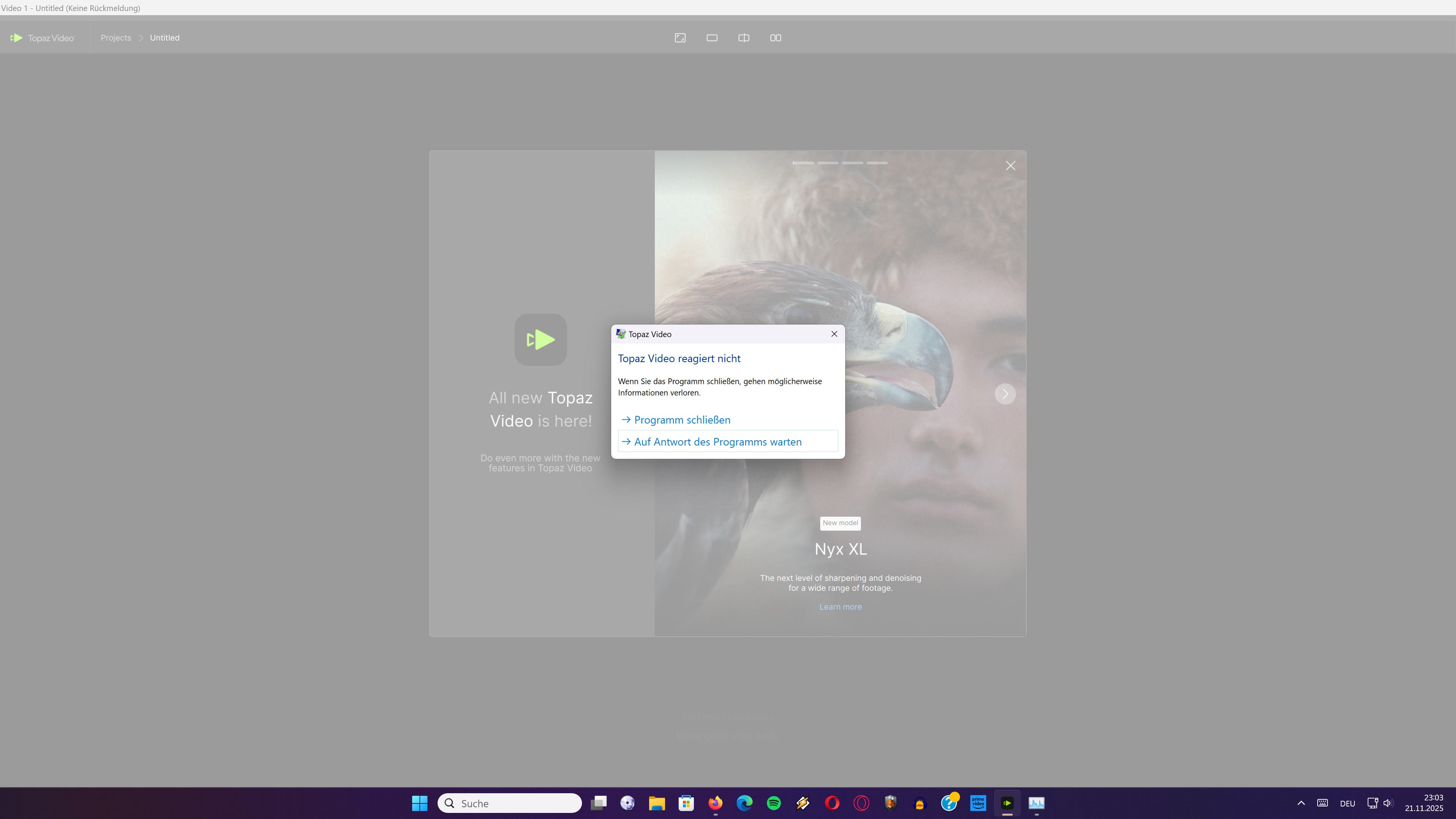
Starting TopazVideo-1.0.4.msi gives me an option to repair → no change
Also trying Deinstallation/Installation is showing no differences Topaz Video 1.0.4 ist freezing in right after start…looking at the taskmanager i see CPU for Topaz Video is still consuming 5-10% and Memoryconsumption is changing…
Deinstallation gives also an option to delete more data….no change
No i get this:
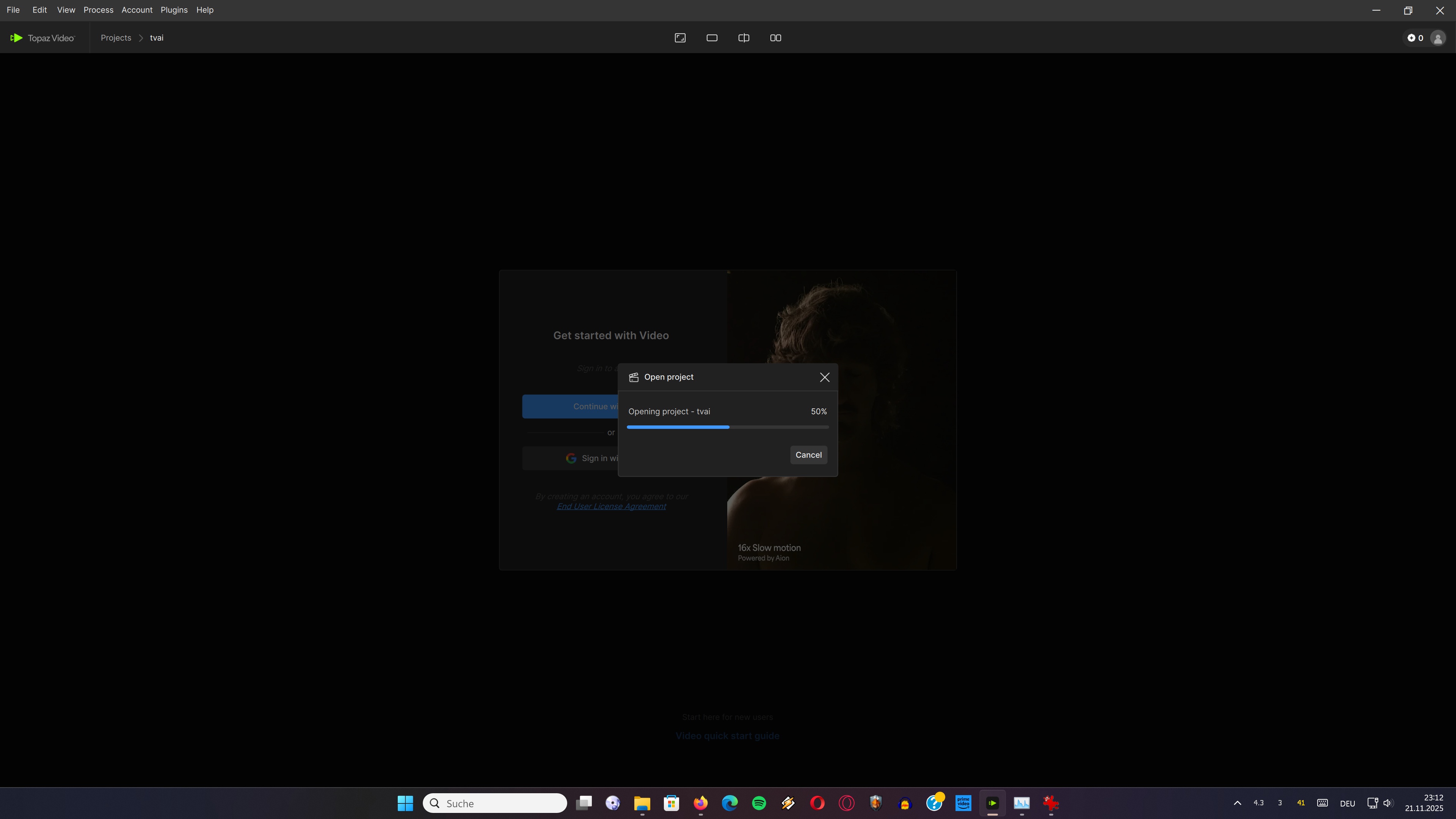
but Topaz Video is still unusable….
Is there a way to delete the corrupt ProjectData it seems to try to load ?!
I found it:
C:\Users\MyUsername\Documents\Topaz Video Projects
By the way when will be a new Patch out ?
The last was 15days before…there is really some bugfixing needed !!!
Aborting an calculation or closing Topaz Video shouldn´t result in total instable windows to be forced to reboot…critical while working on other things in the background…writing mails, texts or so.
logsForSupport.zip (2.1 MB)
1 Like
Apollo is not working properly in 1.04. I had a lot of issues with it in the current version. To solve the problem I went back to 7.1.5 and it works fine again!
1 Like
to no avail
I´ll give it a last try now…
I just started Topaz Video in order just to use Apollo8 with SceneDetection going up to 25fps.
But it seems not a good idea to try out the play button in exports and after that leaving exports after pausing that play…i wondered why the right side of the screen was empty and tryed to restart the export player with leaving the export and reentering it(that worked good in the past in order to bypass those lazy bugs)…maybe before and after is hopefully visible again in the export player…but this time Topaz Video just was gone and the TaskManager shows nothing.
I thought now when i start TopazVideo it will just freeze in…and yes exactly that happened.
So i deleted my previously created Project Folder and after that TopazVideo is again able to start without freezing in….
So in order to use TopazVideo you are only allowed to view the progress bar in the export and do absolutely nothing else here…don´t start the play…don´t leave the export section.
Shame on you topazlabs…a release should be nearly rock stable no matter what i do especially when stopping a calculation or closing the app.
After that the app should be able to recover to the last state in order to continue or at least restart from the beginning.
Both isn´t possible at the moment.
I let that “thing” now running until tonight…seeing if it´s doing it´s thing while not touching….sadly enough to say…
Professional Software would like act better…
I just renewed my subsription…that was maybe a fault.
Does anyone know another company doing this kind of ki stuff but is maybe better working…i would/should like to change to another program ?!
Experiencing nearly every week another problem with Topazlabs doesn´t make much fun anymore…spending the whole evening to find a way to get Topaz Video back the be able to work(hahaha…) with…
3 Likes
