Hello!
Just wondering what performance is like running on AMD rx 9070 or XT using the starlight upscaler.
I have a 4070 super and am wanting to know if the upgrade would be worth it.
Hello!
Just wondering what performance is like running on AMD rx 9070 or XT using the starlight upscaler.
I have a 4070 super and am wanting to know if the upgrade would be worth it.
The installer lets me set a different folder / disk for data directory for models, but when I try to use Starlight, the System Check only checks disk space on the disk where Topaz Video AI is installed instead of the selected disk for the actual models…
Edit: Nevermind, it just disregarded the setup and even though it created the folders, the settings was not set in preferences.
Errm, there is no 7.1.5.
There is as of 2 days ago. But you can be easily forgiven for missing it because it didn’t get a dedicated post.
It’s linked here in the 7.1.4 post: Topaz Video AI 7.1.4
Ah OK.
I didn’t notice this and even looked in the “releases” subforum. Normally they change also the threads title if they update the thread..
I also have to use windows to fully close the app now. I have windows 11, Nivdia 3060.
Me, I saw it mainly when I opened my software. I saw the update, which I then downloaded.
Upgraded this music video I did in 2009, originally mastered in SD PAL 16:9 (720x576), to 4K using Starlight Mini. Took about a day or so for the processing, utilizing my 4070 Ti Super…
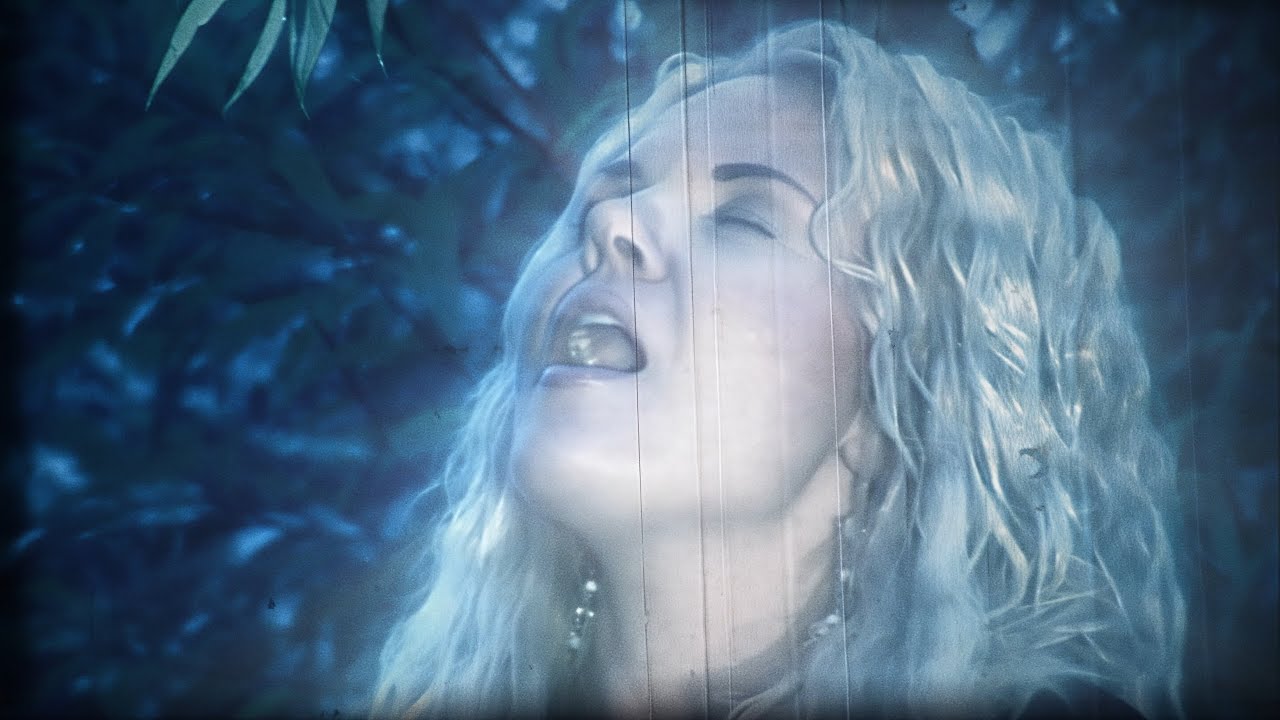
Super-Happy with the results! 
So I am generally not complaining and very grateful… I am totally stoked and in a WOW bubble. Starlight Mini just fixed all of the ugly MPEG2 HDV1080i50 compression artifacts from the Sony HVR-Z1 camera by default and made it look like I shot it on my BlackMagic Pocket 4K yesterday… Which is perfect!
Exactly what I want from this software… 
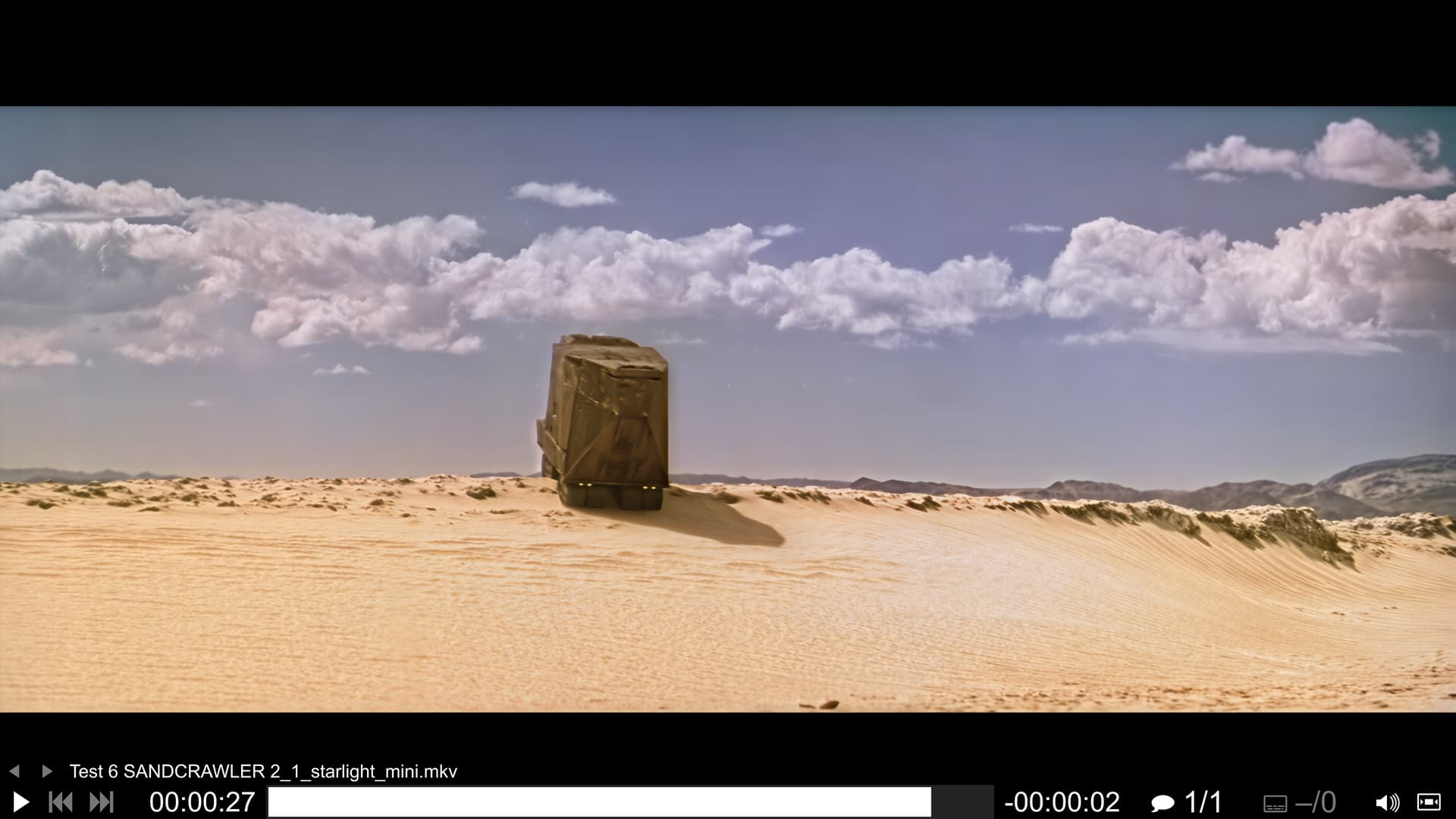
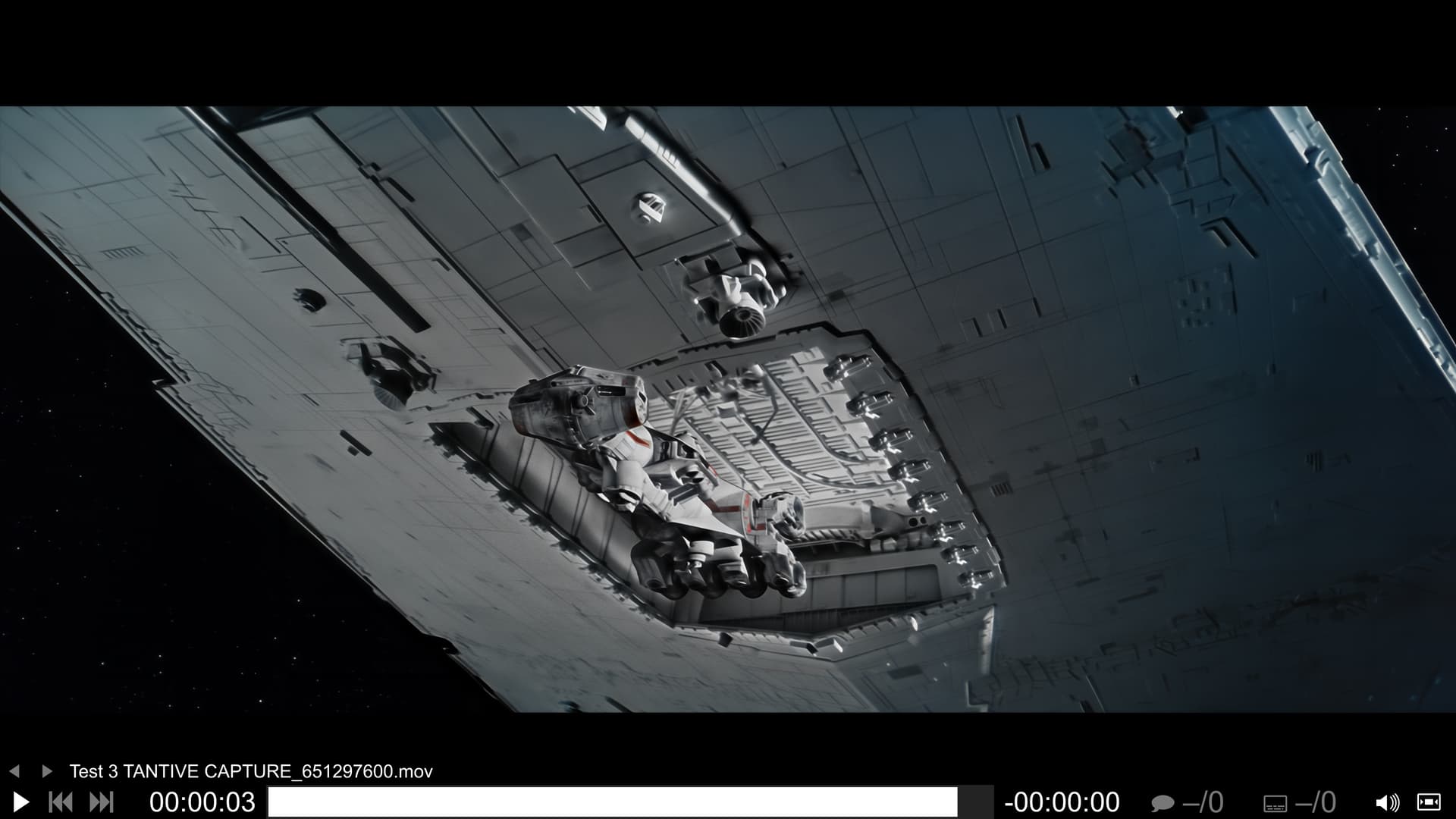
Also using it for shots of my ongoing 4K77 - “The Skywalker Edition” remaster:
;D
I have a AMD RYZEN AI MAX+ 395 / 128GB RAM with a fresh install of TV 1.0.1 on Windows 11 25H2 and Starlight gives me an error after loading the model:
2025-10-05 18:03:28 2332  CRITICAL:  ONNX problem: Run: C:\Users\alexa\topaz-labs\onnxruntime\onnxruntime\core\providers\dml\DmlExecutionProvider\src\ExecutionProvider.cpp(946)\onnxruntime.dll!00007FFBBBBD39D6: (caller: 00007FFBBBBD4040) Exception(3) tid(91c) 887A0005 Die GPU-Geräteinstanz wurde angehalten. Verwenden Sie GetDeviceRemovedReason, um die erforderliche Aktion zu bestimmen.


2025-10-05 18:03:28 2332 e[1;31m2025-10-05 18:03:28.3435080 [E:onnxruntime:, sequential_executor.cc:572 onnxruntime::ExecuteKernel] Non-zero status code returned while running DmlFusedNode_0_1 node. Name:'DmlFusedNode_0_1' Status Message: C:\Users\alexa\topaz-labs\onnxruntime\onnxruntime\core\providers\dml\DmlExecutionProvider\src\DmlGraphFusionHelper.cpp(1078)\onnxruntime.dll!00007FFBBBBEED6C: (caller: 00007FFBBBC7EC2C) Exception(4) tid(3d24) 887A0006 Die GPU antwortet auf keine weiteren Befehle mehr. Dies liegt wahrscheinlich daran, dass von der aufrufenden Anwendung ein ung CRITICAL:
 Model couldn't be run for outputName 2025-10-05 18:03:28 15652 ["output"] CRITICAL:  ONNX problem: Run: Non-zero status code returned while running DmlFusedNode_0_1 node. Name:'DmlFusedNode_0_1' Status Message: C:\Users\alexa\topaz-labs\onnxruntime\onnxruntime\core\providers\dml\DmlExecutionProvider\src\DmlGraphFusionHelper.cpp(1078)\onnxruntime.dll!00007FFBBBBEED6C: (caller: 00007FFBBBC7EC2C) Exception(4) tid(3d24) 887A0006 Die GPU antwortet auf keine weiteren Befehle mehr. Dies liegt wahrscheinlich daran, dass von der aufrufenden Anwendung ein ungültiger Befehl übergeben wurde.


2025-10-05 18:03:28 2332  CRITICAL:  Unable to run model with index  0  it had error:
2025-10-05 18:03:28 15652  CRITICAL:  Model couldn't be run for outputName ["
output"]2025-10-05 18:03:28 2332  CRITICAL:  Caught exception in tile processing thread and stopped it msg:
unable to run model with index 012025-10-05 18:03:28 12412  CRITICAL:  ONNX problem:
2025-10-05 18-03-32.255 Thread: 17520 Info FF Process Output: 10
Not sure if the Topaz Video Beta forum has been opened? If so how can we request access?
Did you upscale the music video to 4k using only starlight mini? And did you use 1.0.1 to do it? It looks great! Also, the skywalker remaster looks amazing!
Yeah, used Starlight Mini in 1.0.1. Thanks, man!  Some time in the future you will probably be able to see Skywalker. It will take time tho, for it to be fully completed. Life project….
It looks good! Maybe a bit Halo here you can “break” with a little bit dehalo or Unsharp filter. I’m divided about grain, because it covers up details. I think grain is useful when there are deficits with textures, which could be the case here, which is often the case going to 4k when source was only sd
It is my artwork, so sorry that I will not comply to your feelings about it. I have even added extra sharpening in Resolve Studio after the Starlight Mini processing. But thanks for the comments anyways.
Regraining for me is a must in many cases. Luckily YouTube compression is now so good that grain is no longer compressed into oblivion…
There is really no need to comment on The Skywalker Edition. It is my personal project that I do all by miself, so I do what I think looks and feels the best in my own eyes… I was born as an artistic prodigy, so my choices are generally pretty well considered. People always have diverse opinions. I cannot please all of you other STAR WARS fanboys at the same time. So I please myself, and hope that most of you will be pleased also.
The remaster will not have heavy regraining applied, just a thin layer of fine real 35mm film grain. One of the main points of the project is to make it look as if it was done using a 4K scan of the original negatives….
To me this looks pretty much perfect:
Maybe not to you? Not really mi problem tho… (sorry for being a little bitchy) 
that wasn’t a criticism and just what i personally think, I wrote it looks great. this was only meant as an indication of what you can additional do, but do not have to do. For me, I just realize that Starlight produces some halo effects and I try to correct that because I like it a bit smoother, but not everyone has to like it, you have to like it what you do 
New finding: Starlight in TopazVideo obviously doesn’t do 4x anymore on NVIDIA.
The speed now is the same as with a 2x upscale here - 0.4fps on a RTX 4070 - and also the artifacts with logos/text look exactly the same at 4x vs. 2x - while in TVAI 7.0.2 there are deliberate differences between both with (3x and) 4x handling text/logos much better than 2x but also being MUCH slower (<0.1fps).
With AppleSilicon version the behaviour is more like in TVAI 7.0.2 with 4x upscale being extremely slow but yielding much better text.
So, obviously, in TopazVideo (Studio) Starlight on NVidia chips currently only does the 2x upscale model and anything higher is just upscaled (lanczos or similar).
EDIT: seems this is a bug where Starlight refuses to accept your chosen upscale factor and also shows the wrong intel in the export window regarding the outputs real resolution. By forcing e.g. 4K it does still do higher upscales than 2x.
Looks like 4K to me tho. On a Z840 Windows 10 workstation. I had similar issues, because I chose the “wrong” resolution. Got 1280x something, even tho I set it to higher. Choose the UHD setting. And I now get 4K+.
And use MediaInfo to check the actual resolution of your files produced.
In the future I am pretty sure Topaz will fix this…
Thanks for sharing your results.
*lol* cheap trick, then it’s a downgrade and I don’t use the Studio Version 
I am a Founding member (thank you very much) and have v1.01, but I still do not have local export functionality for Starlight.
I thought something weird was going on with starlight…..I hope it gets fixed! Do you know if this issue also affects 1.0?