I have tried to run some project through Topaz Video V1.0.0 - Everytime I run Starlight, close the program, reopen and setup for a new Starlight project, the program runs system check and downloads Starlight again! V1.0.0 doesn’t seem to remember Starlight.
VAI and Beta versions no problem?
1 Like
Same here
Why is Topaz Video AI 7 saying Update Available (with the New Studio option next to it) and the AI 7 updates to Studio? Give us the option to hide those if we have no intention of subscribing.
2 Likes
Hope you are doing better!
1 Like
Video Studio resolution is stuck at 2x for file output even when I choose 4x for Starlight Mini. No such issue with 7.1.4
RheaV1 and RheaXL has built in “Recovery Orig. Details 20” sometimes I use RheaXL as Finisher for Starlight on Close-Up scenes and then I use the CLI to and I set Rec.Orig.Details to 0, the results is not that hard and the glossy effect reduced.
1 Like
Didn’t knew that Rhea had built in recovery. Still in my experience, it crushes the details too much. Rhea has a lot of potential, could probably even replace Proteus as the default model, but it still needs some tweaks and improvements to better handle MQ & HQ vids.
For those with ProRes export issues, a temporary workaround can be to export as FFV1 in MKV instead. Gives the best quality possible also (lossless), especially if one chooses 4:4:4 10 or 12-bit. Big files, for sure, but some of us have big drives too. I can even playback the unfinished file in MPV while processing for preview. 
3 Likes
RheaXL pronounce details and does not lower it. 100% agree Rhea has potential and needs tweaks as you said. What Rhea can do on faces disortions, theets and fonts is sometimes disturbing, usage pends on footage. It also can produce jagged contours, footage must be smooth enough for using Rhea, then this does not happen.
Lowest problematic is running Proteus over Starlight, but a little boring it just doesn’t bring the big wow effect what Rhea(XL) sometimes can do (with all his problems)
What also works is using 1x Iris MQ, it does a good job, low-medium denoise effect by keeping the details. What also works is Iris LQ as finsiher, then mostly you must increase “Deblur” levler up to max. 100.
The good is, Iris LQ does more reconstruction than Iris MQ and can bring a lot here on low quality footage, but it takes less care to textures and the bad is, Iris LQ traces contours, like a small black border around, which Iris MQ doesn’t
it really pends on the situation/footage and there is no perfect fisnisher, everything has its advantages and disadvantages
4 Likes
Hi.
Try activating from this link
Account Status
Hope this helps
1 Like
I’m experiencing the same. And for me, the program won’t close properly on PC, it just hangs and I have to force quit it using Task Manager. I was wondering if this maybe was the reason why it did the system check and redownload of Starlight every time.
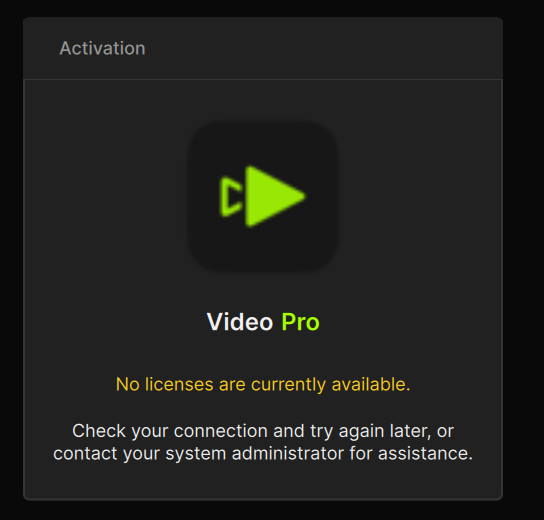
You obviously selected the “Pro” license - likely you just gave a standard one?
no,I should have the pro license
Maybe the transition has not been completed?
Better call support directly with this issue…
Hi Sam.
Here’s the link to check your Topaz Studio Status
Account Status
Here’s the link to contact Topaz Support directly
Topaz Support
support@topazlabs.com
Hope this helps
2 Likes
I’m an early founder user and got the email stating
- You get grandfathered local access to the Starlight models (for video) and the new Wonder AI model (for image).
but my Starlight option only shows Cloud Export and no local?
macOS Sequoia Macbook Pro M4
Have you had an email from Topaz to say your Topaz Studio has been activated check the link below
Account Status
Hope this helps
My subscription shows Topaz Studio as Active.
I thought the new Video release includes 300 monthly video credits. Mine still shows 200 credits I had with legacy version before I upgraded. Anyone else seeing this?
1 Like
