Hello everyone!
This release includes the following changes:
- the amazing new Wonder 3.5 model
- unlimited output size for Neuroserver models
- new camera support
- metadata and optional watermarking for compliance with California AI Transparency Act
- many bug fixes.
You can find the installer links and the full changelog below for this version of Topaz Photo. For any issues, make sure to send us an email to support@topazlabs.com
v1.7.0
Released August 25th, 2026
Windows: Download
Snapdragon: Download
Apple Silicon Mac: Download
Intel Mac: Download
WONDER 3.5 is here!
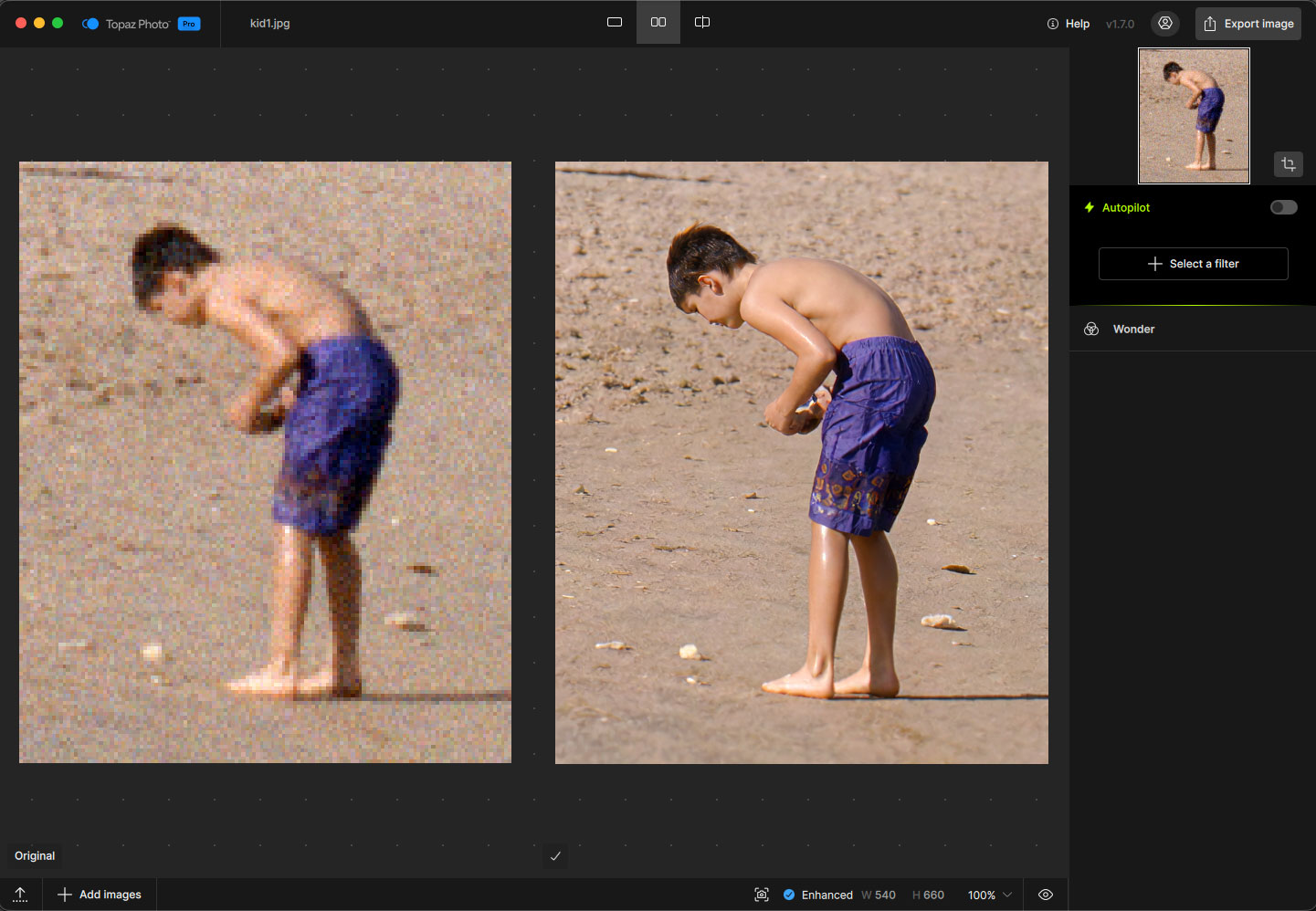
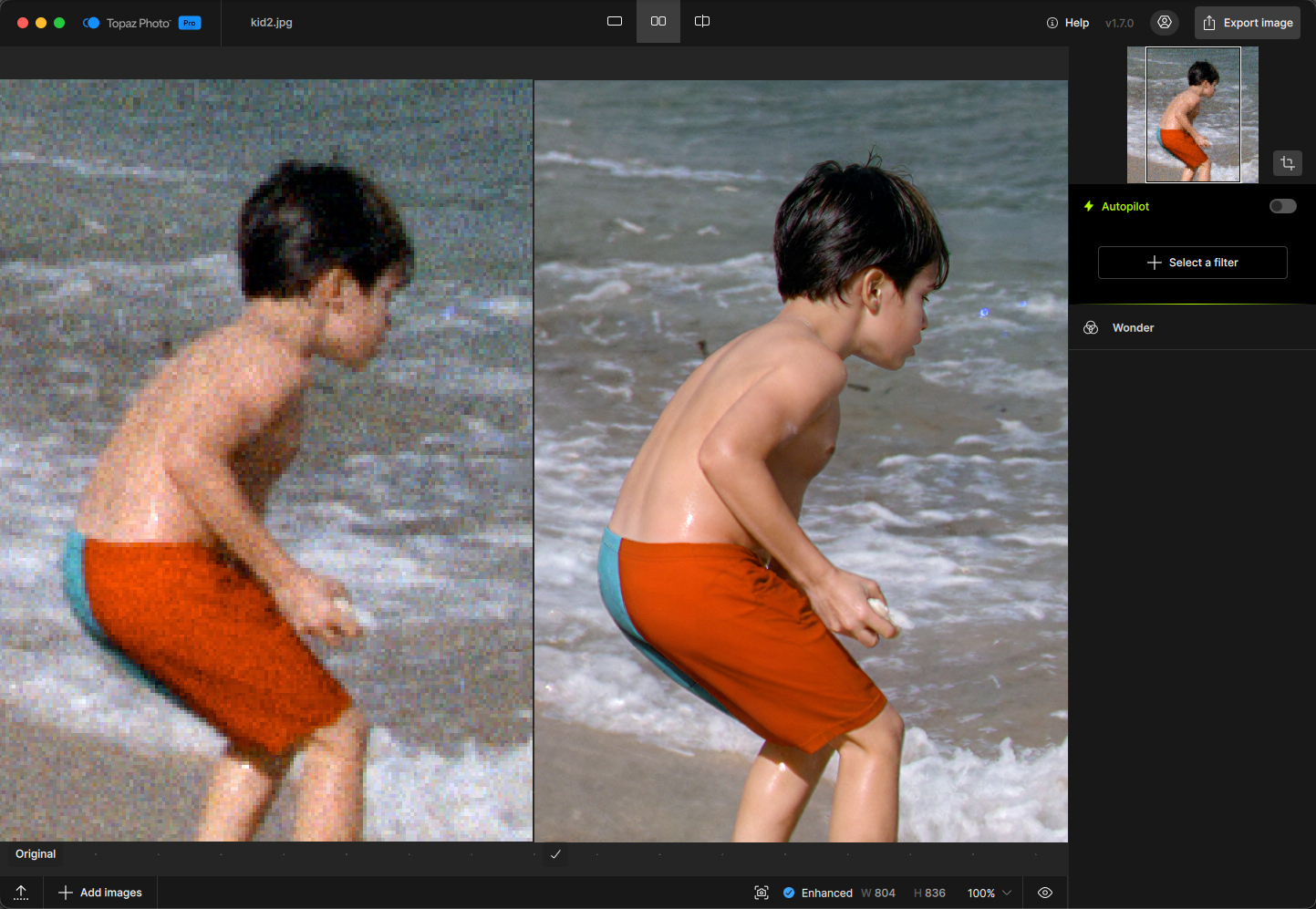
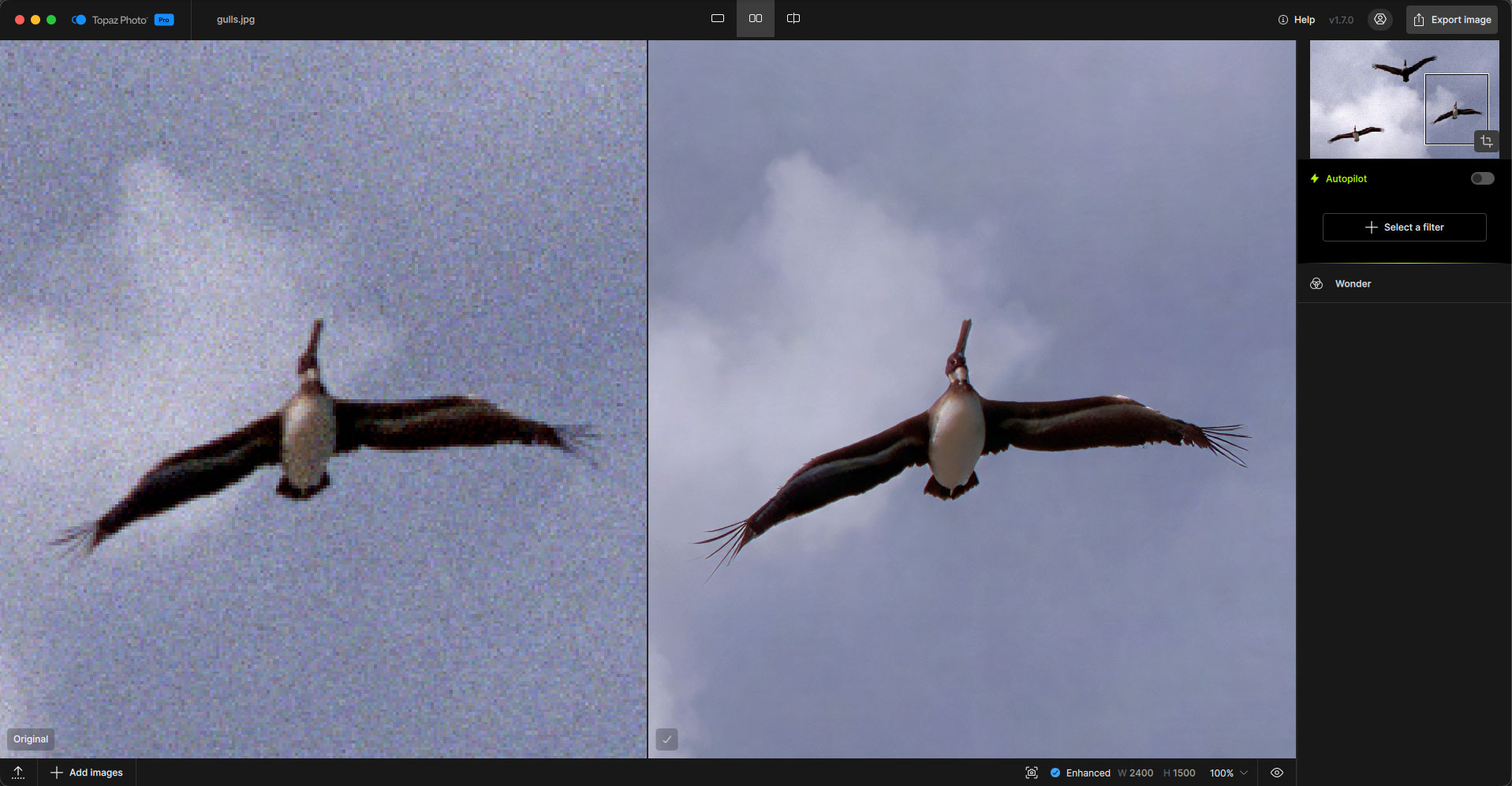
Wonder 3.5 builds on Wonder 3 with higher detail, greater precision, and more natural realism. Same generative upscaling model you already use, improved across the board.
You get finer detail with fewer repetitive patterns, better handling of visual noise, and stronger results on the heavily degraded and compressed images that are hardest to recover. The biggest improvements show up on low-resolution and compressed photos, creating clearer detail and sharper text, and on structured graphics like tables and charts, where it’s noticeably more precise. It still holds strong across portraits, landscapes, wildlife, and complex textures.
What 3.5 improves over Wonder 3:
- Higher-quality results with increased detail and improved realism
- More transformative enhancement for low-resolution and compressed photos, with better detail and text clarity
- Fewer repetitive patterns and improved handling of visual noise
Despite these improvements, the processing speed is exactly the same. All gains, no losses!

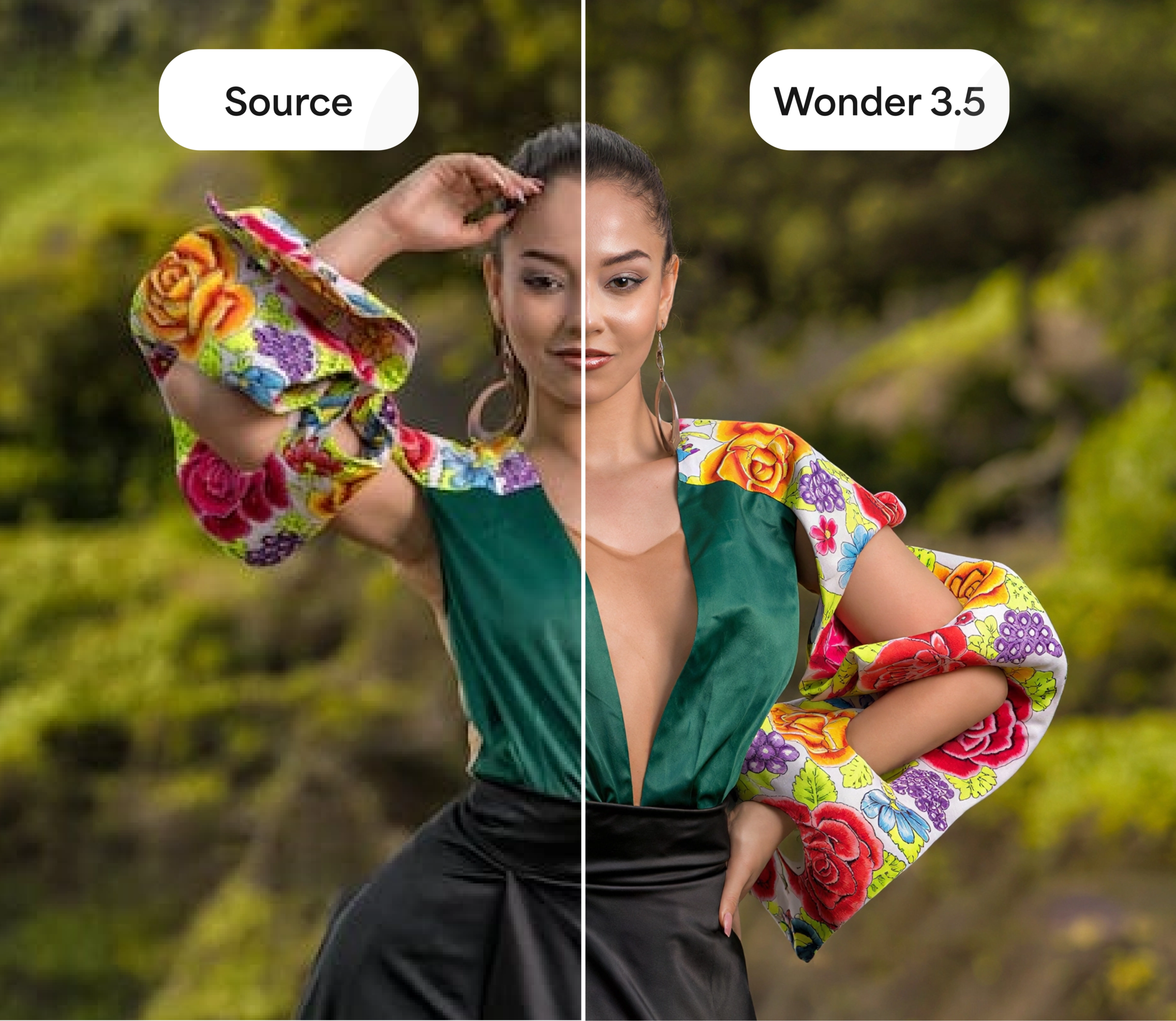
As usual, Wonder 3.5 comes with both local and cloud render. Cloud render has a 100MP output limit. Local render is now unrestricted for output size!
No More Limits — NeuroServer Local Models Now Run Unrestricted
Last version, NeuroServer received significant local processing speed improvements - processing was made 2x faster on Mac and up to 4x faster on Windows systems with 8GB/12GB VRAM GPUs.
In this latest version, we’ve now removed the previous processing limit for NeuroServer models when rendering locally (was at 192MP). If your machine meets the requirements, you can now upscale to larger output sizes locally without the previous cap.
This means that the following Neuroserver models can work with images of all sizes and formats, including high quality files such as TIFs, RAWs, PNGs, or JPG XLs.
Combined, these changes make local processing both faster and less restricted for large images, high-resolution outputs and batches.
New Camera Support
We’ve added highly requested RAW support for 3 new cameras, continuing our effort to ensure your files import and process correctly from the start. If you shoot with any of the cameras below, you should now be able to open and work with your images in Topaz Photo without extra conversion steps:
- Sony A7RV
- Sony A7RVI
- Sony Alpha 9 III
Please try loading RAW files from these cameras and let us know if you run into any issues with import, color, or processing. Your feedback will helps us validate and finalize camera support for these.
Metadata and Optional Watermarking
In accordance with the California AI Transparency Act (CAITA), we’re adding the following changes to Topaz Photo to meet the requirements:
-
Embedded metadata, called Content Credentials, noting that an image was processed with our application. Any image can be checked at the inspect tool to verify this metadata.
-
Optional watermarking for anyone who wants to use it. Watermarking is default off, to turn it on go to the Preferences > Export menu.
The watermark looks like this, in the bottom right corner of your image:
-
We’ve updated the EULA to reflect these changes.
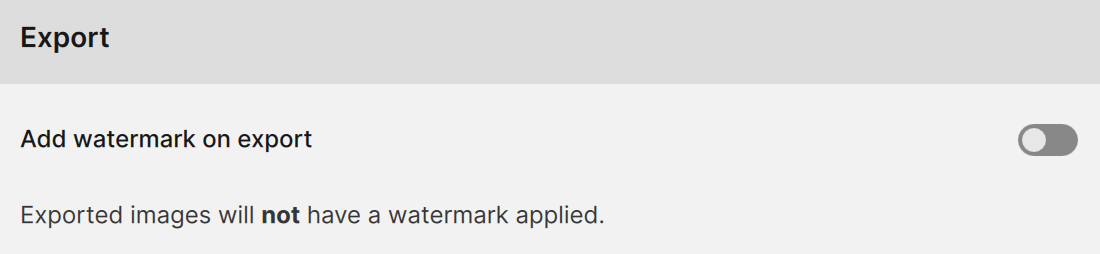
Image output quality will stay the same. The only visual indicator will be the watermark if you turn it on. Find details about the CAITA here.
Known Issues
- The new paywall screen gets cropped off at the bottom when the app window is at its minimum size, hiding the “Switch account” button
Changelog
- Added Wonder 3.5
- Remove restriction on Neuroserver output size (was 192MP, now up to max output size)
- Added new camera support: Sony A7RV, Sony A7RVI, Sony Alpha 9 III
- Added new watermark options now available in the export settings
- Expanded metadata support
- Super Focus v3 works on RAW images
- Fixed an issue where AI model installation could fail for users without admin permissions
- Refreshed the paywall design
- Fixed an error preventing a model from downloading in Portrait mode on Windows
- Fixed a crash that could occur when running the Auto-pilot across multiple files at once
- Fixed a black square outline artifact appearing with Recover faces 3 when using cloud processing
Lingyu Kong
Technical Product Manager
Image AI
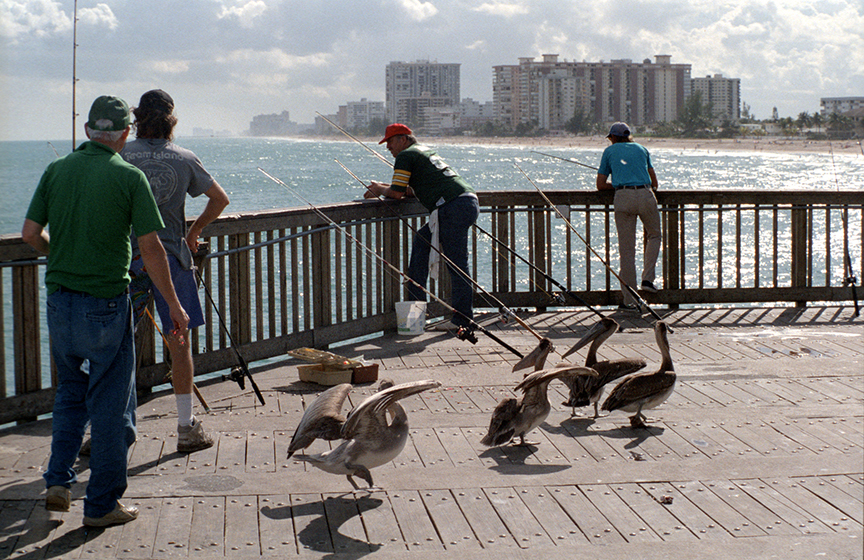

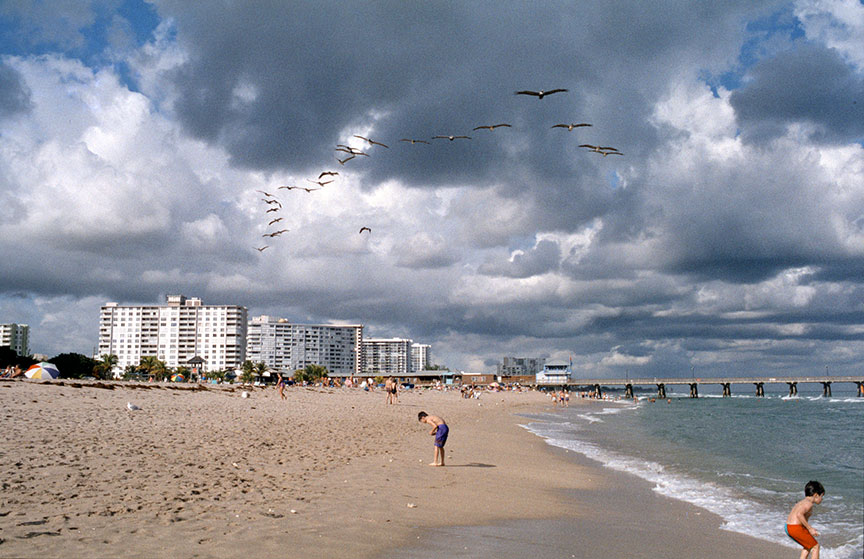
 . I tried it with a photo enhanced in 2018. It recognized that it was enhanced with Gigapixel AI 8.2.2 (the version I was using at the time). That’s amazing.