Are the devs allowed to say whether or not they’re working on a new Wonder model? I still think Wonder 2 produces better results…
@partha.acharjee - tagging you to be sure this is seen!
4 Likes
@bitfidelity - Yes, there are Wonder model updates in the works. Whether a future update produces better results for your specific image will depend on the type of file and what you’re trying to recover.
To relay to the development team - send to support@topazlabs.com an example where you prefer the results from Wonder v2 over the v3 model, and I can relay to them. Make sure to send in your email:
- The original image.
- The Wonder 2 result you prefer.
- The Wonder 3 result that you don’t like.
- The scale factor and settings used for each result (for example, 2x, 4x, etc.).
Once you’ve sent the email. we can relay your examples to the team working on Wonder. Comparisons really help to see where the model is doing well and where it still needs improvement.
6 Likes
I tested up to 350 MP with our minimum spec already. I will check whether we can go more than that.
2 Likes
It would be great but the model isn’t designed to handle outputs this large. When it divides the image into so many tiles, it loses the context of the image and can’t understand the shapes or what it’s trying to generate.
Wonder 2 did well with that.
But now it seems its at a state from early this year, when the dot comma problem did exist.
I hope this will be fixed too.
I did write about this, but maybe it waan’t noticed.
https://community.topazlabs.com/t/wonder-white-edge-on-subject-in-wonder-2/102890
I keep on getting this error message, I’ve followed the link to learn more and followed the instructions but it doesn’t resolve this error:

At the moment Wonder 2 will not get any further updates and we had relayed your issue flagged to the development team. As you know the v2 model is not for large images and issues using it with large images would not be supported.
Once the Wonder 3 updates or a new model is released let us know if any artifacts occur and we can relay to the développement team.
This is most an issue with the flexible models, for which we have a fix (link below)
If any issues remain, the guide will also have steps to gather files to send to support for us to sort it out!
2 Likes
I know, but it did well with large images.
I hope it does get adressed.
1 Like
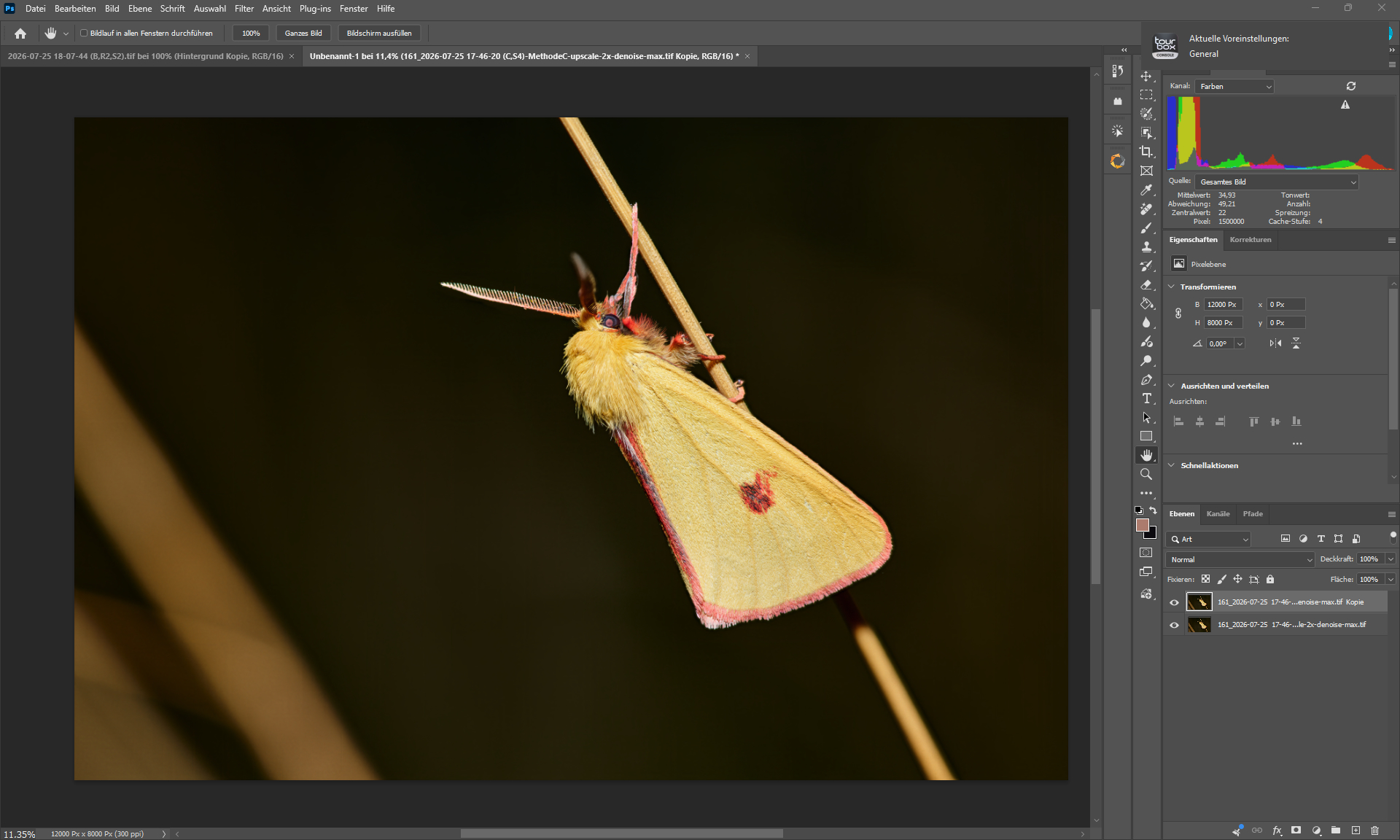
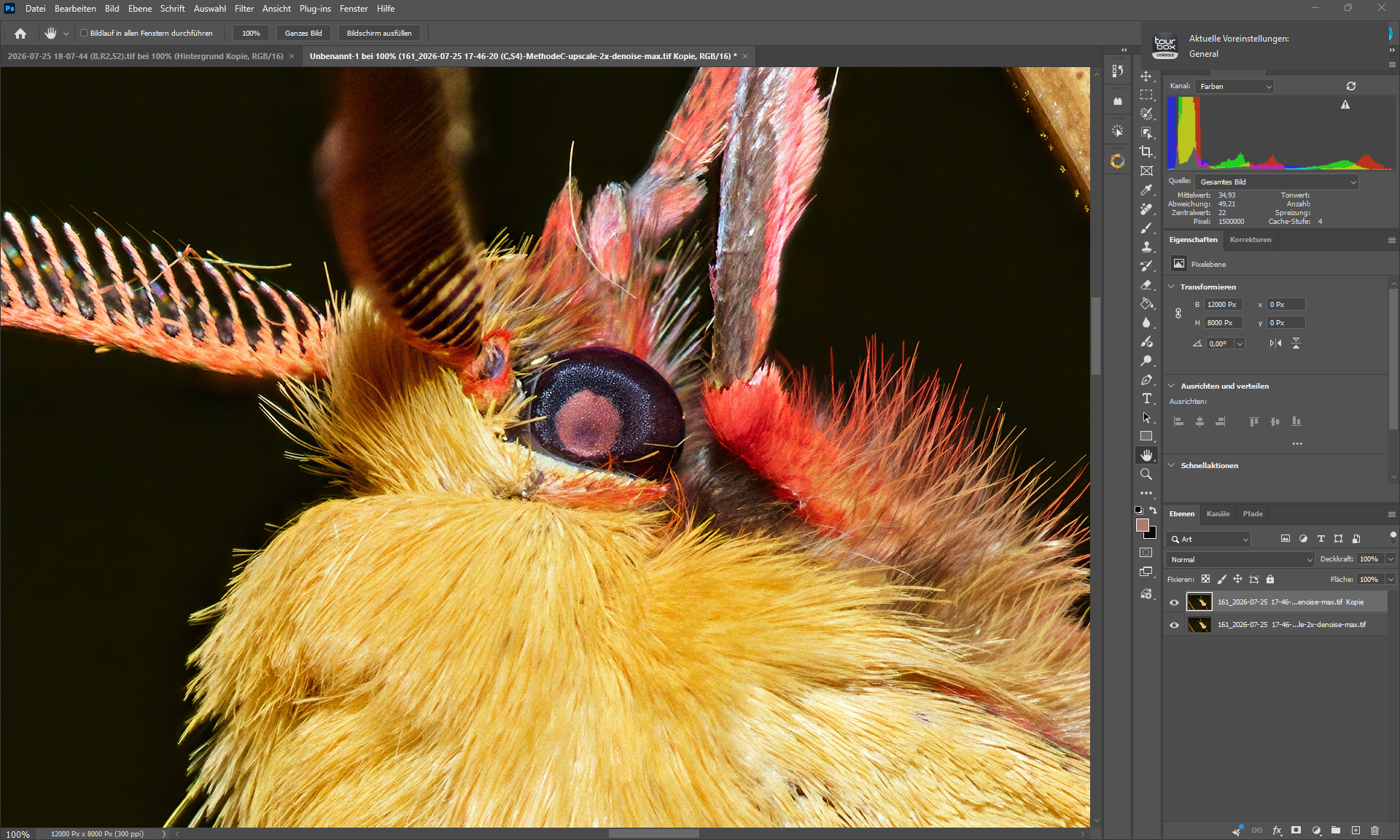
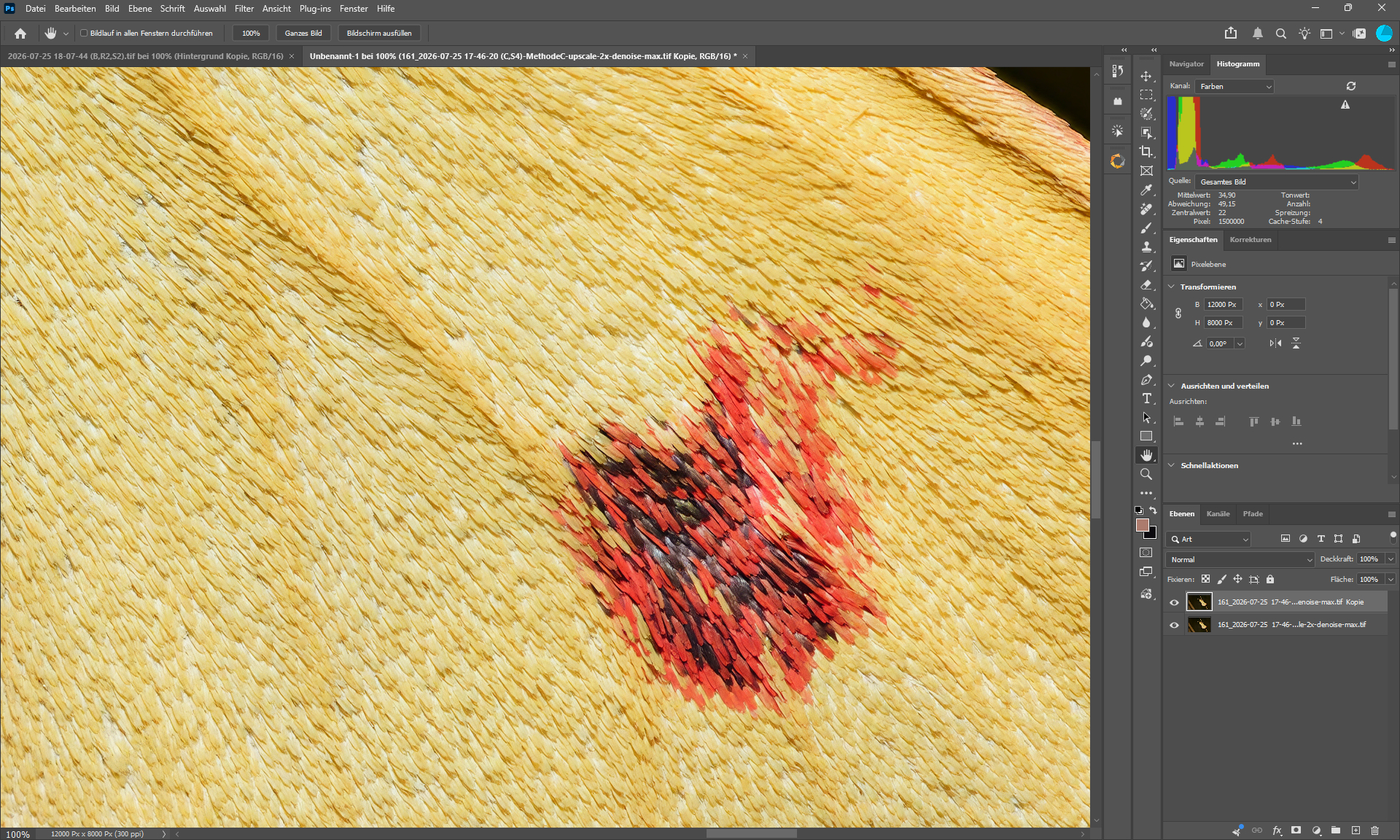
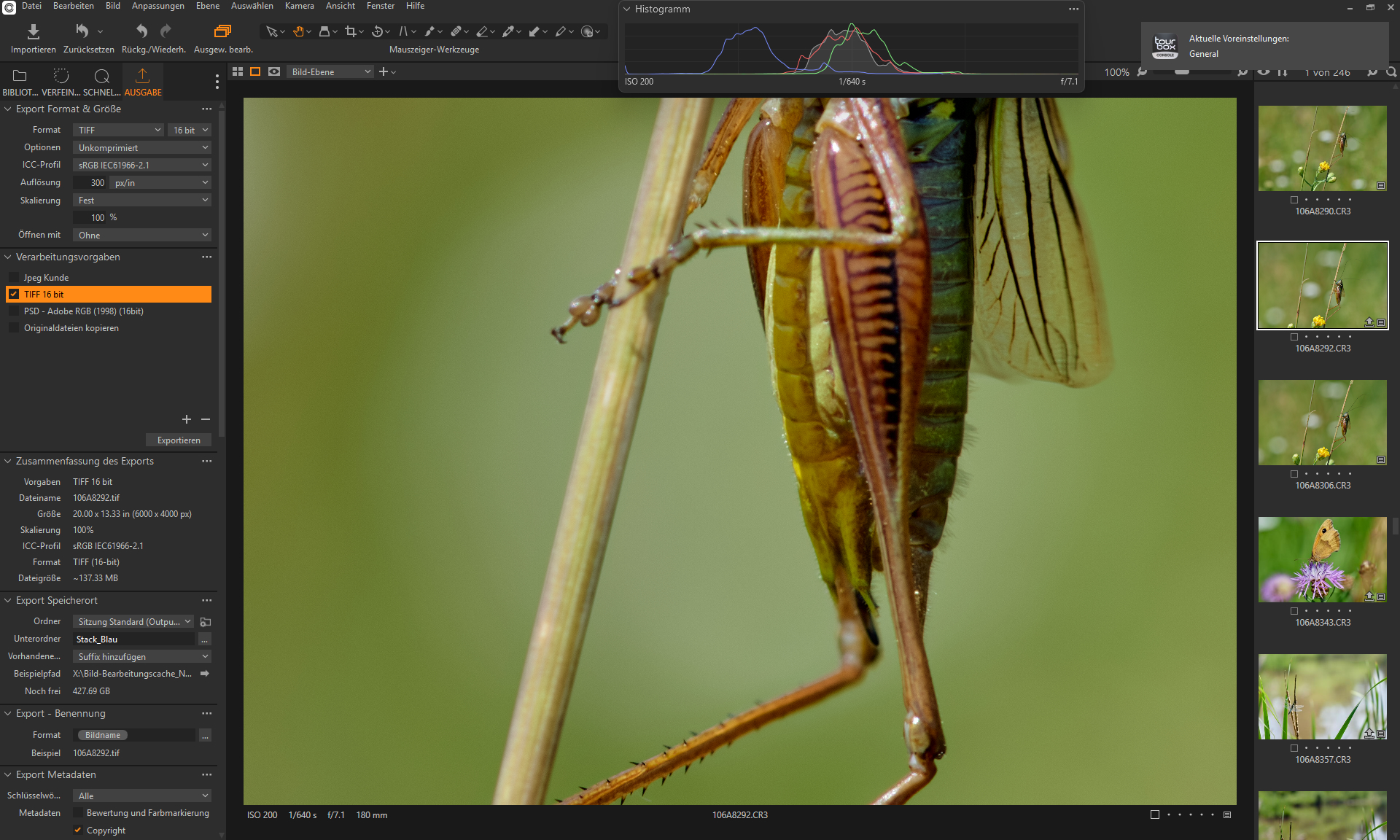
Thats the RAW file.
I’ve had my doubts.
I’ll make sure the data doesn’t deviate much from the original.
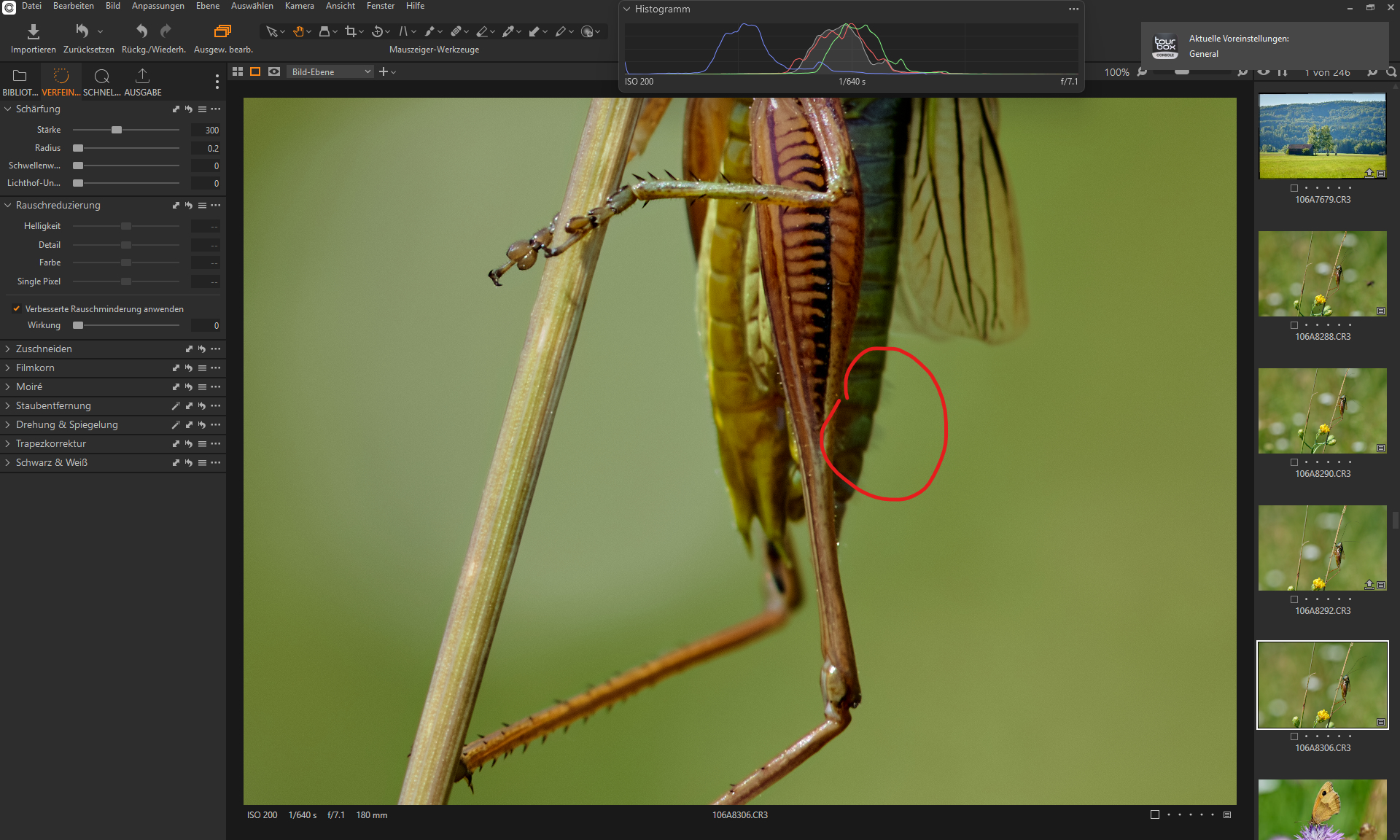
I read just the other day that social media images are used to maintain databases for tracking species.
And AI-generated images cause huge problems.
1 Like
Interesting.
1 Like
thanks for that info, i made those changes earlier today and so far haven’t had any reoccurrence of the issue, so hopefully solved, thanks again.
1 Like
Processed & Original
I don’t see why there should be any problems with changing the species.
What do you think about that?
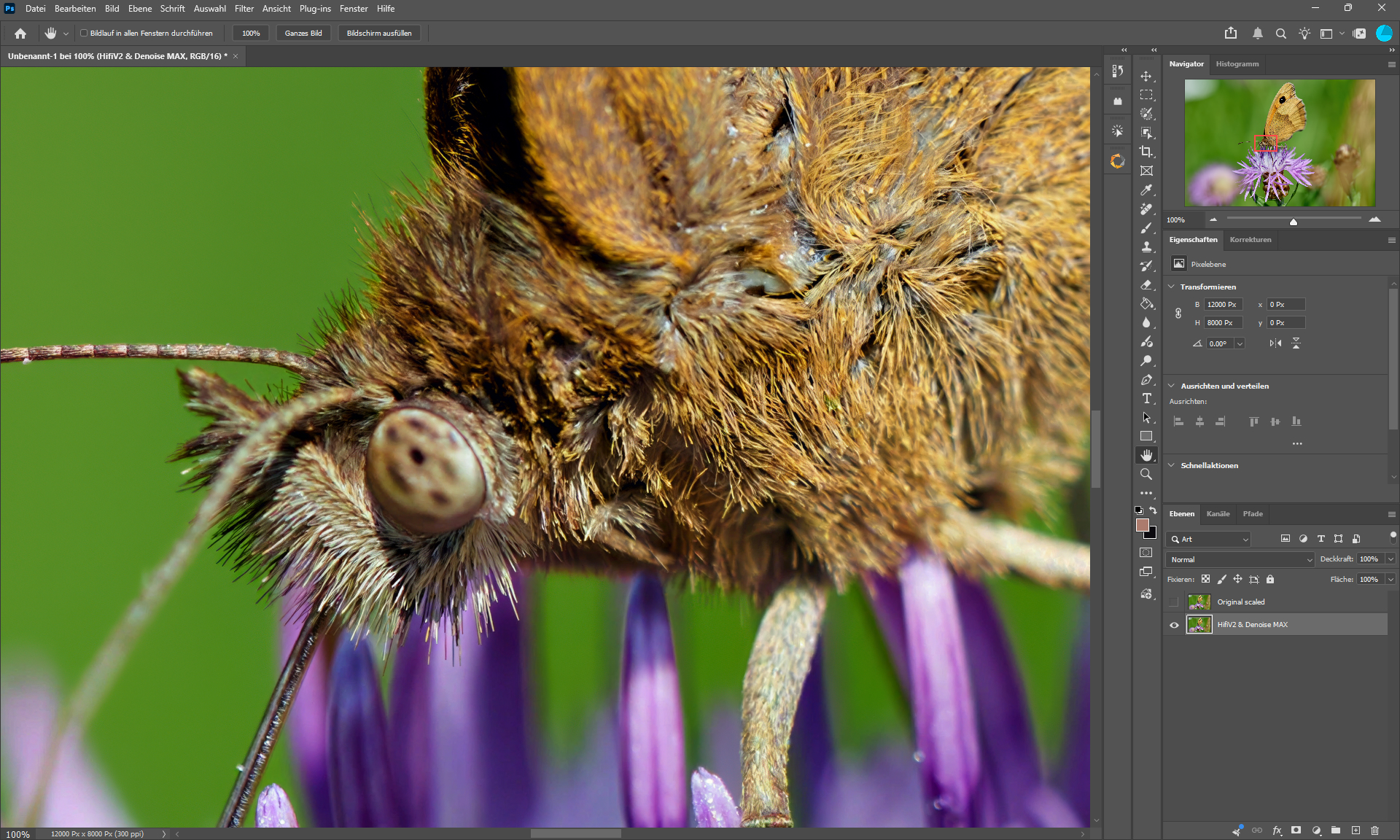
Processed file - Background is Hifi V2
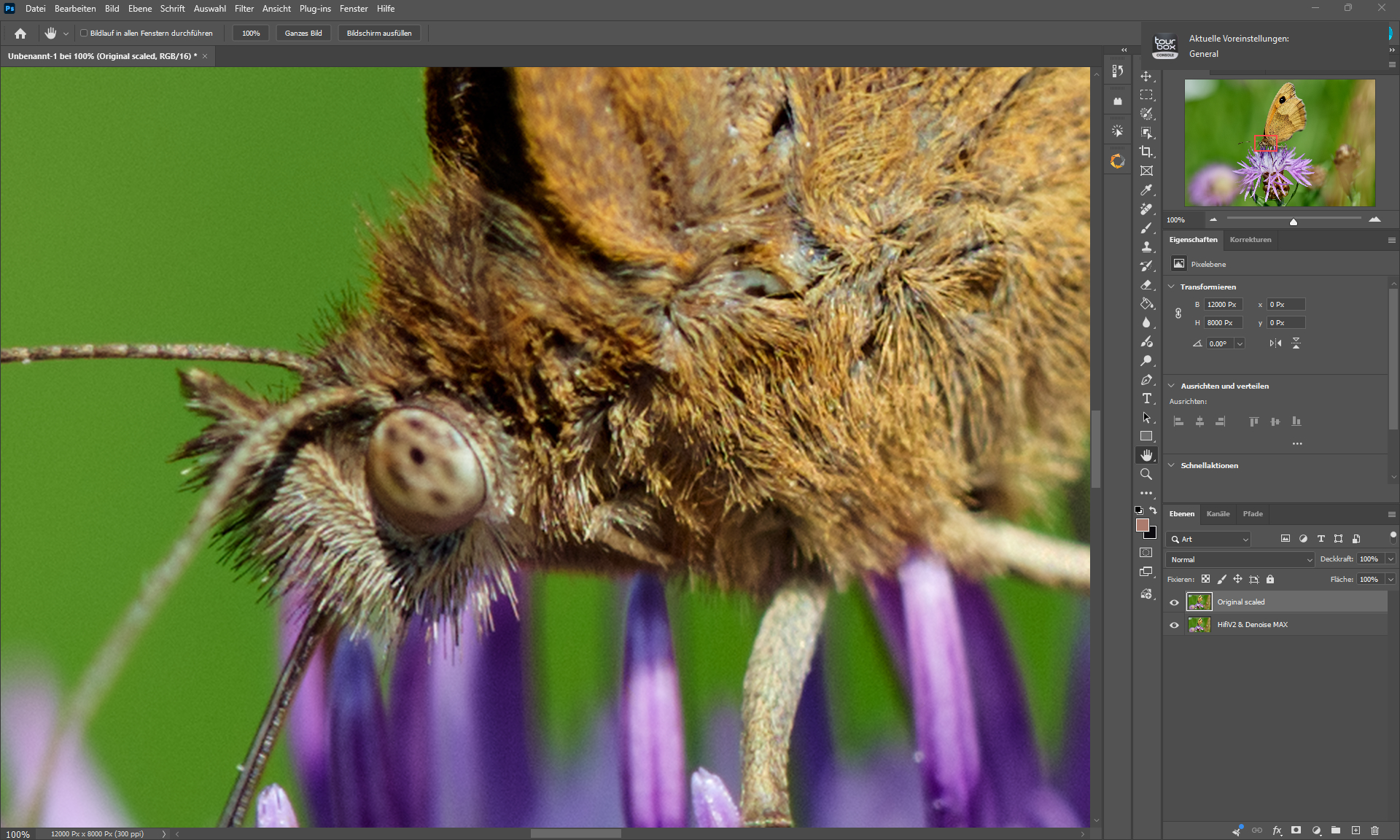
Original file - Scaled by dropping it on an PS layer.
4 Likes
These magnifications are really quite good.
2 Likes
I do not think that changing species should be a problem.
I think in most cases it works good and great but not always.
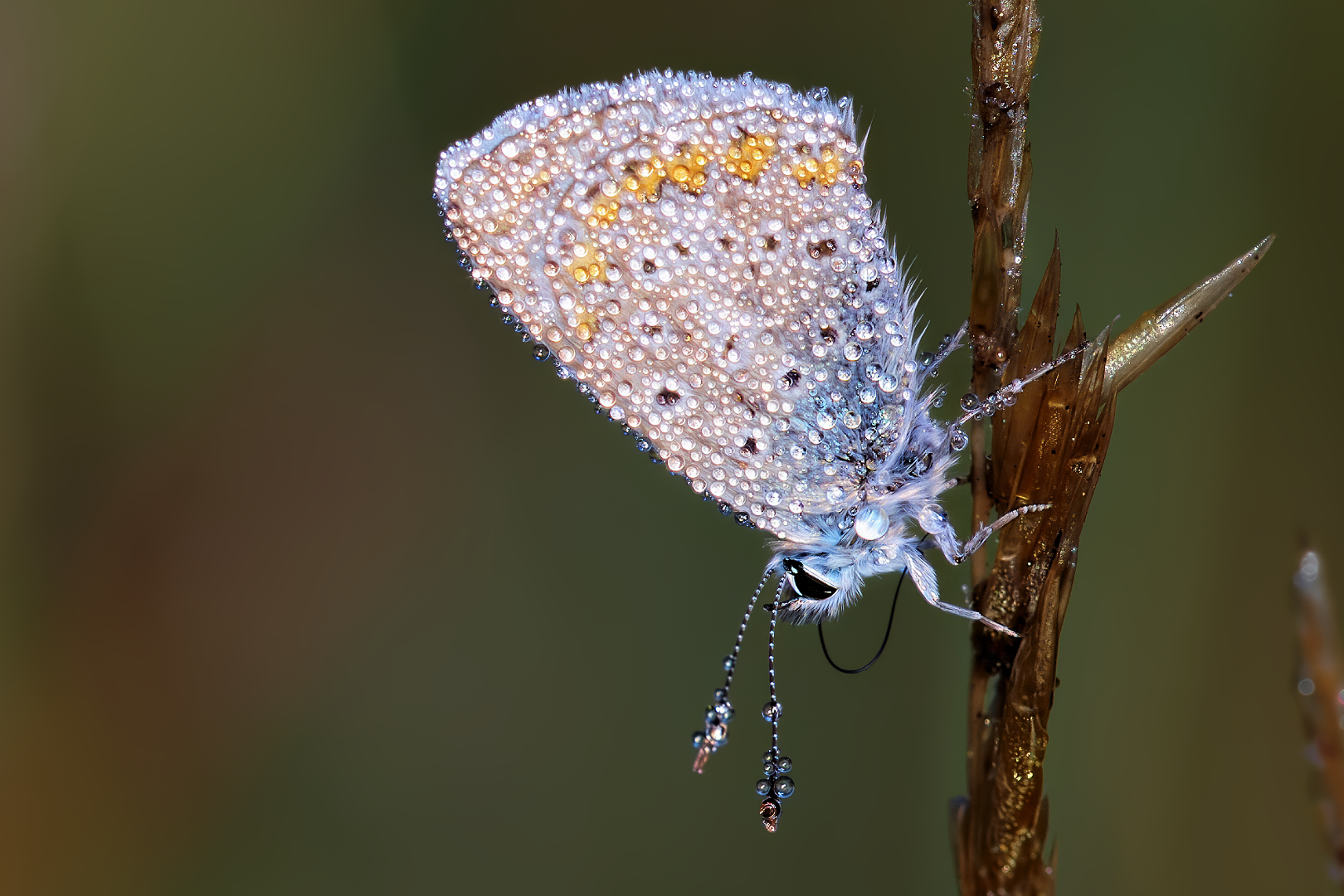
Some time recently you posted a butterfly with “recovered” hairs on its back wing, and I think those looked more like wild boar fur rather than butterfly hairs.
You mean this one?
3 Likes
No. This one is absolutely beautiful. Does not even need much if any processing.
The one I mentioned you posted a couple of months ago, I do not remember for which version of Topaz Photo. It was a quite unsharp side view of a butterfly where lots of hair on the back wing was “recovered”.
1 Like
Its already enlarged by 2x with Photo and denoised by Capture One.
Thanks a lot.
