Yes, i’ve the same expierience.
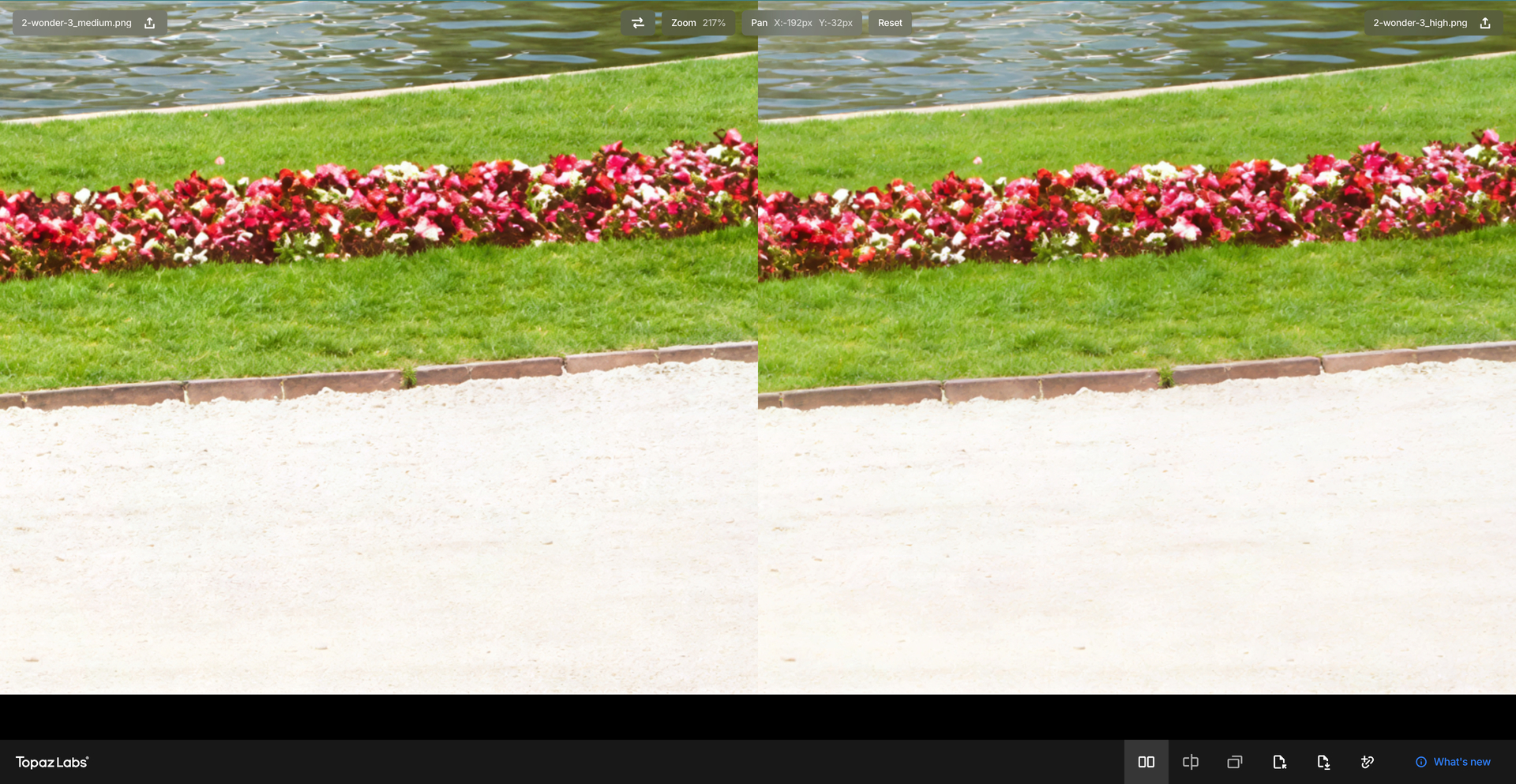
And Wonder 3 High does produce big halos.
Yes, i’ve the same expierience.
And Wonder 3 High does produce big halos.
But at the same time, when it comes up to context, W3 is the best i know.
Did try it on a small image and compared to what i did in november to this image W3 is much better.
But it lacks detail, the output could be sharper with fine hair and fabrics.
Maybe i can fix that with an other model afterwards.
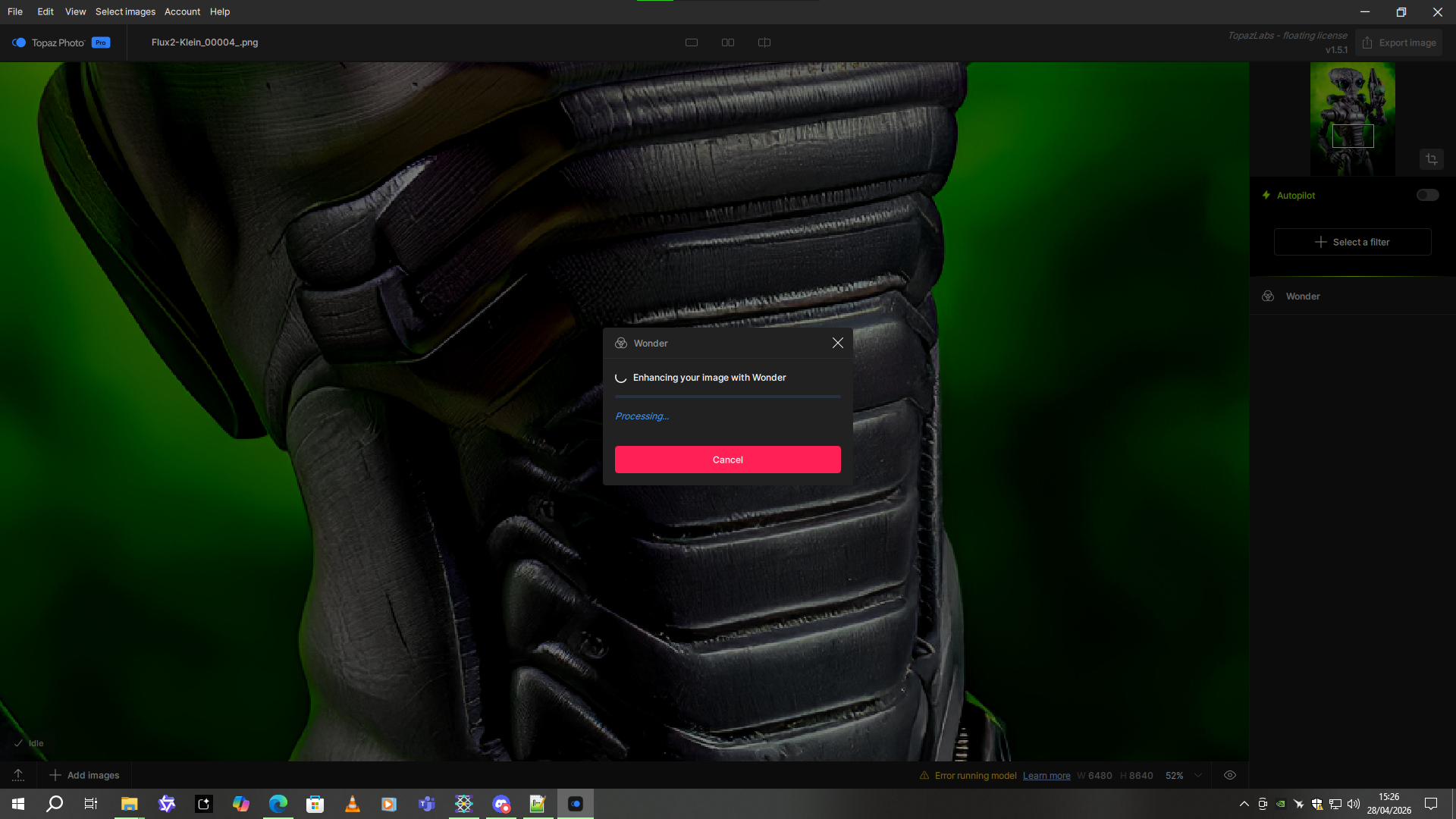
I updated to version 1.5.1 after seeing the fixes. I shouldn’t have. Now Wonder 2 is broken. I can’t get it to work. I get an error when I try to load it.
Because of this, I don’t know how to use it anymore. I’m disgusted.
Here are the logs
2026-04-28-15-17-42.tzlog (608,3 Ko)
I’m going back to version 1.4, which worked well.
@marcelo.cinicola - glad to har for Remove that the workaround worked.
Make sure for th psted Ideas to put it i the Ideas forum, for others to vote on
Wonder 3 is working sometimes better that Wonder 2, sometimes worse.
It’s a good thing that we have Medium and High settings.
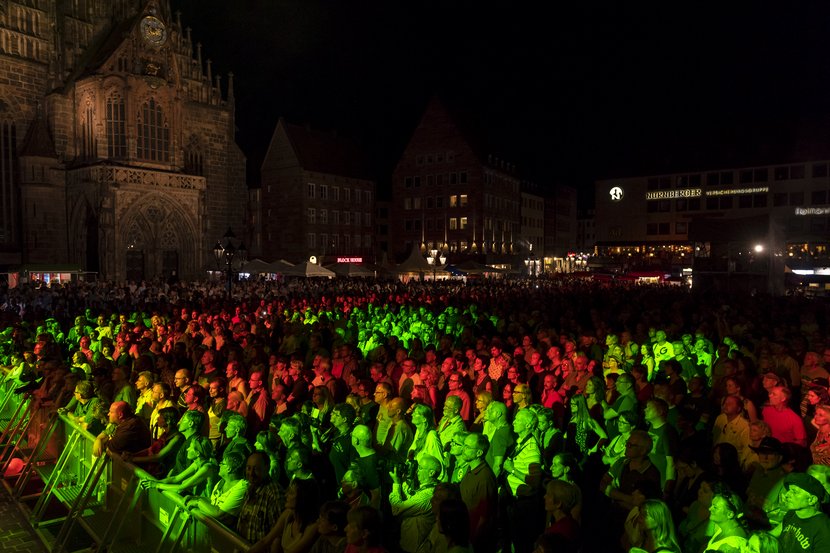
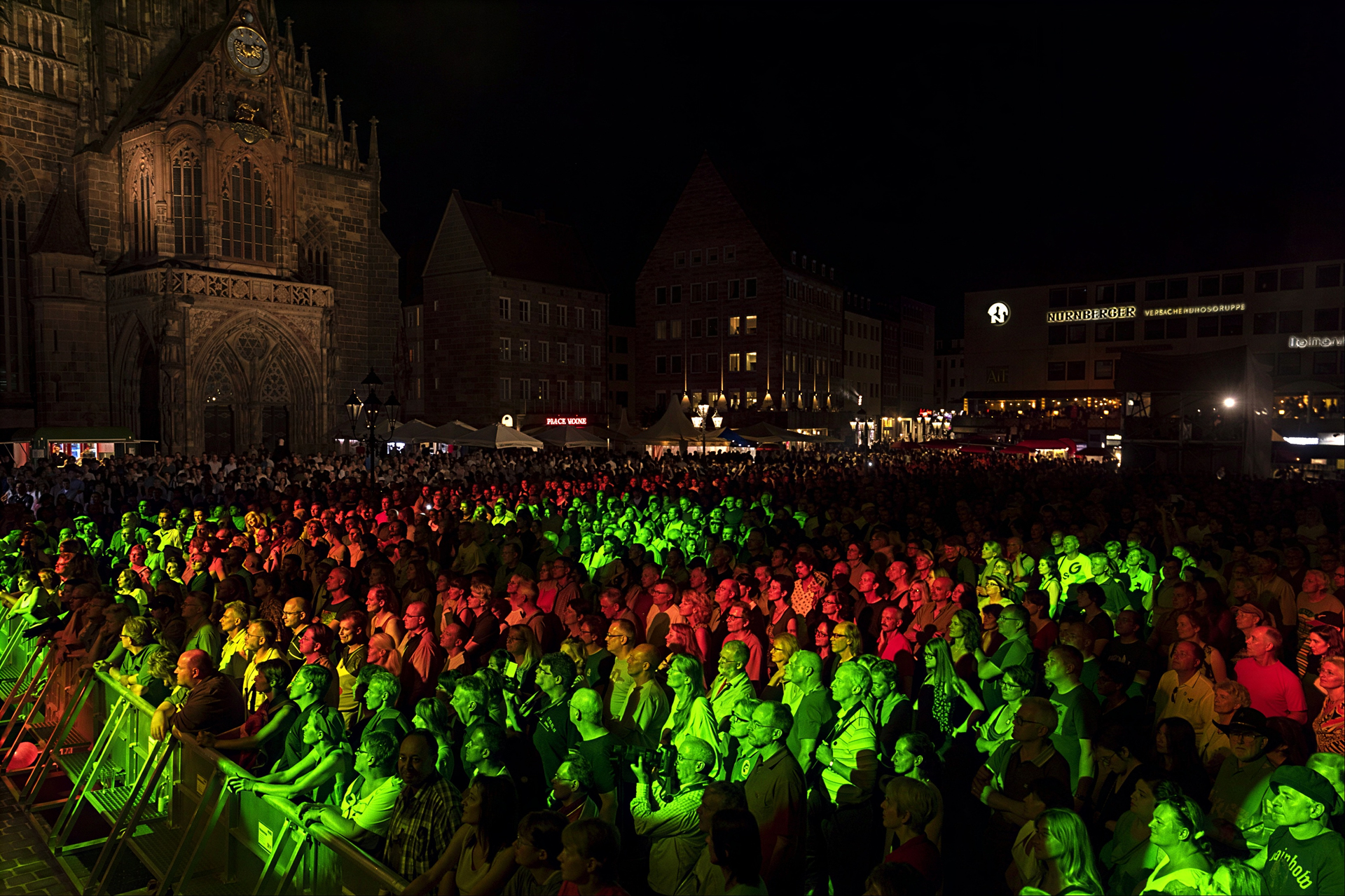
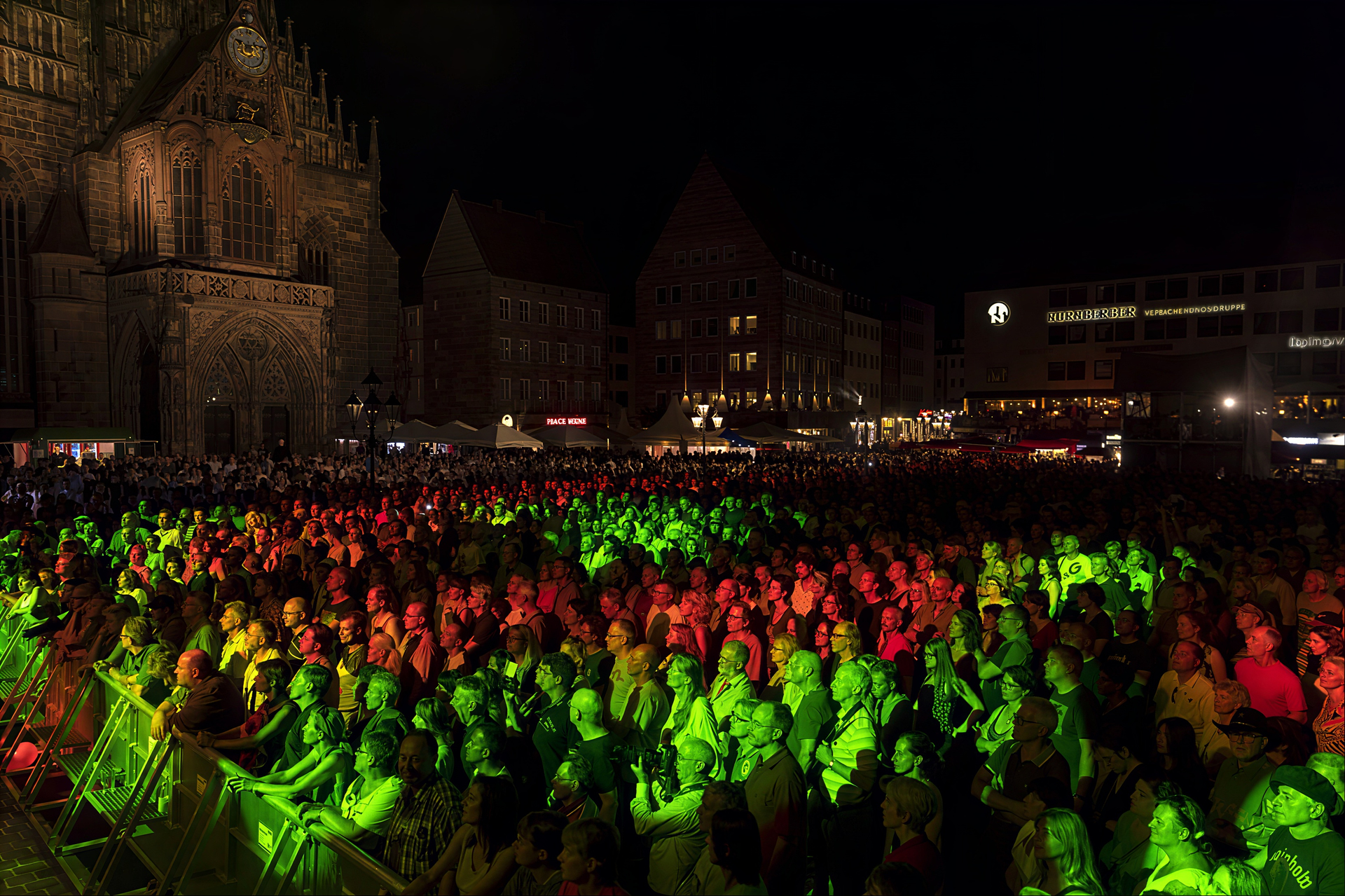
The big difference between W2 and W3 is the face recovery - sometimes W2 draws glasses way too often.
Also, look at the letters and the clock. W3 medium works best with the letters, but requires sharpening afterwards.
And the clock is just two different shapes in W2 and W3, which I find funny 
Wonder 3 Medium produces slight noise in flat areas (see the faces at the bottom), which I prefer to plastic-looking faces of Wonder 3 High.
Original:
Wonder 2:
Wonder 3 Medium:
Wonder 3 High:
@andymagee-52287 we would need your full logs folder sent to support@topazlabs.com and we can have a look. Make sure to send the image used as well and details if local or cloud issues only and we can have a look.
@yabino974 - v1.2.1 will be the version to stay on as you are experiencing the intermittent face detection issue. We will circle back on your support ticket thread when that is fixed.
Face Detection issue causing intermittent crashes
Some users are experiencing intermittent crashes, where the logs show an issue with face detection. It only occurs on very specific images and not necessarily images with faces in them. This requires a more complex fix and is not part of this patch. For now, if you were informed to revert to v1.2.1 specifically for this issue, please remain on v1.2.1 - and we will circle back once a fix is available.
If you only edit landscapes and do not need face detection, you can also turn off face detection in Preferences > Recover Faces. Otherwise, v1.2.1 is the version to stay on
@david.maybank - when you get the Super Focus stuck at preparing, can you grab logs from Help > Open Logs folder and send them to support@topazlabs.com with the image used and we can relay to the development team. For Wonder 3, depending on the image, 3 minutes can be normal, this is a memory intensive generative model and would be faster is you us as standalone and close PS. The param error can be if you are still have Photo AI (Legacy app) installed, you can uninstall it. It can also be PS running out of memory, to test with standalone to confirm.
@Harald.De.Luca - You can batch process using the batch process steps. It would be same Wonder model then image 1 applies to all others.
For the last image posted, this is a large high-resolution file and won’t be a case for Wonder. You can test other models on this. I have relayed the log to the development team as well in case. This specific image would not be meant for the model and this can cause intermittent behavior. Let us know at support@topazlabs.com if any issues occur with low-resolution small or medium images that have compression artifacts to fix (not this image posted) and send to Support the logs and image and we can test and troubleshoot.
Thanks for the other Wonder side-by-sides, relating to Lingyu and the development team.
@OptimusV and @Sapirus - Can you send to support@topazlabs.com your logs and the original image? We have another user that flagged this and are gathering logs into a development team ticket. Until the issue is resolved, you can use the cloud.
Ah. I didn’t know you could do that with Wonder too.
Well, it’s a 1920x2560 pixel image as input, and I’m setting the output to 6480x8640. And it works perfectly with Wonder 2 on version 1.4.0. So why doesn’t it work on 1.5.1 anymore?
Explain it to me because I don’t understand.
@Harald.De.Luca - Oh I saw 6K, I see now it was after your scale. Can you send the image original to support@topazlabs.com with all fresh logs after the stuck behavior and we can relay to the development team and open a development team ticket.
Did expierience a crash with facerecovery too.
After i did upscale an image via W3 i did use face recovery and then Denoise Max, after pressing compute on computer Photo did crash instant.
Was able to resume to the same session and did use denoise max without problems then.
Hi Christian, thanks for your support and valuable feedback. I tested the image on the cloud and found that the medium enhancement Strength actually preserved better detail than the high strength. The high strength may have too strong denoising ability and I will look into it.
(which I believe produced the result you’re seeing).
It’s already done.
I have included a screenshot of the problem, the log file and the source image (1920x2560 pixels).
Hi JEM, thanks for your valuable feedback. The low enhancement level is specifically designed for higher-quality images where users only need a subtle 1x or 2x upscale. It will preserve most of the details. I will improve it from your feedback.
Thanks, I ended up unistalling, which through up a load of errors about missing wonder3 DLL’s and NeuroServer files, had to hit ok around 100+ times, then reinstalled to a new directory, redownloaded the models and all seems to be working now. One thing I am noticing now though, is Wonder 3 Cloud gives a lot better results than Wonder 3 local.
Hi JEM, can you try removev1 to see if it works on your machine?
Remove V1 doesn’t show up for me, or at least I can’t find it. Only Remove V2 is available. By the way, I can use Remove V2 if I change my PC’s region to the US (I’m from Europe). I found the workaround here
Dear @jason-2269 , could you please try Wonder3 again? I’d love to see if the current quality now meets your requirements. Looking forward to your feedback on these results—let me know if we’re on the right track.