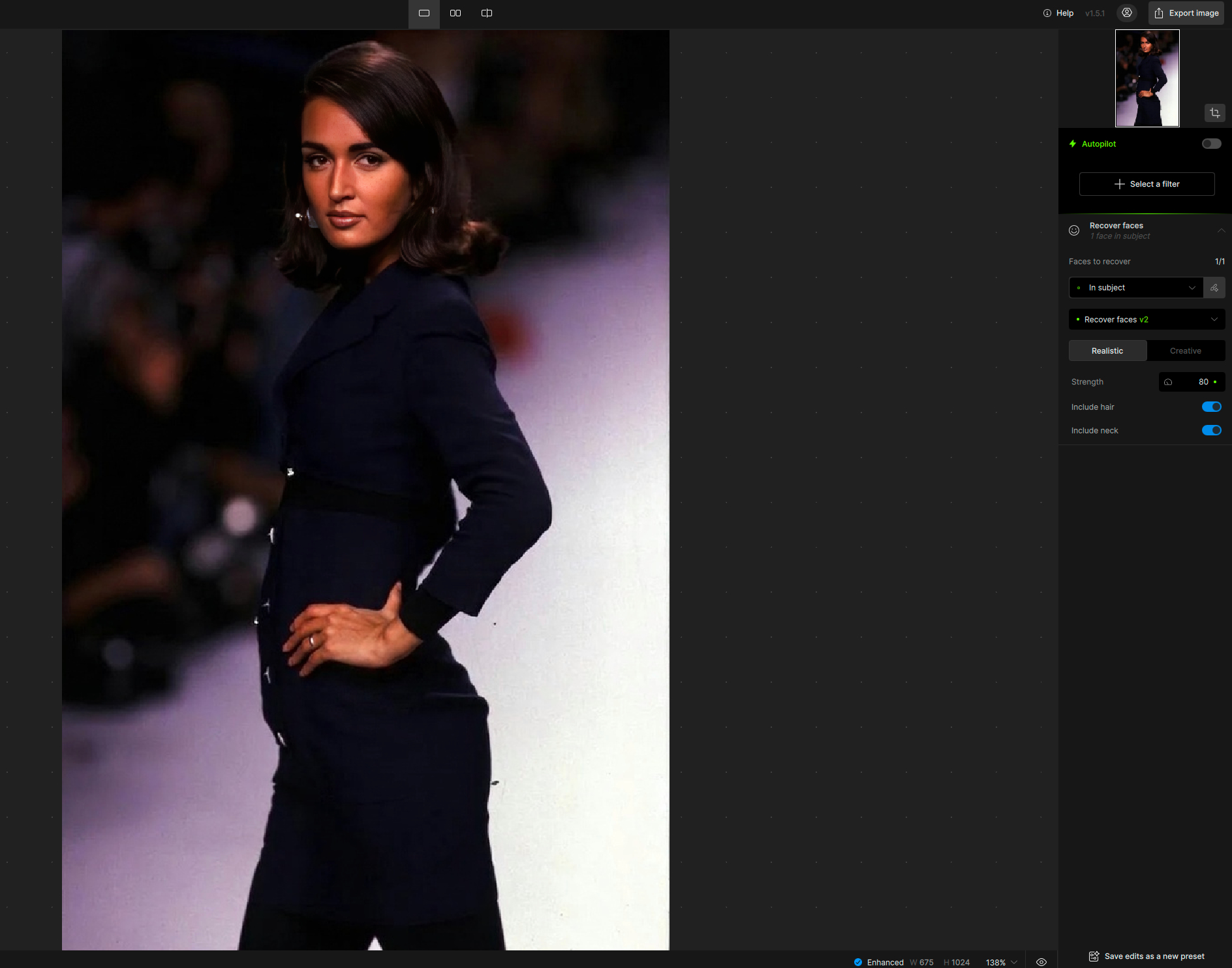
No it’s not the Face Detection issue that I have.
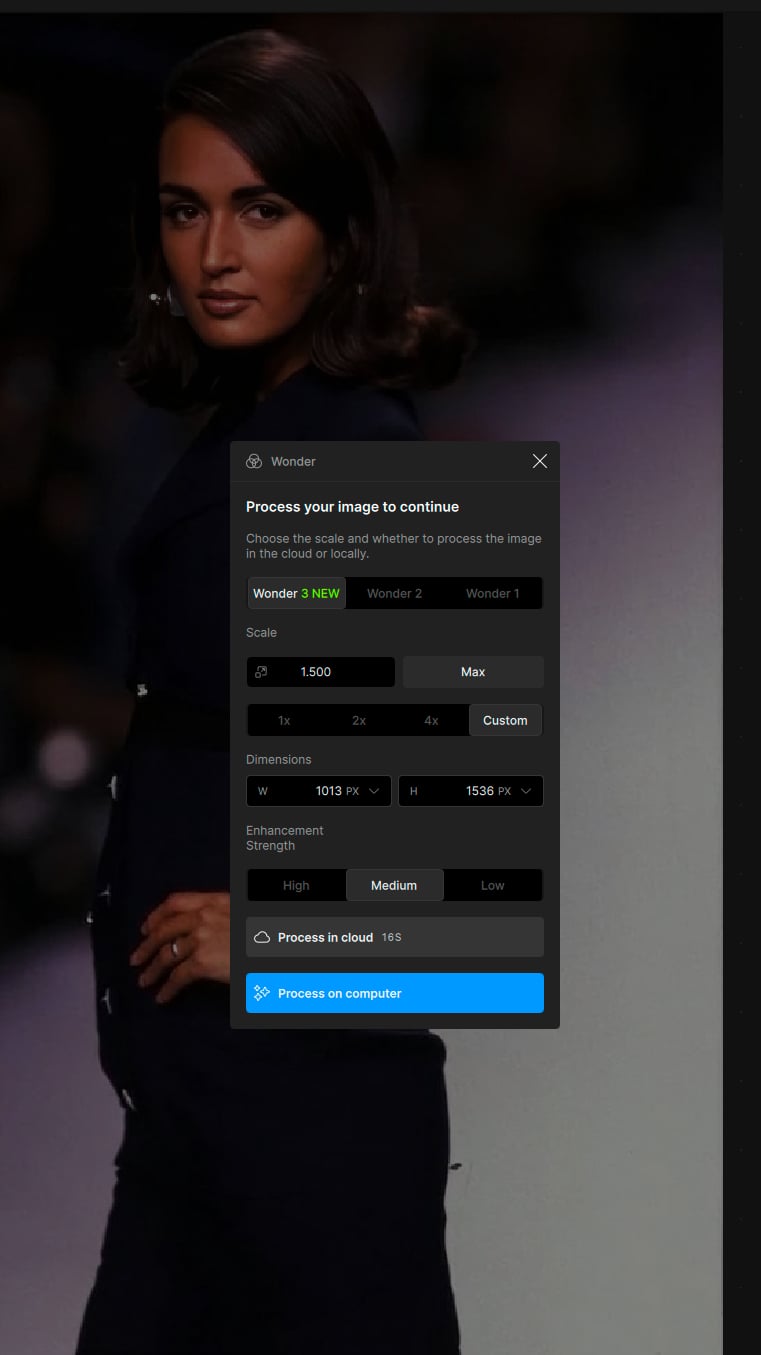
It’s an issue with Wonder 1 cloud not working starting with the 1.3 release.
I attached the log file on a previous reply.
No it’s not the Face Detection issue that I have.
It’s an issue with Wonder 1 cloud not working starting with the 1.3 release.
I attached the log file on a previous reply.
The log was relayed to the development team. We will circle back in your Support email thread if they relay steps and when they find and release a fix. The Face Detection issue will still remain past v1.2.1 and cause intermittent issues. It is part of analysis and will trigger multiple times as you zoom in and out of a file through your edits. It is a separate issue and v1.2.1 will remain the stable version to stay on in your case.
Oh we see this bug before. Can you share your setting to us? We are trying to fix it but somehow we can not reproduce it. Are you using cloud right?
Alright thanks, but like I said, I don’t have the Face Detection issue anymore.
Only the Wonder 1 cloud “Error running model" issue.
Found the issue. Will update soon on cloud.
@jason-2269 - adding to bin.sun message, until the cloud Wonder 3 black border is fixed , you can use whole values (2x) and not decimals (1.5x) and it will work. Or if your machine permits Local Wonder processing. You can also use Wonder 2 on the cloud if you need a decimal value upscale and local is not possible. Will update when the cloud fix is live.
And there is not only a black Border! There is also a white Soft Border/Gradient on the rendered Wonder v2/v3 Images at the Edge.
I have wrote to the Support some Months ago, but its still not fixed…
Are you working on a Fix for this Issue?
@christian_p_schaefer - this hasnt been flagged bay anyone, and I do not see any Support emails under your current email adress. You can write to support@topazlabs.com and we can open an item. Ensure it is a case for Wonder (small or medium low resolution file with cmprssion artifacts) and send the original file and results with the edge to that email and we can open a development team ticket. If the request was sent under another email, you can DM me this email as well and I can retrace it.
Hi @bin.sun
Just some model feedback for wonder v3 local vs wonder v2 local:
So far for v3 local I only use high enhancement strength because medium and low don’t look good.
I find that v3 while recovering more detail, is slightly too aggressive and results in overly processed unnatural looking results, compared to wonder v2. However, v2 while giving more natural results ends up being too timid and the results are softer than desired.
I think if you could find a middle ground between v3 high and v2, you would have a perfect model.
I did run some images through v3 high at 4x and then re-run them through v2 at 1x and it gives close to what I would consider a good result.
@TPX your thoughts on this?
Hi @david.123 thanks for the feedback. We’re already working on these improvements! Currently, the cloud version may perform slightly better (especially low and medium) due to the memory and speed trade-offs required for local hardware.
However, we’re addressing your concerns in the next release: the High setting will be tuned to be less aggressive, and both Medium and Low will see quality improvements. If you have any failure cases you can share, it would help us improve the quality even further.
The High model can be very intense at times, but at other times it works very well and saves images that no other model can. I would keep it and add a hybrid model between High and Medium. Perhaps rename the High model as “Extreme” and add a new High model.
I’m not done with my analysis yet.
It’s going to take a while.
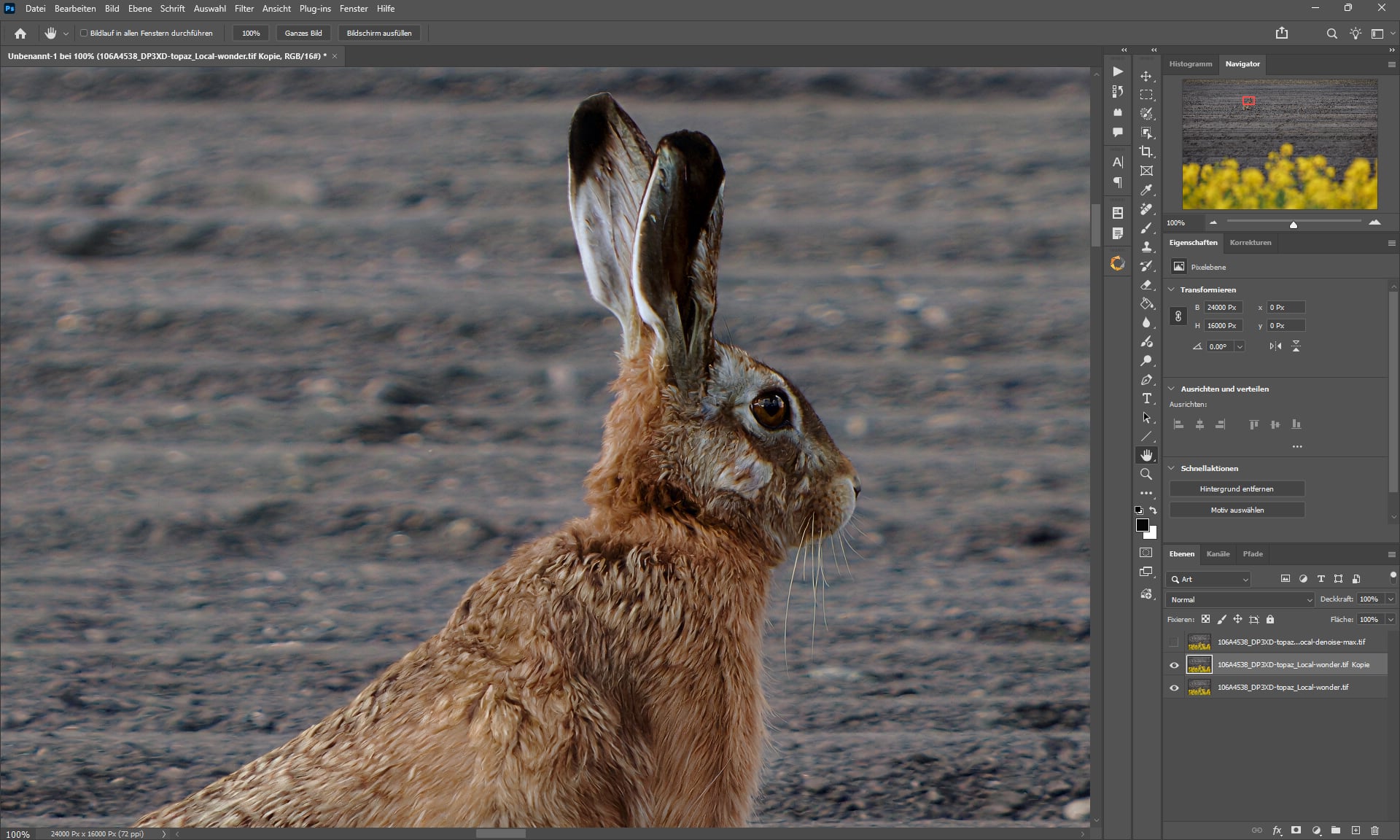
I just know that 384-megapixel images are very impractical.
The Nik Collection refuses to launch, saying there isn’t enough RAM for it. 
LOL, that is a LARGE image
It’s not a major issue, but does anyone else find that the cloud processing time estimates (especially for Wonder) are significantly too low? When I get initial estimates of well under a minute, it’s typically taking a few minutes to process (not counting upload/download times). This isn’t new in 1.5, I’ve just not asked until now.
No, you can’t trust it. It’s always wrong.
Sometimes it’s showing no progress at all during the processing and only at the end the progress bar moves.
Or on the contrary, when I tested Super Focus V3, it showed 6 minutes and in an instant it was complete, after maybe 1 minute.
Thanks, that’s reassuring that it’s not just me then! It would be good to see some improvement here, especially given that cloud resources ought to be somewhat predictable.
A post was split to a new topic: Feature request | Be able to set Wonder as default upscale model
A slight stubble appeared near the girl’s ear. Otherwise, not bad.