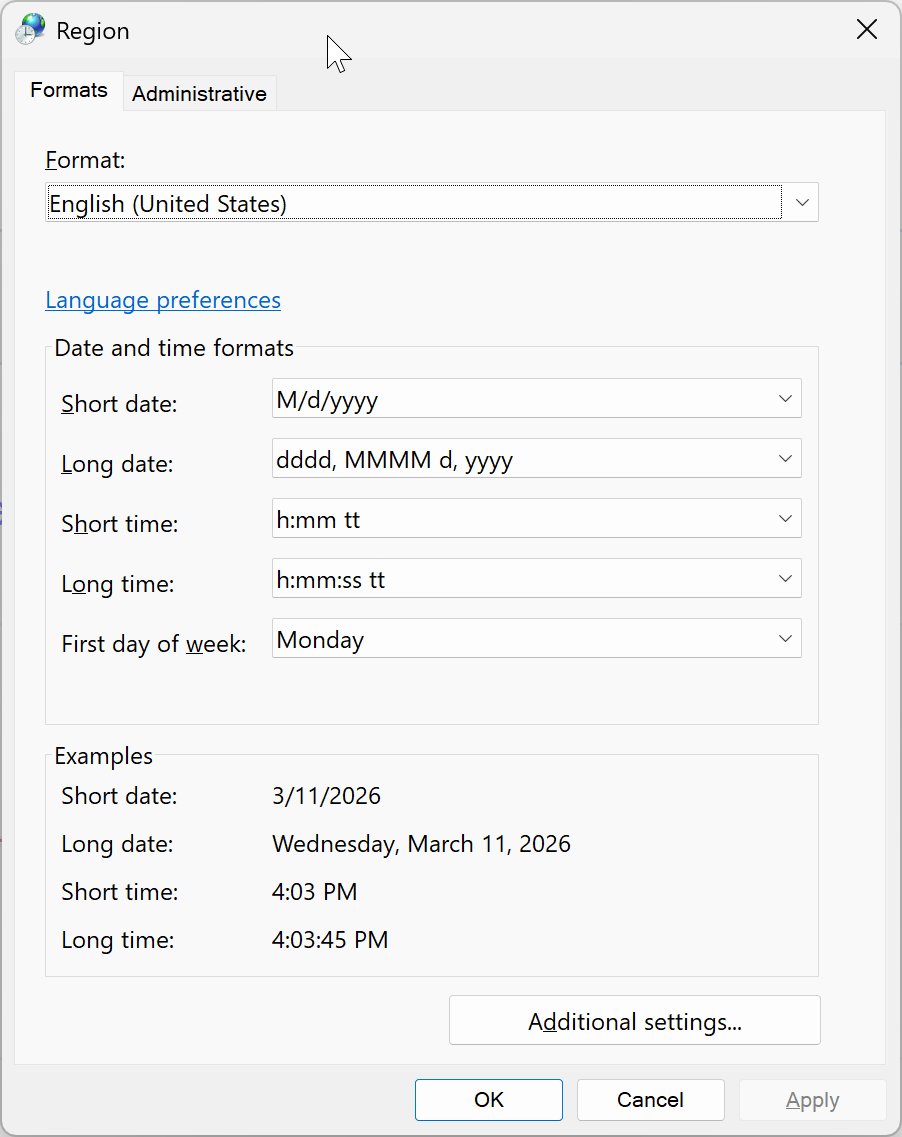
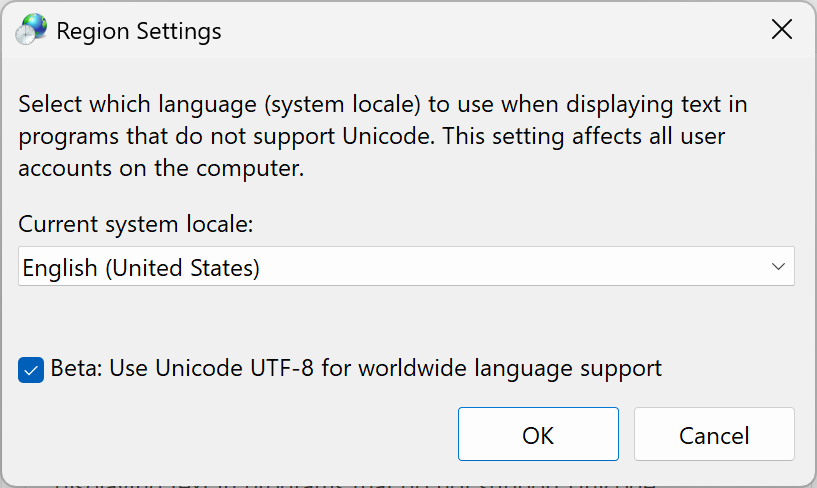
Hello! This release adds AMD GPU support for Wonder 2 local rendering. We’re also introducing SSO for Enterprise, making it easier for teams to login to their applications without managing separate credentials. Plus a fix for bugs due to locale issues on Windows and batch processing errors.
Hotfix v1.3.3:
- Fixed login issue
- Fixed errors with RAW Denoise
- Fixed errors with Remove and Spot Healing
Below is what’s included in the Topaz Photo v1.3.2 release:
- Wonder 2 Local Render for AMD: AMD GPU users on Windows can now run Wonder 2 entirely on their own device
- SSO for Enterprise: Log in to Topaz Photo using your company’s identity provider. Email enterprise@topazlabs.com for more details.
You can find the installer links and the full changelog below for this version of Topaz Photo. For any issues, make sure to send us an email to support@topazlabs.com
Topaz Photo v1.3.3
Released March 11th, 2026
Windows: Download
Snapdragon: Download
Apple Silicon Mac: Download
Intel Mac: Download
Wonder 2 Local Render for AMD
When we launched Wonder 2 local rendering, we rolled it out first for NVIDIA GPUs and Apple Silicon. AMD has been the most-requested addition since, and today it joins the lineup.
Local rendering means your images stay on your machine with no upload times, no cloud dependency, and secure local processing. Wonder 2 runs directly using your AMD GPU, with similar output quality to the cloud version. If you’ve been waiting on this one, it’s here.
As a reminder, local rendering is now supported on:
- AMD GPUs: 8GB VRAM or more required for dedicated GPU. 24GB RAM or more required for integrated GPU.
- NVIDIA GPUs: 8GB VRAM or more required.
- Apple Silicon: 12GB RAM or more required.
A note on your first run: the first time you use Wonder 2 locally, the application will need to unpack the model. This may take a few extra minutes. Subsequent runs will be significantly faster.
SSO for Enterprise
Enterprise teams can now sign in to Topaz Photo using their company’s existing identity provider. Simply login with SSO and the application will detect then connect to your company login page.
For more information, please contact enterprise@topazlabs.com.
Changelog
- Add Wonder 2 local processing for AMD graphics cards
- Add Enterprise SSO
- Fix generative models not working on Windows devices with foreign locale
- Fix Raw Denoise having incorrect values on Windows devices with foreign locale
- Fix Upscale occasionally erroring during batch export
Lingyu Kong
Technical Product Manager
Image AI
 . Cheers!