Thanks Ange, I believe that was happening to me in the office but here at home I am up to date.
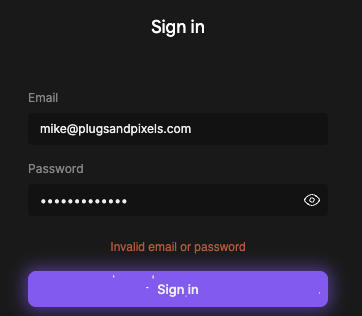
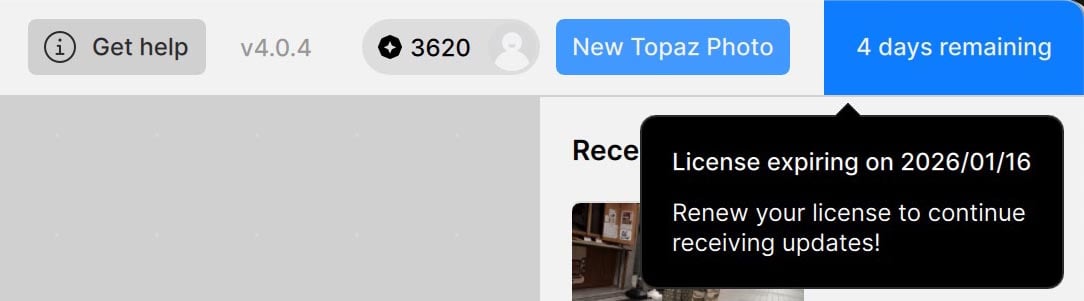
However, in both places I see problems with Bloom login using saved credentials. Sometimes I have to re-type the same email (leaving the pw alone) to get it working:
Glad to hear. For Bloom and the authentication issues with them can you send an email to support@topazlabs.com if its still happening with Firewall/Anti-virus and hotspot tips sent, and they can have a look with the Web Apps development team!
Does stitching images together work to give you a more expansive view?
In other words, shoot a bunch of overlapping images of an area then put them together… File > Automate > Photomerge (or, other). It wouldn’t have to be a straight side x side pano. You could capture a block of images and “glue” them together in Ps (or, CaptureOne) too.
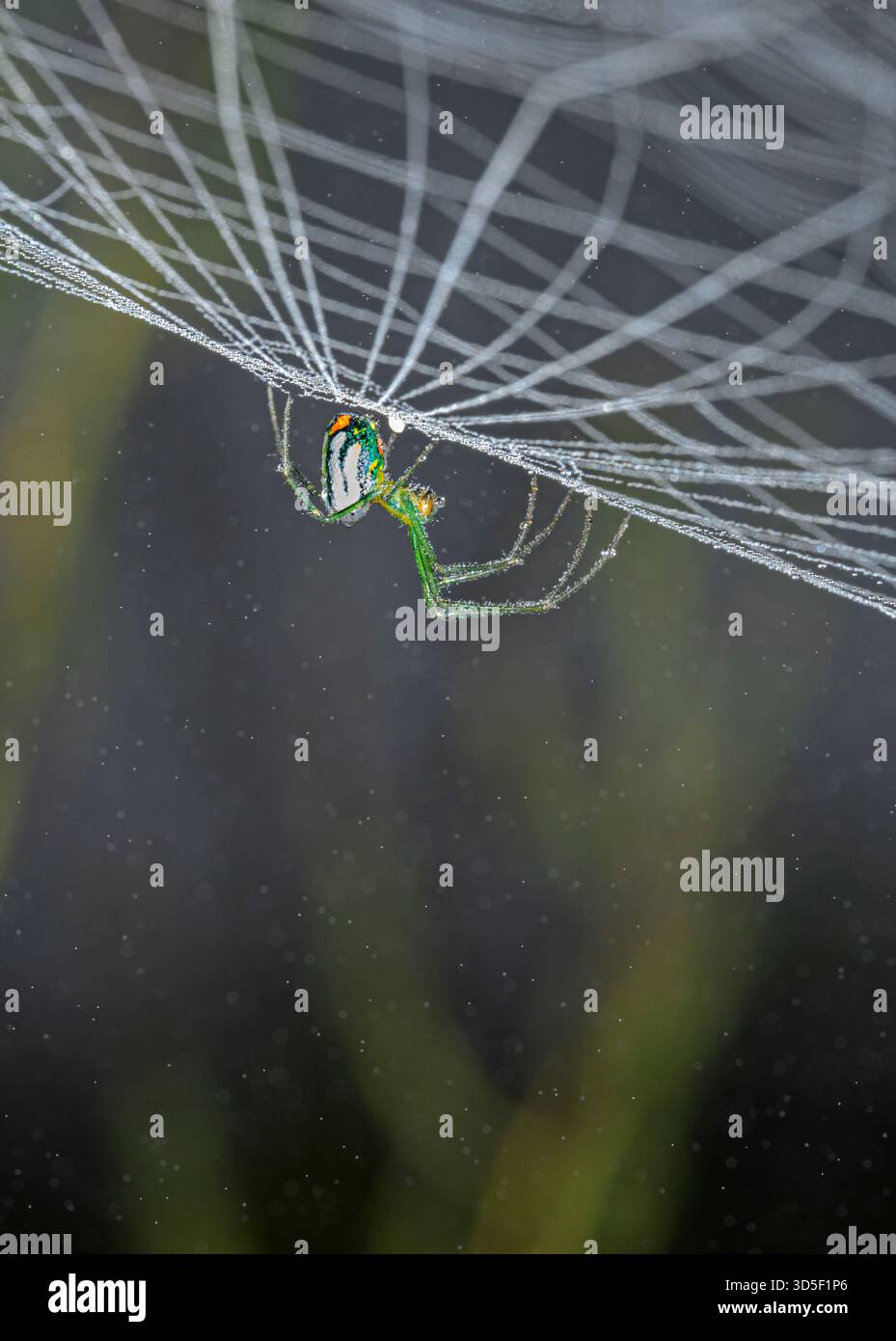
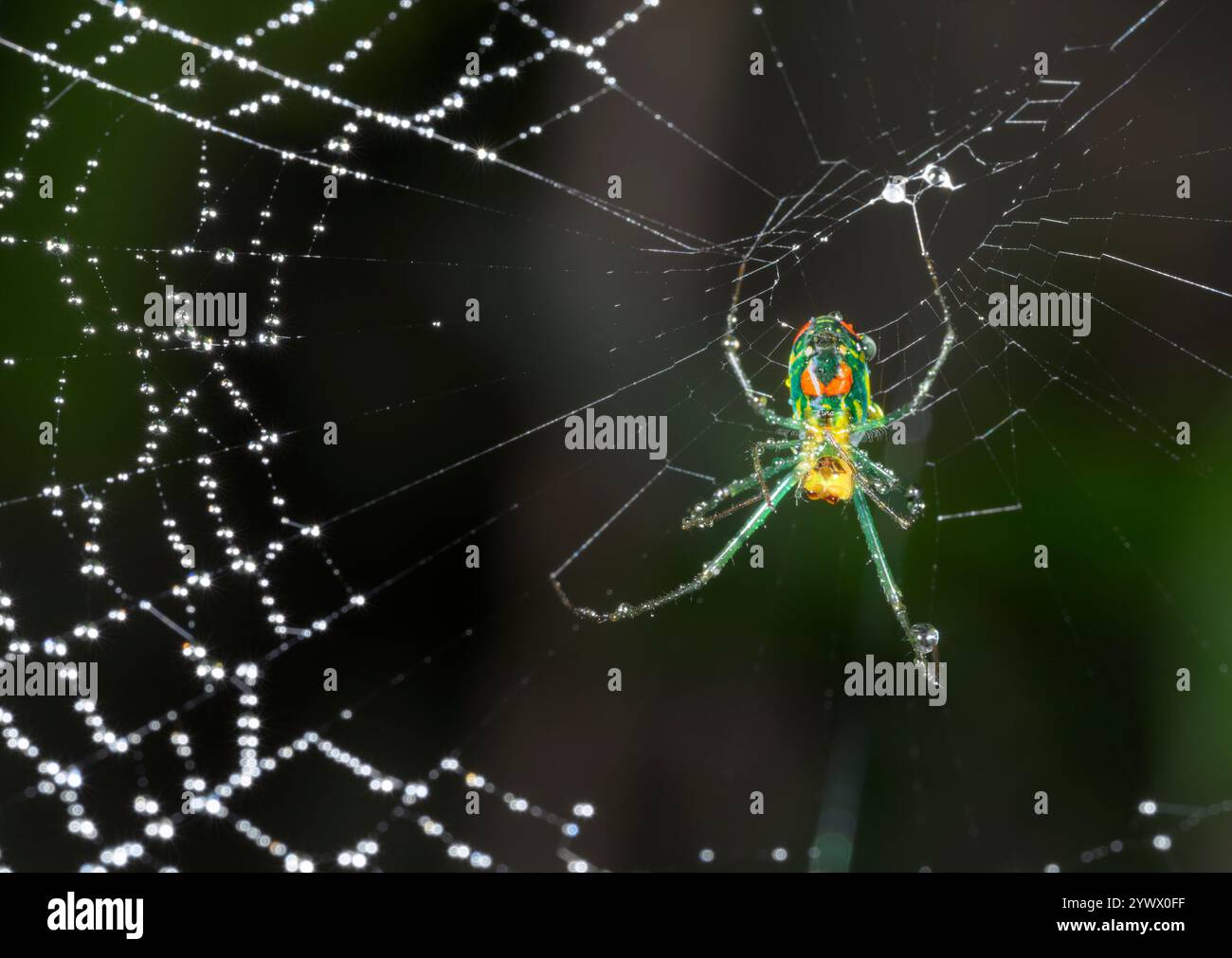
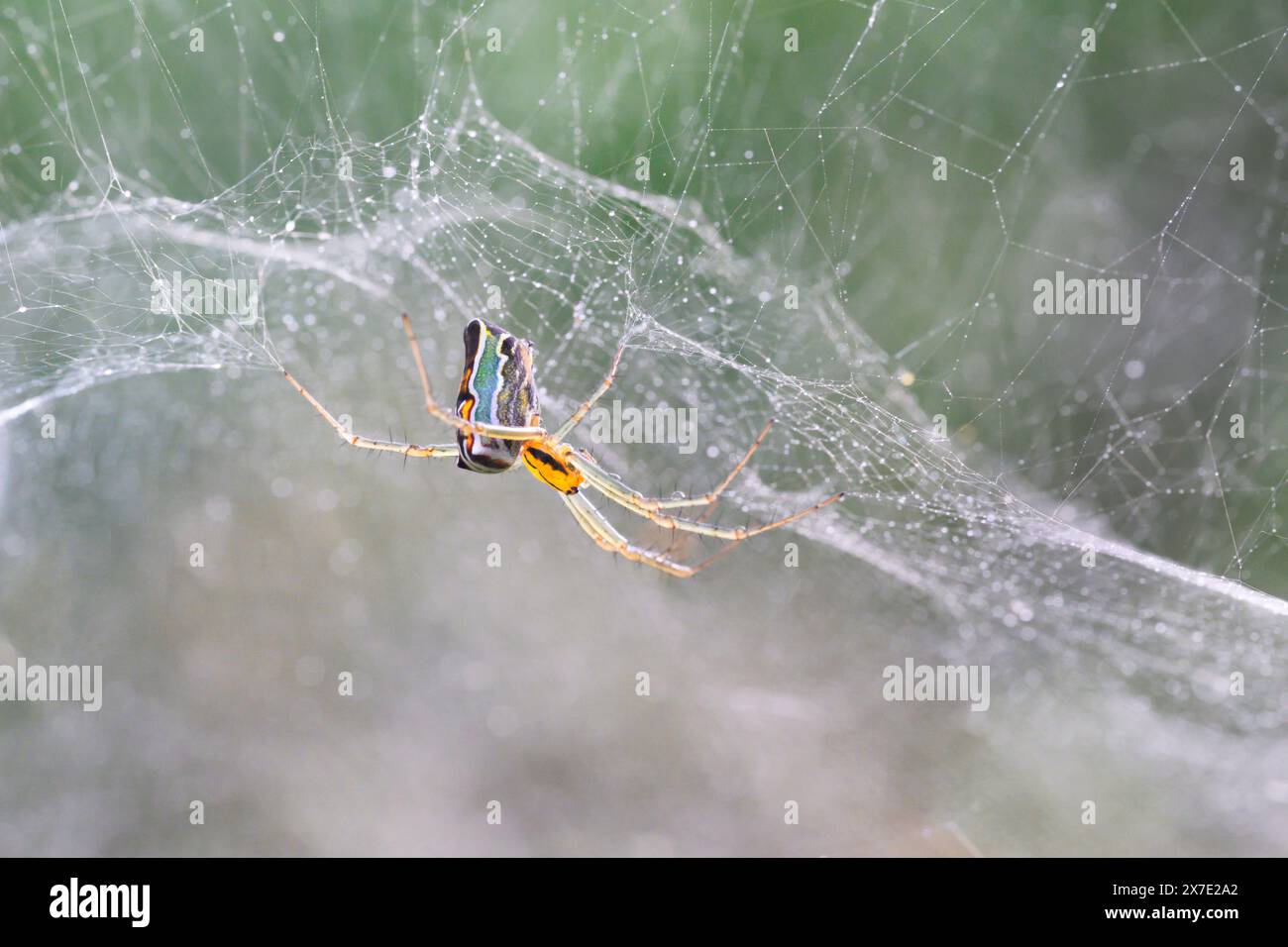
I assume - since you’re using a macro lens and they typically have very shallow DoF - that you use a tripod and maybe a rail while shooting. You’d have to do something like that to capture the cube of images I’m asking about. It would be cool because you’d get more context for the critter you’re capturing. I don’t know how that would impact TL Phot processing, but assume you can do your multi-step, multi-vendor, masked approach to ensure surroundings and subject are properly sharpened relative to each other.
Topaz told us that Photo AI, Gigapixel AI, etc. would continue to work and would get bug fixes. And that for us founders that we could also use Photo, Gigapixel, etc. as long as we kept a current subscription. This message is confusing What’s going on?
If you go to the new Topaz Account Page then, under the Subscriptions Section you’ll see a date for your next payment if the date within Topaz Photo AI matches your next payment date then I’m guessing your current Perpetual License Agreement is coming to an end and you should then continue with your Auto-Renewal Studio Subscription and the Studio software.
That doesn’t mean you will loose access to your original Topaz AI Applications it just means you’re changing from one Payment Method to another.
Another thing I noticed you have 3620 Video Credits remaining if you have purchased these Credits then nothing to worry about if however, you were given these Video Credits as part of your Founders Status then, you will loose these Bonus Credits when your Subscription Auto-Renewals and receive 300 monthly Credits thereafter.
This notice is just a reminder that the renewal date is in 4 days. If any patches are released for the Legacy Photo AI - It would be included in this Photo AI license, as any patches were always included with any owned version. The payment will process for your Studio renewal in 4 days, but this payment would be for the new apps. Any reason you are still using Photo AI if you have access to the new Topaz Photo app? If you wanted to just use the Legacy version, you also can, and cancel the Studio renewal before it processes from your Subscriptions page.
I see, you have a October date on Gigapixel, which is the date the Studio renewal will take (will take furthest date of all your apps, in your case was Gigapixel AI, in October. You can see your Subscription pas will have the October date renewal for Studio. The Photo AI notice can be disregaurded as we cancelled the Photo AI renewal as no further updates will cme for it for new models.
I just want to be absolutely clear that Topaz agrees that my renewal date is NOT in 4 days. Yes, I have already looked at my subscription page and I know that my renewal date is October 5, 2026, not January 16, 2026.
I see in the Changelog that Photo v1.1.1 has “Updated Super Focus to use Auto selection by default,” but does that mean Super Focus is selecting just the Subject? If so is there a way to display and refine the Subject selected, as we can in general Sharpen models? I think I used to be able to do that in 1.0’s Super Focus but no longer can, or maybe I’m thinking of Photo AI, pre-Studio?
@david.ayars - yes its still possible to change the selection area.
The prior behavior was to select All by default, which was problematic as in most Super Focus cases, processing the background caused artifacts.
In the update, the AI model will analyze the image, and if a clear Subject is detected, it will be on Subject as a Selection area, and if no Subject detected, will go to All.
Then once the process made, yes from within its selection panel, just like you would in Sharpen, you can click and refine this Subject selection to add in or remove any areas.
No reprocess of Super Focus will be needed if you change the selection, just a few seconds for the render preview to show your changed selection area.
Let us know when you test this: Once processed, Click on Super Focus, then Selection options will be available from within that panel!
Thanks, Ange. You’re right; it’s there. Now I see what I’m doing wrong. I’m looking for the option to refine the Subject on the Super Focus Preview screen. Only after making any desired changes to Focus Boost and Settings and hitting Render on the computer or in the cloud do I then get the option to define or refine the subject. Got it now. Thanks again.
SF still works great. BTW everything is working well in Photo for me except the Sharpen Betas. Actually I haven’t had a portrait image to try Portrait on yet, but I’ve tried Wildlife Beta on a number of bird and furry animal subjects. Wildlife takes much longer than the other models. There’s always been one other non-beta Sharpen model I think looks best in preview on my wildlife images. I understand, it’s Beta and is likely to improve in a future update.
@david.ayars - Glad you like the results of Sf. For For Wildlife, you can read up on best practices for it here. For processing times, ensure you are on the latest drivers for your graphic card and if the standard models give you great results, they will process faster.
Personally, I find Wonder more stable in Topaz Photo than in Gigapixel. In Gigapixel, an image of a certain size fails to render with Wonder every time; it crashes. But when I try it in Topaz Photo, with the same settings, it works perfectly the first time.
Here’s a question based on that best practices article. It says to use wildlife as a last step touch up, but if I am doing a RAW file, I do Topaz (all) at the beginning. Should I be doing this differently, and using sharpen on the final image after importing and doing everything needed in LR? Thanks Ange!