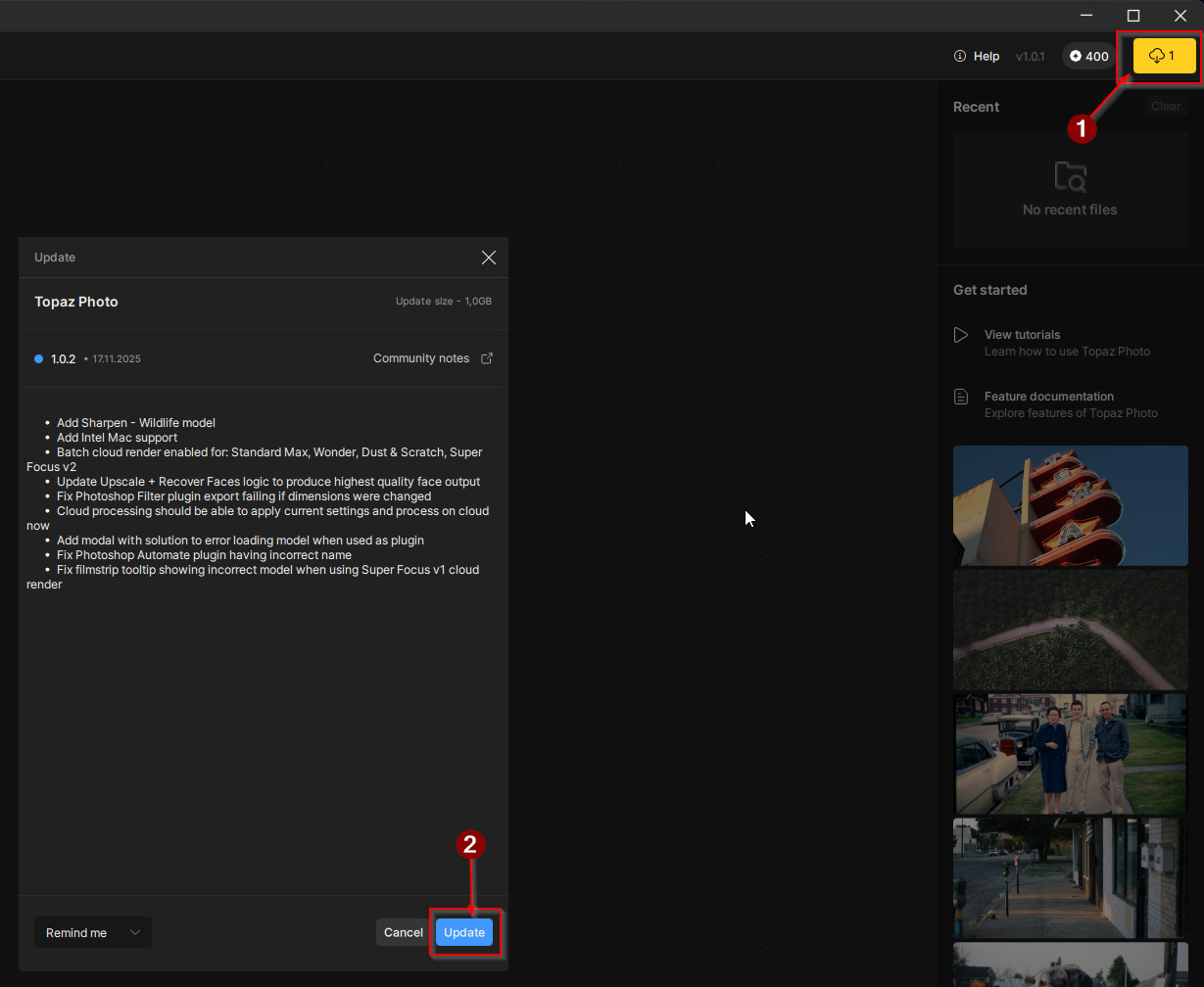
Hello! I’m pleased to announce the latest update for Topaz Photo with the Sharpen - Wildlife model, Intel Mac support, and fixes for major issues since the application release.
You can find the installer links and the full changelog below for this version of Topaz Photo. For any issues, make sure to send us an email to support@topazlabs.com
We are working on more fixes and feature updates, stay tuned!
Topaz Photo v1.0.2
Released November 17th, 2025
Windows: Download
Mac: Download
Snapdragon: Download
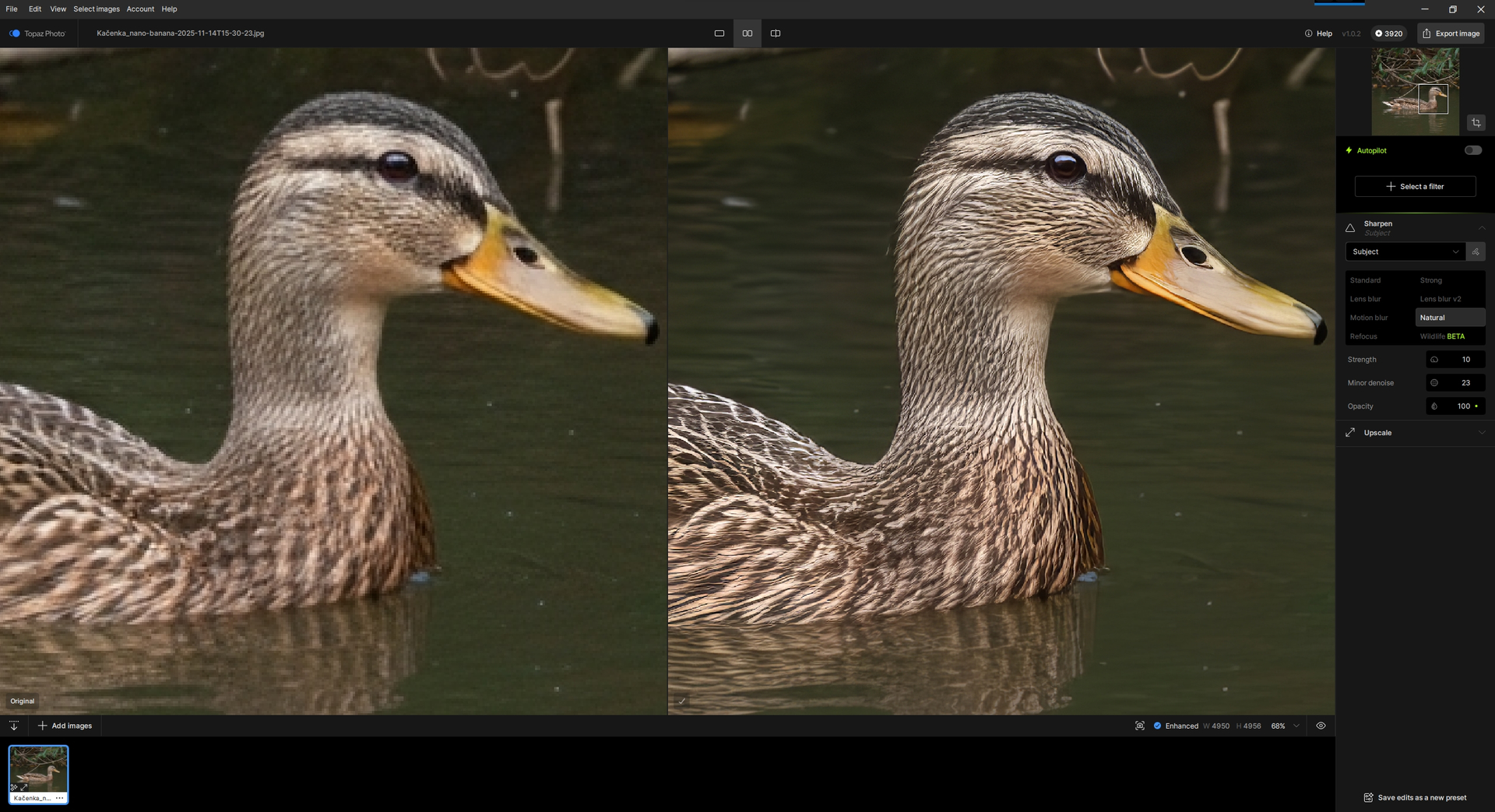
Wildlife Sharpen — Natural Detail for Wildlife Images
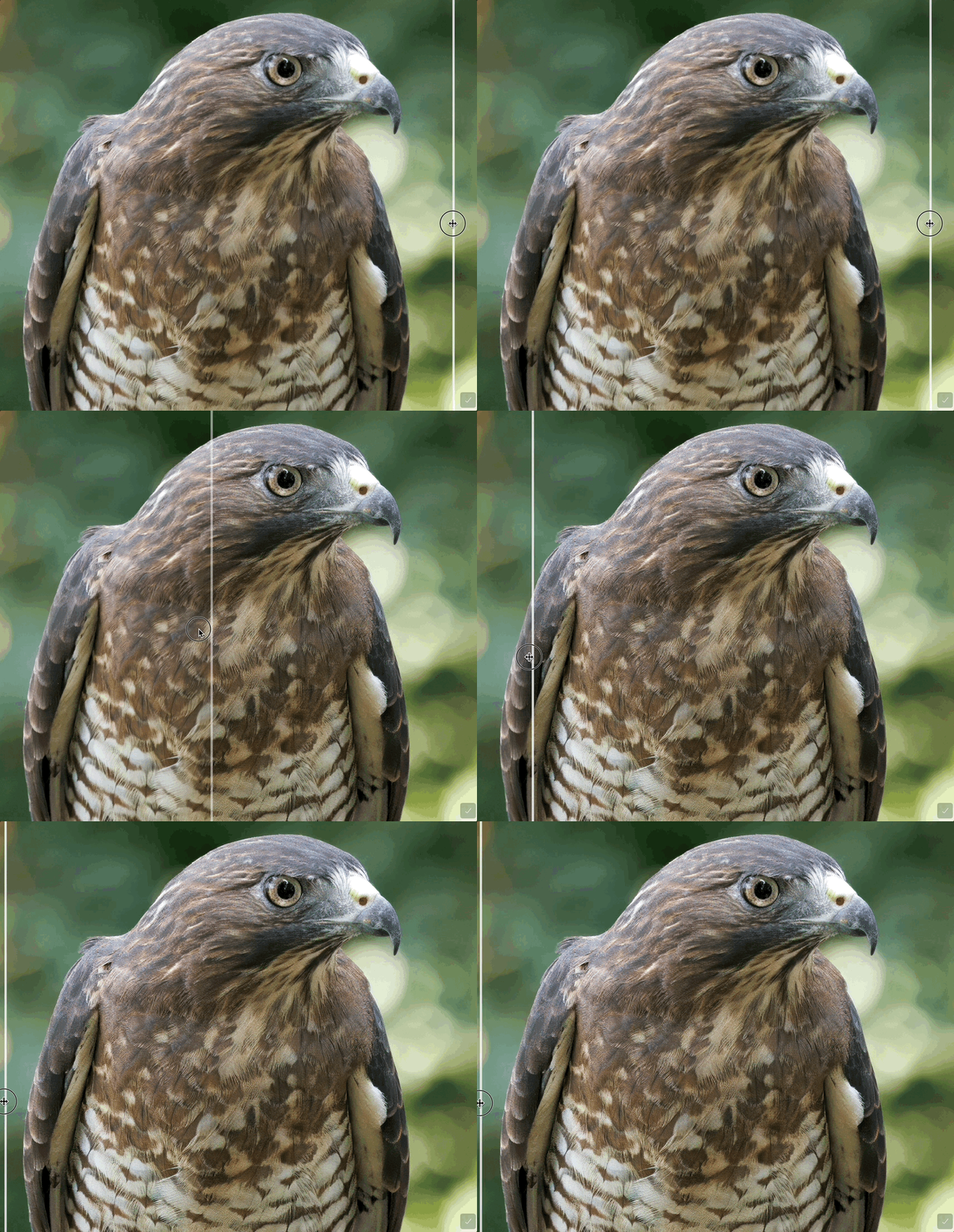
We’re introducing Wildlife Sharpen, a new model designed specifically for fine, natural detail in wildlife photography. When researching places to improve Topaz Photo, better sharpening for wildlife comes up frequently in fur, feathers, whiskers, scales, and delicate textures.
Existing sharpen models in Topaz Photo are for general sharpening which smooths away these details, producing an artificial, plastic result. The Wildlife model aims to preserve lifelike textures while keeping larger structures crisp without that over-sharpened halo look.
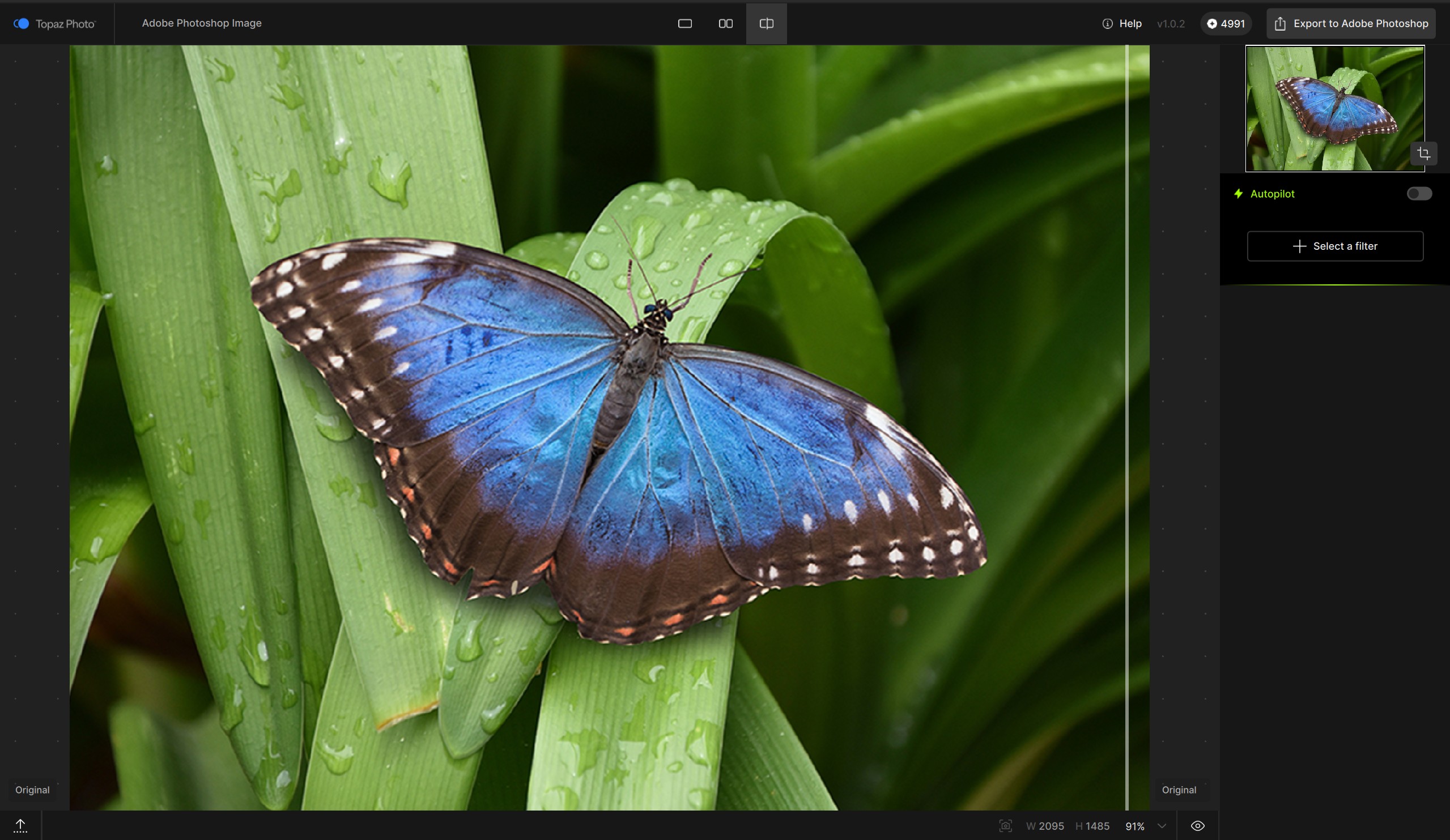
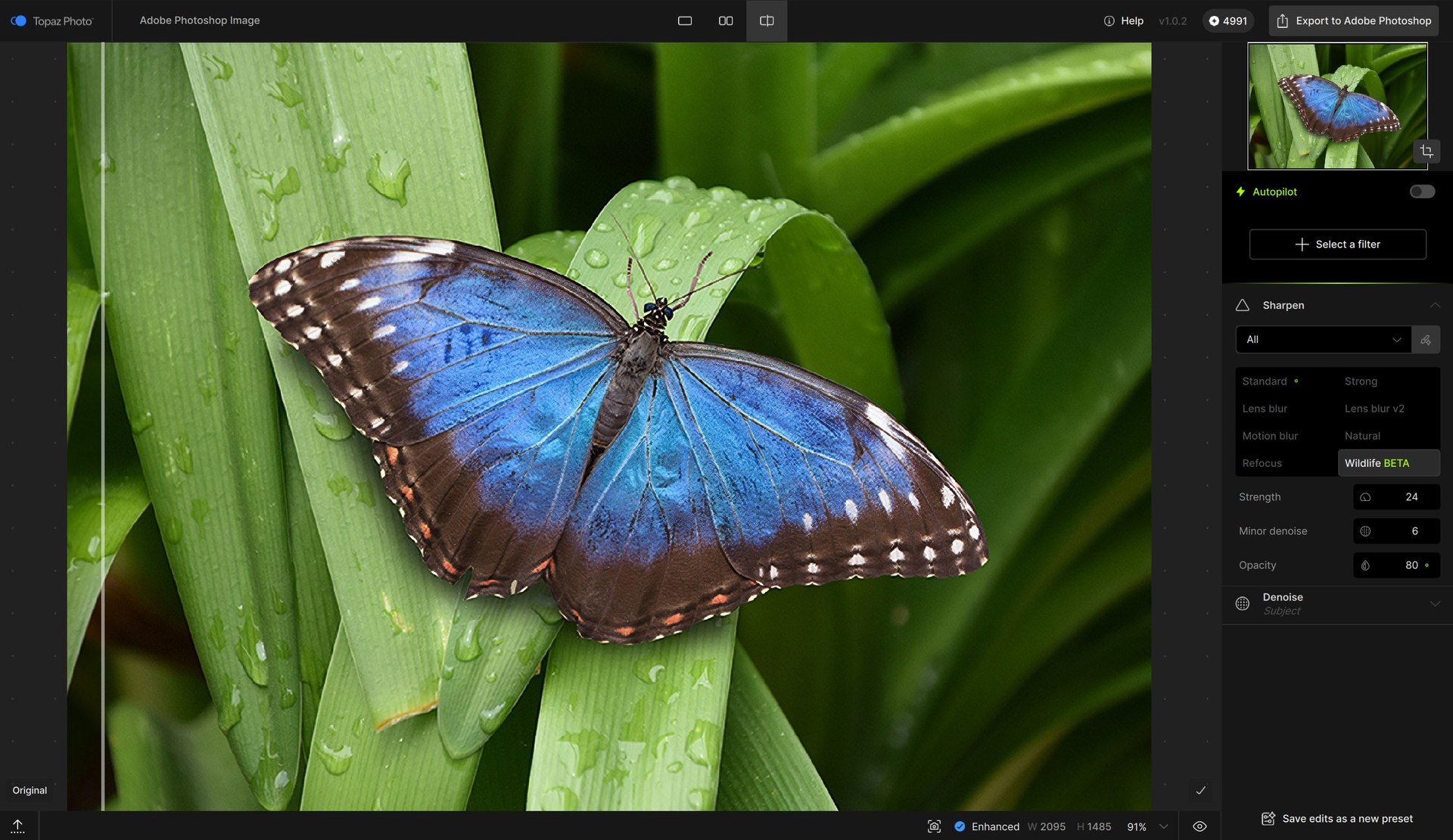
Below are before and after examples.
Low resolution JPG image, upscaled first, then sharpened. The GIF only shows the sharpening step.
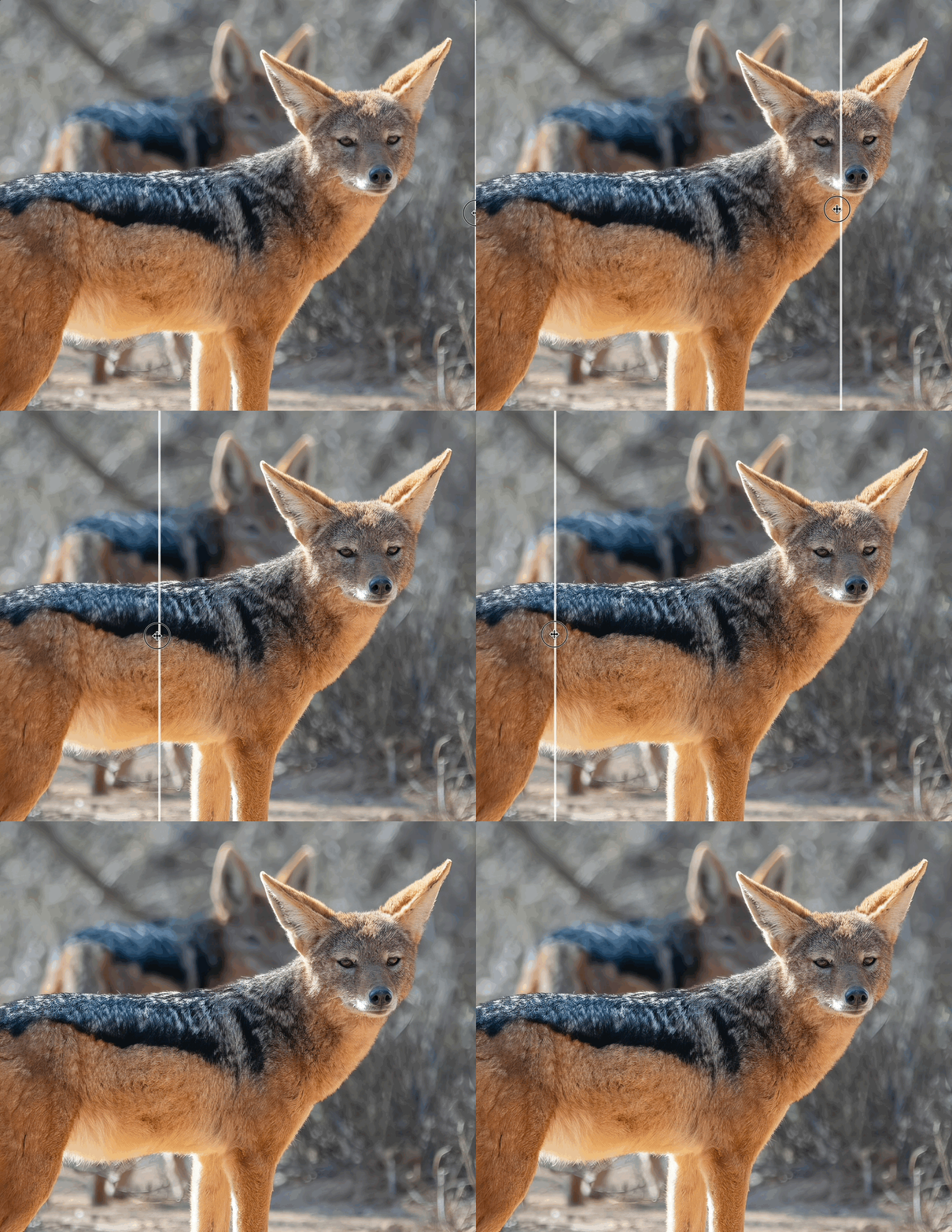
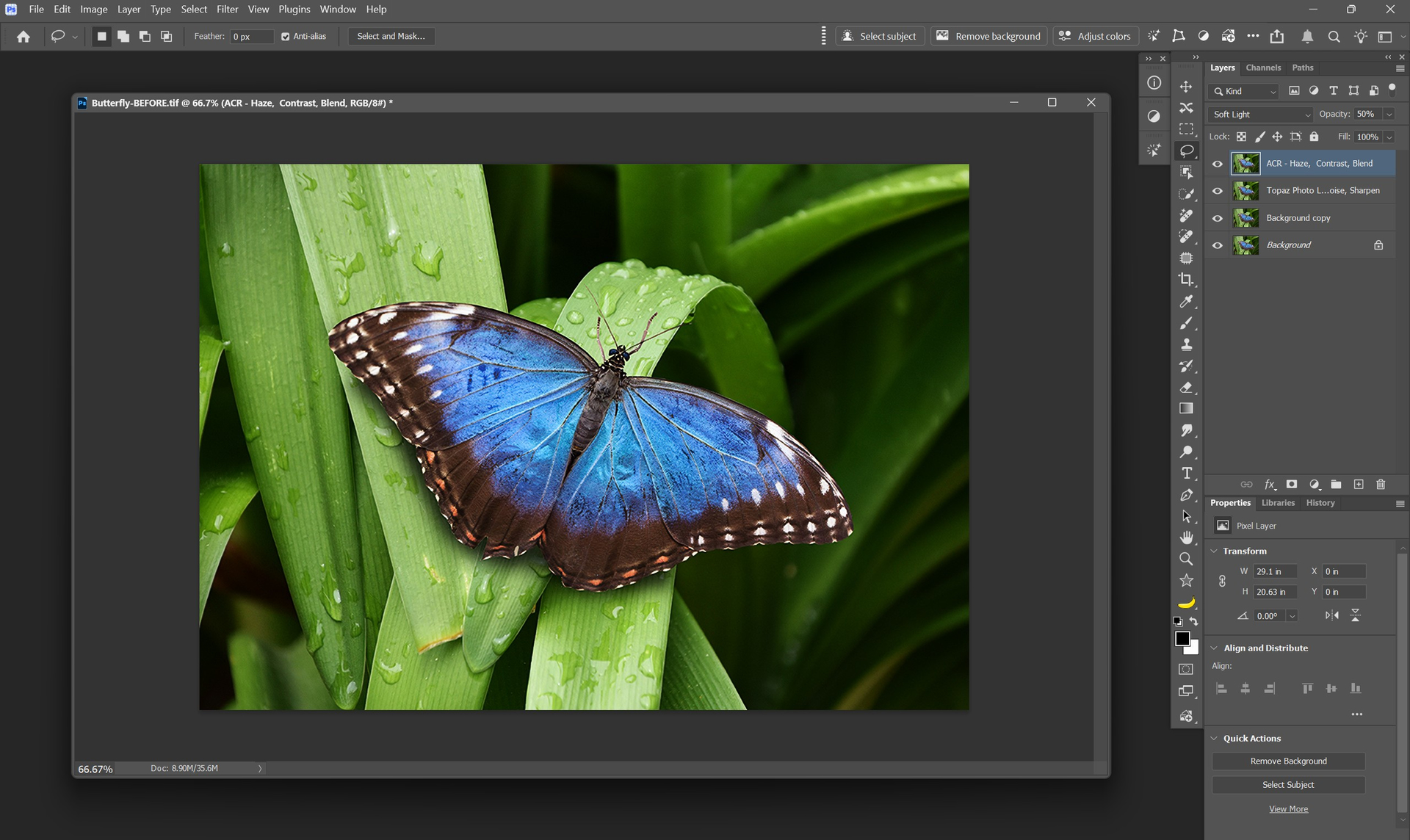
Noisy raw image, denoised and sharpened.
Here are sample images to download and try processing.
Best practices for using the Wildlife model:
- Use on high-resolution images (5MP or higher) with low–medium blur to keep lifelike fur/feather detail and avoid “plastic” looks.
- Not for heavy blur recovery, the other sharpen models will be better for cases where the subject is significantly out of focus or smeared by motion.
- Treat as a finishing step once the image is in good shape, after denoise or other adjustments.
- For low-resolution files, Upscale first to increase resolution and generate enough pixels for the model, then apply the Sharpen - Wildlife model reveal convincing micro-detail.
Intel Mac Support
We’re re-enabling Intel Mac support in Topaz Photo. Previously, Intel-based Macs were blocked from installation because we expected newer versions of the app would no longer be compatible. However, we’ve confirmed that Intel Macs can still process normally with all non-generative models on device and take advantage of unlimited cloud render for generative models that cannot run locally due to hardware requirements.
- Intel Mac users can now install and run Topaz Photo again.
- The installer will skip generative model downloads
- Generative models will run in the cloud only
- All other enhancement models (Sharpen, Denoise, Recover Faces, etc.) work as before, fully on-device.
With unlimited cloud rendering now available, Intel Macs can also run generative models through the cloud at no cost. Local rendering for generative models will be disabled as these models are not compatible with Intel Mac hardware. The installer will skip downloads for generative models to save storage space and decrease installation time!
This change lets Intel Mac users get access to new features and updates without interruption. If you’ve been waiting to upgrade or reinstall, you can now do so with confidence as Topaz Photo is fully supported on your Intel Mac once again.
Batch Render Generative Models in Cloud
You can now batch-process generative models in the cloud using Topaz Photo. With Unlimited Cloud Render available, this update lets you send multiple images at once to be processed on our servers. This should make it easier, faster, and more reliable to run the heavier, more powerful models in your workflow.
Batch cloud render is possible with:
- Standard Max
- Wonder
- Dust & Scratch
- Super Focus v2
To use it:
- Import a batch of images
- Select an image in the batch
- Use one of the above models with cloud render on an image
- Select all images in your batch with Ctrl/CMD + A to apply the generative model with cloud render to other images
- Export the batch
Every image that inherits those settings will automatically be processed in the cloud as soon as the workflow reaches a generative model.
This is a great option for anyone who wants the speed and consistency of cloud processing, especially for the models that require more compute power. It’s also a major boost for Intel Mac users who can now run all generative models through the cloud even though their hardware doesn’t support them locally.
Give batch cloud rendering a try and let us know how it improves your workflow!
Changelog
- Add Sharpen - Wildlife model
- Add Intel Mac support
- Batch cloud render enabled for: Standard Max, Wonder, Dust & Scratch, Super Focus v2
- Update Upscale + Recover Faces logic to produce highest quality face output
- Fix Photoshop Filter plugin export failing if dimensions were changed
- Cloud processing should be able to apply current settings and process on cloud now
- Add modal with solution to error loading model when used as plugin
- Fix Photoshop Automate plugin having incorrect name
- Fix filmstrip tooltip showing incorrect model when using Super Focus v1 cloud render
Lingyu Kong
Technical Product Manager
Image AI