Seems this one is still a problem (at least for me):
Last night I ran a batch of photos, some of them being cropped & rotated a bit (I’m a very poor straight-shooter) and every one of the photos that were shot in portrait that I then applied a crop to and rotated a couple of degrees turned out all squashed.
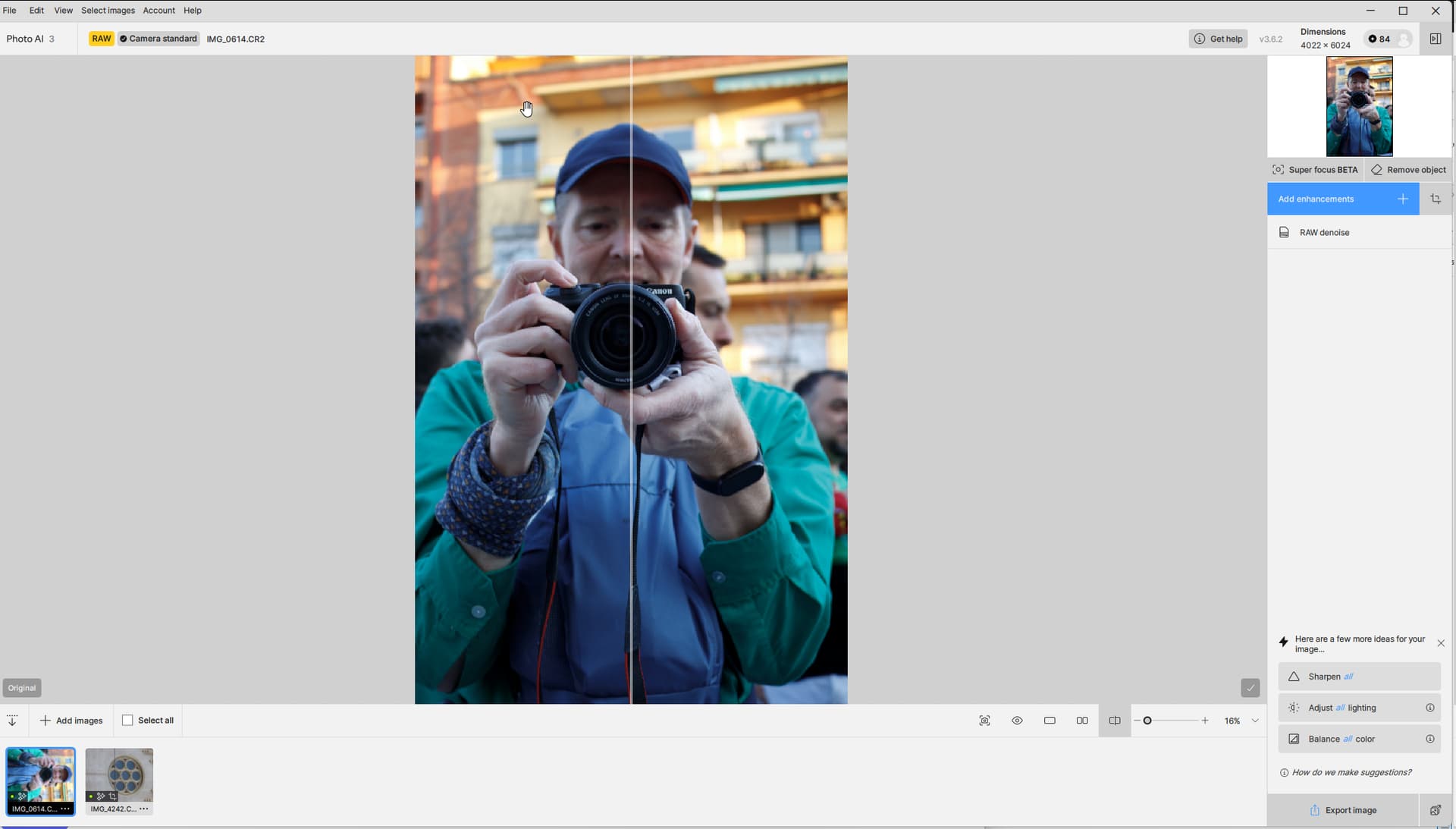
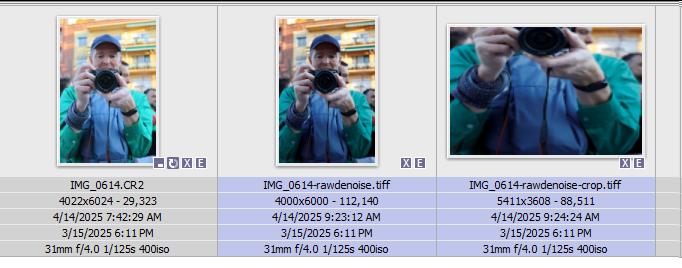
I can’t offer anything from yesterday’s shoot, but I went back and picked up two photos - one from a EOS M3 (CR2) and one from an EOS M6mk2 (CR3) that I’ve used as examples. The first one is shot with the EOS M3:
Preview before cropping & rotating:
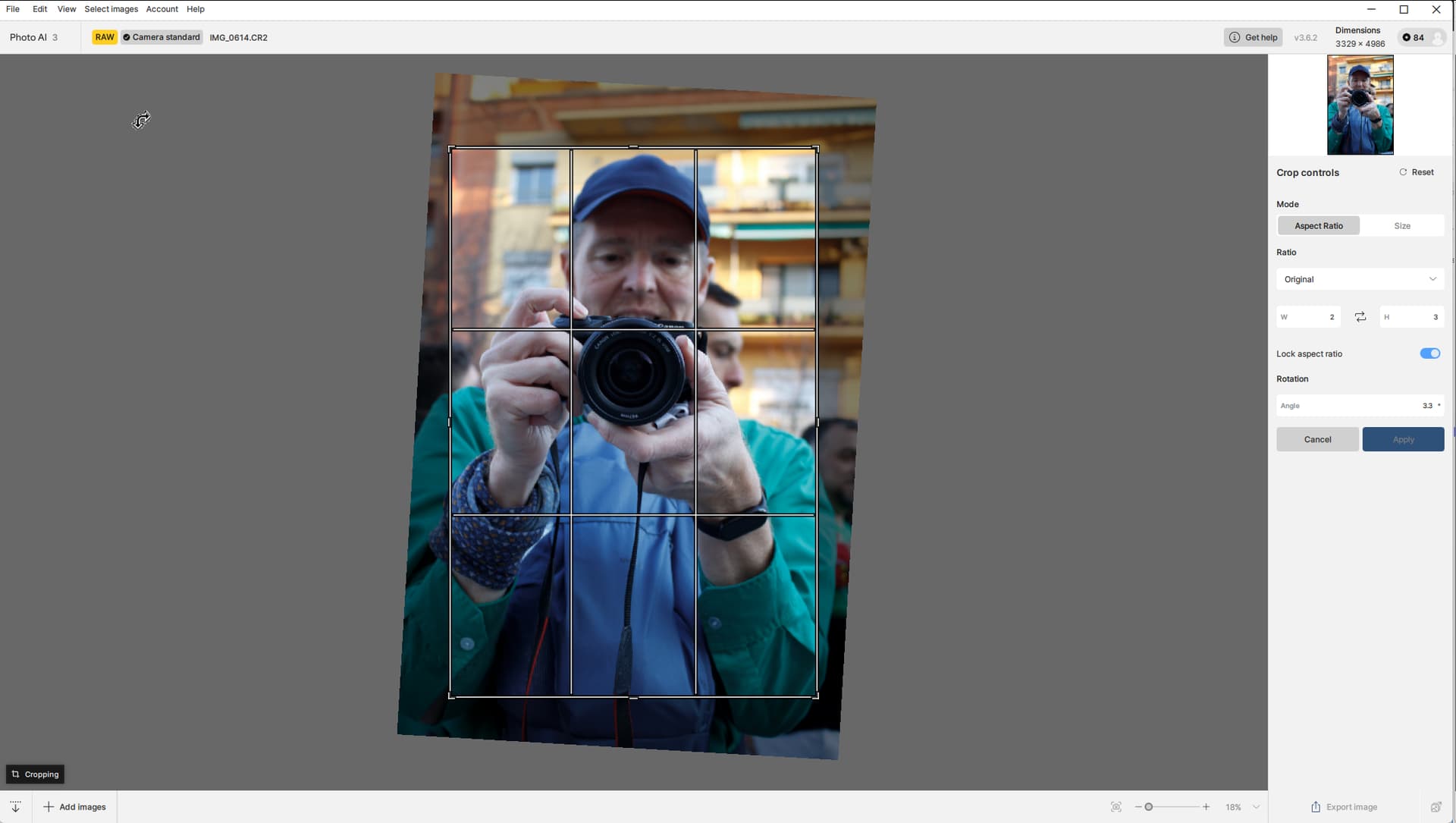
Crop window:
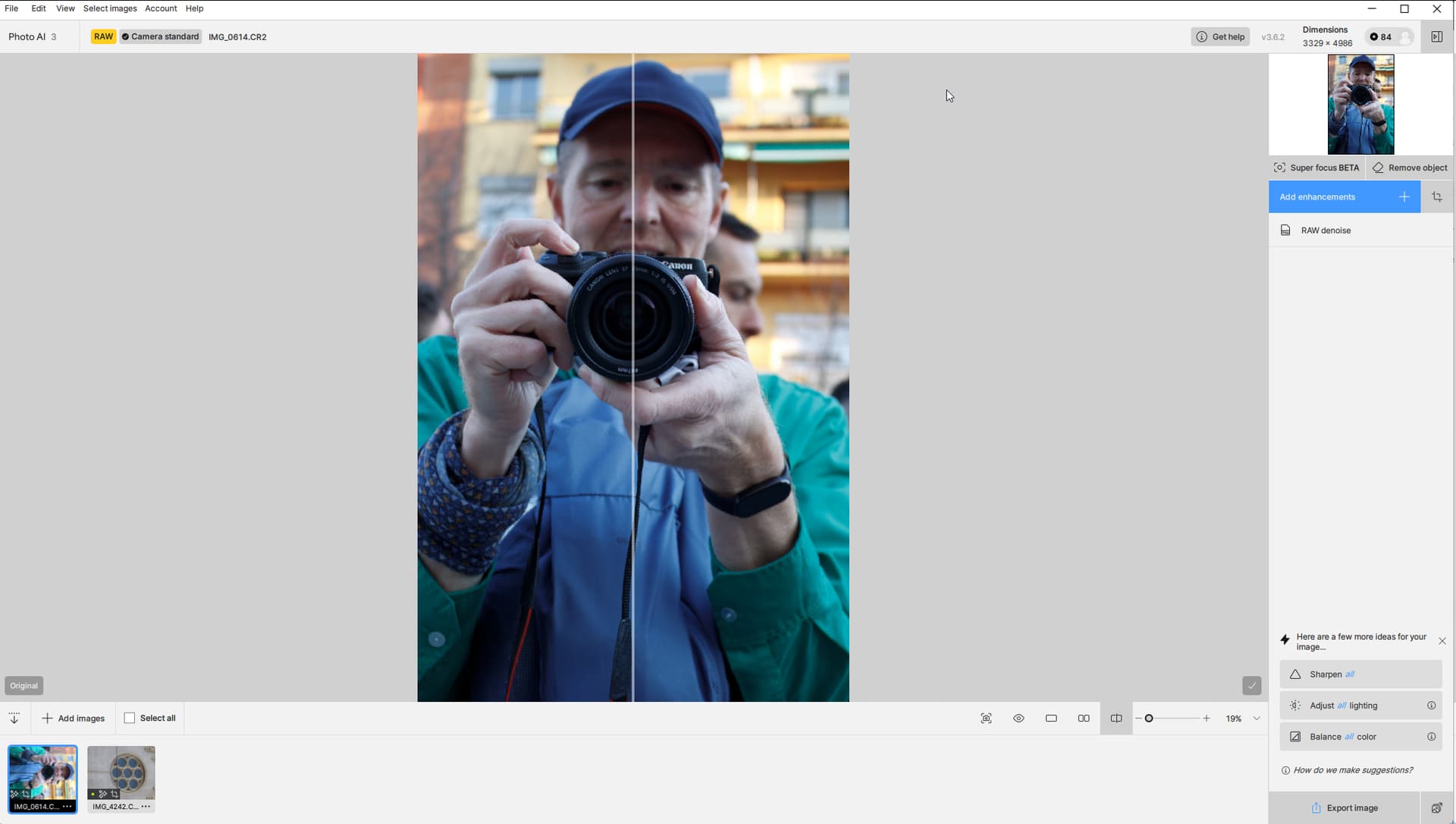
Preview after cropping & rotating:
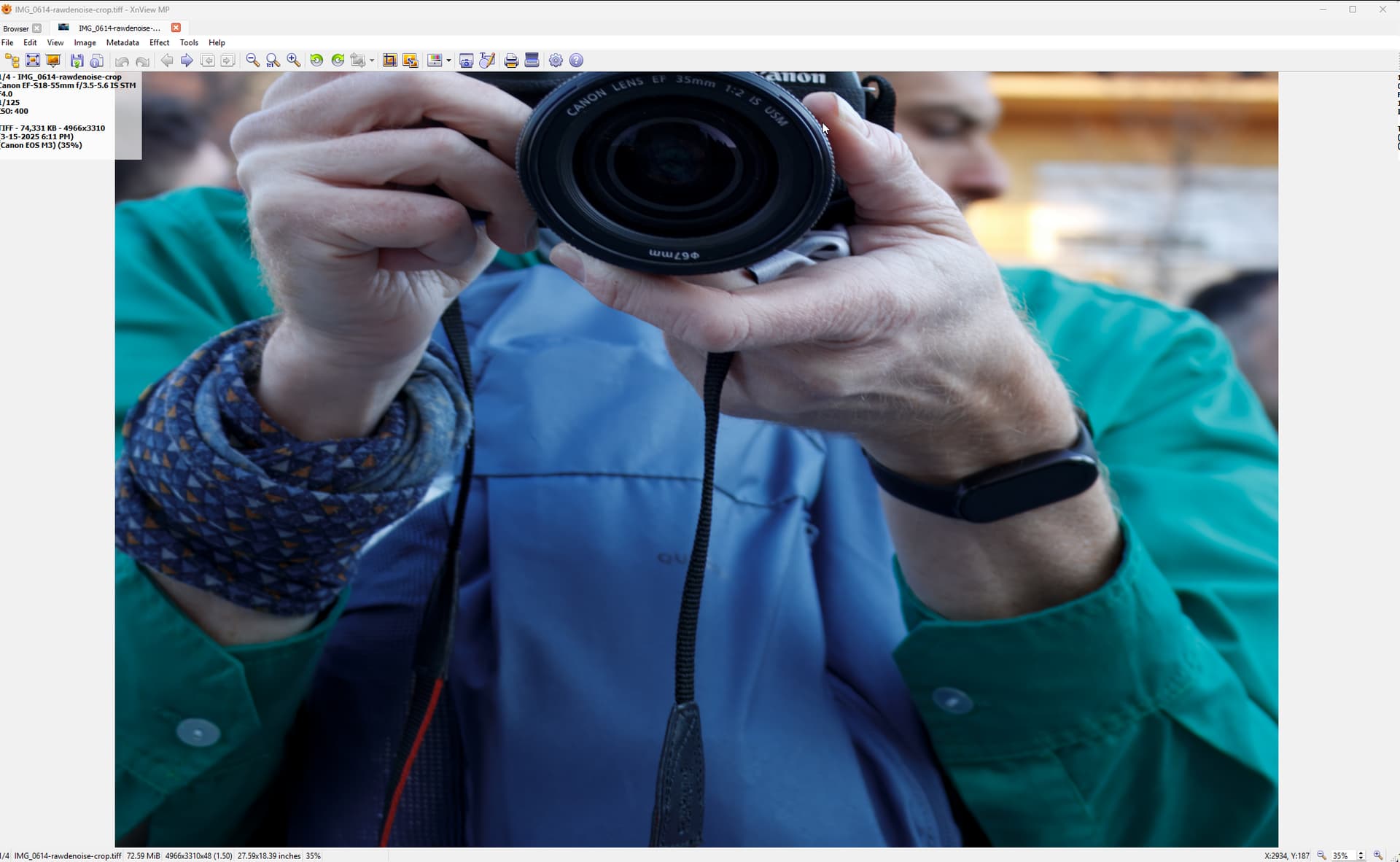
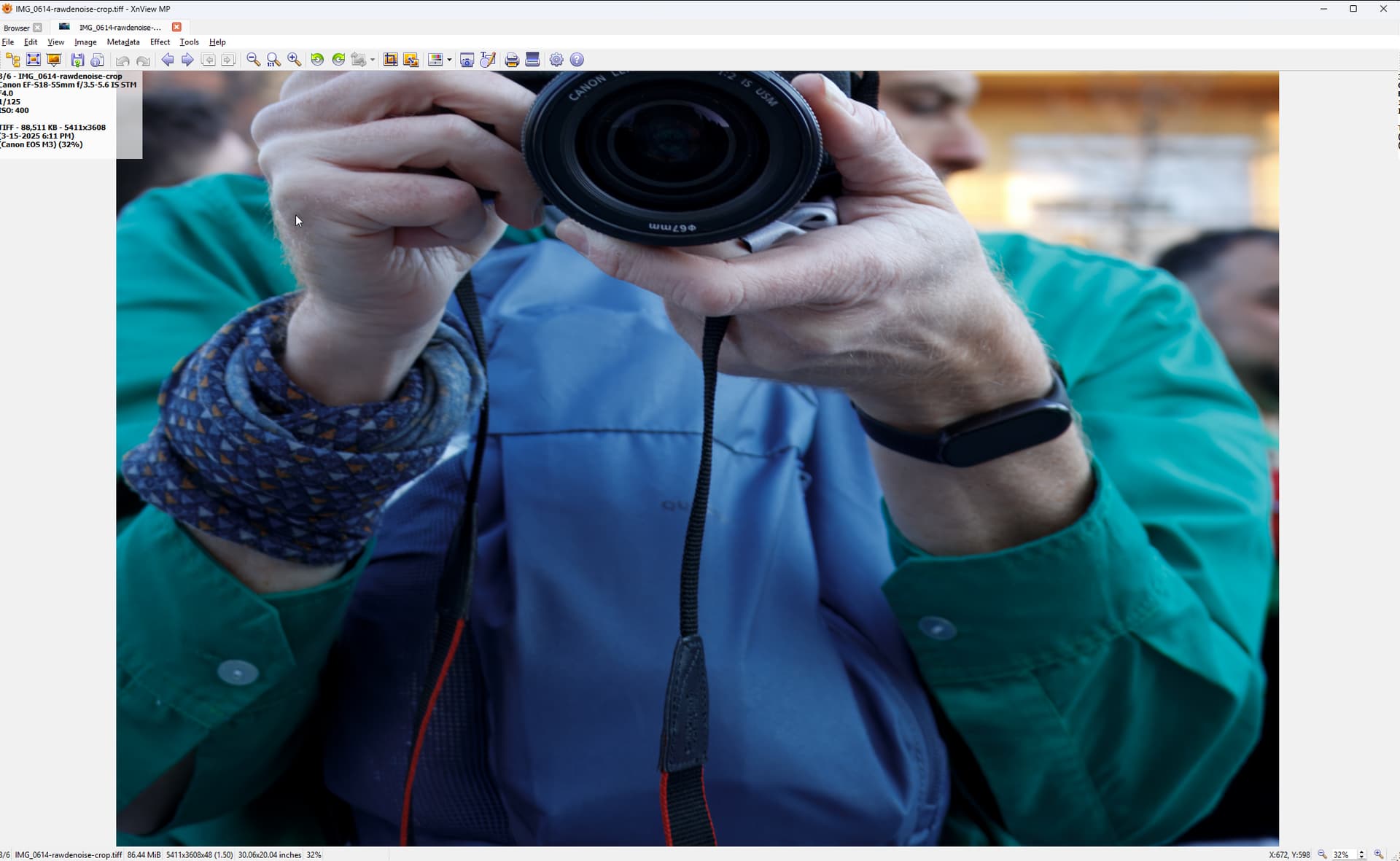
Result as viewed in XNView (doesn’t matter where I view it - the mangling happens in PAI). Notice the perspective goes wrong and the Head gets cropped away:
And the second one EOS M6mk2:
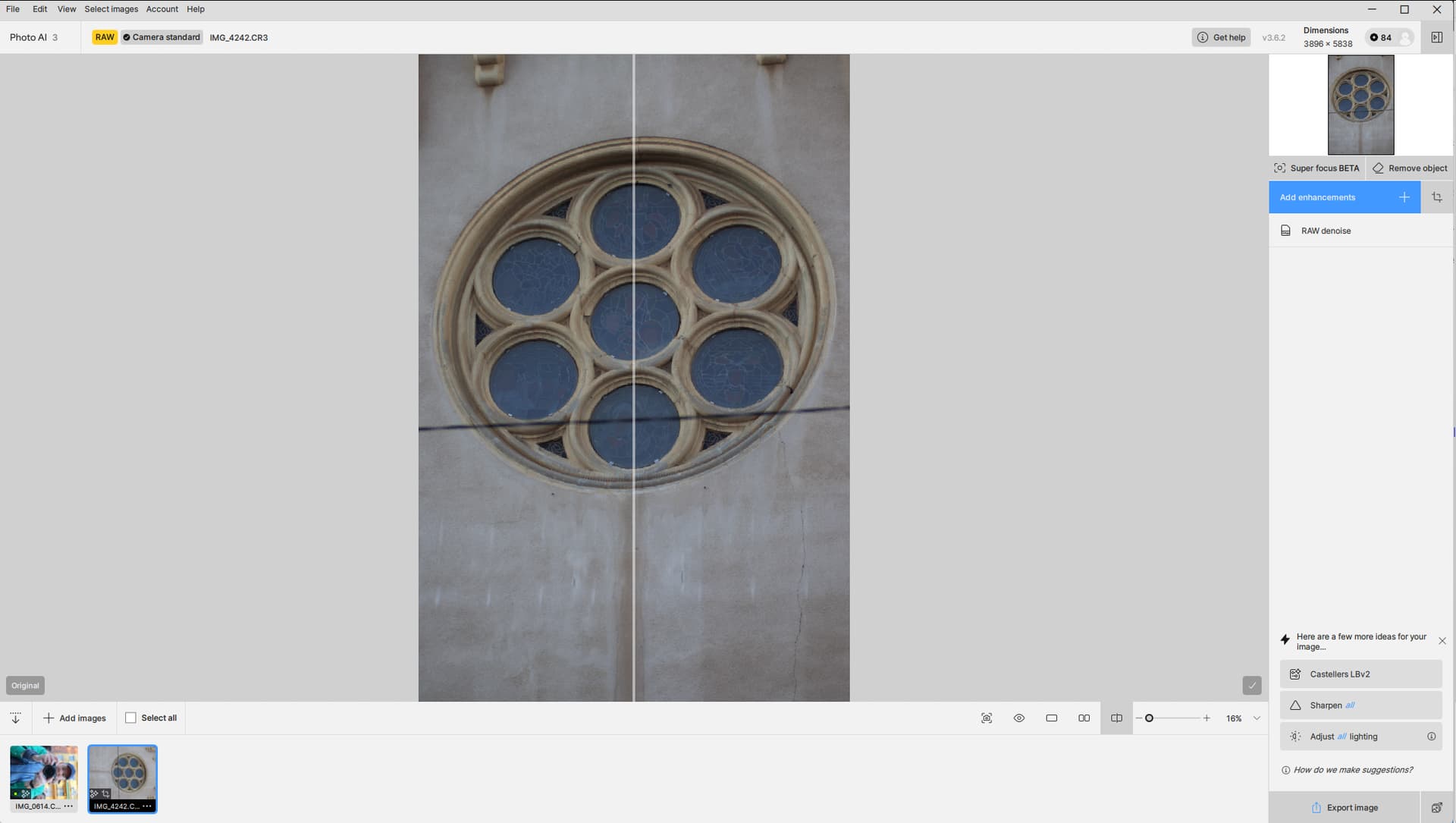
Preview before cropping & rotating:
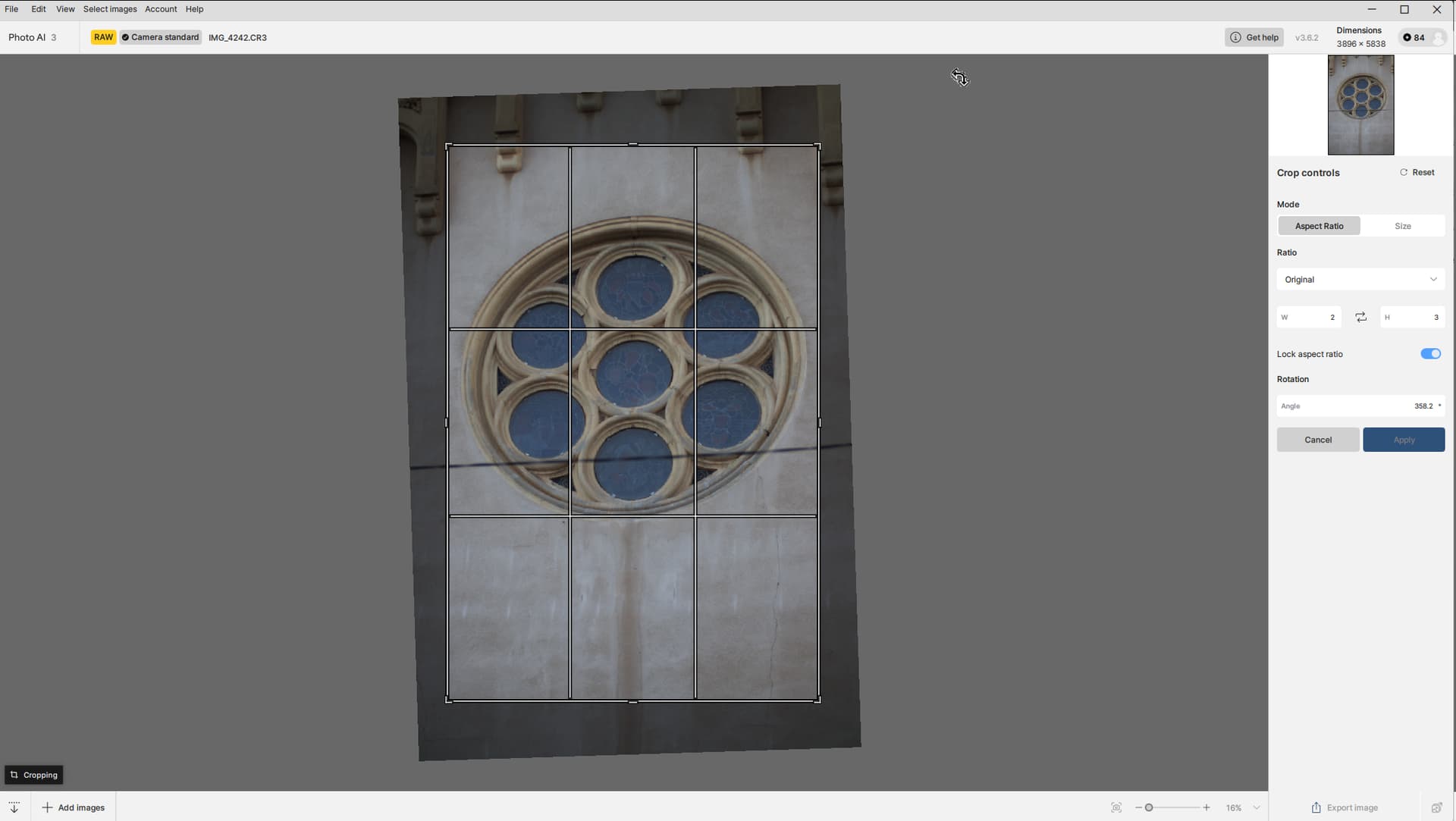
Crop windows:
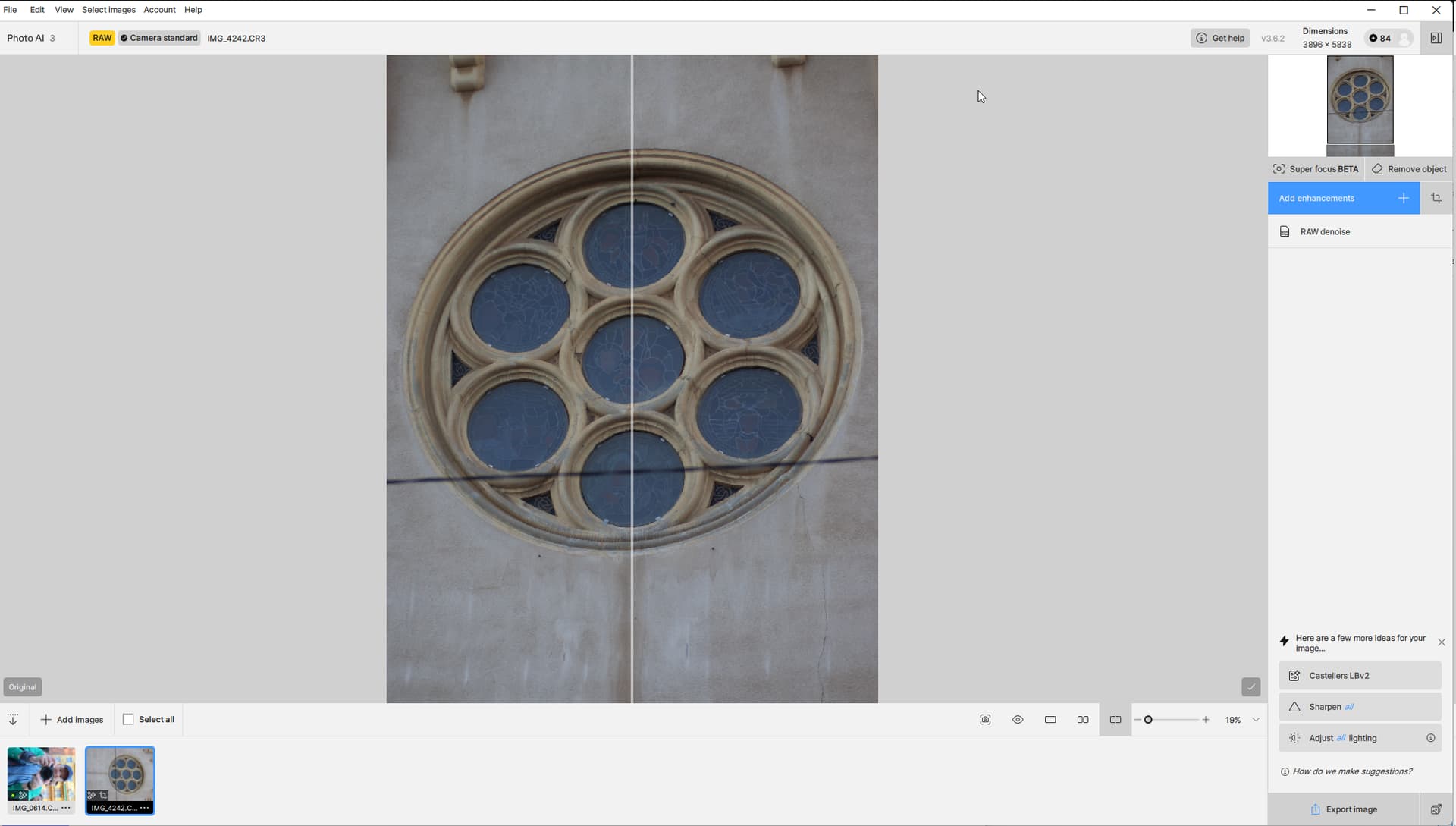
Preview after cropping & rotating):
Result as viewed in XNView (doesn’t matter where I view it - the mangling happens in PAI). Notice the perspective goes wrong and I lose half of the “subject”:
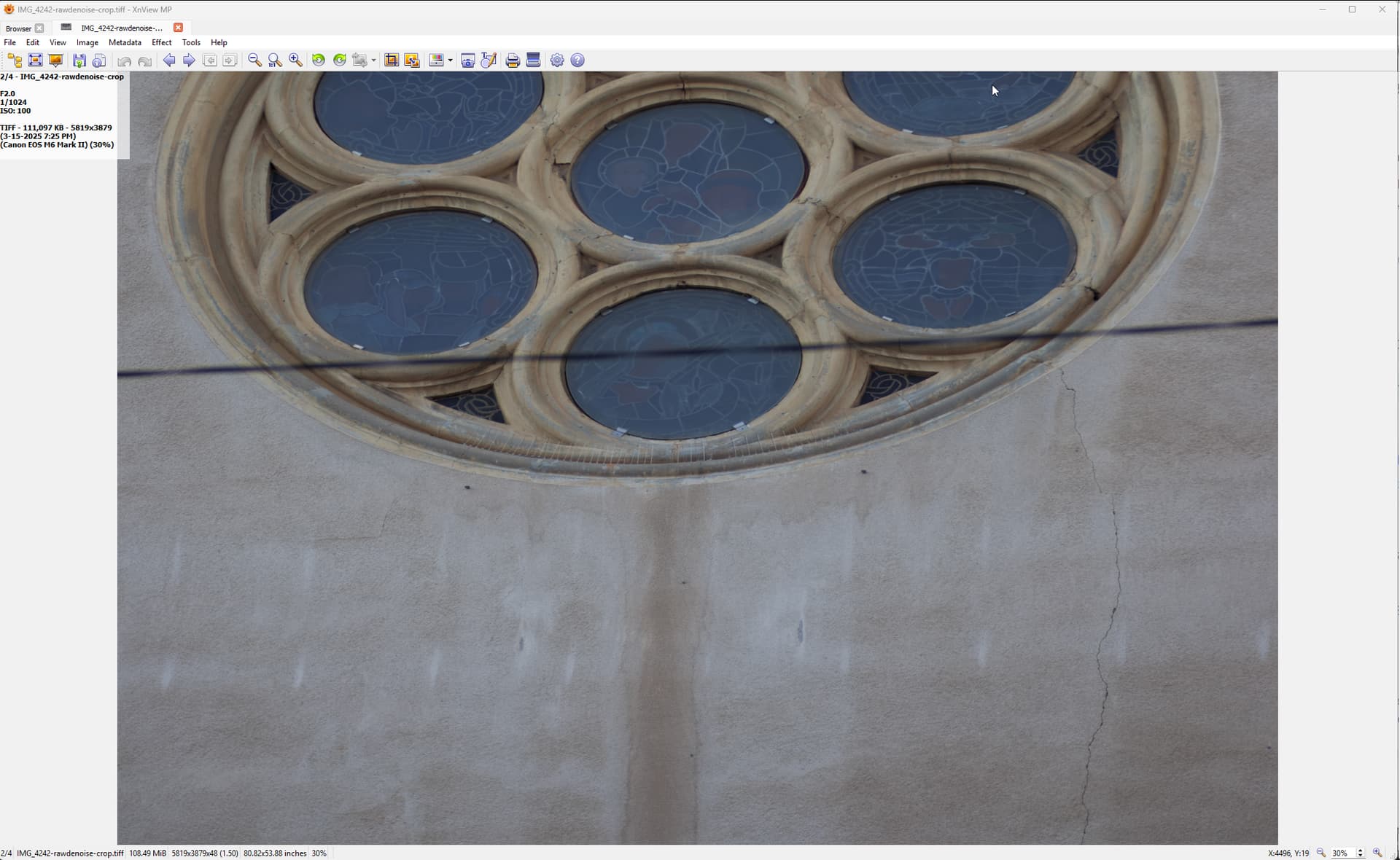
Notice that both thumbnails in the film strip are rotated 90 degrees… I don’t know if this is the normal behavior. Would be nice though to see the thumbnails correctly.
IMG_0614.CR2 (28.6 MB)
IMG_4242.CR3 (38.5 MB)
Could anyone with a minute or two perhaps give it a go and see if you can reproduce with my photos, and perhaps with one of your own? From what I understand the source need to be shot in portrait mode, but that’s it. And all I have to do is - without any other adjustments applied - open the crop & rotate window and crop away a bit of the photo and rotate it at the same time.
@Lingyu It seems you replied to my post back then, but I don’t know if it ever got anywhere beyond that…
Edit: This also happens if I just export the uncropped photo to tiff, open the tiff in PAI and apply the crop & rotate:
Regards,
