Just downloaded 3.6.0 and I don’t seem to have a preview panel in SuperFocus 2
Problem solved, it has appeared!
3 Likes
With 3.6.0, changing the strength level has no effect in neither the preview nor the final render. macOS 15.3.2 24D81 arm64 (Mac Mini M4 Pro). All results are too strong give plastic AI results.
Too many cloud improvements, I think.
Please make some more improvements and bigger models and innovations to make local graphics cards work harder 
Then there should be a UI input field for a short prompt when replacing images (inpainting), like in SDXL/Flux.
And for that, larger models.
This would allow for targeted results, as they are currently somewhat random.
(You can hide the whole thing by default in the settings.)
6 Likes
Just want toss in that as a new-ish user (a few months now), I am super-impressed with a) how well this application performs, and b) how responsive Topaz is! Thank you for the considerable effort you put forth consistently!
7 Likes
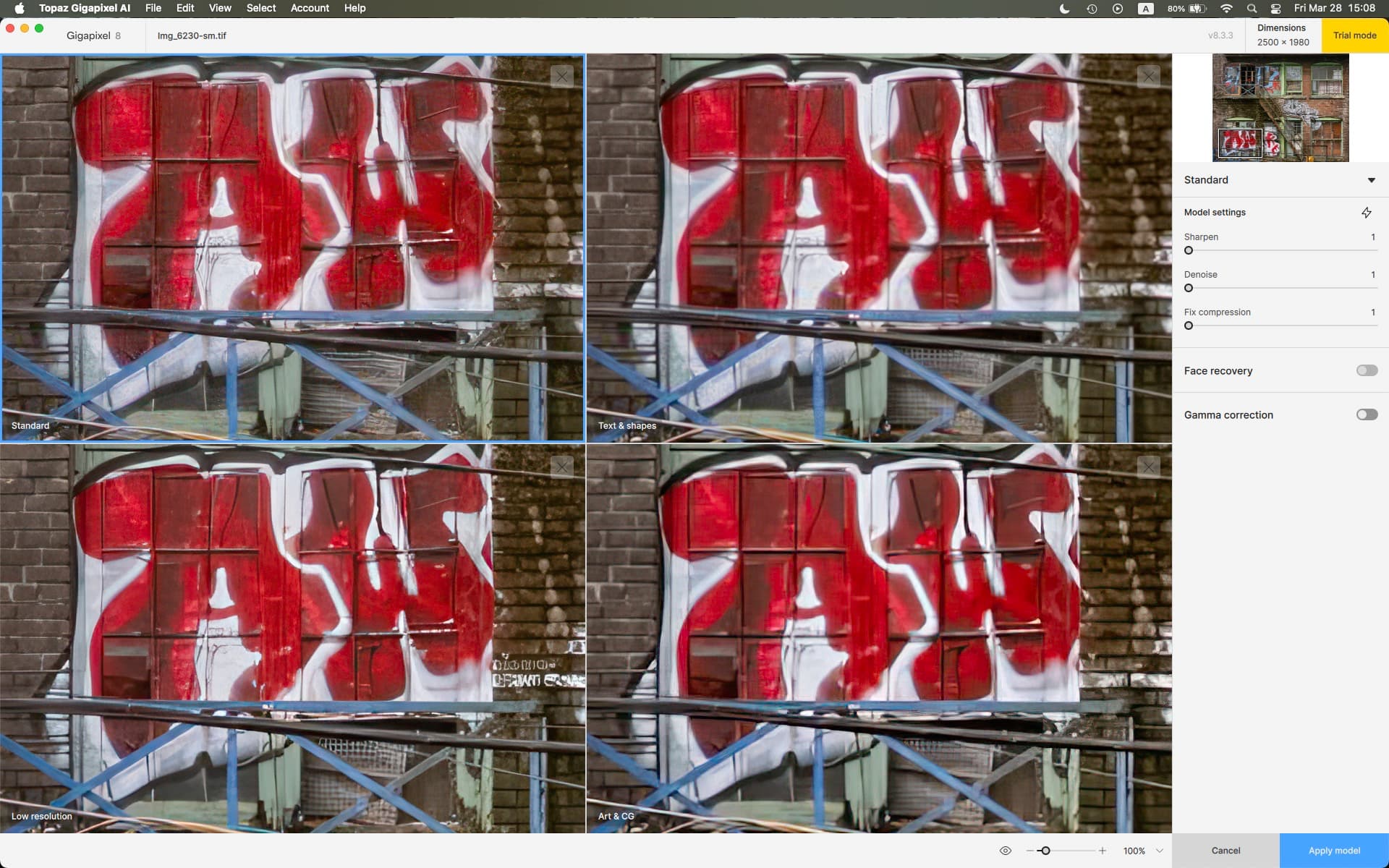
This has been suggested many times, but I will mention it again here. Please add a compare view like you had in Sharpen AI, Denoise AI, and still have in Gigapixel AI. for example, here it is in the current Gigapixel AI 8.3.3.
4 Likes
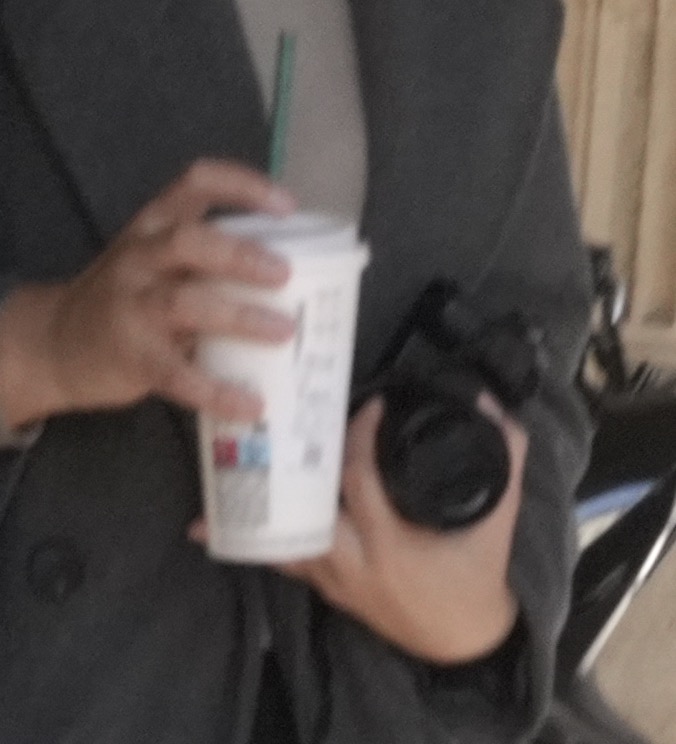
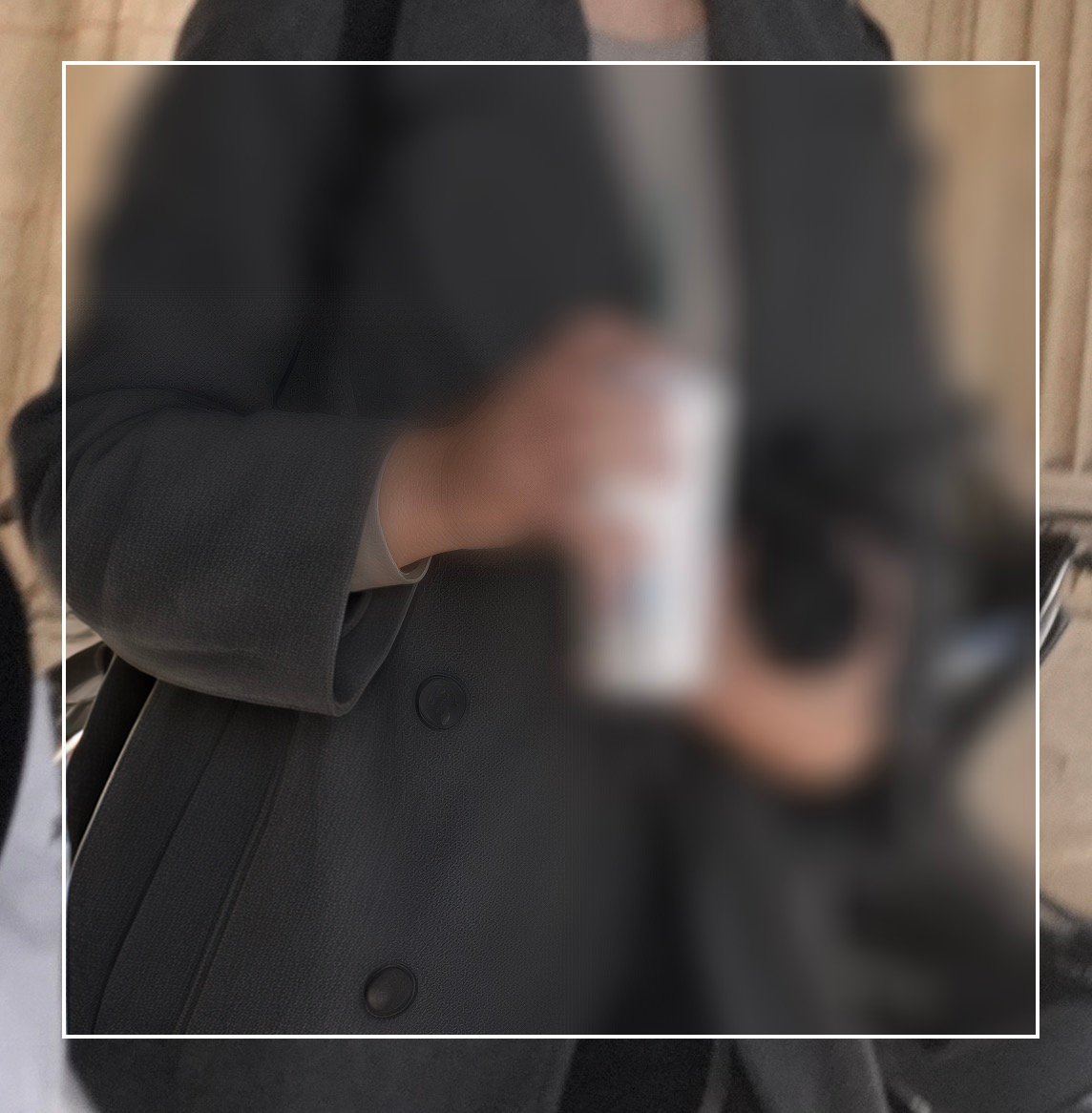
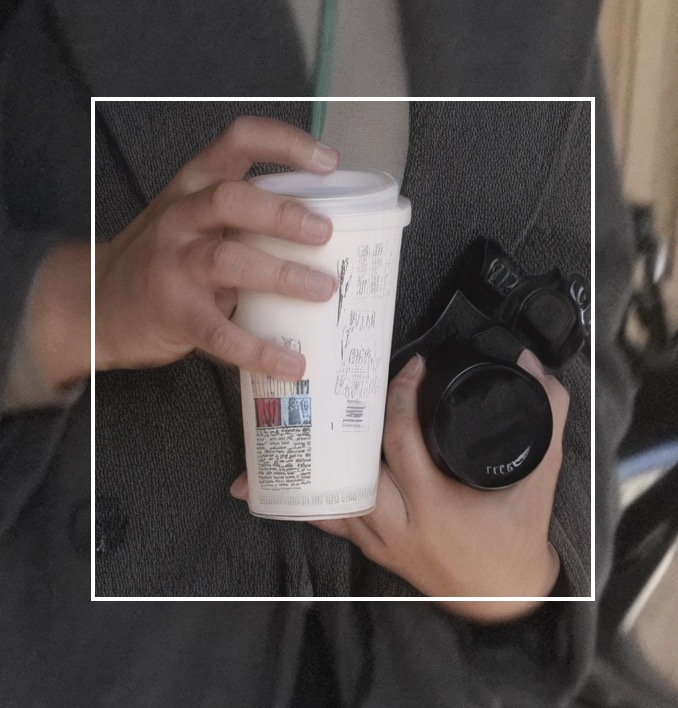
I have 3.6.0 on my M2 Pro 12/19/16, 32gb Mac, 15.3.2. Just like Gigapixel 8.3.3 Recover 2, I have found that Super Focus 2 is also broken. 
Crop of the original:
Super Focus 2 (Focus boost None):
Super Focus 1 (Focus boost None, Sharpen strength Low):
@Tostanica-fezanamu check out the following link to cast a vote for this suggestion 
1 Like
A couple of comments with regards to the preview box for Super Focus 2 and Super Focus 1 in 3.6.0:
In the previous version we could select a small, medium, or large preview box, but that seems to have disappeared. Why?
In 3.6.0 for some inexplicable reason the preview box size is different for Super Focus 2 and Super Focus 1. 2 is larger than 1. Why are they different sizes?
2 Likes
Yeah that was very useful - bring it back please !
@joseph.reagle - for what enhancement? Can you send screenshots and your original file to support@topazlabs.com and we can do some tests?
@Tostanica-fezanamu - I will mention your feedback to the development team!
For your blurred issues with the preview, can you send your logs (Help menu in app, then Open logs folder) to support@topazlabs.com and we can have a look!
1 Like
@kalitom Can you send an email to support@topazlabs.com with details on what the Denoise problem you mention is? We can troubleshoot and sort it out! Send in screenshots as well!
@vovchan73 - I have added your contact information on the open development team ticket working gon this. Generation 2 is still in beta and this is one of the issues still being investigated. Will tag you here once resolved!
1 Like
Thank you for fast respond.
White applying “denoise”, preview got broken, as in the pictures below. The view stayed on the saved pictures.
Don’t happens everytime, mostly, when I apply “denoise” after “sharpening” (but not always.
After I’ve written my post I noticed, that somebody had similar problem.
Best regards
Tomasz Kalinowski
@kalitom - can you send the original file you use to support@topazlabs.com and confirm if this occurs on any strength level? Also mention in the email this result: Seeing crash reports that your AI Processor is to M2, does it occur if you put Auto (the default) in Topaz Photo AI > Preferences > General > AI Processor > Auto.
I had processor set to M2, I’ve changed to Auto, happened again. Happens when I use „denoise". And only at „normal” level. Strong nad Extreme don’t cause the problem.
1 Like
@kalitom - make sure to send an email to support@topazlabs.com. We can then troubleshoot further!
You can send in that emails your logs and we can have a look.
I sent the log to support.
1 Like
@maty I appreciate your enthusiasm for making the GPU work harder. You are probably the first person to ask for our AI models to be BIGGER! 
There are some bigger models coming, the challenge is making them run locally on all platforms.
Prompting is a good idea, we don’t yet have anything like that in Photo AI, only Redefine in Gigapixel.
1 Like
