Can we please get the blacked-out dialog boxes fixed:
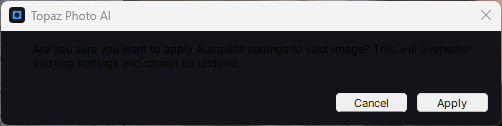
Can we please get the blacked-out dialog boxes fixed:
You too?
I thought it was just me and shrugged it off as a GPU driver thing. Since I only ever fire up Windows for photos on a more regular basis when it’s Human Castles-season (which just started) I’m not that good with updating…
But now that there’s more of us… Am I gonna have to pull logs? 
They already posted it as a known issue several releases ago but then never fixed it. I’d have to do some searching to find that post.
Ohh… I usually just read the release threads so I missed that one. Kind of “nice” not only being “not alone” but actually have a good group of people in my corner…
Apparently they have a fix, now it just needs to be rolled out.
@dakota.wixom can we please get a v3.6.1 hotfix for the black dialog boxes fix?
HI
Does the update work with 3.6.0 with Big Sur that the whole application does not fall, as did Gigapixel?
It’s still in testing and will be released in a patch yes, will keep the thread for Black Box shared above updated when released and mention it here!
I see your System Profile you had sent Josh, and can see that unfortunately, you do not meet the system requirements for Photo AI. Your computer only has 4Gb of VRAM, and while Super Focus is not supported on OS 11, if you had the 6GB of VRAM needed to meet the minimum requirements for the app, you would not experience crashes using the app and other enhancements. Make sure to go in your Topaz Photo AI menu, Preferences, AI Processor and set it to CPU to force the CPU to be used and not your underpowered AMD card. This will give the best chances at avoiding crashes, however it will not change the machine does not meet Photo AI requirements, and processing will still be slow. This is not related to the OS, but to the VRAM, and graphic limitations of your machine!
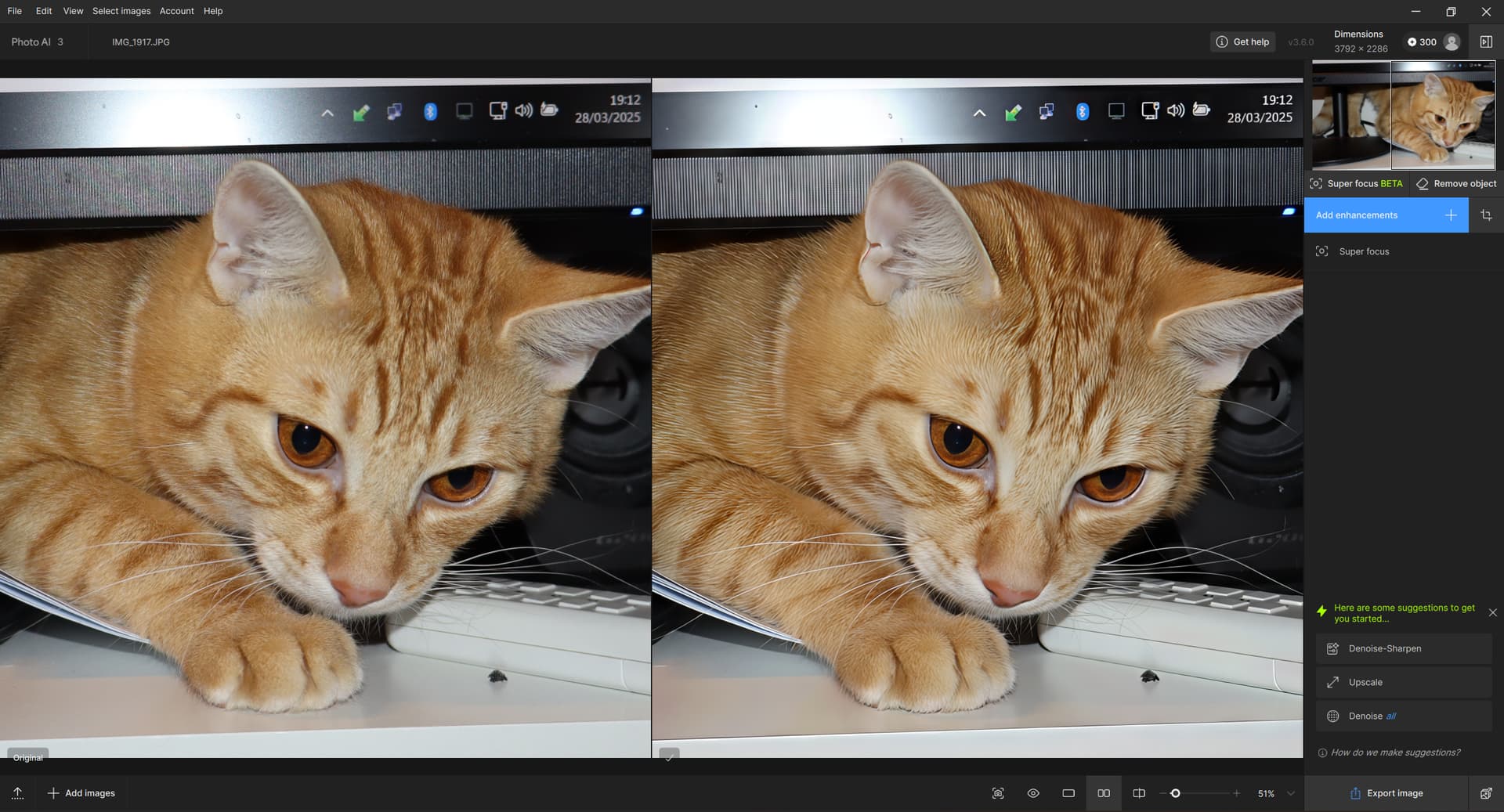
That example of a recovered cat image – maybe I’m too subjective, but the cat’s enhanced fur looks more like bristles than (for domestic cats) typically very fine, “silky” hairs. I tried Super Focus v2 on my cat and it also came out more like bristles (I could compare – my cat was lying right under the display). Not even a snow leopard (which my cat definitely isn’t) has such rough fur. But maybe it just seems that way to me?
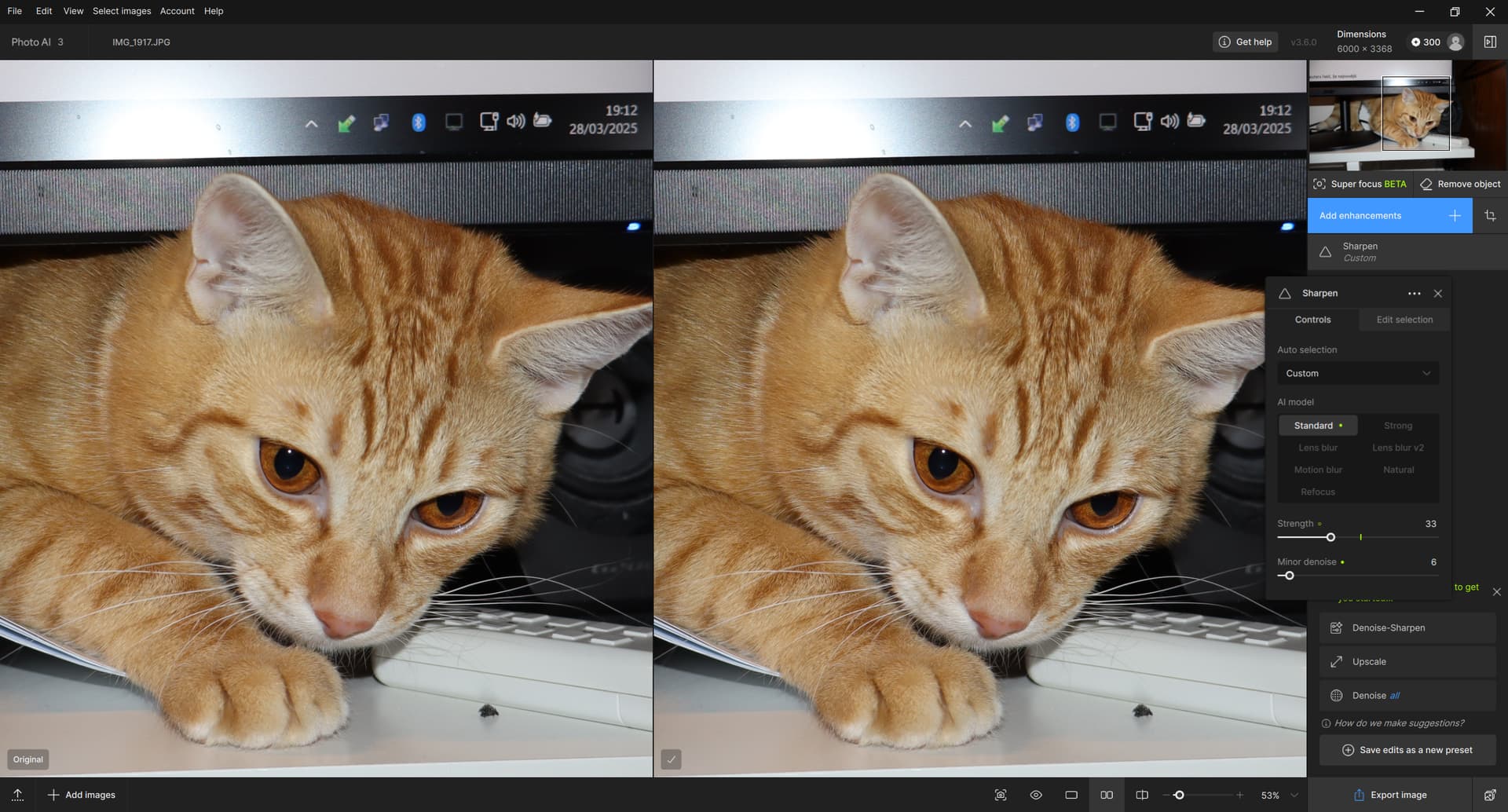
The cat is not defocused in the original, can you test Sharpen AI models instead? Forcing Super Focus here will give a over processed look, yes. Would put a Sharpen here, low strength!
Well in that case it defeat the the purpose of using super focus.
@jayesh.topiwala - That is the intended behavior right now, to allow you to tweak the selection once processed to remove or add sections once you see the result, without having to reprocess. We have a feature request to “force” a selection and the development team will consider it!
Any plans to change that?
Thanks for the clarification , it will be lot faster if it process only what is selected.Hope it will work that way in the future.
MacOS Sequoia DENOISE problem
When will they finally remove the freckles that appear on faces in the face reсovery module? New versions of the program are released, but this issue is still not corrected((((.
Yes, I noticed those too.
Just downloaded 3.6.0 and I don’t seem to have a preview panel in SuperFocus 2