Sorry, maybe I didn’t explain myself well: I wasn’t attributing any blame to the beta testers at all, on the contrary. Many companies use external beta testers before the publication of a release, and in general rewarded in some way, but only after a long and accurate QA within the company. Then it is clear that it may be necessary to issue a patch release because something has escaped anyway but it is a very rare case.
1 Like
Can you send us your System Profile (steps to get system profile are here) and logs (Help > Open Logs Folder) to support@topazlabs.com?
Even if it’s a Mac only change, we have to release both versions!
1 Like
I don’t think it’s ridiculous at all. There is a clear statement when you open SuperFocus saying that larger images will take longer to process.
On my M4 system, a 6000x3999 DNG has an ETA of 24 minutes (about 2/3 that in practice). Cropped to 1823x1216: ETA 2m.
The standard models almost always give better results anyway. SupFocus images almost always look “fake”. Plus there is a mismatch between the preview image (which can look OK) and what is rendered (which looks totally artificial). As below:
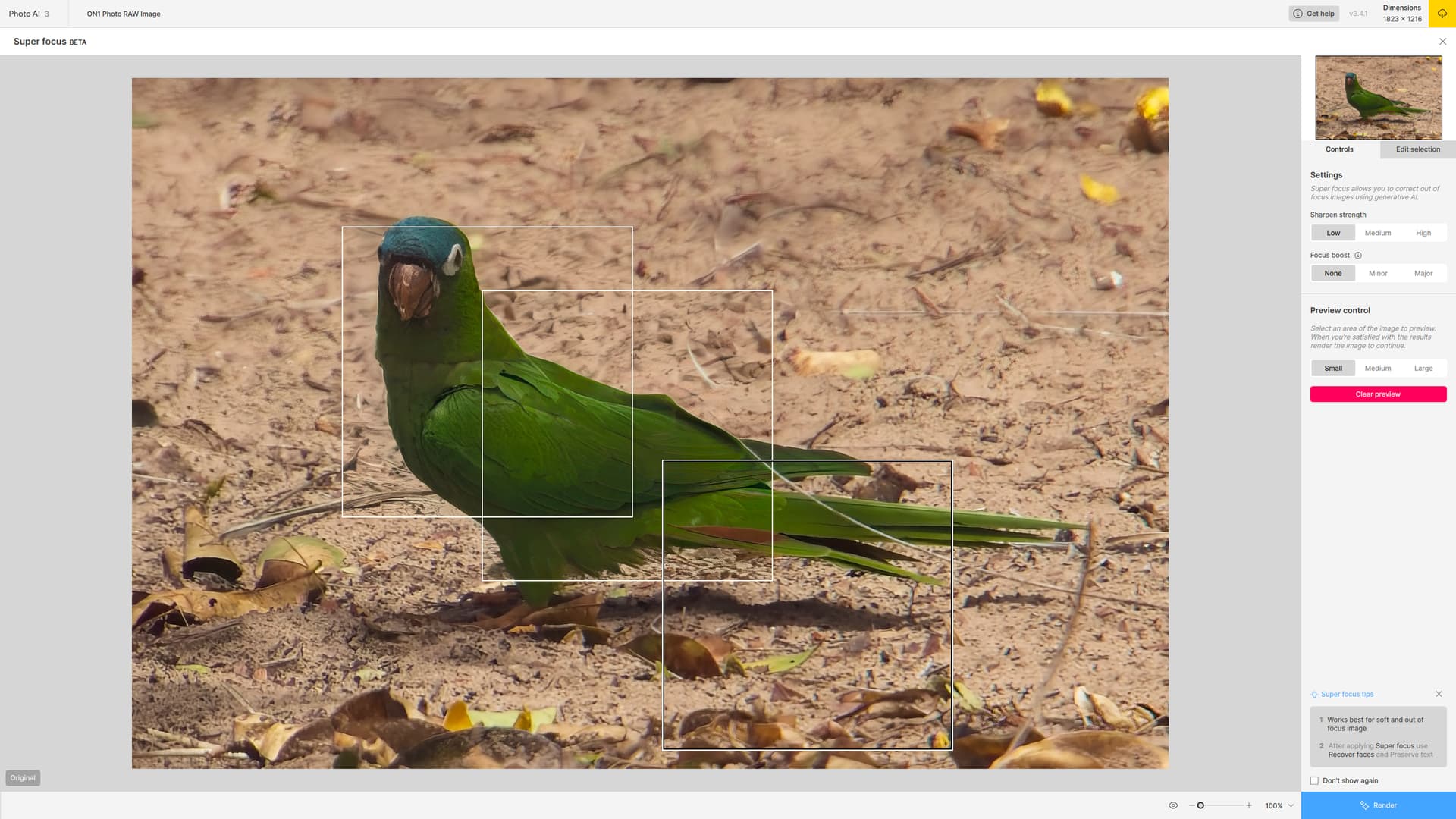
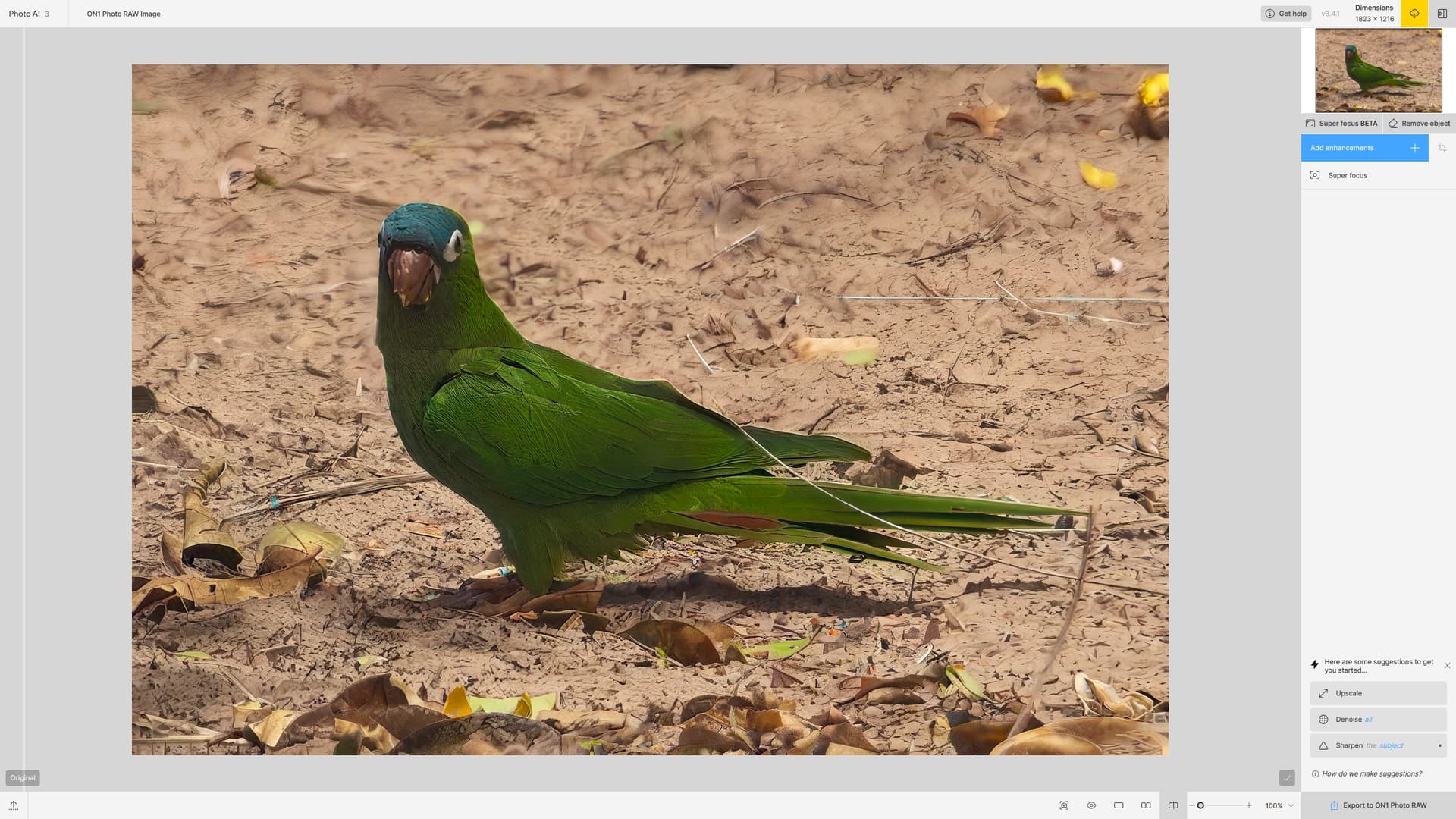
It’s truly depressing that Super Focus on my M1 Pro is estimating 58 minutes of processing…that’s after the almost 5 minute time just for the estimate. I don’t know if it’s Topaz Labs’ fault or Apple’s fault - the lack of speed - but the end result is Topaz Labs’ software is the only software that truly makes my laptop feel slow. 
Fingers crossed that by the time M5 laptops and desktops come out, some speed gains will have been realized that will make Super Focus actually usable. 
1 Like
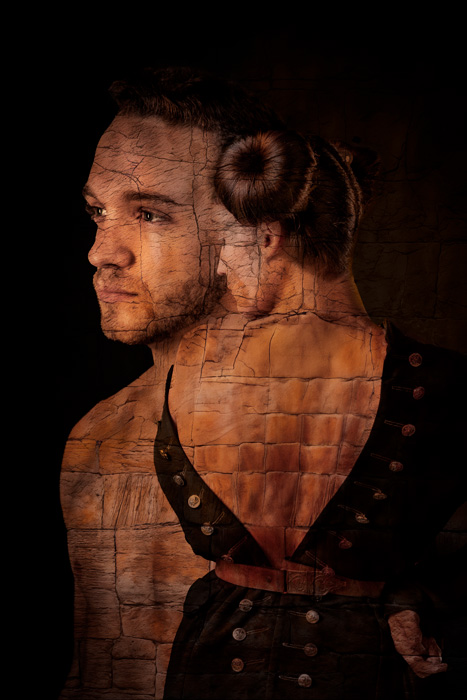
Still having fun experimenting with the GigaTextures (this time as overlay) after using Ps gen AI then PAI on 2 images then combining them into a composite.
2 Likes
Super Focus is the advanced option that is actually usable on Mac! It was optimized 2X awhile back. How big is your source image?
That’s great, I’m glad you’re finding use for them! I’m still going through over 1000 renders and picking out more textures, scenics, architecture and Topaz People!
1 Like
Interesting. It’s a 12 megapixel JPEG from my Pixel 9 Pro. Not tiny, but not a 24MP image from my Nikon Z either…
EDIT: Turns out it was a 50 megapixel image. I thought I’d switched my Pixel 9 back to 12MP mode, but I was wrong and now I see that if I down-scale that to 3 MP and paint only the subject (which is enough for my needs) Super Focus is dramatically faster. So chalk this up to operator error. Oops. 
If you want to share a sample image I’ll try on my M2 Mini for fun.
This is ridiculous because an image processing application is unable to do a simple “if” statement.
IF a user painted a part of the image to refocus THEN:
- Crop out that part plus 20px padding
- Super-focus cropped part only
- Place the processed part back to the original X,Y.
Is that so hard?
3 Likes
Exactly. And then considering that the preview option already is doing that…
1 Like
SuperFocus runs approx 3 times faster on my M4 than it did on my M1. My main quibble is that the results don’t justify the wait time. They are always more artificial than intelligent. The older models are still better—at least on my wildlife images.
Be patient. SuperFocus is still in beta.
1 Like
Can you share original of this bird here? If not a missed focus case, regular Sharpen would be to use here!
I agree that it is probably not severe enough for SuperFocus. But what about the issue I am seeing where the preview image looks OK, but the final rendering doesn’t? The two should be the same if one is wanting to use this function!
Ooooh. Architecture!
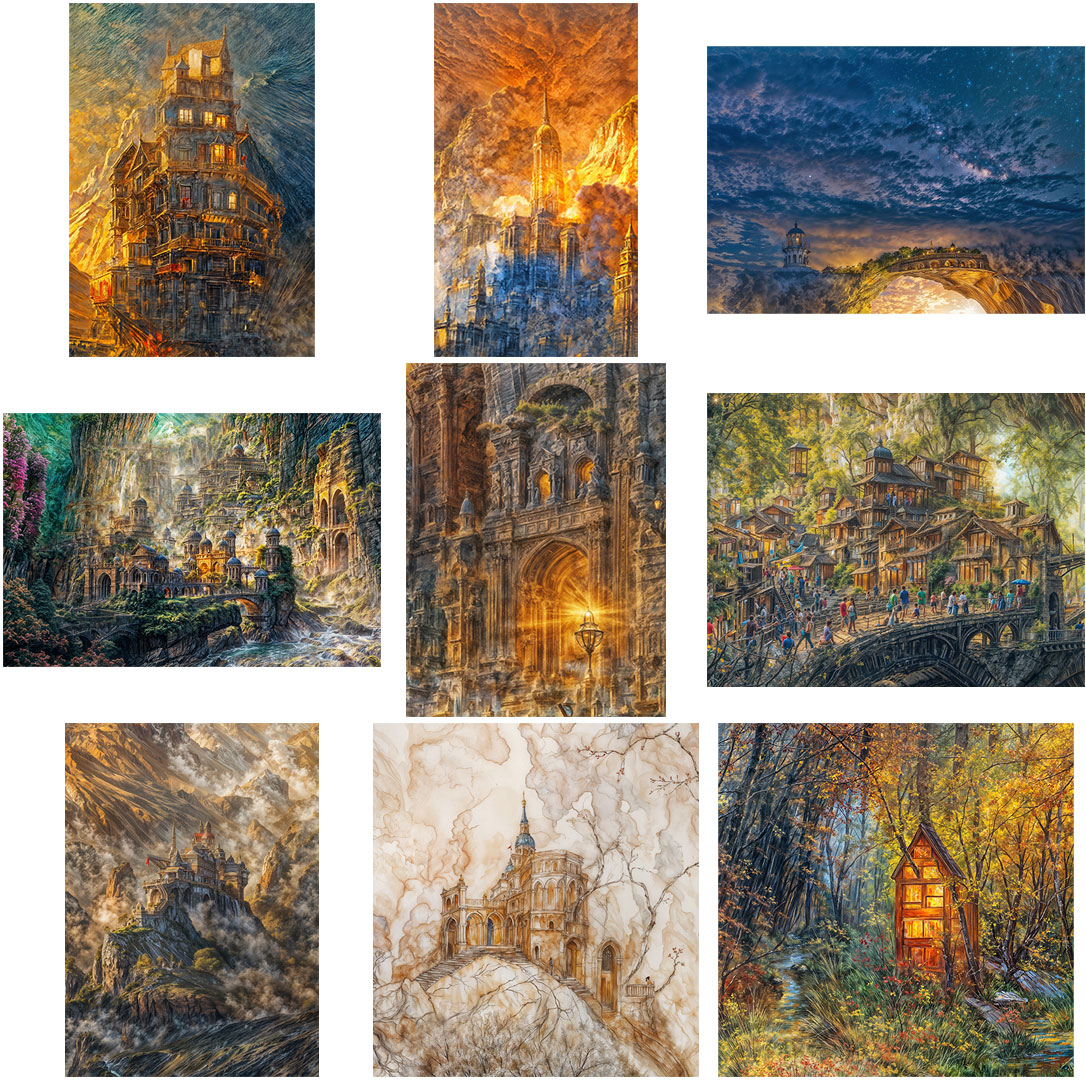
Oh yes! Architecture, architextures and architectural elements. The collection thus far, and some individual examples.
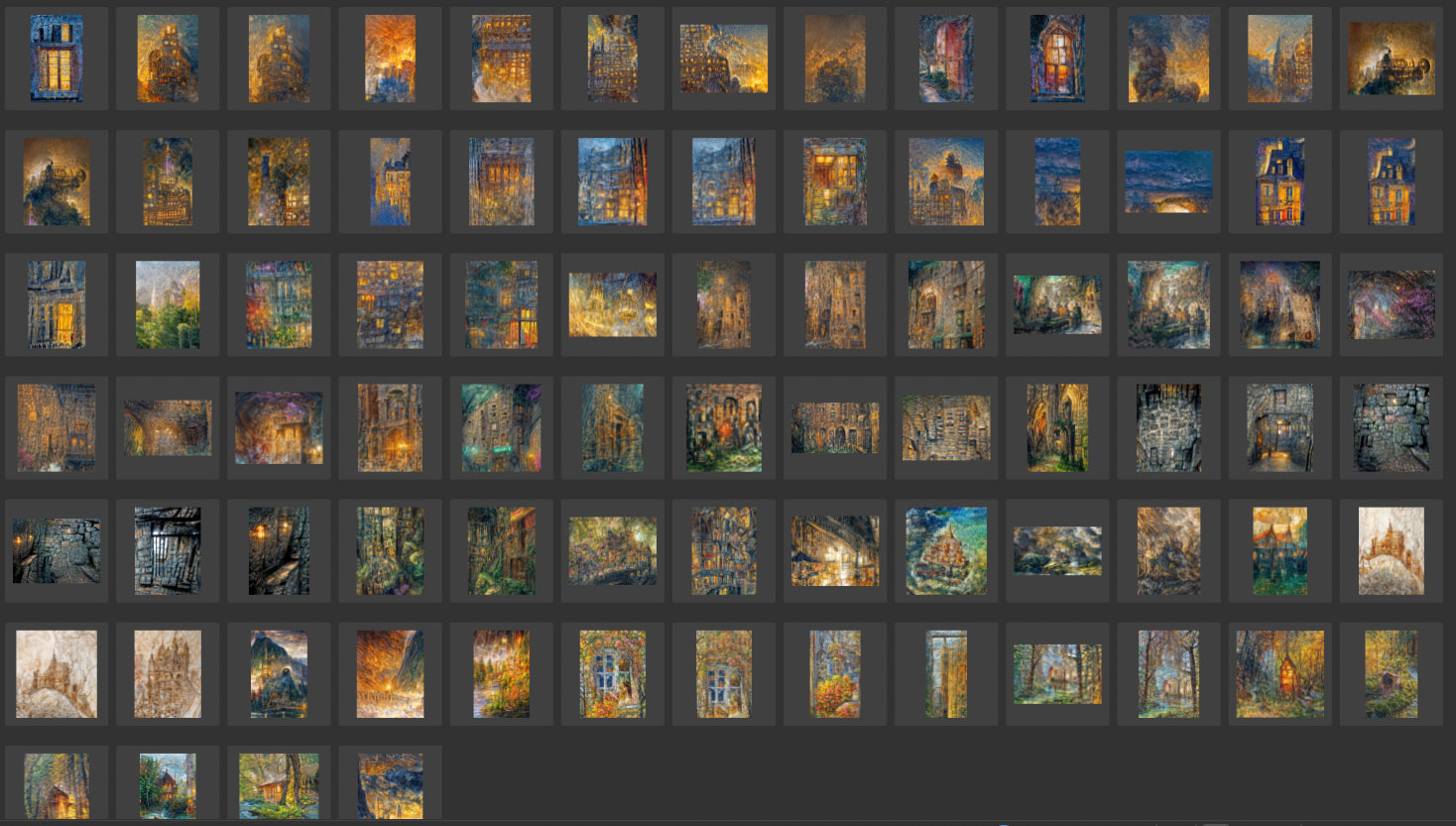
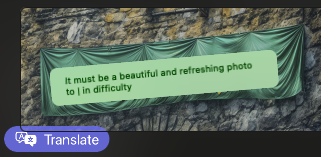
BTW, one wall had this banner on it:

3 Likes
I have a m4 max and feel the same way. The software always runs like shit. It may not be that way now but I am scared to even try it again lol
Speaking generally, I think Topaz apps give the best results (I also have the competitors’ apps on hand and sometimes their generative results are very sad), but at the high cost of computing power required.
In my own experience (as mainly a Mac user) I have turned to high-end PCs with 4090s and to me that’s the current baseline for doing serious Redefining, for example (under Gigapixel). Anything less and it’s painful or basically unusable. But the results are fantastic in their detail (as I’ve been posting) so now we just need optimizing for Mac, if it’s possible on both the software and hardware ends.
I don’t have anything better on hand than an M2 Studio Max so I can’t speak to M4. Maybe Apple will eventually catch up to dedicated GPUs, maybe not!
