Thanks for the comprehensive testing of the photo and the screenshots, its very useful.
I used Lightroom Classic, transferred the image into Photoshop then used the TPAI as a plugin. There was no denoising performed before using TPAI and then denoised & sharpened at the end of the work flow within TPAI.
Hi, that’s interesting. On1 PhotoRaw 2024 did a good job.
Thanks for posting.
Hi, that combination really shows the fur on its face nicely.
Thanks for doing that and sharing the results.
Was it AI upscaler that brought out the details on its fur?
Are you running MS Windows or Mac?
2 Likes
Take a look at the Standart settings of LR, there is and was always 25% of Color and Luma denoising if you dont change it every time (or set up a base profile without any denoising).
And if you want less problems in any case with RAW files, do it like this:
TPAI Raw denoise → Lightroom → TPAI.
2 Likes
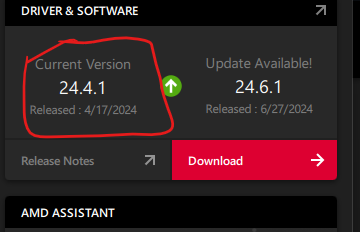
I have the AMD RX 5600XT which I think is similar to your GPU and using driver 24.4.1 . However, I’m on a Windows 11 machine.
He may be using Upscayl. Upscayl - AI Image Upscaler
1 Like
From the discussion, the obvious is clear – users have their own preferred styles and ways of handling images. The setting for sharpen selection preference and type of sharpening is applied if you click on Additional Enhancements.
However, in autopilot suggestions, it always goes to Sharpen Subject for every image. If it is going to do something every time, it should match the preferences. In a perfect world, it would give weight to the preferences in analyzing the image - for example recommending Sharpen Subject if it has a clearly blurred background, relative to the subject, and otherwise taking the preference.
It would also be good to have “Apply all” option on the suggestions.
3 Likes
Your results using multiple optimized-for-function performed processing options show there are no “tradeoffs” (how’s that for a characterization?) vs having the convenience of multiple functions bundled into one product that each sacrifice something that makes it less than best in class.
1 Like
Often, it seems, other users with great results are using programs (apps?) from Github that require installation processes that are beyond my comfort level (even though I’m jealous/envious of their results).
It may have been Supir that was alluded to above…
I’ll check out what you’ve pointed me to. Thx!
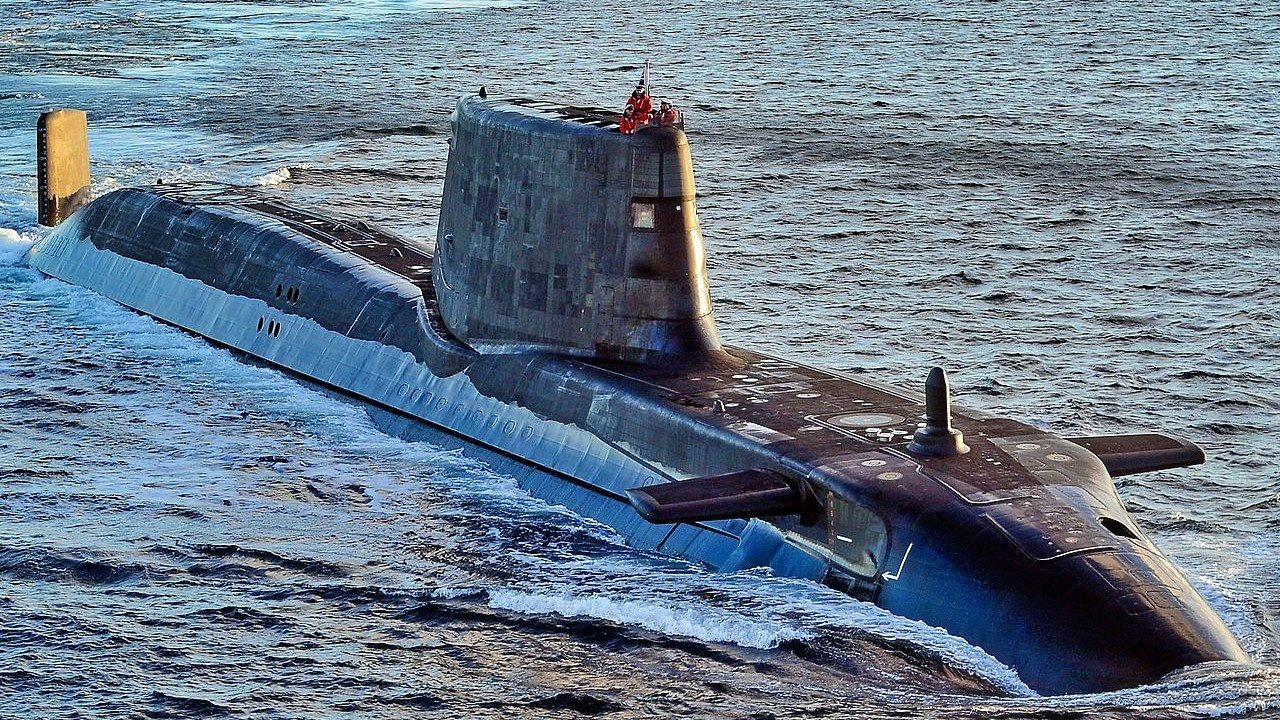
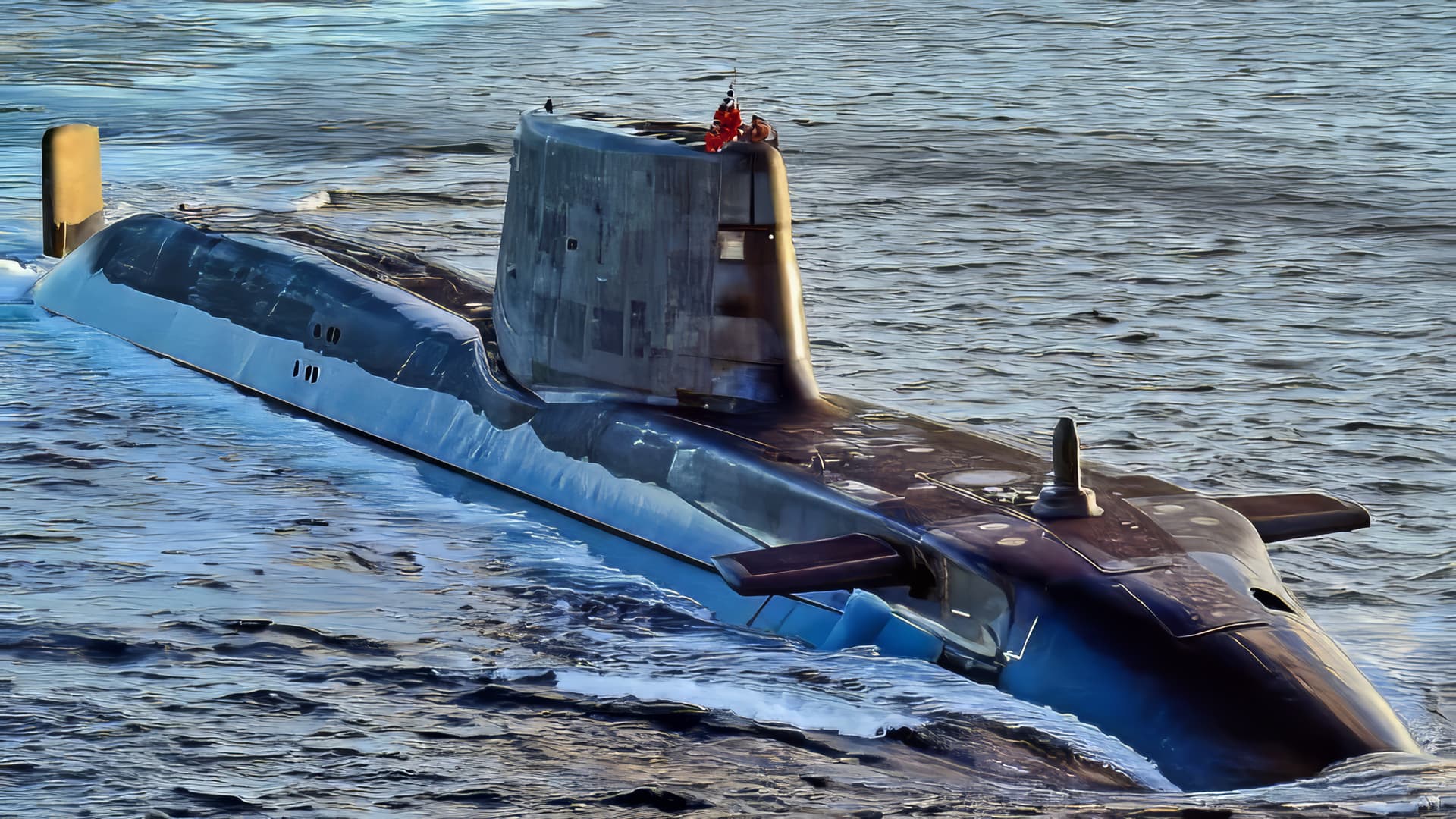
Government secrets are safe. Applying default recommended enhancements to a submarine clears all the details from the side. Water also becomes very calm (details lost).
(Denoise, Upscale x3.61 high fidelity v2).
Also, is it me, or did Topaz become much slower?
Am I alone in having problems reviewing “Enhancements”. Side by side screens seem to work, the single screen won’t show “before” and “after”, the screen with the vertical slider has no vertical slider.
2023 iMac on Sonoma 14.5, M3 chip
Jeff Hodgson
1 Like
It may appear differently on a Mac. I am Win 11.
I pretty much always work with Split Screen when using enhancements. My vertical divider is there.
That said, I have regularly reported in betas that on many of my images, that divider is virtually impossible to see/find. I’ve requested, repeatedly, the option to change the color of the divider for visibility sake when desired. The request has been met (& handled) just like the many (many) requests from users to get rid of (consolidate into one) the awful, expansive, second righthand panel that reduces the image workspace. i.e., not ack’d, not addressed.
Definitely no vertical divider on mine. I always used to find it the best way of looking at enhancements, the single large screen doesn’t show the enhancement, so I’m left with the side-by-side screens
1 Like
Yes. Me too, b/c they are closer together than Side x Side.
If it helps… I have noticed that Denoise, in auto mode, seems to default to something a little too aggressive in many cases. Since High Fidelity v2 does not do much sharpening, this combination for me typically requires a run of Sharpen after Denoise. A daytime image like this may not even need Denoise. Also, increasing the Original Details slider in Denoise will help if you do need it.
For me, it seems like the new version is slightly faster than older ones. (M1 Mac)
…Sam
I still have the same bug that I reported eons ago. When invoked from LR Classic, and a DNG file is returned, the white balance is set to “Custom” instead of “As Shot”. This is always the first thing I have to fix before I can do any other edits. If I don’t fix this, the colors are “wacky”.
Source files are raw ORF from an Olympus OM-1.
I see the same thing, but the WB/Tint settings don’t change.
Seems to be a interresting piece of software.

Edited with radiant - looks more fresh.
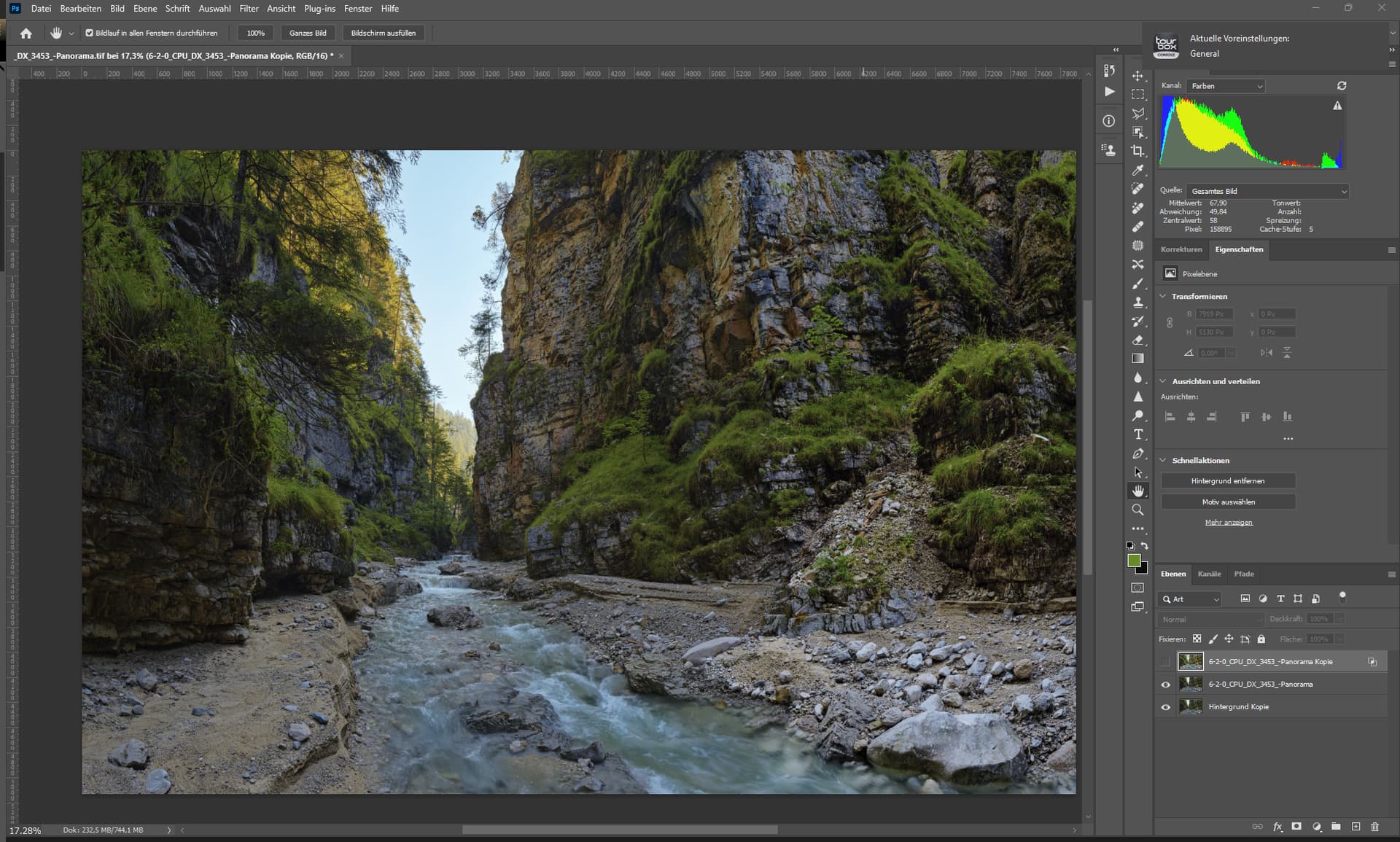
Already finished but i did give radiant a try.
1 Like
I enjoy using Radiant Photo because it offers great convenience. The application utilizes AI to analyze images and applies smart presets, which significantly reduces the time I spend on editing. 
I sincerely hope that the light/color adjustment AI in TPAI can provide a similar functionality, eliminating the need for me to depend on another app. 
1 Like
There are a few interesting ideas that I have in mind which, as far as I know, no one has yet implemented.
But I can’t yet say how this kind of editing would make the pictures look.
1 Like
