Hi, yes absolutely.
Here it is.
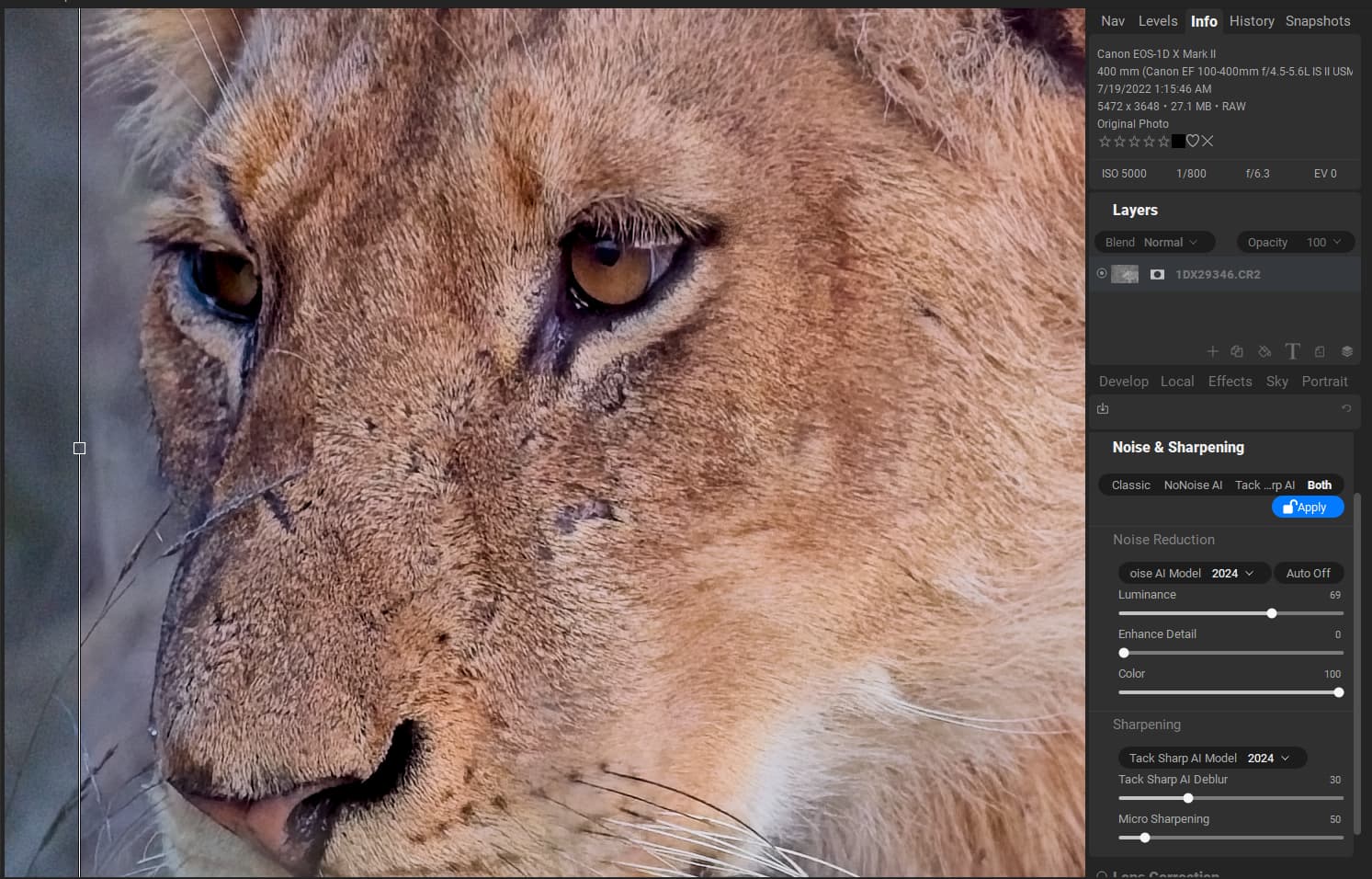
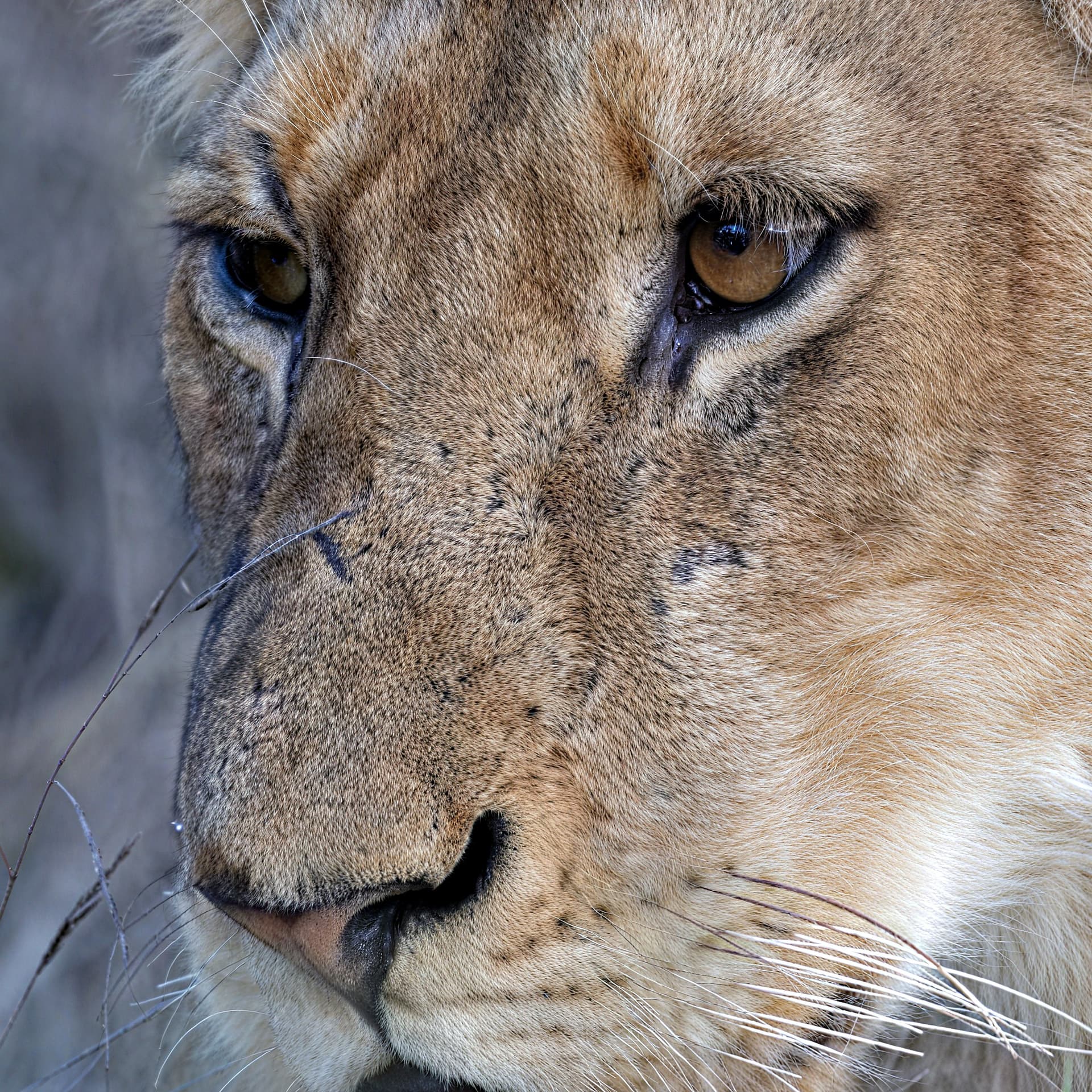
1DX29346.CR2 (25.8 MB)
Its a canon CR2 file.
Thanks
Yes, I see an improvement compared to previous versions. But I still don’t see the problem reported by me, like many other users, resolved (see post https://community.topazlabs.com/t/face-select-area-possibility-to-refine-the-selection-of- faces-using-a-brush-or-selection-square/39943 of February 2, 2023). As I also deal with the recovery of old family photos, the resolution of this problem is fundamental for me.
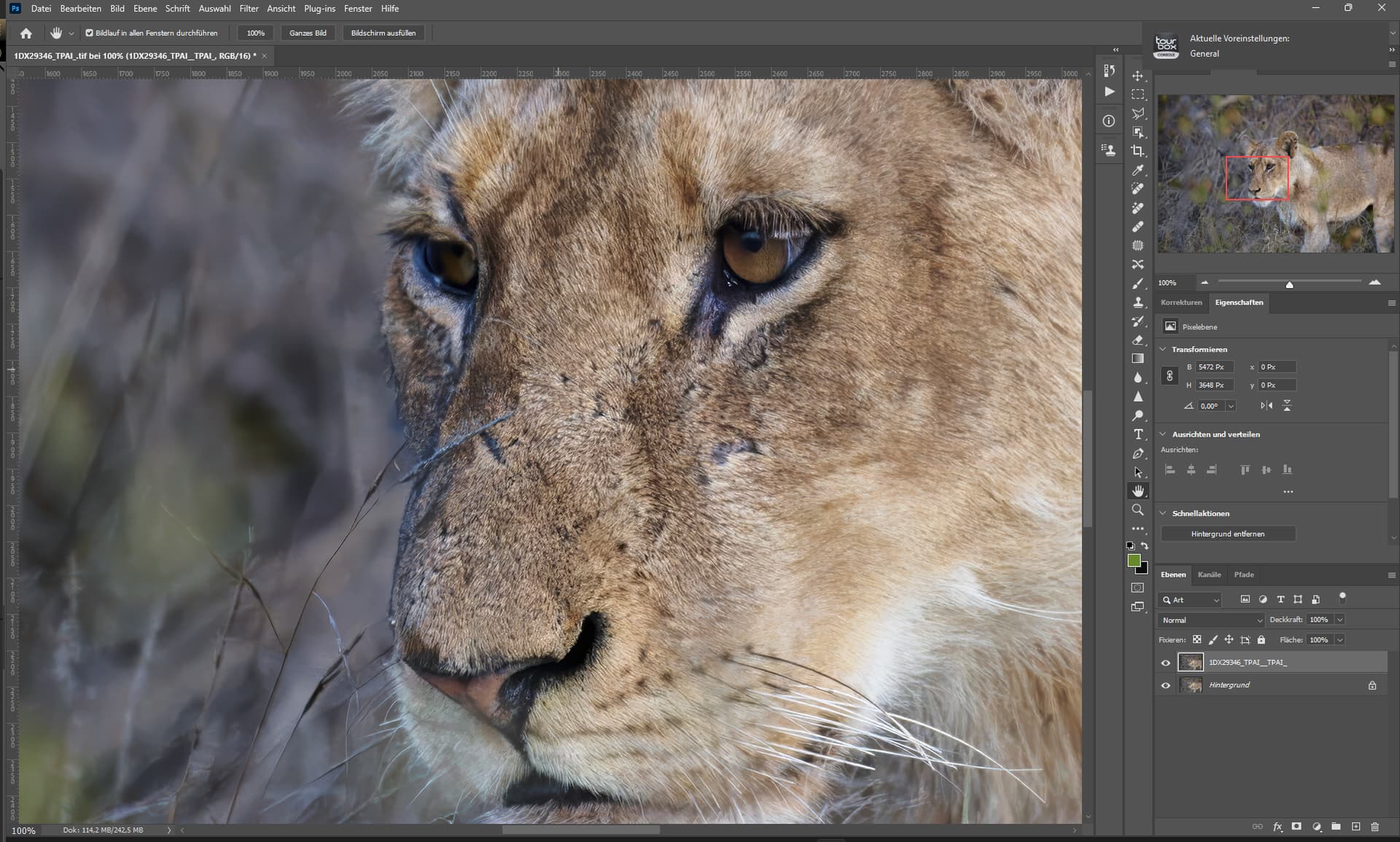
Final image
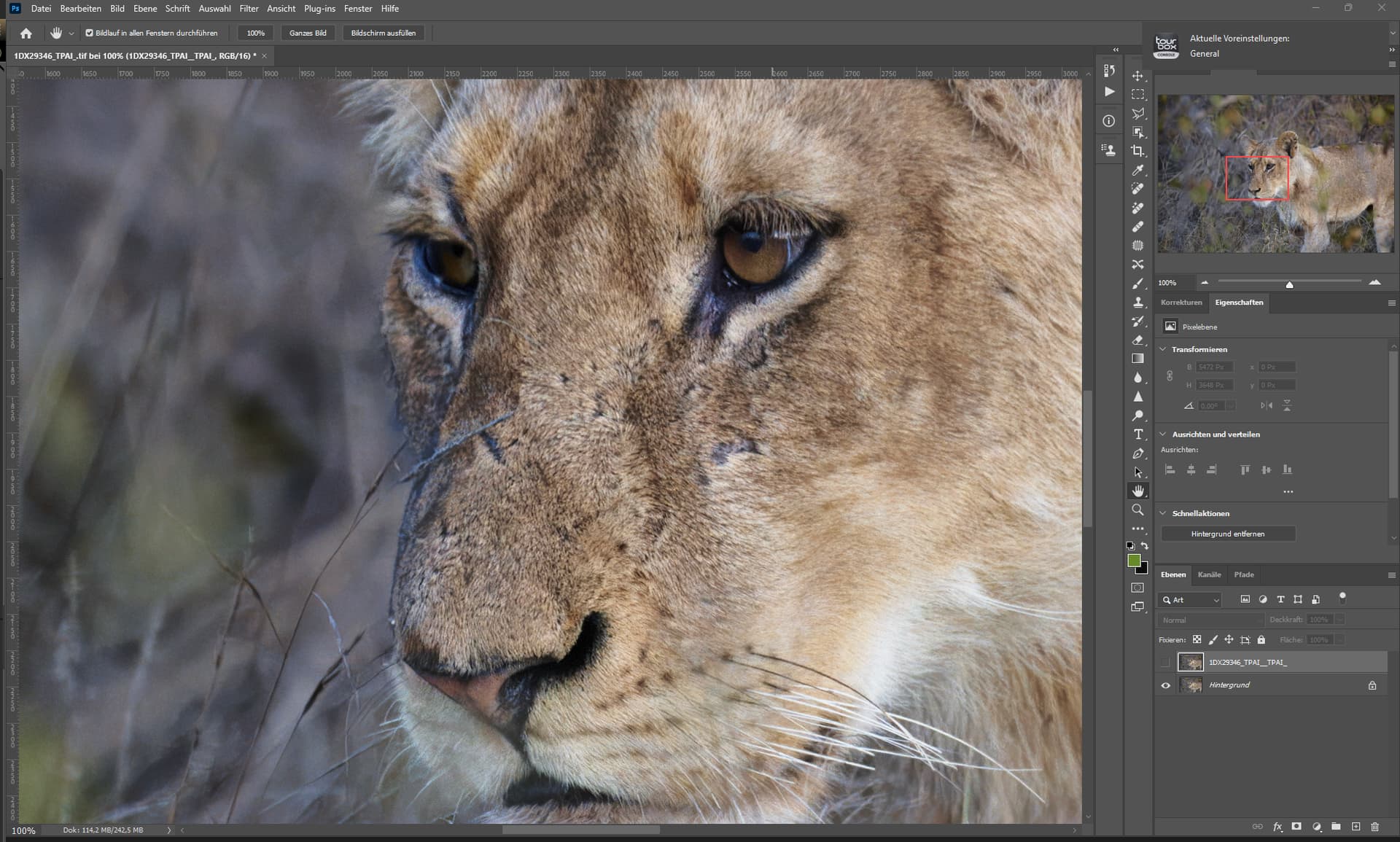
B4 TPAI - Upscale & denoise sharpening
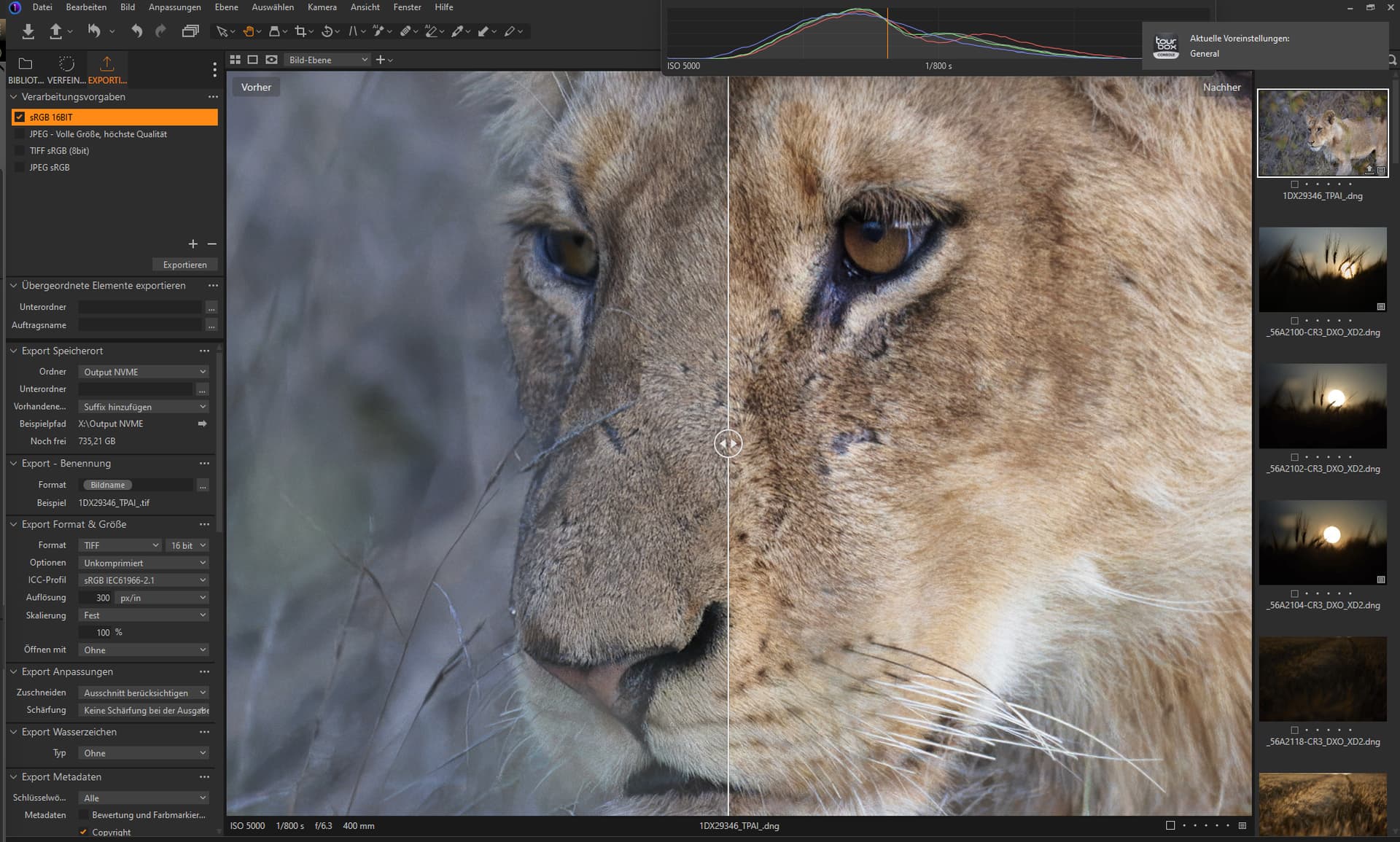
Capture One Studio
Workflow:
- TPAI RAW Denoise Strong (only)
- Capture One (or every other RAW processing software) (RAW Processing)
- Photoshop or every other image editing software for finetuning. (after that save as tiff)
- TPAI TIFF upscale (Fidelity Model 2) & additional denoising (Normal Model) (no masks)
- Place the upscaled version above the non upscale version (via Layers in PS or others).
Sharpening is what you do at the very end, because it depends on the output size and what you want to do with the image afterwards - so you dont sharpen the DNG.
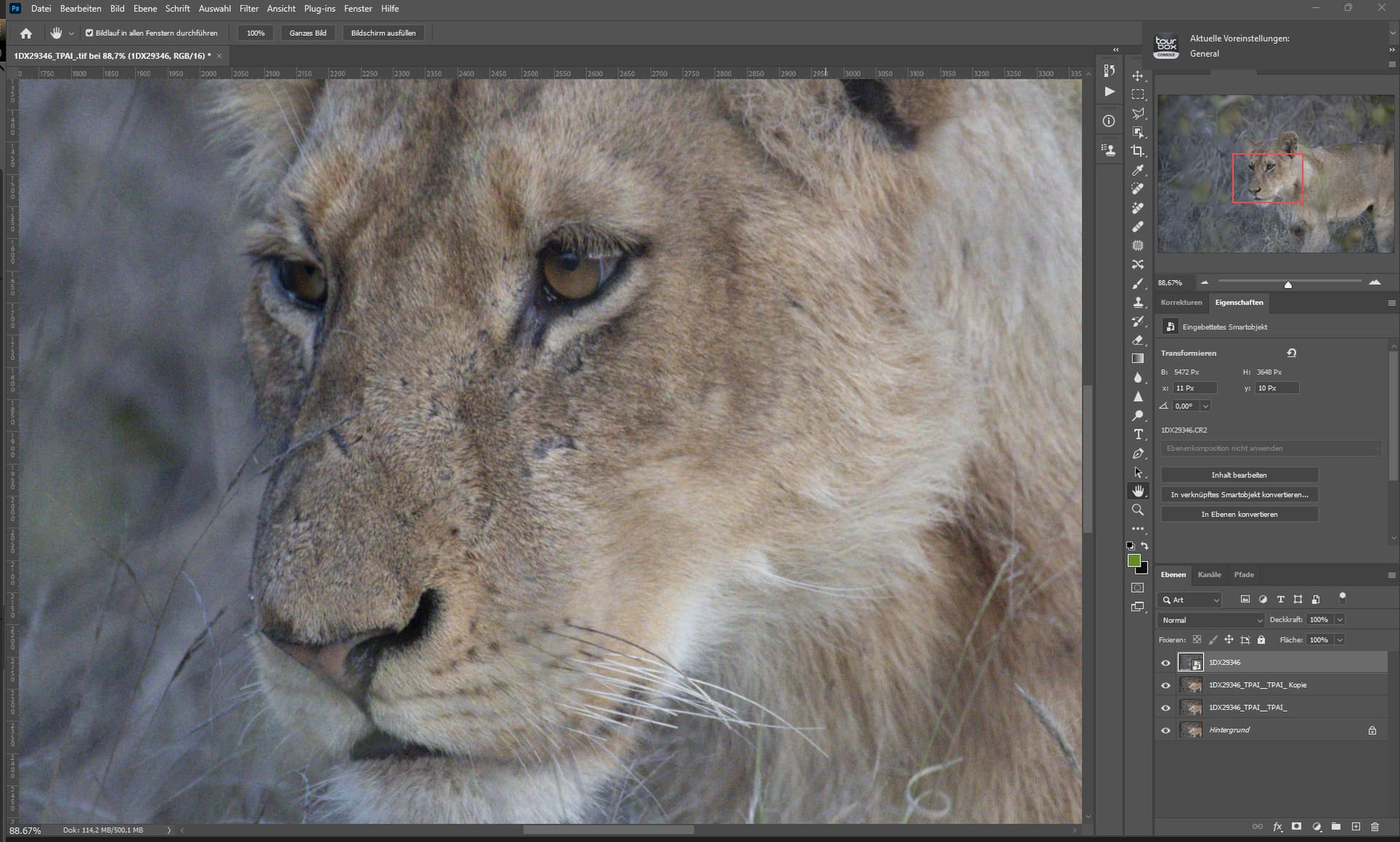
RAW - no denoising
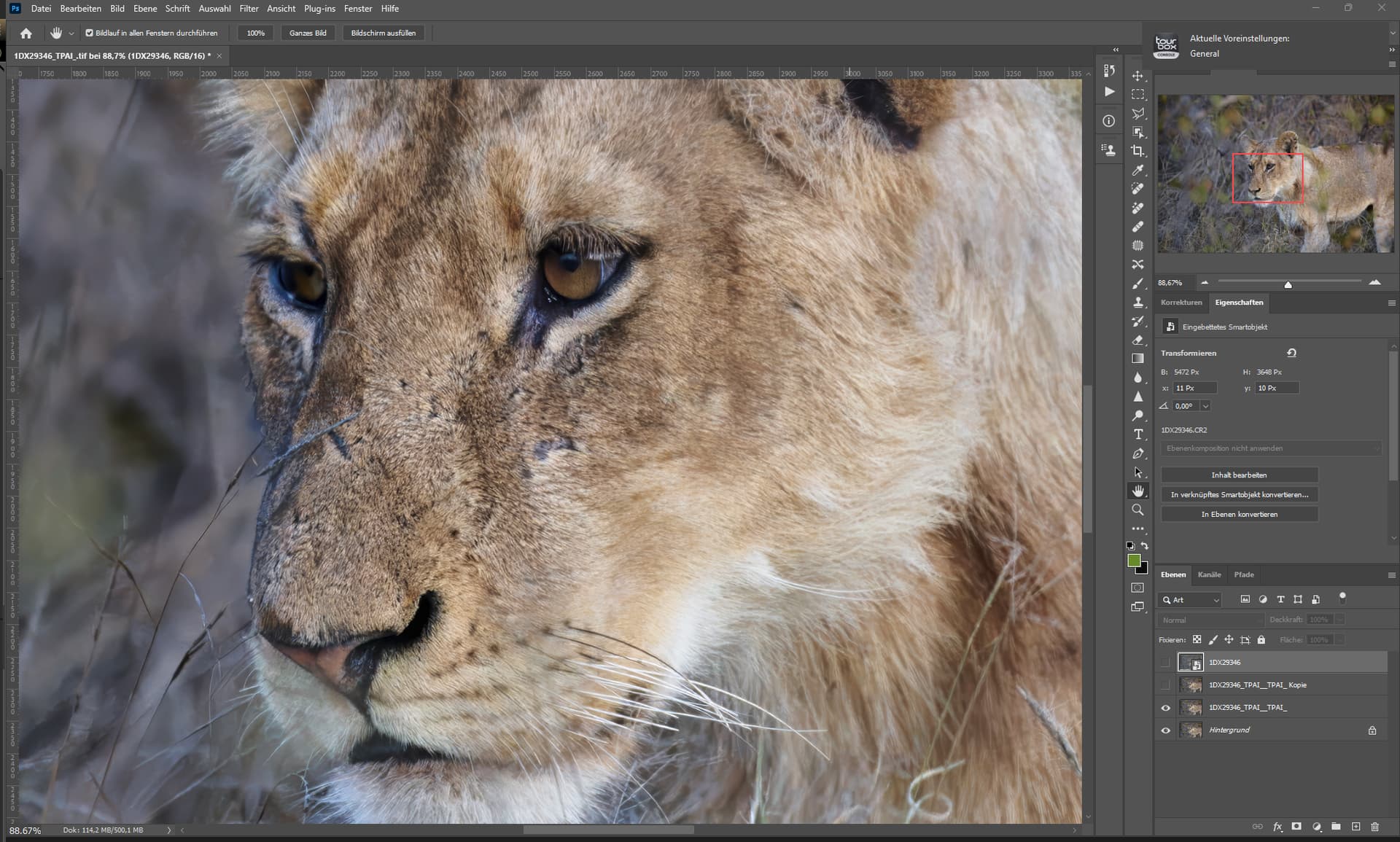
Final Processed image
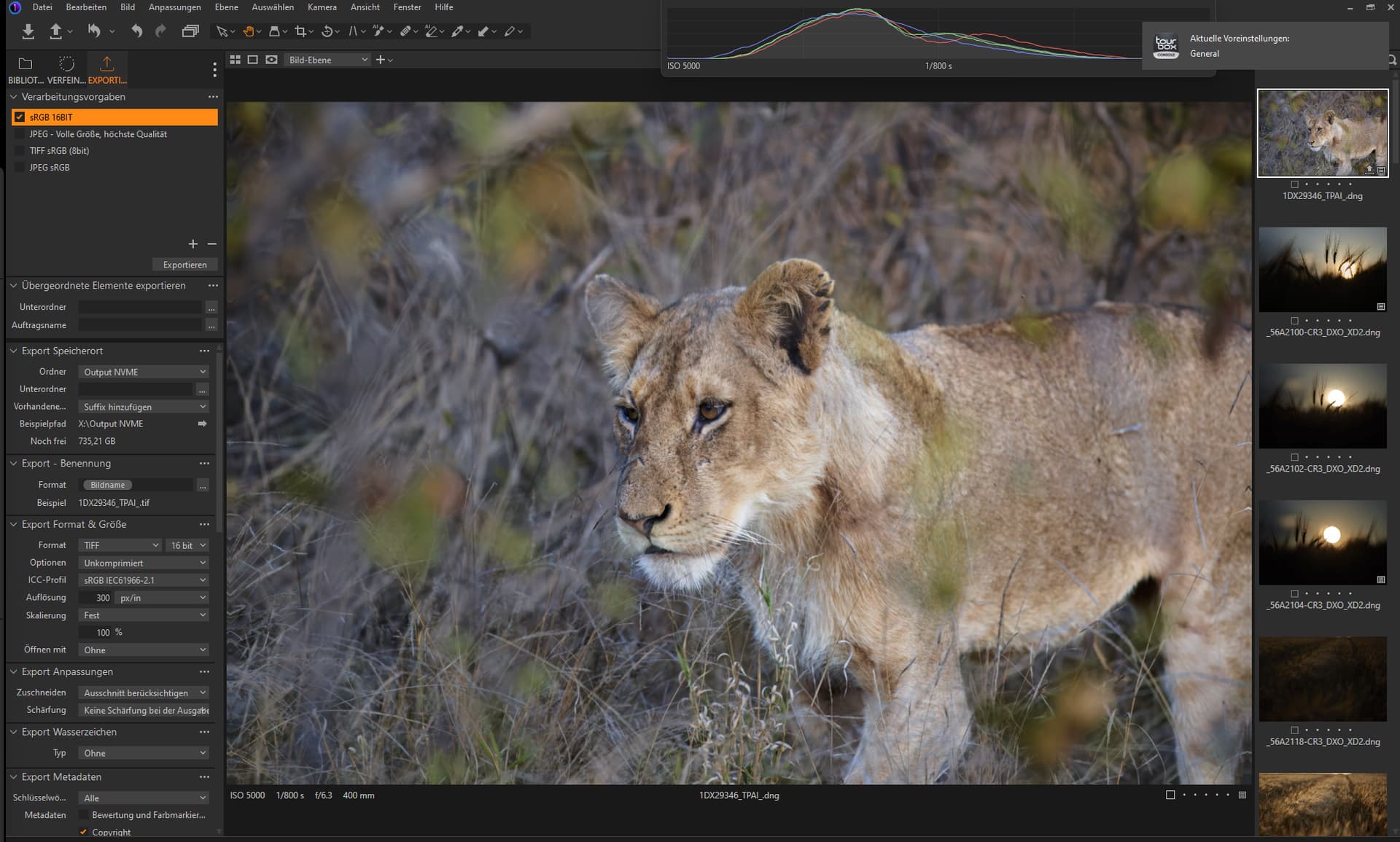
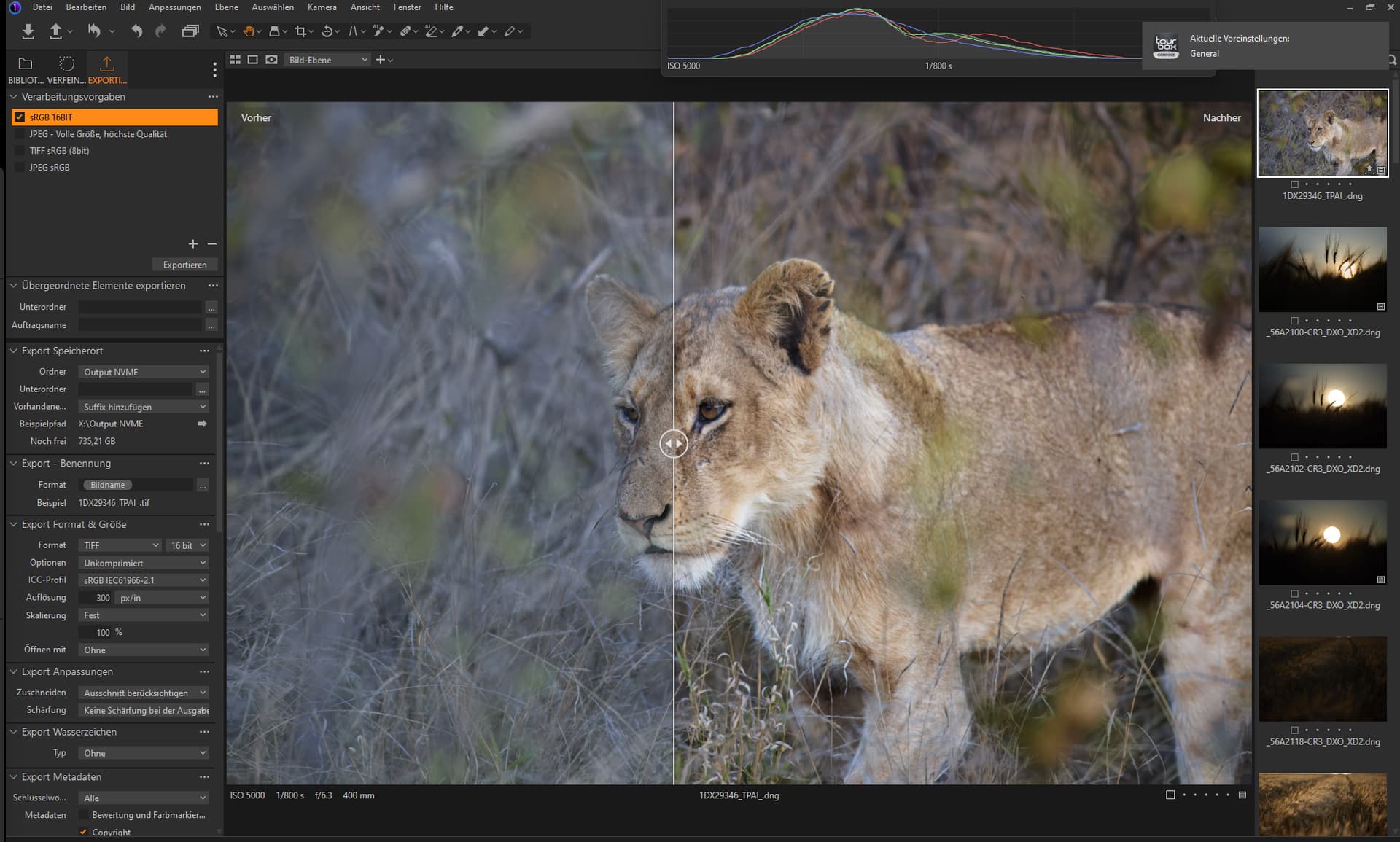

btw - from what i see, you did use an different software to denoise the image b4 denoising with TPAI
This has erased your colordetails and flattened the image.
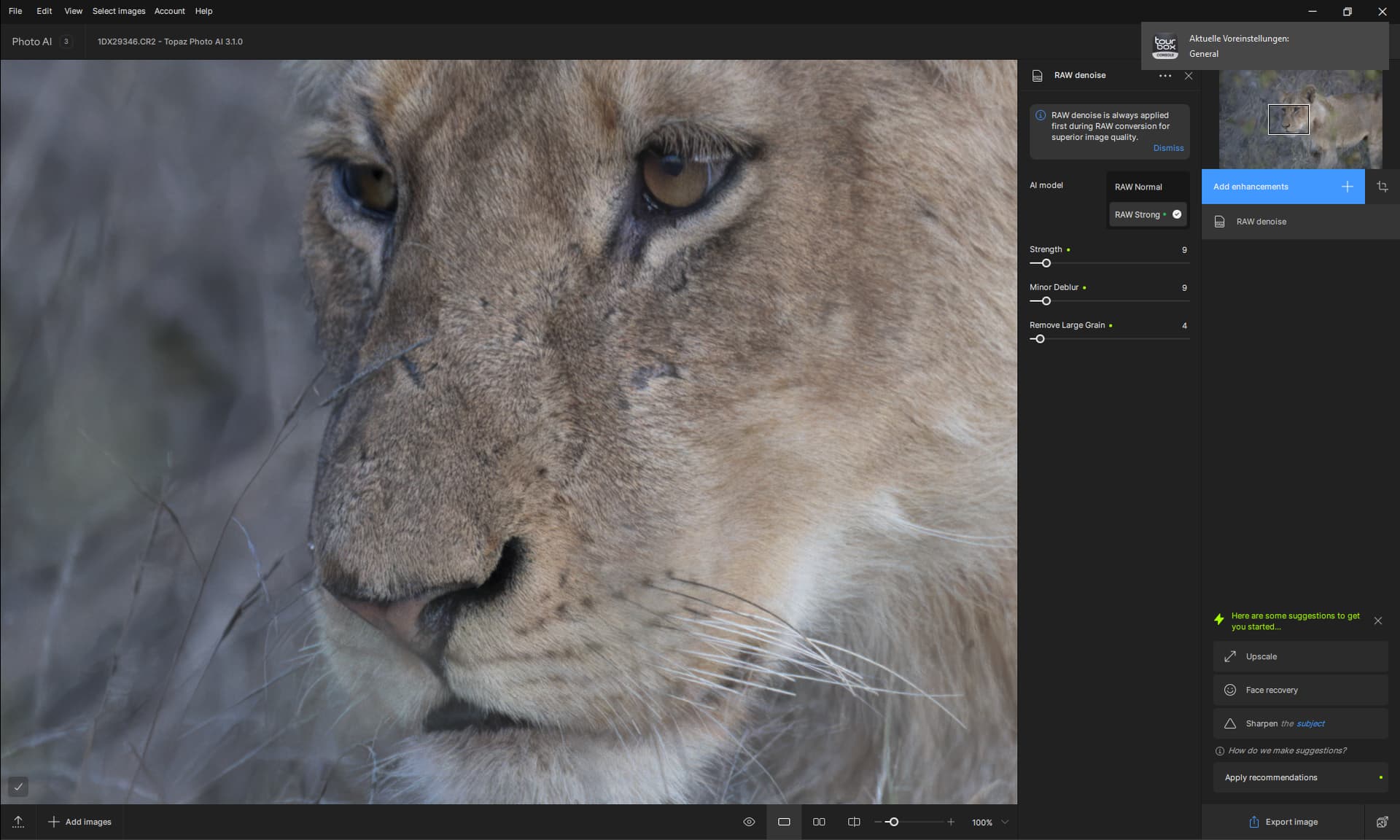
Denoising with TPAI looks like this.
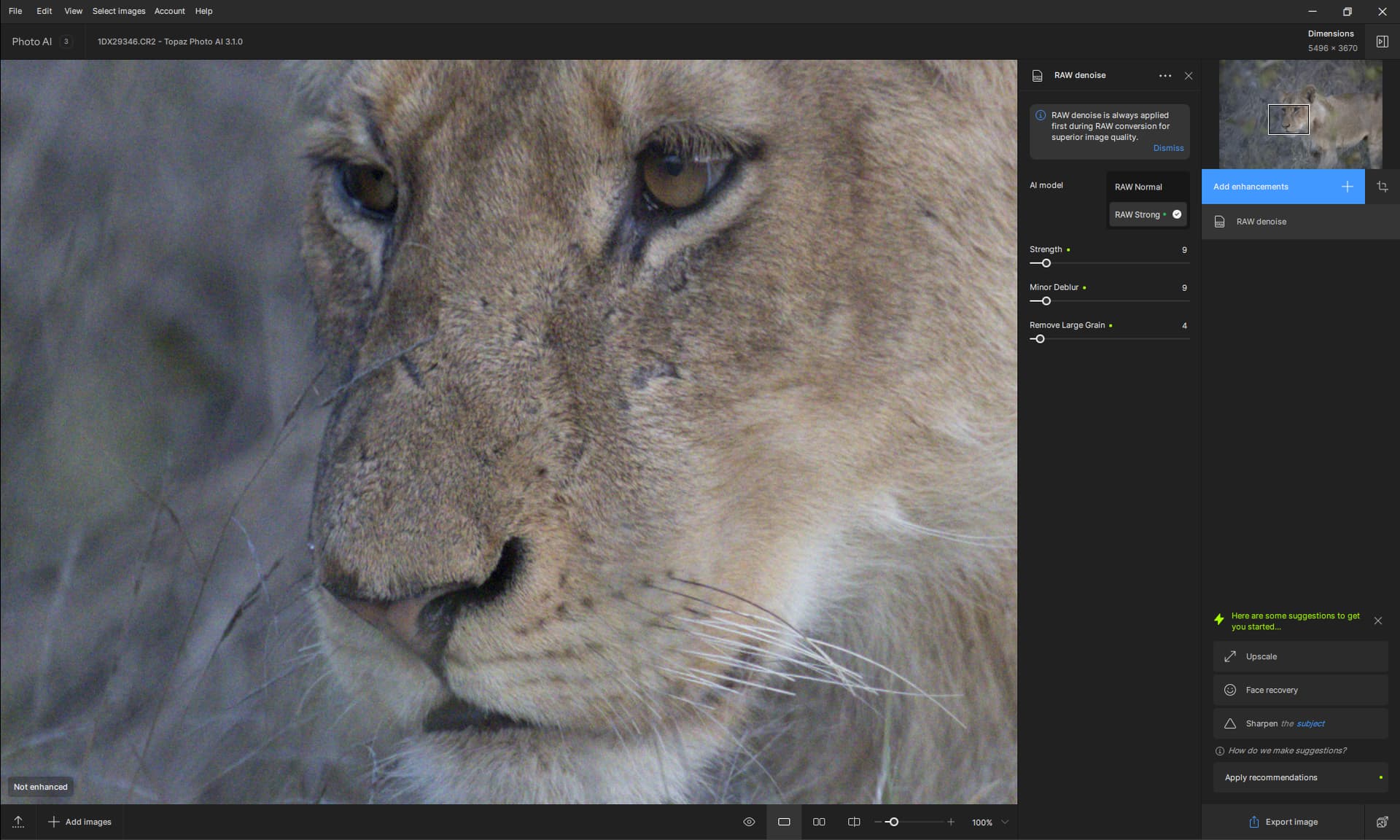
And this is the unprocessed RAW in TPAI
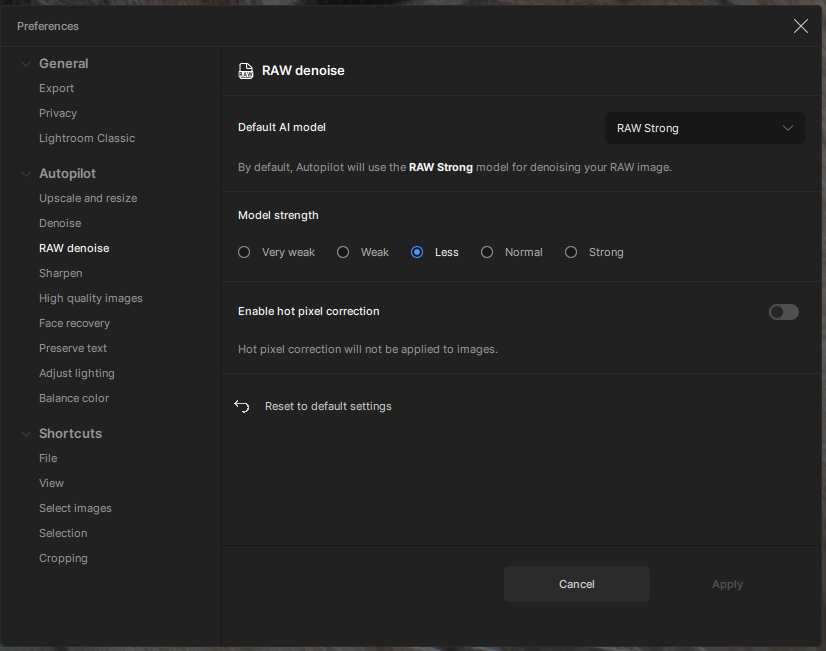
My Preferences
2 Likes
Original CR2 imported into Ps 2024 (Win 11):
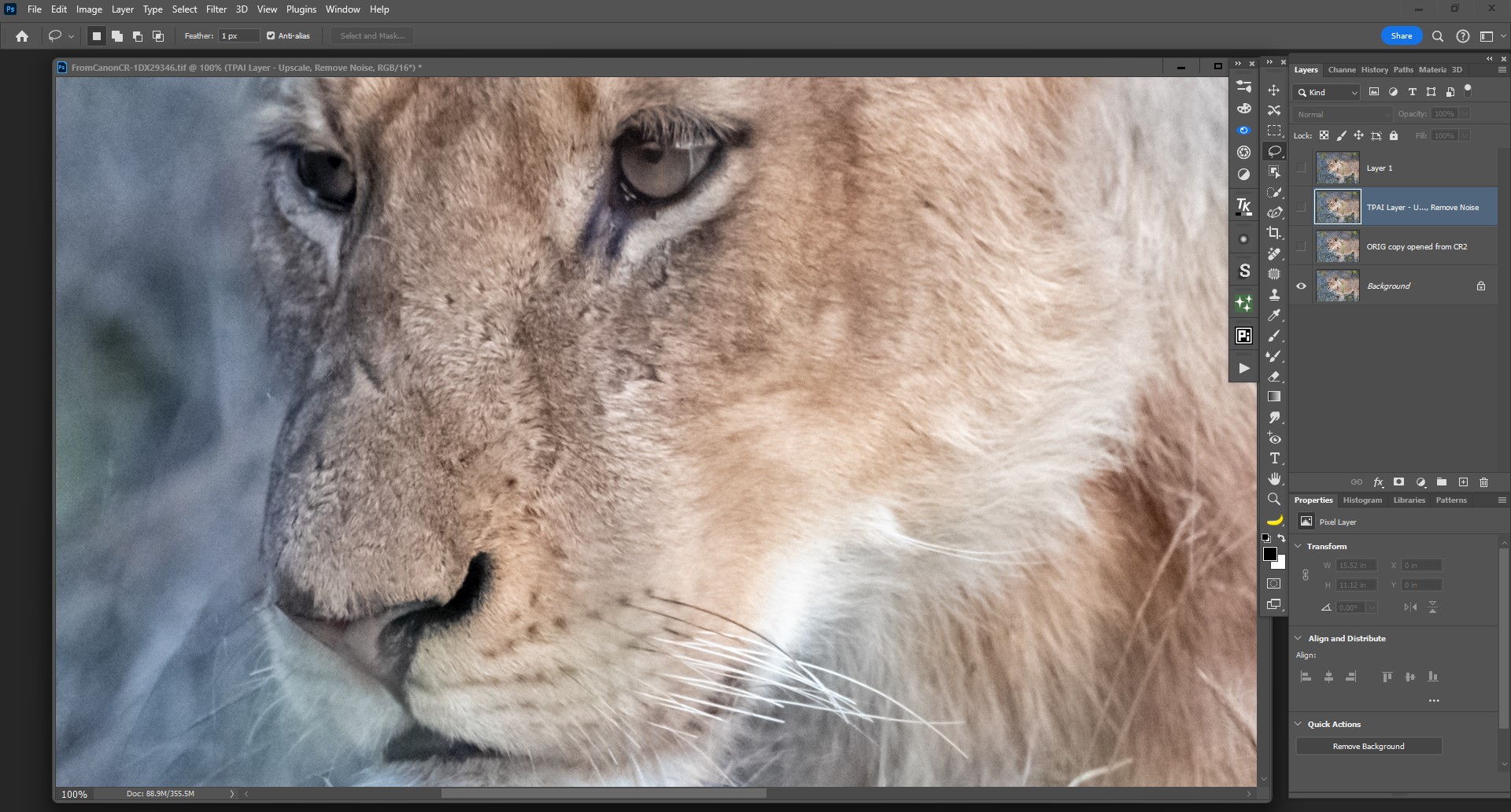
PAI Ps Plugin Output - Denoise, Sharpen (std) exported to Ps layer:

Radiant Photo “animals” modified - They over-saturate and add a lot of blue to the background, & also warmed the animal. I dialed back their defaults a fair amt. & changed to a color blend mode back in Ps layer stack:
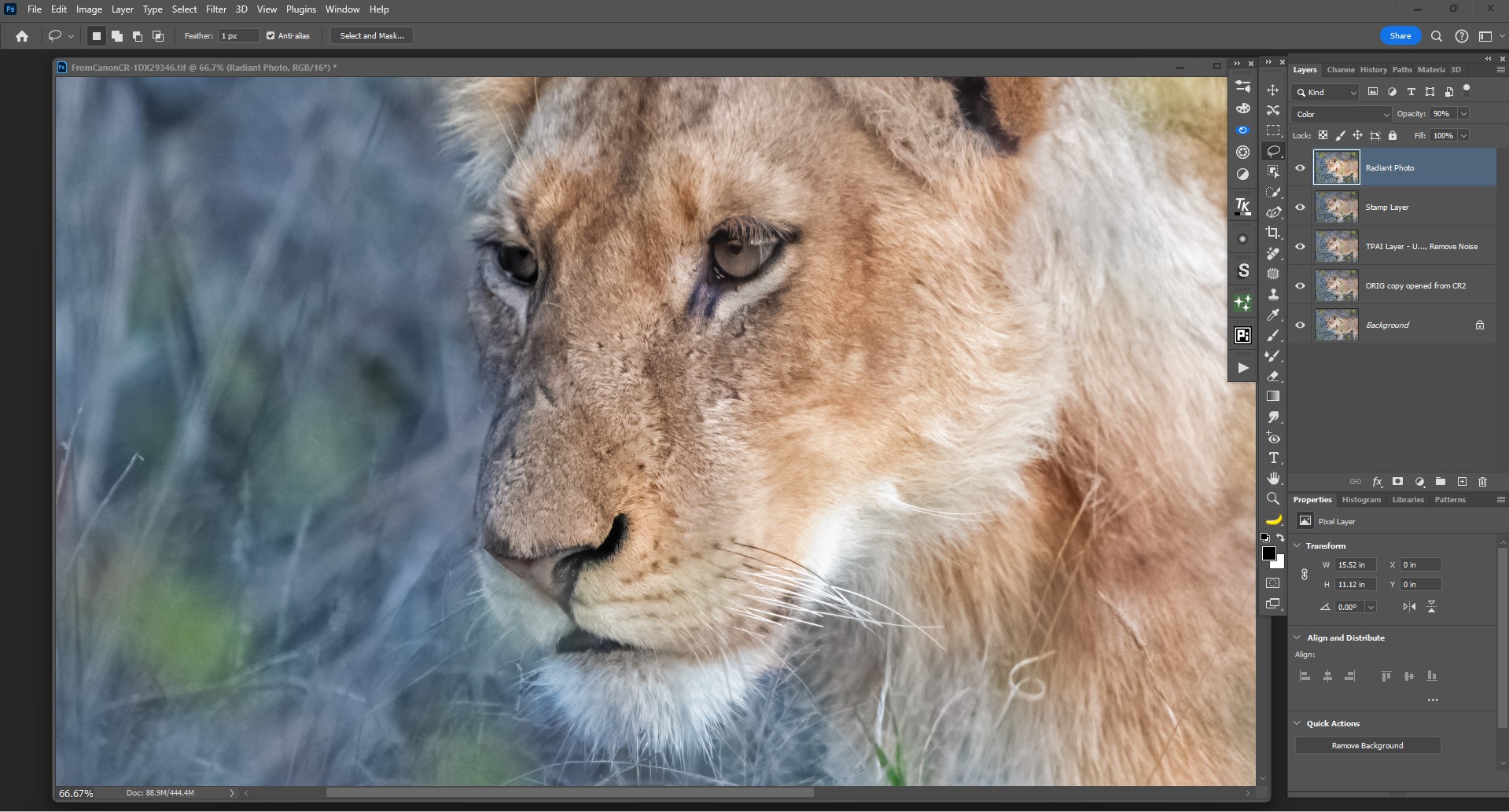
Not seeing the level of halo-ing around all edges you posted. Not seeing the RGB noise you said you experienced. Don’t know if settings differences or a Mac issue…
If you own PAI (an older version) you only have to pay an upgrade price. Recently the upgrade price was $79 for upgrade and $179 (I think) for the new purchase. Log into your account to get the upgrade.
The batch processing and export speed has drastically decreased with this version. Using the same settings on my M2 Mac Studio Ultra I was able to process about 350 images an hour with version 3.0.4. Now I am now only processing and exporting 90 images an hour with version 3.1. Looking at Activity Monitor, I can see that this version is barely using any of my cores.
I’ve compared it to. ON1’s remove tool. For very simple jobs, ON1 is fast with equivalent results. For example, either one can generally take overhead wires out of a landscape. However, only Topaz uses enough generative AI to fill in larger or more complex parts of the image. While these often are imperfect at close-up zoom, it almost always fills in well enough for something not to be distracting if its in the background. Like usual, when the going gets tough, Topaz wins!
…Sam
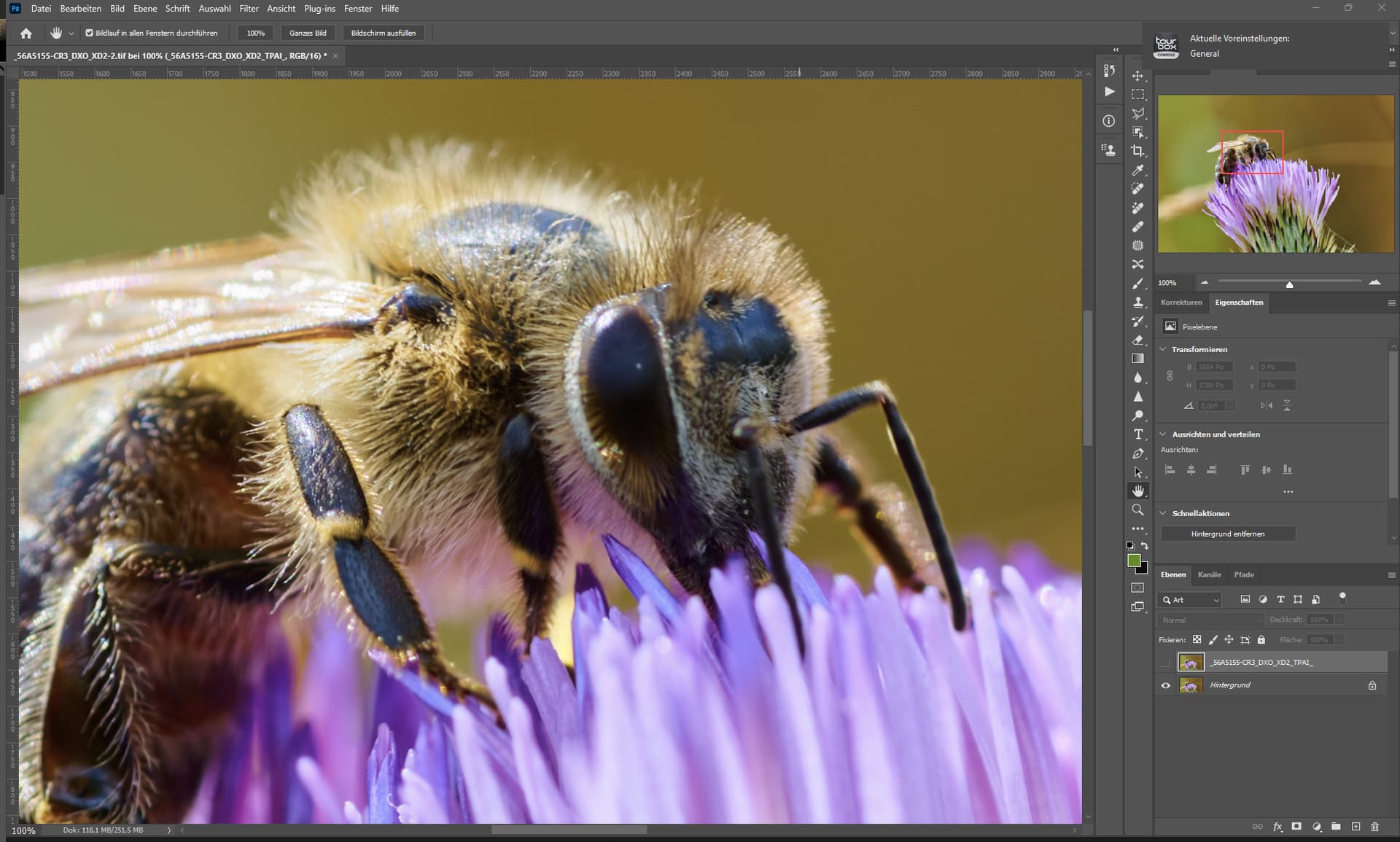
The upscaler did even recreate the furr on the left site of the face.
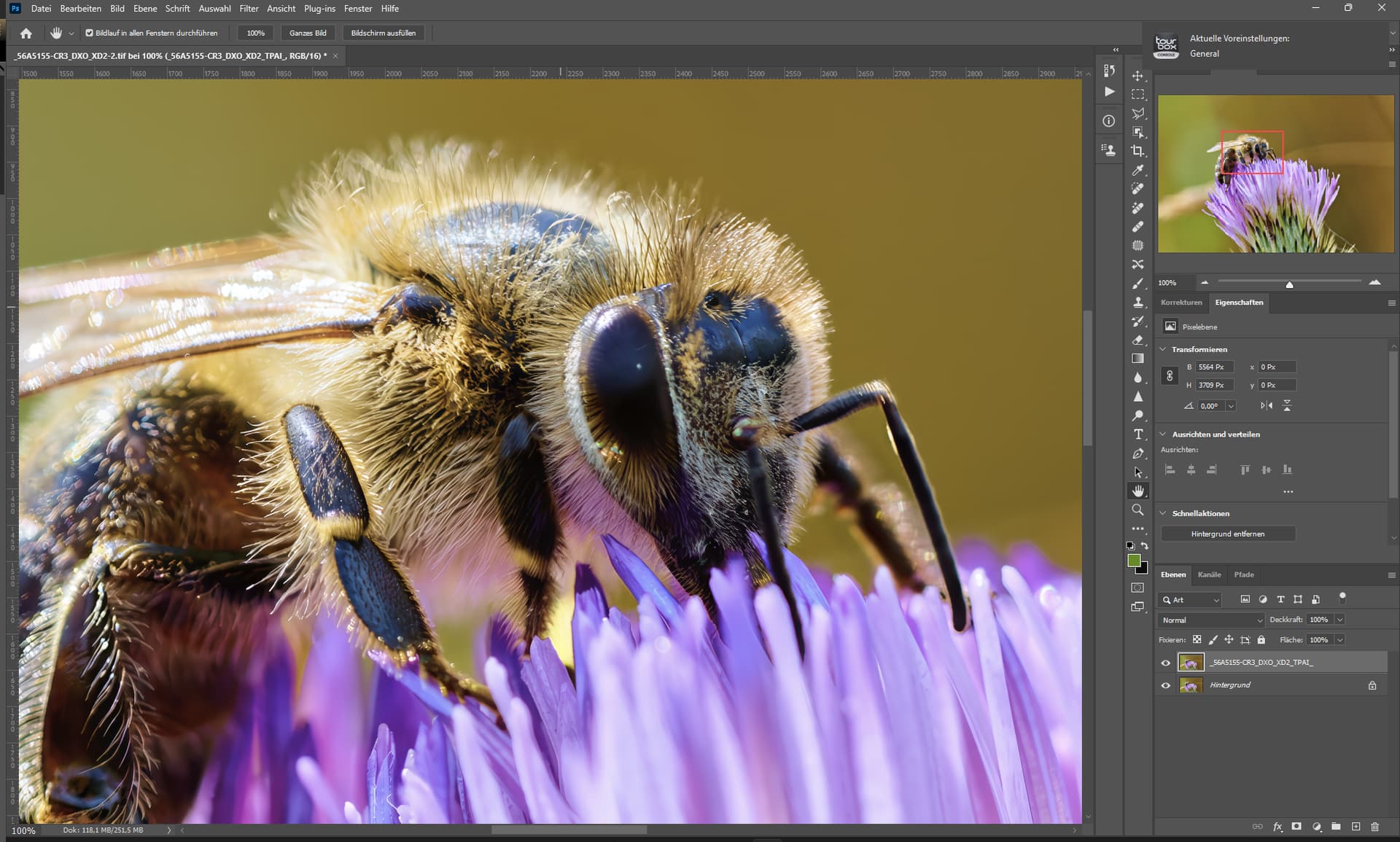
TPAI & GP Recovery sharpening.

I have already learned a lot of useful things in this forum.
2 Likes
Is AI Upscaler another product?
Is it Web based?
@dakota.wixom
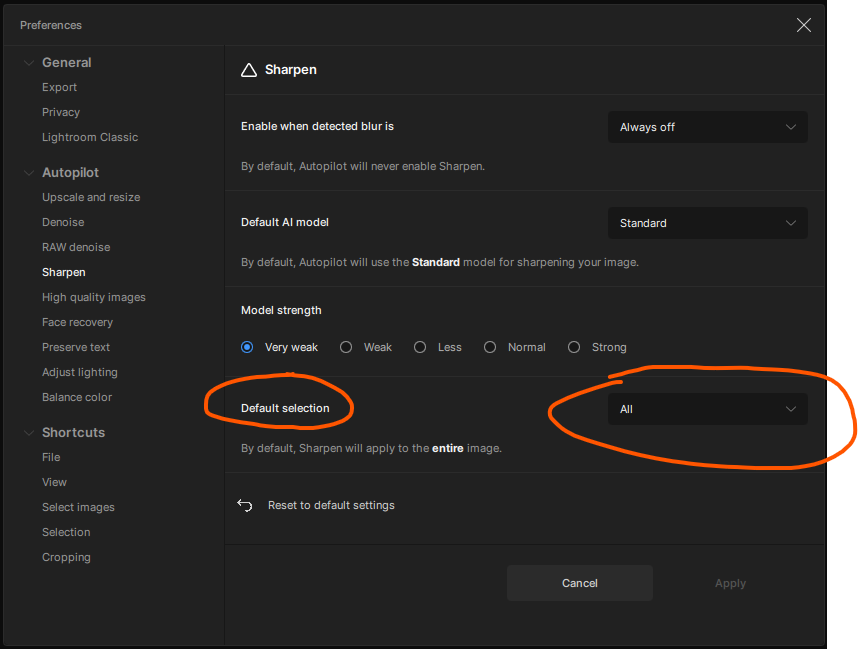
But even activead it does not suggest to sharpen the entire image but the subject only.
Maybe its based on what people did use the most.
I know that many people use masks for everything they do with images.
And that’s still the way it’s taught and communicated online these days.
But it also makes sense, for example, to sharpen the subject and not the bokeh.
It remains the same as the open-source AI we discussed earlier, and it continues to be the best option I have found thus far.  The entire process is performed locally on my computer, ensuring privacy and control.
TPAI is excellent for performing everything (denoising, upscaling, sharpening) in one package. However, personally, I prefer to use separate apps for each task to achieve optimal results. 
1 Like
After 8 hours the batch processing/upscaling/exporting has decreased all the way down to 60 images per hour. That’s a massive slow down from the previous version. Is there a nuke script or anything special I need to do to go back to the old version?
Just download and install your version from here: Releases - Topaz Community
I’ve put thousands of photos manually (not batch) through PhotoAI, and before that Denoise/Sharpen/Gigapixel. I think I’ve selected Sharpening on the entire image maybe three or four times - all photos of paintings.
I almost always want Subject sharpening only. I’ve spend too much money on lenses to get the background out of focus in the first place.
I will sometimes change it to Landscape, and occasionally None to clear the selection, but have never used any of the other options
I do wish the subject selection was better, especially for people dancing.
I have both 2.4.2 and 3.1.0 installed - Install 2.4.2 normally, open C1 and make sure 2.4.2 shows up in edit with. Then move the photo ai directory to (e.g.) Topaz Photo Ai 2.4.2. This breaks opening PAI in C1, but the edit with option is still there and it creates a dng that shows up in the C1 current files. Also install PAI 3.1.0 and likewise move the directory. Then start 3.1.0 independently of C1 and import the dng into 3.1.0 (within PAI, not C1). You can denoise in 3.1.0 and save to the original dng (overwrite it). Then in C1 refresh preview.
It’s not exactly a good workflow, but it gives the option of culling within C1 and still getting raw denoise. Whether this is worth it is also questionable, as I think C1 has been improving its denoise/sharpening and it may be just as well to run TPAI on the final output image (jpg/tif) instead of the input dng.
1 Like
Thanks for testing out the image using your system, its appreciated.
Given that most people that have tried the supplied image have not had the same problem, I suspect it might be AMD Radeon Pro 5700 XT graphics GPU on the iMac not being correctly supported by Topaz.
Im interested to hear from Topaz regarding this as they have driver issues with the same GPU on Topaz Video AI.
1 Like
Stunning picture.
