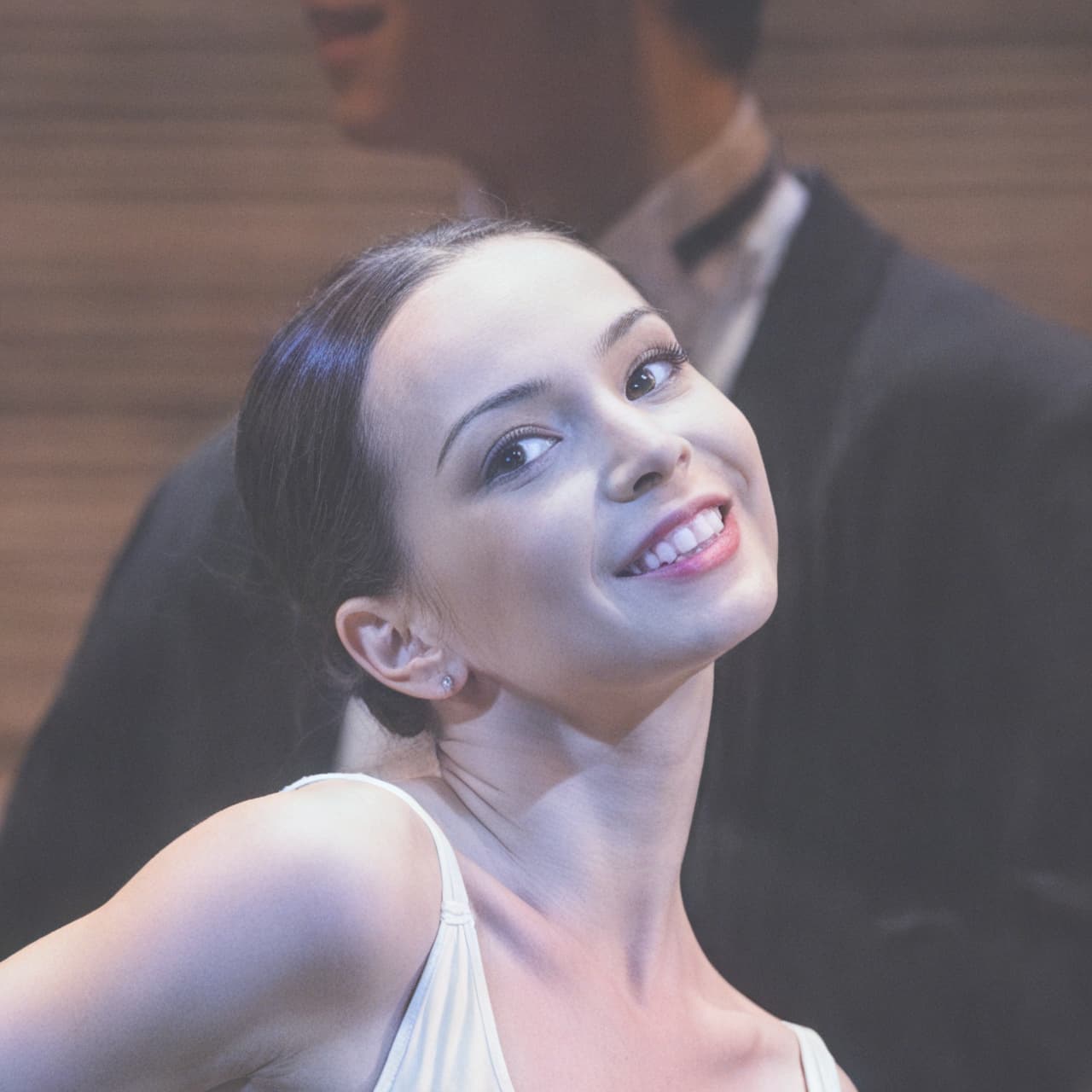
I let AutoPilot try to set some of the parameters, just to have starting point. Sometimes it’s spot on, so the picture is instantly usable. However, the only current choices are to let AutoPilot set something first, or to hard-select it.
The idesal implementation would similar to the “creativity” control in some AI software, where it set how literally the software should look at prompts. A similar concept could be used here. This would allow you to put in a preference which could either be absolute (as currently) or just weighted higher in AutoPilot.
Having said this, I still think the basics should all be fixed first, before such an upgrade. Preserve Text has to work; batch processing has to work (whichout a memory leak); etc.
Their demos are fascinating, but I feel like it adds a lot of extra (albeit realistic-looking) artifacts. So for artificially created illustrations etc. an excellent tool. I photograph wild animals, birds, etc. in nature, just for my own pleasure, and there I need to improve imperfectly photographed reality, but only reality. Do not improve artificially (as for example with portraits), “only” remove errors such as out of focus, motion blur and so on, including perfect magnification. Do not add scales to the fish, only improve its real ones . Perhaps it can be influenced parametrically, I will not try or buy it, I would not use it. I need that non-generative AI for my needs. But otherwise, the mentioned sw tool is really amazing what it can do (for professionals).
Exactly! Important for me, I don’t want anything for high-end hardware that I don’t have and can’t buy. I would rather wait a longer time for rendering the result (which, of course, may not suit others if they make a living by processing many photos on a daily basis).
For me, a good starting point is to have all the sliders set to minimum. In most cases it only needs a little tweak from there. As to the models, it’s between standard and high fidelity, and I already have a good hunch from experience which one will work best with a particular image (autopilot usually goes for the wrong one for some reason, especially when it chooses low resolution). So for me, having autopilot turned off saves me time, not having to wait for it to whir along and end up at the wrong settings. If it works well for you, great!
To add, I prefer the new Gigapixel these days. It is so useful that it remembers all setting I used last.
Very interesting viewpoint. Personally, I don’t mind the ‘added fish scales’ if it improves the image, but I totally understand how you might not want that if you’d rather retain the integrity of the original photo. In the age of txt2img, I think it’s (very unfortunately) only a matter of time before there is no such thing as an original image (even for news photos). Let’s compare notes in 5 to 10 years from now.
I think that a distinction should be made between several directions (all of them have their reasons, they can even overlap): documentary (“not one extra fish scale”), art (generating images, illustrations for books… – anything is allowed), commercial graphics (to attract customers), scientific images based on reality (e.g. variously edited NASA photos from space – brightness or color enhancement, etc.), purely scientific (saying something only to scientists), certainly many others. Not an easy task to satisfy everyone, millions of training examples and a good methodology are key… AI can both harm and help .
I am often reminded of an old but famous movie from 1966, Blow-up, about a fashion photographer. No AI, those were different times .
Is there anyone like me who doesn’t like squares around faces in Face Restore?
There are portrait-like sharp square areas that Topaz restored, and it looks weird.
I think that is normal, because all the open-souce Face Restore AI have the same problem, such as those popular GFPGAN, GPEN, CodeFormer, VQFR, etc.
They use face detection to identify the position of the face and then crop out the facial area in a square shape. Afterward, the AI model enhances the face and pastes it back into the image. The Face Enhancement model is specifically trained for a small area, primarily focusing on the face, a tiny bit of front hair, and the upper part of the neck.
Since Topaz face restoration shares similar behavior with open-source Face Restoration algorithms, I believe they use a similar technique.
I think Face Restoration is already a thing of the past. With stable-diffusion AI, we shouldn’t need separate Face Restoration or Perverse Text anymore. A single stable-diffusion model should be able to handle everything intelligently.
Gigapixel has also added a stable-diffusion-based Recovery Model (beta), which is moving in the right direction. I’m sure that when it is ready, they will incorporate the model into TPAI.
The only problem that is hindering Topaz from moving forward is that a high-quality intelligent AI model requires significantly more processing power. However, many Topaz users are still using integrated GPUs or decade-old entry-level GPUs, which lack the necessary processing power to run these state-of-the-art AI models.
This is not open-source (free) software. We buy. I’ve bought almost every product that Topaz has ever sold, and in general they are great, but it is reasonable to have high expectations.
What is strange is that Topaz, when Selection is set on “subject” determines exactly where people are in the image, and does so with amazing accuracy that may be the very best in the industry. It would seem easy to use this same algorithm to set the edges of a face perfectly.
Curious if something similar to the new Recovery model is available separately for use in general SD.
I also agree that treating a face separately is not the best approach, as the rest of the image does not match. Please keep us up to date about what’s going on in the field!
When I batch process from Capture One, the output is back to the original folder and I can’t see any option to change it. With Iridient for example I can specify a sub folder, which makes the process more efficient. Can we have that option please?
Still not fixed the problem with sudden termination of topaz without any errors and notifications.
Sometimes it closes after 10 files and sometimes after 500 files
Probably something like a RAM leak.
 . Perhaps it can be influenced parametrically, I will not try or buy it, I would not use it. I need that non-generative AI for my needs. But otherwise, the mentioned sw tool is really amazing what it can do (for professionals).