Am curious whether you see quality difference between these two? SAI and DAI produced grid artifact (AKA tiling and binding) in GPU mode but not in CPU mode, even with the latter being more slow. Does PAI still do the same? Thanks.
Photo AI did distort the original raw file (.ORF) with both the GPU and the CPU, but to a greater extent with the CPU. I have attached edited versions of each, the original raw file and the two files created via the file menu in Photo AI. Same edits on all three files.
Topaz should consider changing the Minimum Hardware requirements for Photo AI on Mac. As slow as my system runs with an i9 processor and 32 GB RAM, I hate to think of the slow speed with a slower processor such as an i5 or i7 with only 16 GB RAM.
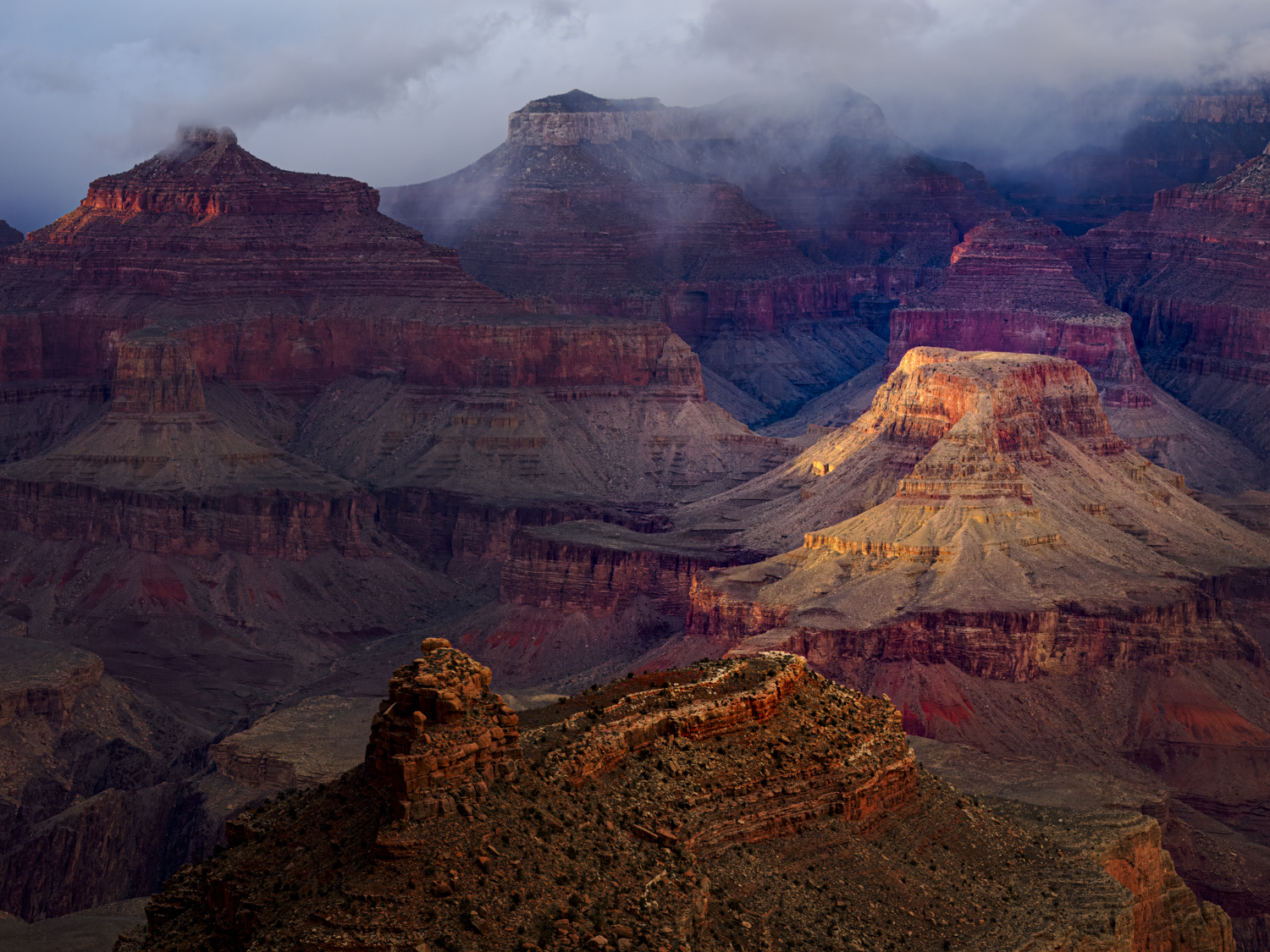
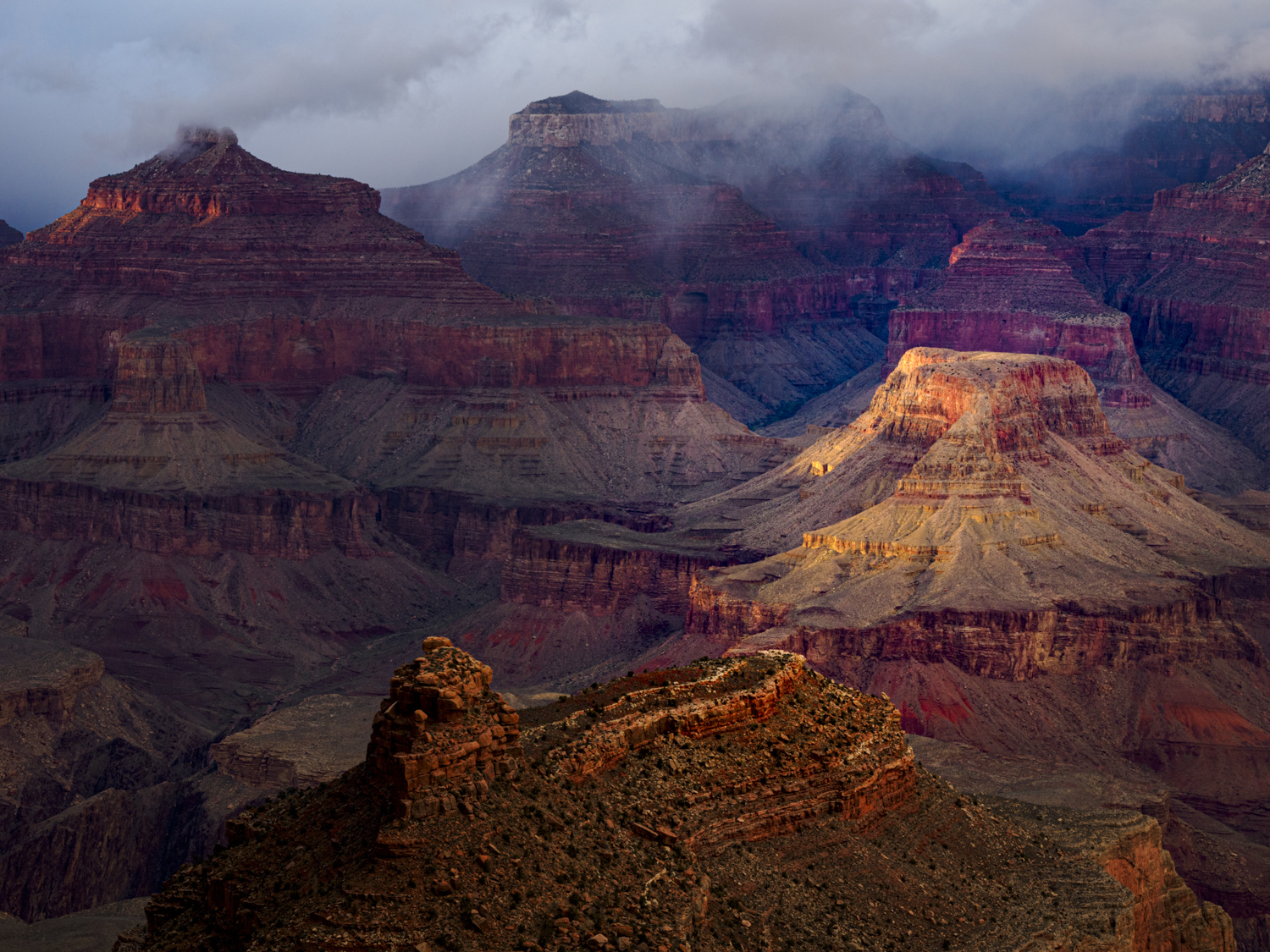
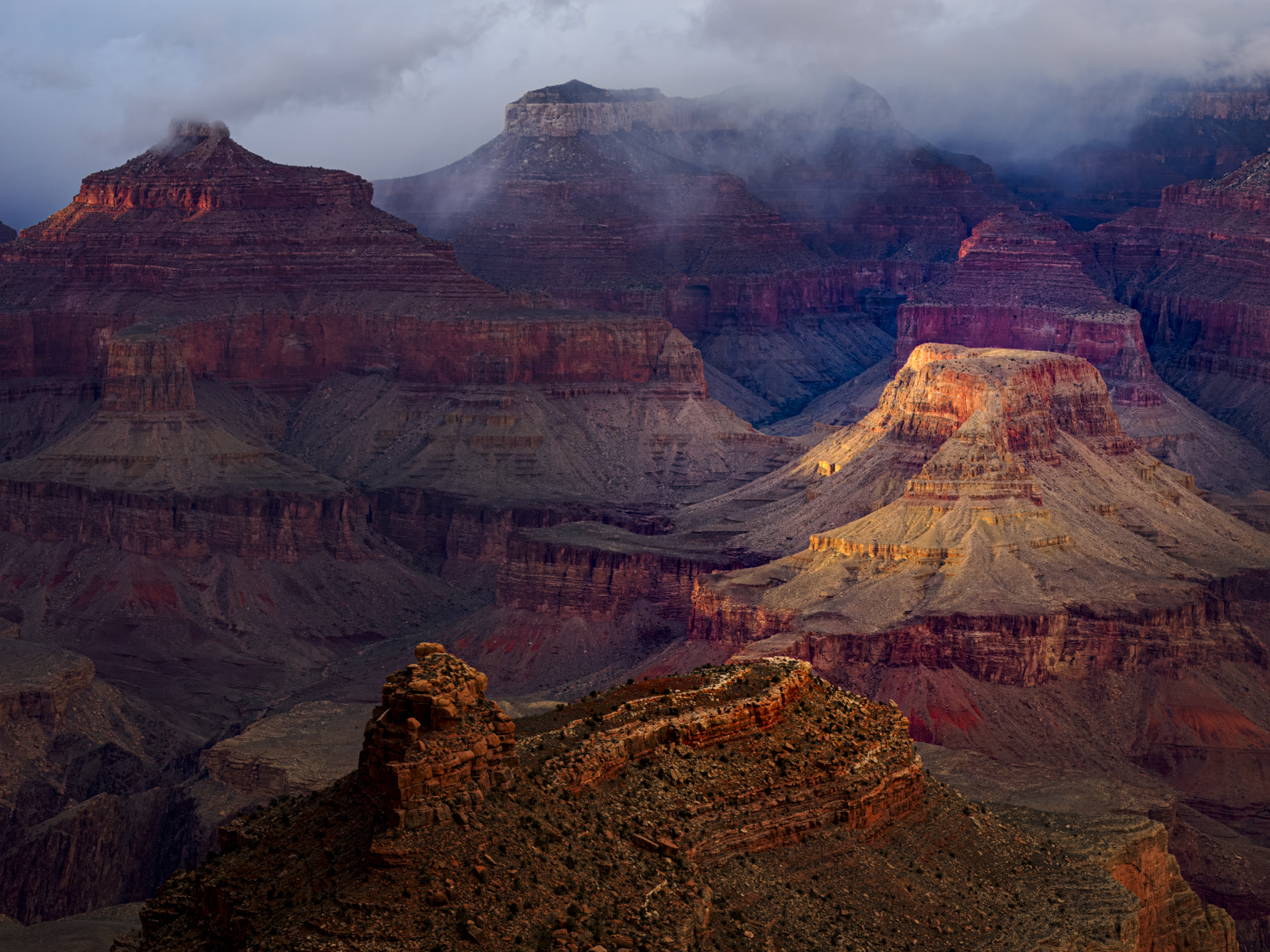
Thanks, this looks very much like lens profile correction (IMHO), I was asking about the tiling artifacts which I do not see in any of these (downsampled?) images.
The word, as of today, from Topaz Labs Support concerning the memory leak in Photo AI 2.4.x is, “We are still working on it. The backend team has a lot on their plate and has not gotten around to fixing it yet.”
2 Likes
Original shows more detail info than the GPU output.
CPU either added a lot of brightening, or you did to that output.
I agree. Strange though, because I have Lightroom set to automatically Enable Lens Profile Corrections on Import. Does Photo AI ignore the import settings from Lightroom CC? Yes, the images were downsampled to 1500 pixels max long edge after I used Photo AI, just to make the email images smaller.
In my experience, nothing less than M1 is really usable for Mac in this regard. It’s hard to even get the preview going on Intel, much less processing…
So probably will not be fixed in 2.4.3 then. Disappointing!
2 Likes
Didn’t you mean 2.5.1?
Next release should be 2.4.3, unless I am missing something.
1 Like
Just kidding! It seems to me, the memory leak issue is not high on their list.
1 Like

At least they have acknowledged the issue.
2 Likes
This version is constantly crashing when loading one photo
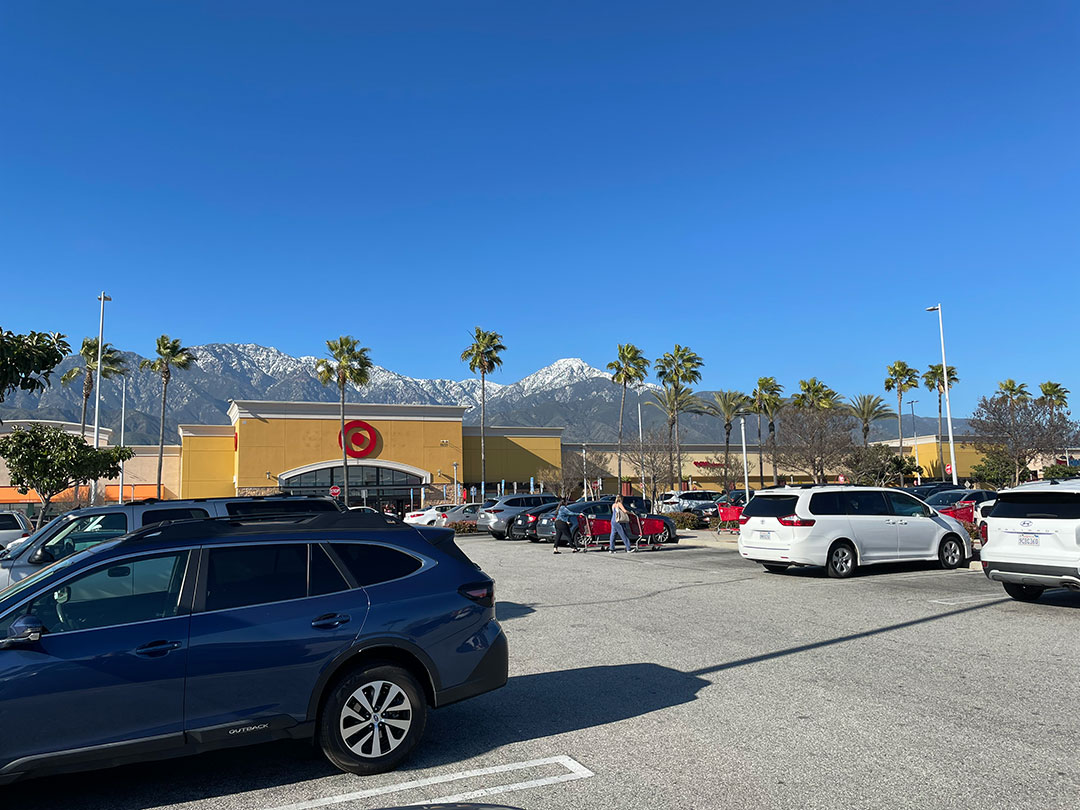
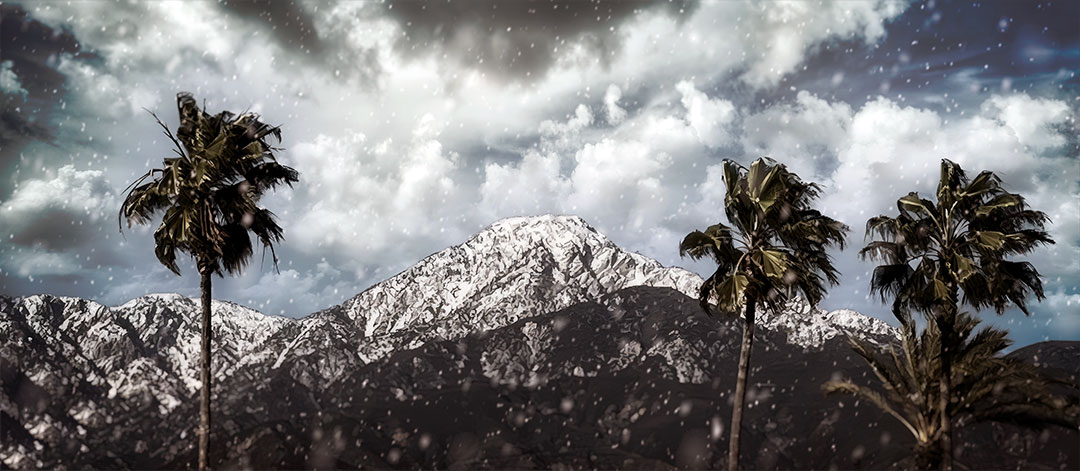
My new radical scenic! iPhone photo upscaled in Photo AI. I had to use PS to remove unwanted objects, PAI crashed each time I tried (M2 Mac Mini)… Colors enhanced in Radiant Photo; sky, weather, lens shift and vignette effects added in ON1 Photo RAW.
1 Like
Quite a change of atmosphere on the final frame
1 Like
Global warming you know
It seems that Lightroom’s Denoise and PureRAW are the best tools for denoising while preserving image tint. The other software he tested altered the image tint and had residues of noise and other small artifacts.
It’s all about the artsy 
Here is a better representation of the upscale, with Deblur pushed much further.
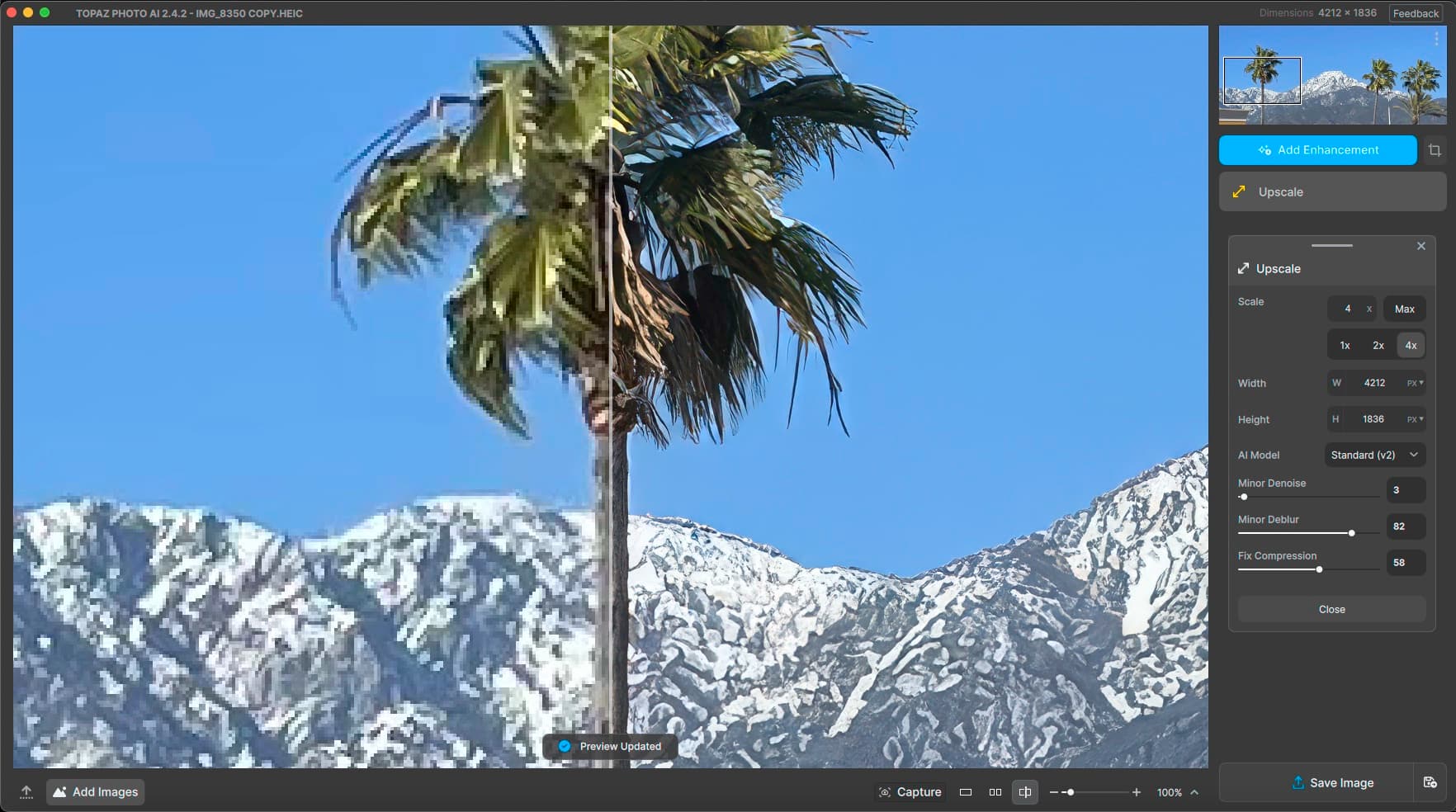
I just noticed the Crop tool works properly now (it did not previously retain the crop upon further processing).
1 Like
I want to share two links to videos on YouTube.
Part of the work I do is for an organization which advocates for those who have been affected by road violence, it is called Families for Safe Streets.
NBC News NOW intervened one of the organizations founder’s Amy Cohen.
This is a link to that original story, I have started at a particular time so as to highlight the image enhancement work.
What’s driving the surge in pedestrian deaths on roadways across the U.S.
https://youtu.be/7uYp3Vksmr8?feature=shared&t=18
Here is a link to the edited and enhanced video.
What’s driving the surge in pedestrian deaths on roadways across the U.S.
https://youtu.be/lg52Os9-Pkw?feature=shared&t=18
I use quite a few tools to do this, including:
Lightworks, https://lwks.com
DaVinci Resolve, DaVinci Resolve 18 | Blackmagic Design
RX 10, https://www.izotope.com/en/products/rx.html
Photoshop, https://www.adobe.com/products/photoshop.html
To name a few.
Comments?
