I sure hope this version of PhotoAI is a MUCH better improvement to that software than Gigapixel 7.1 is to Gigapixel. I’ll wait and see.
Worked perfectly fine on my M1 Mac mini

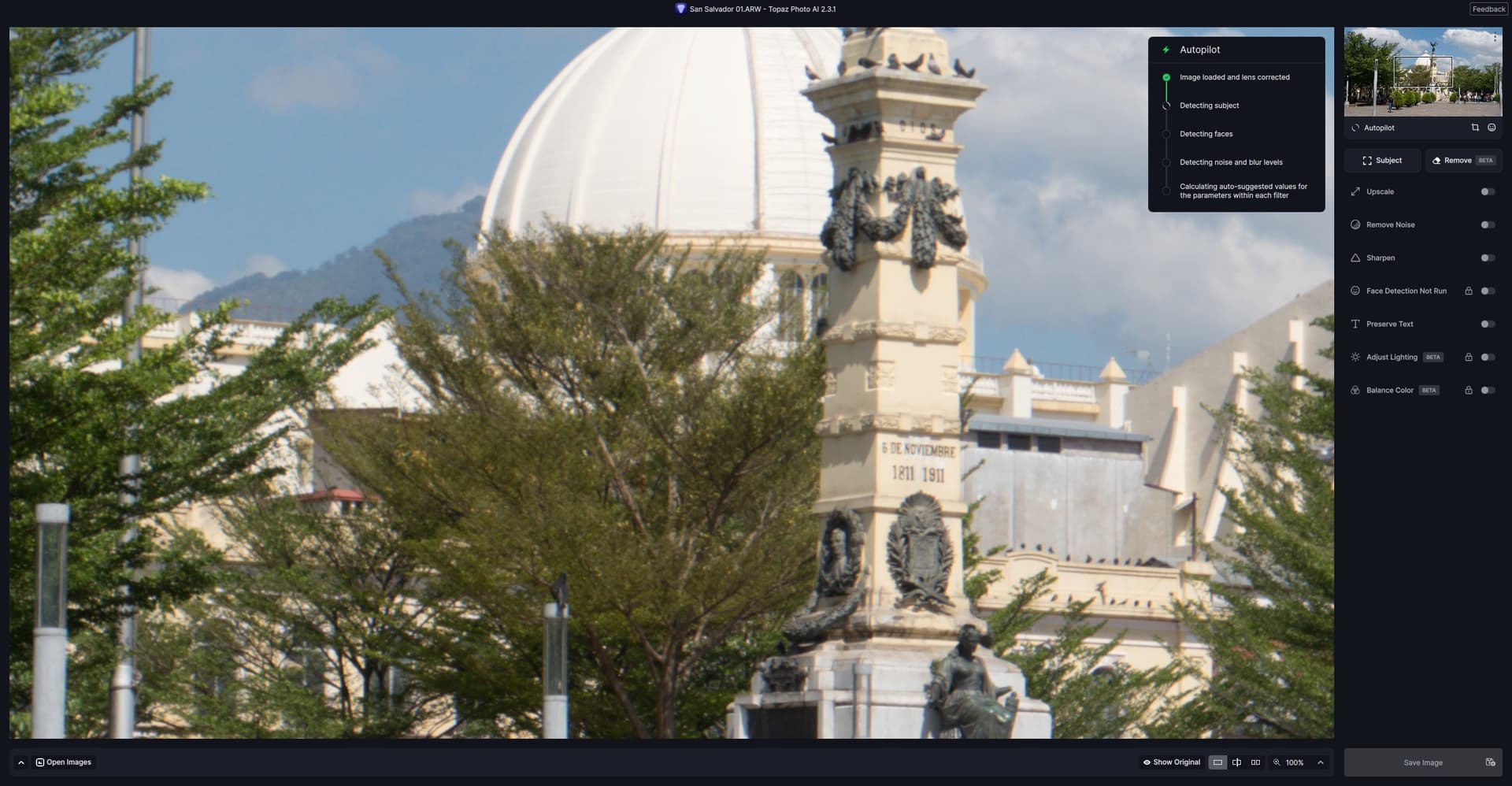
If Autopilot is disabled, it still run s, even though it is only for a couple of seconds and does not tweak anything once the process is completed.
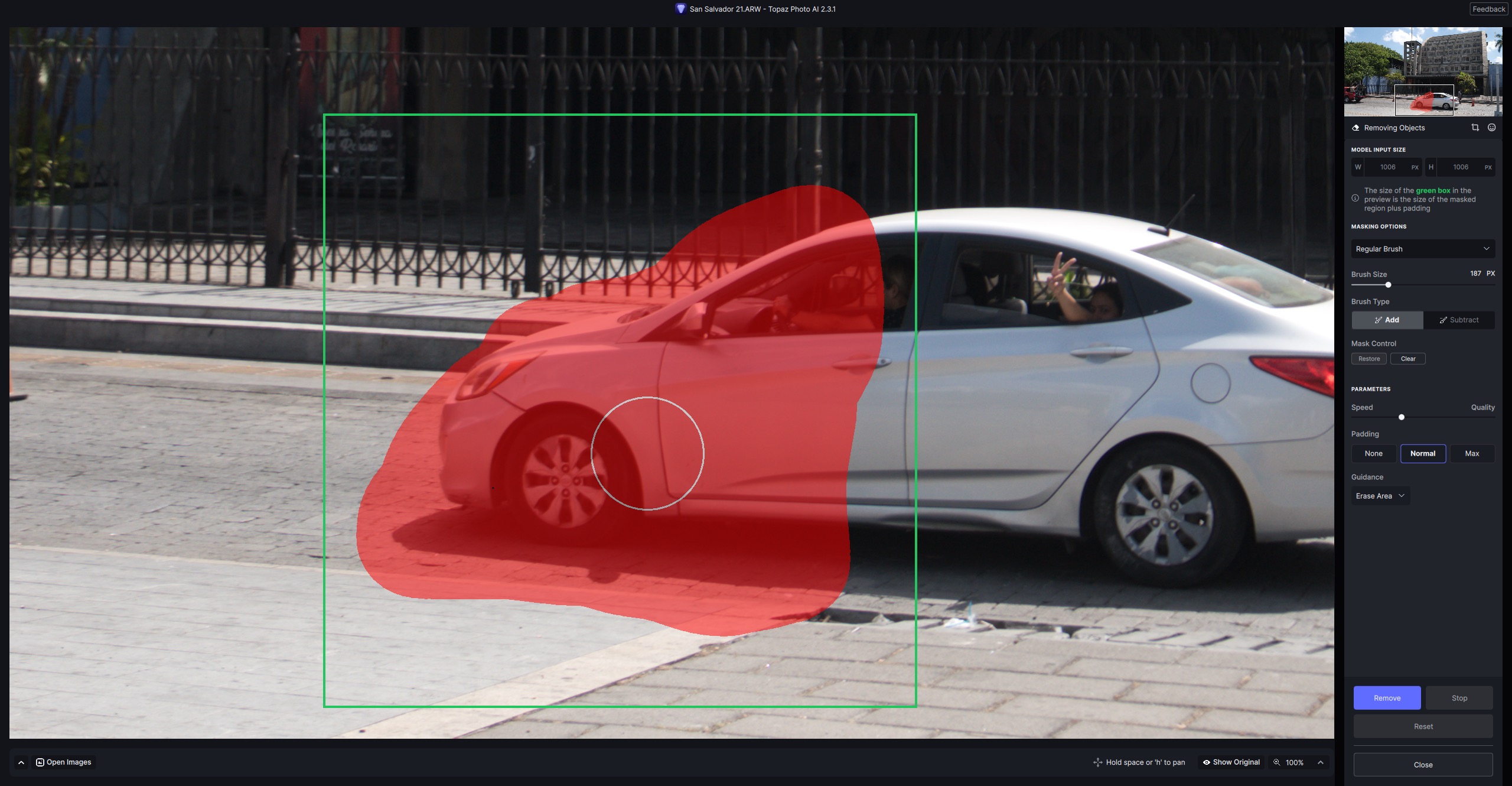
The Remove tool still needs quite a lot of work, although its results can sometimes be pretty good.
The red and green boxes continue to puzzle most of us, as does the toggle denoting Erase Area or Keep Area: it doesn’t make any difference to images I have tried.
Another confusing issue is the message about images being too large. As in this instance.

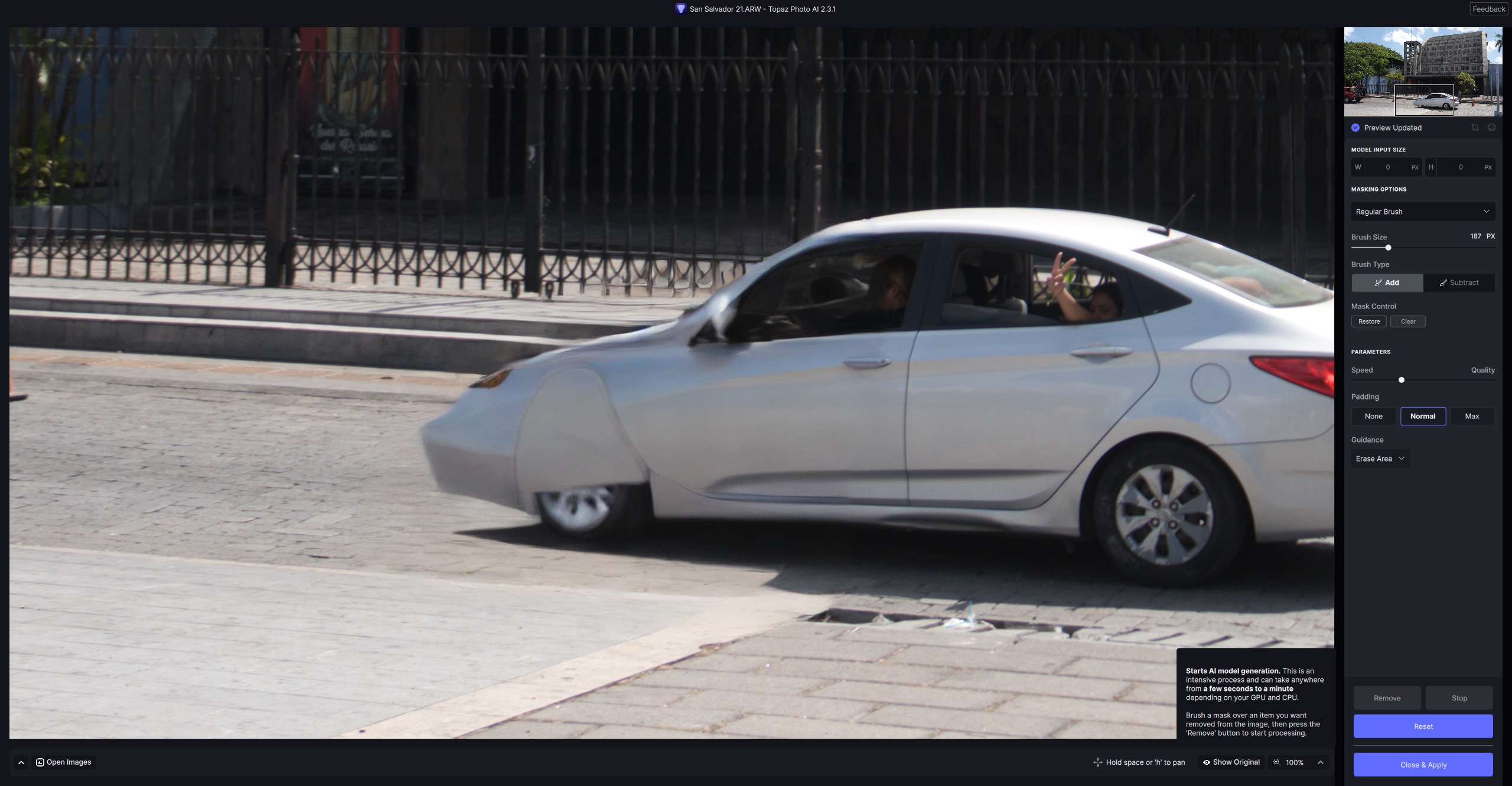
In point of fact, the tool makes quite a decent stab at removing the car, even though the railings behind it are not rendered that carefully if one pixel-peeps. Following the suggestion to work on a smaller area, all that happens is that parts of the car are then replaced by an AI generated image of, guess what?, parts of the car!
1 Like
I had installed the update just before I tried processing a larger batch of file, all of which had faces in them. First file I tried to process, stalled at “Detecting Faces”. The indicator was spinning, but matter how long I waited, it would not get past that point.
I “End Task” ed it from the Task Manager, restarted it, and tried again, with different files, several times. Same result, every time.
I uninstalled it, letting the installer delete settings files and everything, and did a new clean install. Same thing. I went through all this two or three times; still every file I tried to process, stalled at the same point. This was all under 2.3.1.
So, I completely uninstalled it again, and did a clean install of 2.3.0; and right away, it all works again.
| Device name | Joker |
|---|---|
| Processor | Intel(R) Core™ i5-3470 CPU @ 3.20GHz 3.19 GHz |
| Installed RAM | 8.00 GB |
| Device ID | 13469933-C0F1-453D-ACC2-CCEB15EB35A3 |
| Product ID | 00330-75069-73613-AAOEM |
| System type | 64-bit operating system, x64-based processor |
| Pen and touch | No pen or touch input is available for this display |
| Edition | Windows 10 Pro |
|---|---|
| Version | 22H2 |
| Installed on | 2020-09-10 |
| OS build | 19045.3930 |
| Experience | Windows Feature Experience Pack 1000.19053.1000.0 |
I don’t know what to suggest as far as reproducing the problem on a different machine; but it is very clear to me that something is different from 2.3.0 to 2.3.1; such that 2.30.0 works fine for me, and 2.3.1 does not, always failing the same way at the same point.
1 Like
Bob. I suspect your limited ram 8.00 GB and a cache is the suspect.
1 Like
Possibly. It’s an old computer, and it really struggles running Photo AI on images of any significant size. But unless 2.3.1 is significantly more demanding on the host computer’s resources than 2.3.0, I’m hard pressed to see how that would explain it failing when 2.3.0 works fine.
In this example case, I was working with a much smaller image than I normally work with. I routinely process much larger images than this; it takes a while, but nearly always works, until 2.3.1.
1 Like
The reaction is normal, it is not a stamp or a simple pixel shifter.
By including the vehicle contours it wants to continue and complete them, if you want to remove something you have to include everything that could be connected to it.
1 Like
In my comment that got editorialized on just b4 the thread was closed, I reported I also experienced the Remove Tool bug (seconding the experiences of others,…) & I said it happens with an AMD processor (noted in that post).
I set my processor Pref to my AMD b/c I find that if I set it for Auto processor it always chooses my CPU.
So, it may not be a processor-specific issue/bug. And, based on what at least one of the other users stated is happening, it is occurring both standalone & in the Ps plugin. At least wrt the Remove Tool situation… I don’t work with NVIDIA so can’t comment on their ops.  The person who commented last nite had a different setup & said all is copacetic for them.
I am quite aware of that thank you very much. So why the warning?
The ram is too little and the processor is 12 years old - not up to the task. Separate GPU? V2.3.1 must have just enough of a change to push it over the edge
Min requirements:
CPU|Intel OR AMD, with AVX instructions, released after 2013
System Memory (RAM)|16GB|
Warning?
I am referring to the “Large Model Input” warning in my first screenshot above.
Hi…I JUST tried using Topaz Photo AI v2.3.1 which is ‘hanging up’ and can’t get past “Detecting Faces”…rebooted, still no success…my ‘tech’ guy is coming later this aft to see if it could be WIN 10 software update…but maybe YOU have an answer…??? OR maybe I should go back to AI v2.3.0 until it’s fixed??
- ]
1 Like
Hi there, the crashing should be fixed now if you were experiencing a crash at the end of the inpainting process!
3 Likes
I have the same problem. Photo AI V2.3.1 is now unusable for me.
1 Like
@Aquitaine and @jackie.teague-8159 — What are the specs on your computers? How much RAM, what CPU, what operating system?
Hi,
I have found Error, can you please fix it for next relise.
If i Set Autopilot in setting save JPEG files with DPI 350 It works fine if i Load Desktop version of topaz
But if i run tpai.exe D:\From --output D:\To --format jpeg --quality 100 --showSettings i will get files with 72 dpi resolution, in comand line i see that autopilot setting are for 350, but result still 72!
I will be very thankful if you able fix it!
and one more if i run tpai.exe i still have error for can’t found Config_git.pl - what it is and maybe i need it?
And one more will be great if tpai.exe will be able load some autopilot.json where for each file name we will be able set zoom factor x2 or x5 or x3 {‘filename’: ‘x2’} and so on …
Thanks for great software!
Same problem here with version 2.3.1. Detecting faces sometimes runs through, sometimes not, face recovery always hangs after a short while. My system is Windows 10 with a Nvidia GTX 1650 (latest Game Ready Driver).
Basically, your computer doesn’t meet the minimum requirements. They are detailed here …
1 Like
