In earlier products there was an on/off switch in Prefs for users to turn logging on or off.
I’d personally turn it on while beta testing then off for the commercial releases. If something was misbehaving, it was easy - with that approach- to turn logging back on to send troubleshooting details to tech spt folks or devs at Topaz.
I think that approach would be welcome vs unilaterally disable.
if i press “subject” and manual add a mask, red color lets say portrait but leave a part lets say the mouth.
now i recover the image but face-recover recovers the whole image and dont accept my mask
But, I added Nikon Z8 (45 Mp) to my older Canon lineup, and am absolutely happy with the resolution compared to the older Canon 5Diii (22 Mp). Even when used the same Canon EF lenses via an adapter. I certainly have a better flexibility including cropping, and do not see image degradation. May be my senile eyes are too weak
Sometimes also for downsampling to reduce motion blur… although this perhaps would be same at a lesser resolution if the final image size is not important. But I’m just happy with this extra space, no regrets!
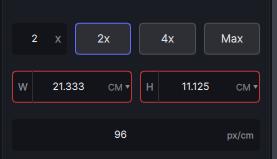
If you specify the width or height size in centimeters, the program sets the photo resolution in pix/cm. This should not be the case, the resolution should always be measured in pix/in . This is an international standard. And there is no way to fix it in the settings. The same happens in Gigapixel. Now you have to specify 118 pix/cm to get an adequate result.
How to set the size in centimeters and resolution in pix/in?
I realized that my original wording said “disable logging” vs “allow users to disable logging” so I can see why you might have thought I was suggesting that logging just be disabled vs providing a user option to do so!
Updated the wording in my post to be more clear that I want the option to disable logging not just disable it entirely.
Huge bug. The beta eraser no longer works at all on version 2.3.0. I hadn’t tested it on that version yet, but every time it finalises the calculation the software crashes.
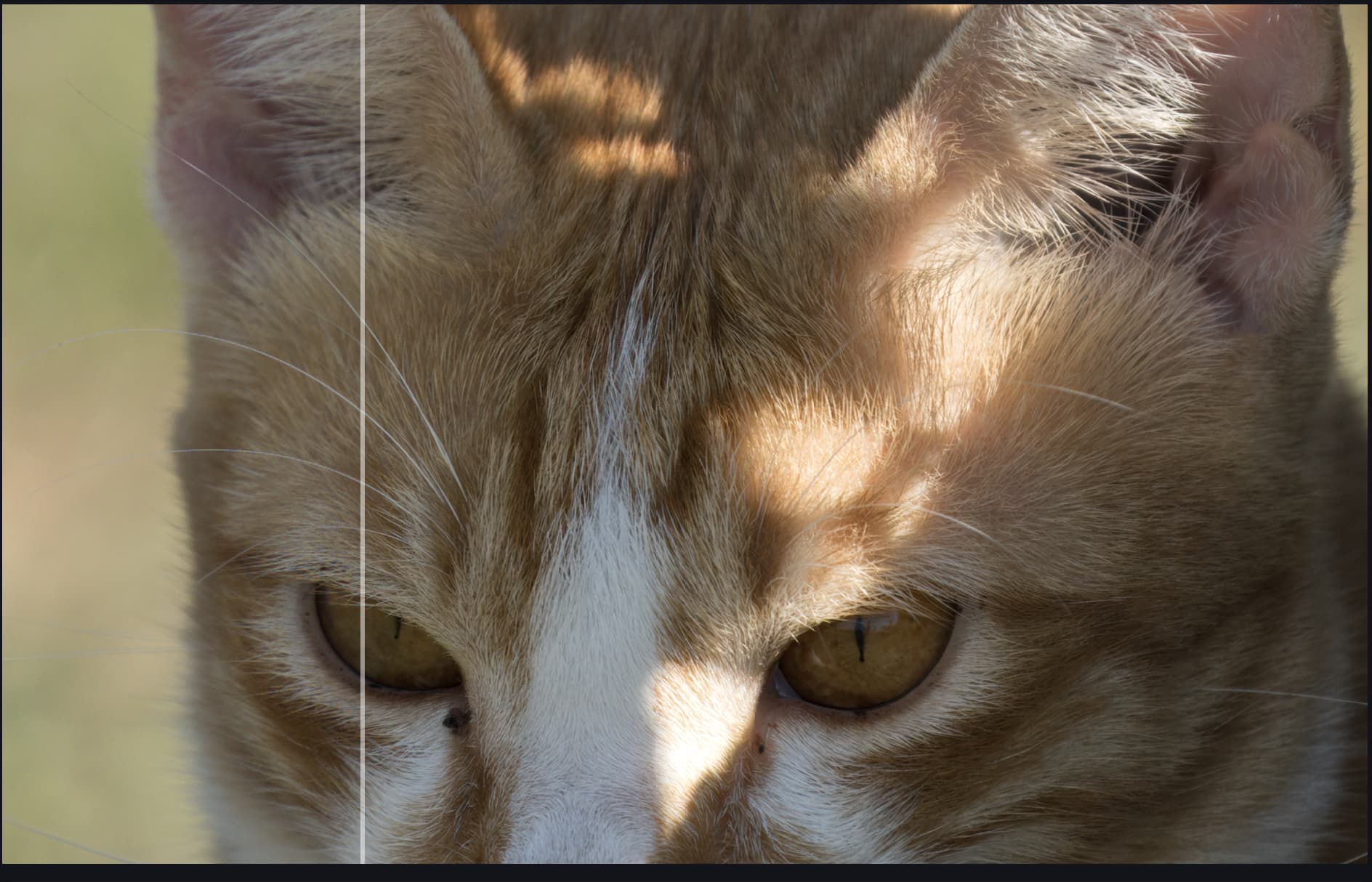
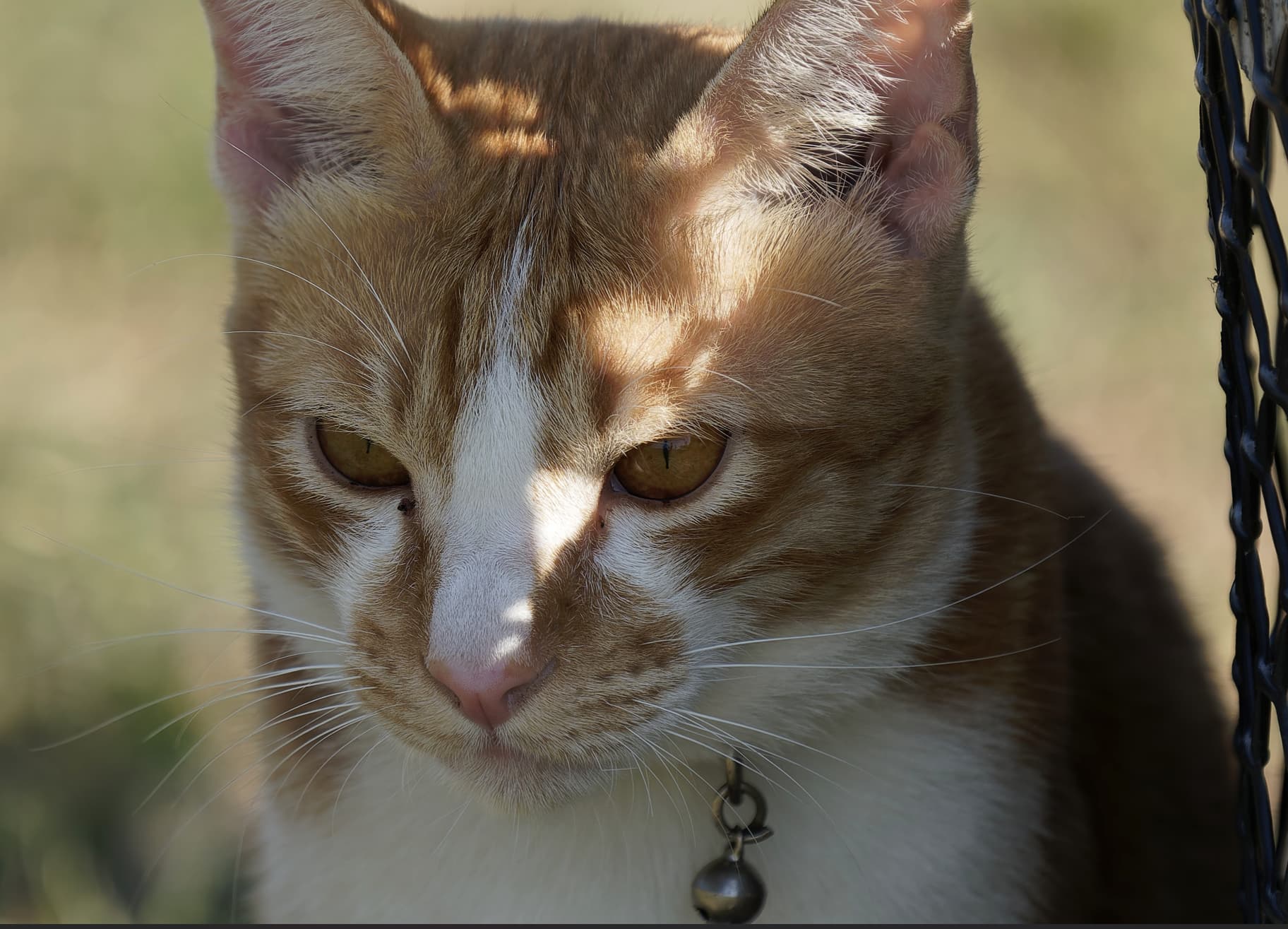
I notice some color differences at the transitions when using face recovery. Typically, the colors inside the “box” where face recovery is used are slightly lighter than outside the “box”.
Please remove the “Repeatedly crashes on startup” feature!!!
I’m trying to get work done!!!
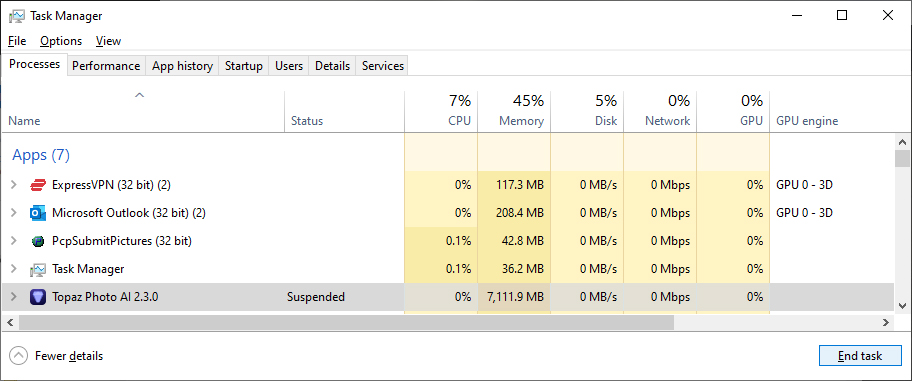
My machine has 48GB of RAM, an Nvidia video card with 8GB of dedicated video RAM.
And I’m only opening a JPG file this time! Why should Topaz be using over 7 GB of RAM? And why should it crash or freeze, as it did in my last attempt to edit a photo?
I started using the latest version right in these days and what I did notice is that I do struggle to move the adjustments sliders (whatever is the adjustment) while the image is being processed.
This is something that was not happening in the previous version and it is quite annoying since you have to wait for some kind of pre-processing in order to move the sliders.
Is there anything I can do to solve this?
I think I found what might cause the crashes with the Remove tool! If I turn on upscaling and then turn it off before I use the Remove tool, the latter no longer crashes until the next launch of the program! I think there is some dependency that makes the Remove tool crash if something from the upscaling models is not loaded first.
I hope this helps with fixing this bug. Let me know if you need any more info.
Here too Photo AI crashes if I want to delete a small element
I then converted it to jpg but the problem persists.
But on smartphone photos, it always seems to work properly. Go find out why.
I put back the last logs. Logs.zip (359,4 Ko)
Edit, I reinstalled photo AI cleanly but the same thing happened
That’s very interesting. It confirms that I’m not the only one with this problem. It’s true that the crashes I’ve had, I didn’t load an upscalle models beforehand. And the few images I’ve used that worked, I’d done an upscalle just before.
Edit, I’ve just done the test and can confirm that you need to activate an upscalle model first if you want the suppriemr tool to work without crashing. I activate the upscalle and deactivate it. Then I do my test with the delete tool and indeed no more software crashes. It’s really a very curious bug.