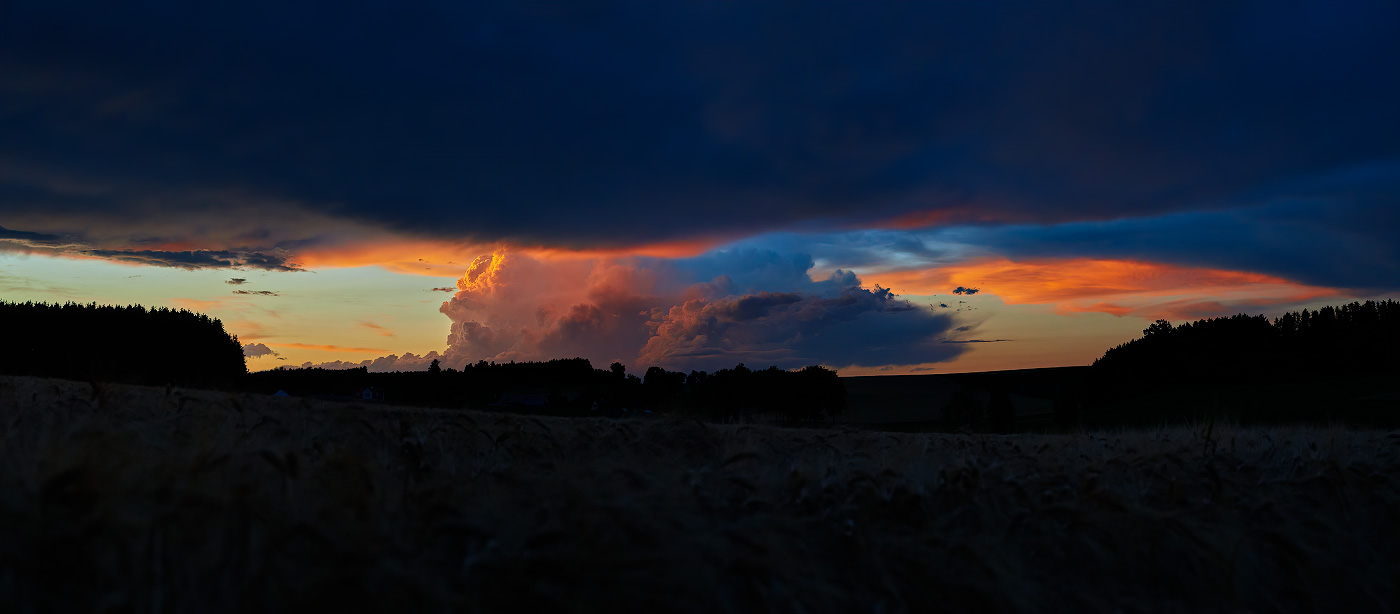
Then second stage denoising with TPAI (Autopilot denoising only).
With Nature Photography i use it the same way, almost.
Instead of denoising with denoie in TPAI i use enhance for denoising, bc after 2x enlarge (Standard or HiFi) i get all the detail i’d like to have in my images.
Or i simply enlarge for print.
With night images i do stack first (no denoising) and do denoise with TPAI while editing in PS.
A tip for all amateurs / Photography starters in the world.
Buy a Mirroless
Get a 100 mm macro lens
Because you are just starting out and there is a lot to discover and with the 100mm lens you can discover more than with any other lens, and its not too expensive.
Buy the following software:
Topazlabs Photo AI
Affinity Photo
DxO Nik Collection
The fun factor here is extreme.
Don’t make the mistake of using free software, or software where you are dealing with the software (lightroom, Lightroom is more of a preset clicker) and not the editing of the image, you will lose the pleasure of the hobby if you go the low cost way (i’ve seen this so often).
With the 100mm lens you can shoot pretty much anything.
And don’t buy a camera with a mirror, the time is simply over and the fiddling around with mirror cameras is not worth the time due to the autofocus system.
And don’t use your camera like a smartphone, use your camera like a camera.
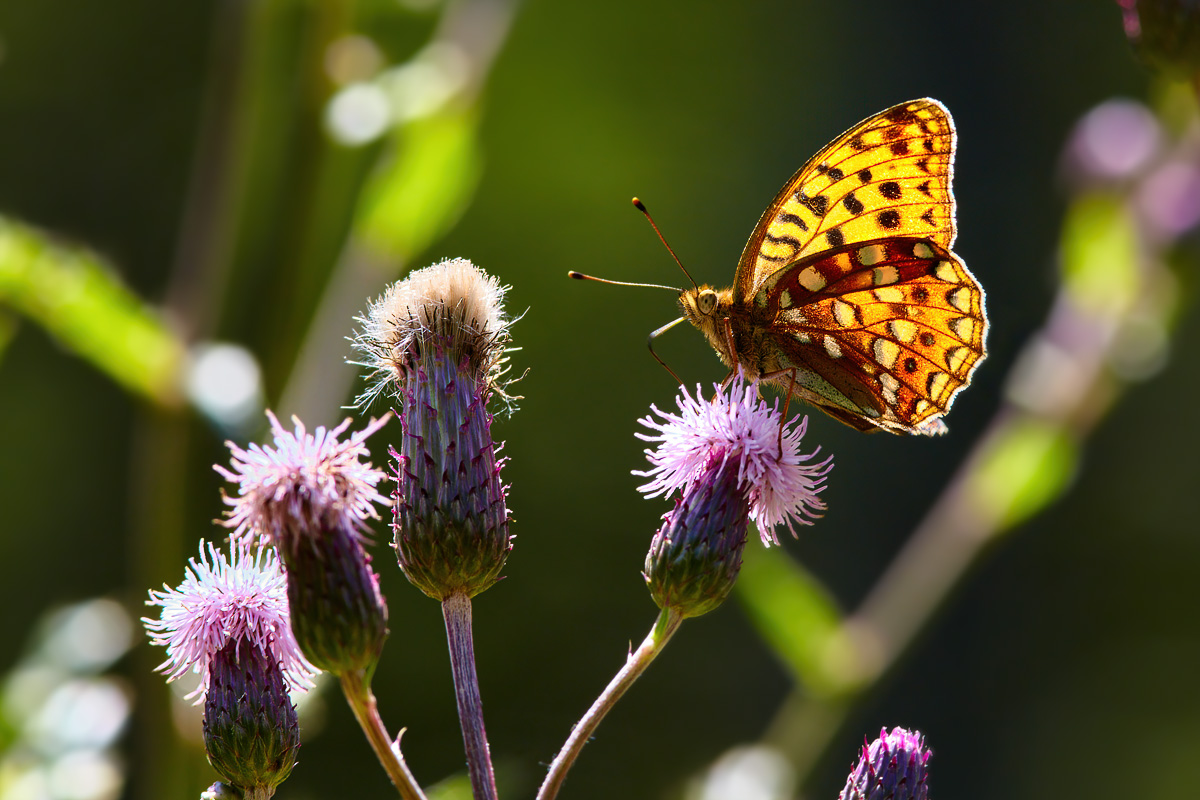
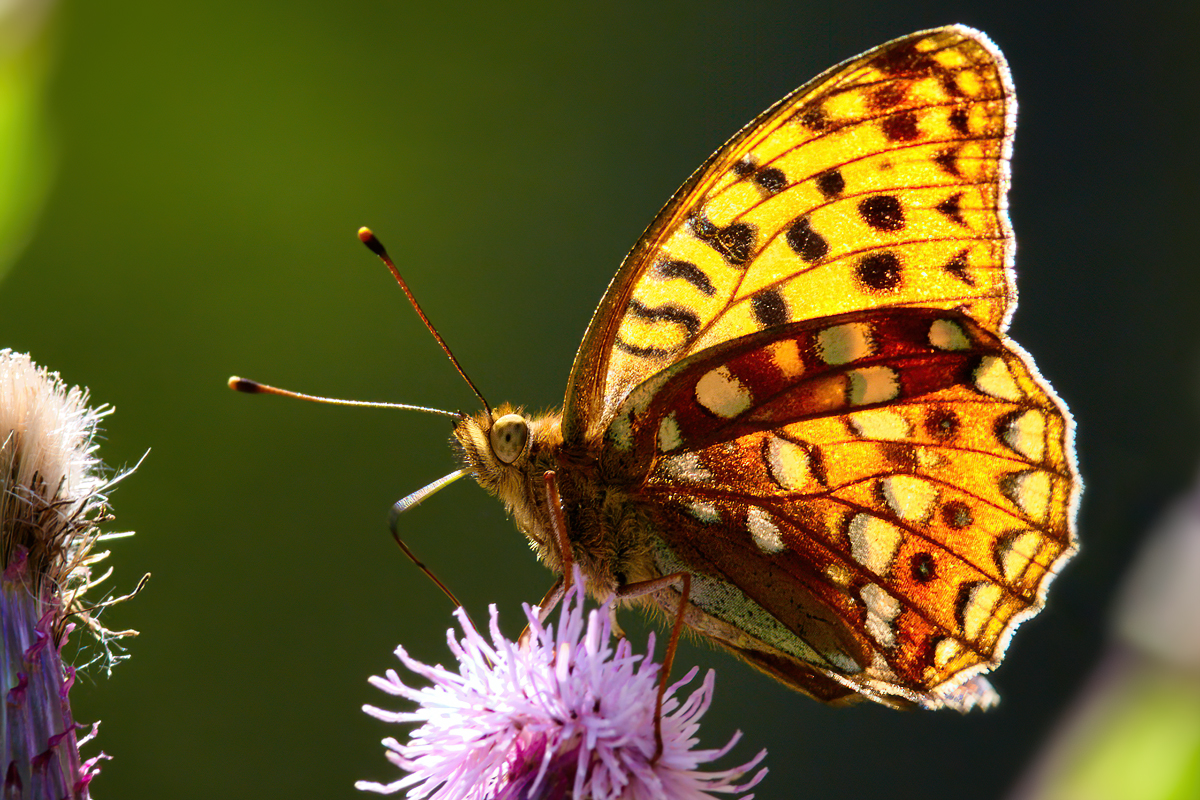
And here is a TPAI enhanced (sharpness and detail) image from myself.
Spec:
Canon 1DX (2012), yes one of these where people in the internet said the sensor is awfully.
EF 300mm 4.0L + 1.4 TC
ISO 640
f/11
1/320 sec.
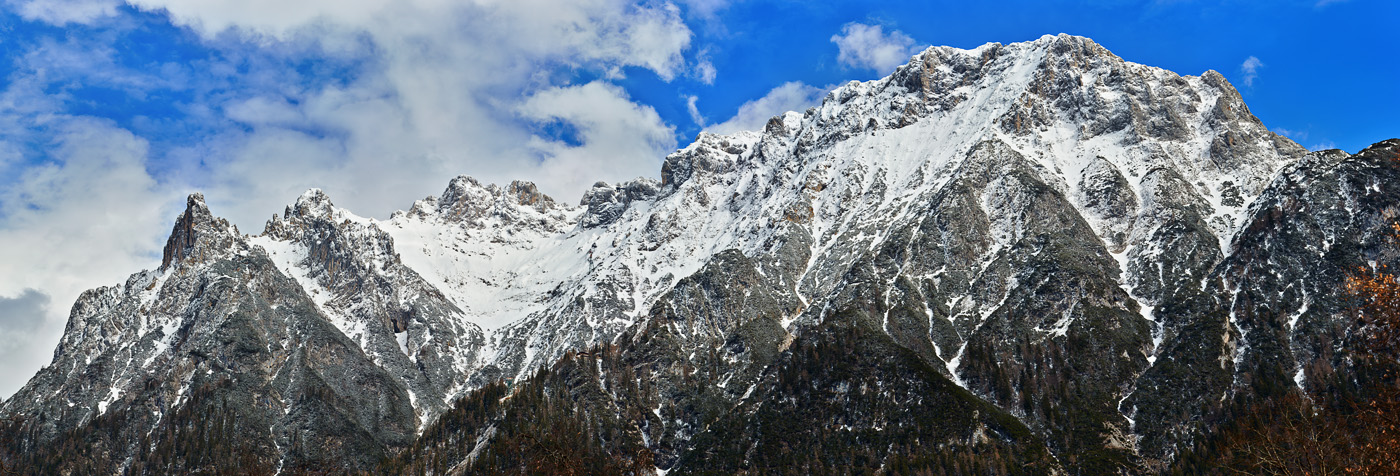
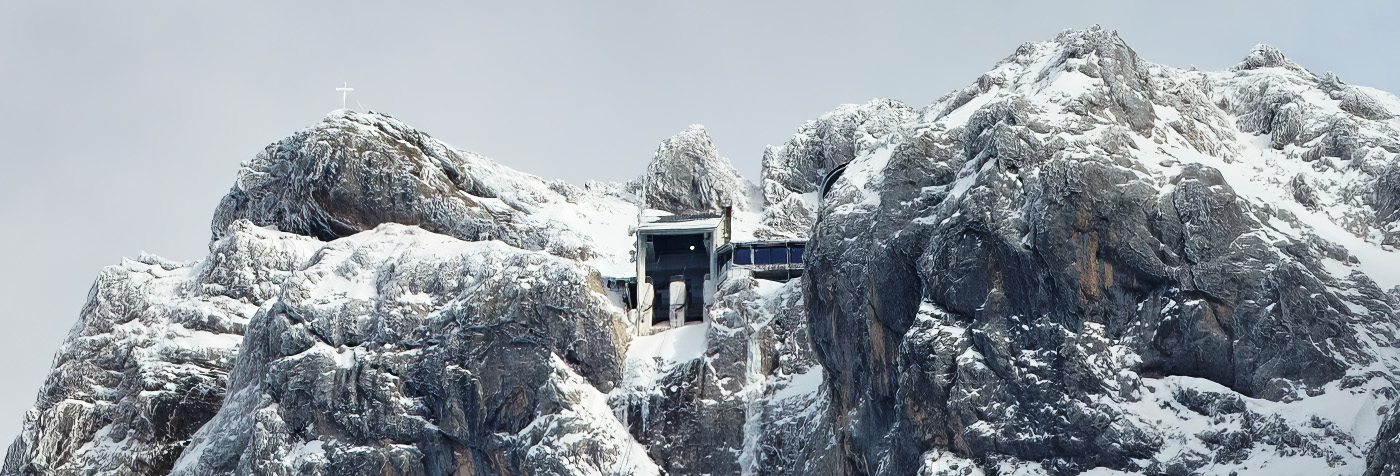
I’m changing my computer, so I don’t have access to my images at the moment. Wide angle is not about mountains and backgrounds, more about foreground interest.
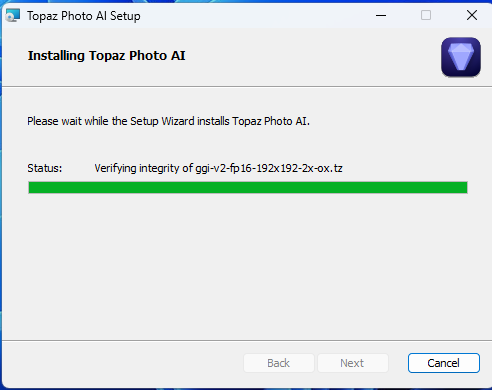
UPDATE: The installer progressed shortly after I posted this, it is now downloading new models.
The 2.1.1 installer seems to be taking forever. I even tried restarting my system and then downloading the installer from the website (instead of hitting update within Photo AI). How do I resolve this? The name of the files being verified do keep changing, but is it supposed to take more than 20 mins? I have an AMD 3700X + 5700XT + 64GB RAM and 2 SSDs - so it doesn’t seem to be a hardware bottleneck.
That one also made me curious… Looking to the world of sports an amateur is someone who plays for the fun of it, and the professional basically does it for money (he probably also have a bit fun on the way, but…
I don’t have a 100mm macro, but indeed a 90mm Tamron that I rarely use as it is not part of what I entertain myself with at the moment. I’ve taken pictures for 30 years but still consider myself an amateur. (I do learn new stuff all the time)
Ohh… I do own affinity photo, but I rarely use that one either as my work flow at the moment is Paintshop Pro (or not) PAI and then I Radiant Photo.
And well… I guess I would like to have to spend more time tinkering, but with 2 kids and a day job that generates food on the table I just don’t have time for it.
But guess what? I do actually do this with an Eos M6mkII which is mirrorless so I guess I do something right…
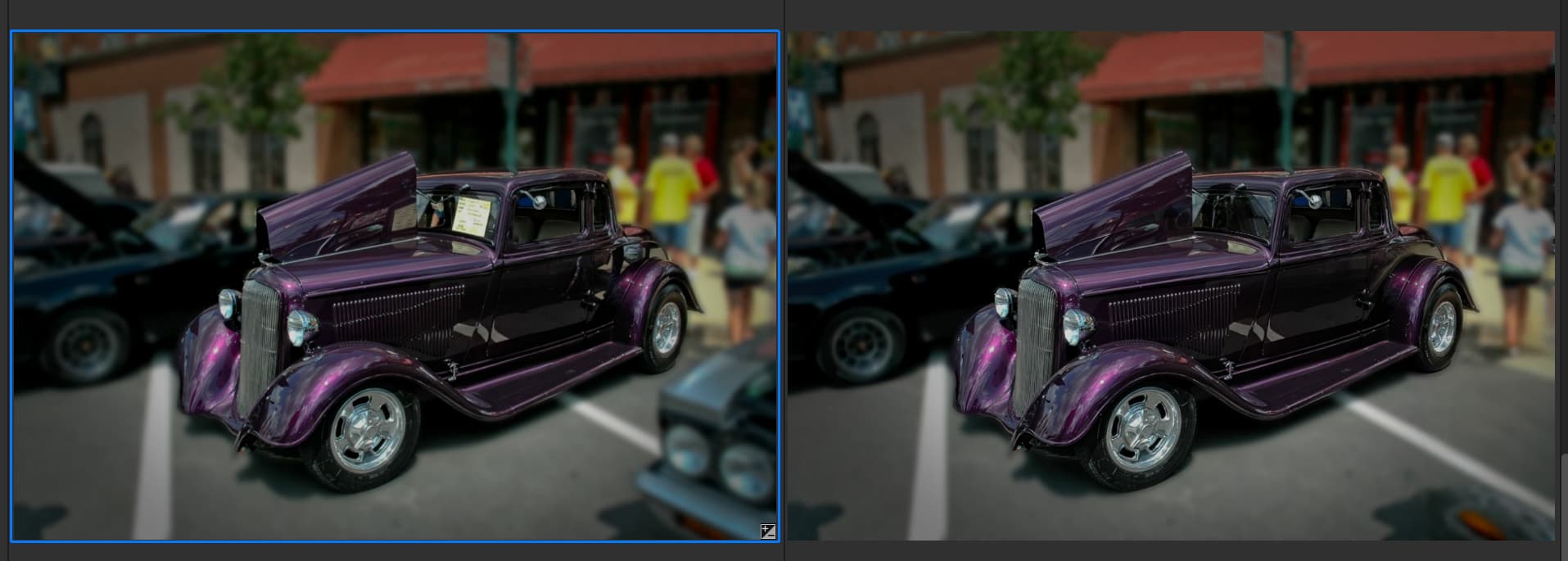
I have a lot of car show pictures which have a lot of clutter, unwanted signs and reflections. PAI does a great job of making the images usable. It even gave the girl feet when removing the car in front.
I did look at mirrorless but Canon were not great and also I would have to change lenses or use adapters which have some issues. If I changed it would be from Canon to Sony.
But it would be more than one camera, as I have 3, one is Infrared.
Professional is making a living from it. Amateur is not making money from it. There are some in between. I know a few pros, a few semi pros and quite a few amateurs.
Your results inspire me to go back through my car show pics! I love classic cars, but there are always not model caliber people “lurking” next to them & studying them (for a while) at car shows. And, billions of pin light reflections in the indoor car museums (that Remove can help with).
BTW, unrelated to PAI did you change the focus or DoF or do you have an art lens with a very narrow, selective focus point? Curious b/c the road on plane with the car is blurred.
Because of the distractions I masked the car and blurred the background to make it a bit more pleasing. I ran PAI after processing. I have a lot of images that have more potential now.
I’m just about ready to give up on this, but as it’s annoying and presumably an easy fix I’ll just mention it one last time…
On the 8th of September Lingyu said (in the 2.0.0 release thread):
“We are adding a toggle in Preferences > General to allow switching between 4 letter and 3 letter file extension. However, 4 letter is recommended to avoid potential ambiguity. This will be released in 1-2 weeks.”
And does it apply when the input is a raw file of a different type, and “Preserve Input Format” is selected, so Photo AI defaults to saving the output in .DNG?