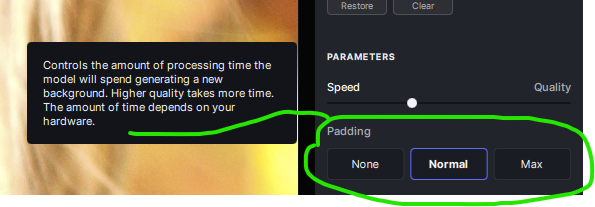
Yes. That’s why I have an issue with the slider being called “Padding” and the button options for it not enlightening me any further.
There’s currently no way to gauge what’s needed in terms of a Contextual Reference Zone to get rid of any given object!
For now, it should be called ‘Stab in the Dark, Your Guess is as Good as Mine’ fill context setting.
2 Likes
Ok yes, you’re right about the description of poking around in the dark.
It’s enough for me to understand that it enlarges the area involved in creating the generation.
Since the generation is based on statistics, anything can happen when you change it.
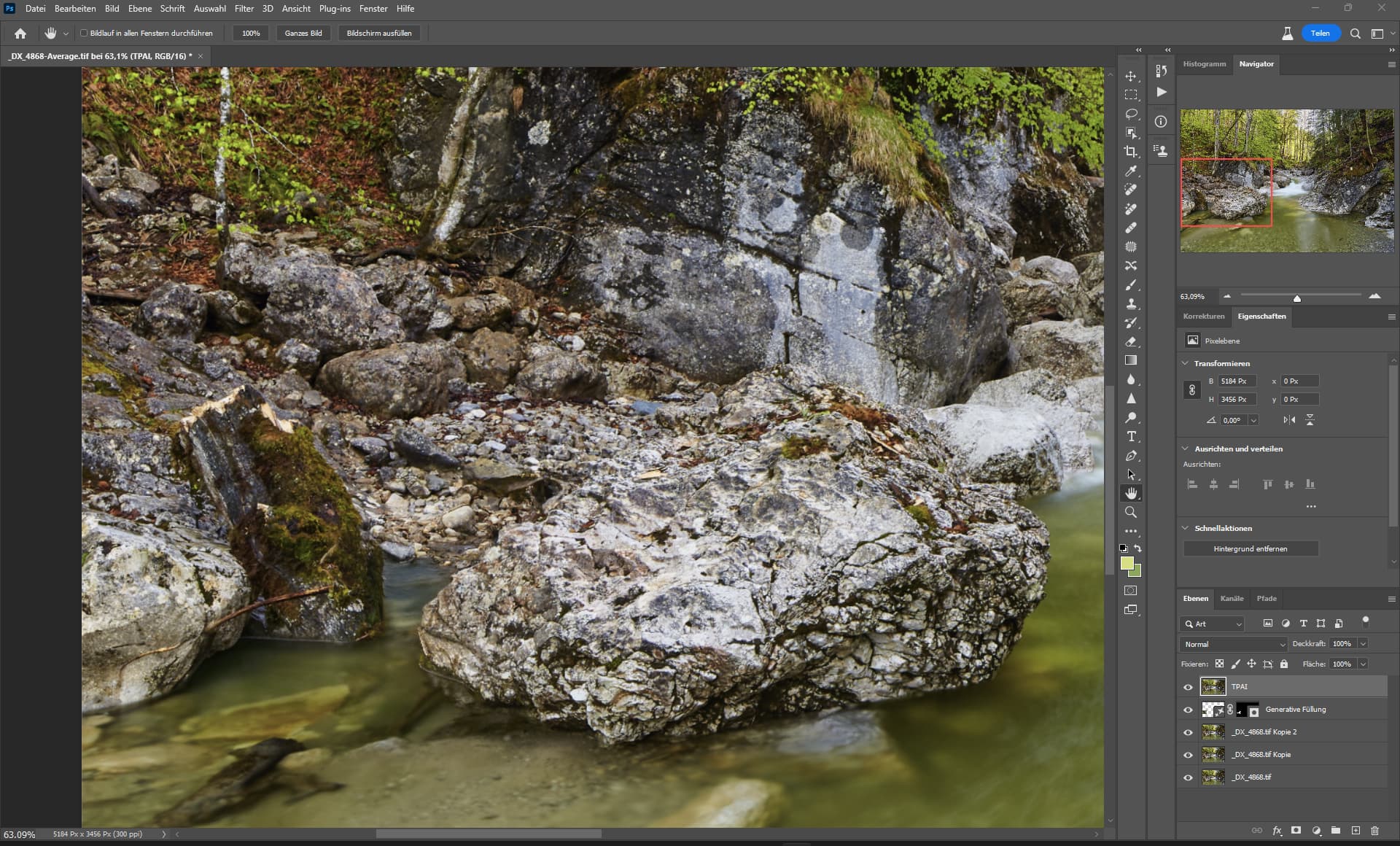
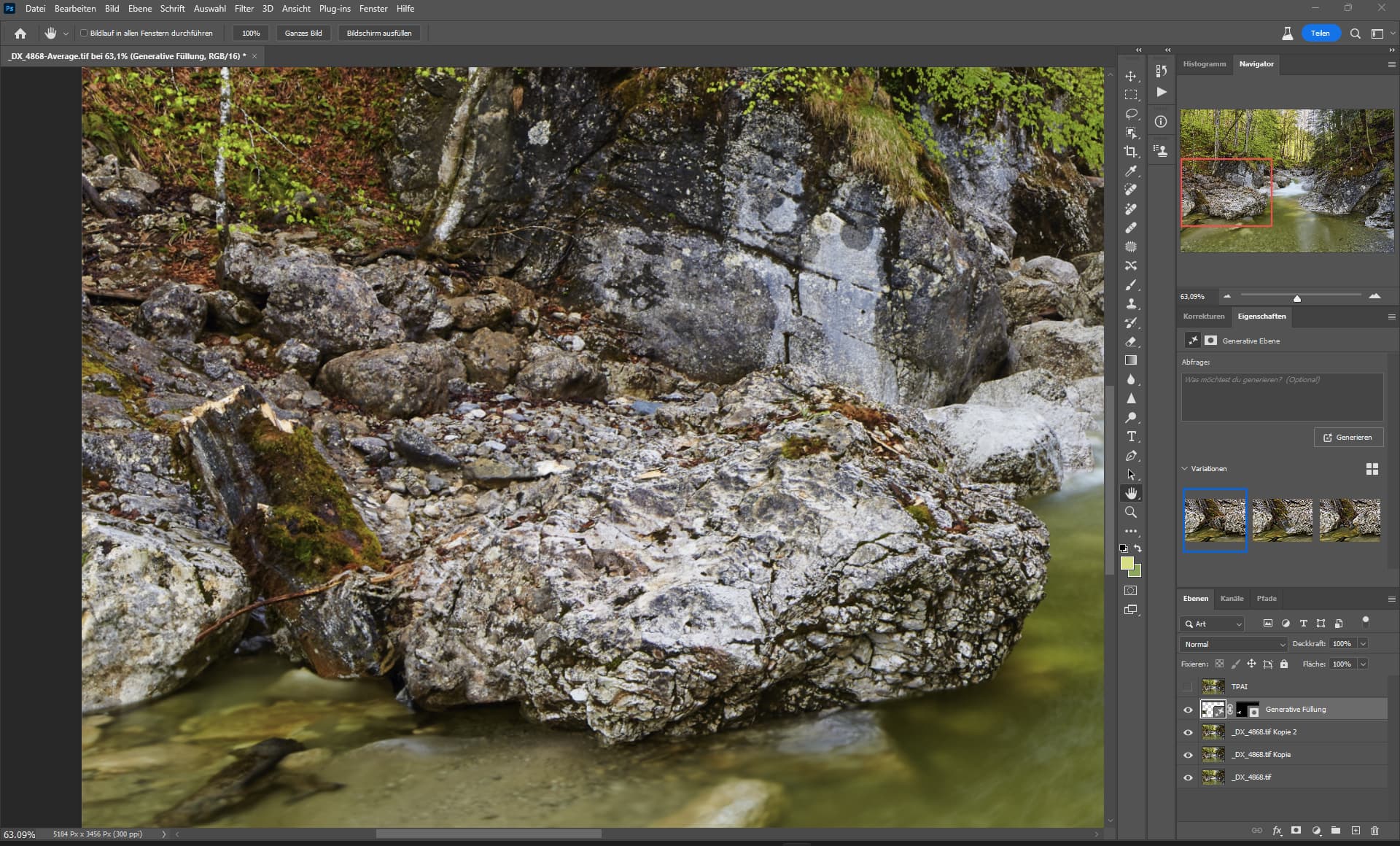
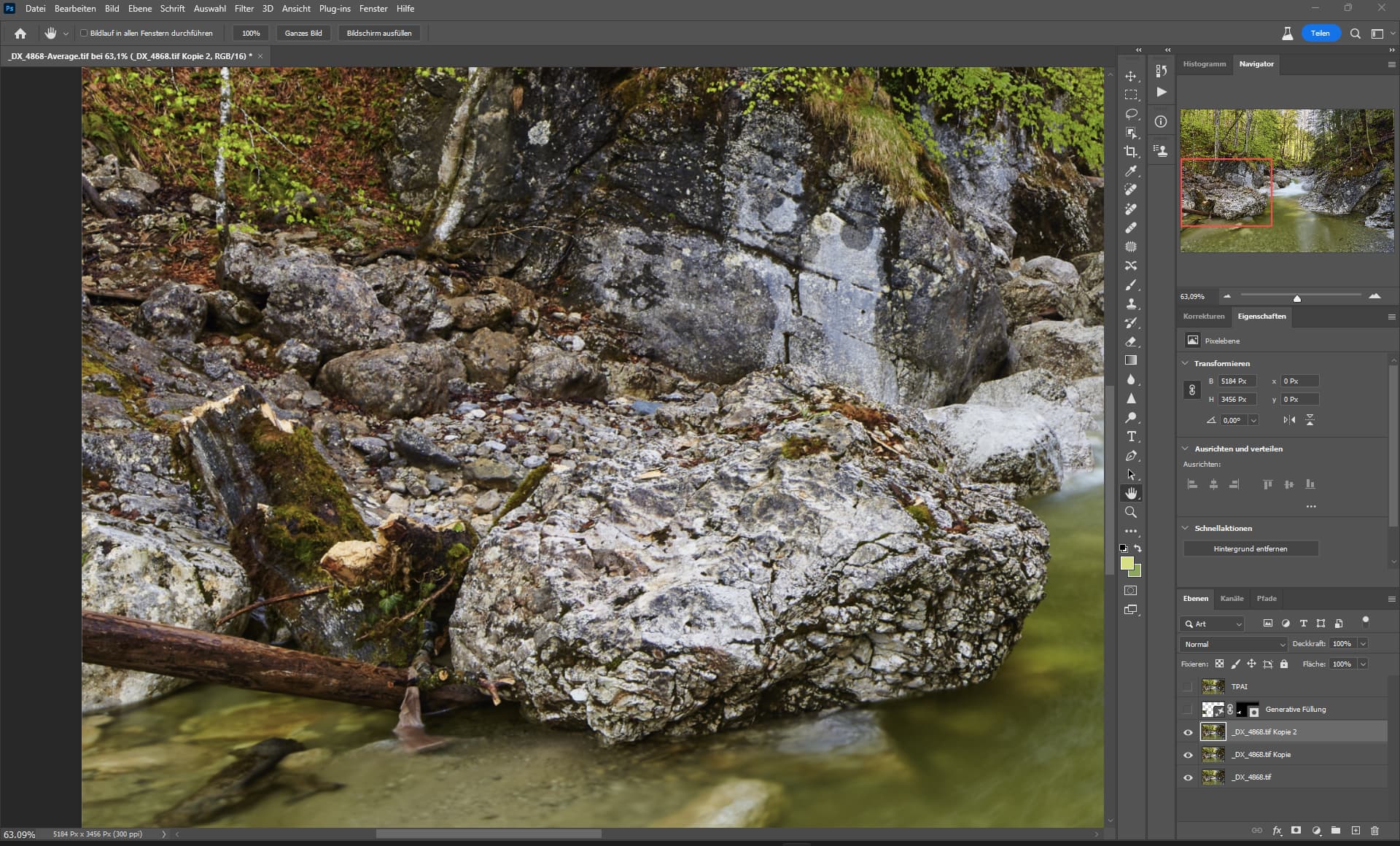
The output of TPAI remove is as noisy as the output I generated in 2012 when I edited my image.
Maybe I need to give TL a new tool so that they can see what I see now.
After - TPAI remove
Before - 2012 editing
Don’t they just - but that is why we are all individuals.
1 Like
There’s no sense of relativity for any given object to be removed & no std for what those terms mean.
And, there’s no sense of whether certain types of details need more (or, less) surrounding context to fill as a user desires.
None - does that mean nothing will be used to calculate contextual fill, “Normal” (I know some people who consider themselves normal & they’re not … no examples to share, but I have a particular one in mind - however, more on point, what does Normal mean in terms of how to fill an object to be removed … Distance from subject isn’t sufficient because sometimes I have to go to areas totally non-adjacent to an object in Ps’ Content Aware Fill to get an area to fill as I’d like). And, what does “Max” mean?? Max to whom? Max to what?
It’s not just a semantics (or, marketing friendliness) issue - though, it is partly that too (it always is & it matters). Clarity is needed for the Remove feature to be used efficiently and optimally. (Though, I must say, seeing a little doggie head pop up where a starfish once was is better than meditating for relaxation and enjoyment).
1 Like
When the removal tool works, it’s amazing, and when it doesn’t, it’s usually amusing.
4 Likes
Certain cases? Maybe just stop selecting clothing. What do you expect to happen?
I expect safety measures to be in place so that people who would use this to harm others or do illicit things aren’t able to using software that I enjoy using. There’s already been cases, most recently a teen in a high school making fake nudes of his female classmates using Generative Ai and I for one am against it. So testing software, such as topaz, for things like this is part of the things we should all be doing, to prevent use cases such as that from being easily accessible. If you disagree then get lost.
No, we have no such obligation. The onus is on the people who use it to use it wisely or suffer the consequences. And no, I won’t be going anywhere.
3 Likes
Well im not gonna argue with a ignorant person so reply to someone else please.
All the AI generative tools I’ve seen have the same issue. They have a resolution limit to what they can generate. So in the case of the TPAI remove tool, if you make a large selection (in terms of pixel dimensions) on a large image, the output generated will be low resolution compared to the original.
1 Like
I just downloaded Topaz Photo AI v2.0.7 . I still see the image brightness level increase with Sharpen V2 for Windows; (Dell Inspiron 16 5620). I will have to hold downloading v2.1.0. I have to continue to use Sharpen Standard until something works better for me. Kerry
1 Like
I’m at my wits end here - why they don’t have options to download previous versions is beyond me - so much feedback has been given to how much frustration people have had with V2, and the new update doesn’t allow for use of V1 anymore - I’m spending more time trying to figure out how to get V1 (which is fantastic, Topaz!) back than actually editing my photos - I just don’t get why they’d go ahead with such a faulty sharpening ai that adds so much noise and colour noise - why??
1 Like
Just to clarify, I LOVE Topaz products - they’ve helped me out of so many sharpening jams for so many projects - it’s such a rad external editor for me, but I just don’t get how the sharpening has gotten worse! You had such a good thing going with V1! Why mess with that???
1 Like
There is a releases section on the forum that has downloads for previous versions. The link is in the header for this page.
1 Like
If you have a look on the forum, in this category mind you … you can find it:
TPAI is not easy accessable, you need to buy it and need a powerful gpu, there are many free tools out there and some of them are trained on nudes for generating nudes.
4 Likes
I think commercial tools like TPAI use training datasets that are censored, so you would have difficulty using it for that purpose.
Generative AI is just a tool. Tools don’t do bad things; humans do. The school needs better education and punishment for the kid, not banning the use of AI.
Even without AI, it can be done easily with Photoshop.
5 Likes
You need to completely remove the current version then reinstall the old version you want to use. Removing the current version maybe more difficult than just doing a uninstall in programs. I had problems with removing some of their other software, which prevented downloading other versions.
Why Topaz don’t have a simple program uninstall, is beyond me. Causes users lots of problems, wastes time and is frustrating.
I agree some of the newer versions are nit as good as previous ones. I’m getting colours introduced on B&W images now.
This remove function actually worked well, on a simple remove, which I would have cloned out before, but it took a long time.
