(post deleted by author)
Jayesh:
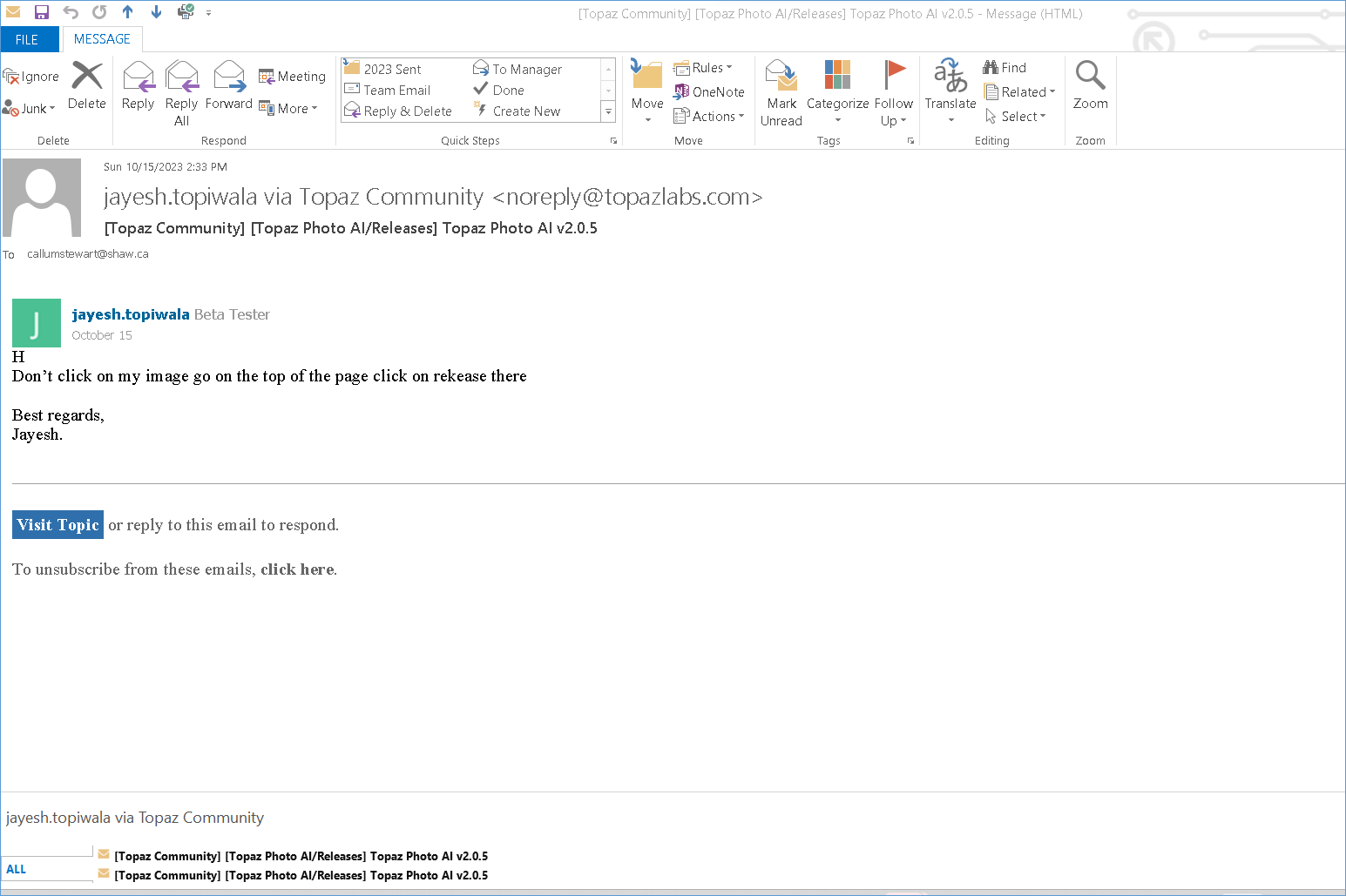
With my ‘snipping tool’ I have taken a picture of the email I receive from you. I do not see the releases you refer to. Can you?
Thanks, Cal
Callum Stewart
c: (250) 308 9225
h: (250) 542 8248
Hi:
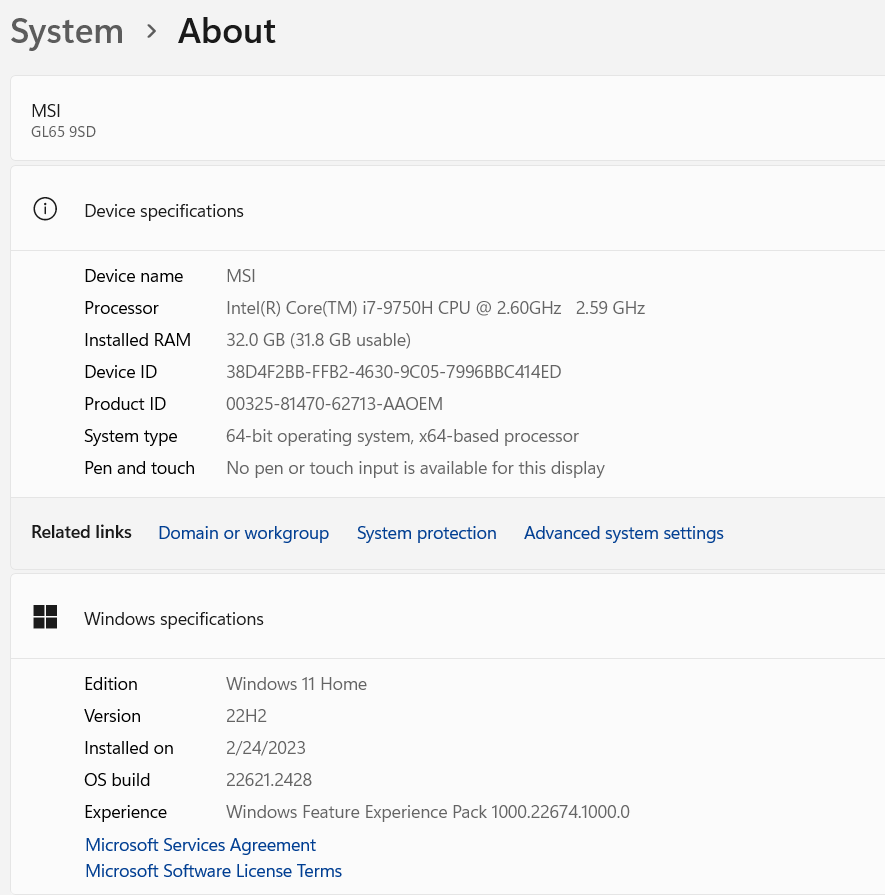
Here’s a copy of my system information if this will help.
Callum Stewart
c: (250) 308 9225
h: (250) 542 8248
1 Like
Hi Callum, I recommend you be careful sharing your phone numbers in an (Internet) open forum; everyone can read it - one doesn’t even have to be logged into the forum as a valid user to read threads. You never know who might be (ab)using it at a later date. If I were you I would only share such personal data in an internal support mail.
@tim.he
What info1887 describes seems to me like an excellent opportunity to create an automated test for exactly this situation (and these files). You could request the files from info1887 plus the good results of the previous version and the settings used. And then create a test for future versions. It should fail for 2.0.5 from what I read here. But once you have corrected the issue the test should be ok again. And such an approach would ensure future quality for this particular scenario.
Hi, please check the link provided by PWC on this page,
Click “Visit Topic” to view in forum.
or just visit the link
Don’t worry, once that feature is implemented (no timeline at the moment, though) it’ll work similarly to how it currently does when you have multiple layers selected - a new layer is created from merging the selected layers, and that layer is what is sent to TPAI and edited.
2 Likes
Cool! Thx Anthony. So that’s what I was referring to as a “stamp” layer. That’s perfecto. Good to know that’s what would happen if I forget to create one (heaven forbid…).
1 Like
Thx Callum.
It may help the devs to know.
Just so you know from my use of the product (as a customer, not employee). I too use Win 11. My primary processor is an AMD, but I also have an Intel i9 12th gen. Knock on wood… my system loads and launches okay (standalone and as a plugin to Photoshop).
Sorry if you already stated above and I’m re-asking … did you try uninstalling your current installation. Then downloading the installer from the top of this discussion thread (Hit “Home” on your keyboard to get up to where Adam spelled out the latest developments - then download the “Win” installer from up there. Fingers crossed it will work better for you after the uninstall then fresh install with newly downloaded, different installer. Good luck.
No problem with latest Nvidia 545.84 Game ready drivers on RTX 2070 Super.
This driver introduced some new video processing functionality using the Tensor Cores, so I thought it prudent to check to make sure that didn’t break something.
A couple of issues with the LRC plugin.
- Crop / Rotation do not get copied over to the DNG. (I’m not sure if they NEVER do, or just sometimes).
- All the masks do not always get copied over to the DNG (not always, just sometimes)
Lightroom Classic 13.0 on Mac Mini M2 Pro with Ventura 13.5.
1st item is the way it’s designed now - it will be fixed at some point
2nd item - I see the same thing
I either don’t do any processing prior to sending the file to PAI or I copy the settings from the RAW to the DNG in LrC
BTW, I created a series of 3 “AndyM” actions (light, medium, intense) for unsharp mask for my Actions list using your ‘recipes’. So, thanks again.
1 Like
I’ve same issius in some pictures. Situations like your example above. Today I saw a very maximized picture out of cam. My question is: Is it possible, that those patterns are because of the camerasensor? I mean: In some cases the software reveals that, what is already written into RAW-file? It might be an idea to test this question.
I verified that the same contrast/tecture enhancement applied to the source image without TPAI does NOT lead to tiles pattern. Only when TPAI is used before contrast enhancement the tile pattern shows up.
