thank you for your fast reply
You’re welcome! Even if your Mac can’t handle newer Topaz apps, it will benefit from the OCLP upgrade in terms of other app compatibility and security.
I have a 2013 MacBook Air running the latest Ventura in this manner but I use a 2023 M2 Mini as my main Mac now (what a difference!). My 2008 17" MacBook Pro is running KDE Neon Linux 
I get you now. Yes, often we may want to save in a sub folder such as “processed” but we are forced to start on the desktop and find the folders again. I agree that browsing should start with the original folder.
If they insist on a full-fledged editing app, I’d like them to offer a “lite” version and a “studio” version.
The lite could be dedicated to it’s core functionality: upscale, sharpen, denoise.
The studio could be everything under the sun.
Actually, didn’t they have a “studio” version once upon a time?
3 Likes
Maybe not the right place, but I’m just realizing that I think I’m missing a progress counter (for lack of better words) displaying how many finished vs queued in a “batch” that keeps on counting - like number/number done…
Feedback:-
- Your Standard V2 and Strong Models increase subject exposure and make the colour warmer (at least in preview). Please change this. There should be no change in exposure or colour during sharpening
- Your 'Lens Blur" model is like it is on steroids. Even on strength 1, it is overpowering other models. Please correct this.
- Adobe Lightroom Classic has come up with a Denoise Model which uses AI. It is VERY good. You may like to have a look at it to learn what is desired and improve your algorithms.
- There are times when a RAW image is underexposed. I increase its exposure in Lightroom, but now I only have an option of exporting its TIFF version to your app for sharpening etc. File>Plug-In Extras>Process with Topaz Photo AI exports the original RAW file to Photo AI without any exposure correction, so it is unusable in such circumstances. I strongly suggest that you add a feature of adjusting exposure of RAW images in your software.
5 Likes
That’s fine, but not what I was getting at. There’s an expression, ‘jack of all trades, master of none’. It looks like TVAI might be slipping into that territory of non-specialized, ‘we can do it all’ kind of application, where it will be harder to stand out with dozens of similar apps in the market. My understanding is that Topaz is not a big company with the level of resources of, say, Adobe, so focusing on core strengths might fine tune those capabilities and keep them in the lead in AI upscaling.
3 Likes
Contrary to others here, I really like the new adjust lighting functionality. Great as plugin for jpgs in Apple Photos. Balance color seems not quite there, however.
1 Like
I posted the query a while back if it was possible to install both V1.5 and V2 simultaneously on the same PC. Somehow that query seemed to disappear, so I’m asking again if this is possible.
Thanks.
I think you cant, you can only install Beta version and release version on same Pc, I have install same on my Mac studio.
2 Likes
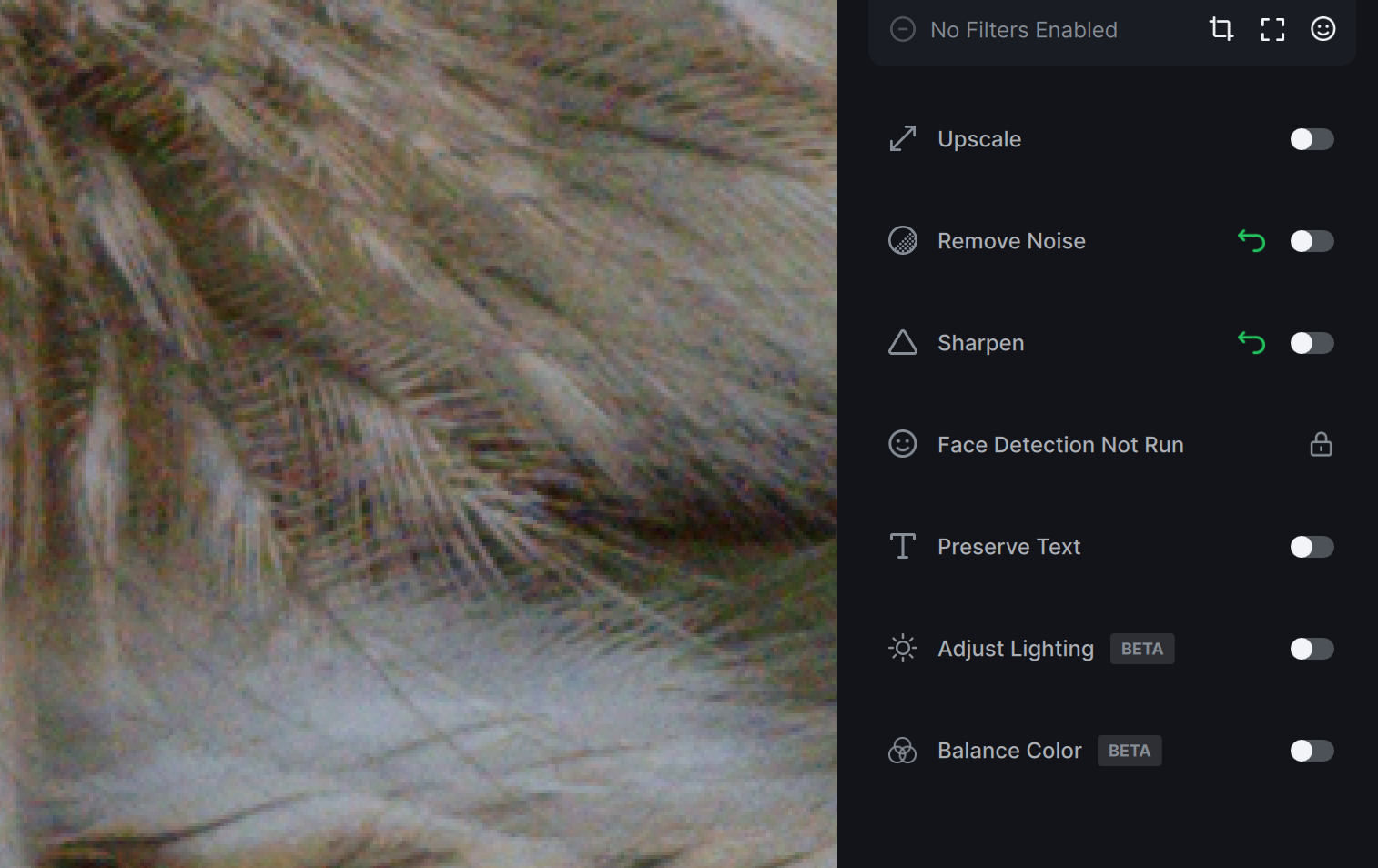
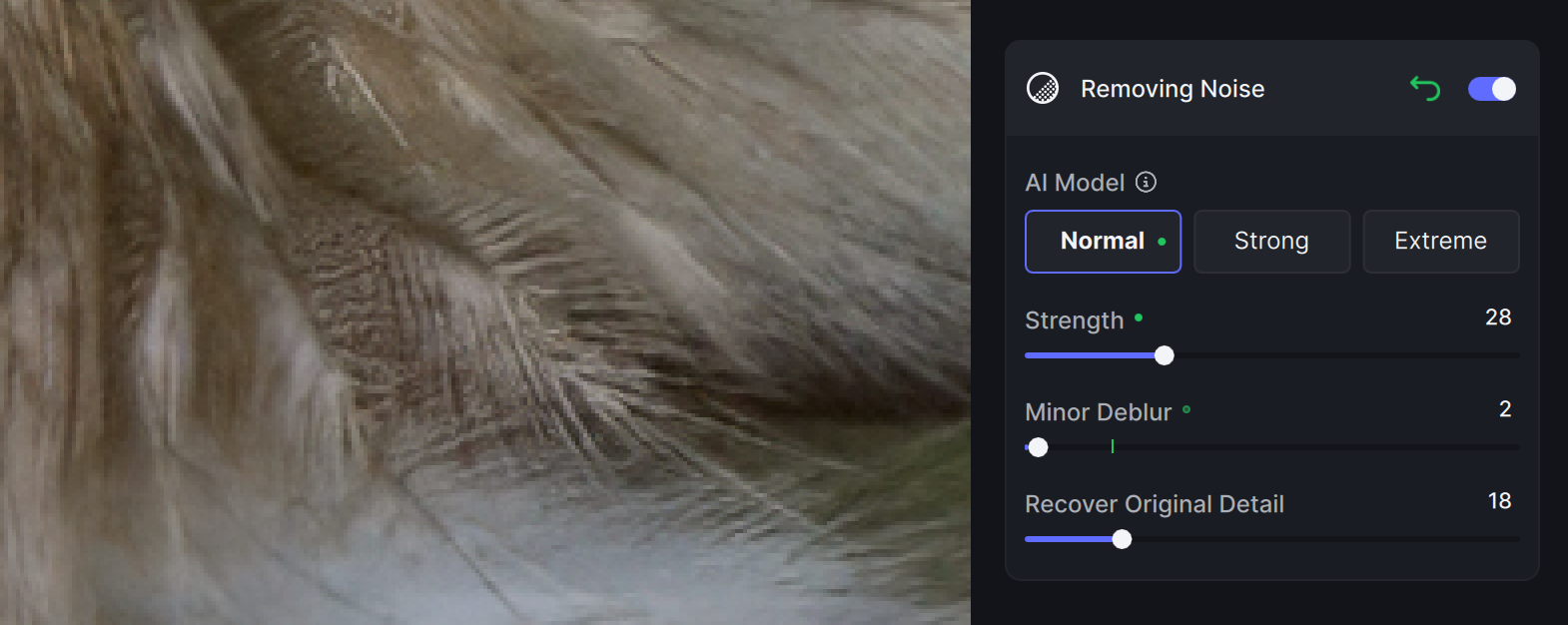
Denosing causes smearing of very fine details in feathers:
Before:
After Denoise (see the jumbled up fine feather lines):
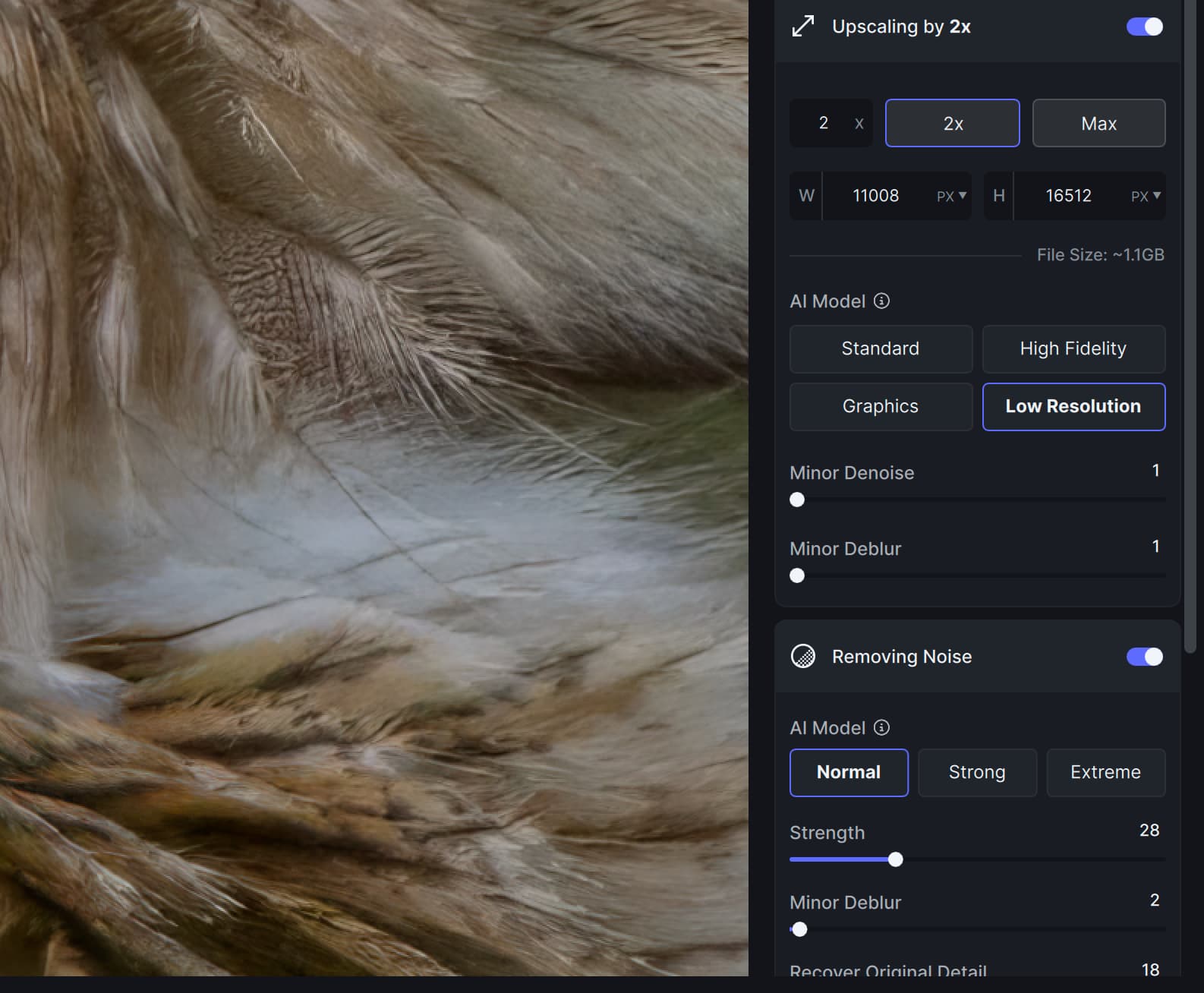
Interestingly, Upscale/Lower resolution handles this rather well:

The issue is that just upscale alone cannot do sufficiently good job for denosing smooth out of focus areas - it leaves them blotchy.
Enabling both upscale and denosing leads to the same artifacts as from denoising alone:
It would be useful here to:
A. Fix Denoise so it won’t be producing such artifacts
B. Apply Denoise to the outside of the main subject area only.
5 Likes
We have requested masking in Denoise number of times, but they are more focus on new features ,also edge aware brush is still on waiting list.
2 Likes
Not a big deal, of course, but does anyone else think the Photo AI looks amateurish? The old icons looked fine to me.

7 Likes
I think we got bigger problems than icons
9 Likes
Too True - not important until everything else works as it should reliably,
4 Likes
For those who haven’t committed to Photo AI yet or who need to extend their existing licenses, the current sale ends this Friday.
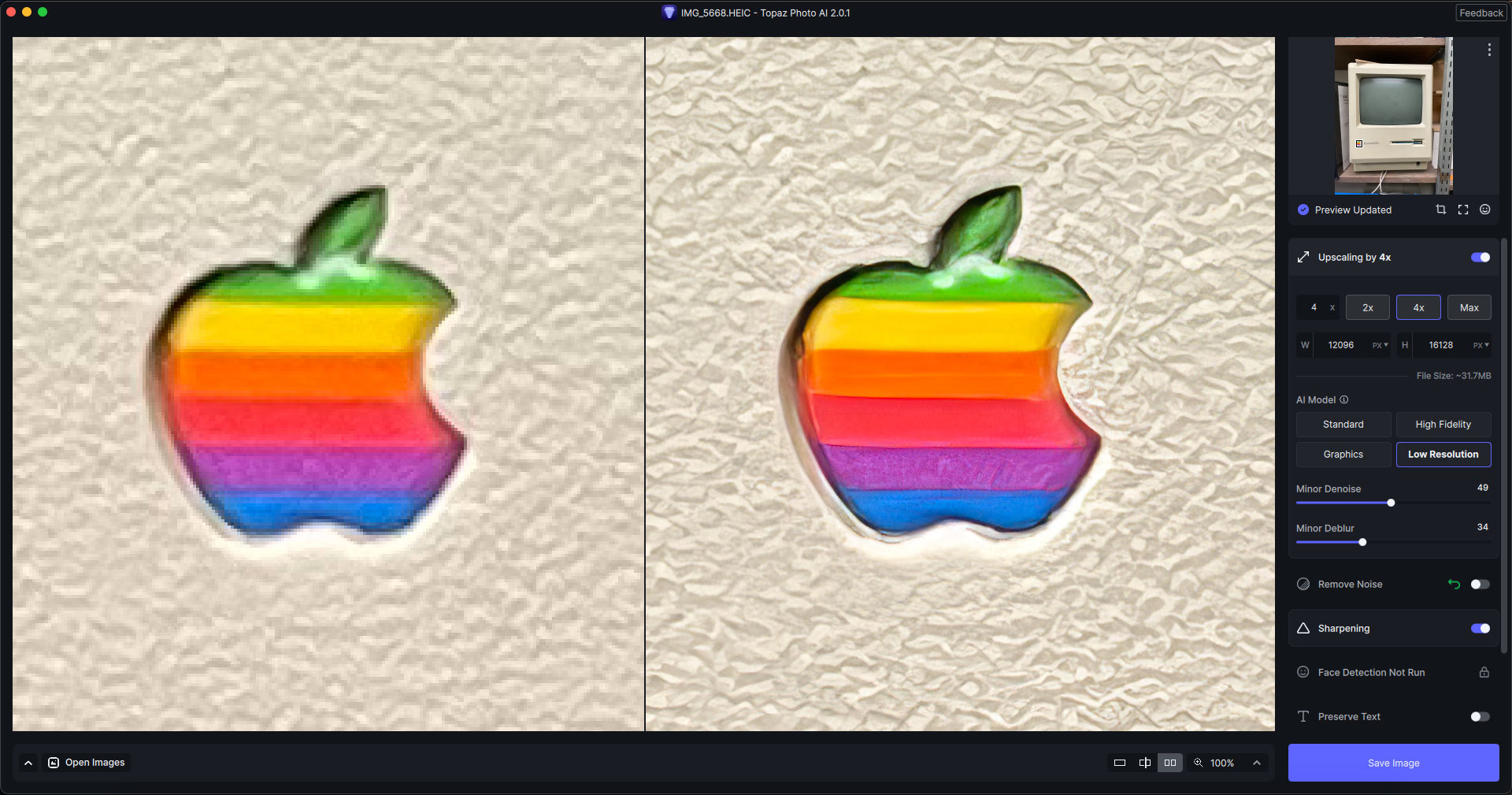
Today I was working with the latest build and iPhone 12 images, testing doing extreme blowups of different subjects (4X).
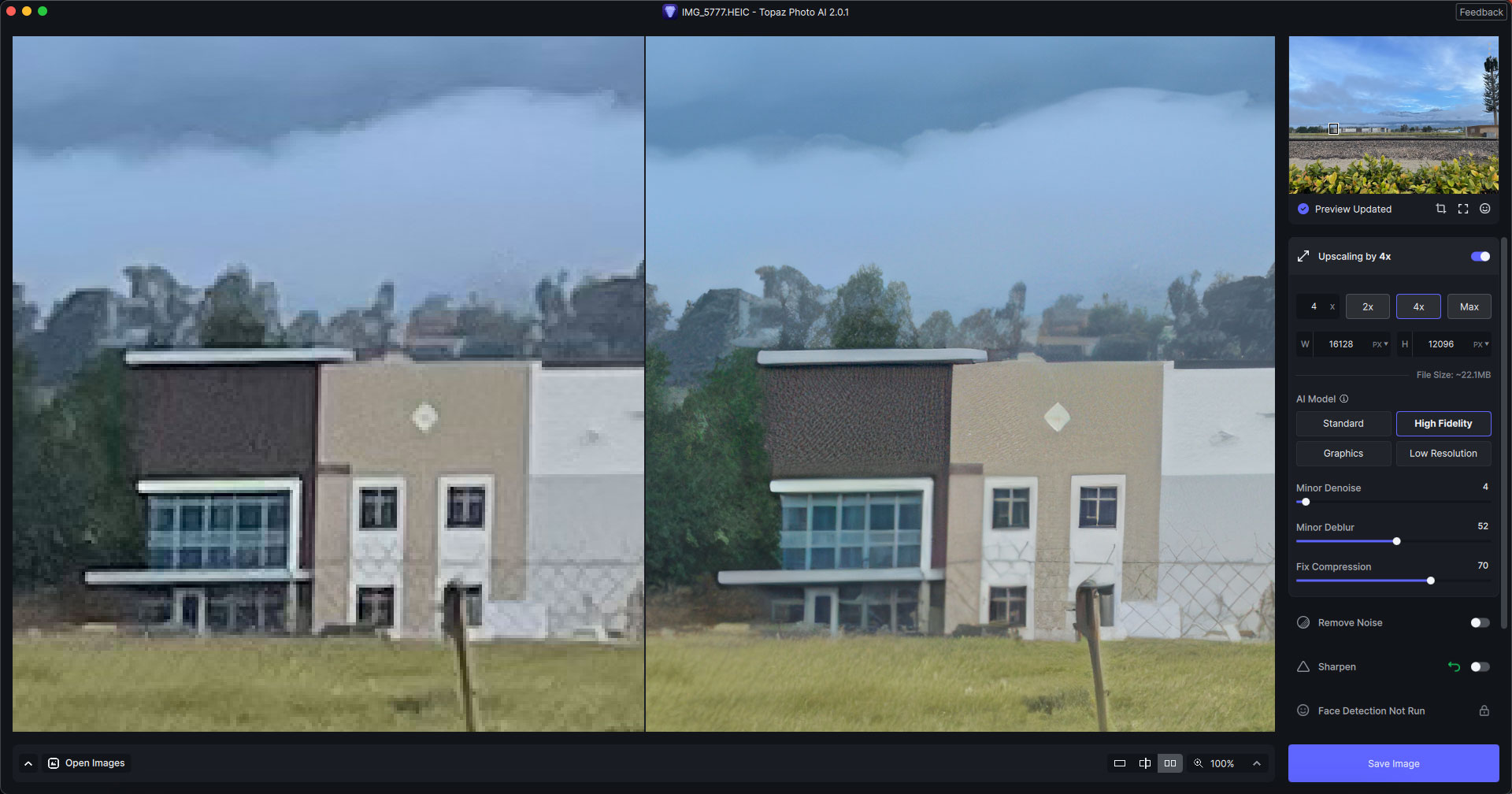
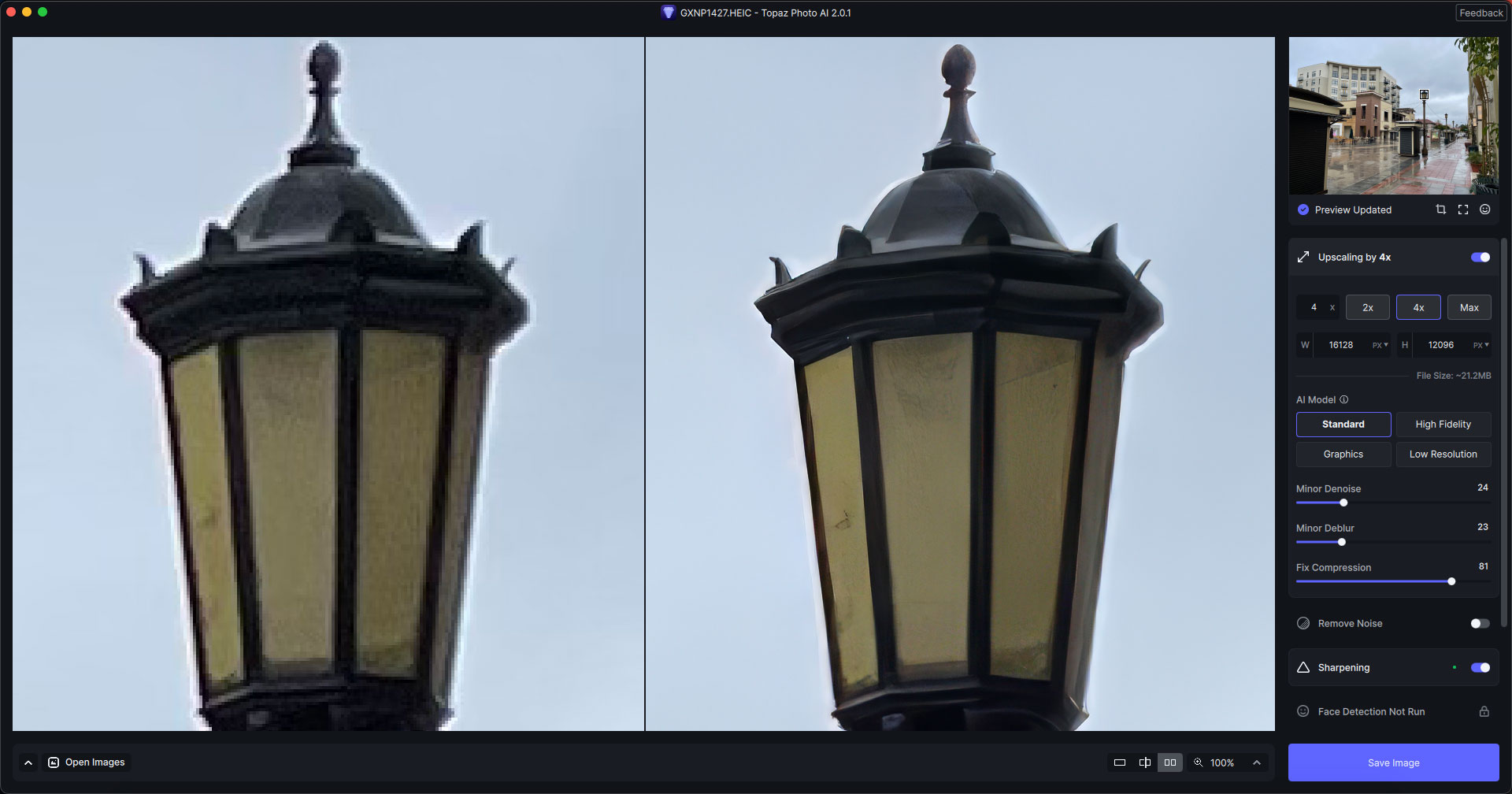
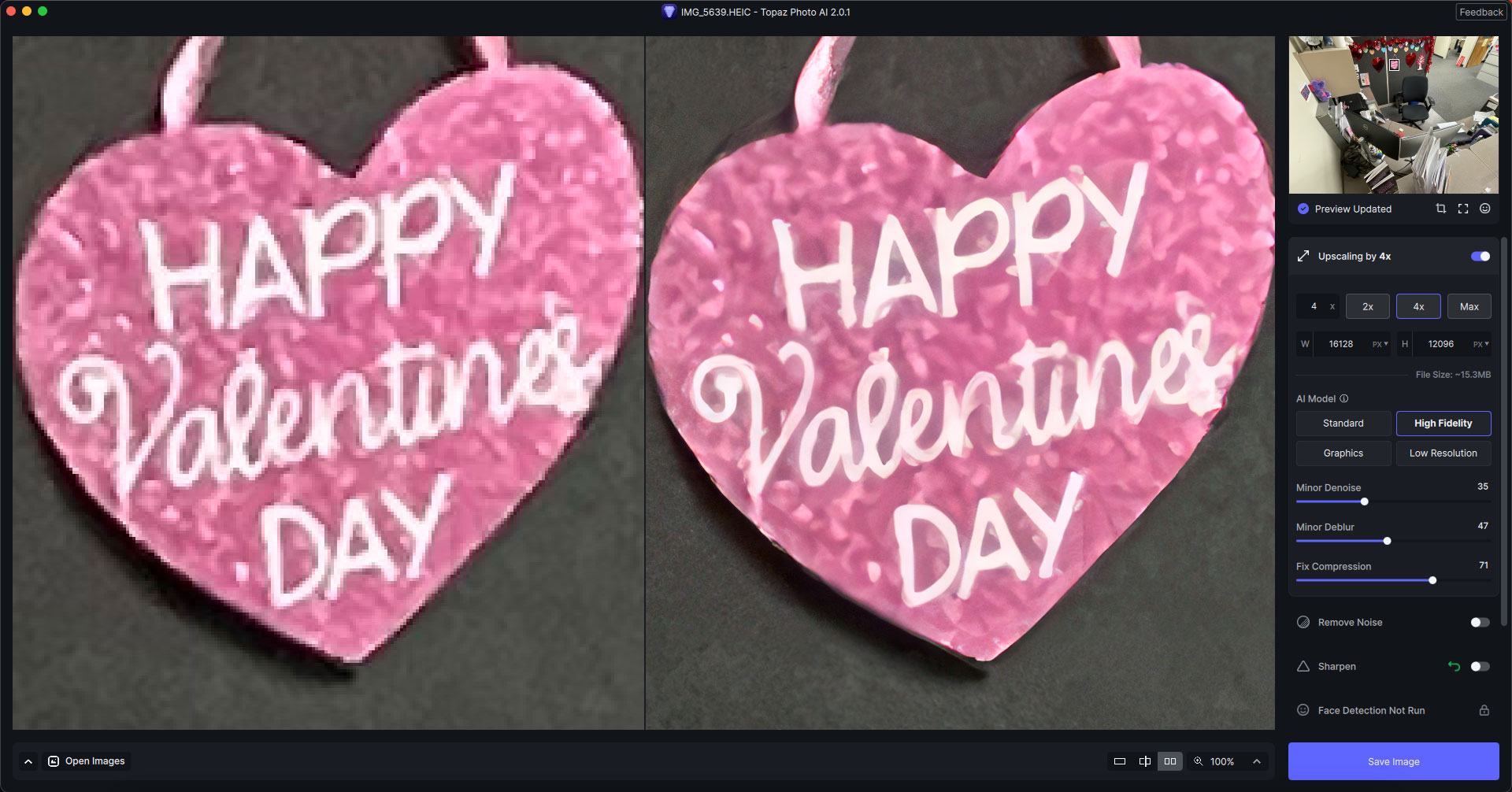
Yes, need to get Photo AI stable and working well. It has been a year since Photo AI 1.0 was released.
But, I will go out on a limb here and say that I bet the icon graphic designer is not one of the software engineers working on the code.  Actually, just make the icon like the old ones, but put a P in it and they are good to go. I could probably do it for them. My fee is a bargain at just $100k.
2 Likes
It seems Topaz you have many users here letting you know what they are missing in your software and in many cases unhappy about really useful features that have been left out (for example multiple panels in Gigapixel showing the various models and their different impacts that was great) why can’t you incorporate these much loved features into your new software? I mean user testing here shows users absolutely love them but someone has made a conscious decision to not give the people what they find useful. I just would have thought giving users what they find really useful in this day and age would be paramount to success. Oh and the reason those panels are super useful is that Photo AI doesn’t give the best result straight up (which for AI is a worry as is that not the whole point?) so panels and comparing the different results is a great way to fine tune things to perfection. The current system just adds so much, almost infinite options, that it becomes very hard to compare this with that.
10 Likes
Yes! The Comparison View is orders of magnitude more valuable (at least to me) for choosing which model to work with…it takes at least some measurable time spent in trial & error out of the equation vs. some of the newer PAI ancillary features (but then I work exclusively in a host processing program (Ps) that has tons of features to noodle with exposure, color balance, wht balance, color grading, etc).
7 Likes
I think I have seen comments about the “” keys and brush size, the regular brush cannot be resized using these keys but the AI brush can be adjusted.
