Where it is now is much better. But, yes, it could be a bit bigger. There’s plenty of real-estate in that right panel.
2 Likes
Indeed. He will therefore have to use an old version of Photo AI that is still compatible with versions below macOS version 11.
1 Like
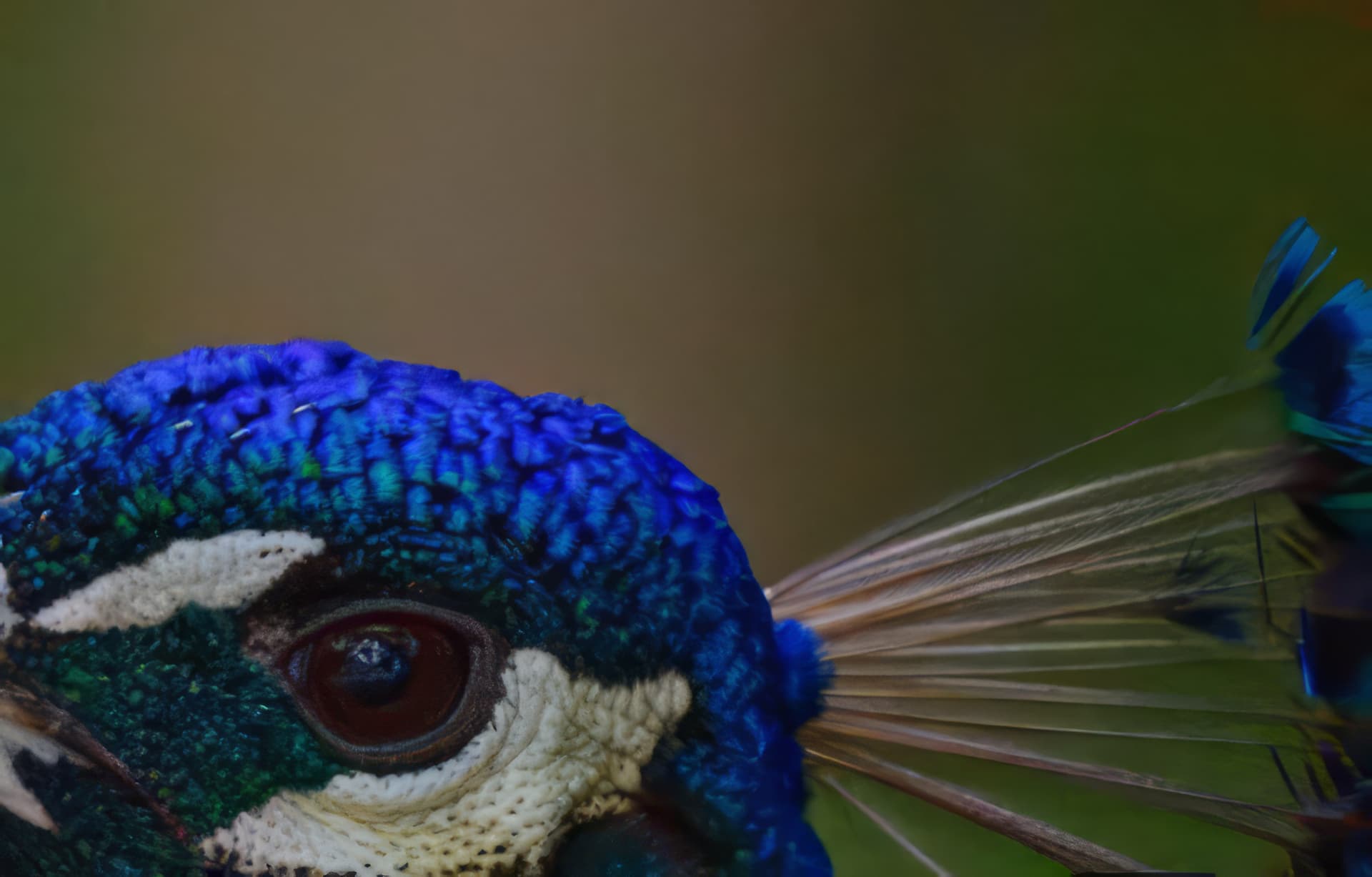
Another illustration of tiling issue:
Before:
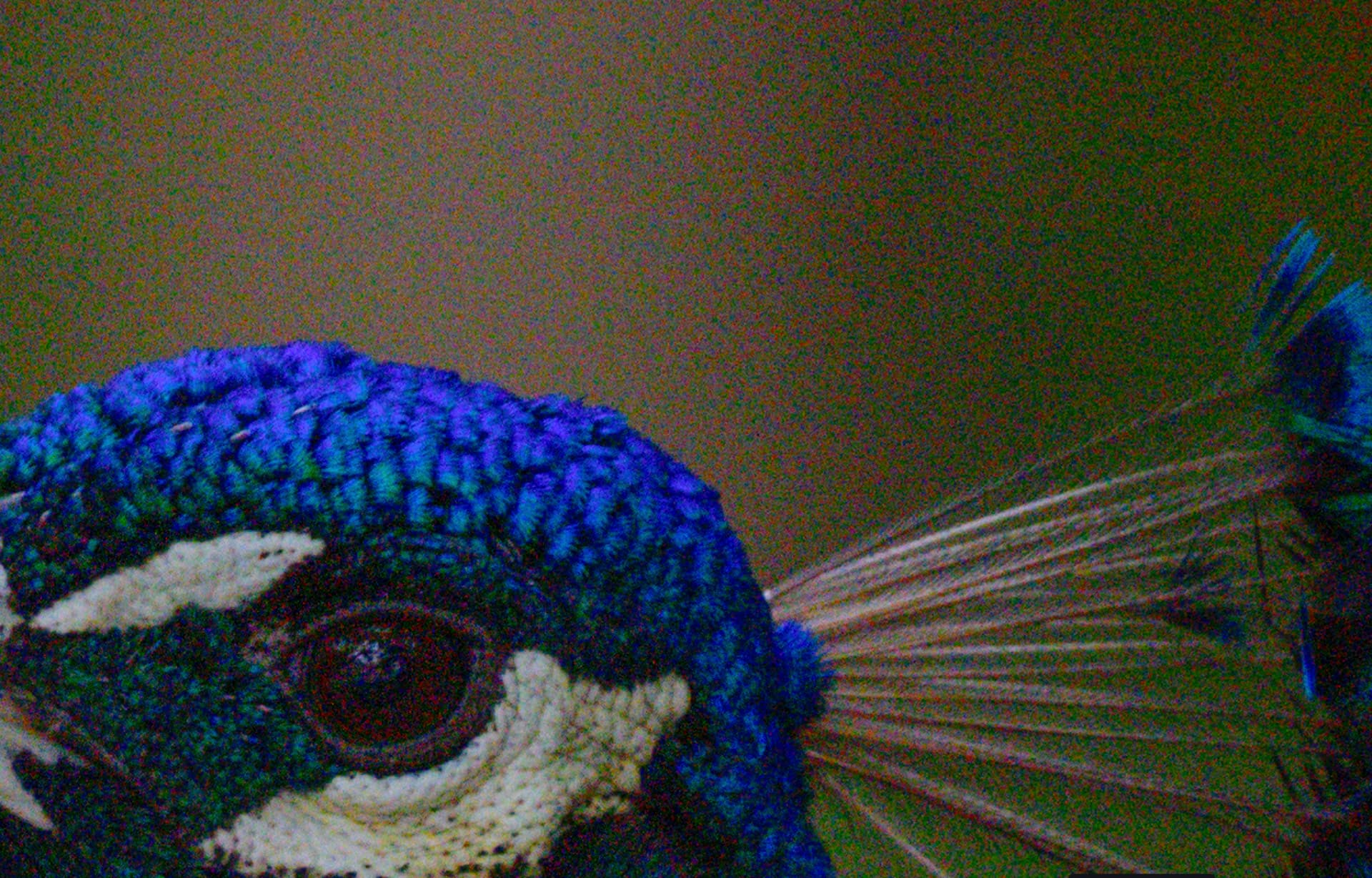
After:
When copy/pasting images in this website they look different… probably due to auto-resizing, detail is being altered.
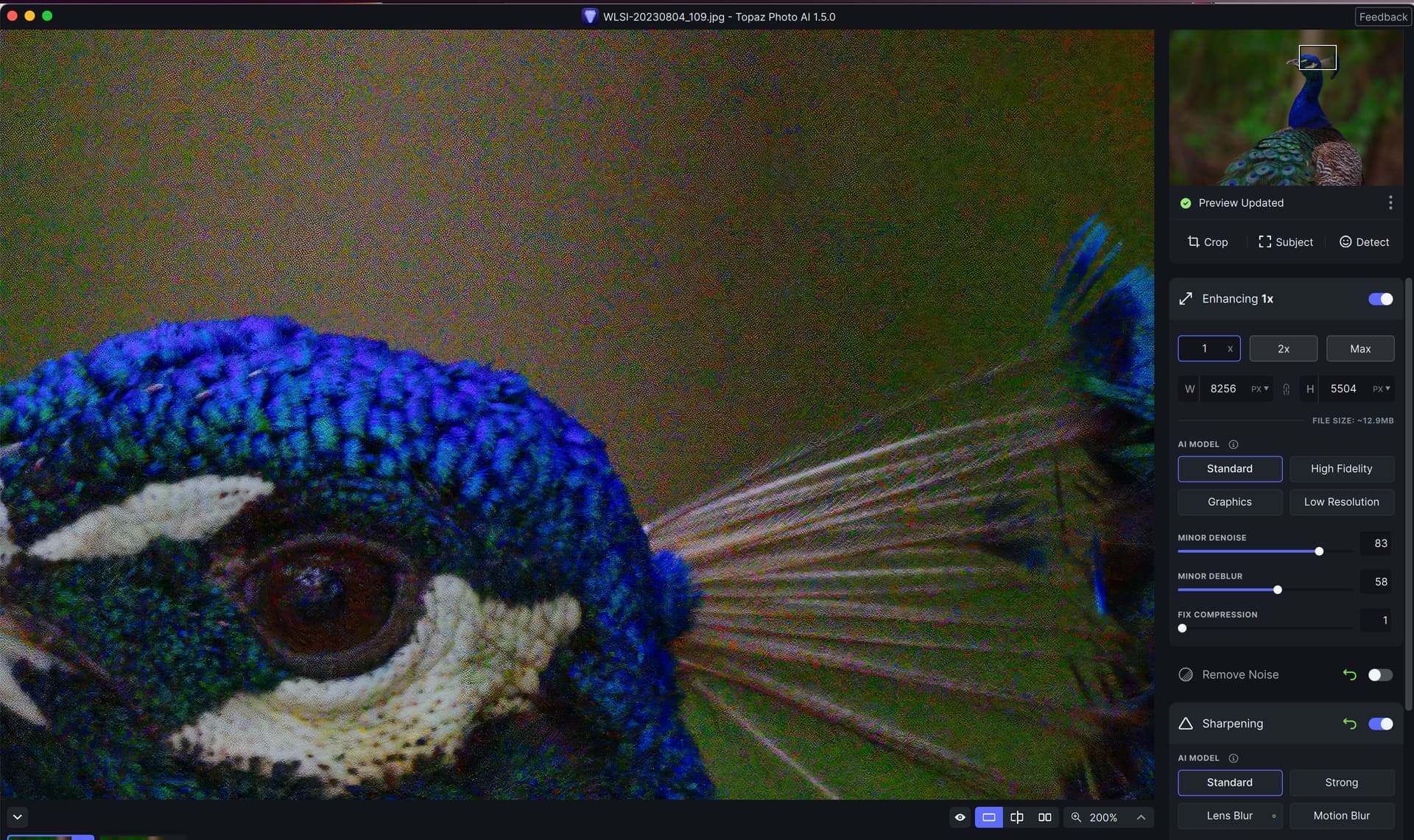
Another try - zooming in for a closeup:

2 Likes
Hi! I experience that unless I change the Upscale value or the AI Model chosen by the Autopilot, any changes I make to Minor Denoise, Minor Deblur or Fix Compression for a photo will be overridden by the Autopilot when switching between photos. This might be an old bug/intended feature that I’ve not experienced before, since I’ve always overridden the Upscale value after Autopilot has performed, but can now in 1.5.0 specify the exact Upscale I want in the Preferences.
I also want to mention another long-lasting bug/intended feature of a similar kind, which is that any changes to Minor Denoise, Minor Deblur and Fix Compression of a photo will not be considered a change and reenable the ability to use Apply Current Settings to All if it has been previously performed.
This version fails to batch process as follows:
Loaded 29 jpg images then applied denoise, sharpen & full text preservation to the first image. Then applied these settings to all other images. First of all this doesn’t apply the full text preservation to the other images so I had to manually do this. Next I clicked on save all 29 images. The first image saves but next image just says that it’s processing but no activity is seen in Win10 Task manager. I have no other applications running other than Adobe Bridge. Processing is set to GPU. Any clues apart from individually processing each image.
Hi - thanks for the update. The interface is a lot better. The recover original detail slider is very welcome and can indeed help saving some elements from being removed by denoise. I use denoise and sharpening quite a lot in combination. It would be handy if the modifier (sharpen/denoise) in the single tools would be reduced in this situation. I have asked for the grain slider many times – and again, I have a completely out of focus image that can be saved quite a bit using the old Topaz Sharpen AI by the better algorithm and the grain slider. It would be very helpful, if you could add this as well in Photo AI.
For the time being, I am adding some grain using the Nik tools… 
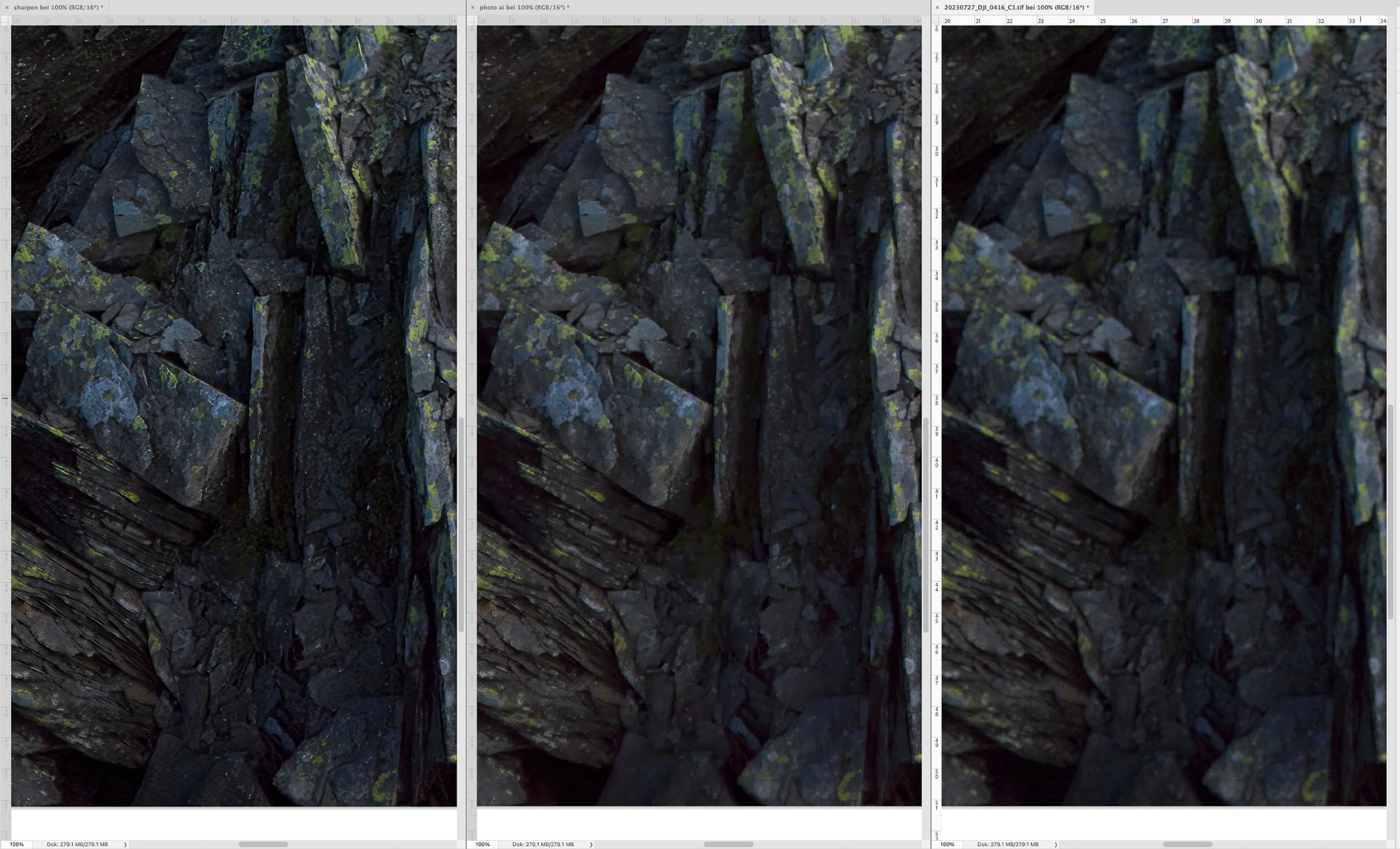
Is there any way to test your file? Just out of curiosity. I’ve just tested your uploaded image and frankly I don’t have any tile problems.
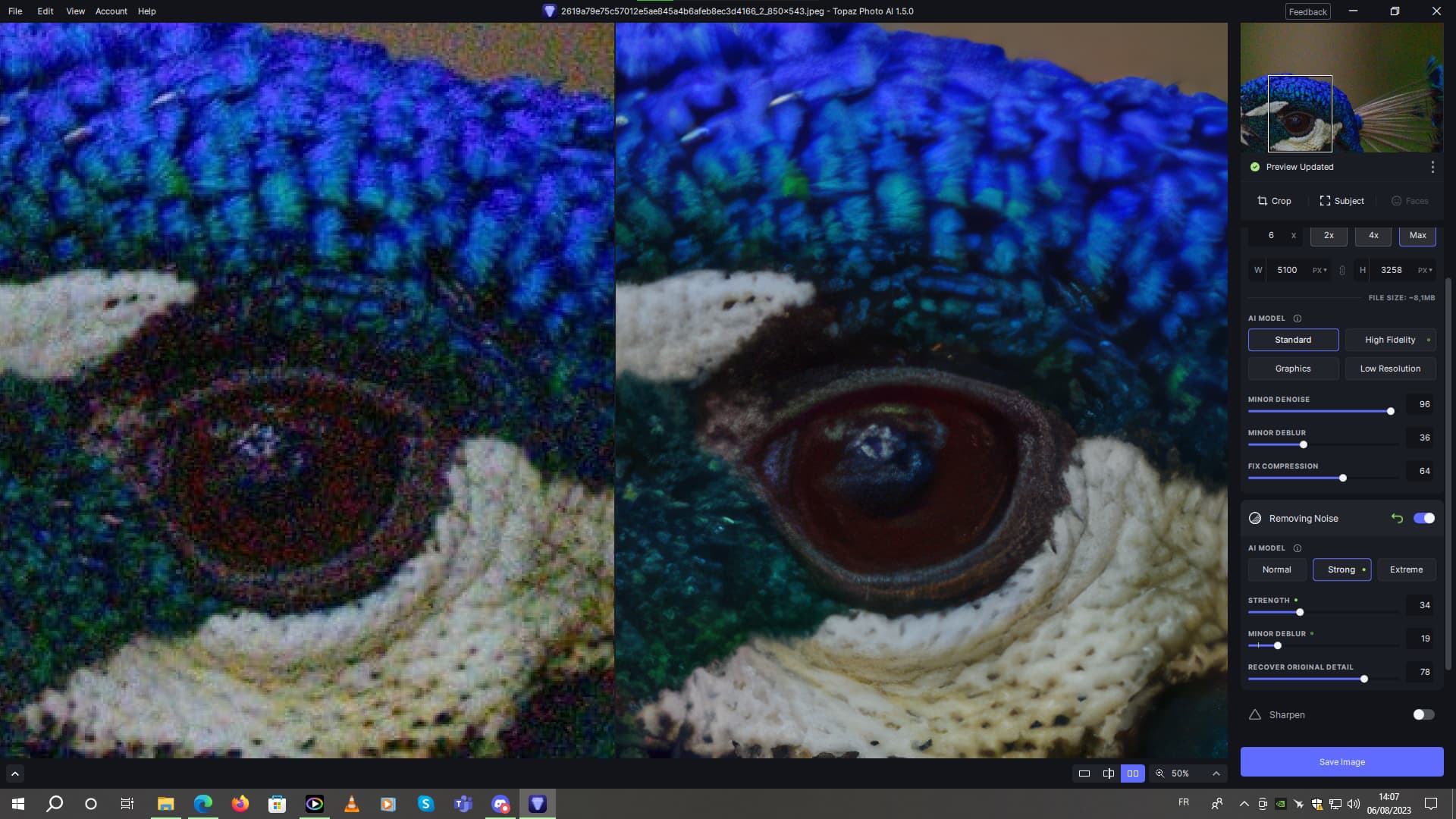
Edit, I think the recover original detail slider was a really great idea. Especially when using upscalle and noise reduction. It’s fascinating to see how well it works.
At around 75-80% recovery of original details on this type of image, the final quality is really top-notch. All the more so as I set the upscalle to maximum. As shown in the screenshot
1 Like
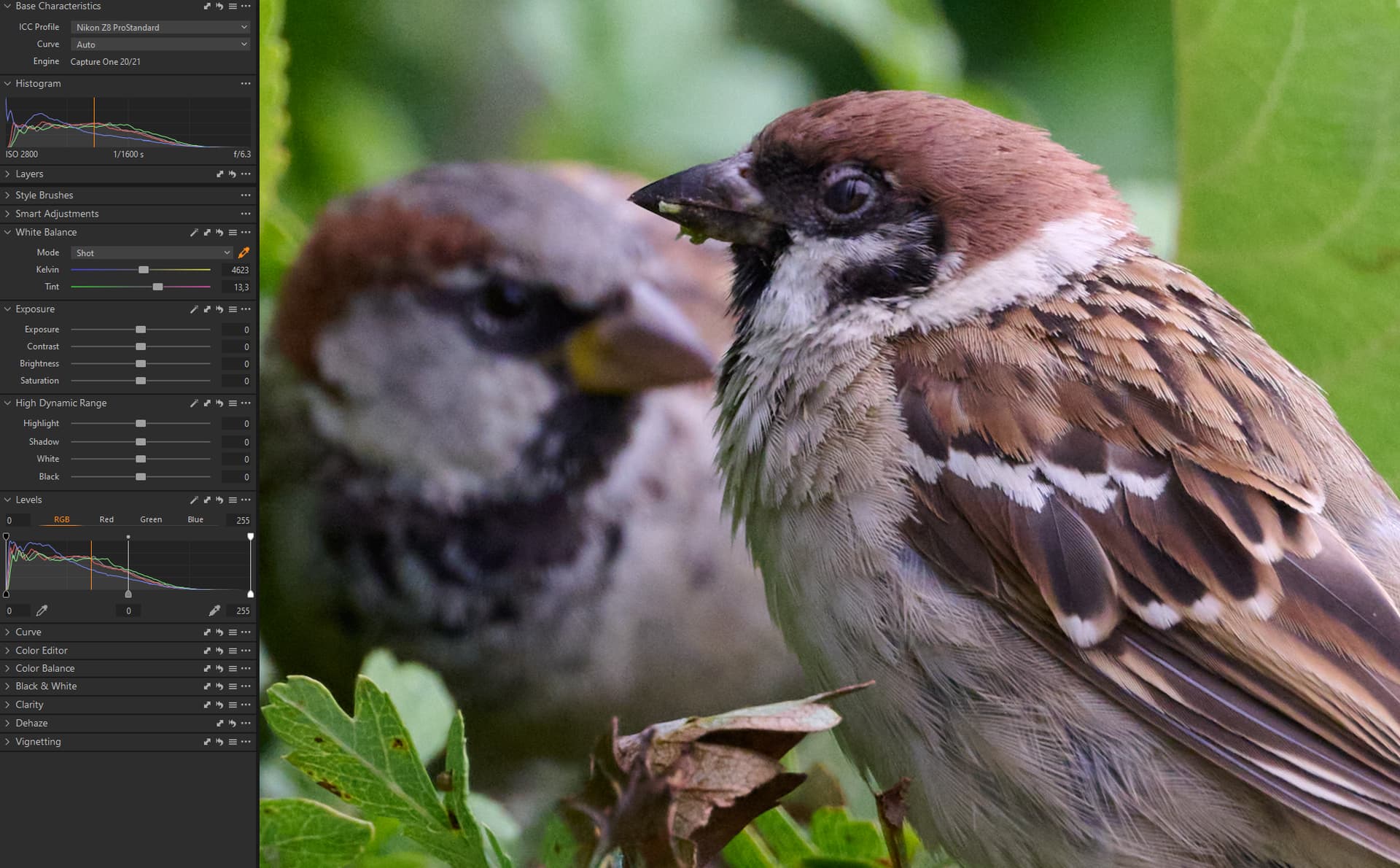
My workflow includes Capture one (latest version), and I usually start Photo AI from within Capture one, and I always work with dng-files in Photo AI.
When I do this, the whitebalance is very strange in PhotoAI. (Se image of this mostly brown bird).
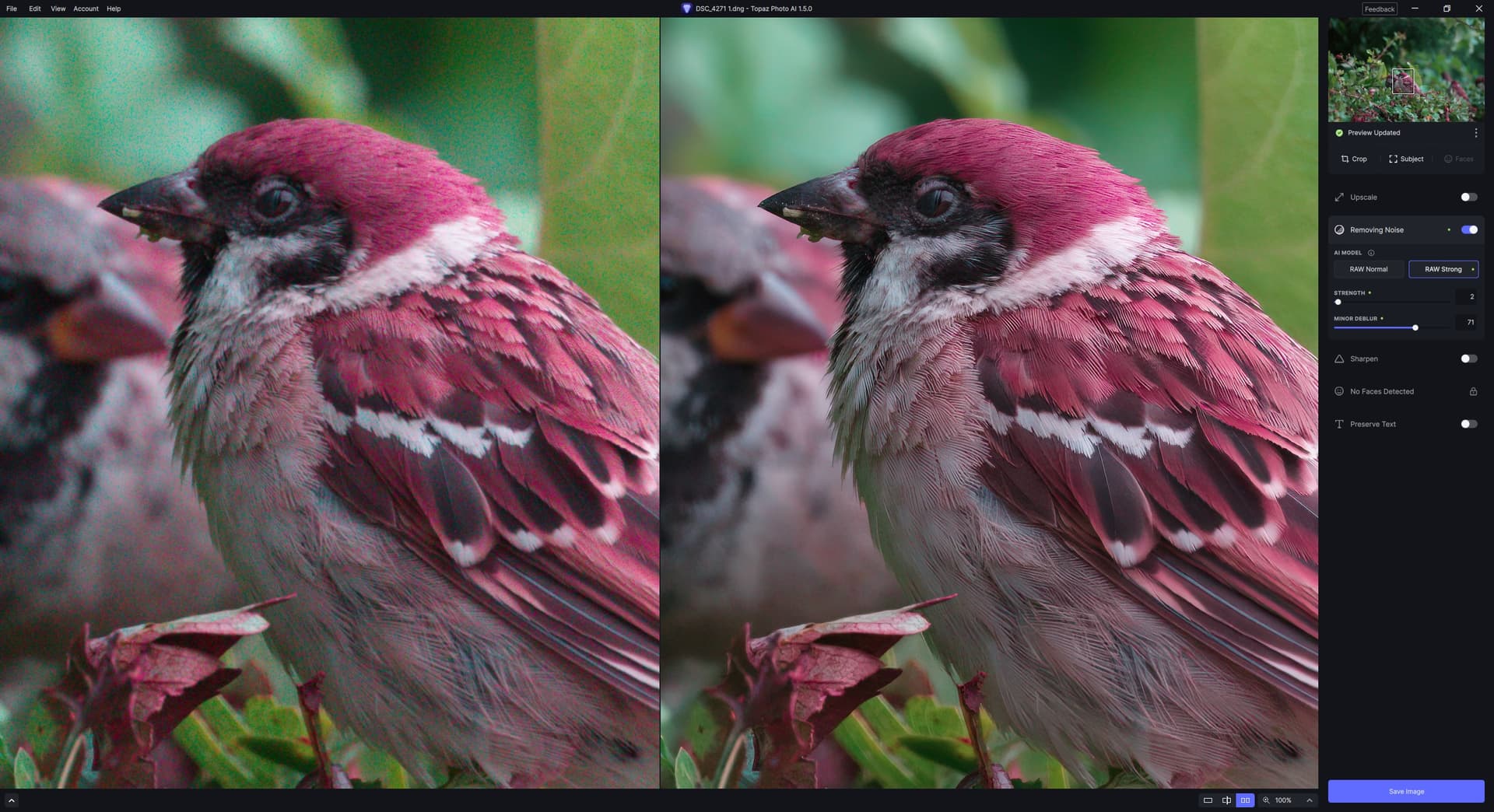
To make it easy for you to replicate this behaviour, I have Exported a DNG-file from a Nikon z8 Nef-file. If I drop this dng-file directly into Photo AI it looks like the image above.
I have uploaded the dng-file to your dropbox. (“DSC_4271 1.dng”)
I run a PC with windows 11.
1 Like
New specimen from elsewhere 
2 Likes
It seems to affect mainly brown, and maybe a little green too. But it’s hardly noticeable.
1 Like
I think you are correct.
The problem occurs with some colours, but not all. I believe it relates to handling of whitebalance in photo AI, but that is just my guess.
Please note that you are using different parameters than when I reported the tiling issue, please take a look at the earlier screenshot that I shared.
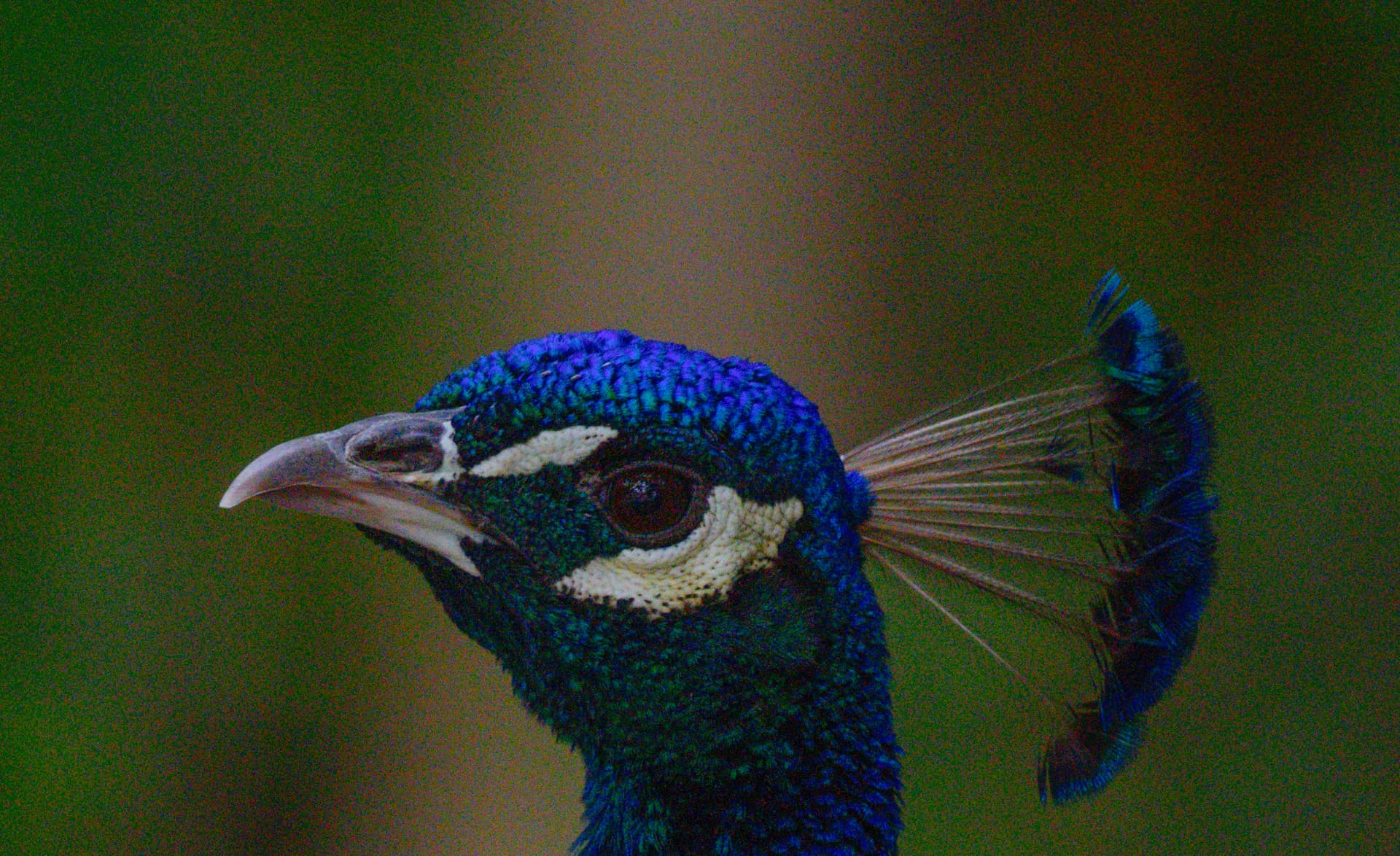
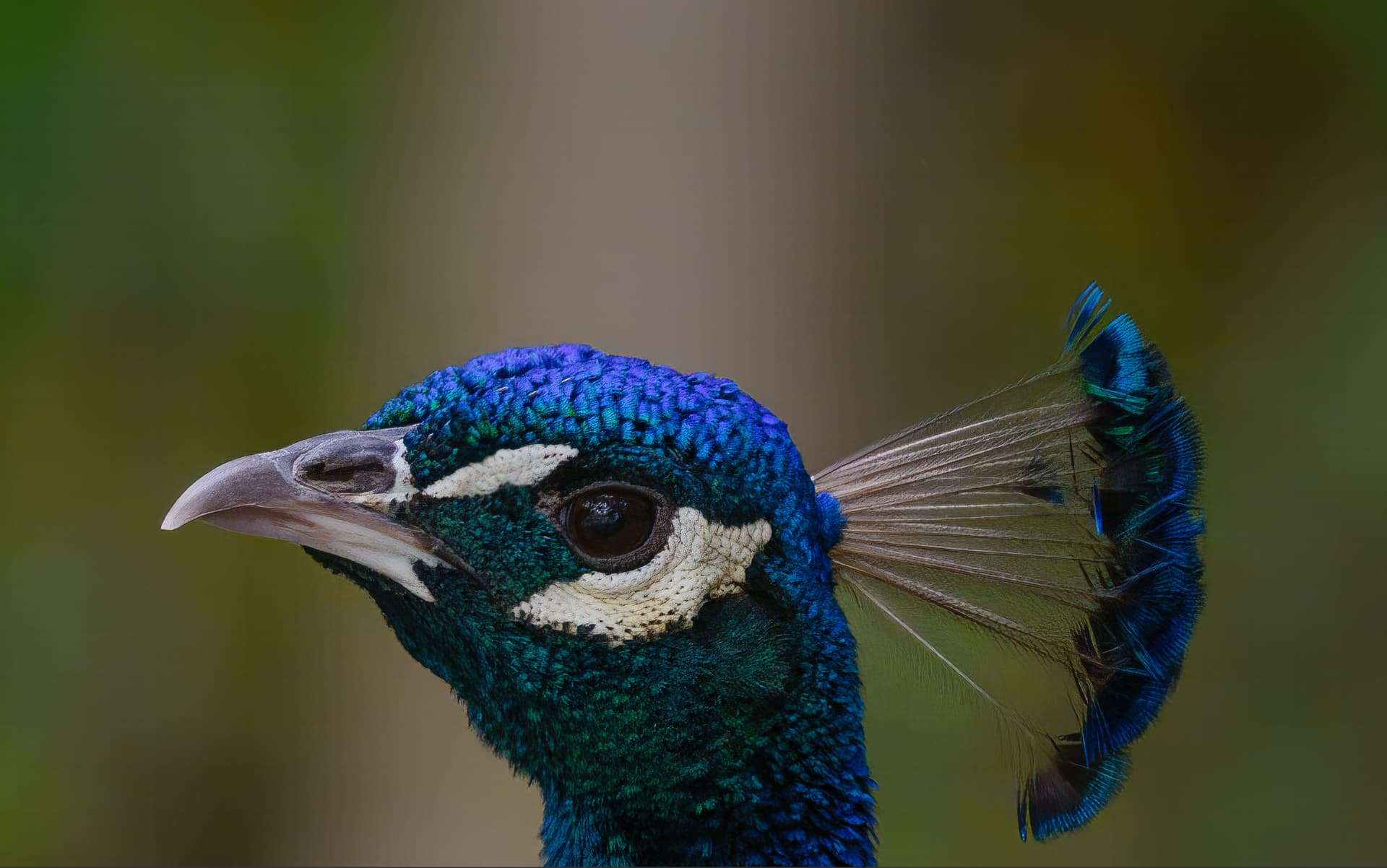
Also, denosing in TPAI cannot match the Adobe Camera Raw new Denoise for retaining the fine detail in the light brown feathers on the peacock’s head. Here is the example of denoting in Camera Raw and then sharpening in TPAI with 1x enhancement. This is the best I was able to squeeze, having spent almost an hour tweaking through options and permutations.:
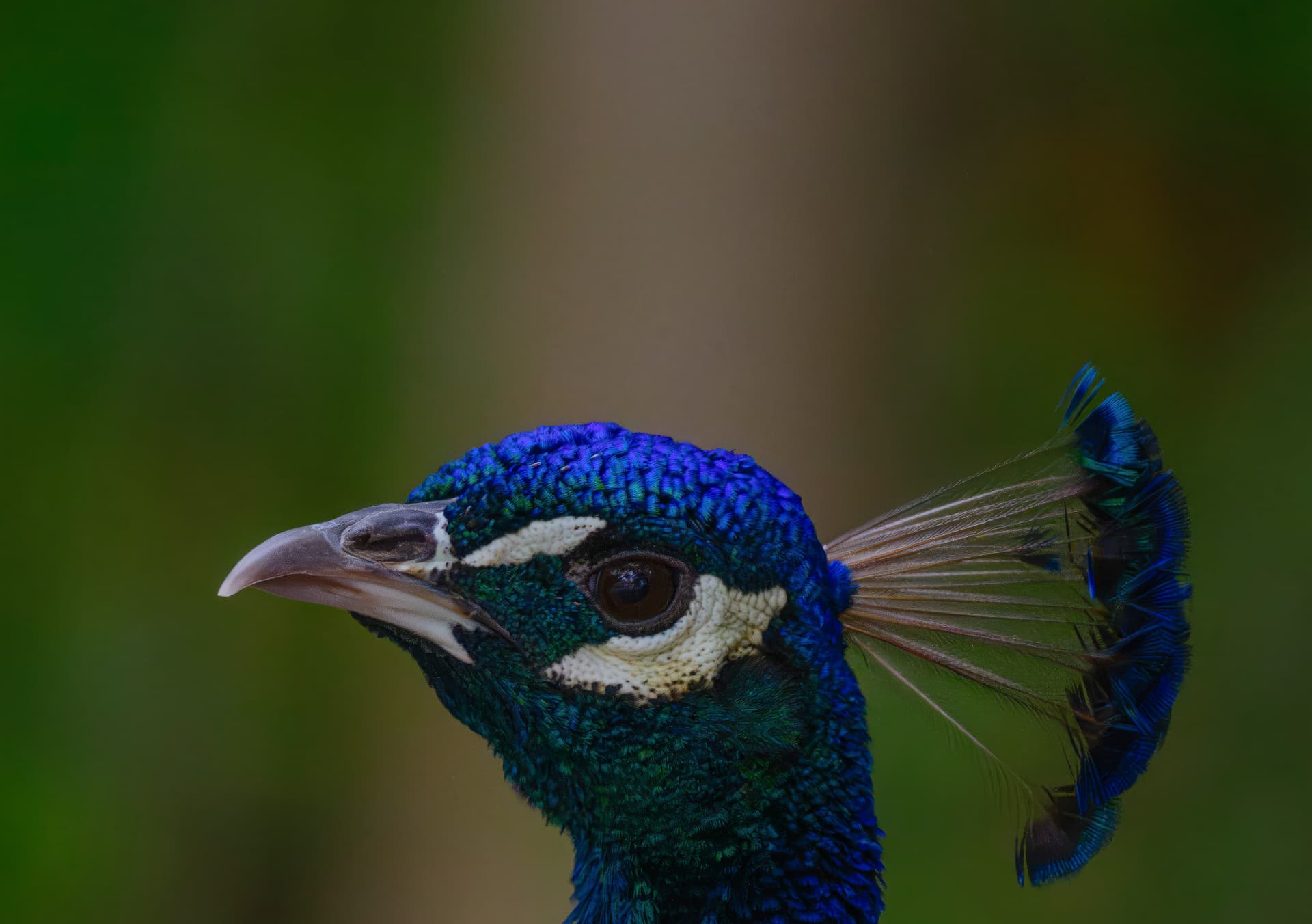
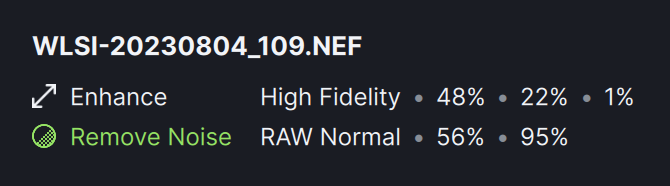
Here is en example of TPAI denoise raw + 1x enhance (NEF->TPAI->DNG).
Original NEF File:
TPAI Settings:
Overall looks good,
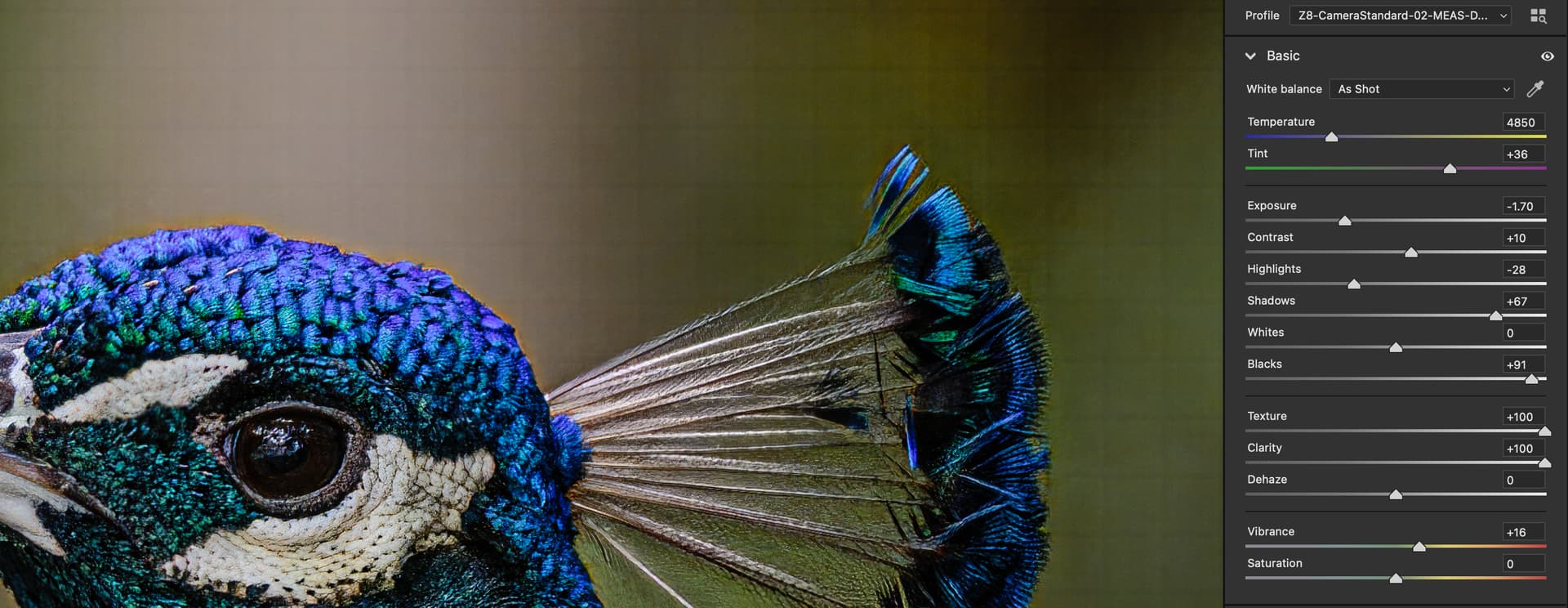
but here is the illustration of the tiling issue - I boosted the contrast and texture to make the tiling pattern more apparent:
4 Likes
Just to give this v1.5.0 a chance (I am really fed up with this feed back only leading to another strange behavior next time - But ok, at one point the bugs will come to an end - was my thought today) - so I loaded a random raw image with a building in the background, a belt of grass horizontally in the middle and a stone wall also from side to side in the foreground - a building on a square island surrounded by a stone enforcement - so three horizontal belts in the photo. The building is processed nice and sharp - and the foreground of concrete bricks too - but the grass in between is blurred - Why is it made blurred? - as if it should be diffused for some perspective reason when it actually should be sharpened. The building is AI selected as the only subject - but this strange behavior doesn’t change if the whole image is the subject. Have I overlooked a perspective slider?
It’s really weird - and we are dealing with v1.5.0.
1 Like
This is a small matter, but in the Apple Photos app when you choose extensions in the edit menu the Topaz AI choice reads “Edit in Topaz AI.” The words “Edit in” are unnecessary and are inconsistent with the practice of other extensions.
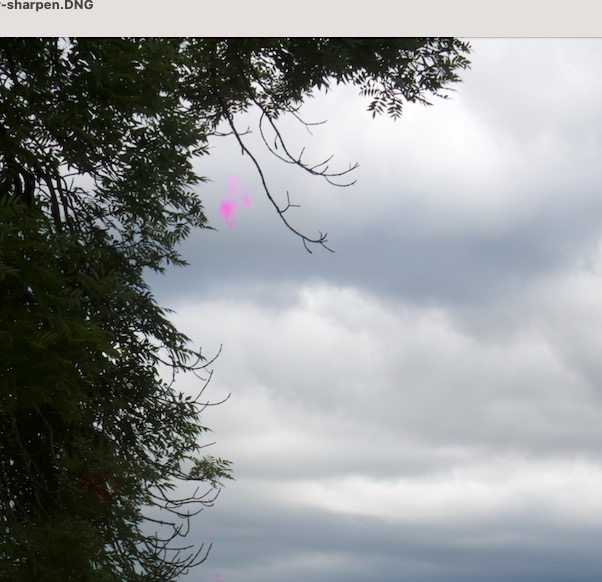
The pink splotches are still an issue. This in an image I have already sent to the devs via Dropbox
No need to make multiple posts of the same issue in different threads.
1 Like
I was merely replying to a first-time poster, who may not have been aware that this is an issue that has already been noted.
Maybe you need to consolidate his thread into this?
