For me, the one on the right still looks good. The sharpening is what I would probably set it to in Sharpen AI and I still don’t see any smearing. Maybe some other opinions would be helpfull. In ON1 NoNoise I see a lot of over sharpening unless the sliders are pulled back.
Please take a look at the feather detail at full resolution. Everything is completely smeared. Keep in mind that this is with the strength set to 1, the lowest possible setting.
If this is by design and not a bug, Photo AI is useless to me. I hope they don’t stop development of the individual products in favor of this software.
1 Like
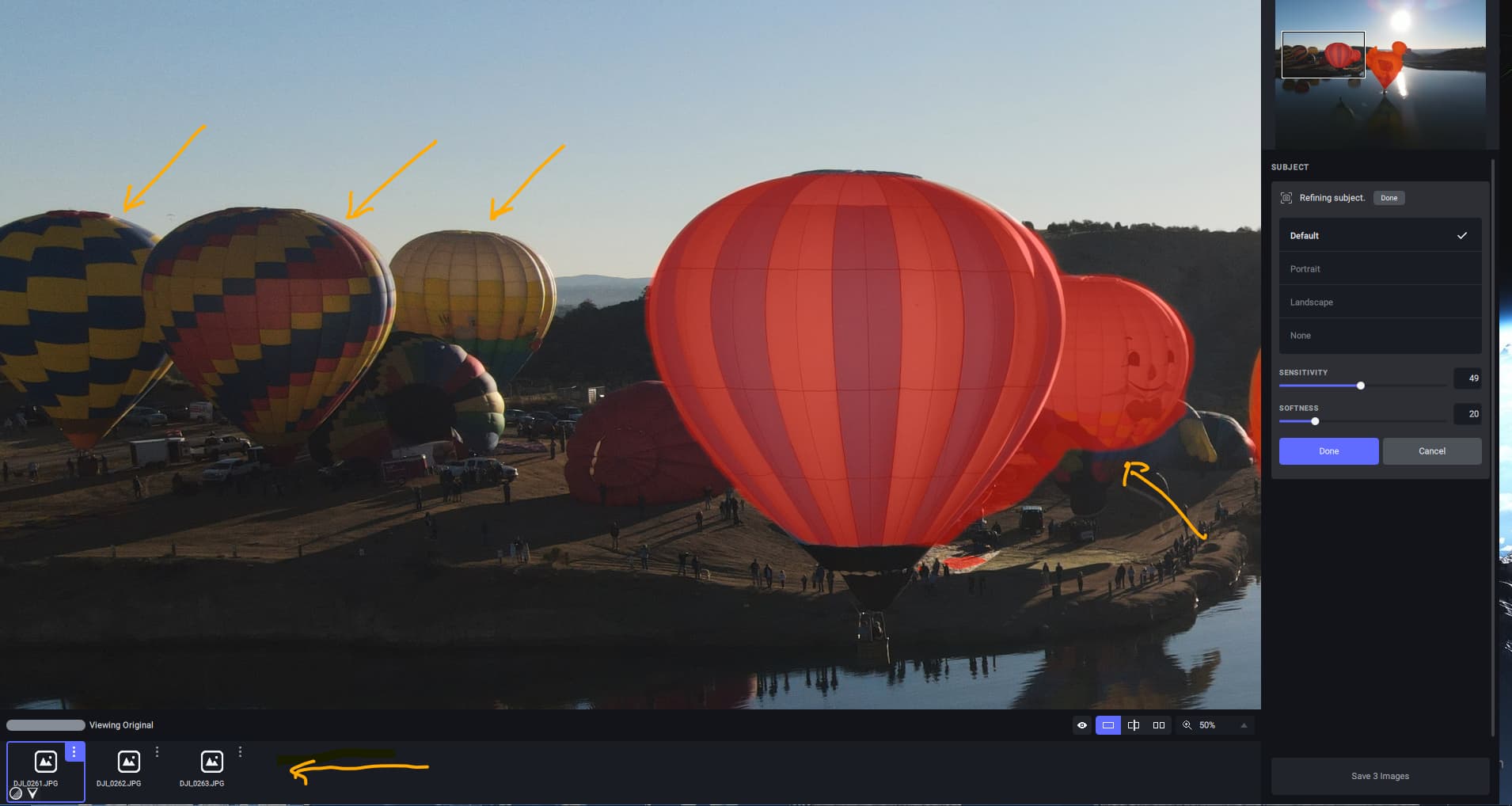
I agree with Ray that the thumbnails are not shown for DNG and ARW files (see picture). Also, the AI masking is not very good for hot air balloons. Windows 10 PC.
1 Like
Don, I can’t prove it right this second but I discussed this with one of the devs early on while testing and he indicated the same thing (ie, Photo AI is the new direction).
Of course, management can make whatever final decision they want going forward, so we shall see.
1 Like
Refined image is much better than previous versions. Bug - on Windows 11 and Geforce 3070ti card, if you minimize the program and restore to normal size, drag and dropping images doesn’t work, and manually loading an image produces results that are a compilation of previous faces that are freaky-looking.
+1 to this - the noise removal strength slider barely does anything noticeable. The noise removal often works great, but it can be very aggressive and I’d like more control over it.
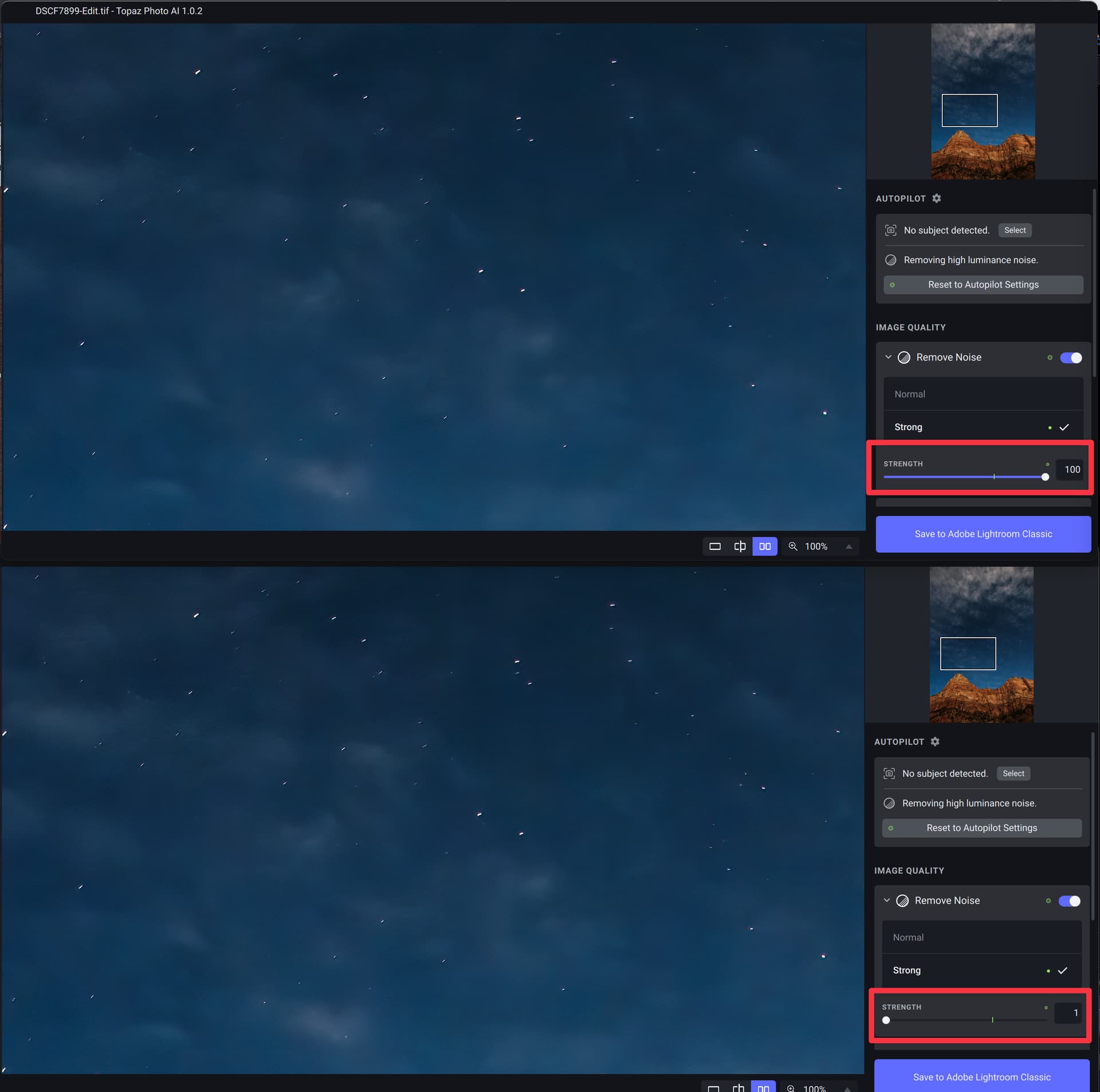
I really hope you’re adding options for brushing to add/subtract areas. I keep updating to the latest version of Photo AI and trying it on photos that need some help, and time after time, I come to the same conclusion: the lack of actual control over masking is a complete dealbreaker for me and makes the app useless. I literally haven’t used the app successfully even once. I have to fall back to Sharpen/DeNoise for every. Single. Image. It’s nice that Photo AI can guess at the subject as a starting point, but it’s never usably correct on my images, and “the sliders, they do nothing :-)”
2 Likes
The point is that no one should make unsubstantiated claims about the direction Topaz Labs is taking, there has not been any official decision announced. Starting rumors like that can have an effect on Topaz Labs business.
I also think that Photo AI is a long way from a suitable replacement for the other 3 apps and the big issue we have always faced is that the RAW conversions in all products are not up to industry standard and do not replace the real RAW conversion applications out there.
3 Likes
Don, nobody’s starting rumors or making unsubstantiated claims. Speaking for myself, I’ve been a Topaz supporter since the beginning (about 2007).
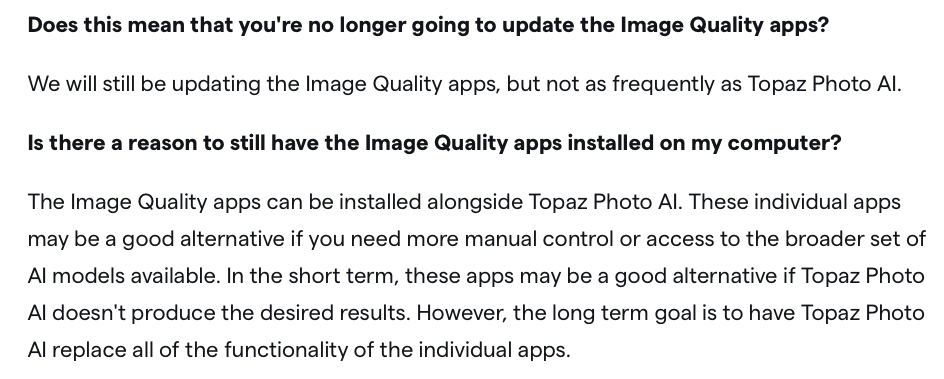
I agree with you that Photo AI is not 100% where it needs to be. As for its future, please see an “official decision announced”:
1 Like
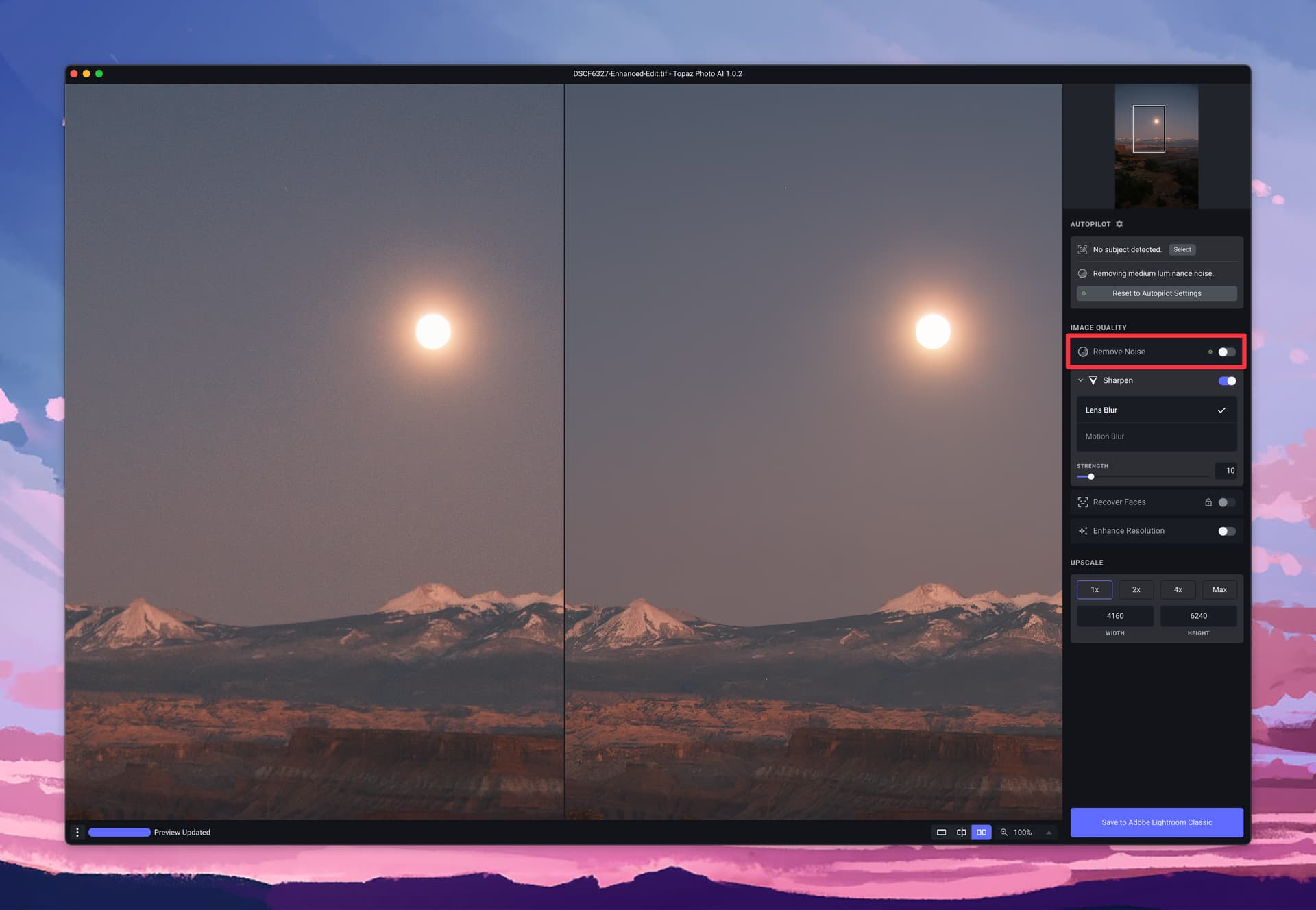
Here’s a case where I’ve turned Remove Noise off, but noise removal is clearly still happening - looks like it’s a bug?
Well the claim made by the OP was “to be discontinued SAI & GAI & DAI products” which is not true.
Topaz’ quote above says “replace” the functionality of the other apps, not “include”, so that’s all we have to go on.
I am still unable to find my discussion with one of the devs about this matter, but I’ll keep trying.
If you have purchased only the Topaz Photo AI and it claims to give the same functionality, you obviously expect that or better after a time of development. For me it works for most examples. I also have Photoshop, that gives me the masking possibilities from that software. I would like to have more manual control in this software also. It is easier to have all functionality of Topaz in the same app and I guess it give AI more power.
1 Like
And i think Topaz are very aware the noise reduction is in the Adobe Photoshops neural filters waiting list and want to make a product that is much better in this field of automatic improvement of quality to keep its market share. For me Photo AI has become a part of my working flow i almost always use and give me more freedom when shooting.
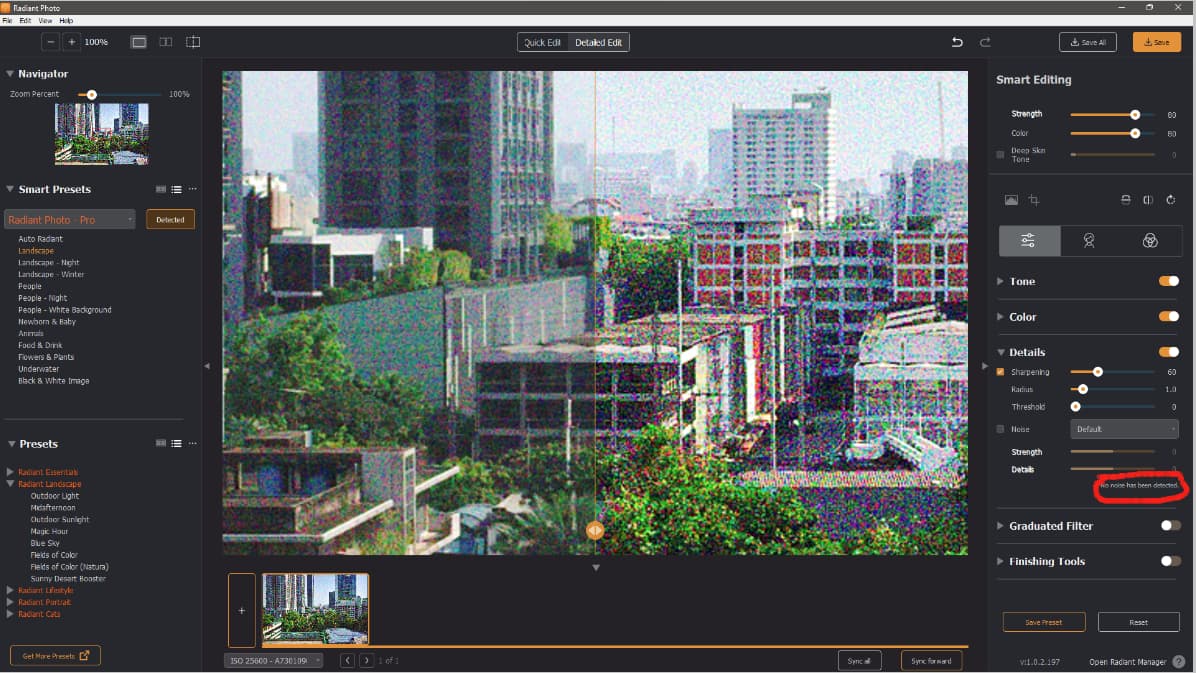
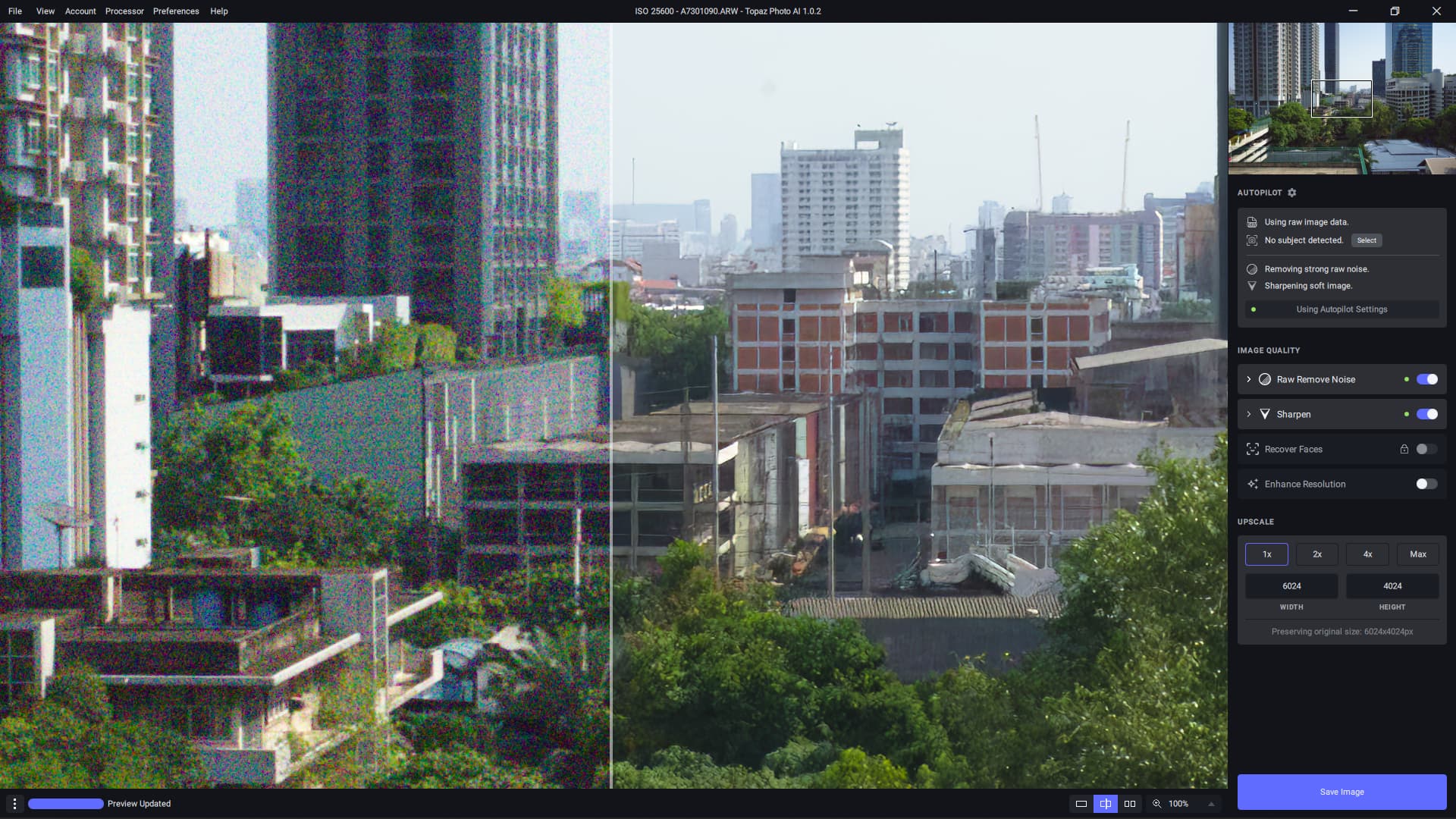
2 Likes
PhotoAI is limited to x6 upscaling, a limit GPAI overcame both early and lately (with a timespan in between where it was limited, too).
Preview does not auto-update when the Sharpen → Subject Only option is switched.
Reduce Noise seems to create smearing or double-edges at contrasty edges. This is further emphasized when Sharpening and Upscaling are used. I can only post previews, though, because I don’t own a license.
Sharpening also creates sharpening halos at contrasty edges even at setting 1 and may introduce further artifacts (leftmost thin white line within the black leather-jacket area, which grows stronger with stronger sharpening). This is further emphasized when Upscaling is used.
Noise reduction 50 (normal), no sharpening, upscaling (x4, preview):

Sharpening 50 (lens blur), no noise reduction, upscaling (x4, preview):

Noise reduction + Sharpening, upscaling (x4, preview):

Same example using only upscaling (x4, preview):

1 Like
I just downloaded the trial version of DeNoise AI v3.7.0 and get the same results with almost no effect of the “Remove Noise” Slider.
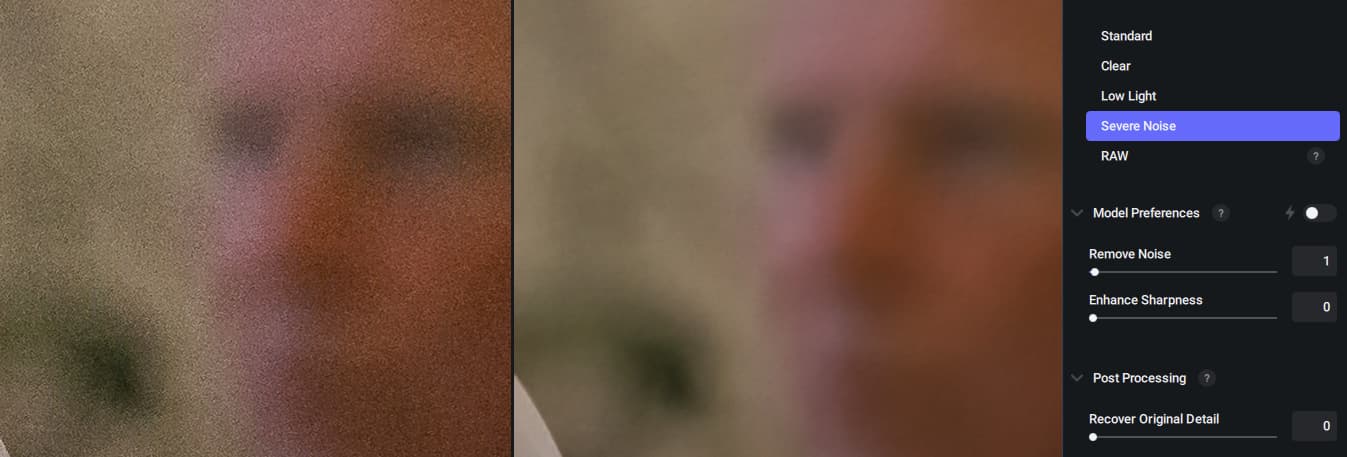
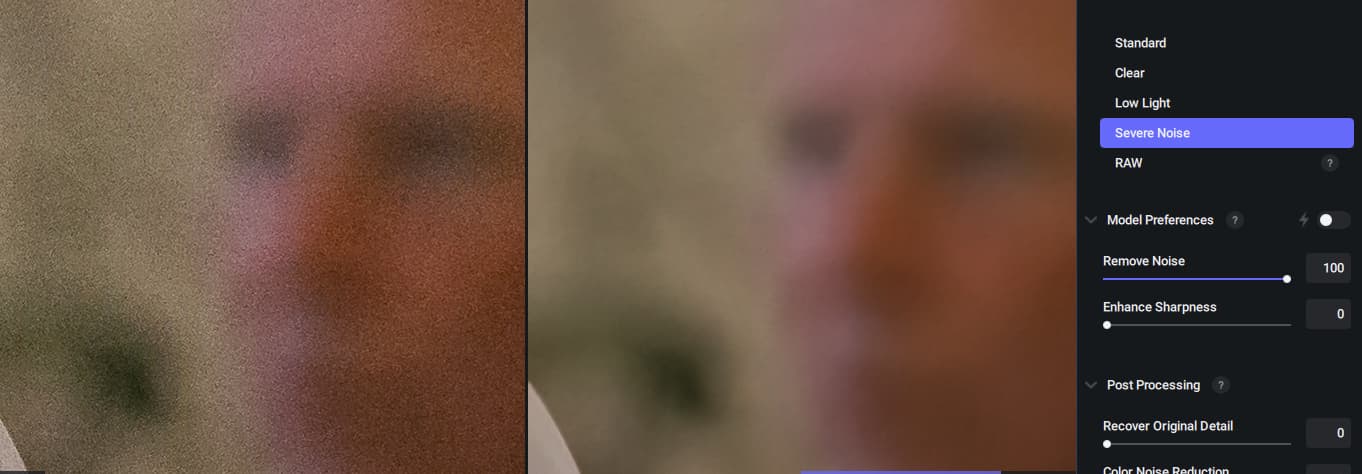
The cause is that DeNoise AI has selected the AI Model “Severe Noise” after loading. If I select another model like “Low Light” the slider does work.
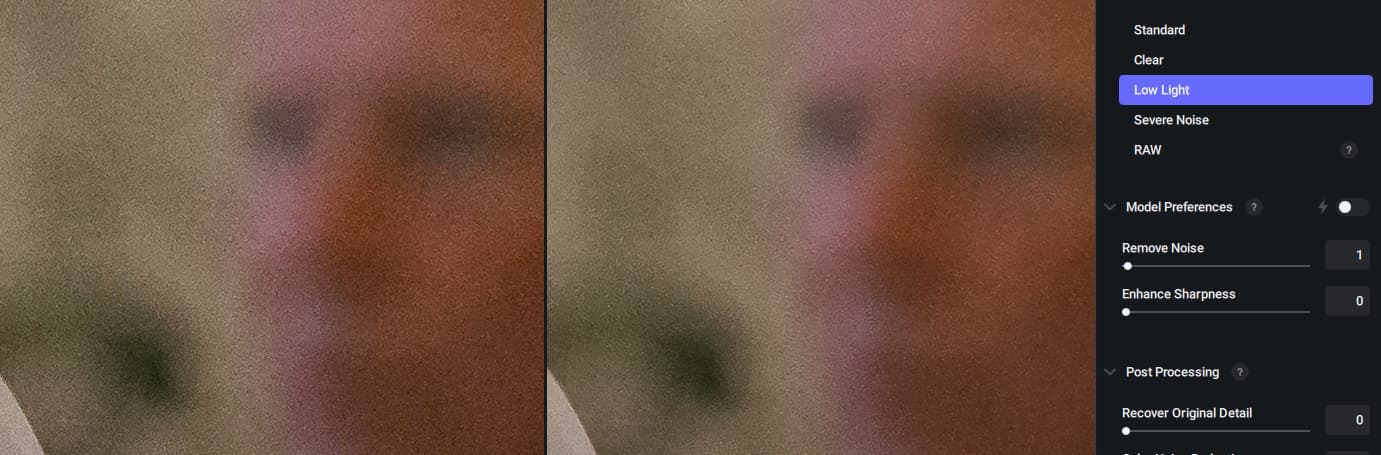
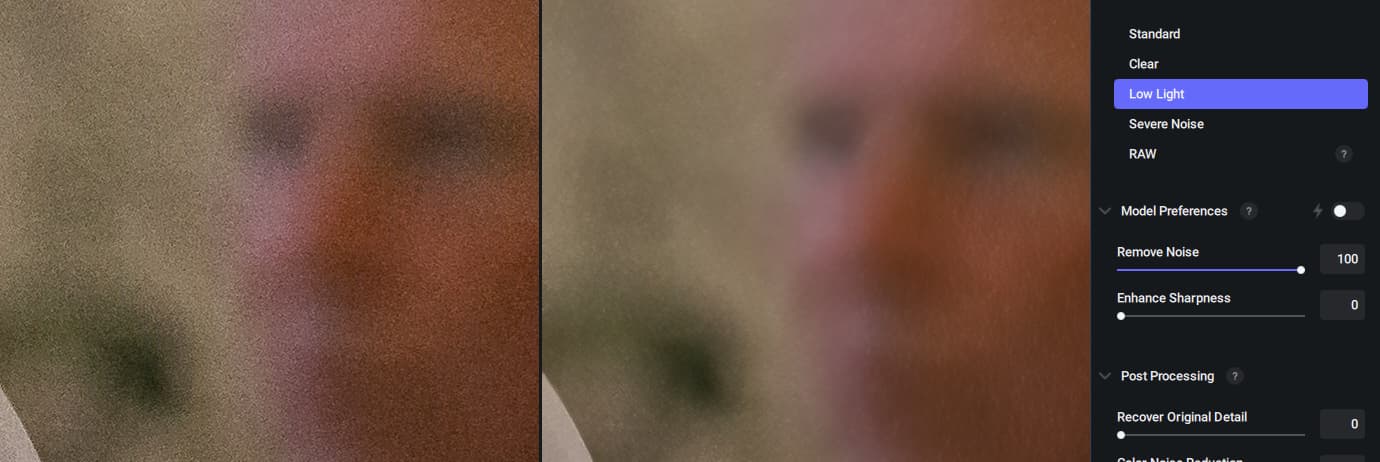
Well at Photo AI I cannot select the model (which the Autopilot set to “medium luminance noise” for my test picture). I only could select between “normal” (which is active) and “strong” (which I believe to get even more noise reduction, but I want to have less).
Please include the manual selection options of the AI modules like in your 3 seperate products in PhotoAI. I was expecting to get pretty much the same result, compared to the 3 standalone AI products, when I bought the PhotoAI software …
Well, for the current beta testing period it would be nice, if owners of the PhotoAI software license are getting also time limited licenses for the 3 standalone products, like the owners of the 3 products currently get for PhotoAI. 
1 Like
This is the first Topaz product I’ve owned, and I’m enjoying it so far. I’ve noticed however that recover faces always defaults to 100% and that’s almost never what I want. Other settings are similarly higher than I’d like with autopilot. I would love love love to be able to set hard limits on those settings. E.g., go ahead a recover the faces, but don’t exceed 30%.
2 Likes
