Prompt, no, I need to get into the habit of that after earlier usage did nothing.
Here is another example:
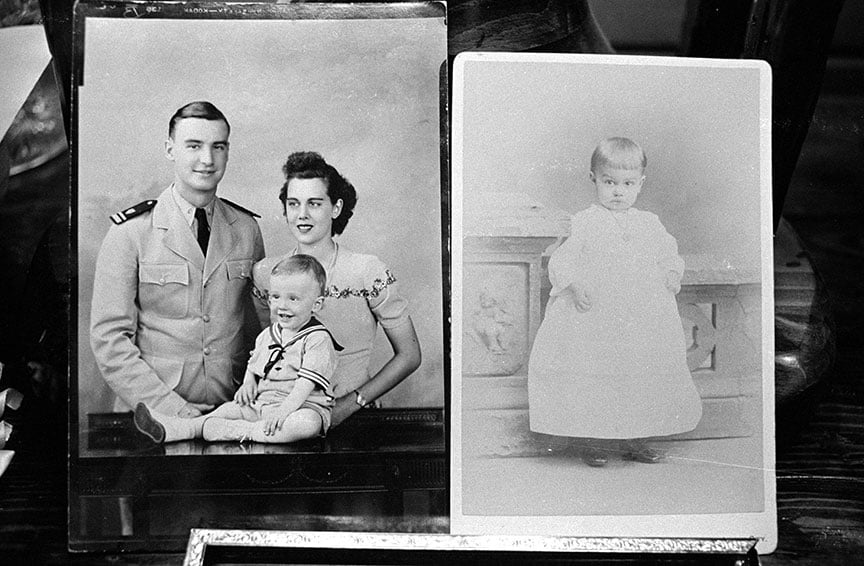
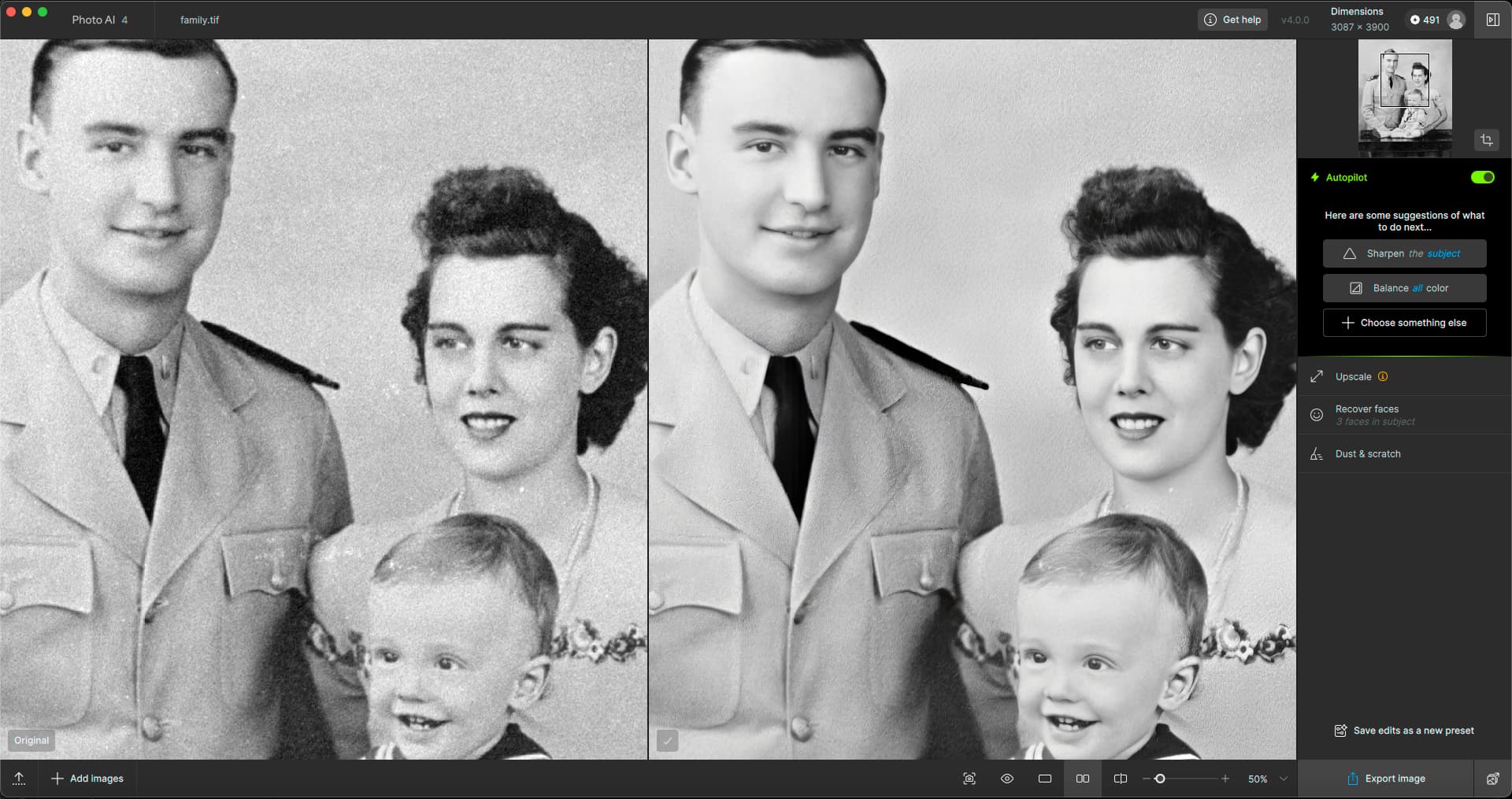
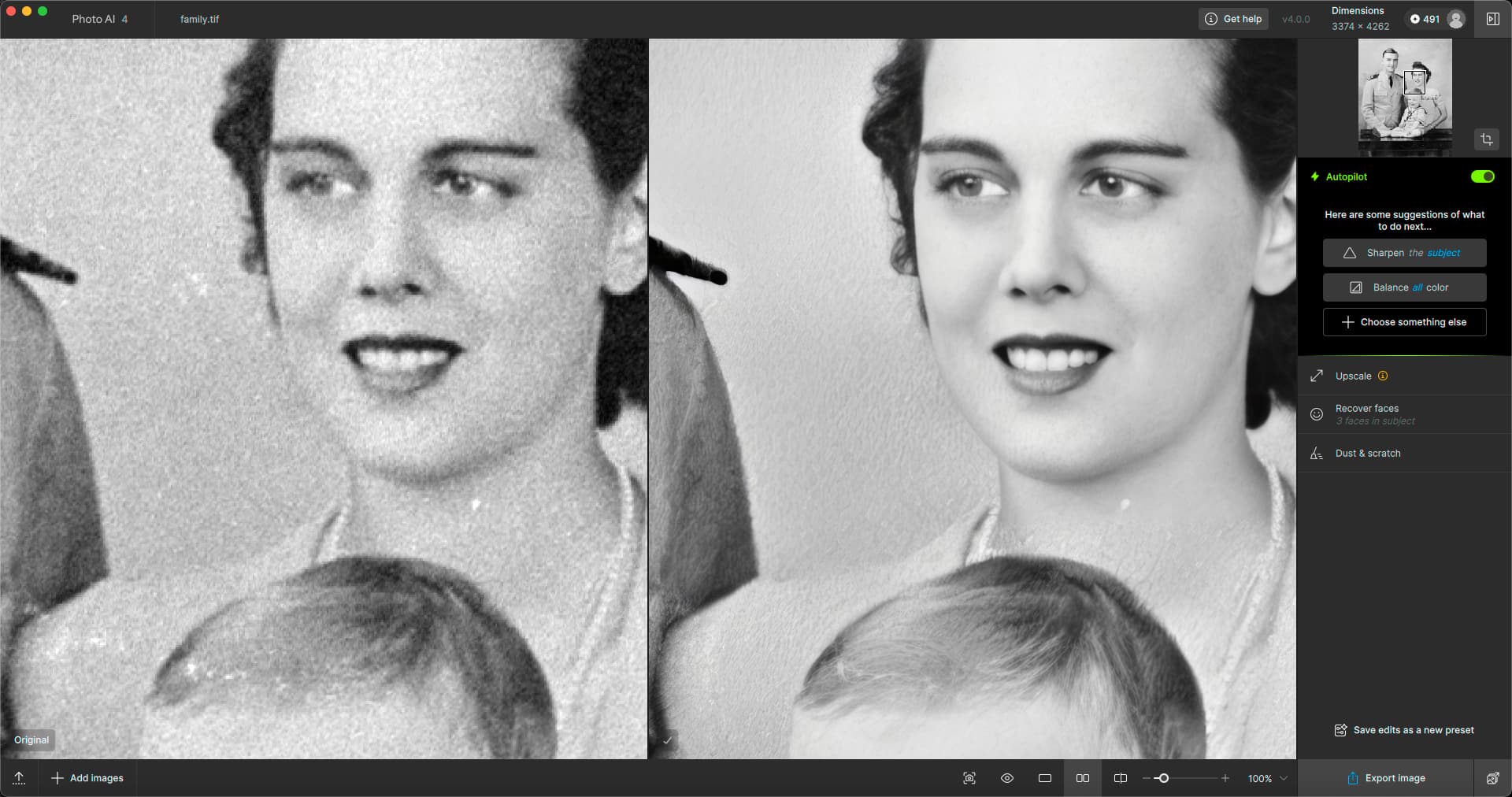
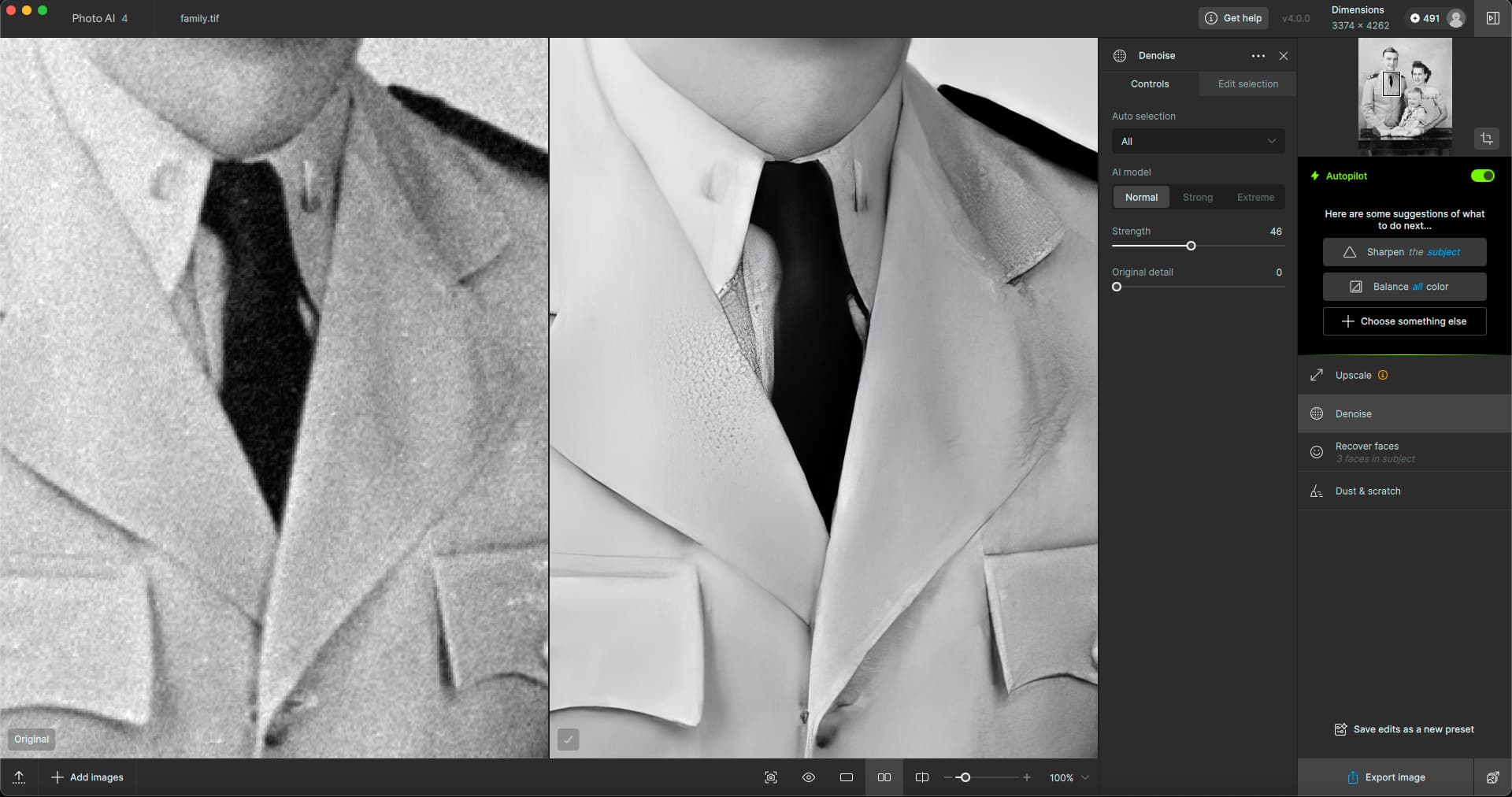
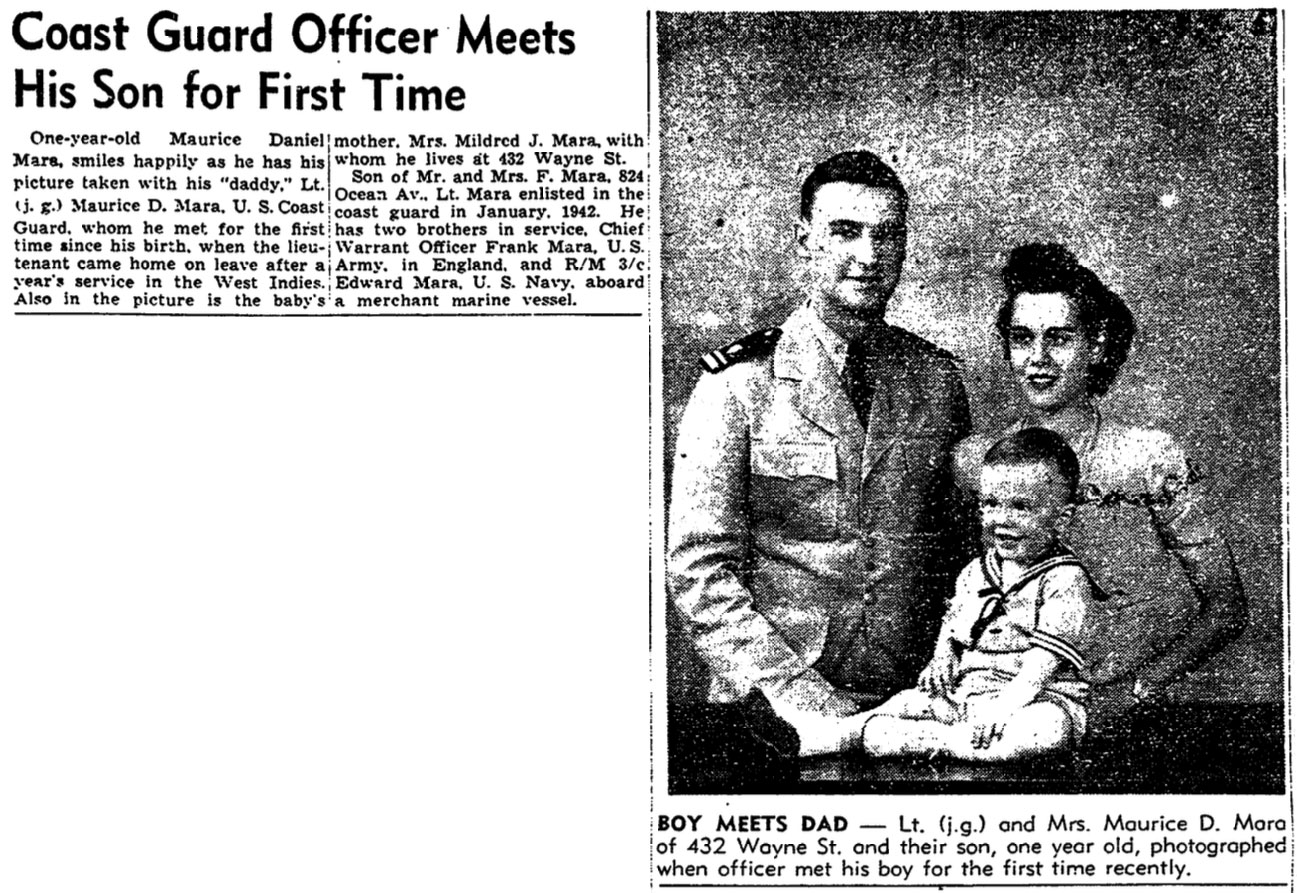
A family photo where I only saw the original once at a relative’s house, back in the early '90s maybe, and took a grainy 35mm copy pic of it. I developed the film myself and a lot of my negs have that Photo Flo residue on them.
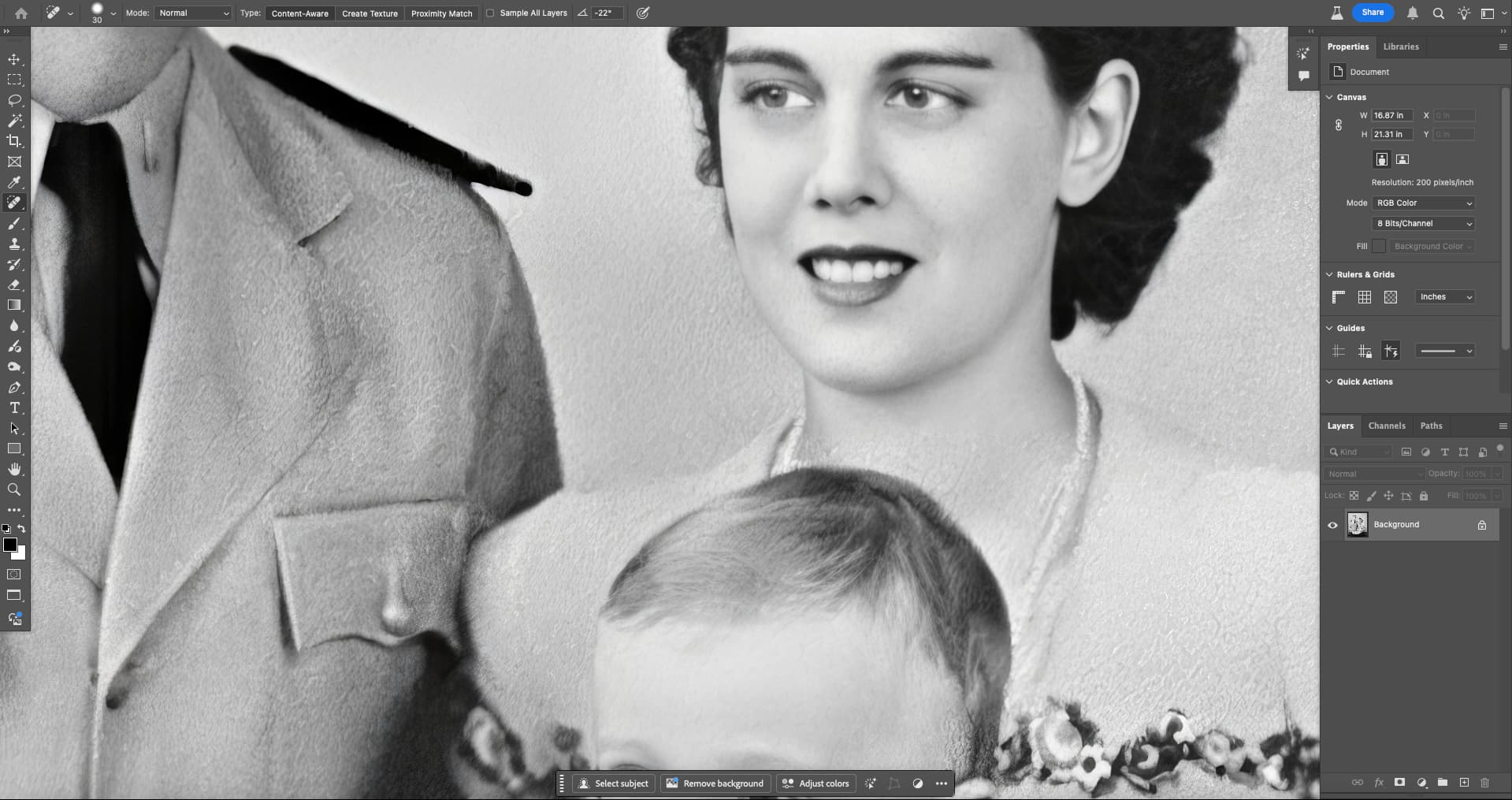
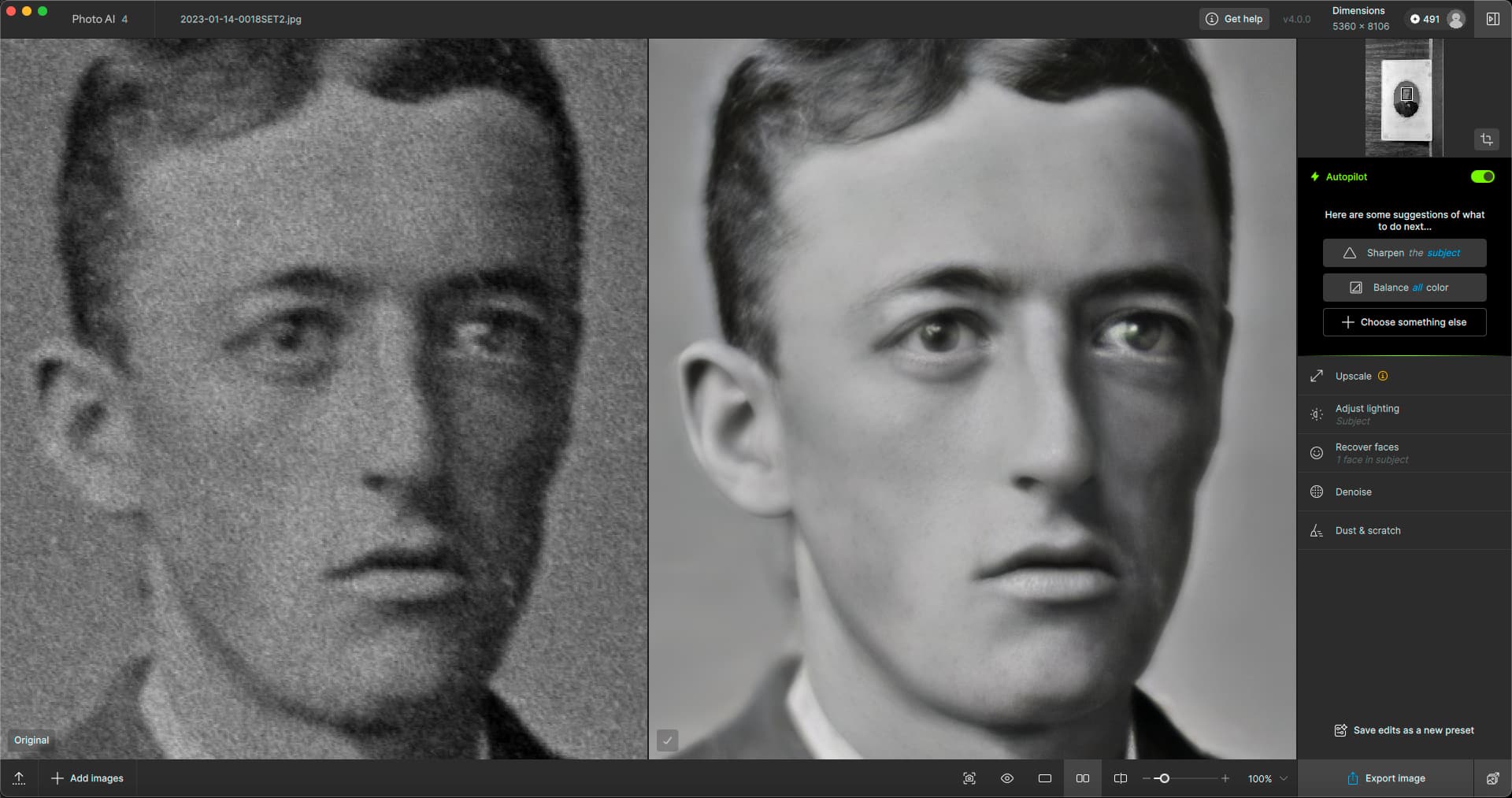
PAI did a very good job overall, recovering faces, reducing grain and removing the spots. Not all spots though, and manually painting them out in Dust & scratch mode did nothing (did not process). One must continue in PS to quickly dab the rest out.
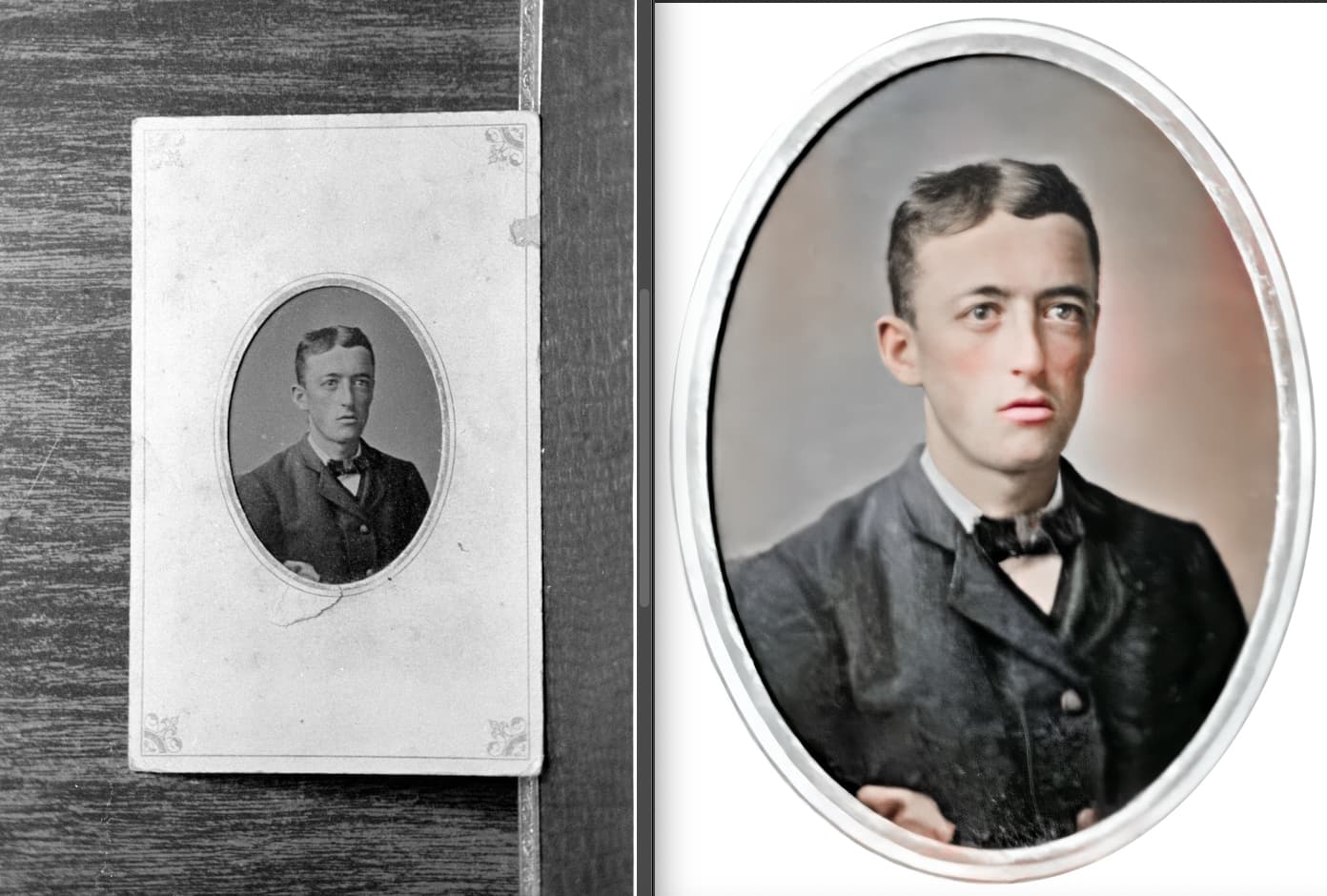
This is a good one, a recovery of a mystery family tintype shot from a short distance with 35mm and not seen since, Adjust lighting worked for this one (exposure only):
I had same thing happen (I rptd, no ack, during testing) wrt painting out all the scratches the model didn’t handle & when I hit “Done” nothing applied and it looked like the original scratch covered image.
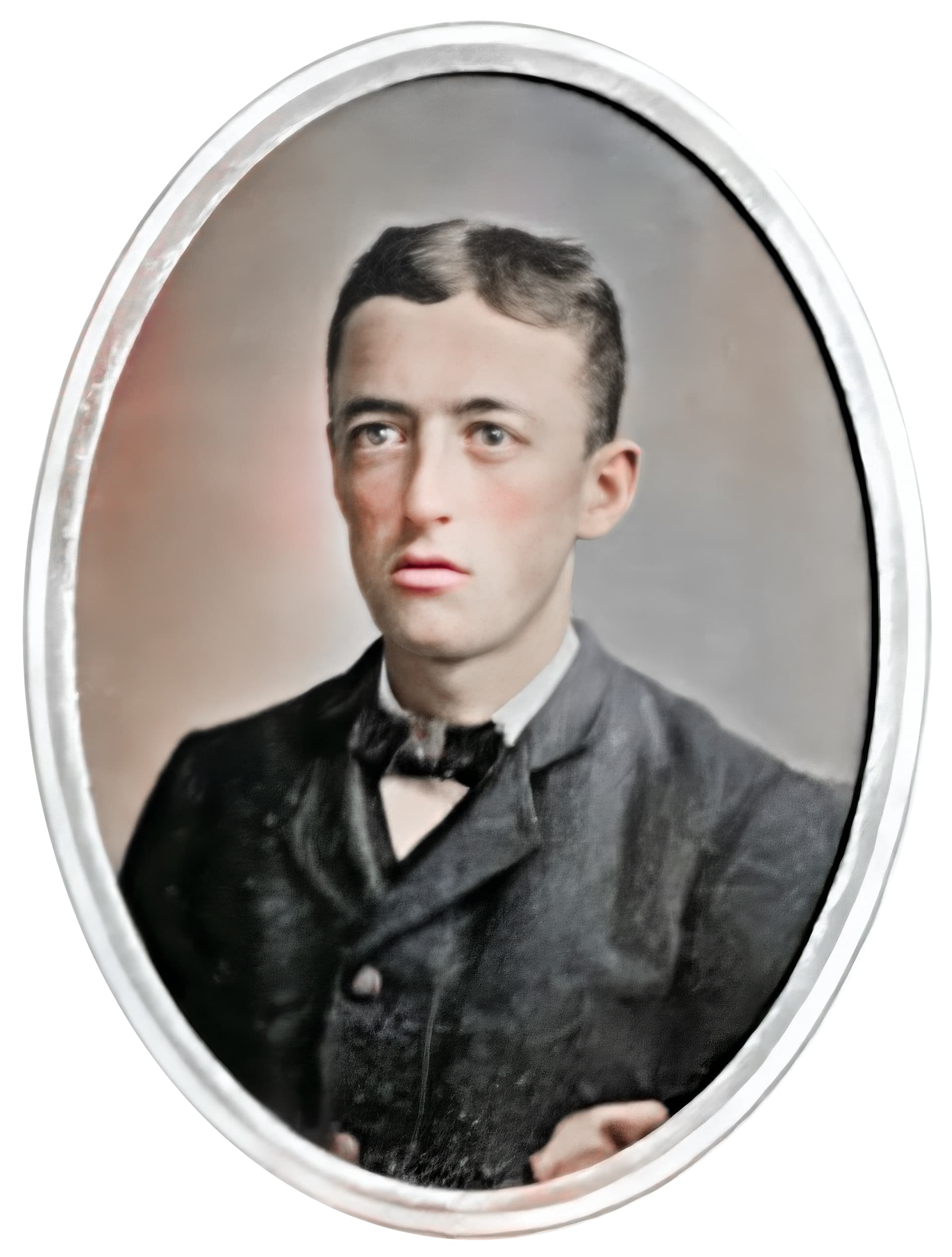
BTW, hand colored effect oval image is really cool.
BTW Is there a reason why the Undo button for the Remove tool requires significantly longer GPU processing time than the Remove tool itself? Is it not possible to just revert the image to the last cached state?
There is a progress meter that repeats “removing objects” several times over, as if a whole queue of phantom renders is being processed in the background only to be discarded. This queue seems to get longer with each Remove/Undo attempt, even when changes are saved between successful attempts.
Given that Remove often requires multiple attempts to achieve satisfactory results, and an image might have several objects to remove, this adds up to hours of wasted time, extra electricity, more heat stress on hardware.
As it stands, the fastest way to Undo a Remove object operation is to exit the plugin and come back in.
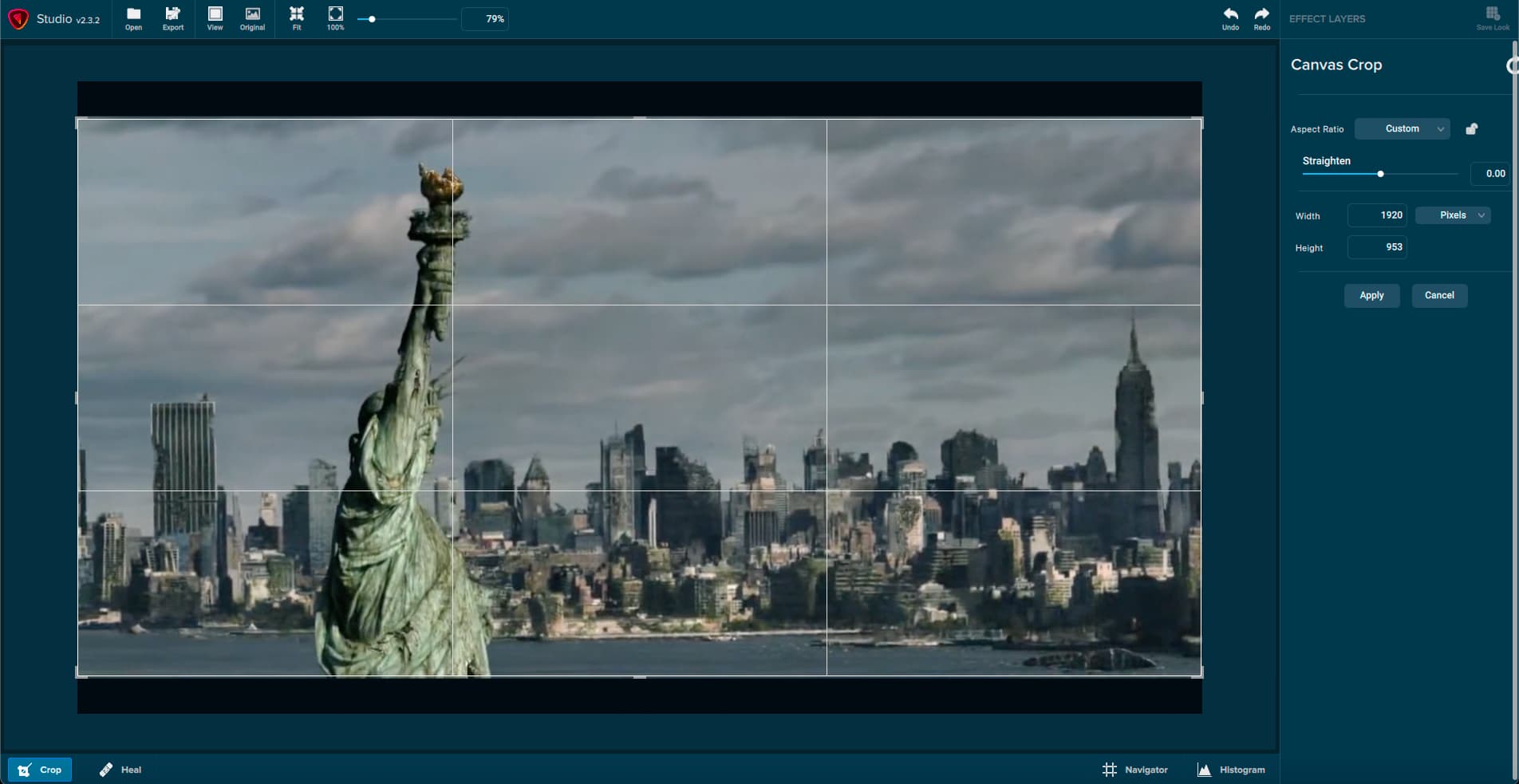
As far as I know PAI does not have a flip option in crop or rotate. I wish it did, because I have to use a different App just for a simple flip (I have hundreds of 35mm slides that got scanned wrong).
this would be a good application for exiftool (-orientation#=2) where 2 is mirror horizontal. run it on a whole folder and flip everything inside it at once.
Well, Topaz has had a lot more time working on denoise & sharpen. A lot of this extra stuff is I guess an attempt to provide more functionality. But as you’ve seen, the amount of light and color control one has in LR/PS/C1/etc. is so much greater than the 1-2 sliders in TPAI that if one is used to the former, this is very limiting.
Topaz is looking for the balance between being themselves (offering best in class limited advanced options) and being everybody else (offering every other little useful tool you might expect in an image editor).
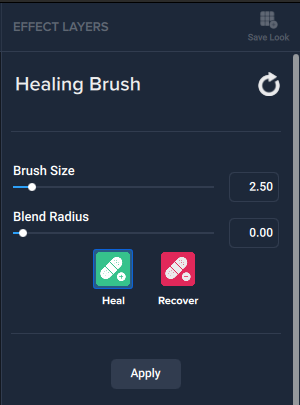
As for “common basics”, we mainly need crop/rotate and Levels to get the image in a workable state for more advanced Topaz processing. Maybe also a quick Healing Brush type tool that is not AI.
The next thing I might ask for is Colorization, but I can do without the current Lighting and Color tools.
Yeah, I get that. It just seems like a simple thing to have in an App… especially as part of crop/rotate. Interesting that all my other “image” apps can flip or mirror. Even from a creative point, it’s a great feature (even the Skylum apps have it )
Do you mean Levels like to adjust shadows, midtones, highlights or straightening (like a level)?
1st one is definitely needed if there’s a lighting control feature otherwise we end up lifting or crushing the blacks and don’t have enough basic controls.
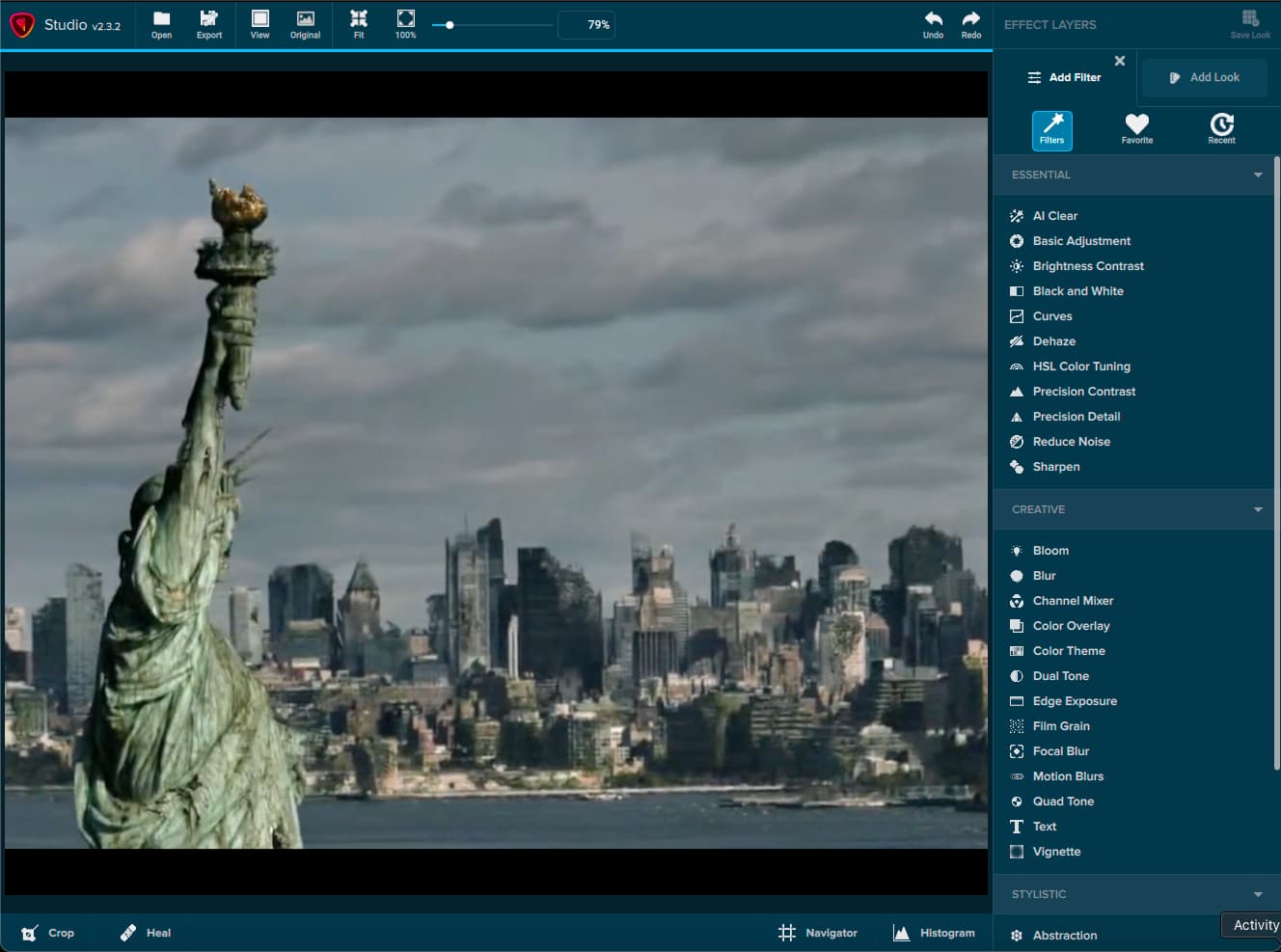
I always thought Topaz Studio 2 (R.I.P. 2019) would be an appropriate base to continue development from when PAI came along, since all of the basics as well as bells and whistles were already there.
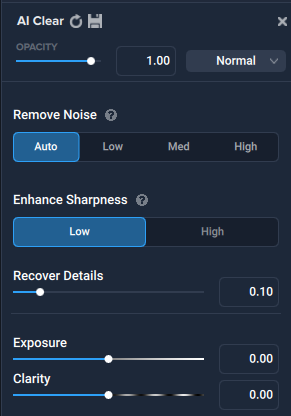
Of course many of the cheesy artsy effects are now unnecessary but might be useful in some cases. Reduce noise and sharpen were there and AI Clear was very useful as the beginning of this new tech. The right panel operated the way a right panel should, and it already had what PAI just added for adjusting color (and more).
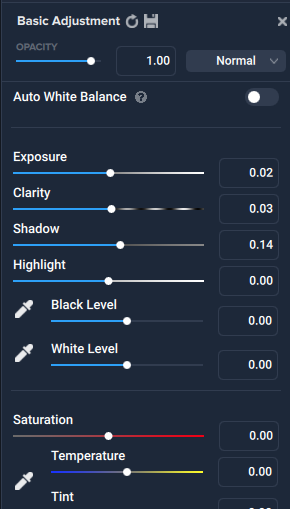
Basic kindergarten Levels with histogram as shown above in my PS screenshot. Makes for a quick fix to get an image ready for further treatment.
The current color tools have some power of course but are not user-friendly (ie, it seems you need to know some color theory). And that is not aligned with the current “AI auto pilot” approach to PAI.
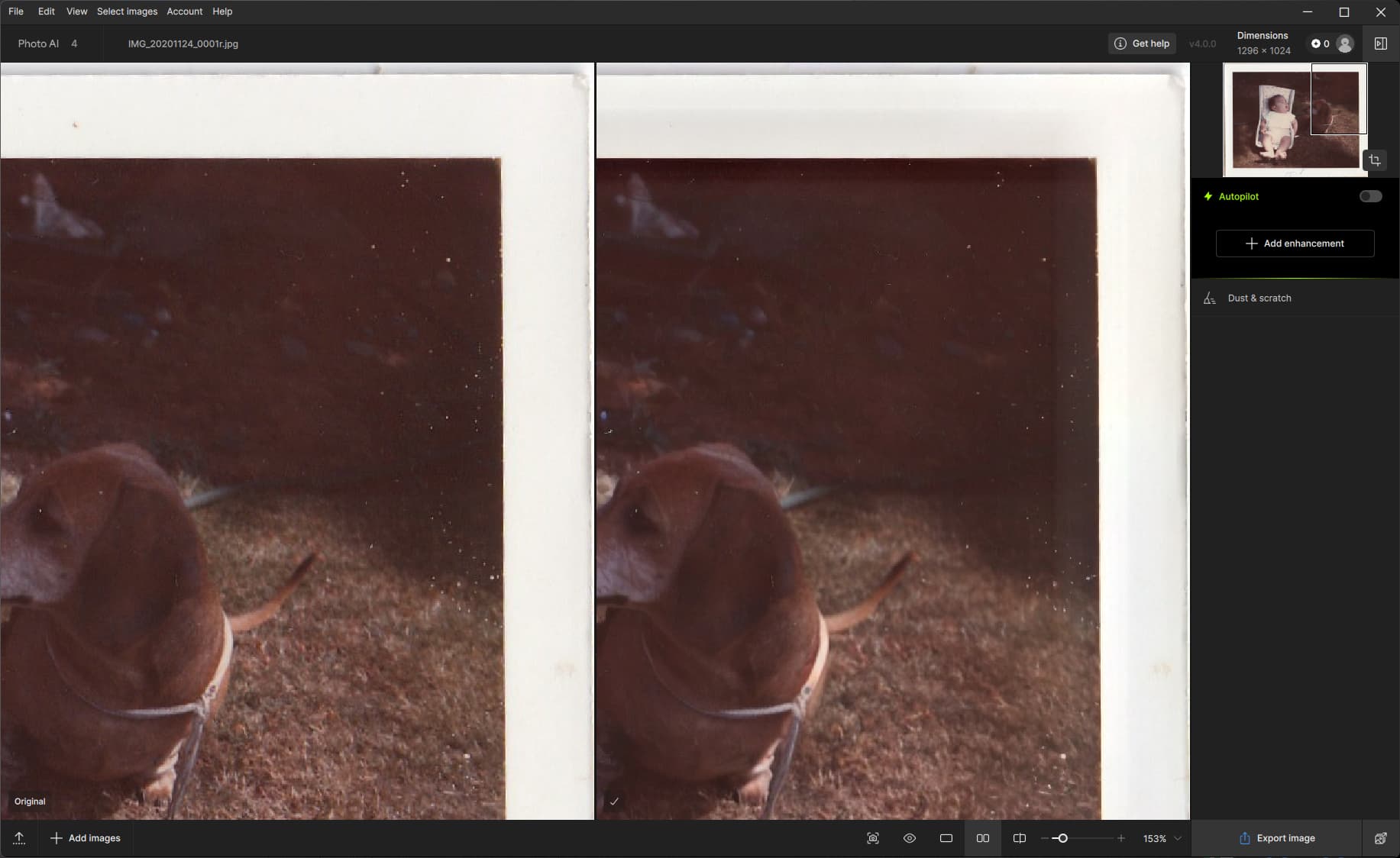
I just ran (only) dust & scratch on a scan of an old photo. All of the white spots aren’t so much dust as damage (given my age, the photo should be almost 60 years old). But they aren’t removed at all. But now I see a lot of shadowing (there is probably a better term) around the high contrast areas encompassing the border - the top edge of the photo is darker and the right edge lighter, and the border area is also top darker, right lighter.
This persists even if I crop first, although my feeling is that the crop is being applied after the dust/noise removal because the edges look exactly the same.
Affinity 2.6.2 can wipe out the scratches but in doing so also strongly softens the image. I also ran it on the pic I just posted and while it removed the white spots it also soften the image. Definitely not a better alternative.

 )
)