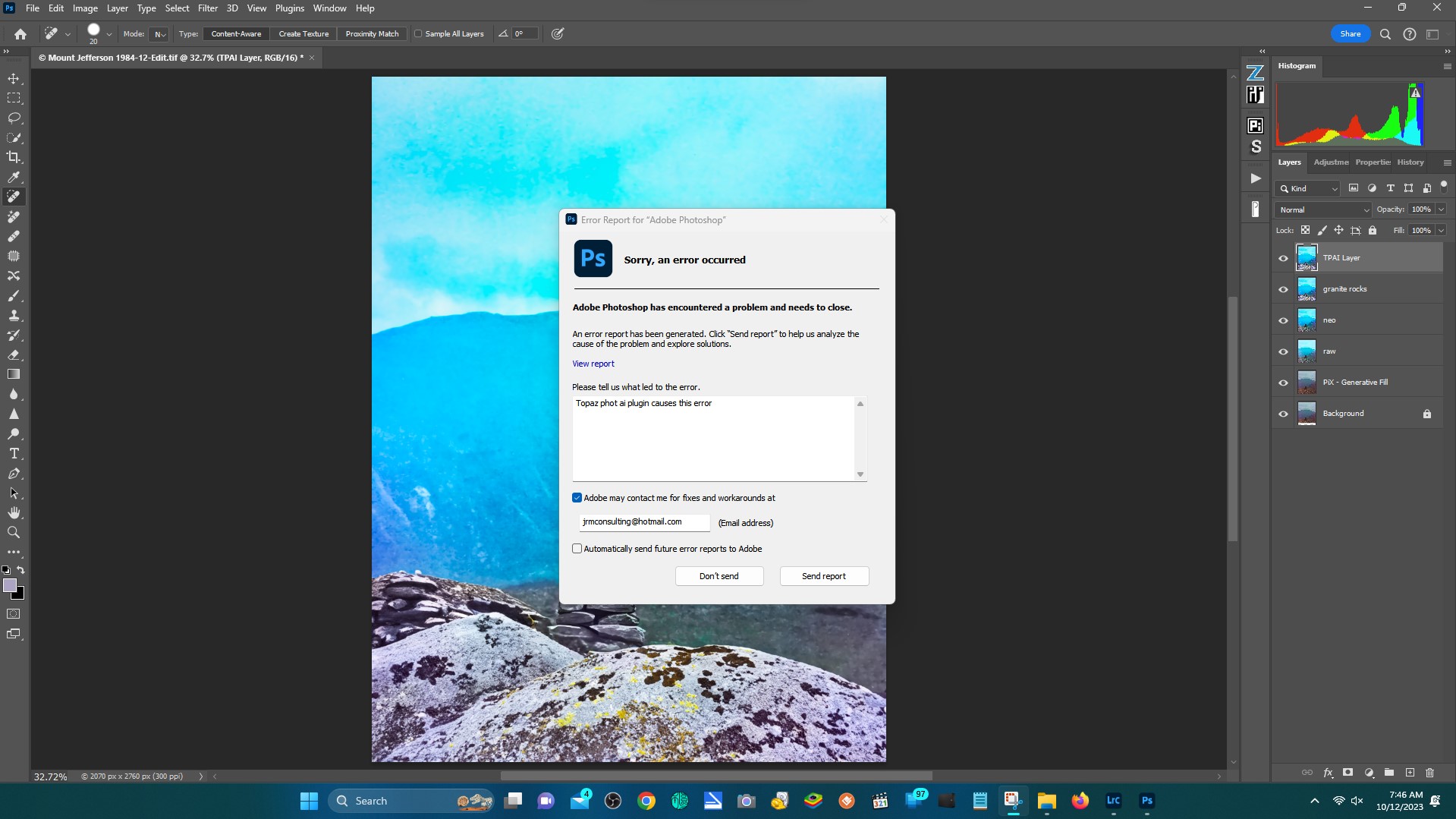
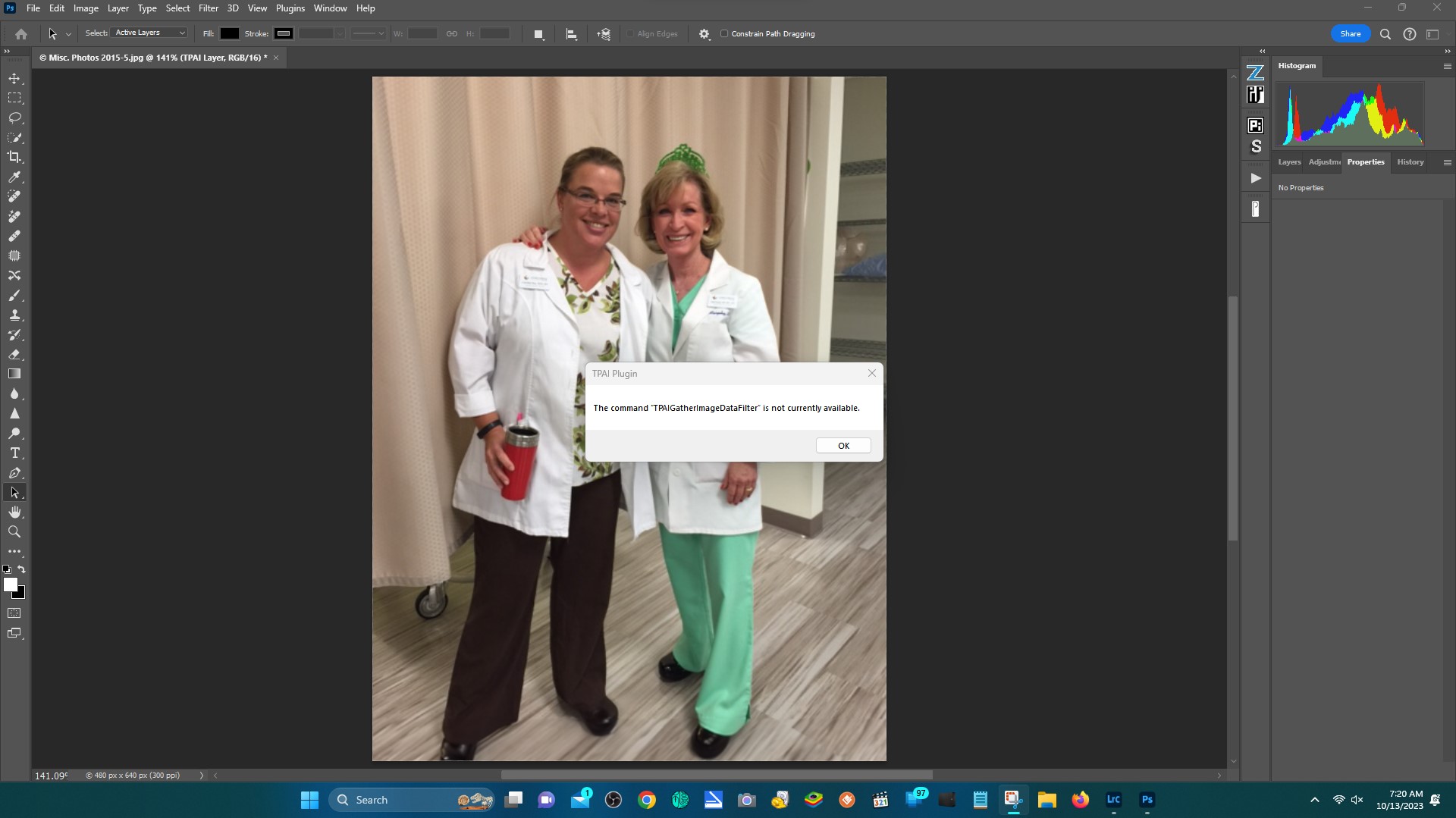
Next time you get this error, open Topaz Photo AI, go to the menu bar on the top and click the Help > Open Log Folder menu option. Email me all the logs files that you can see in the window that opens, especially the Automate Plugin Log.
I should be able to determine what is happening and send next steps with this information.
Are you working from an image layer or an adjustment layer? Please go to the layer tab and make sure that you have an image layer selected that you are using the File > Automate plugin on.