I guessed it, didn’t I? It’s not my first rodeo . Having experimented quite a bit, I know when to perform x1 passes and scaling passes. In extreme cases, I even use Gemini Nano Banana 2 or Pro, and even Flux2 Klein 9B. And then I blend everything together to get the perfect photo .
I just tested it on a few photos right after using Wonder. It definitely adds a little something extra to the details. They’re a bit sharper, and it reduces the slight noise introduced by Wonder in some cases.
New extreme enhancement rendering of an old photo from 2018 at Pairi Daiza. Note that sometimes AI models can truly work wonders. Here, I first used Wonder 3.5 in two passes. The first pass was without scaling, and the second was upscaled to 50 megapixels. Then, using the second pass, I ran a pass through Flux 2 Klein 9B with a 2-megapixel setting. I also created another version with 3 megapixels. I then upscaled both versions with Wonder 3.5 and combined them in Photoshop. Finally, I performed a last pass with Redefine for the fur and some background details.
Interesting. I’ll test it too to see if it works well on my photos. Right now, I’m improving old photos taken with my Samsung Galaxy S7 smartphone. For extreme cases, I also use Flux2 Klein 9B to restore details.
I tested it on a photo enhanced using Flux2, a Klein 9B upscaled 4x with Wonder 3.5. And well, I had to increase the strength a bit to 33%. I could barely see the difference with 25%. But I imagine it all depends on the photos.
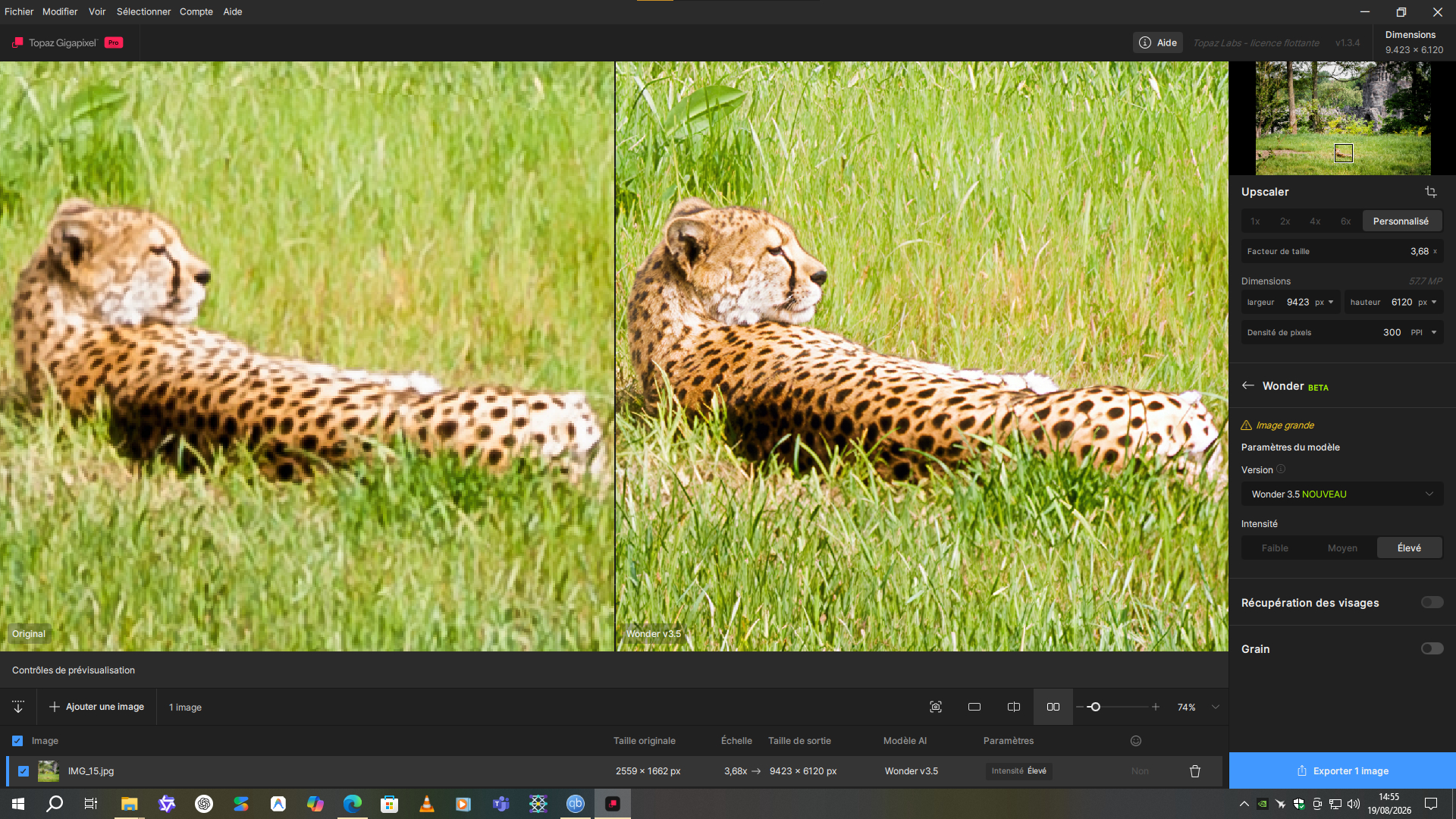
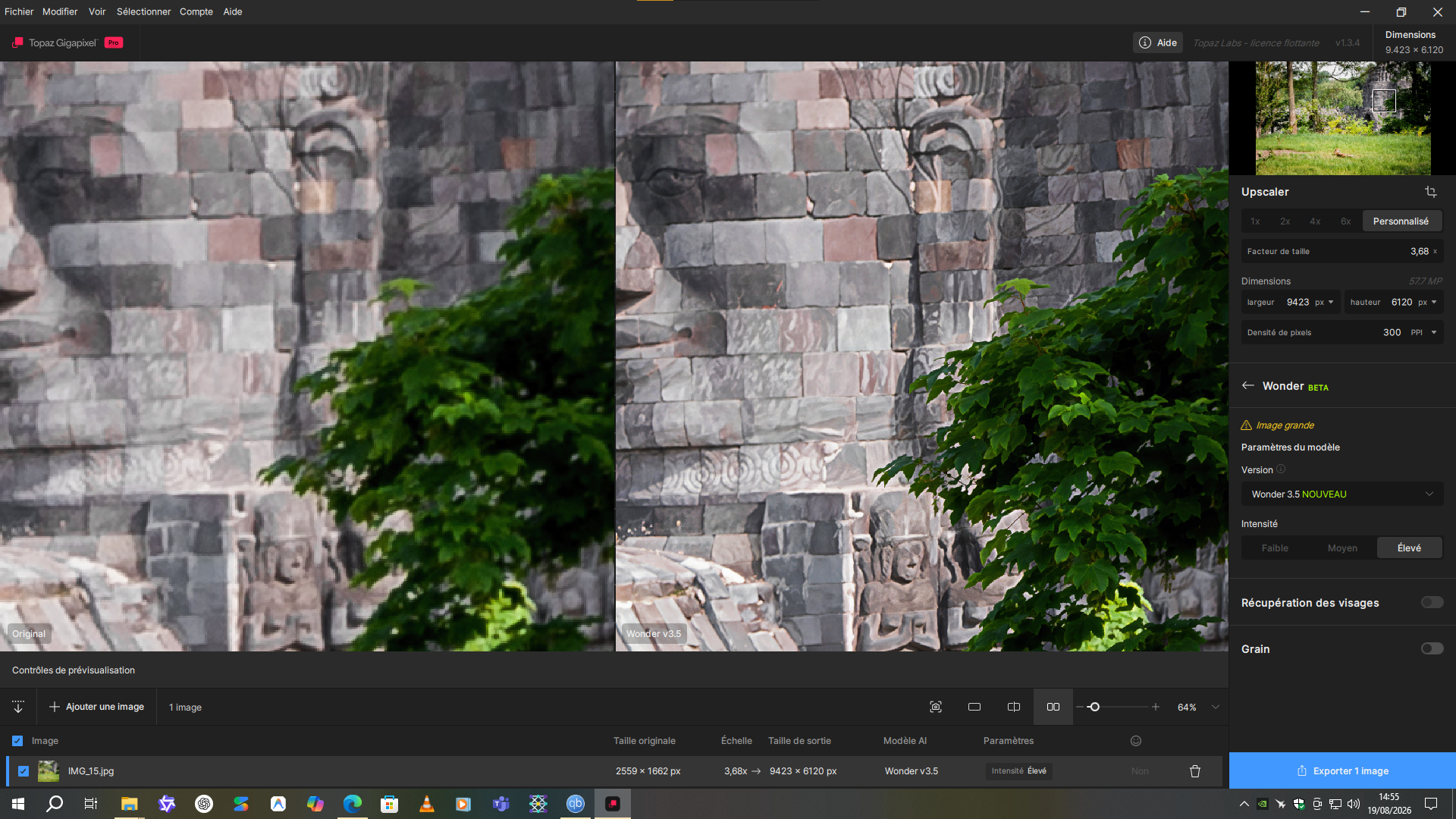
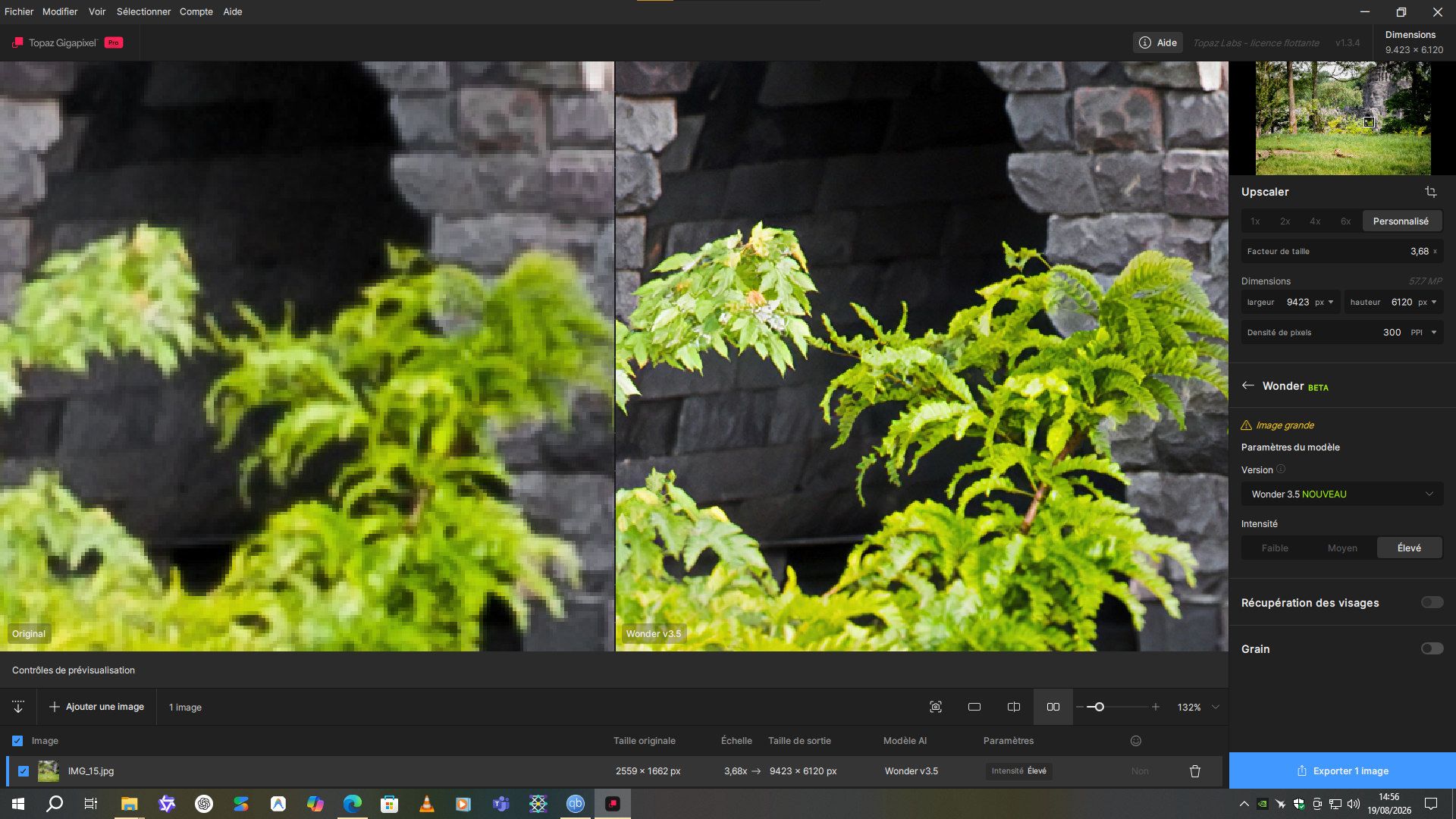
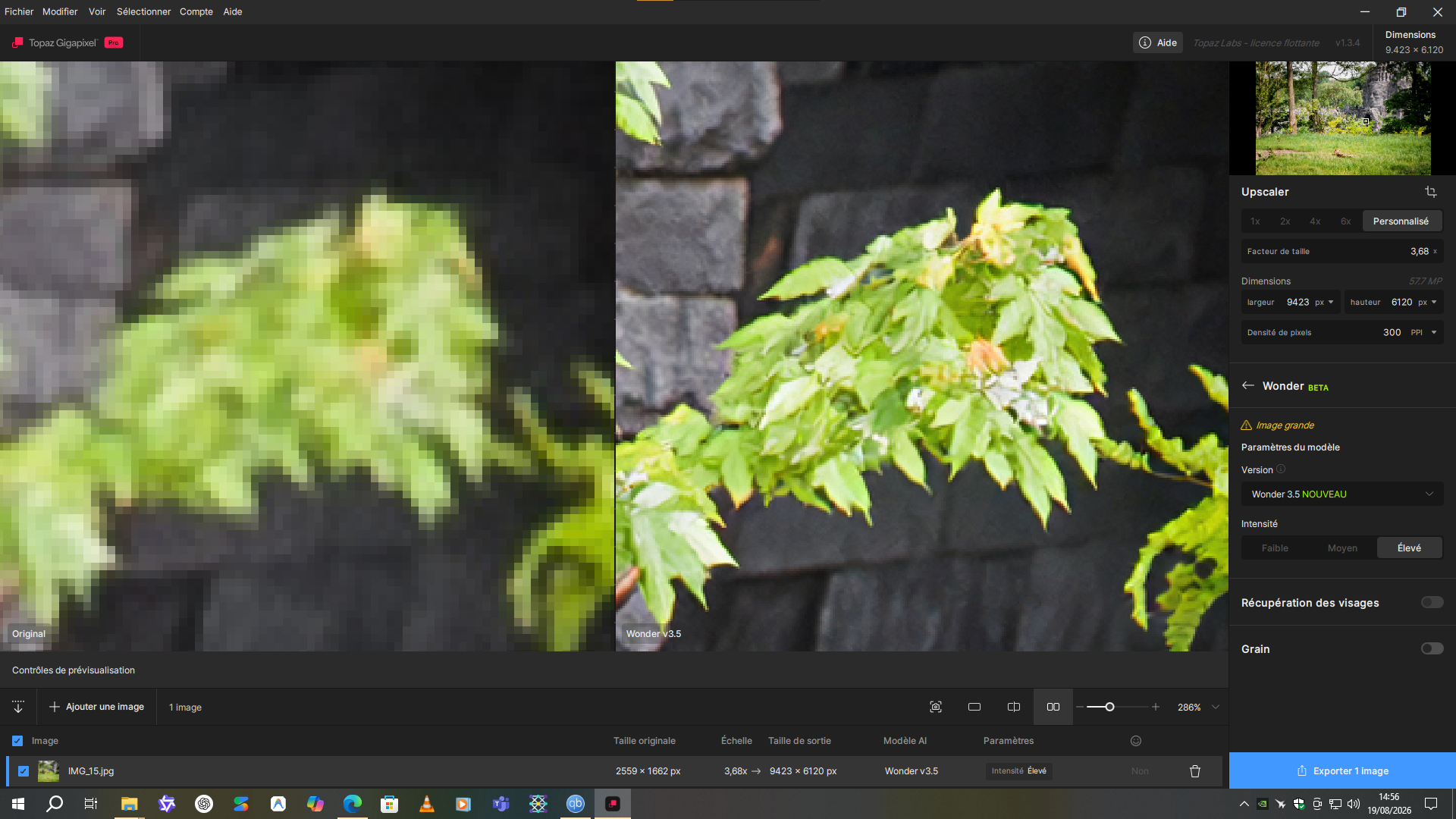
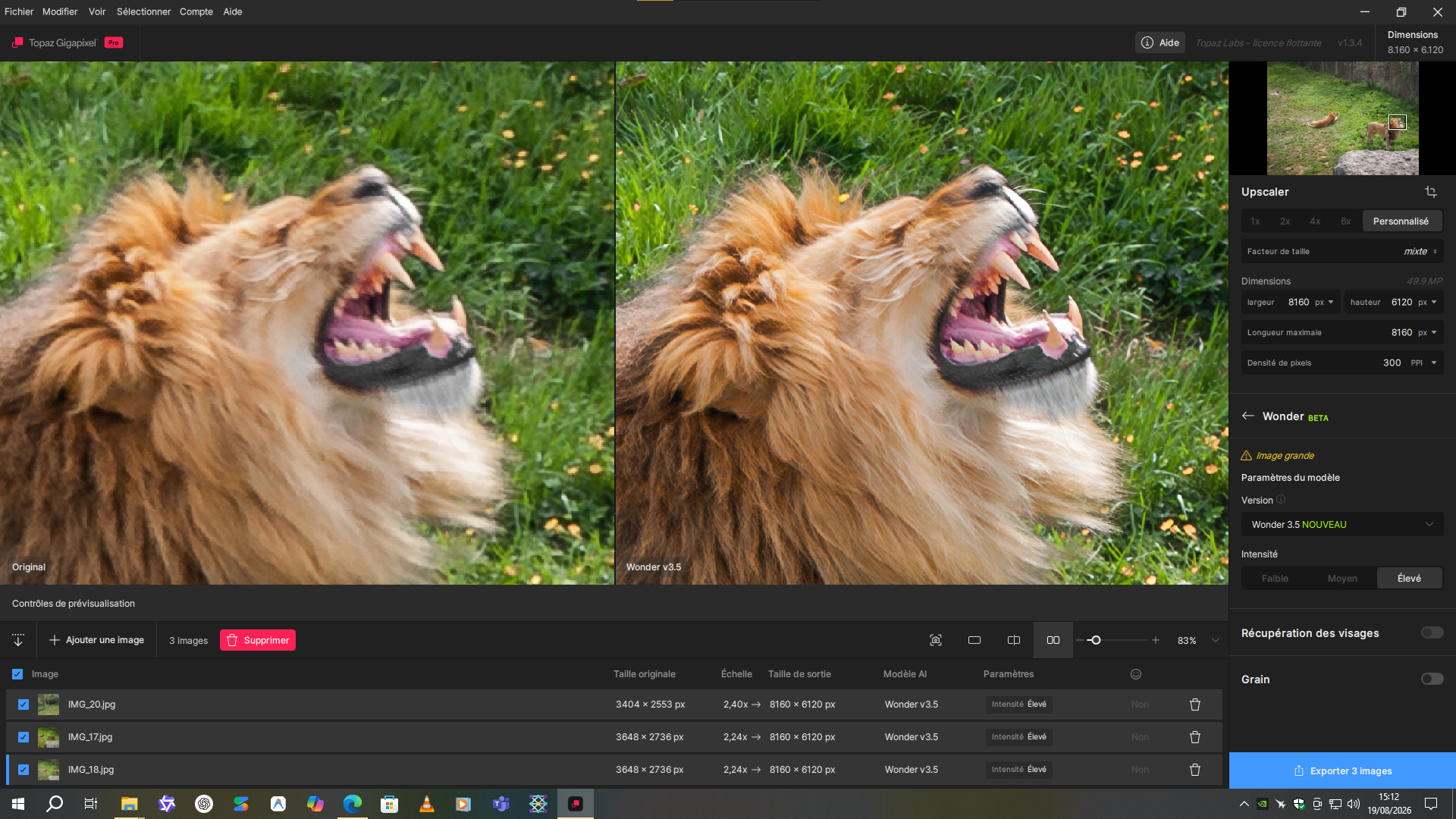

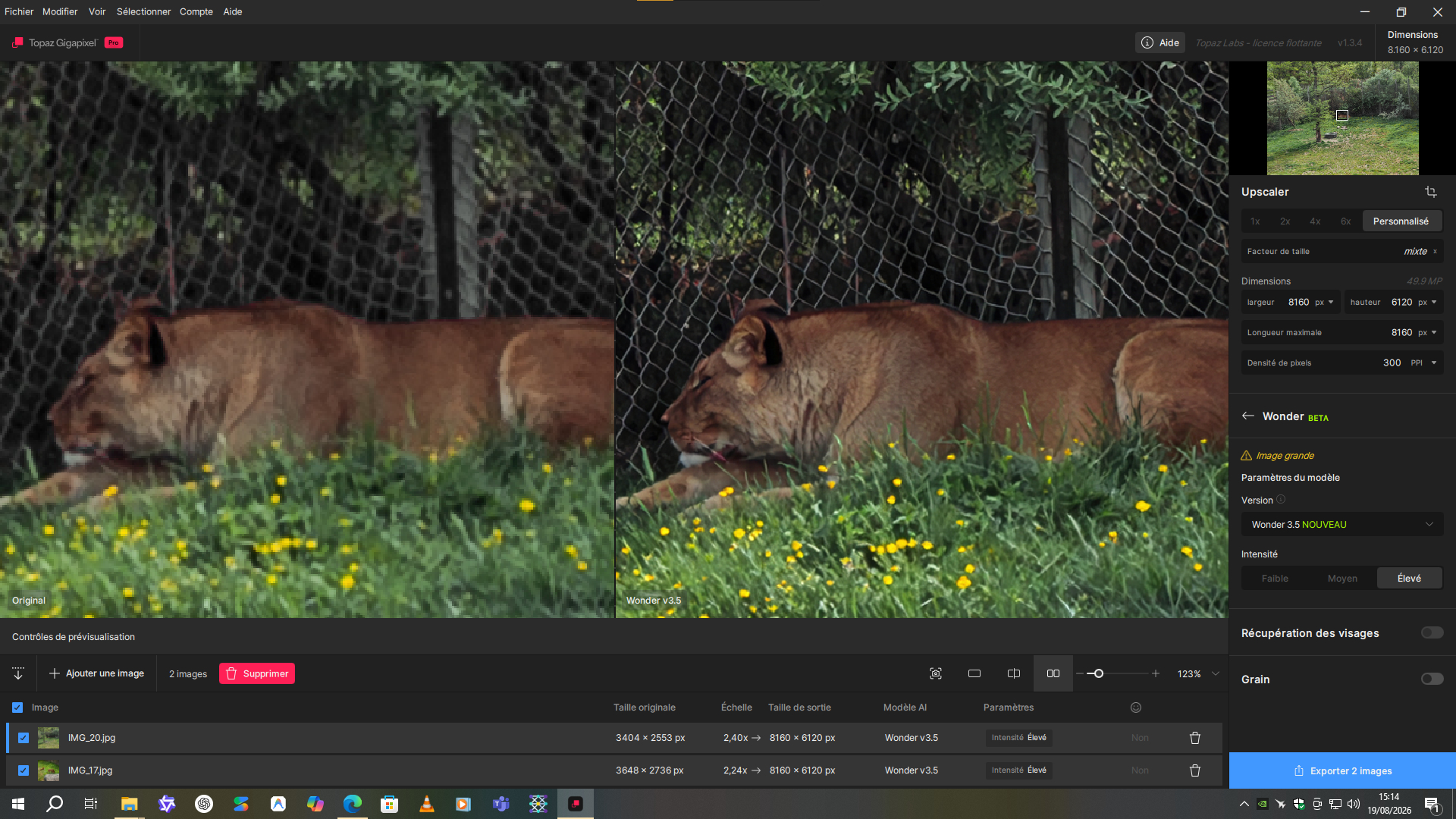
 . It’s done in one pass. It’s really clean
  . The Wonder 3.5 is a really great model.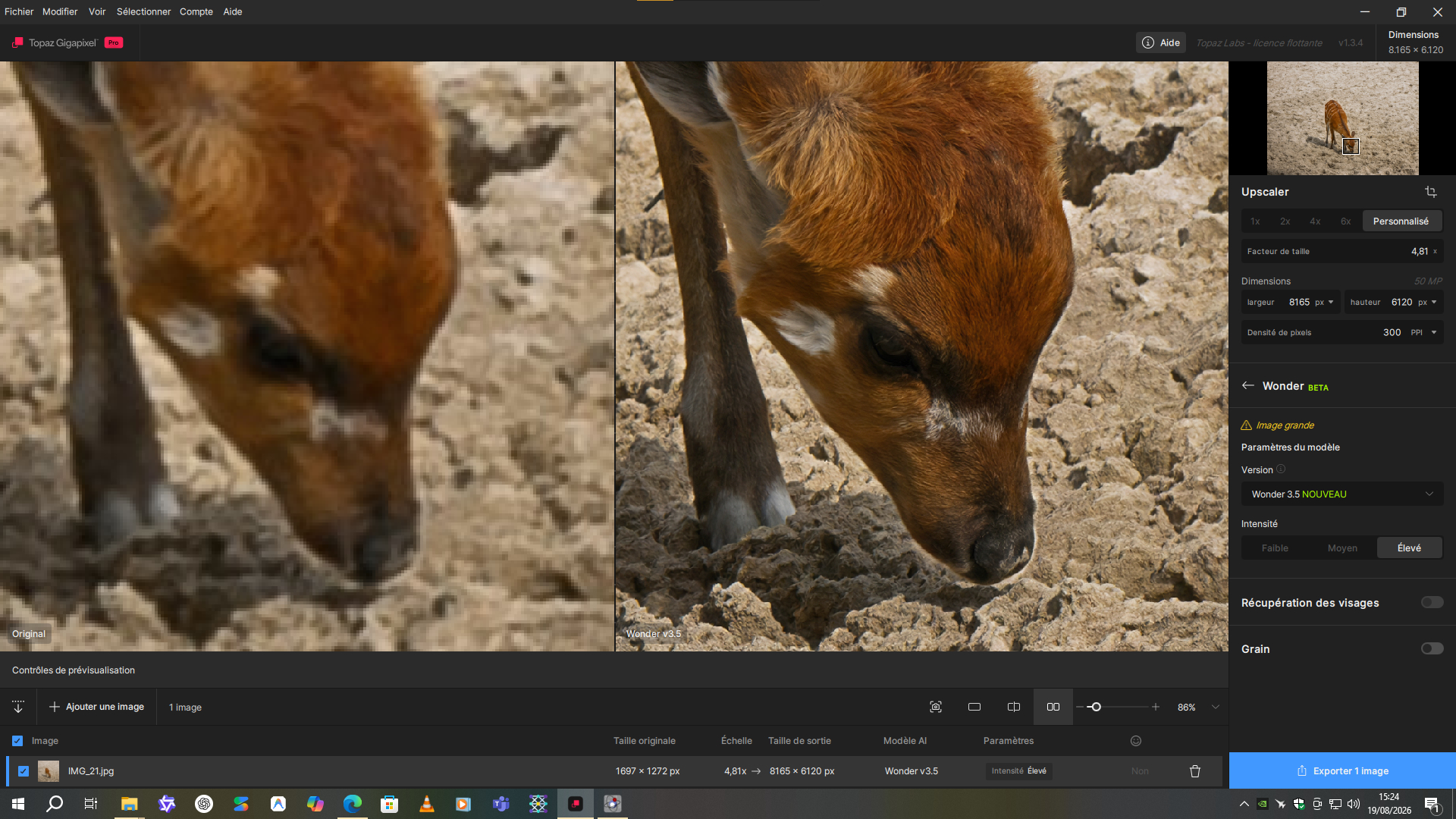
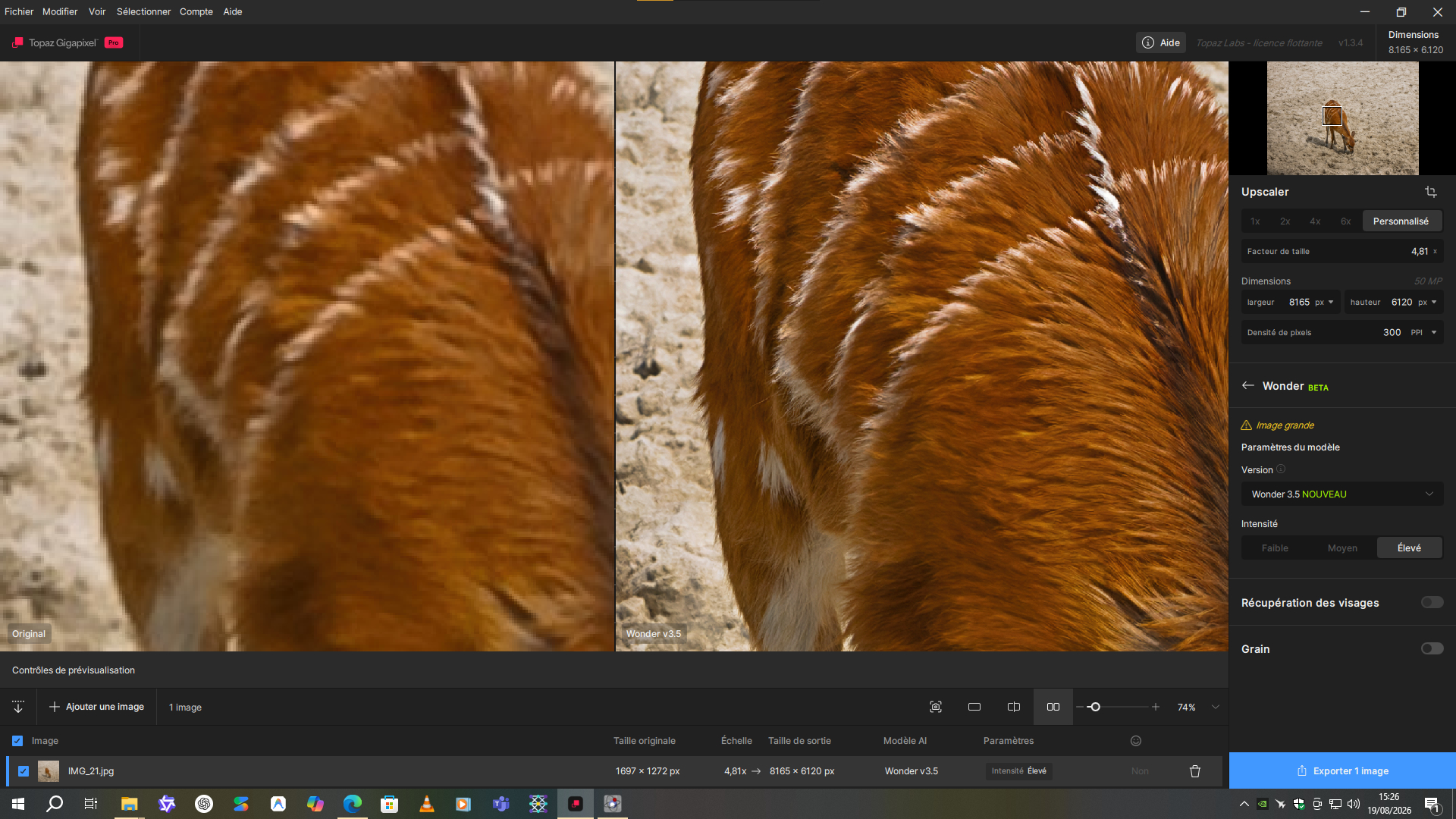
 .
. .
.


