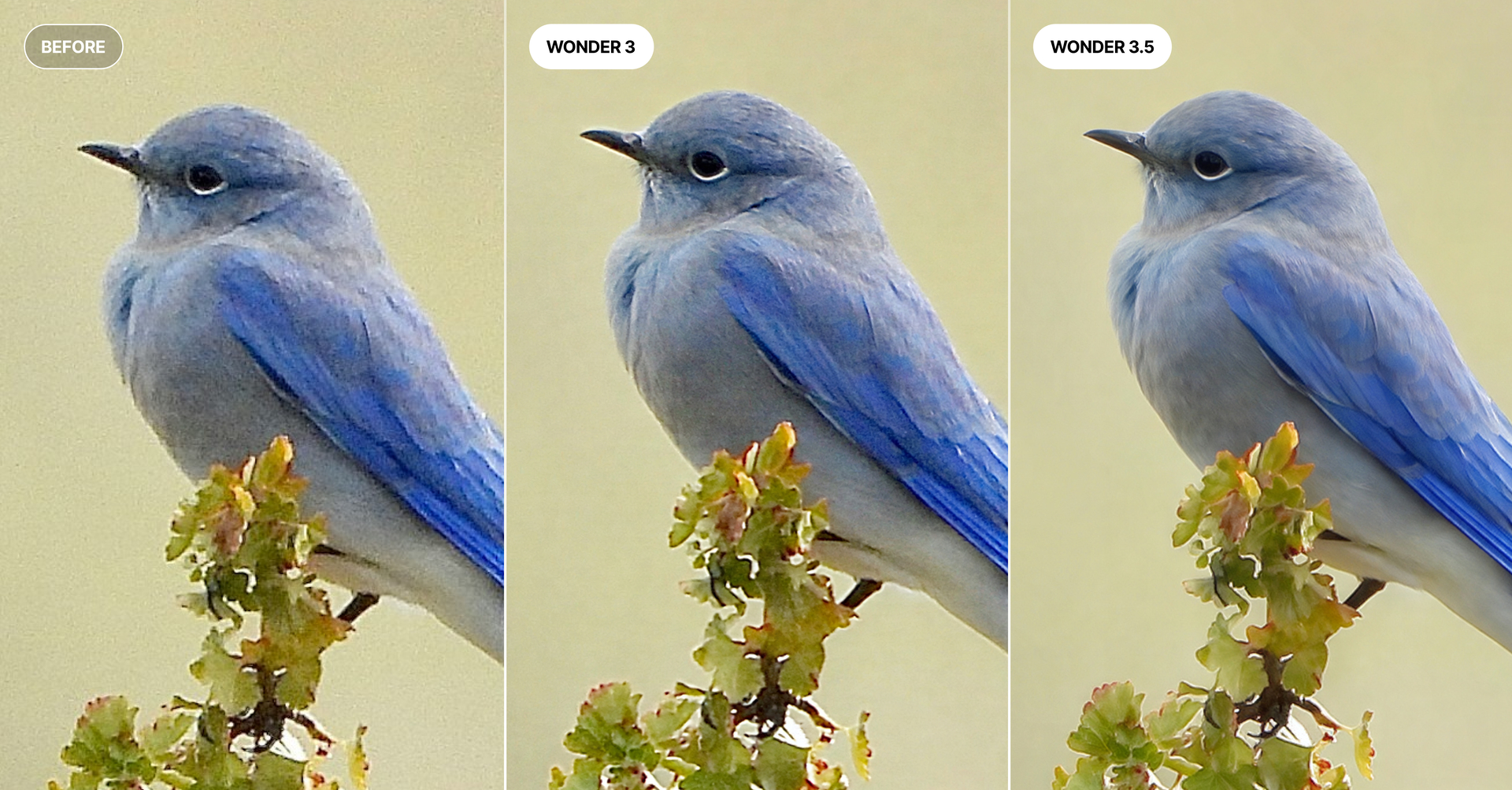
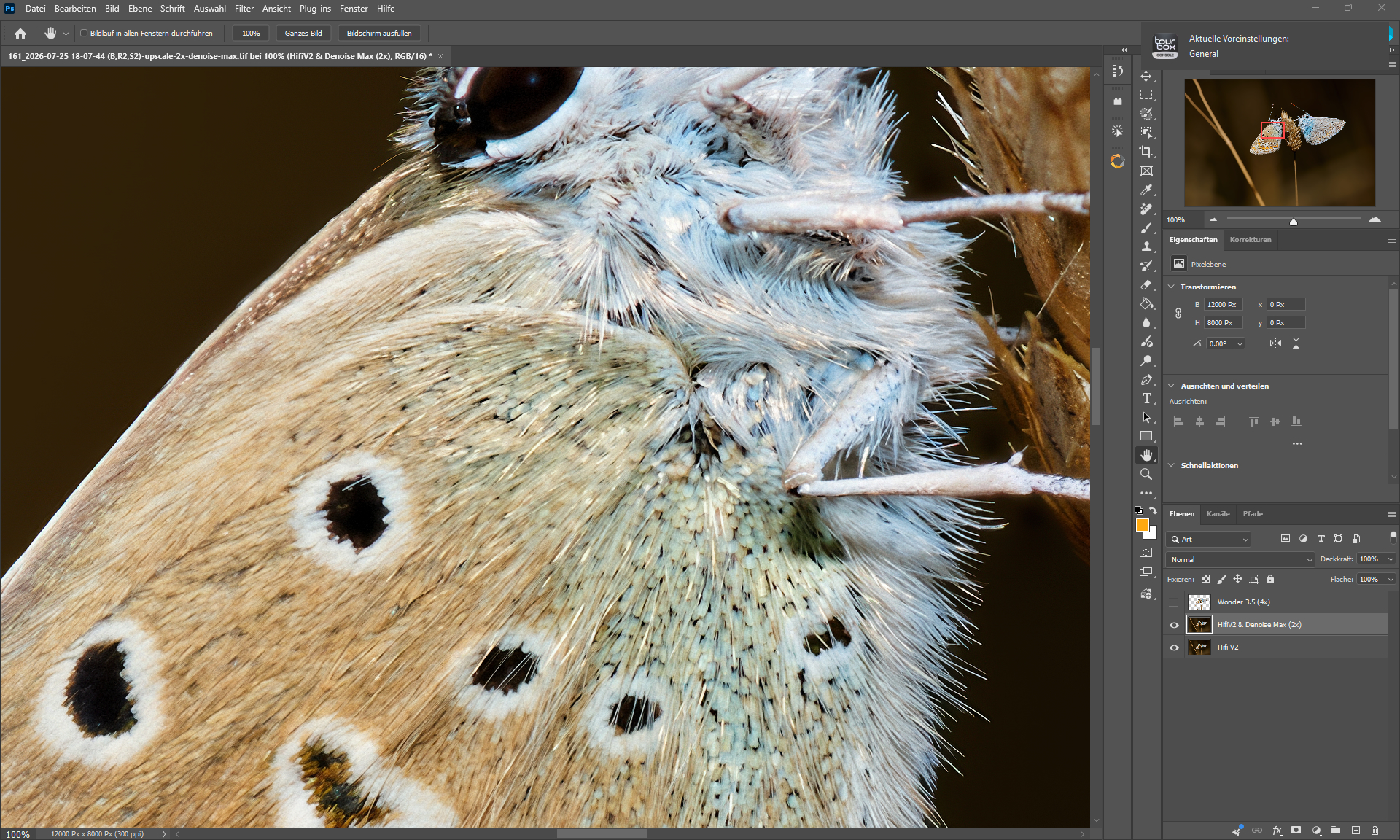
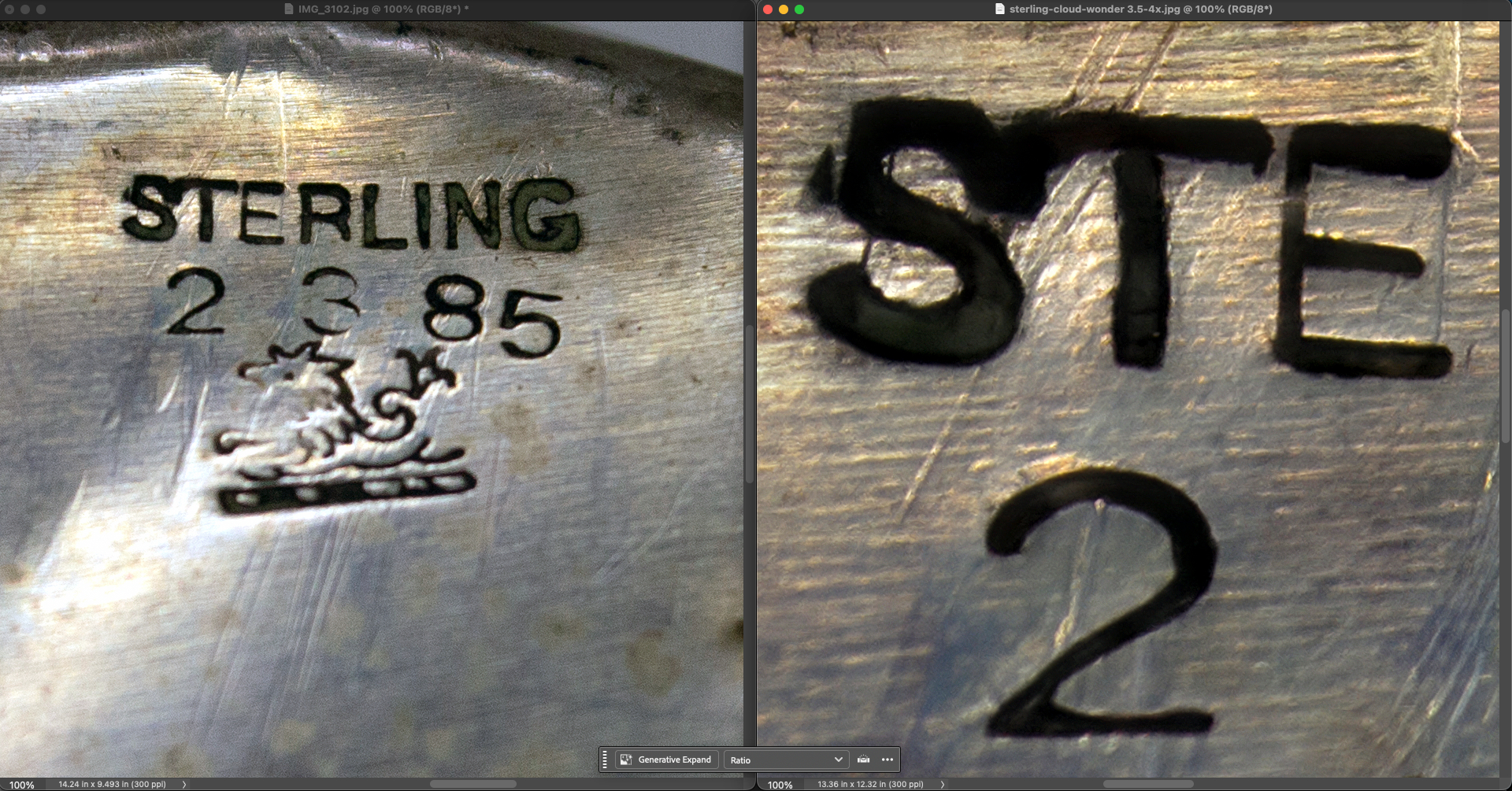
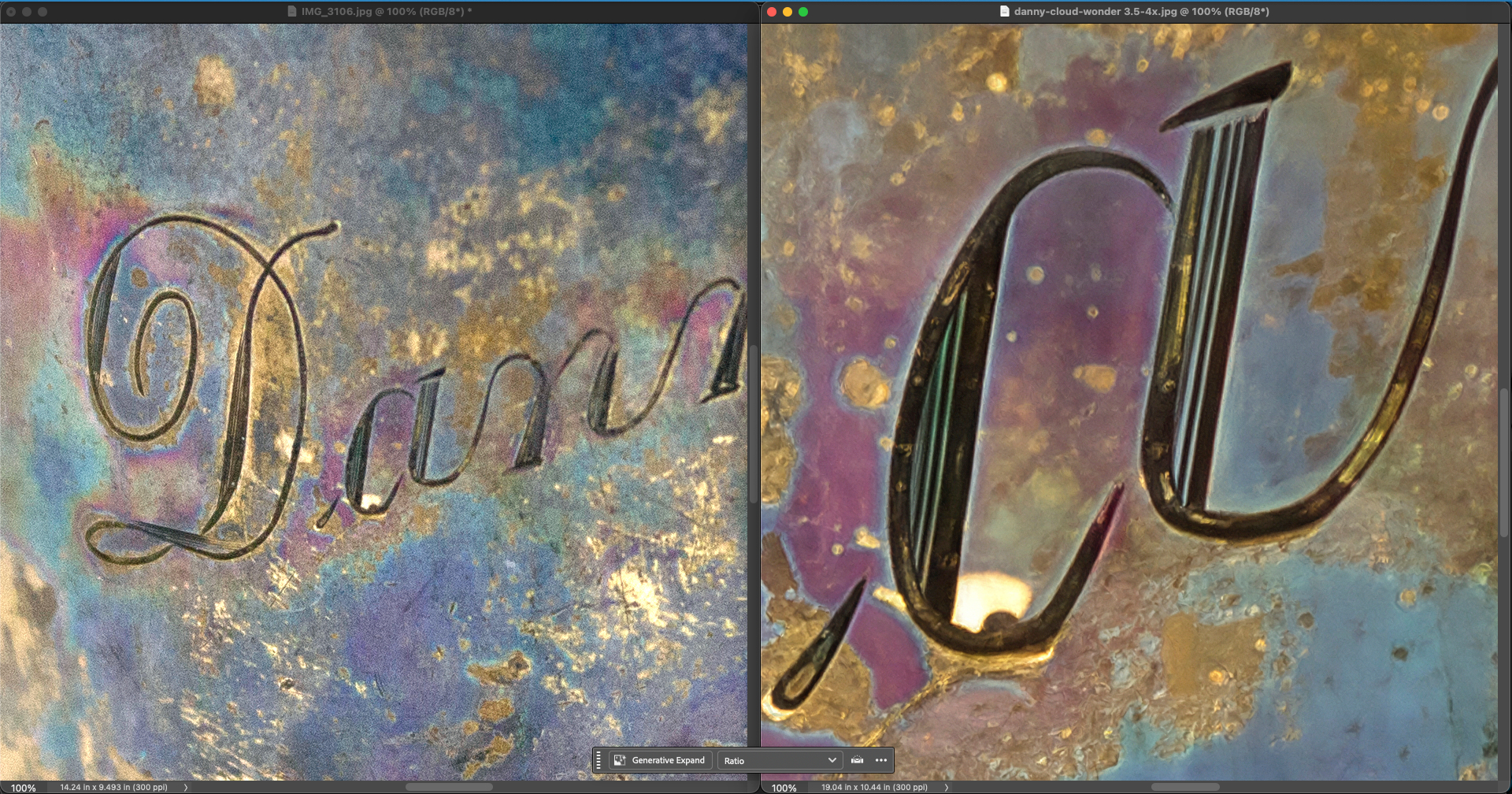
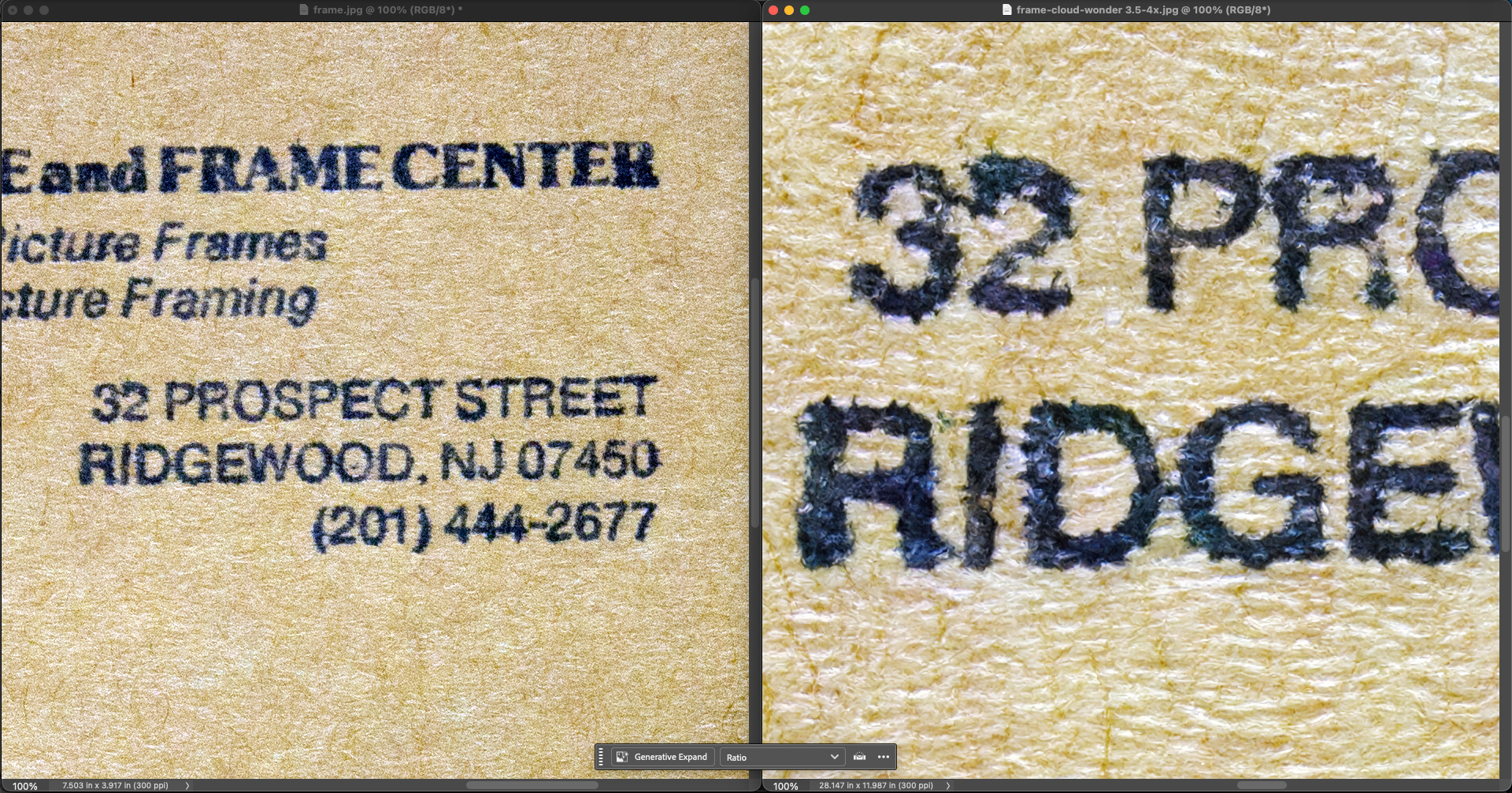
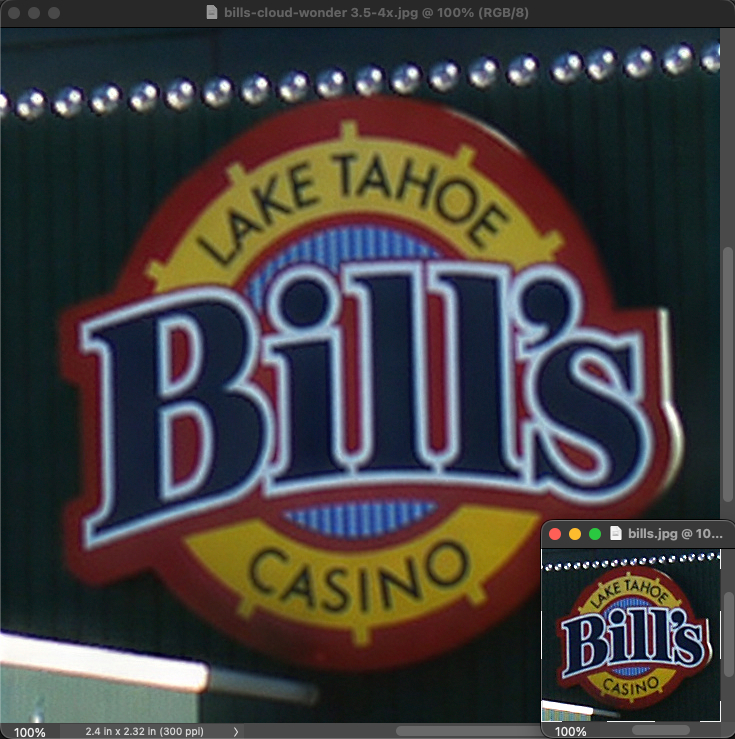
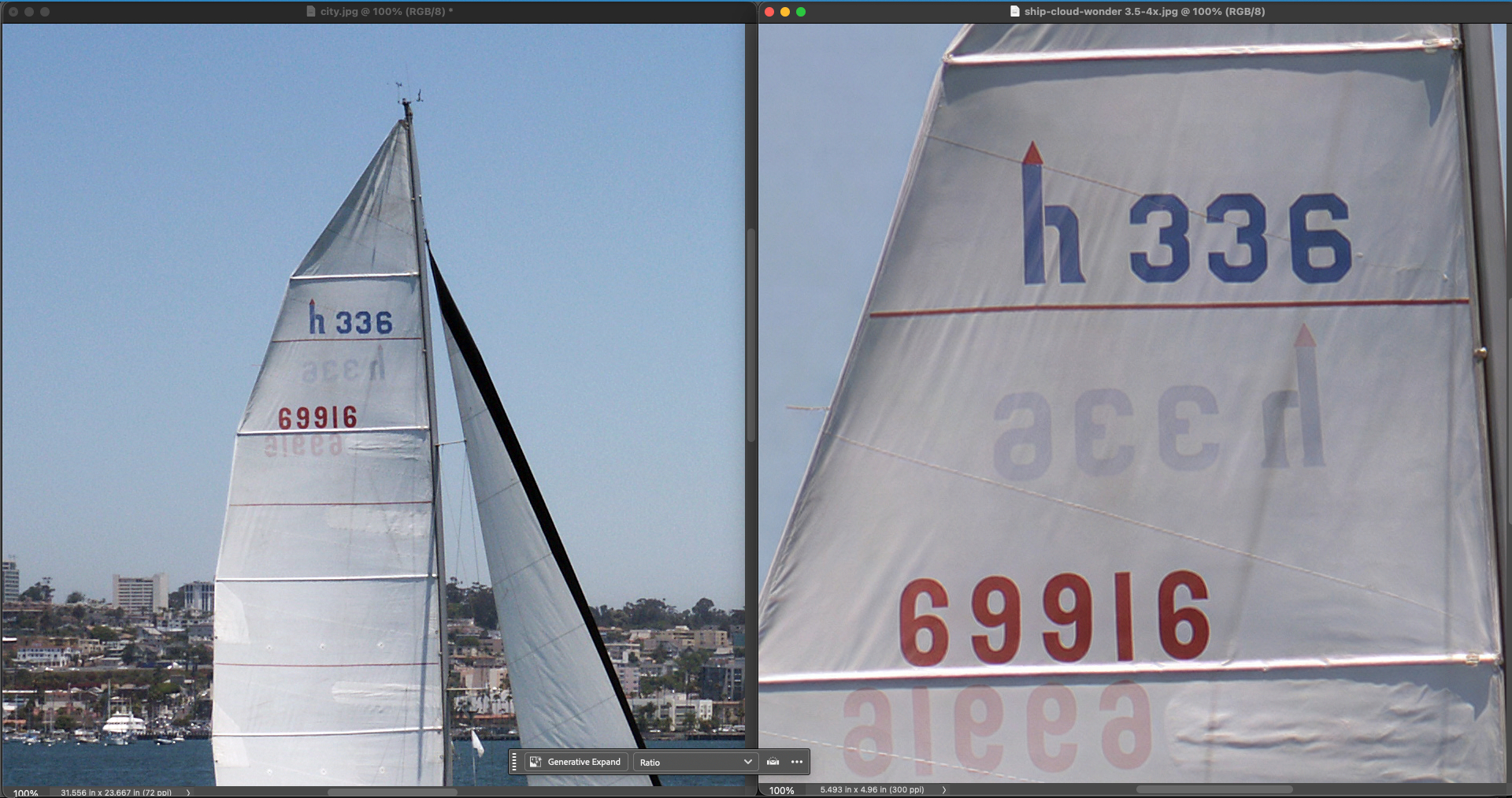
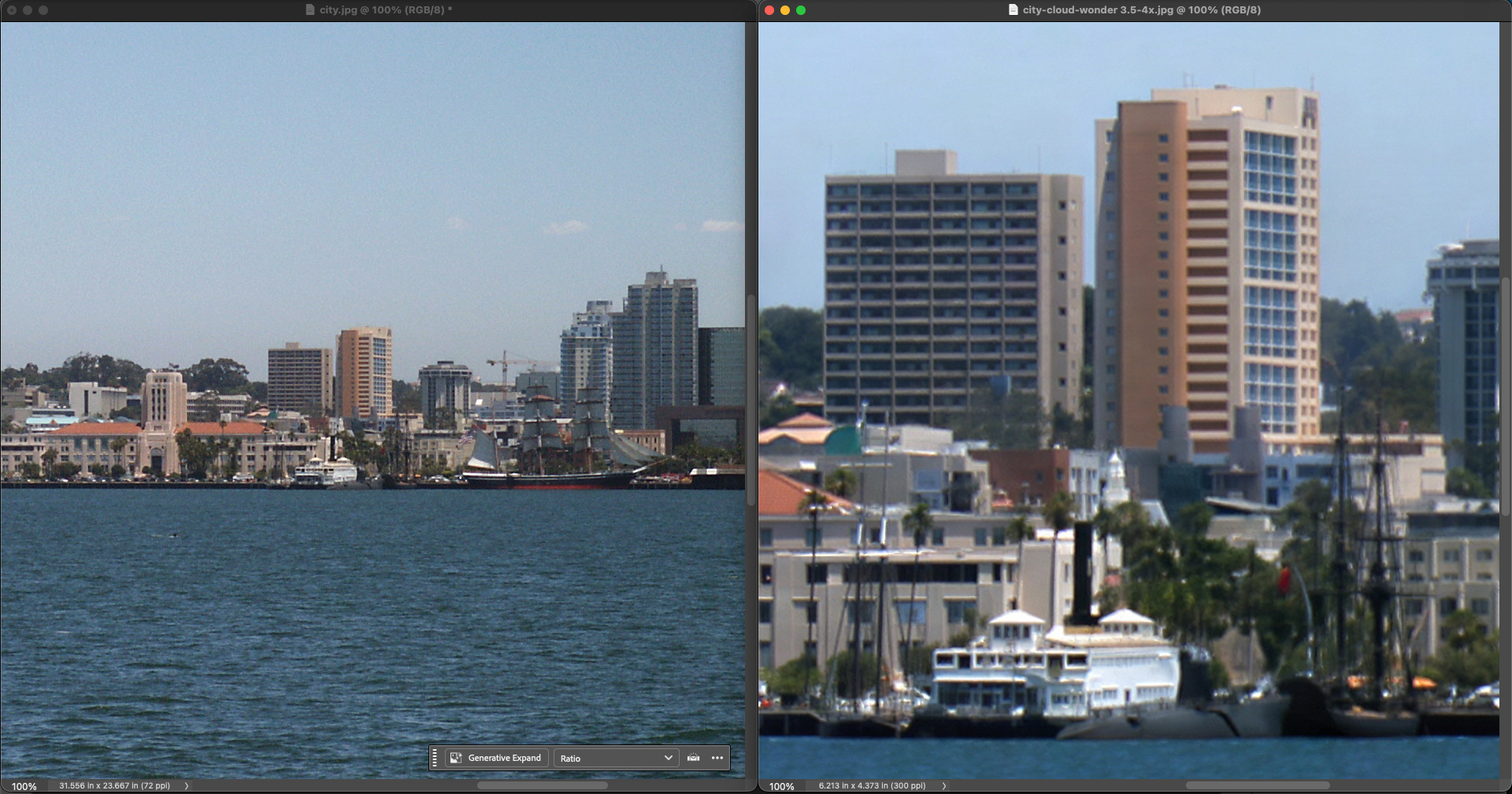
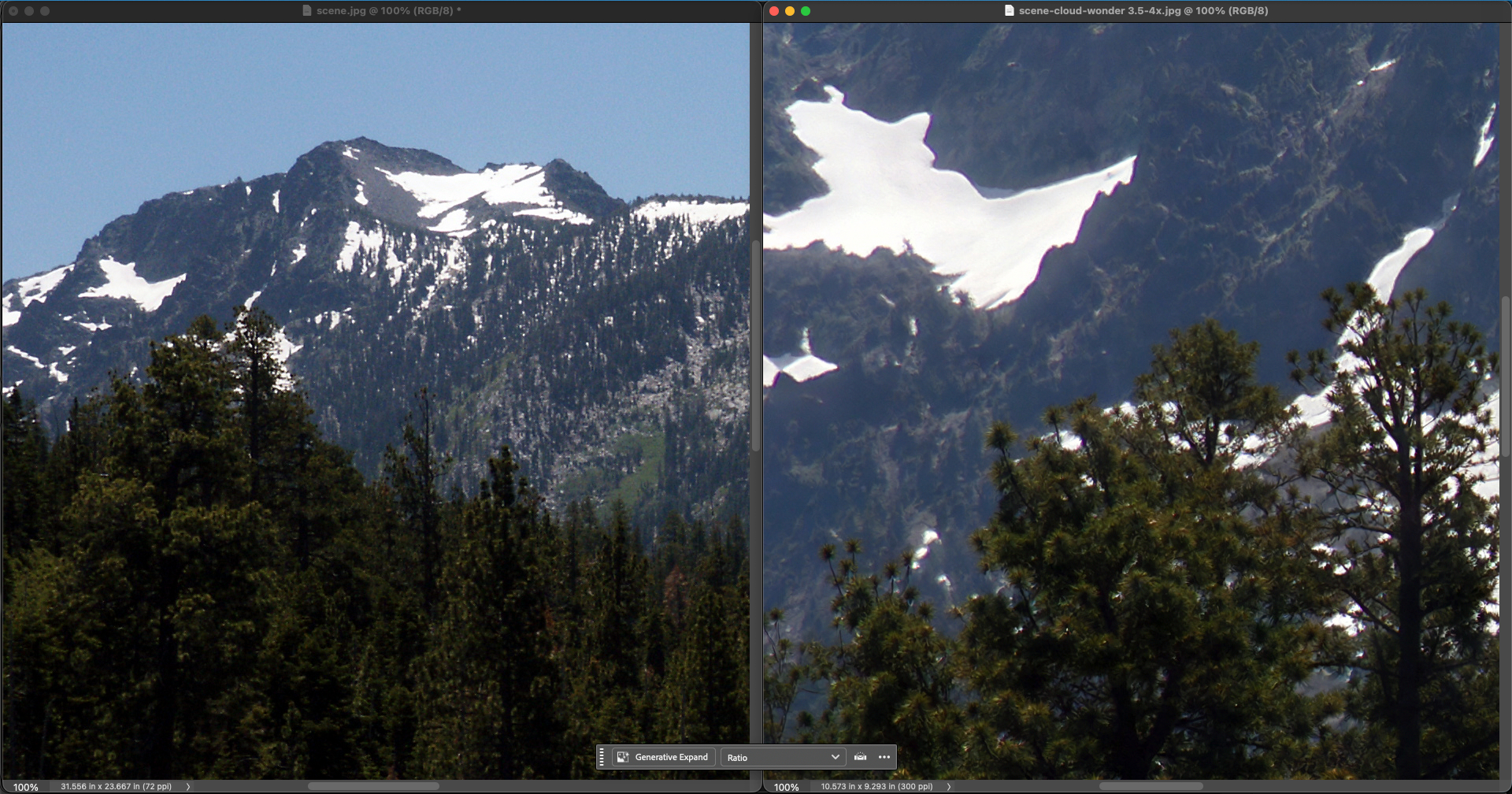
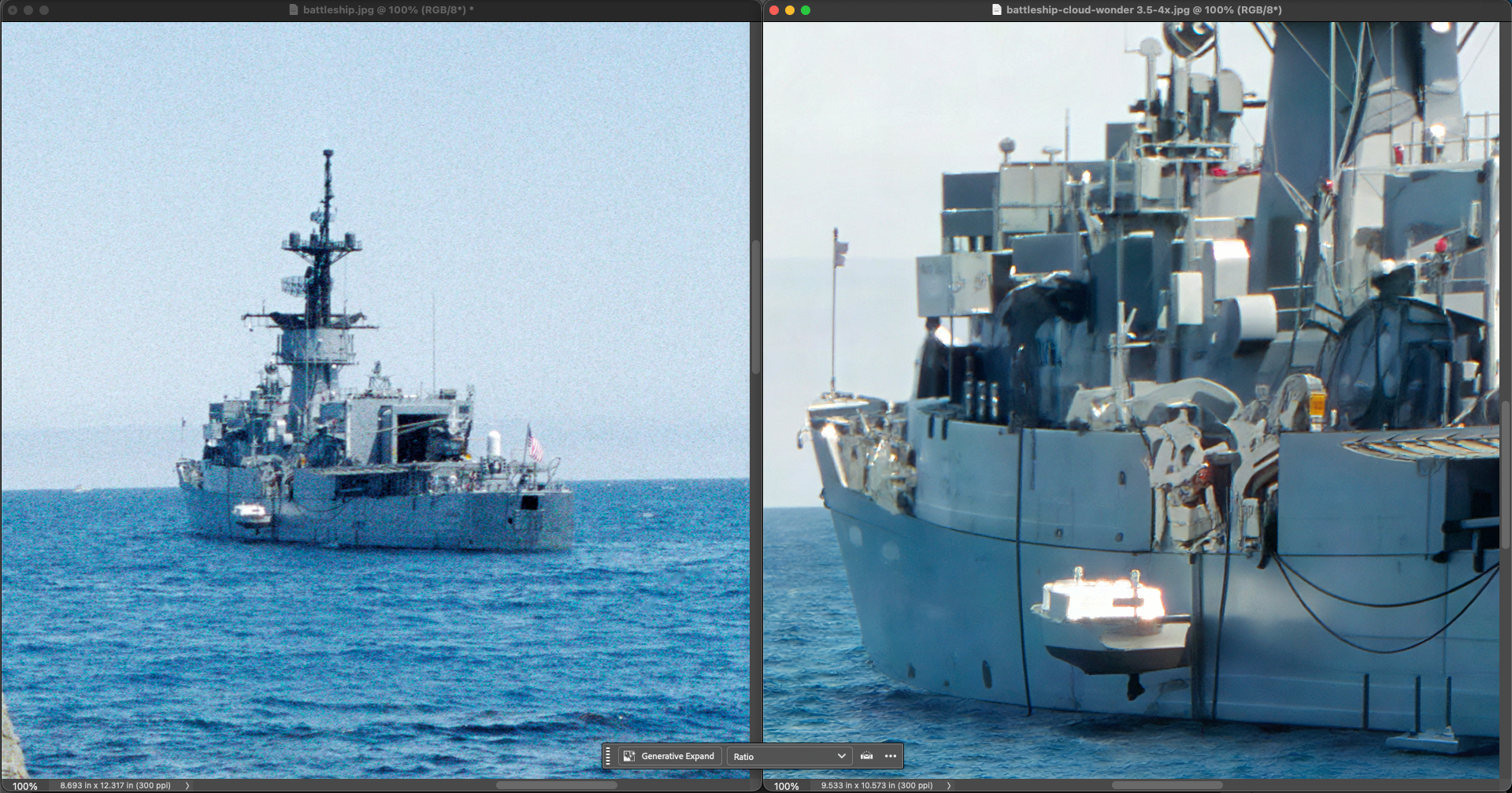
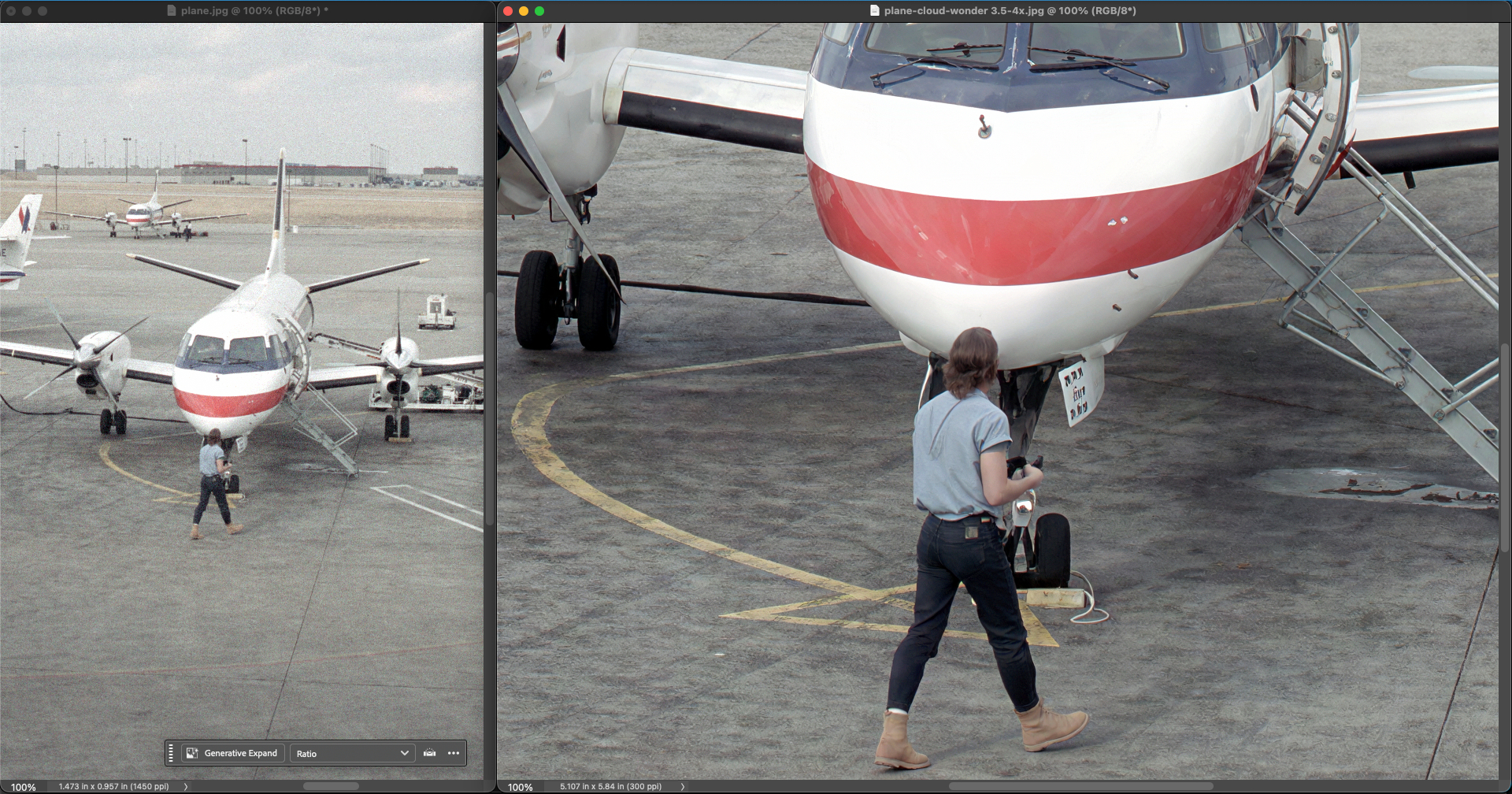
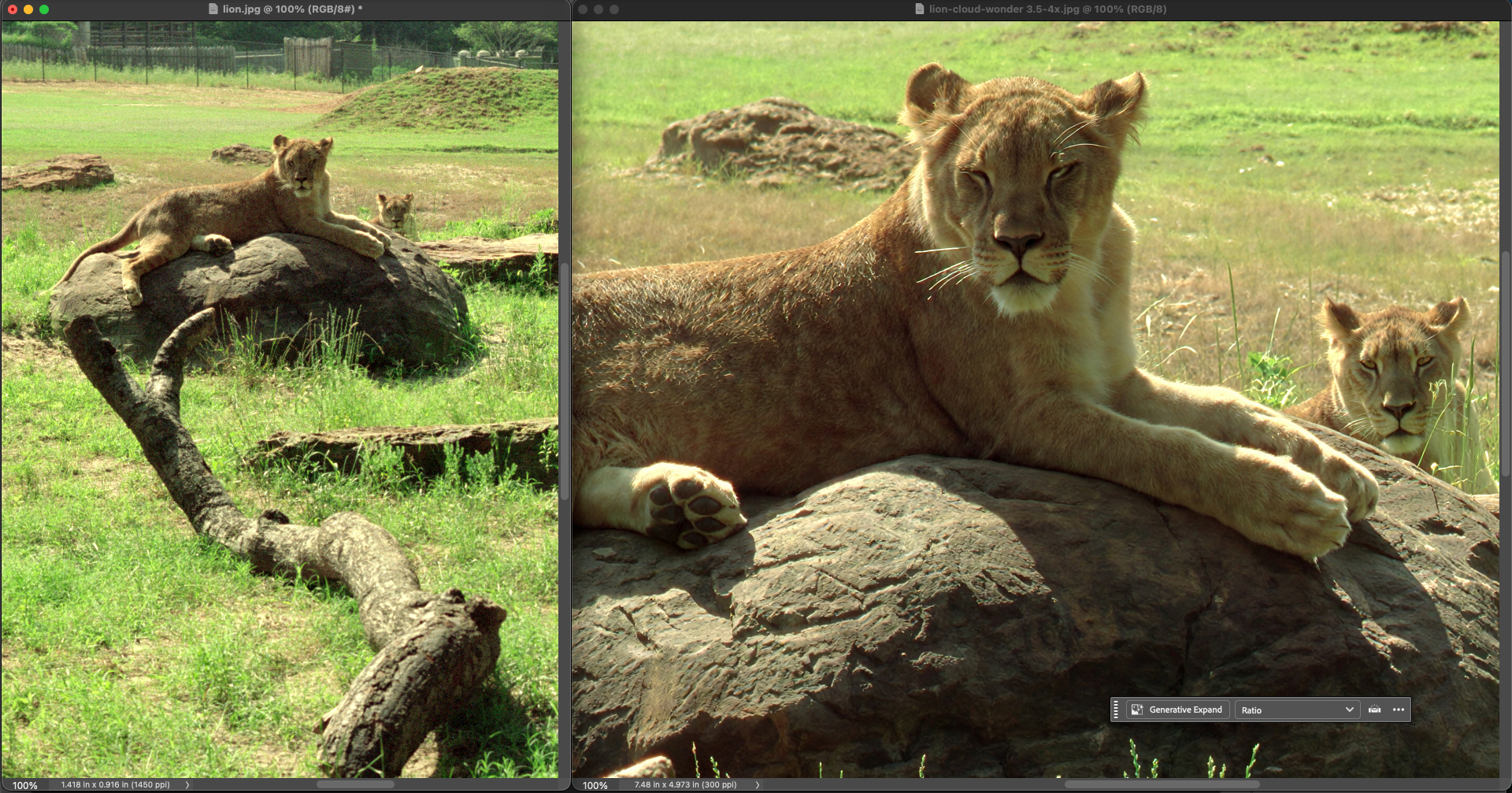
If you’ve been exploring our Wonder models, Version 3.5 is a straight upgrade — same tool, same speed, just better output.
Here’s what changed:
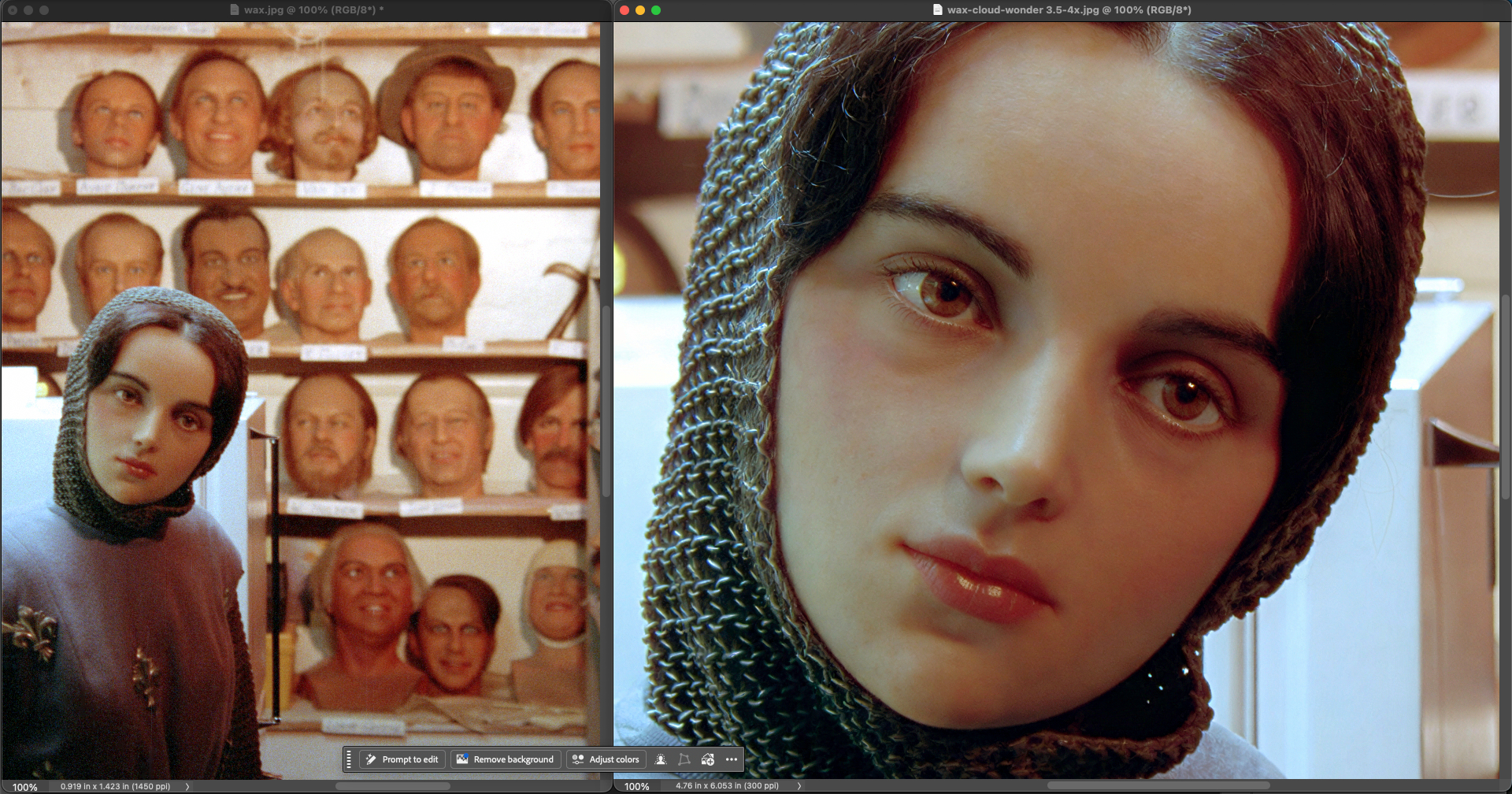
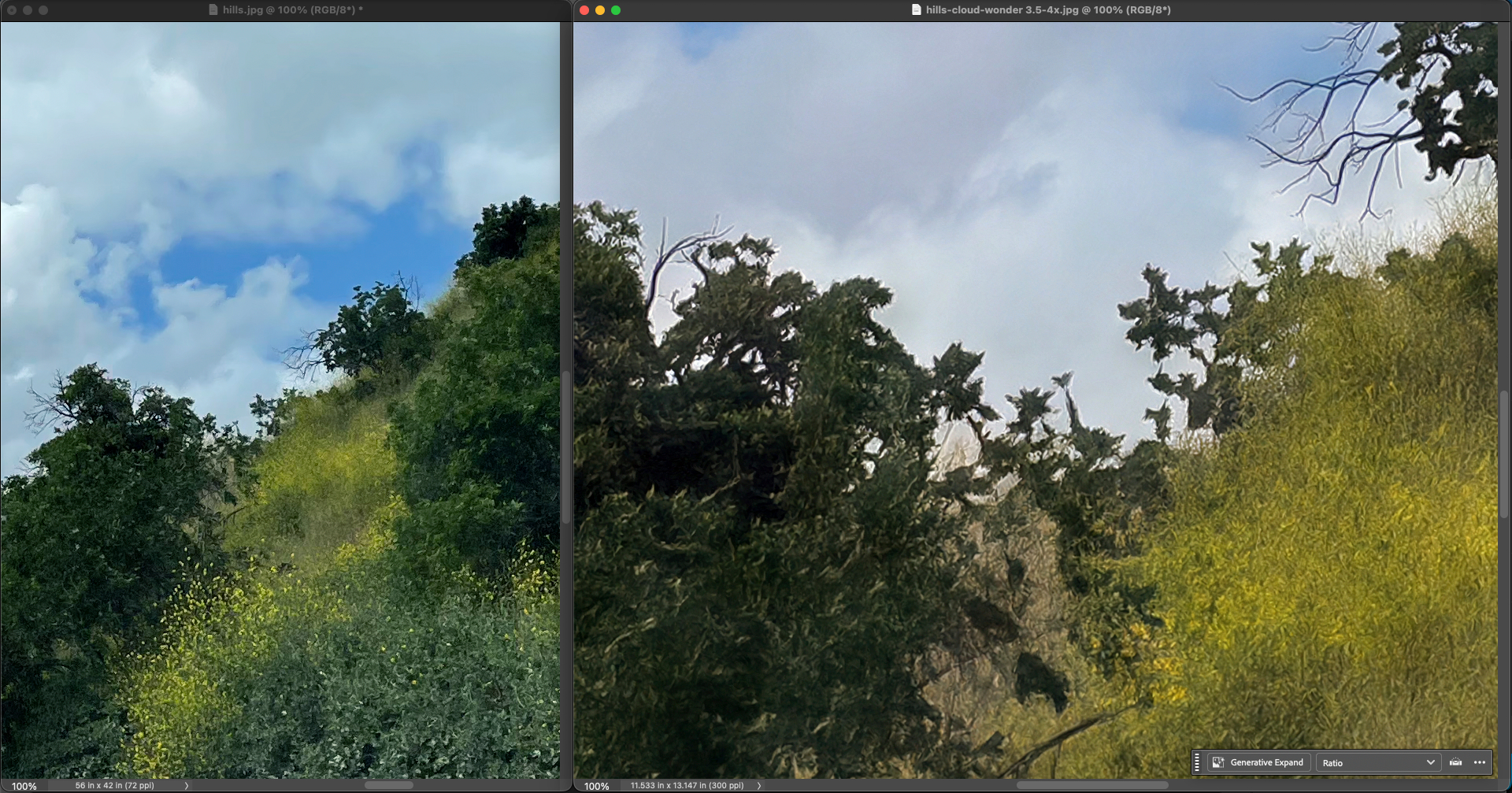
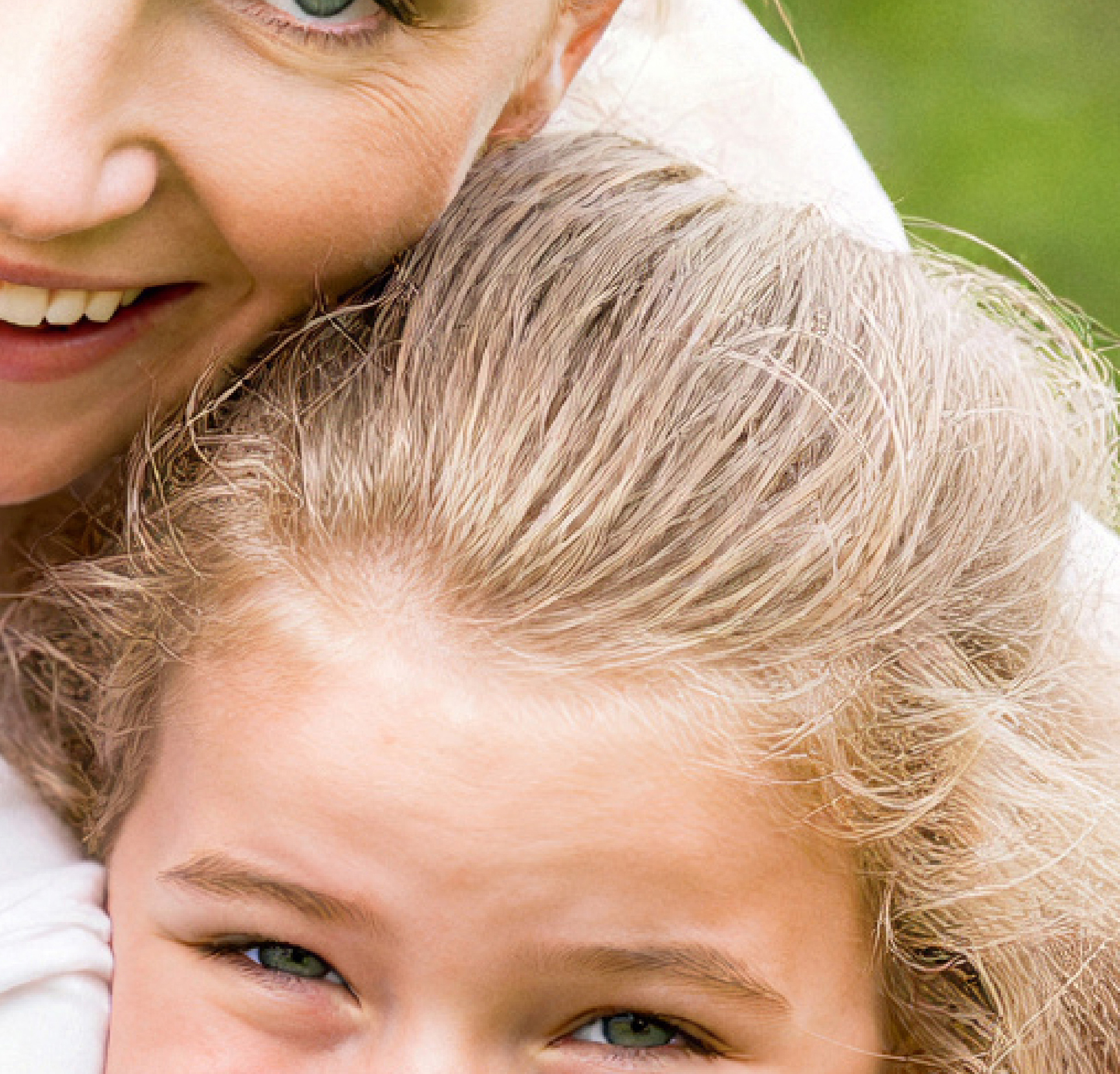
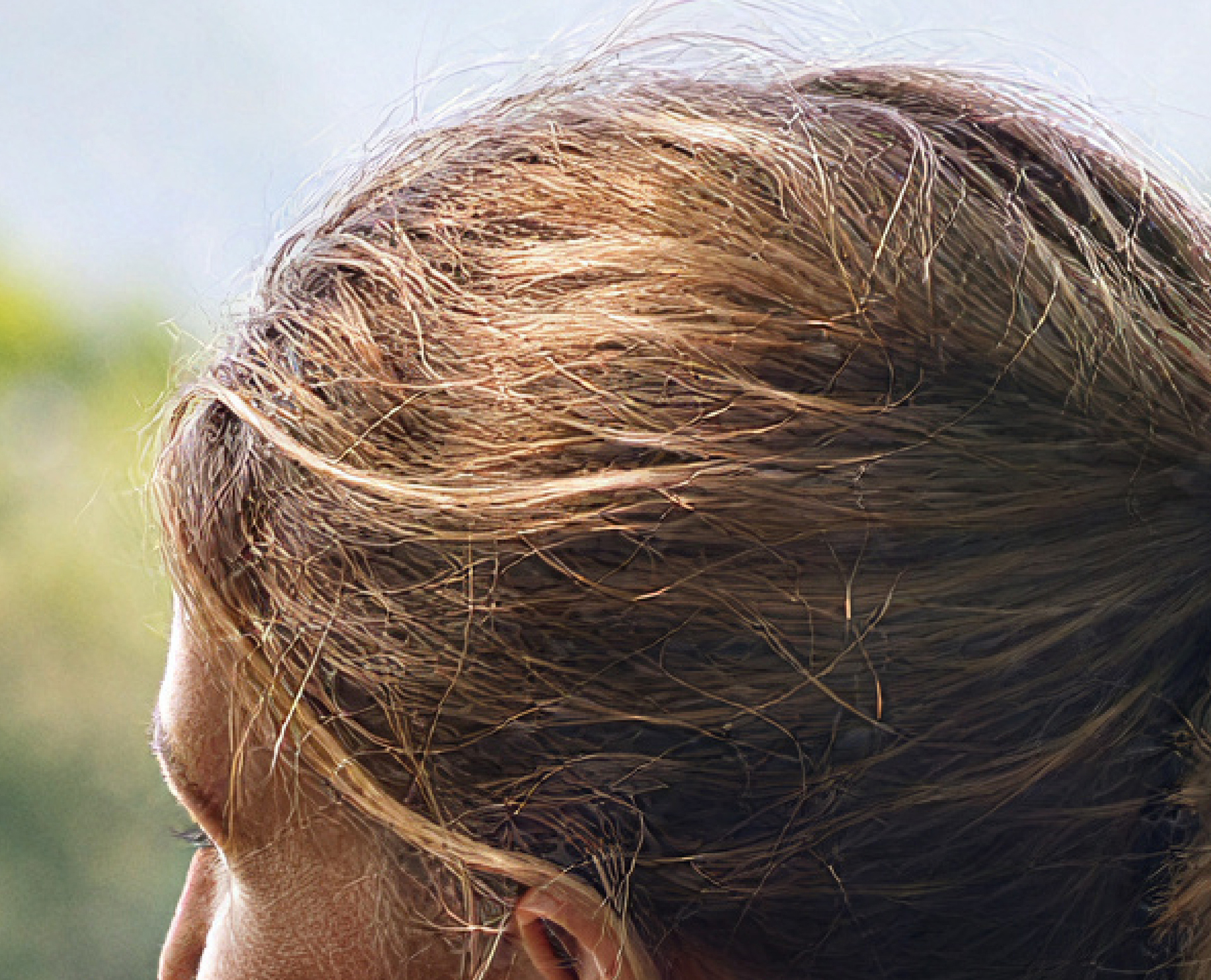
Images come out crisper with more genuine detail, and that repetitive/patterned look you’d occasionally get is much less common now. Noisy source images also get handled more gracefully.
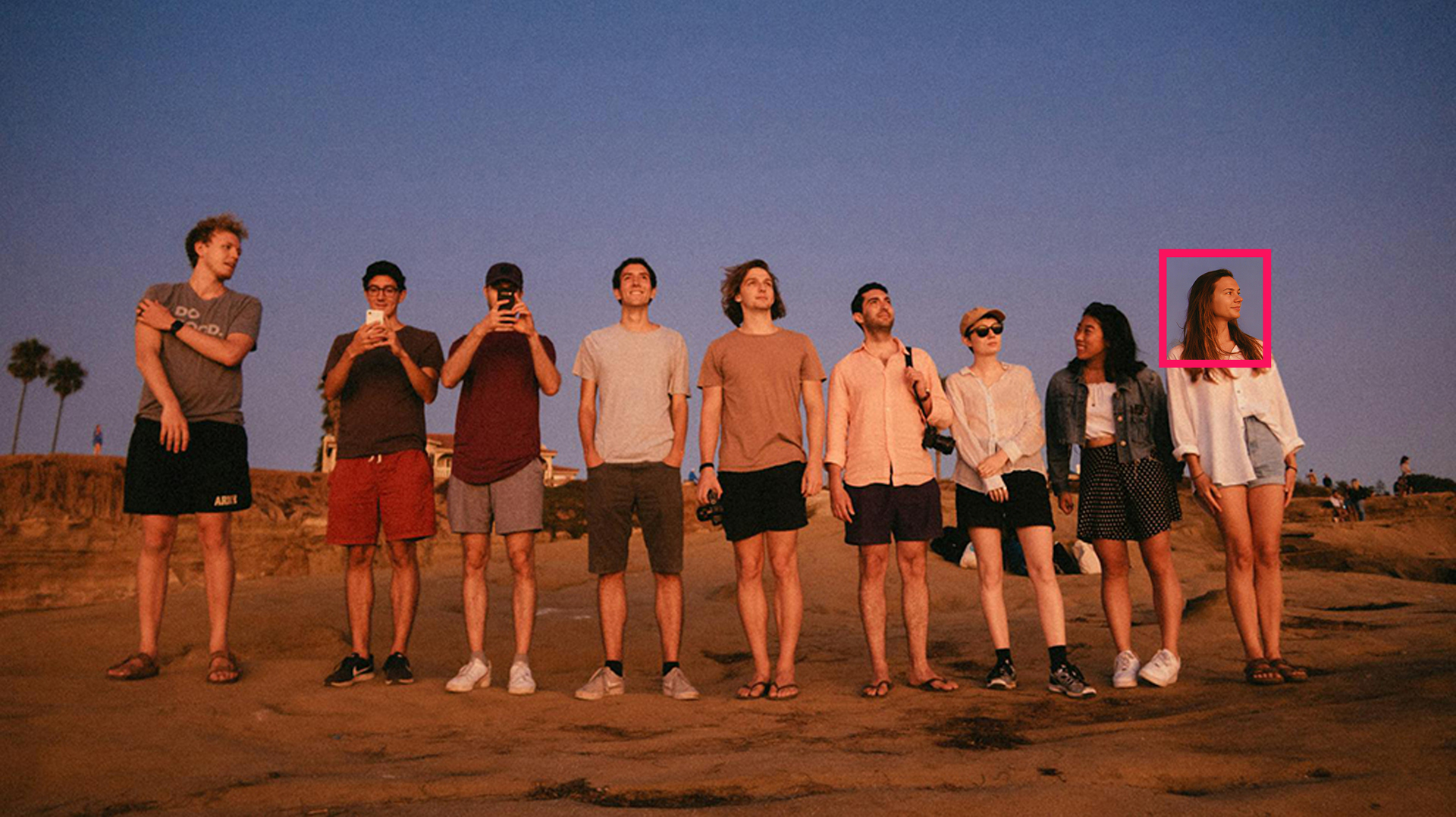
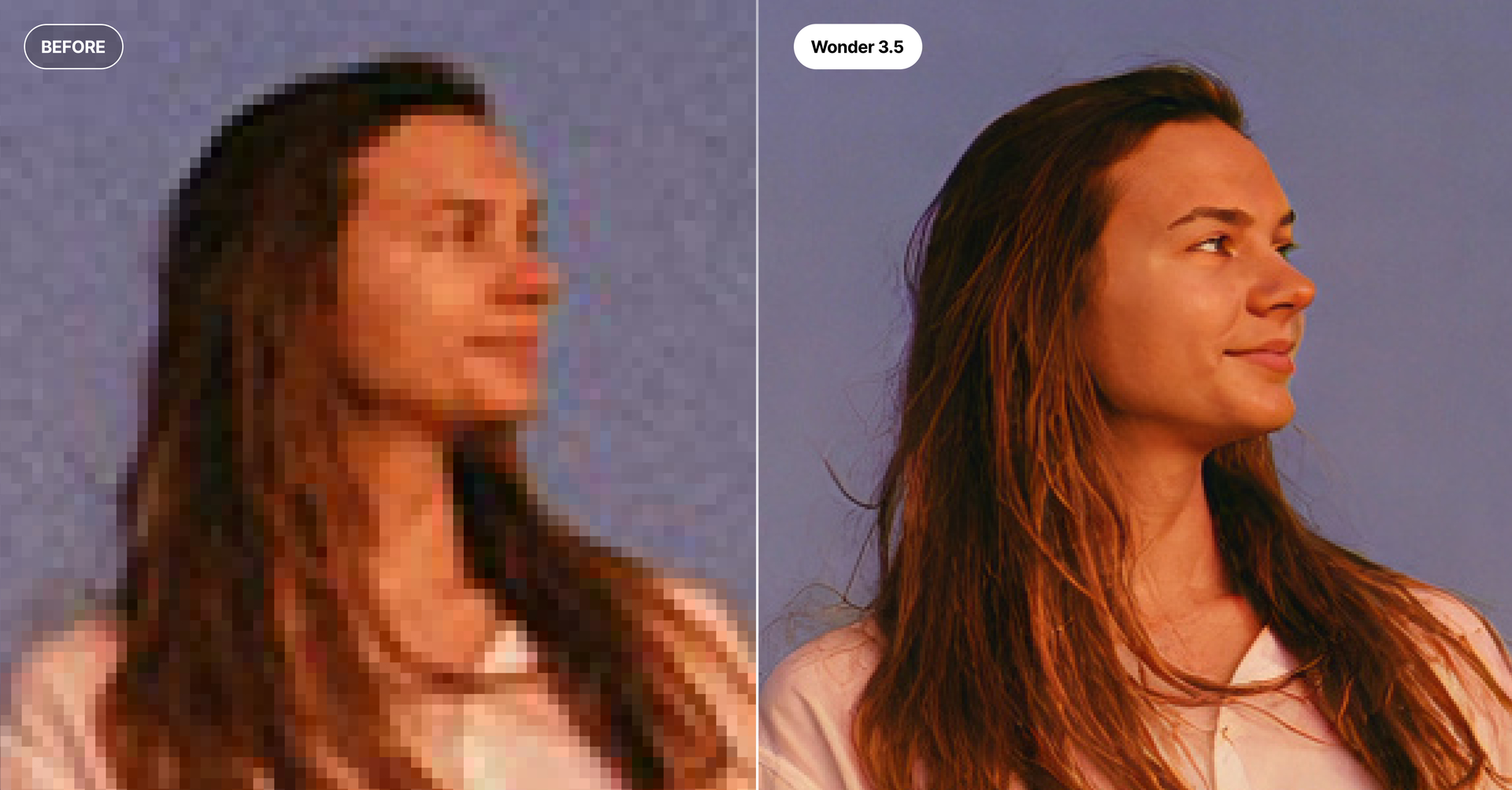
The real difference shows up when you’re working with rough source material — think low-res or heavily compressed photos. 3.5 pushes harder to recover real detail and legible text from images that used to be tough cases. Tables, charts, and other structured content also come out sharper and more accurate than before.
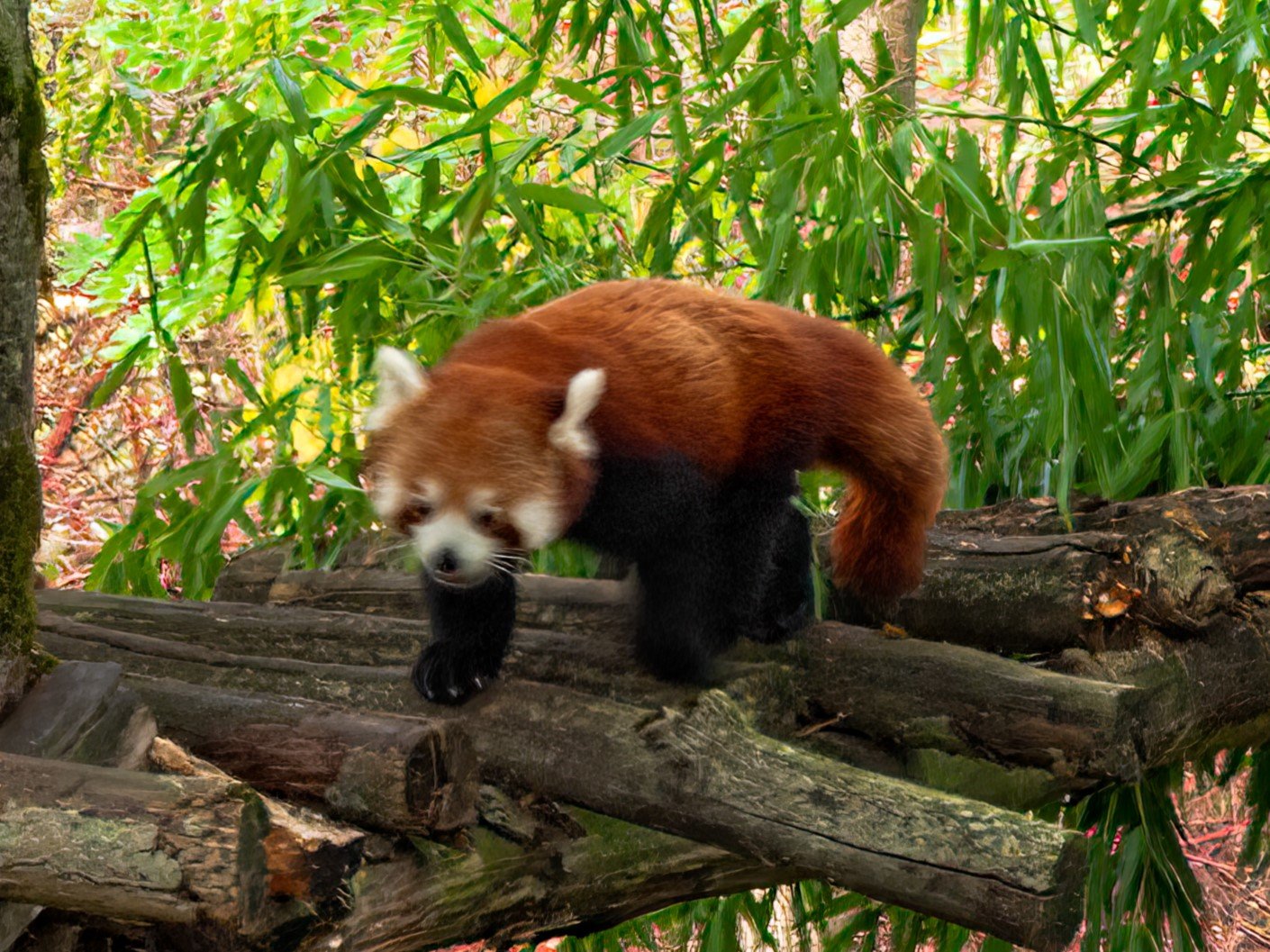
Everything else you already do well — portraits, landscapes, wildlife, tricky textures — still holds up just as strong.
No new settings to learn, no speed penalty. It’s a drop-in replacement that just performs better.
We would love to see your before and afters using this newest version. Share your results and let us know how we can keep making this model better.
Topaz Labs Watermark Available
Inside this update, we’ve now included the option to include the Topaz Labs watermark on your enhanced images. You can toggle on/off this setting in the Preferences menu under Settings → Export. By default this toggle is off.
Changelog:
Added Wonder 3.5 which supports local and cloud
Added ability to watermark images in export preferences (default off)
Added support for adding and updating provenance metadata tags
Fixed font display issue when app font was already installed as a different version
The new model is very similar to Wonder 3 but with greater detail, especially in skin textures. In some photos, the difference is significant, while in others it’s hard to spot any differences. Wonder 3 was a very good model in most cases. Great update!
Edit: I successfully processed a 439MP image, and the result wasn’t bad, although it’s clear the model isn’t designed for this but I didn’t notice any loss of consistency across the different areas of the image.
For your iPhone photo, did you shoot in JPEG or DNG? I always shoot in DNG. After editing in Lightroom, I run it through Wonder 3 and it works really well. Then I do a few more passes with other models to refine it even further. With this new update, I can’t wait to see the results. But I don’t have any more photos to edit right now, hahaha.
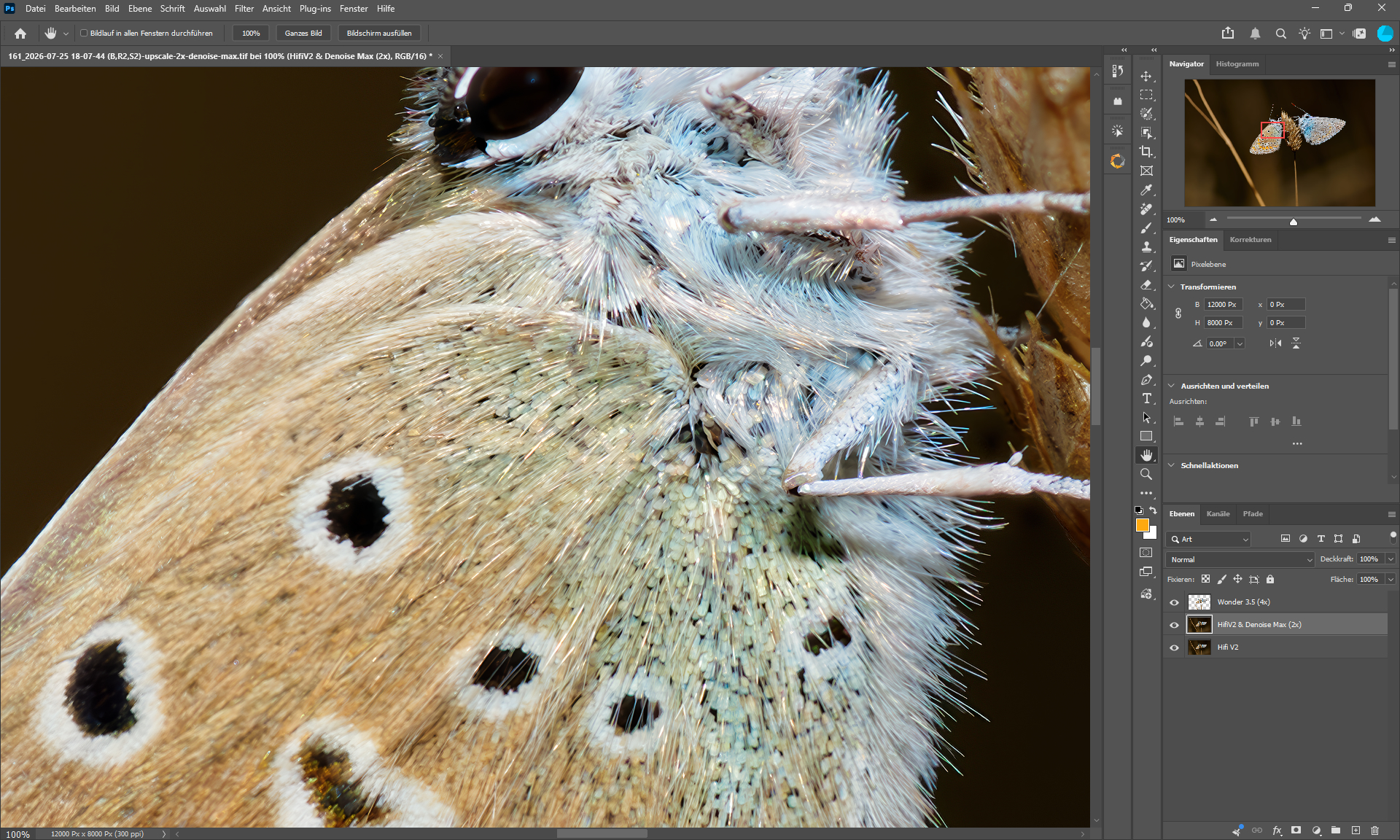
Well, the best I could do was first to do a pass with a high Wonder 3 without scaling and then, from the result obtained, to do another pass with a high Wonder 3.5 with a scaling factor of 4.
The result isn’t too bad. But anyway, for this example, you’ll need to do further passes with, for example, Recover V2 and Subtle Realistic Redefine with prompt to get something really clean.
Wonder 3.5 is better than Wonder 3 in every way, and I haven’t noticed any regression after testing it on dozens of different photos.
I think you should start thinking about removing some models. I don’t think many people use Wonder 1, for example. With Wonder 2 and Wonder 3.5, we have everything the Wonder models have to offer.