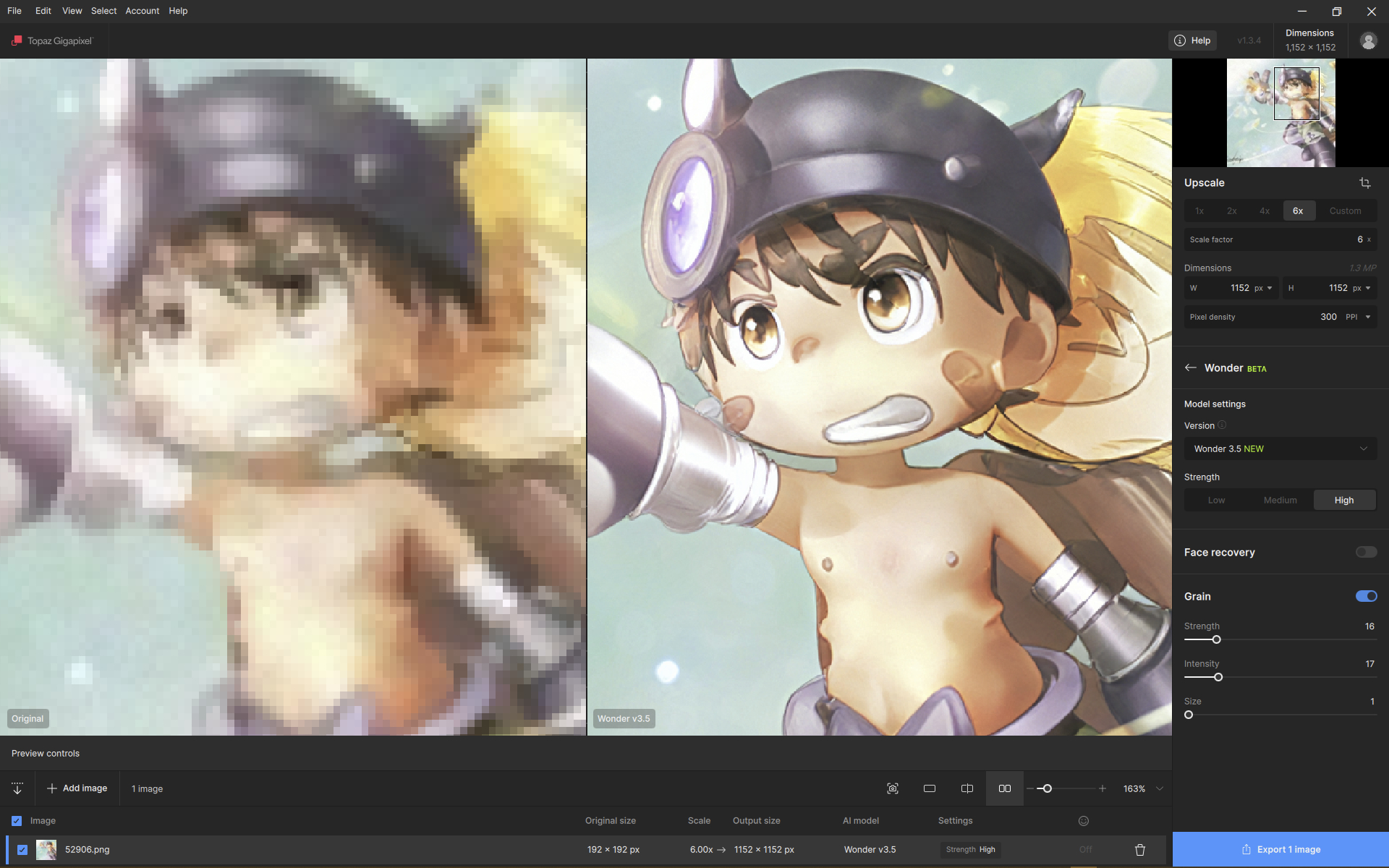
It may not be intentional or a bug, but in the current version, there is no MP limit for the output

It may not be intentional or a bug, but in the current version, there is no MP limit for the output
Little clarification:
the 256MP limit is for Cloud Rendering
If you are rendering locally using Neuroserver, you might be able to go beyond that. It requires a very powerful computer and the limit of 32000 pixels on the longest side would still apply.
Thanks for the clarification. I also mentioned it because the previous model was limited to a 192MP output, and it seemed strange to me that it wasn’t anymore
I think it’s like a height record on the wall; the process is worth keeping, and it’s fun to test it occasionally, haha 
I did ask myself if 6x is out of the models native range.
And because of this it does generate details different
We may have to move your post to the “Bugs and Issues” section
…along with some moth balls. 

This is so much fun to me to watch and use.
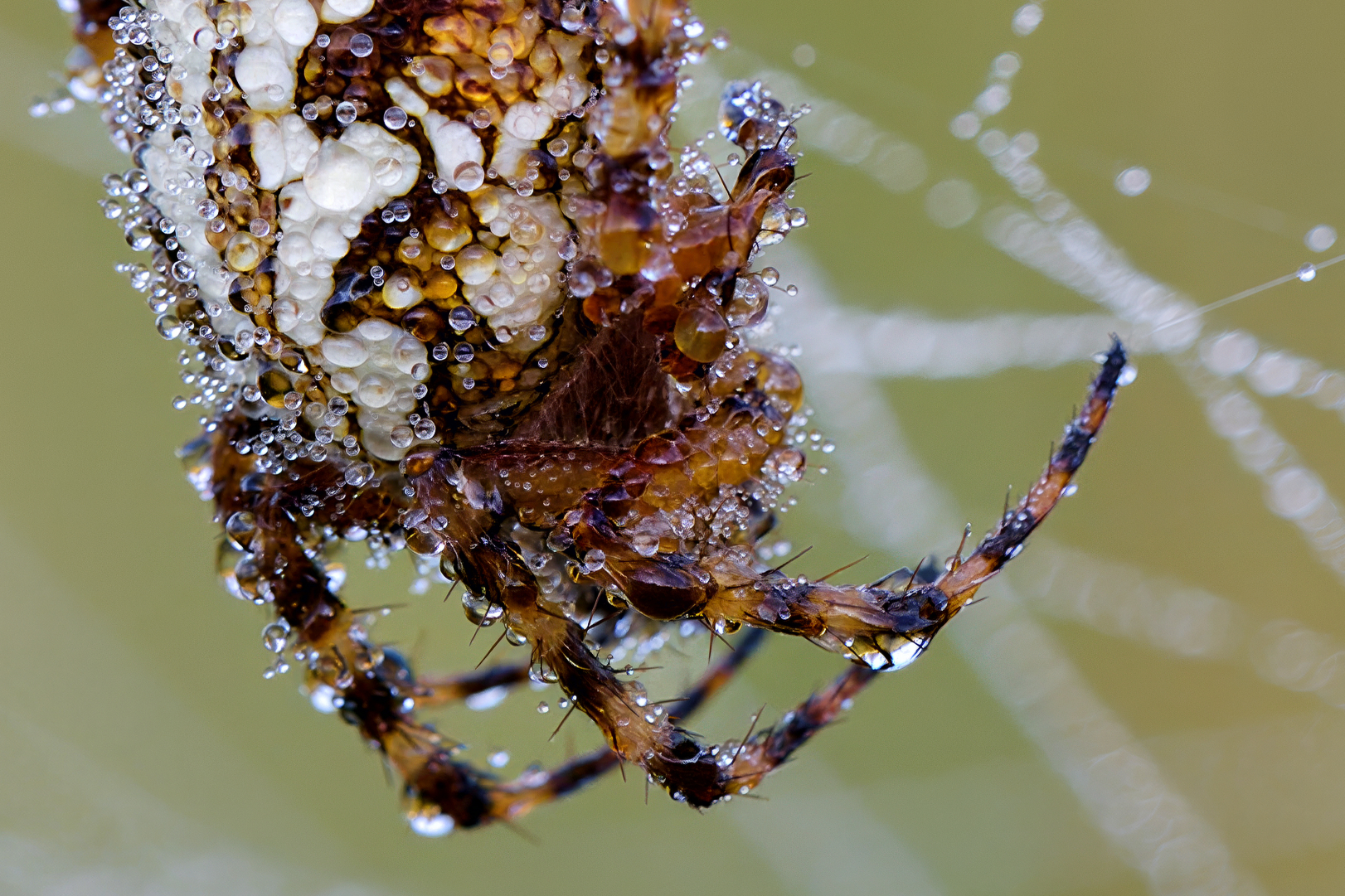
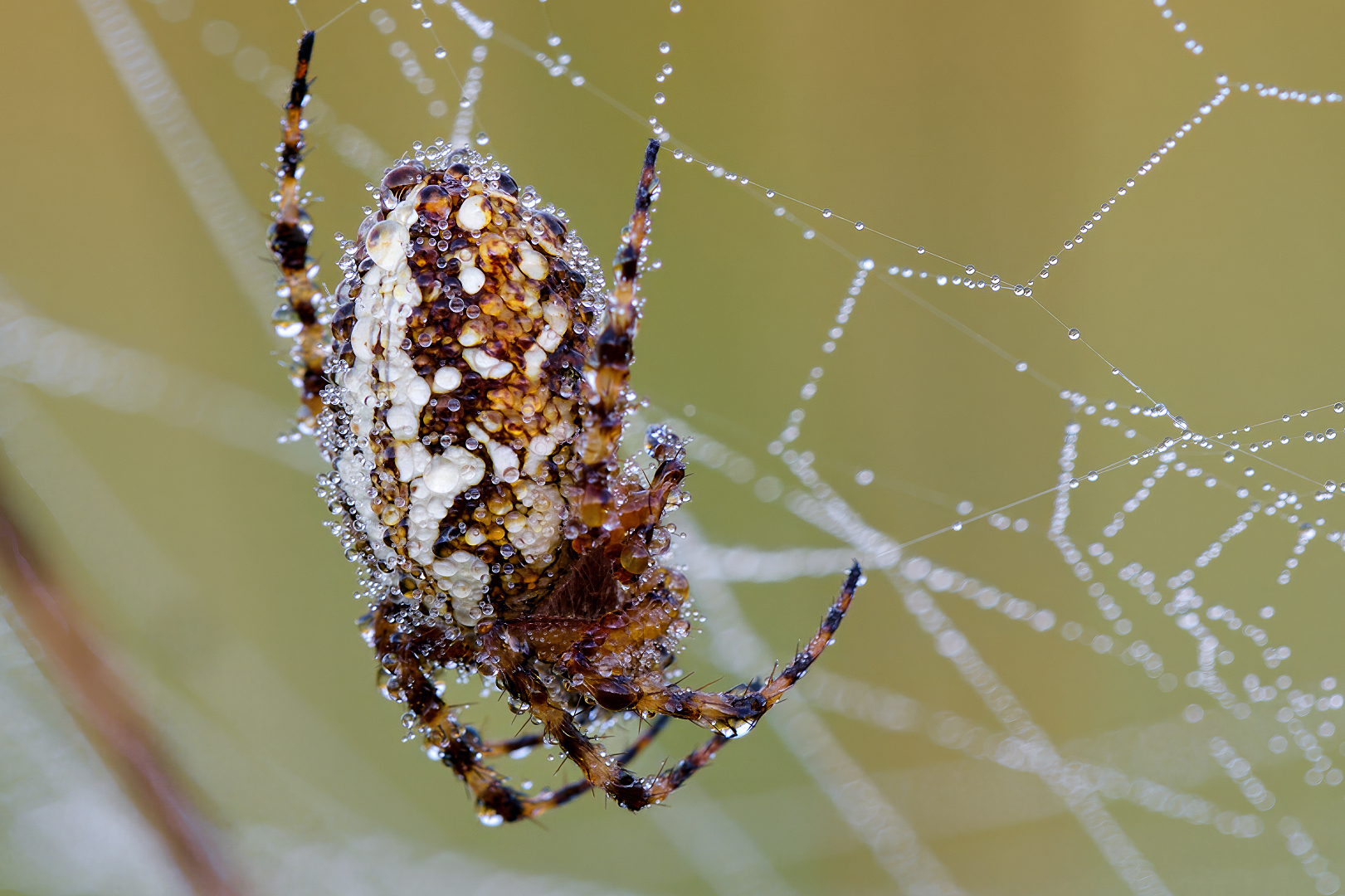
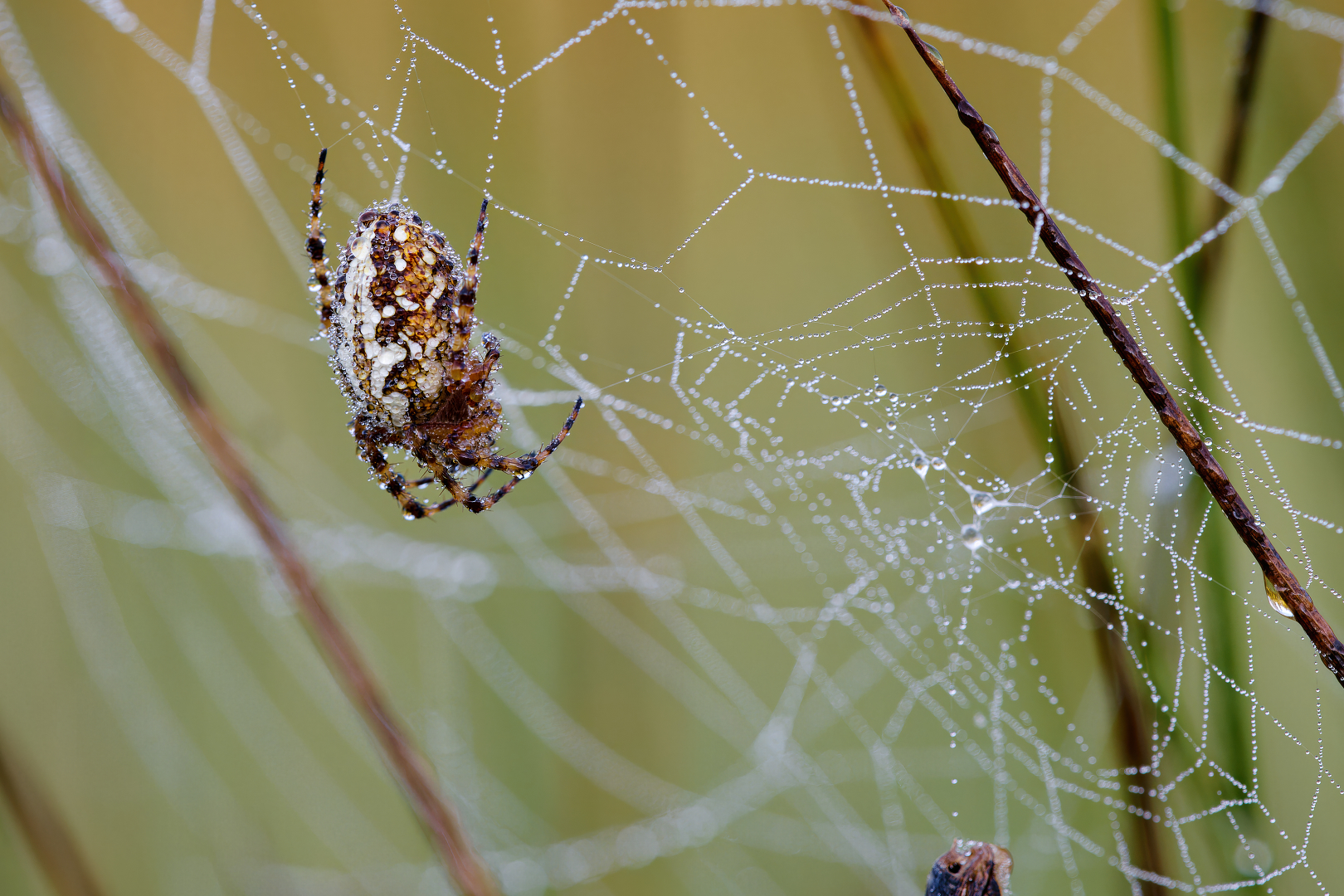
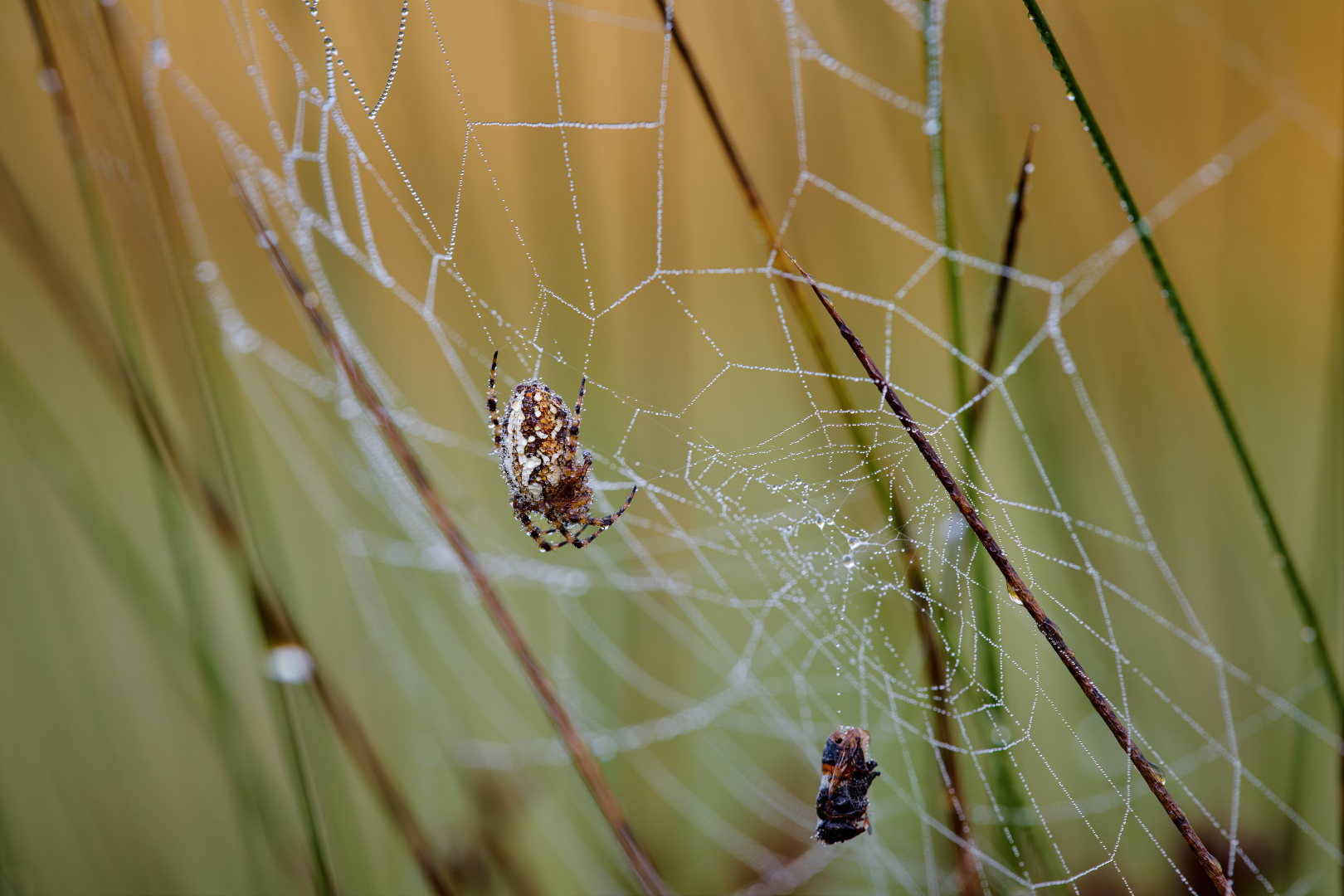
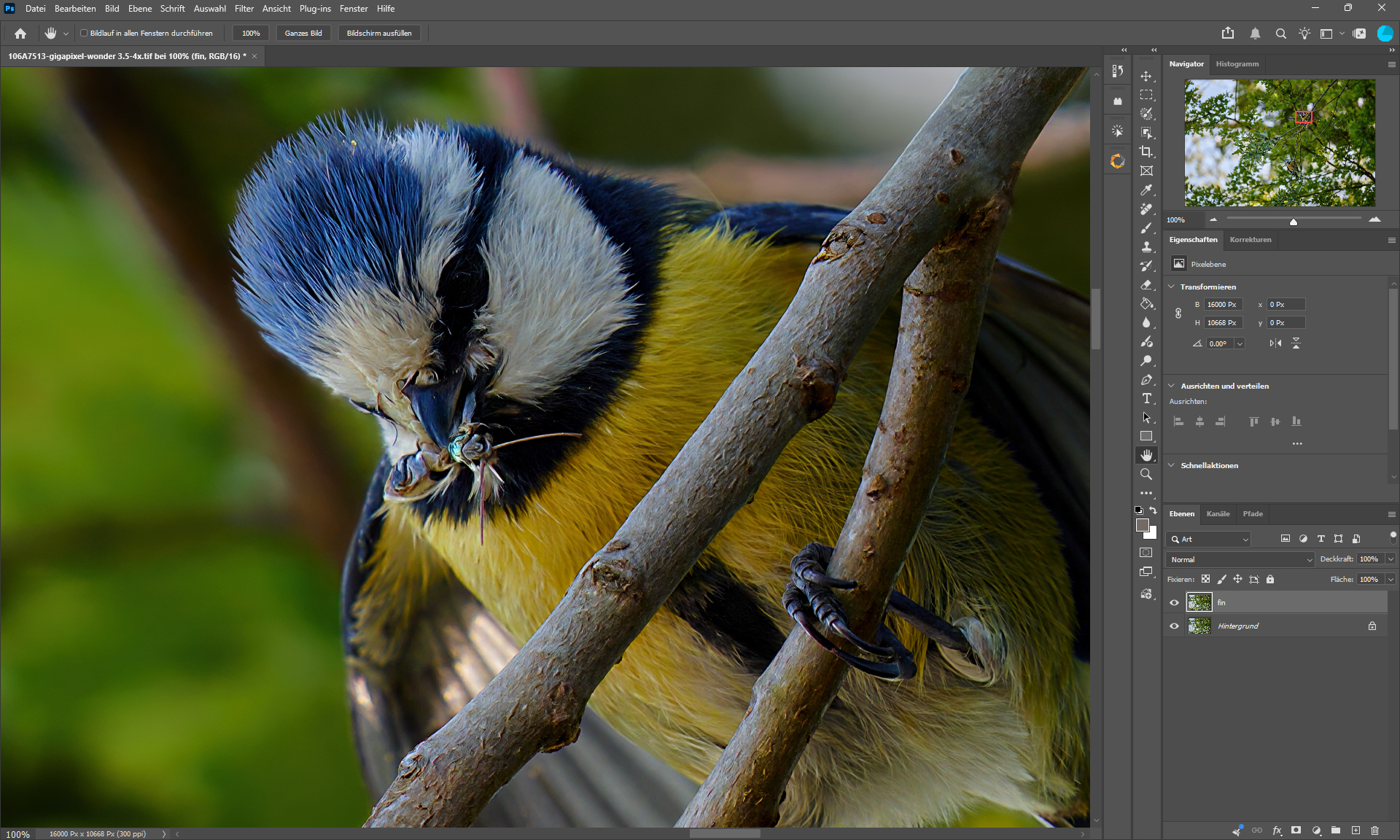
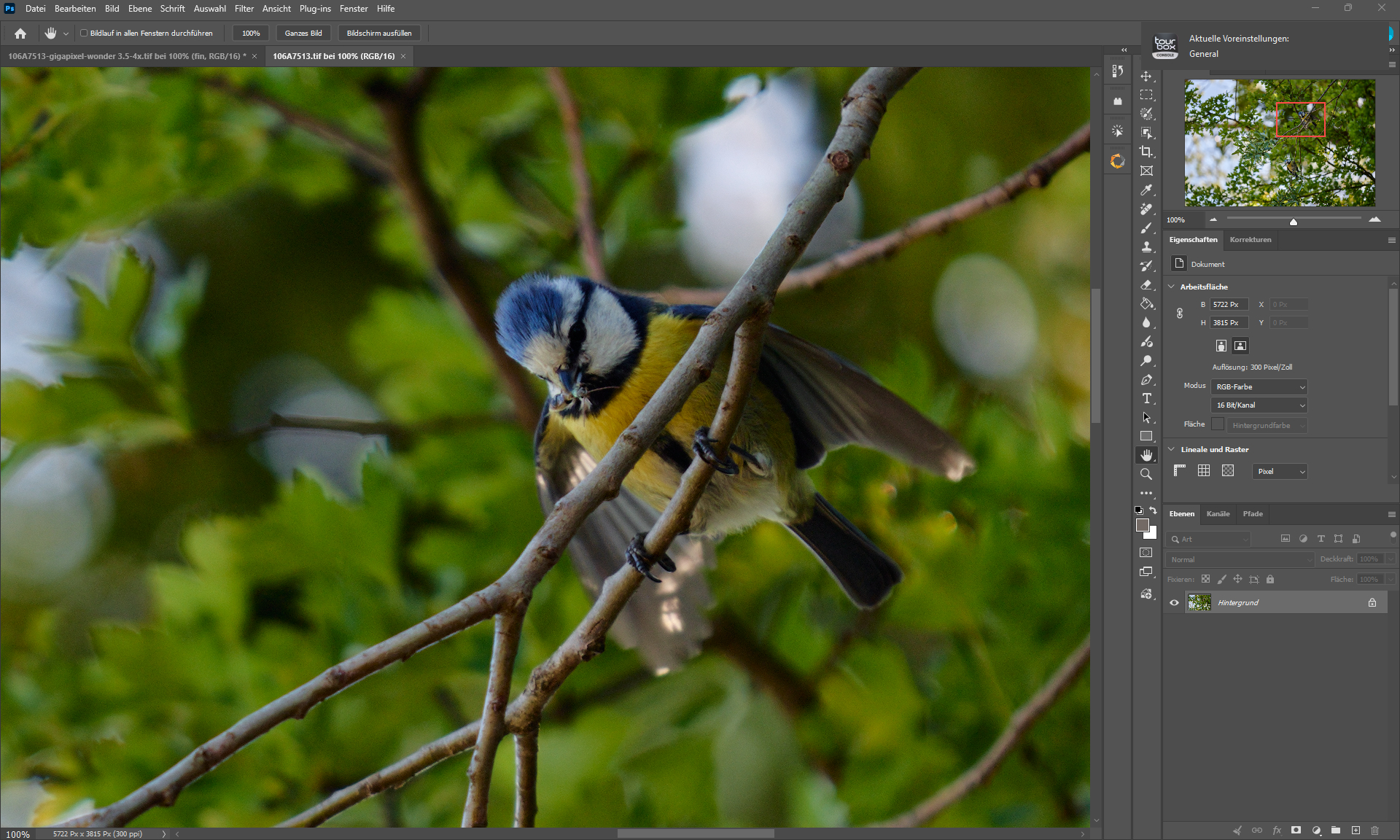
Capture One → PS (Contrast & Colors) → GP Wonder 3.5 (4X) & HifiV2 (4X) → PS Detail = Wonder 3.5 + Denoise MAX - Background = HifiV2.
Endresult = 2X = 95MP
EOS R1 (24MP) - EF 180mm 3.5L USM - f7.1 - 1/320sec - ISO 800 - Sensor 1.2 meters away from motive.
Minor speed test results using the Topaz Sweater Model image (1000 x 990) enlarging 4x at Medium Strength.
Wonder 1 - 45 sec
Wonder 2 - 55 sec
Wonder 3 - 30 sec
Wonder 3.5 - 31 sec
They all look unique, and I’m happy to have each of them to choose from.
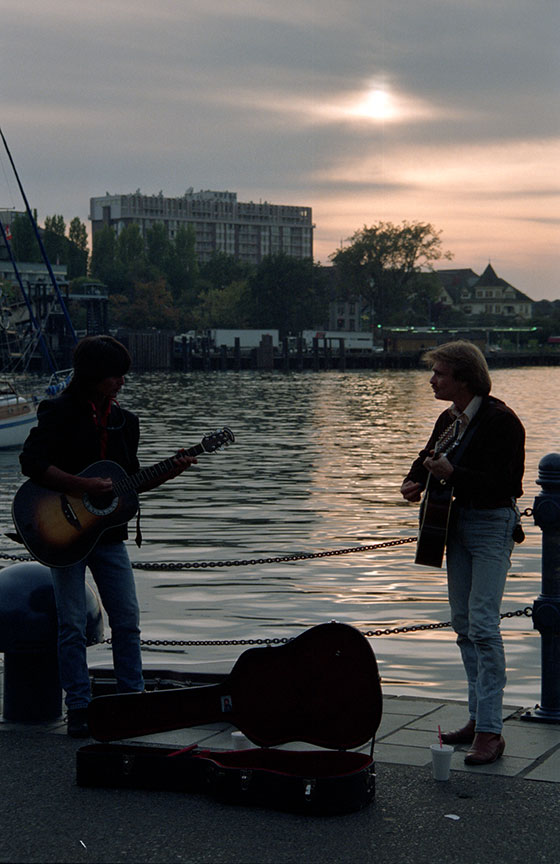
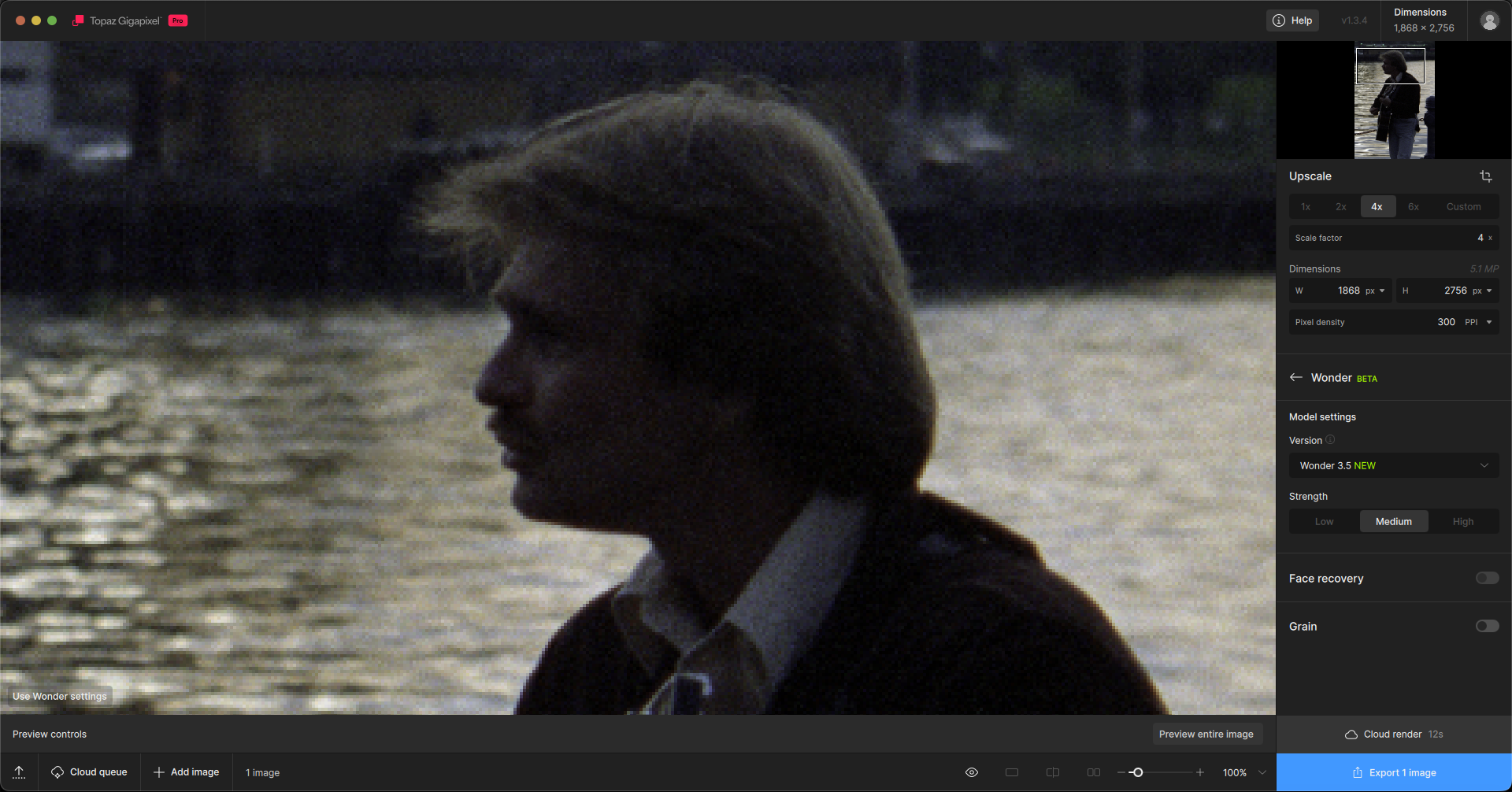
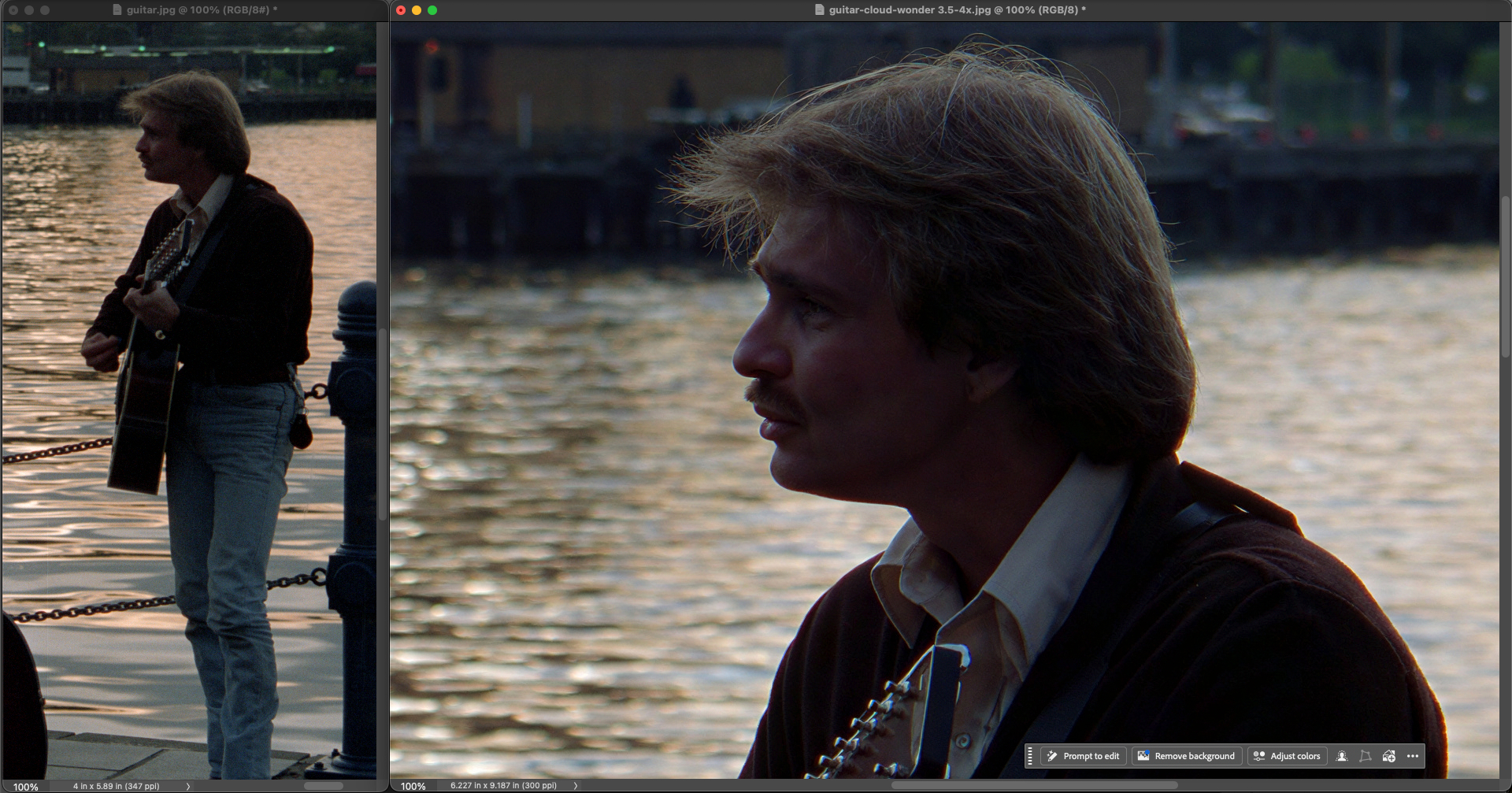
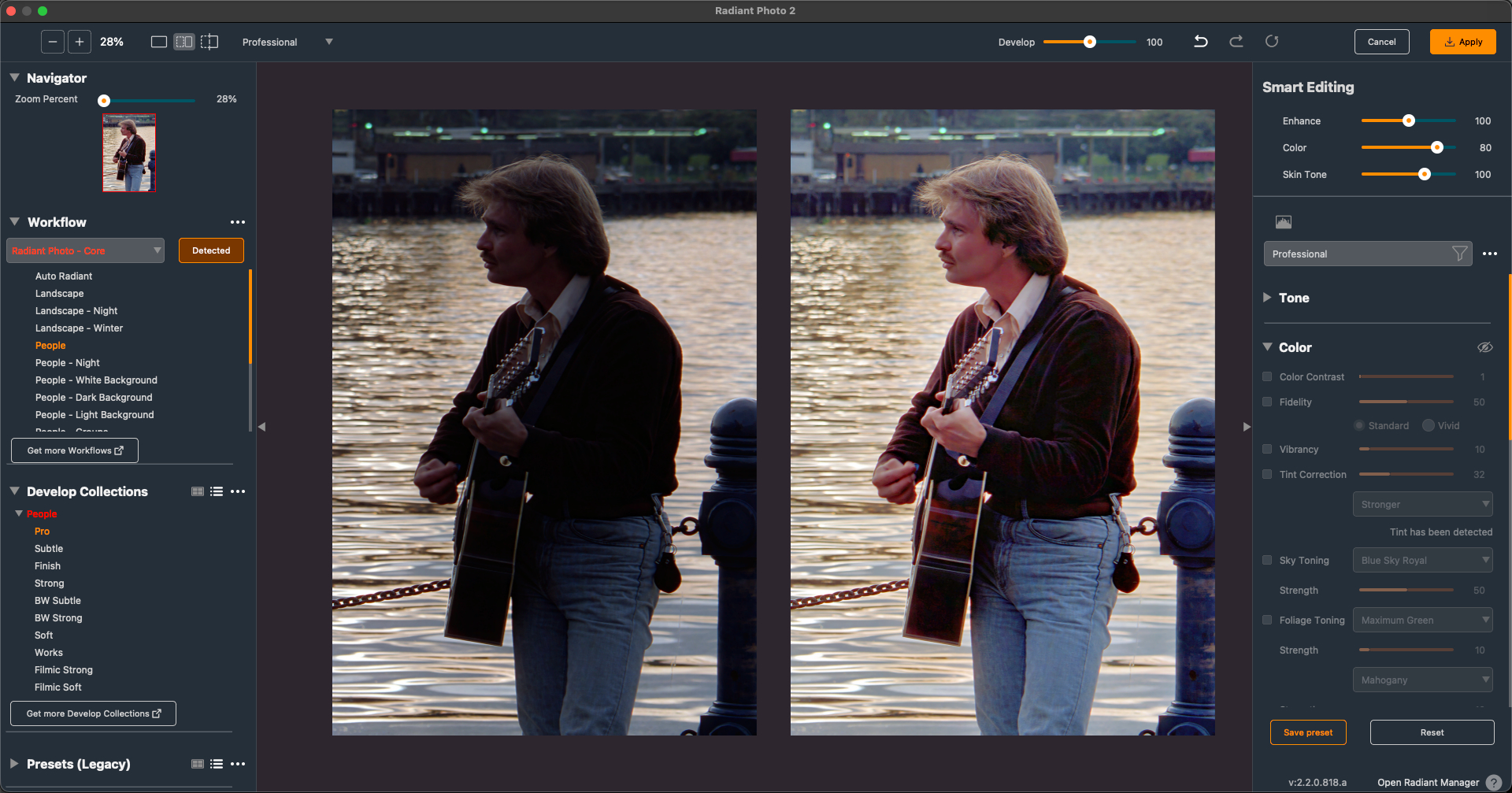
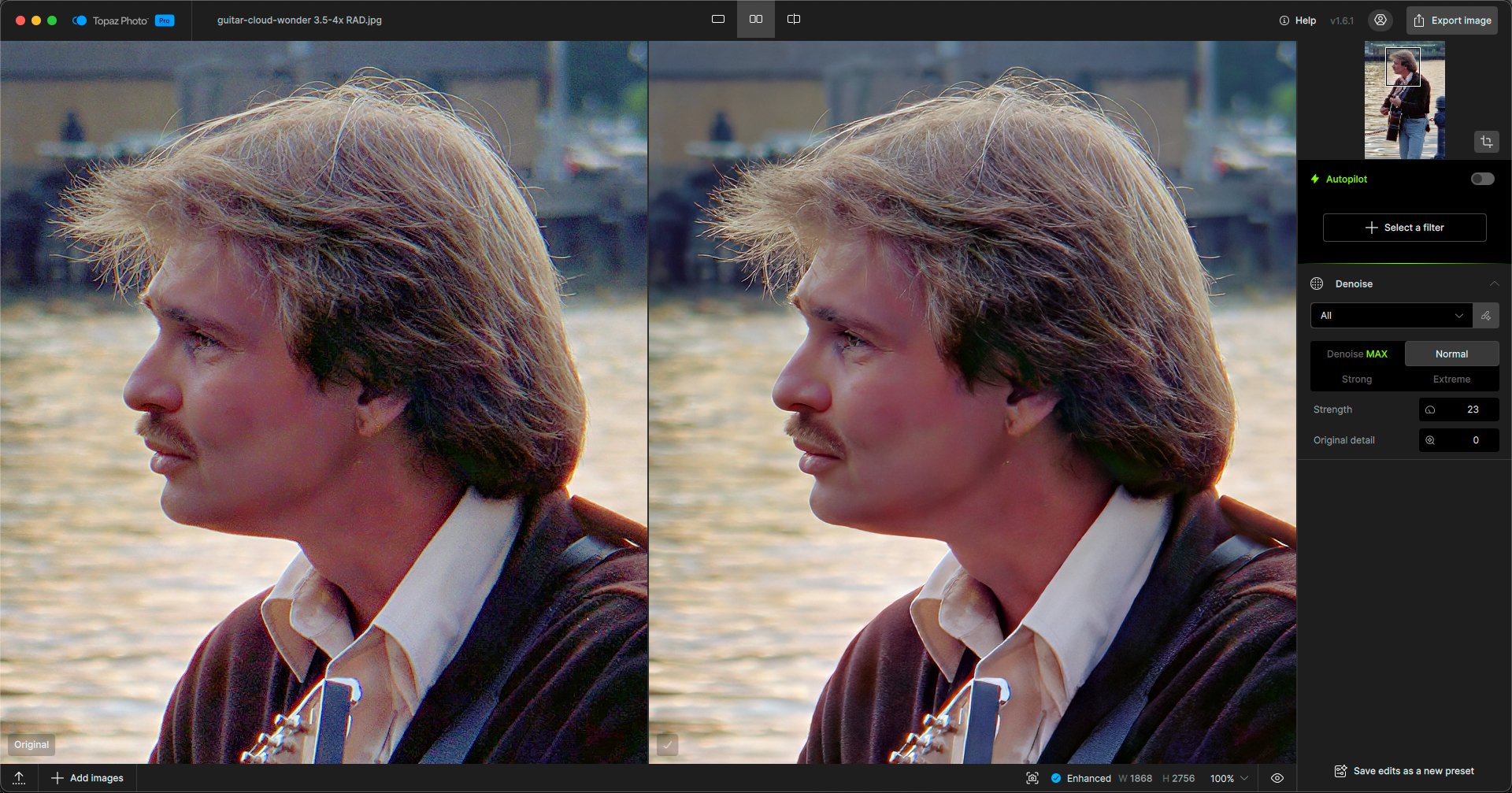
Some more results from 1990s color negatives, of which I have thousands…
Here we have Gigapixel working alongside Radiant Photo and Topaz Photo on a detail crop from a wider scene:
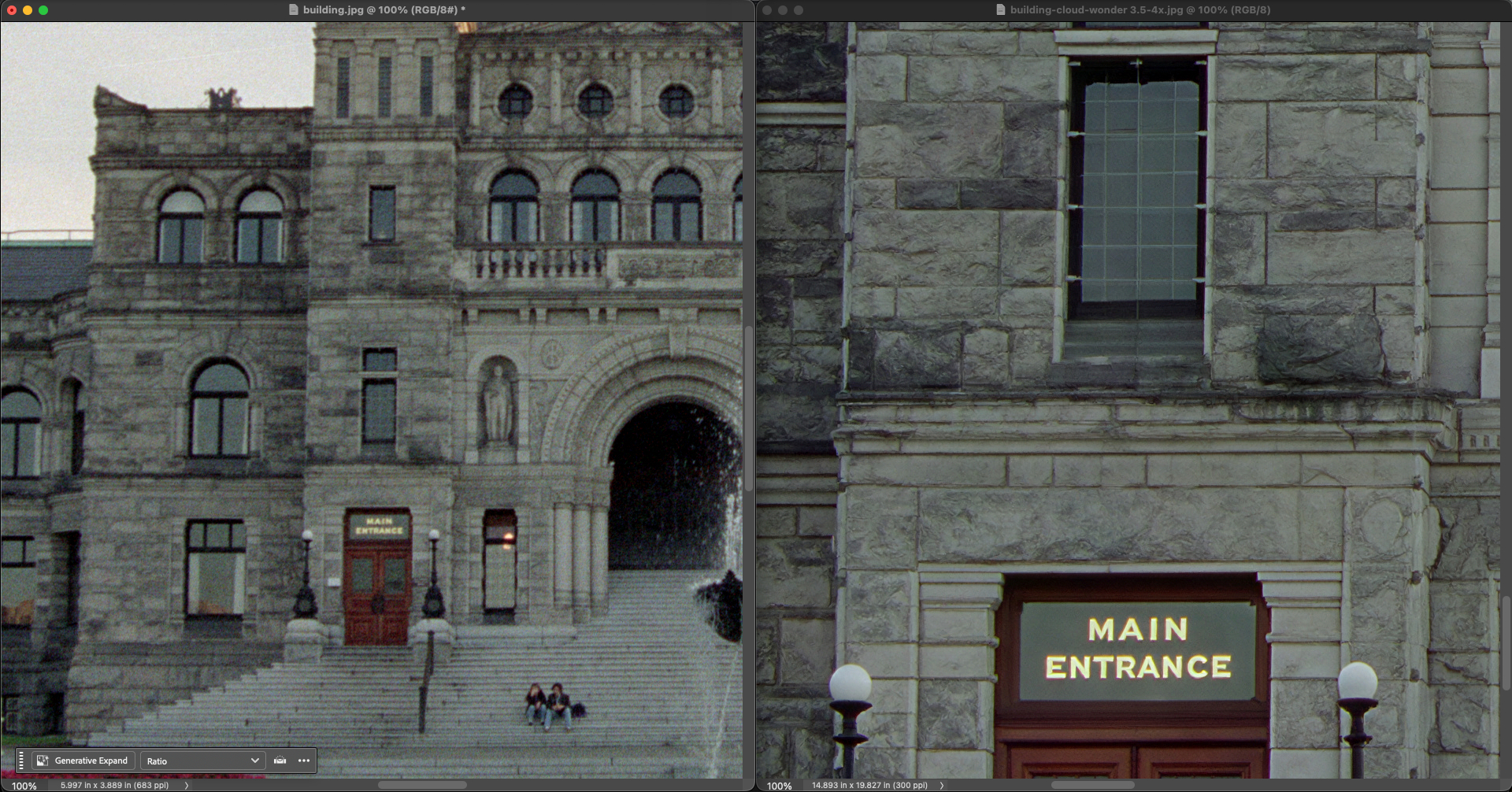
Here we have 4X Gigapixel results looking better than 6X on a detail crop:
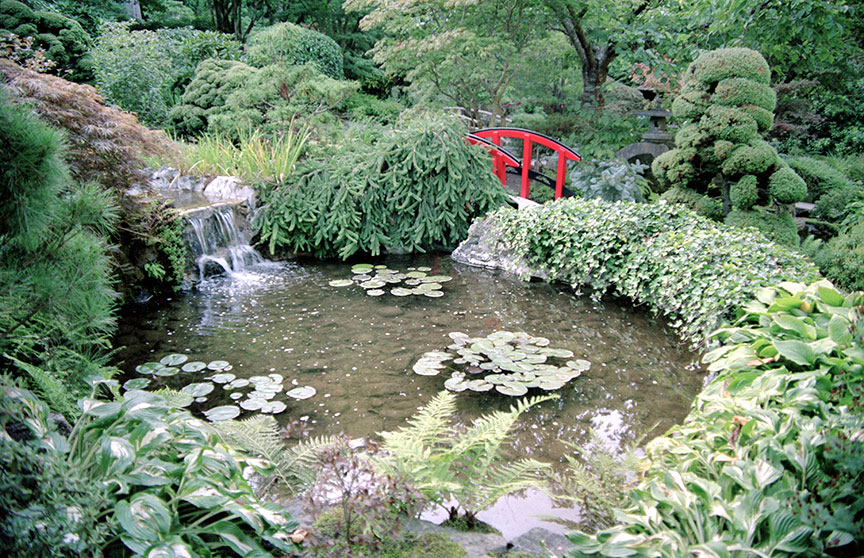
Architecture:
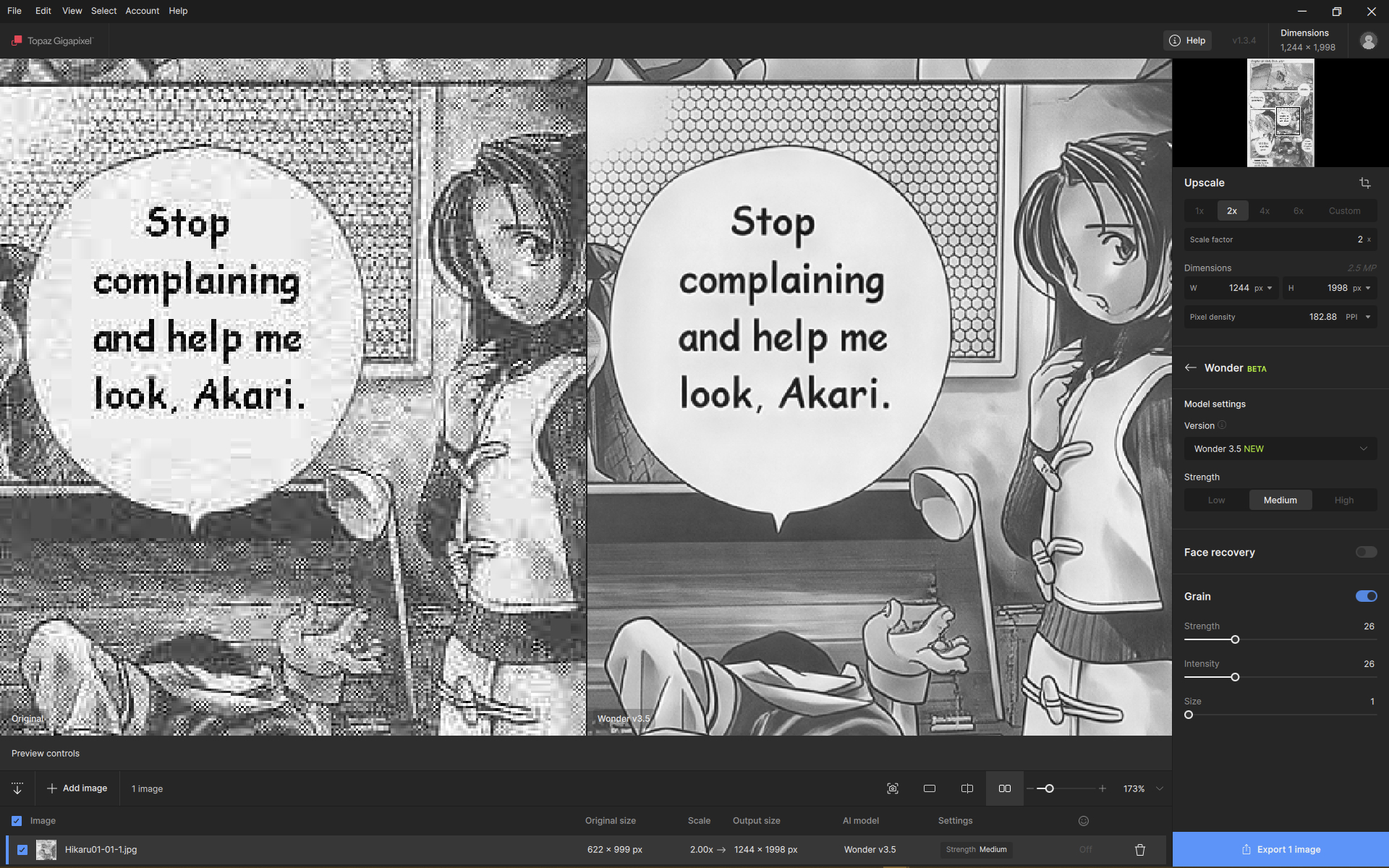
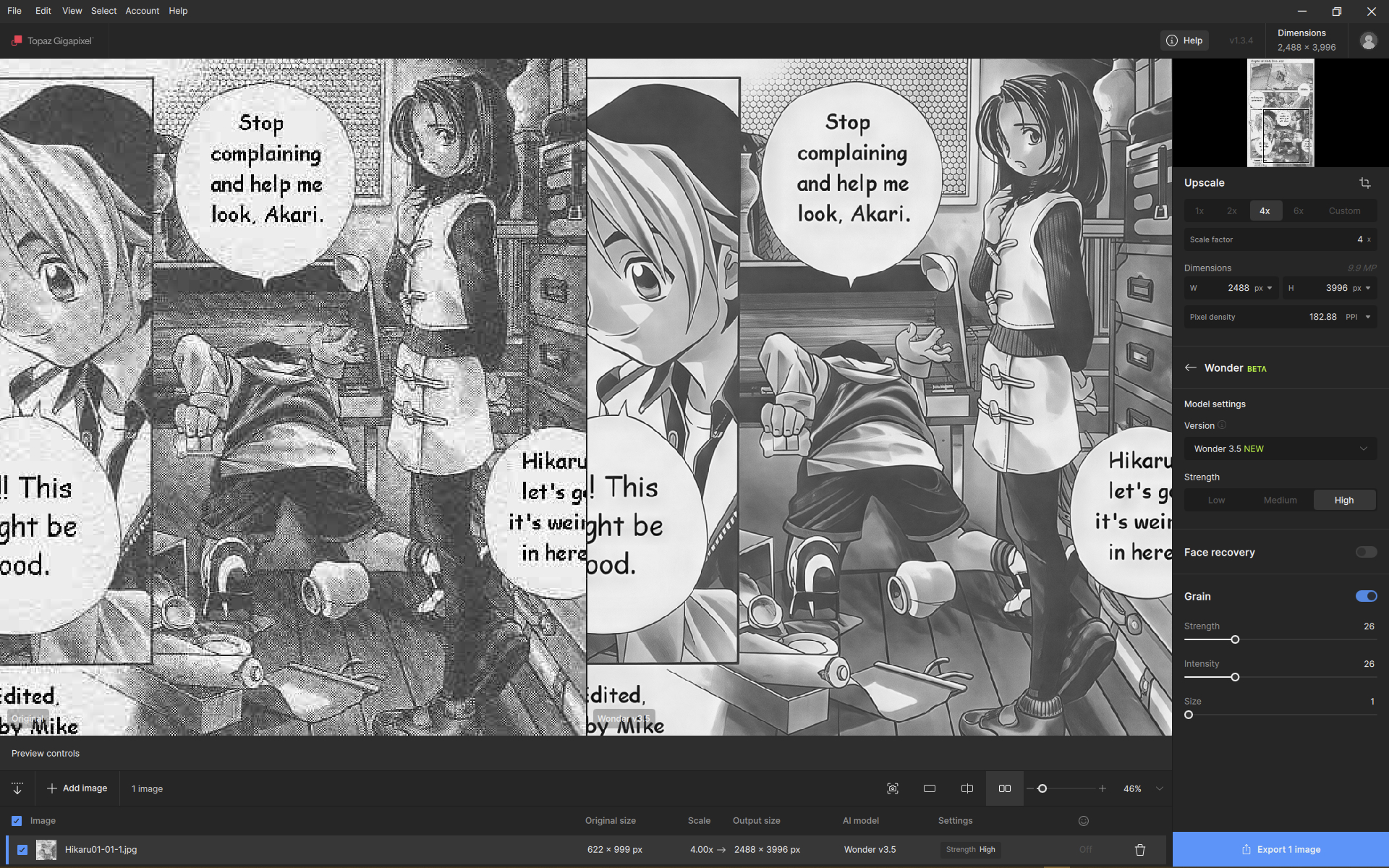
Wonder 3.5 indeed is a wonder! 
Could we ask for a megapixel upscale floating point field (next to multiplier or DPI, for example), with width and height aspect ratio taken from the source image, to be able to easier navigate with the extreme cases?
Shoutout to the new Wonder 3.5 in my latest blog post
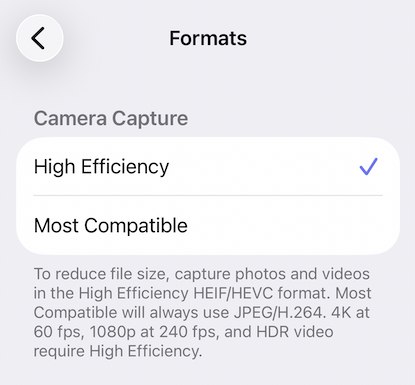
I see. This format is just better than JPEG, but not as good as DNG. Doesn’t the iPhone 12 support DNG? Or was it intentional to shoot in HEIC?
I just checked using Copilot, and the DNG format appeared on the iPhone 12 Pro. The DNG format arrived on iPhone with the iPhone 12 Pro, via the introduction of Apple ProRAW in iOS 14.3, in December 2020. So I imagine that if you don’t see it, it’s because you don’t have the pro version. So yeah, you won’t be able to do any better. HEIC is still better than JPEG because it compresses less for a roughly similar file size. It’s better than nothing.
Yeah, no Pro’s here 
iPhone 15 base doesn’t offer DNG either.
I can’t speak for iPhone but, on Android if you have an Adobe subscription and use the Lightroom Mobile app, switch to the Lightroom built-in camera, and tap the format toggle at the top from JPG to DNG. This utilizes the underlying Android Camera 2 API to pull the uncompressed RAW data directly from the main Camera sensor.
As I said this is for Android so, I can’t see any reason it shouldn’t do a similar thing for Apple phones
Your sample with girl face is incorrect. Here is real «BEFORE» − it is not as bad as on your picture:

The cropped ‘before’ image is correct since it matches the resolution and noise profile of the rest of the photo. I think the goal with this sample was to highlight how well the model handles this type of image.
It’s a shame that the regular version doesn’t offer this option. However, on Samsung’s side, all S series models have native DNG format. This applies to the standard, Plus, and Ultra versions.
But the A series models are a bit like the non-Pro iPhones. The best possible format is HEIC.