Hello everyone!
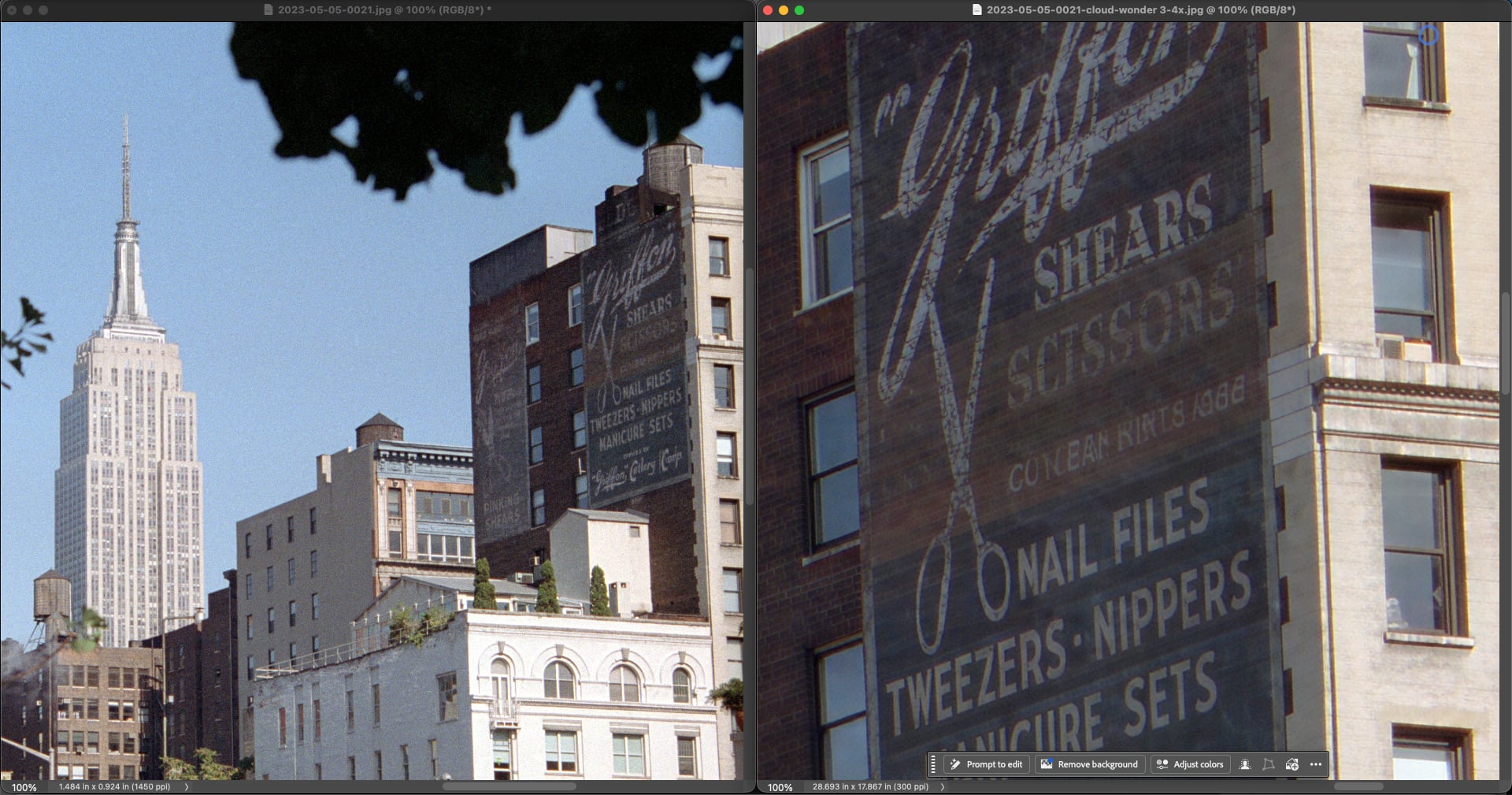
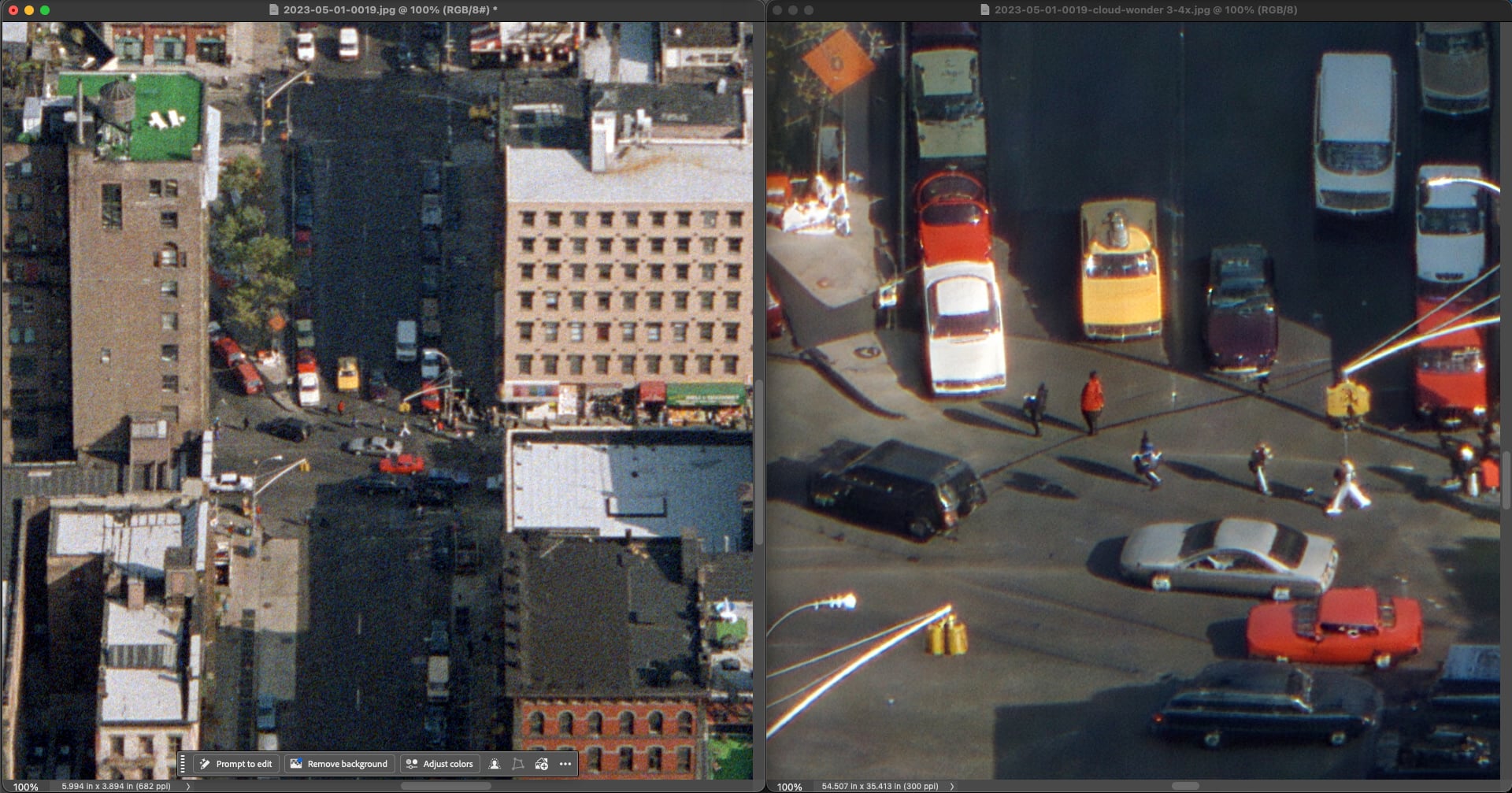
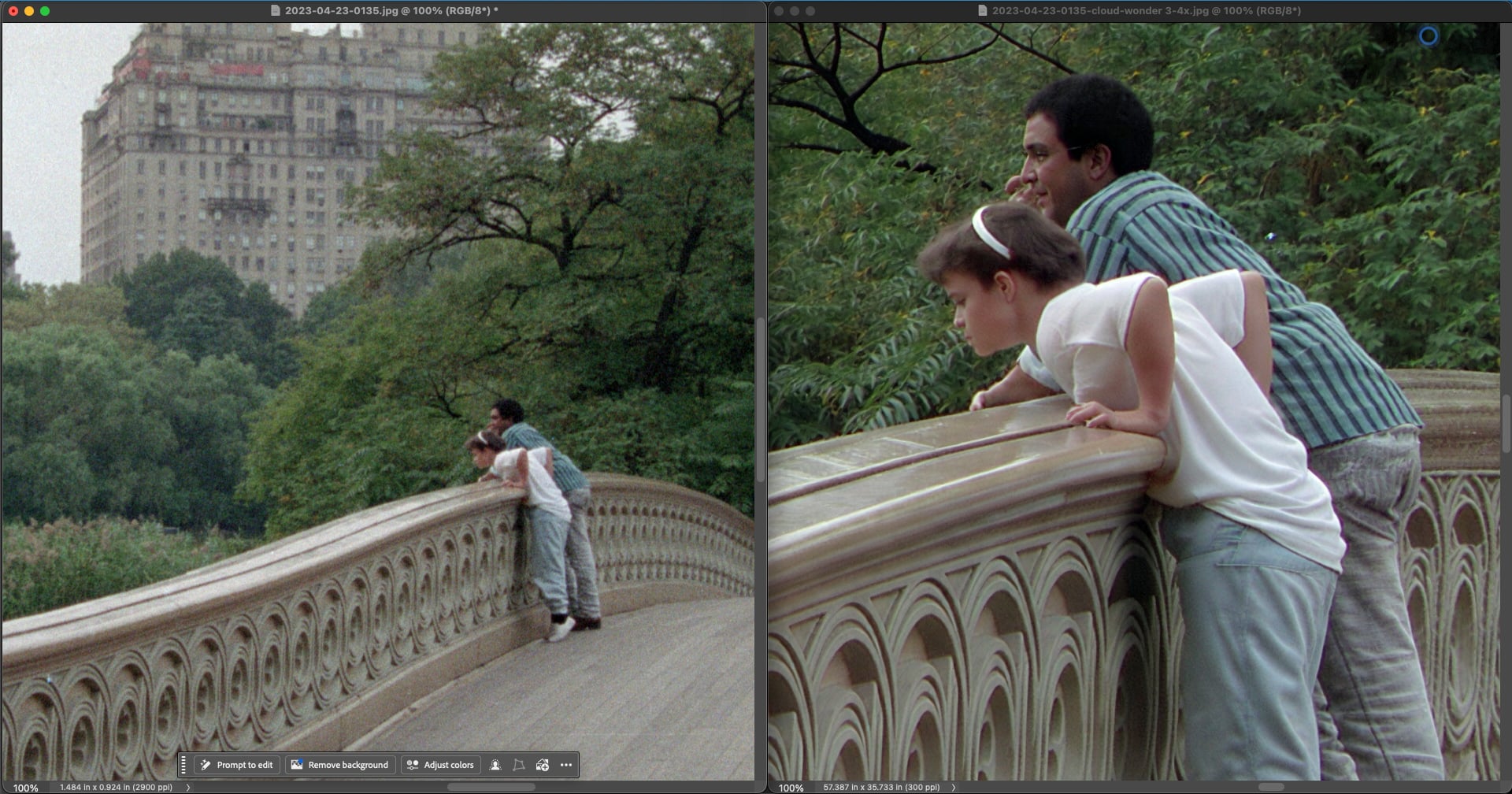
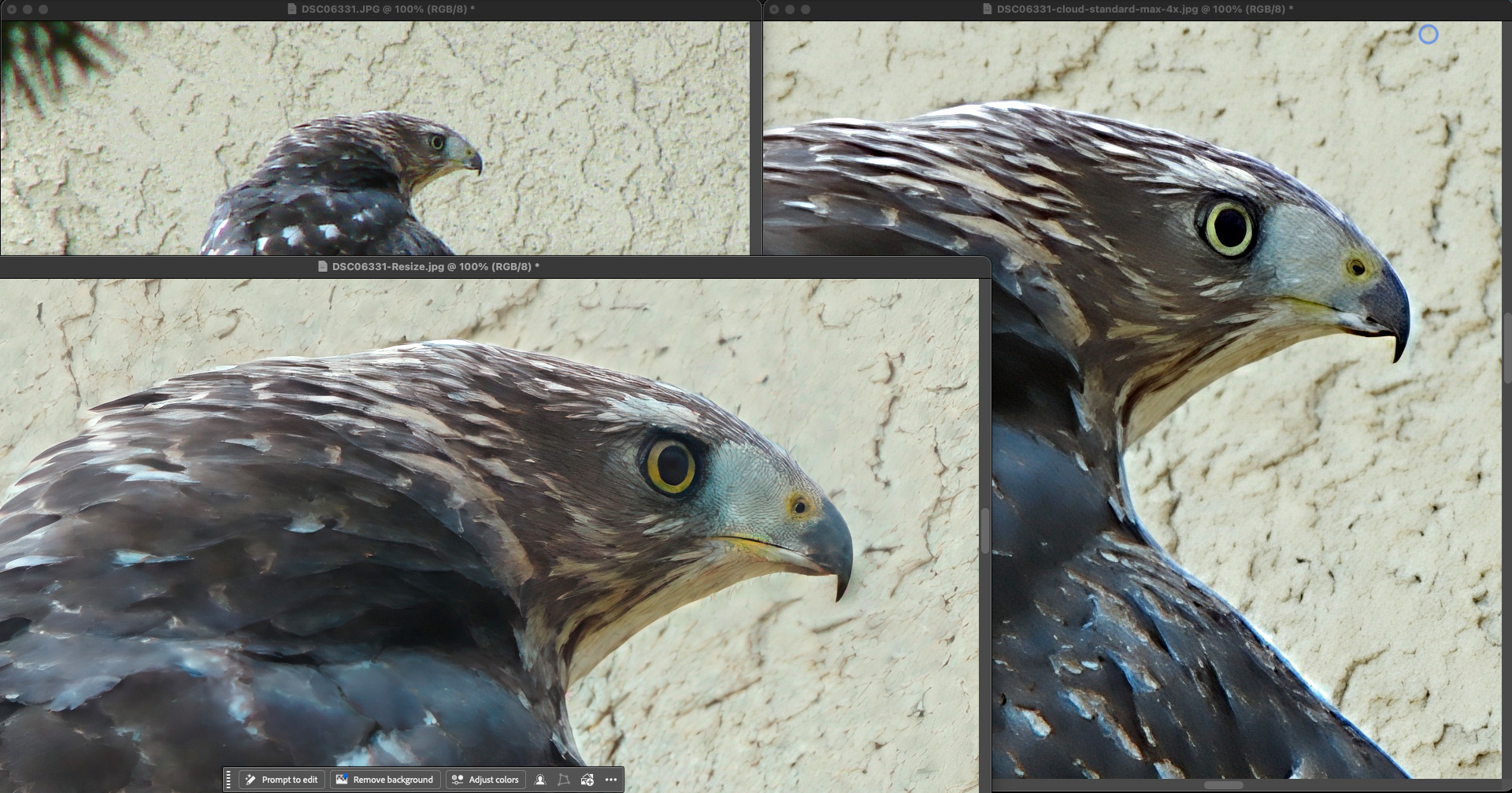
Today we have a patch release for Topaz Gigapixel with a large list of fixes. These changes address issues with Wonder 3, Redefine, batch processing behavior, cloud render, and various miscellaneous issues.
We also shipped a NeuroServer update that brings 2x faster processing on Mac, and up to 4x faster processing on low VRAM GPUs (8GB to 12GB) for Windows!
v1.3.1
Released June 11th, 2026
Windows: Download
Snapdragon: Download
Apple Silicon Mac: Download
Intel Mac: Download
Neuroserver Speed Improvements for Mac and Windows
In this release are many improvements to NeuroServer which speeds up both Mac and Windows processing in different ways. Overall, NeuroServer runs efficiently compared to previous versions, which benefits all NeuroServer-based models: Wonder 2, Wonder 3, and Recover Faces 3.
Mac
On Mac, two things changed. First, NeuroServer initialization and model loading are significantly faster. The first run after installing should start up noticeably quicker, and subsequent runs load faster too. Second, processing now uses both the GPU and Neural Engine together. Combined, Mac processing is almost 2x faster across all NeuroServer models.
Windows
On GPUs that meet the minimum VRAM requirements (8GB and 12GB cards) NeuroServer was running inefficently due to memory usage. We have reduced requirements to allow faster image processing on these devices which were bottlenecked by memory. For 8GB and 12GB VRAM GPUs, the speed improvement is up to 4x.
in our testing with an NVIDIA 4060 Laptop GPU with 8GB VRAM, we upscaled a 24MP image to 96MP (2x upscale) with the following results. Note that devices with more GPU have lower improvement due to no memory bottleneck in processing.
- 1982s (33m) processing time on v1.3.0
- 450s (7.5m) processing time on v1.3.1, a 4x increase
If you’ve been avoiding these models for larger images or batches because of processing time, this update changes that calculation.
Changelog
- Update NeuroServer to improve processing speed 2x on Mac and up to 4x on Windows
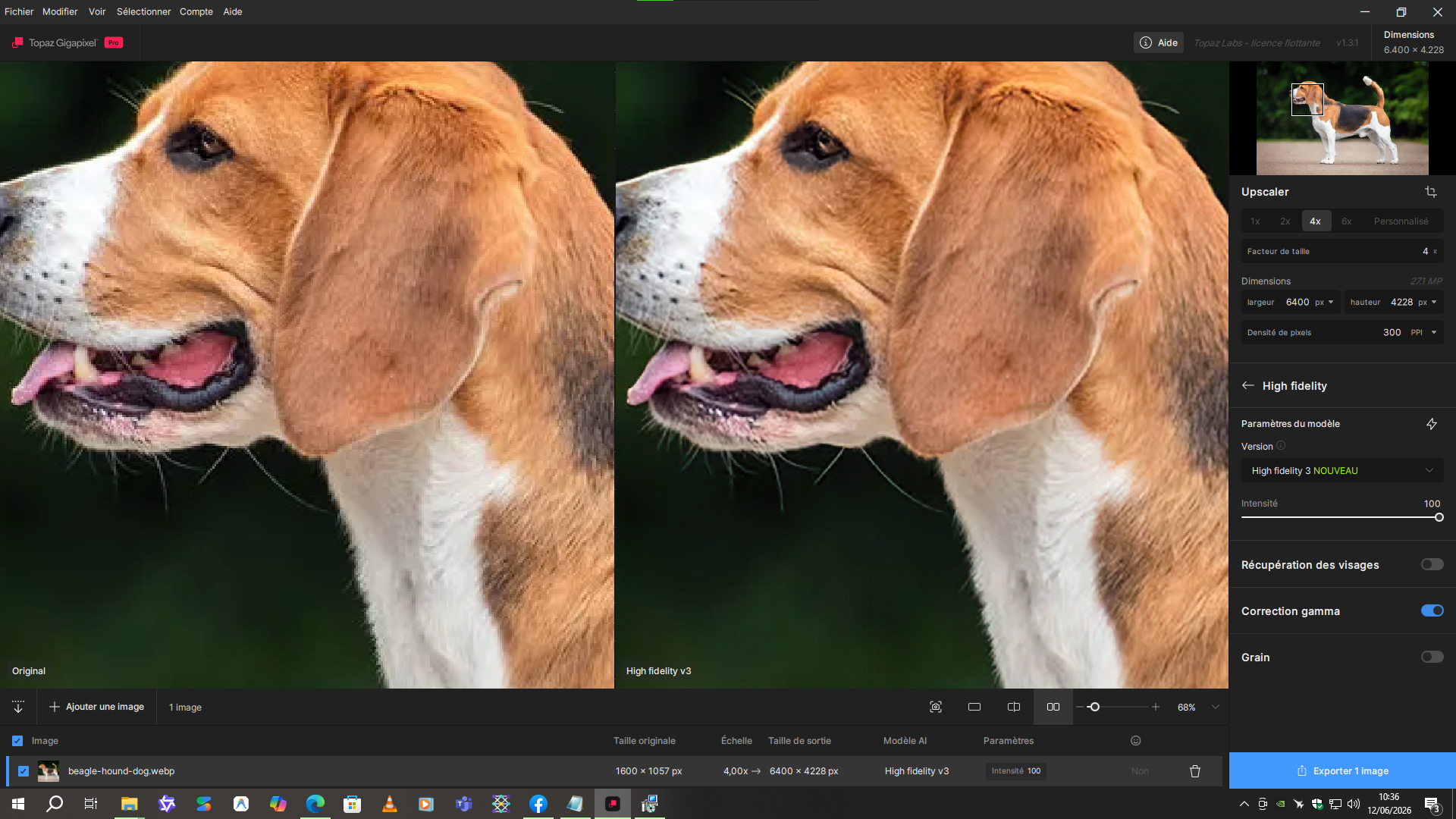
- Add color correction to High Fidelity 3 to prevent color shift
- Add double-click to maximize window on Mac
- Block generative models on Windows ARM with tooltips explaining they are not supported on that platform
- Fix face recovery processing greyscale images twice
- Fix Redefine Creative model applying Redefine Realistic instead when used on a batch of images
- Fix Redefine model preview not updating when the image prompt is changed
- Fix Standard Max cloud strength tooltip showing 0 or 1 instead of the correct value
- Fix Wonder 3 grain settings not being included in cloud renders
- Fix Wonder 3 enhancement strength not showing correctly in cloud renders after restarting application
- Fix Wonder 3 batch processing using the same strength for all images when different strengths are selected
- Fix Intel Mac color shift when sending images to cloud render
- Fix legacy models appearing in the model selector menu instead of only the model version dropdown
- Fix output image PPI not matching expected resolution for print when using cloud render
- Fix “…” options menu not appearing in the cloud render queue
- Fix out-of-memory crash on images larger than 40MP on some NVIDIA hardware
- Fix Wonder model download not retrying on failure during Mac installation
- Fix “Don’t show again” checkbox not functioning on Neuroserver local render not available dialog
- Fix face recovery help link
- Fix macOS title bar buttons not centering correctly
- Fix Topaz Labs appearing at incorrect size for Photoshop Automate plugin
- Fix crash from log file corruption
- Fix various stability issues from race conditions and memory handling
- Add color correction to High Fidelity 3 to prevent color shift
Lingyu Kong
Technical Product Manager
Image AI


 .
.