Also, something that would be great is to add a sharpness slider for Wonder 2 Local, like in Topaz Photo. It’s really handy for adjusting the sharpness level.
1 Like
Hello, I’ve just installed the update, but when downloading the neuroserver the internet connection crashed. The system provided an error message, saying something that the App will working without the neuroserver, and I can install it in the Help menu afterwards. Coud someone please guide me on how to install the neuroserver separatly, as I can find this option in the menu. Thank you so much.
1 Like
What happened to the little previews ?, 
1 Like
Hi.
Unfortunately, the little Previews were removed because they didn’t represent a true Render of the the whole image and was causing a lot of confusion for some people.
Hope this helps
3 Likes
It was only after a year and a half that I decided to subscribe to Topaz Studio. It seemed like it would only get better. And yes, there are many cool things, but when I comes to the Redefine function in Gigapixel, it was like a return to cave times!
In GPAI 8.2 I was able to create an image as below, composed of several variants of this model.
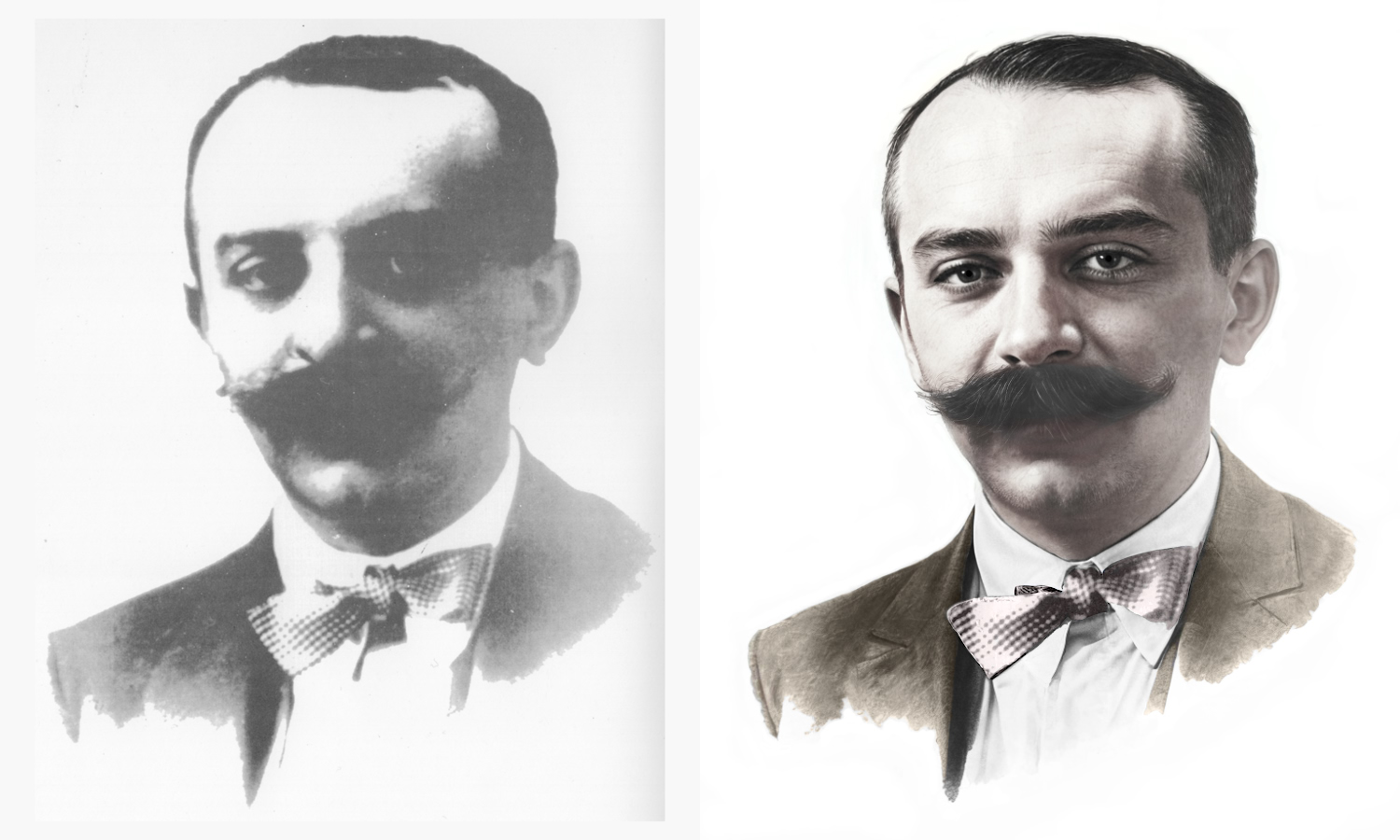
Now I have no chance to do it again
This is the link to Redefine TG 1.2.0
1 Like
They were useful to see if a particular model was going to badly mash up some detail in the image, without having to wait forever for the whole image to render. So is it back to the crop - render - uncrop hack as the only solution ?
If you wish to Rollback to the last version to feature the Preview which was Gigapixel v1.1.1 then, here’s the link however, please bear in mind this version doesn’t have the current versions Wonder 2 Local Rendering, Wonder 3 or High Fidelity 3
Topaz Gigapixel v1.1.1
Windows: [Download]
Mac: [Download]
Snapdragon: [Download]
Released on January 23, 2026
Alternatively, if you have access to the old Topaz Gigapixel AI then, you can have both versions working on your Computer at the same time basically, you can see the Preview and Render your image in the old Gigapixel AI while working with another image in the new Topaz Gigapixel Studio
Hope this helps
1 Like
Could you pass a suggestion for the programmers, to use a common folder (in ProgramData directory) for the Neurostream/Neuroserver models (for Topaz Photo and Gigapixel)? It’ll save a LOT of time and resources for you and the users. 
1 Like
Hi.
The new Studio version of Topaz Gigapixel has all the same AI Models as the previous version nothing has been removed or changed plus there’s lot more
Alternatively, if you have access to the new Topaz Image Web then, Redefine is included plus if have another reference image of this Gentleman then, you could try the new Recover Faces v3 alpha also, available within Topaz Image Web
Hope this helps
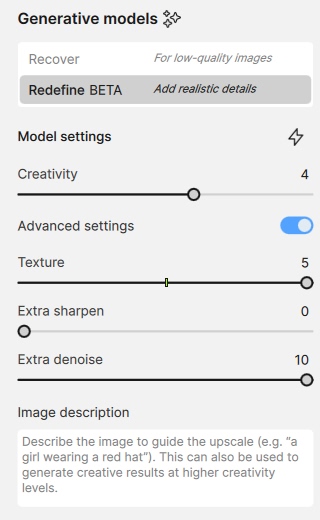
You mentioned you were able to create that image in TGAI 8.2 (Topaz Gigapixel v8.2) and you were unable to recreate it with TG 1.2 (Topaz Gigapixel v1.2 (Studio))
Old Topaz Gigapixel AI version 8.2
New Topaz Gigapixel Studio version 1.2
I merely pointing out the two versions have exactly the same AI Models including Redefine Realistic & Creative plus the new version has a few more features no more no less
If you have access to the to Topaz Image Web then you can use Redefine and Recover Faces v3 there although, I don’t believe now that the new Recover Faces will be suitable for this image
1 Like
Sorry, but no. TIW cannot do it what I did in old TPAI 8.2.
Welcome nolandavis645-8846 
1 Like
Welcome andrei-0611
1 Like
There are discussions about this already amongst the team. Thank you for the suggestion
1 Like
Do you have the render from Redefine in v8? We haven’t changed the model for this tool so technically it should still give you similar results.
1 Like
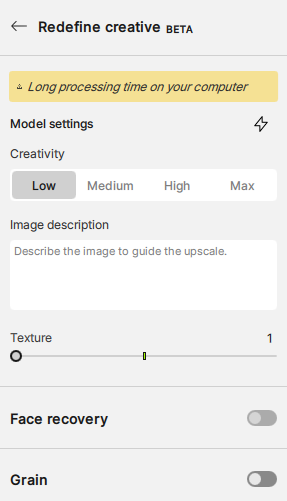
I did symlinks for the models from TPhoto’s model directory, for the time being.
Completely unrelated (but interesting approach) - I also noticed a certain Xenforo site scraper Python script using symlinks to link the already present (downloaded earlier) images, and therefore avoiding duplication and saving often a LOT of disk space. The scraper also did a simplified HTML file to view the images, and the duplicates (reposts, etc.) were handled this way.
1 Like
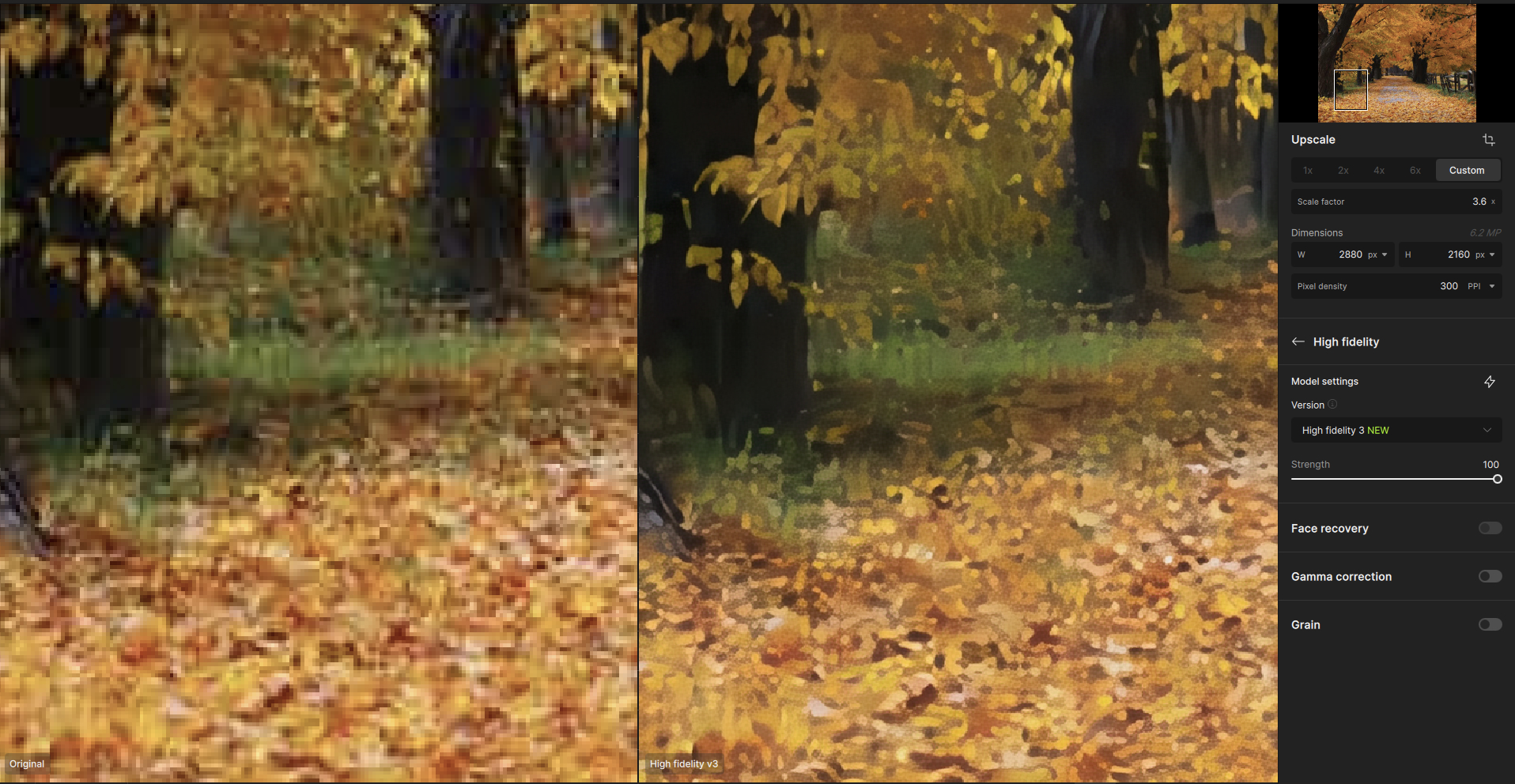
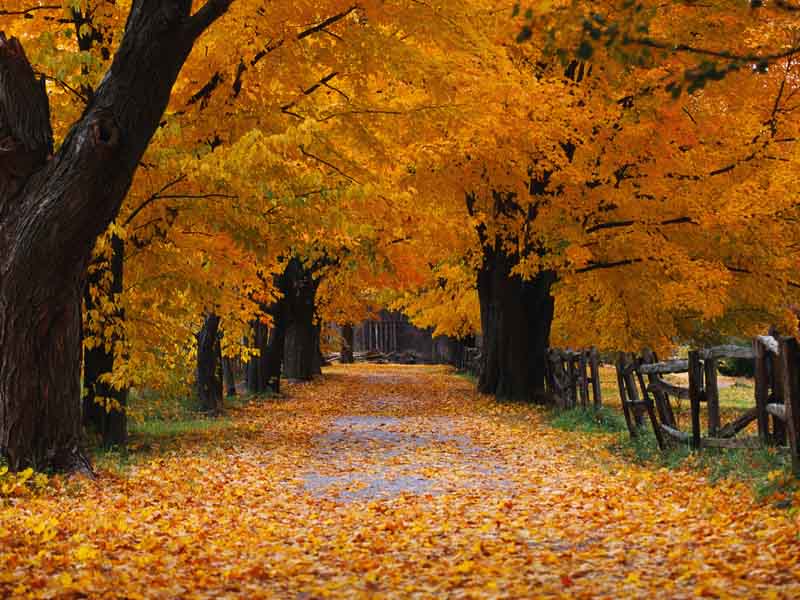
High Fidelity v3 totally falls flat on this example (WinXP wallpaper, and yes, it was this bad of quality to begin with)…
I think the model ‘tries’ to be VERY careful with the characteristics of the source image, to avoid any ‘repetitive texturing’ and sharpening (where it shouldn’t), which backfires a bit.
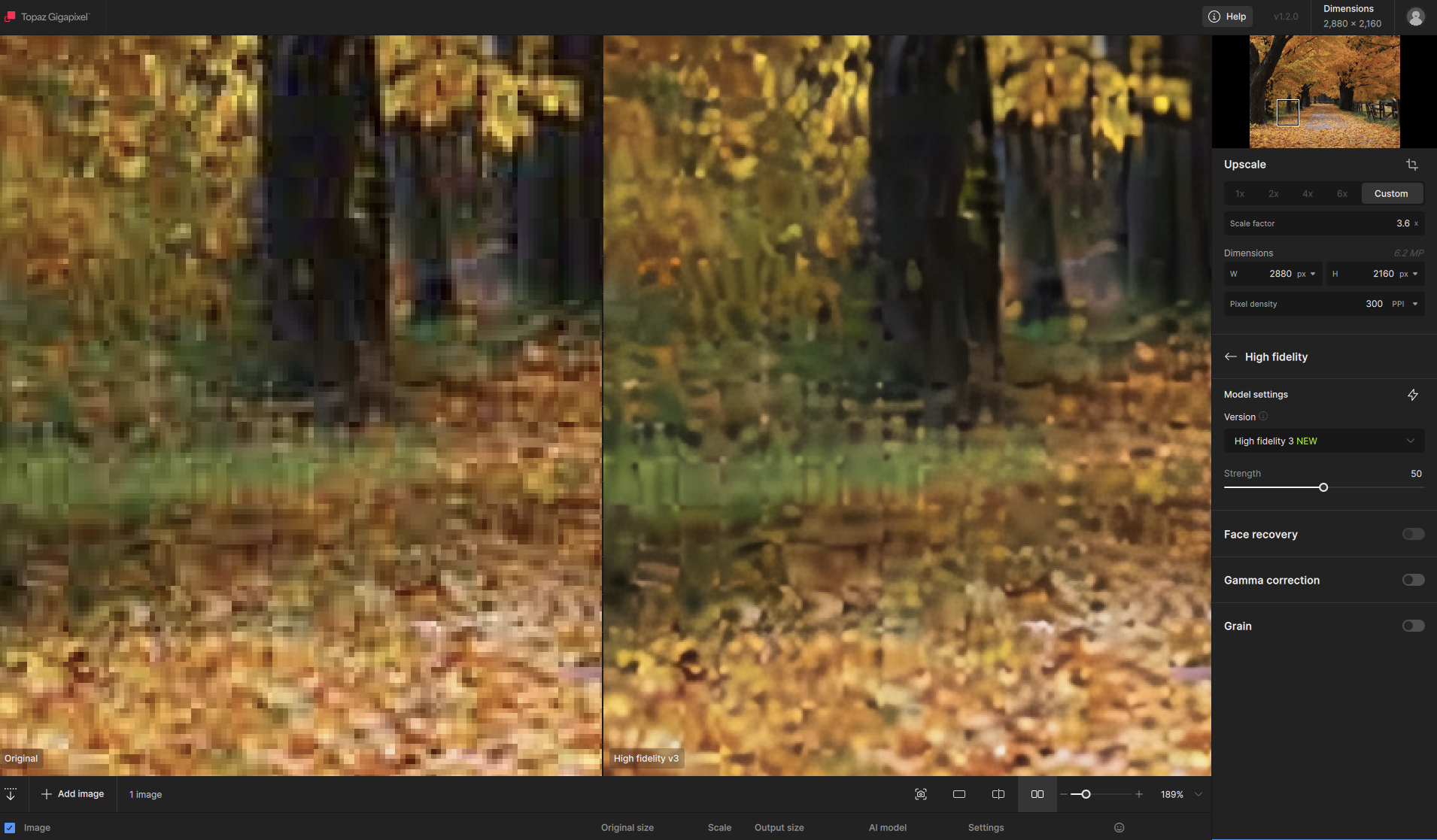
100% gives the result a pointillism touch.
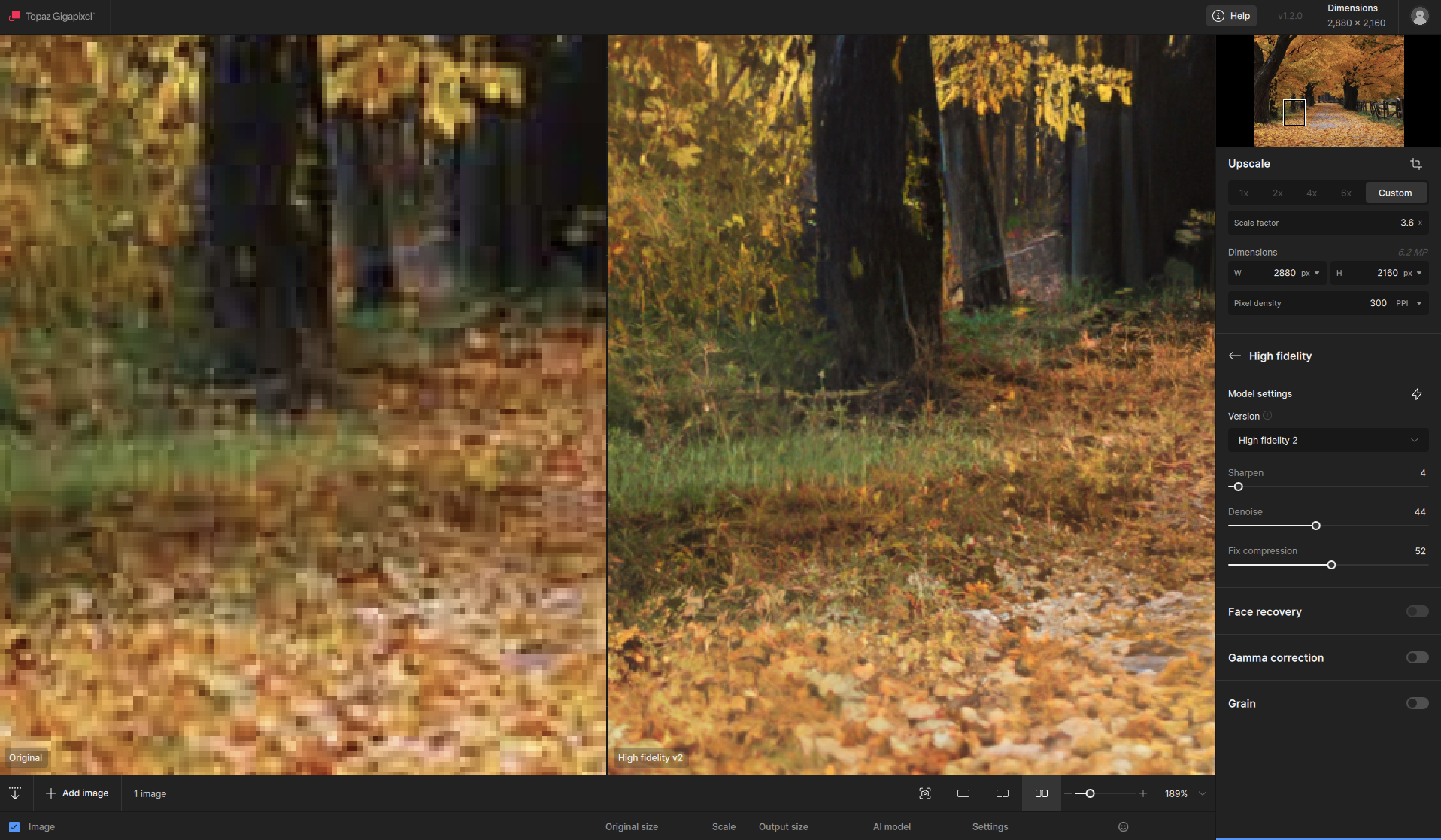
In comparison, HF v2:
Frankly, it’s the case for the generative/recovery models already, but I was curious about it, so I tested that image against HF v3.
Redefine Realistic Subtle is ‘da best’ here.
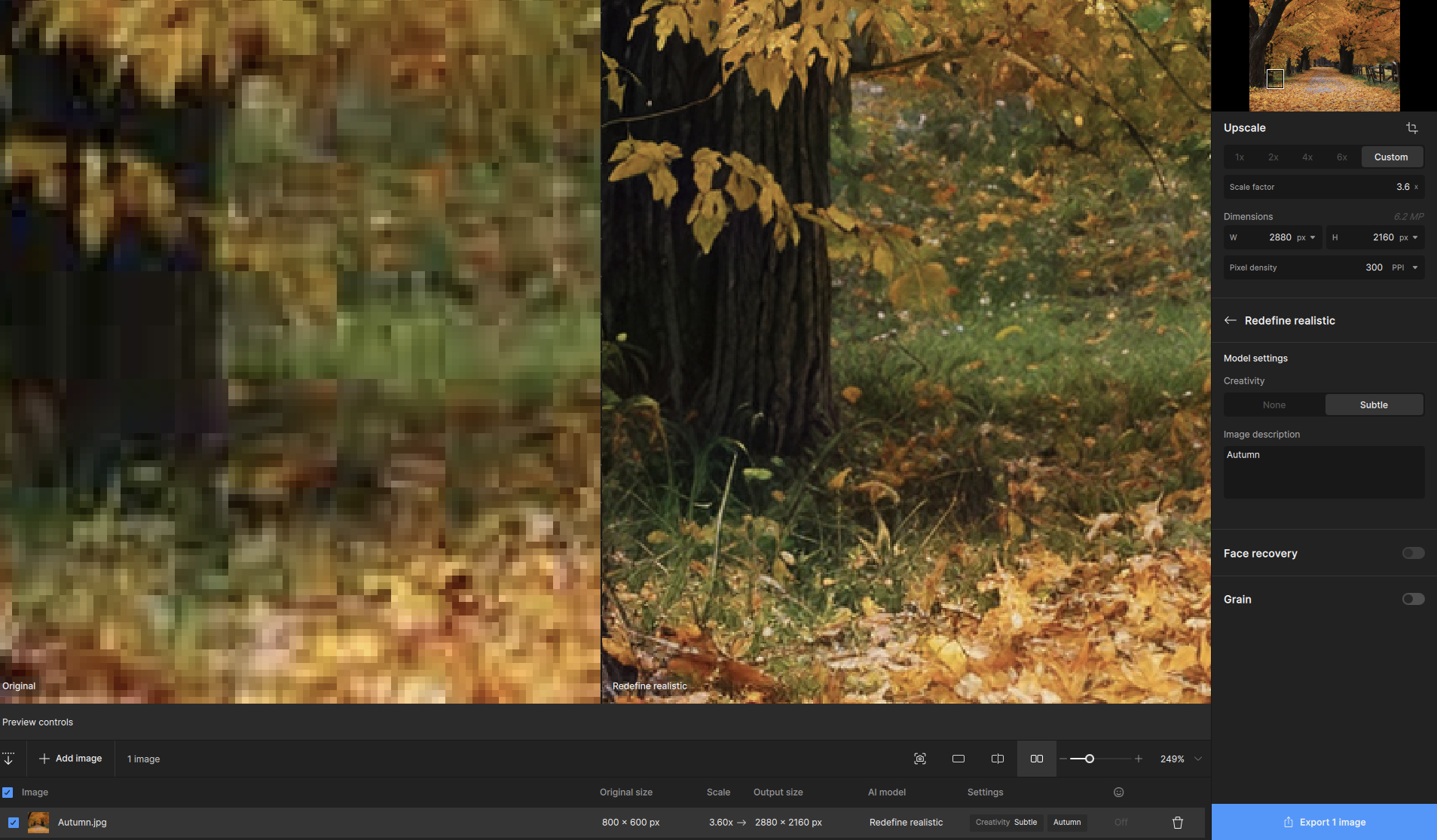
I’d also encourage to try Wonder v3 on this image - results are GREAT for all three ‘strengths’ of this model. It simply comes down to “how much do I want to have this image restored and how overboard I’d like to go?”.
2 Likes