Hell Plugs.
I have art and design in my background and I’ve also used photo editing software for many years and have bags of patience.
Nice talking again. Keep well.
Best regards Robert. 
Hell Plugs.
I have art and design in my background and I’ve also used photo editing software for many years and have bags of patience.
Nice talking again. Keep well.
Best regards Robert.
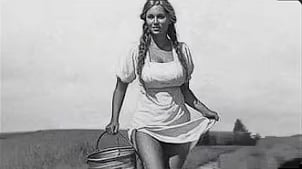
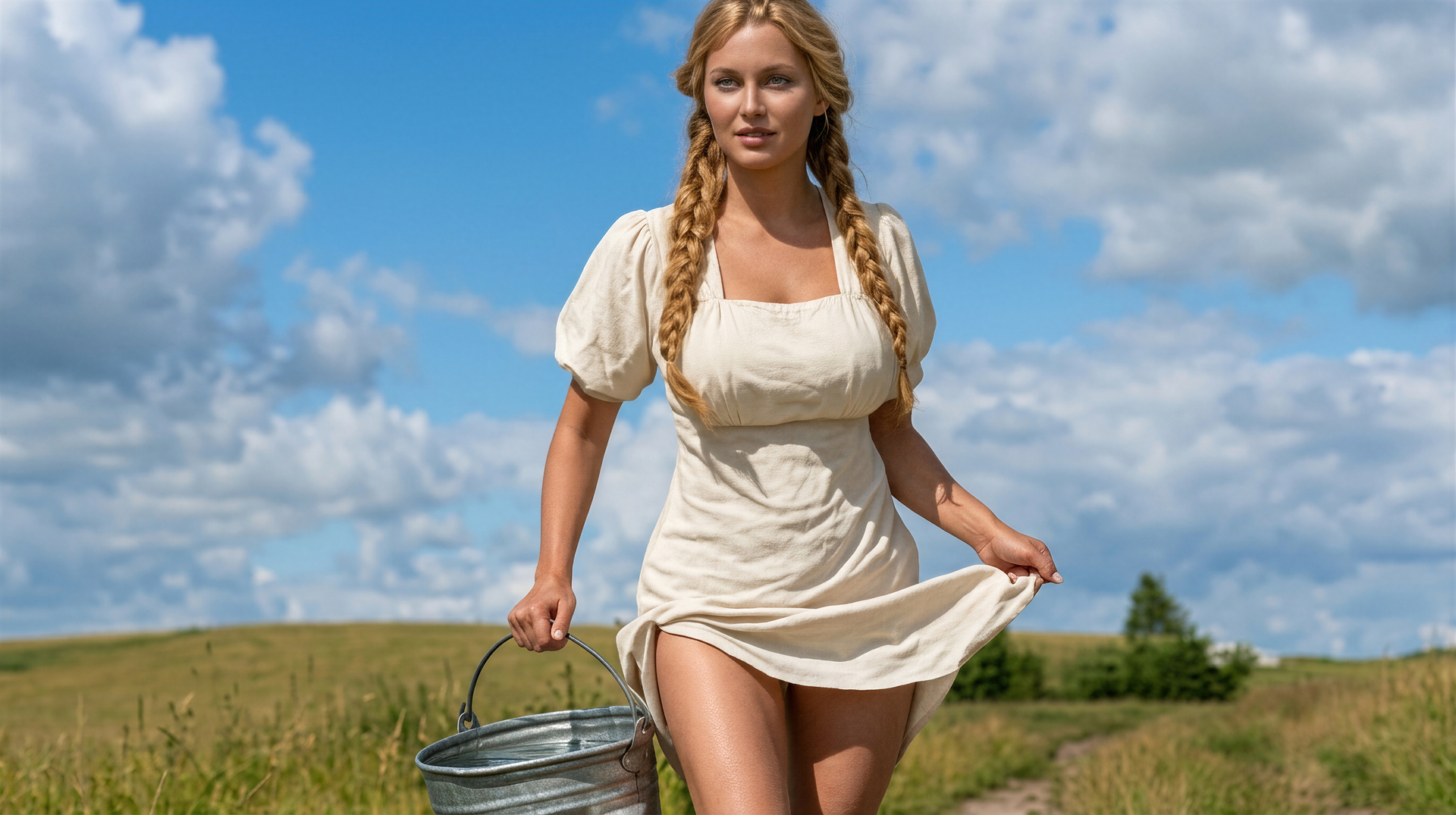
That galvanized bucket is a great fashion accessory! Well, Topaz Girl never disappoints.
When you give the prompt “enlarge as much as you are able”, what does Nano Banana actually do with it? I mean, does it use some size limit (eg max. MBytes per image) and numerically determine the zoom size accordingly?
Now it looks like a hyper-realistic painting. I recently found a similar (maybe not so hyper-realistic) motif (Jason Drake: Grandfather Mountain Reverie), Galvanized Bucket. Who knows what’s behind that bucket motif… 

In the words of King Bumi, who are you calling old? Okay, I’m old!
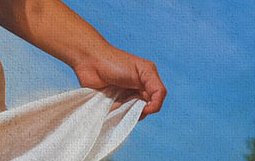
I have a habit of going down the stylized route if the original image has flaws that I want to hide. As is so often the case when AI gets involved, it was the hands that were the problem. I could probably have fixed them with Nano Banana but I was too stingy to pay for the credit!
Old AND stingy! What more can I say. 

Why use Nano Banana when I have shown before that the Topaz Studio Collection has all the Tools you require to get any job done including
Wonder 1 & 2, Recover 1,2 & 3, Standard MAX, Super Focus, Redefine Realistic & Creative Bloom Standard, Realism and Wonder 2 in addition, the other Denoising, Sharpening and Upscaling Tools plus Dust & Scratch and Mosaic and not forgetting an abundance of Video Enhancement & Video Stylistic Tools and their all included
Because the generative services (specifically Gigapixel’s Redefine) struggle in certain areas. As mentioned above, it does particularly poorly with hands, so I always need to go elsewhere to redress that. Mouths too, especially when teeth are showing. If you can generate life-like high-res hands in the above image using only the Topaz offline tools, I’ll happily eat my words!
Damn, I’ve revealed too much!
I’m not sure, I would have to test its limits. There may even be a set target size, where it upscales or downscales to a fixed dimension.
Speaking for myself, I use it mainly for the colorization option. The rest is gravy.
But sometimes when people are involved I first run the source through Gigapixel before hitting the Nano.
Why restricted to Offline Tools why not the Complete Studio Collection if Nano Banana is on the table then, surly all Topaz Applications are available.
Here’s an example, of using firstly, Topaz Dust & Scratch V2, then Recover Faces, next Recover V3 or Wonder 2, followed by Bloom before Colouring with Mosaic and final Finishing Touches with Photoshop.
You mentioned Hands, do you mean like in your example
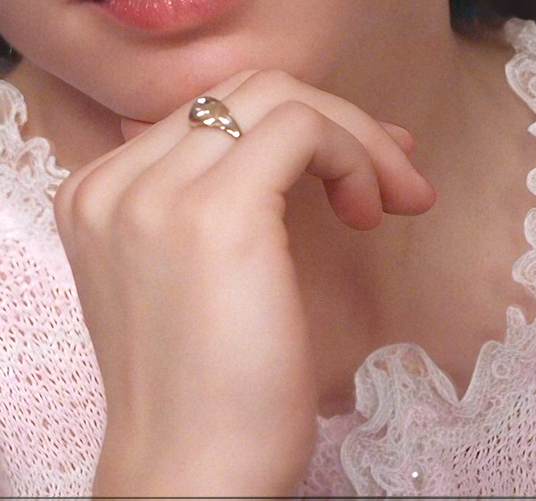
You want High Resolution Hands Topaz have got you covered here’s another example of a part of an Image I Restored using a similar technique using the Topaz Tools and I have to admit the Hand was in good shape to start with however, it’s the only example I have to show you even so, clearly there is no Distortion, Extra Fingers, or Long Fingernails.
As you can see I find it inconceivable, why people want to go elsewhere and use other apps when we have all the Creative Power we need within Topaz Studio
Andy
I stick to offline tools for privacy reasons (and use Nano Banana in Photoshop).
The hand in your image is fine, albeit lacking any lifelike details (skin texture, knuckle creases etc.). However, as you say, that’s from an image that wasn’t too bad to begin with. The real challenge is to produce something good from a low-quality source like robert.bingham‘s original. I’ll attach it again here in case you fancy having a go. The goal is to produce a high-res image with photorealistic detail. I can’t generate realistic hands using Redefine so I’ll be impressed (and jealous!) if you can.
I appreciate, and understand if you don’t want to use Cloud Apps except, using Nano Banana via Photoshop is still using it in the Cloud, Adobe is only acting as an Aggregator for their Partner Companies
I suspect for privacy reasons you are only using a portion of your sensitive image to Nano Banana via Photoshop but, then again if that’s the case you can send a portion of your image to Bloom.
You are correct about Rendering Hands with Redefine but, isn’t that true with most AI Rendering so, with that in mind there’s little point in me having a go in addition, both Redefine Realistic and Creative Tools are still in Beta and haven’t changed in a quite a while plus they have basically been made Obsolete by the newer, more effective, and superior Bloom
I wasn’t trying to be critical I was just saying and I reiterate here for the majority of images, if not all of them we have all the creative power we will ever need with Topaz Studio and If you want to try something else great, but, please give the Studio Apps a try first plus Unlimited Image Rendering is included with your Subscription.
Yeah, I’m unhappy even using Nano Banana locally (and don’t do it tremendously often). In a case like this, I’d mask the hands and apply changes to them exclusively.
Another option is to search the internet for an image containing similar hands, then copy and paste them into the original image before letting Redefine do its thing. Sometimes works!
It’s definitely true that all AI struggles with features like hands, which is why I’d have opted for something like Nano Banana in this case (Adobe stock has numerous hand images available also). Baffling, really - as a known issue, you’d think it could be addressed by some targeted training of the models.
Interestingly, Redefine Realistic actually isn’t in beta anymore, although Creative is. Not sure if any further changes were made to the model or if it was simply decided that it was as good as it was ever going to get.
Topaz software is uniformly excellent, and it does indeed perform most of the functions you’re ever likely to need. That being said, there’s other good software out there too and it would be foolish not to use it out of principle.
Don’t worry - your advice was accepted in the positive spirit it was offered!
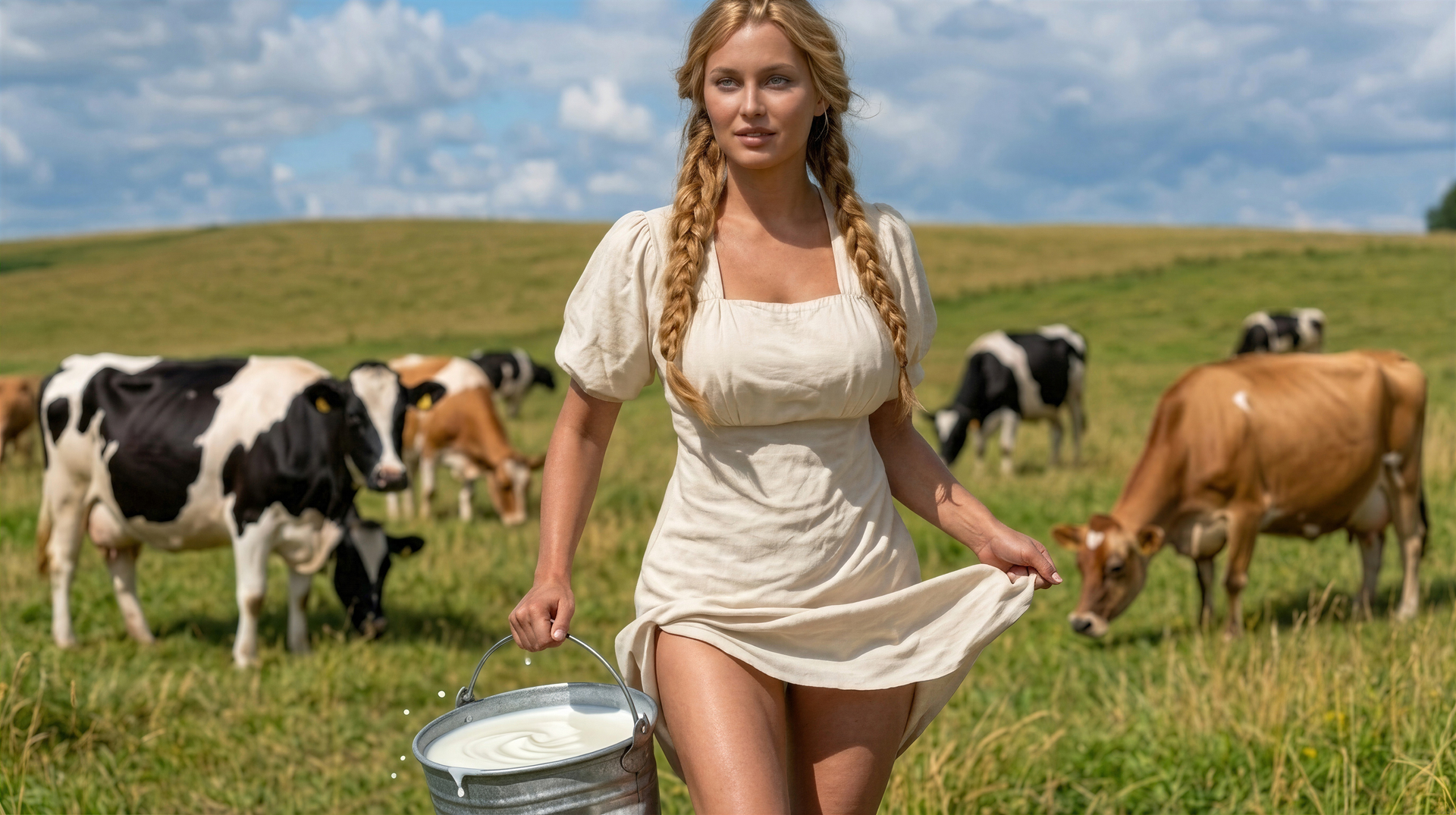
I couldn’t resist and, despite my strong principles, I tried to join the others and improve that original black-and-white Bucket Girl image submitted. I succeeded only using Nano Banana 2 with a rather detailed prompt (especially regarding the hand holding the skirt). And that was only on the third attempt. I had a summer sky with clouds added.
To my surprise, water appeared in the bucket too! Bucket Girl is a strong woman, she easily carries about 5 US gallons (or maybe about 20 liters) in a galvanized bucket. (And this water is not a heavy deuterium compound.)
I am not saying that it cannot be done using other tools (I don’t have many/most of them, and I don’t know how to use them perfectly).
I submitted the NanoBan result to Gigapixel for final enlargement and application of Wonder 2. I don’t think it’s bad. My conclusion: AI needs strong military commands to correctly direct the attack on a mediocre image. 

I agree, she’s a big girl. Nudge, nudge, wink, wink, say no more!!! Sorry. Couldn’t resist lowering the tone.  It’s off to the naughty step for me I think!
regards.
Don’t encourage me Unrelent. Before I get banned can I just say that having only recently getting access to Bloom etc, that I think the User Interface needs a bit of work and I keep getting Logged out of it. 
Good result - I like that the soft focus has been retained for the background, and the usual problem areas (hands and face) have been handled very well.
She’s strong but she’s not too smart - she’ll kick herself when she realises she’s got water instead of milk!