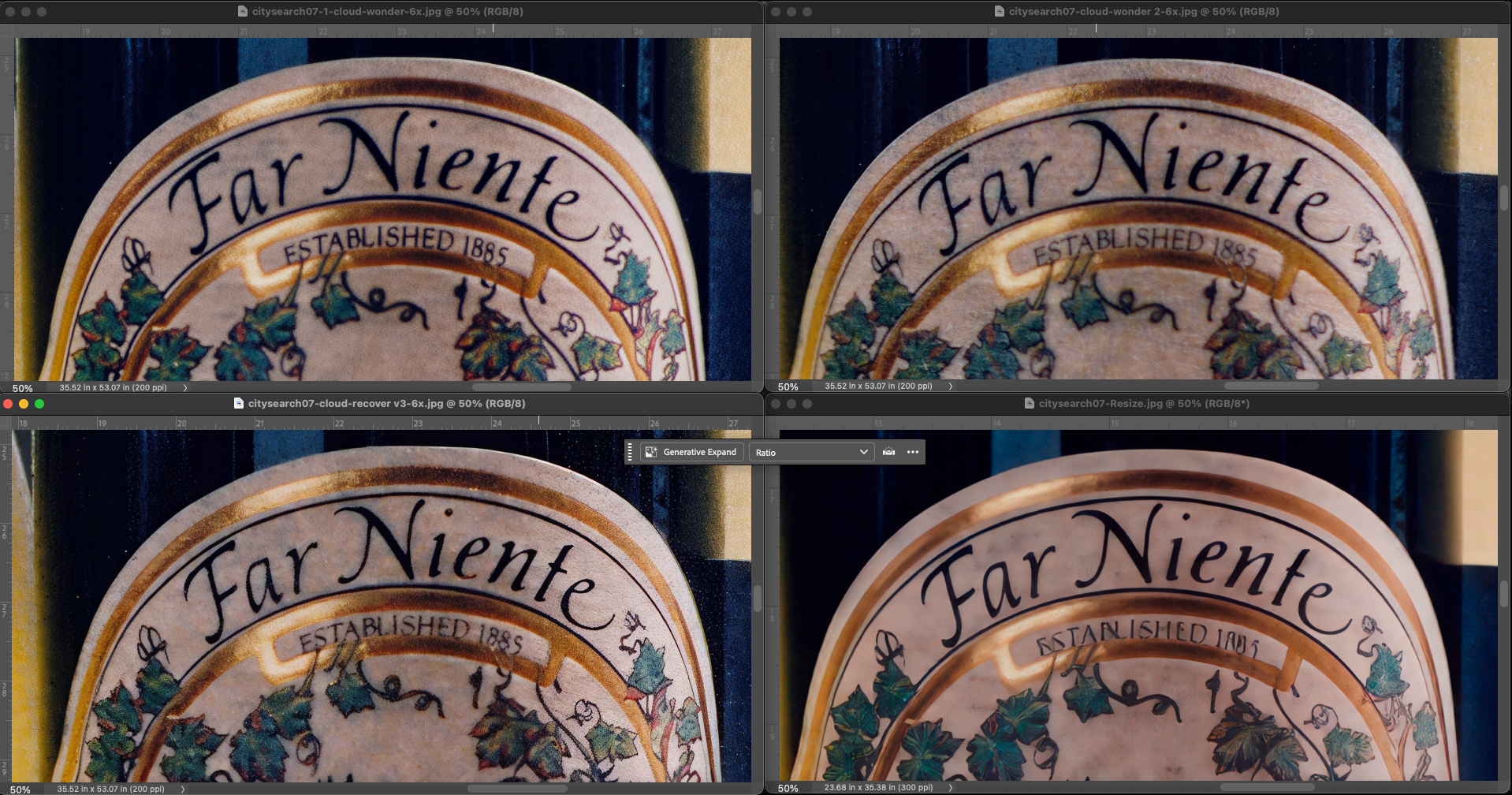
I like the results from Wonder V1 because it cleaned up the noise/grain well. However, some micro-details were slightly lost, which are present in Wonder V2, but a bit of grain returns. The Wonder V1 and Wonder V2 versions should be combined in Photoshop. Then the photo would be perfect. Perhaps a final pass with Recover V3 would be helpful?
For the seagull, I prefer the eye remade with Wonder V2. But I prefer the feathers and beak of ON1 Resize.
ok, I understand.
This would be a feature request. Thanks for suggesting.
1 Like
Thanks for these examples and for the tiles testing. I would say that Recover V2 seems to be better in the first image, but too strong at the same time. Recover V3 doesn’t work well on that image.
There’s no question that Recovery 3 looks the worst.
As for Recovery 1 & 2, hmm, yes, V2 looks a little better in this picture.
However, I like parts of the picture in both V1 and V2.
As far as the color tiles are concerned.
I’m no expert.
The closest thing I can think of is that if your training set of images for Wonder 2 is new, there may be images with different color spaces in the set, which is why they appear sporadically.
At least this would be quick to check.
But of course, it could also be something completely different.
1 Like
I took another look at the tiles and they are also brighter.
So either the contrast or brightness and color are changing here.
You’re right that changes b/wn different colorspaces can cause that kind of appearance shift too.
I always work with Adobe RGB (1998). Many years ago TL forced all outputs to ProFoto for a while. That caused the kinds of appearance shifts on outputs that you mention, Thomas. When they went back to supporting other colorspaces the appearance shifts stopped.
1 Like
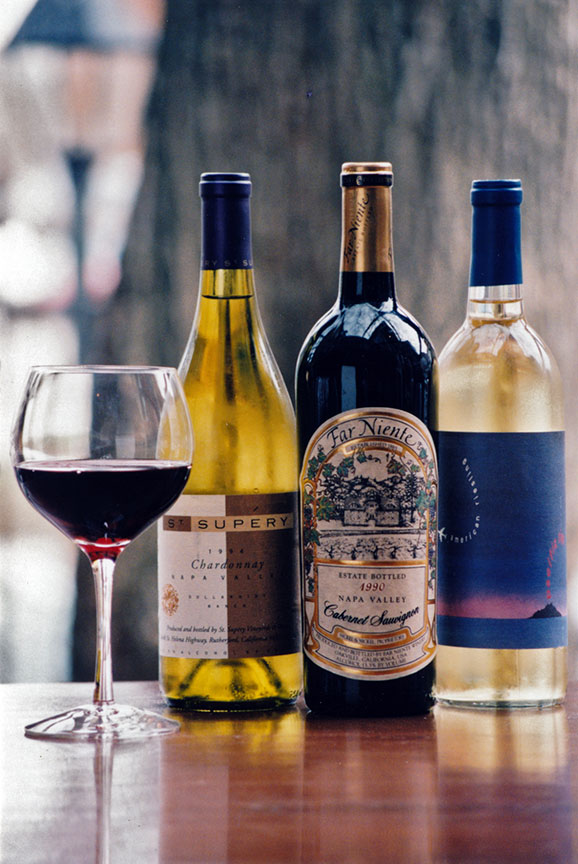
Some more 1990s 35mm film salvages. You can see the model/app used in the file names.
Original, reduced:
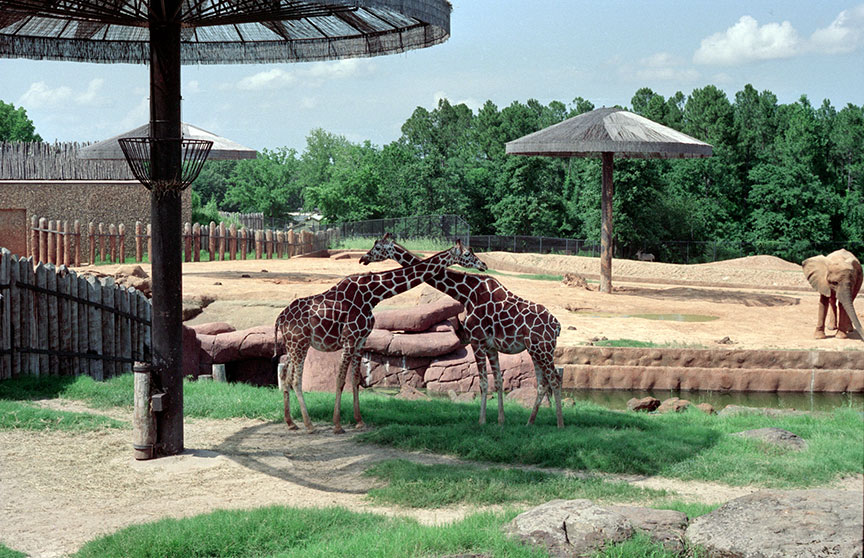
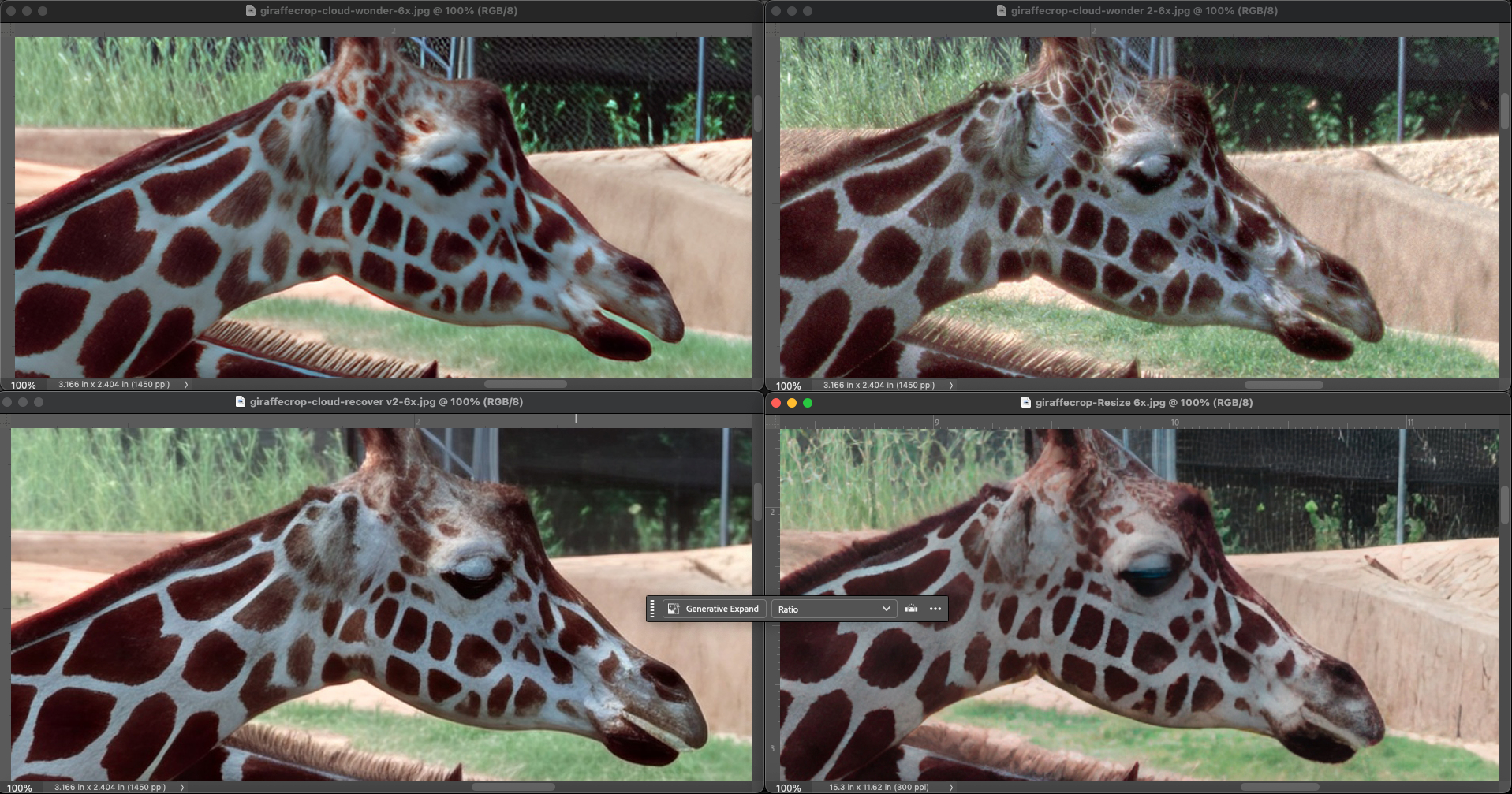
Original, reduced:
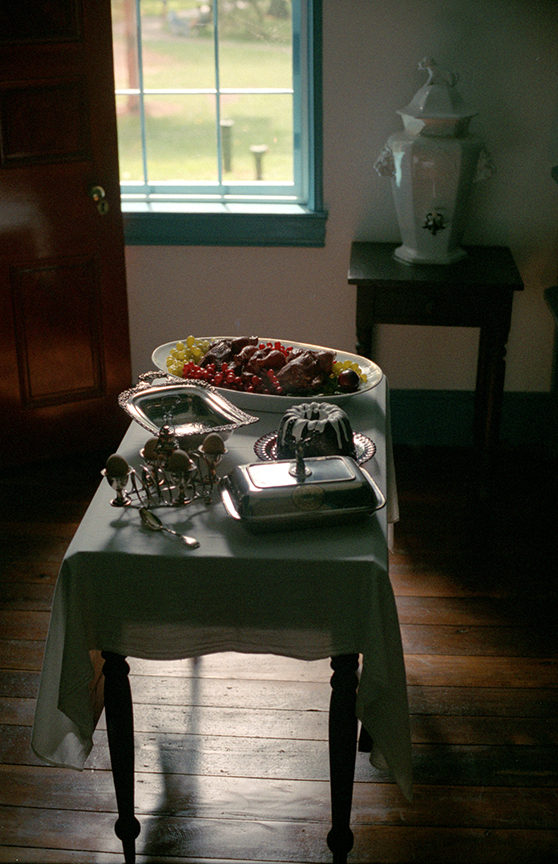
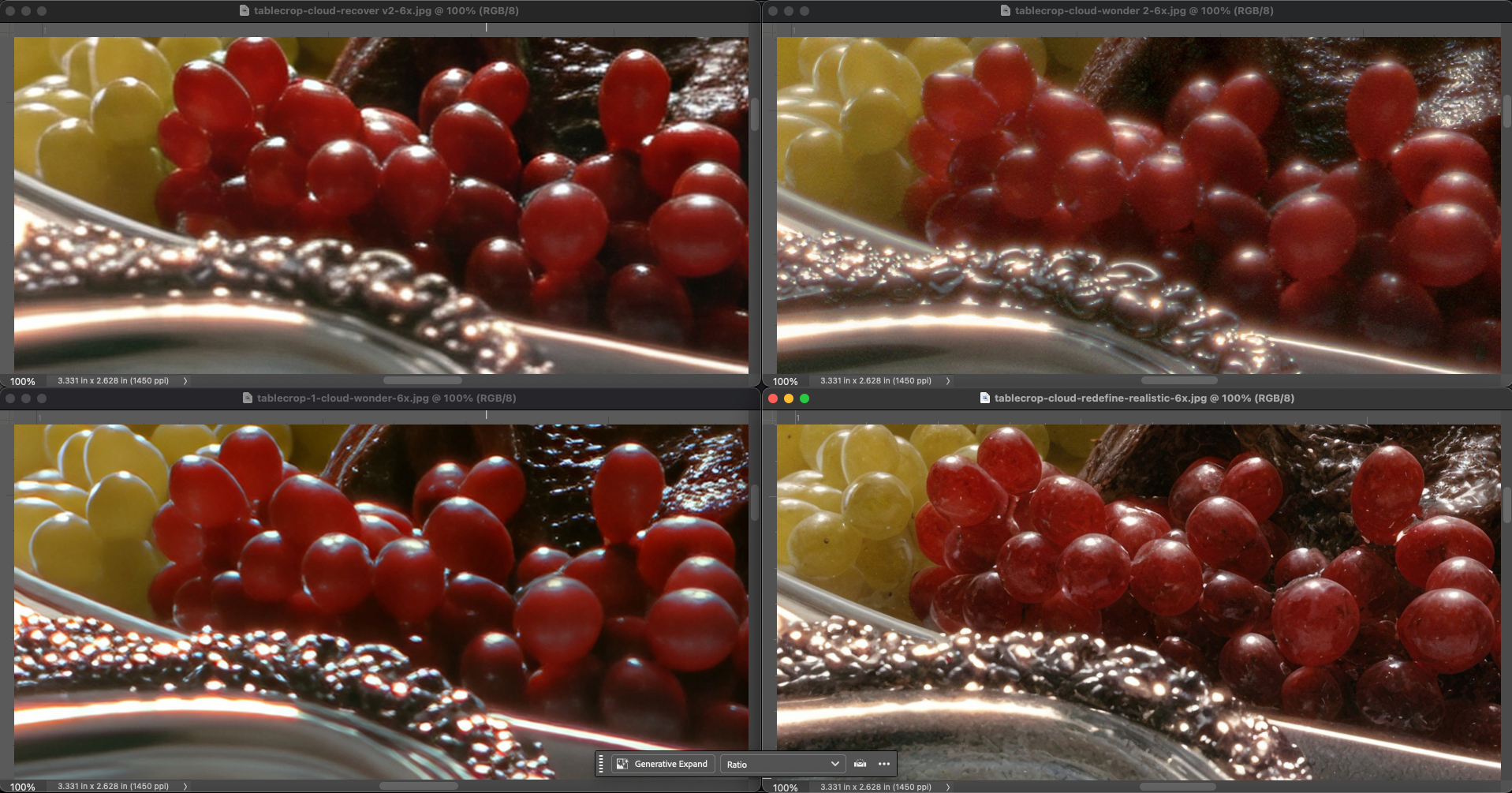
Original (from 3x5 print), reduced:
I’ll do more tests on my end and report back if I can reproduce
1 Like
Great examples!
For the wine bottle, you can ssee how Wonder 2 preserves details and is better with the text. There is a grainy texture that could be removed or reduced a little bit depending on the look you’re after.
3 Likes
Why new version of Gigapixel eat more and more space from SSD? Gigapixel AI 20GB, Gigapixel 1.0.7 30GB, but Gigapixel 1.1.1 33GB? Soon Gigapixel eat almost identical spece as games AAA (60-300GB). And why on changelog TopazLabs no add info about new DRM?
When all the Bugs for Wonder 2 are fixed, i need to re-edit a lot of images, just to see how they look after.
A noise reduction model based on Wonder 2. 
Recover v3 at its current state is practically unusable - it makes images smeary and devoid of details.
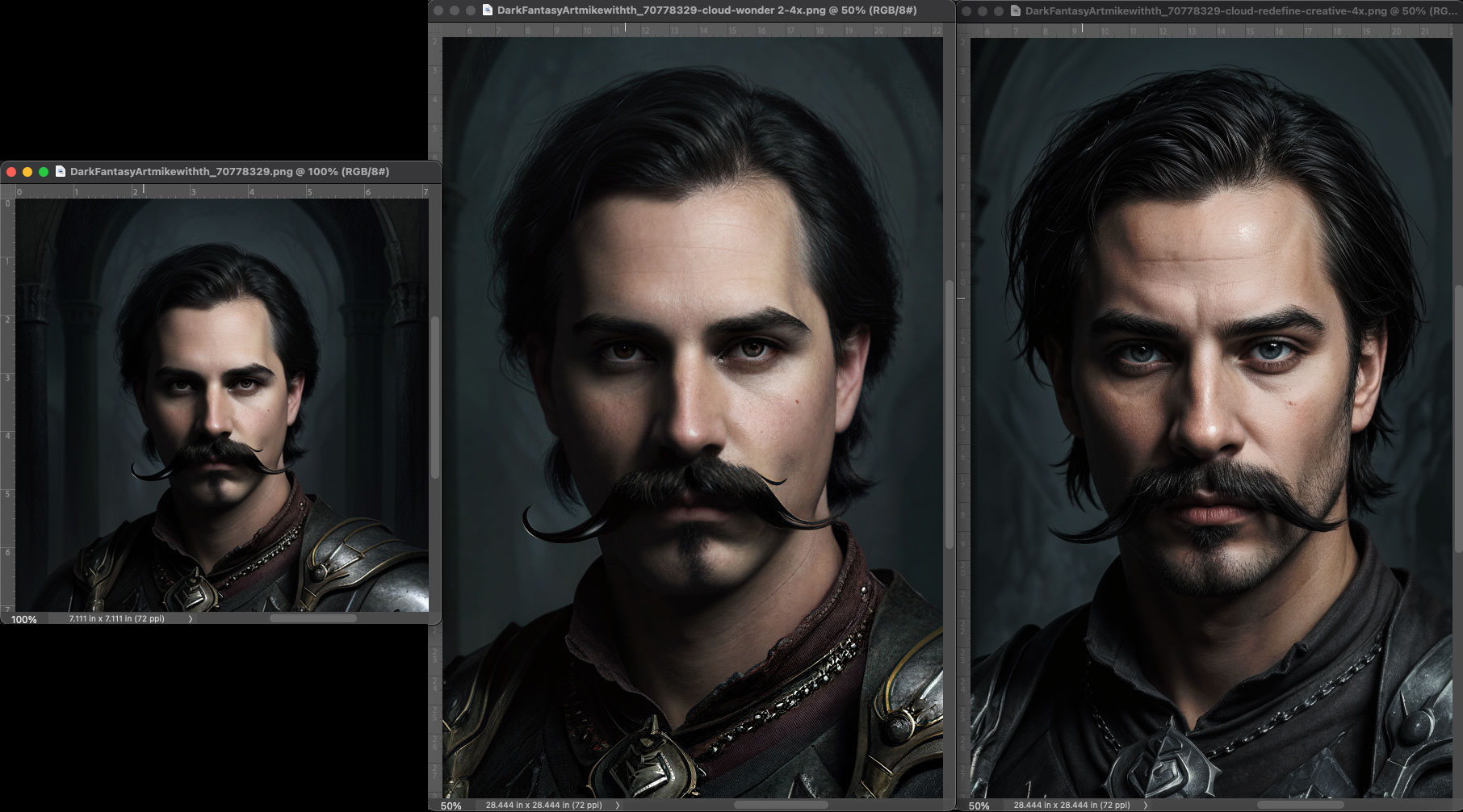
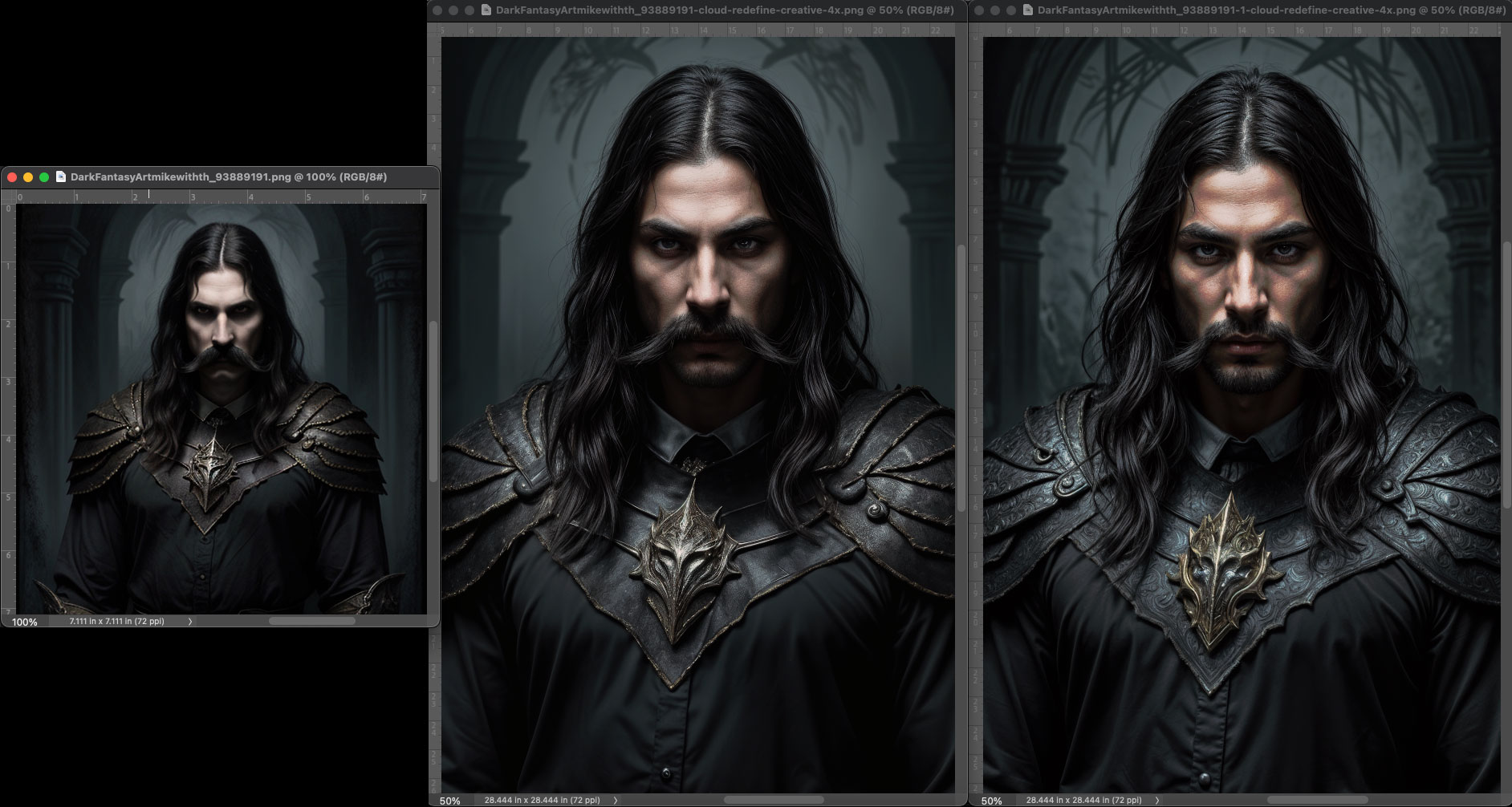
Removed a comment from earlier that had the right answer, but was rude. Please keep this forum respectful!
Answer: It’s normal that it uses more storage since we added two new models locally between Gigapixel AI and Gigapixel 1.0.7. And in Gigapixel 1.1.0 and 1.1.1, we added Recover v3 locally.
2 Likes
We received a lot of examples where it works very well too! I think this models doesn’t work with all images, this is correct.
Any timeframe for the release of the local Wonder 2 Model?
1 Like
No timeframe for that. It will be in the release notes if we have it in the future. This requires more testing 
1 Like
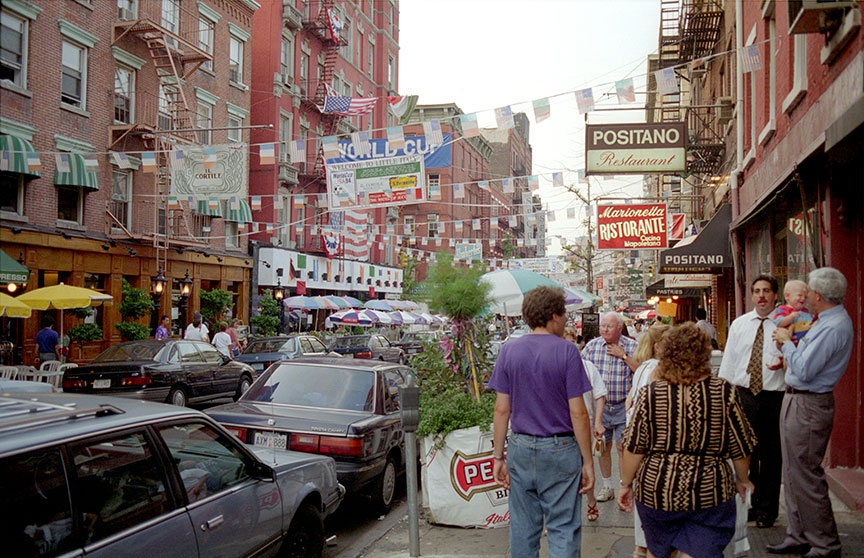
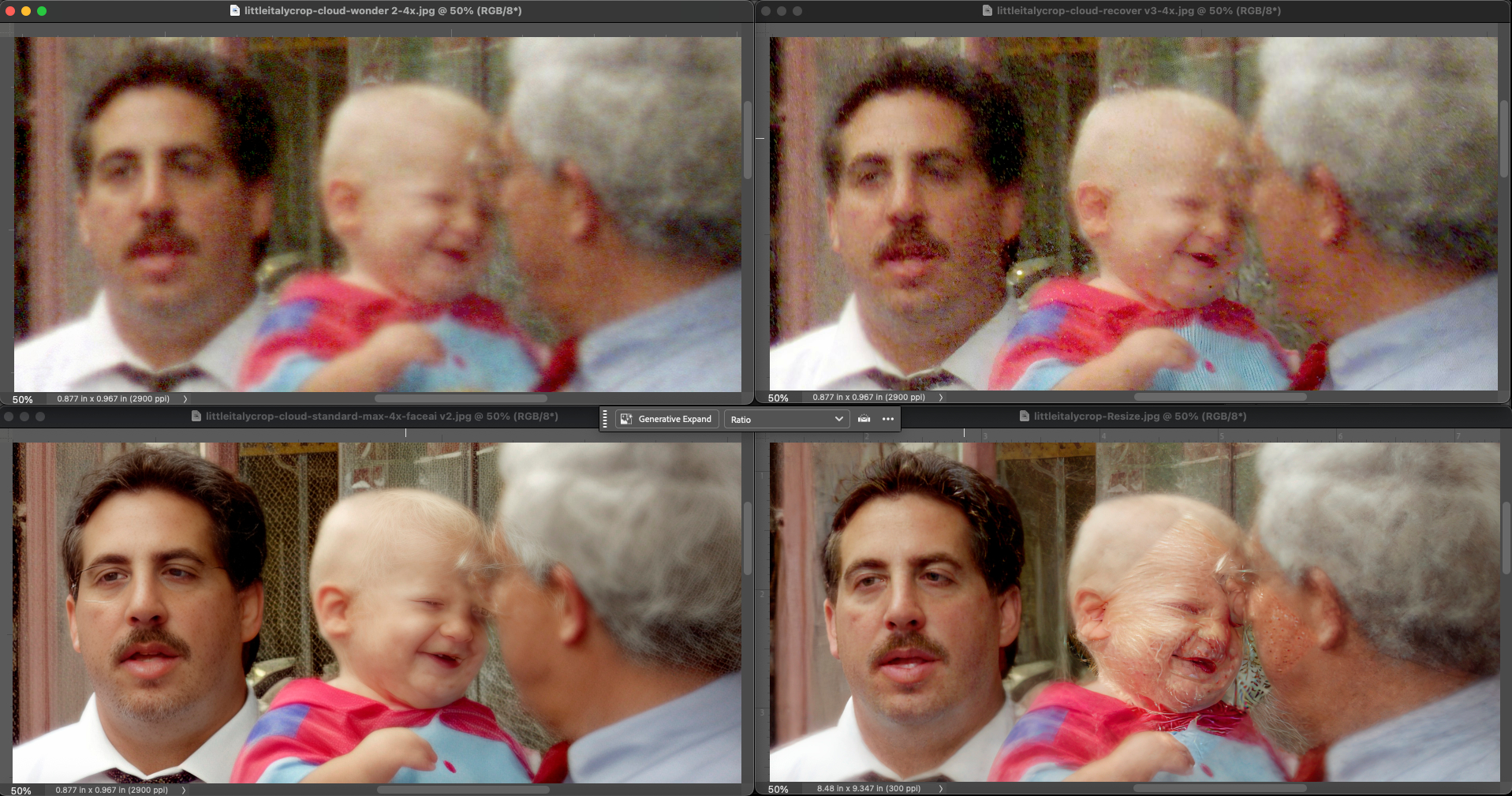
Back to the 1990s 35mm film scans… A charming vignette from New York City’s Little Italy. The winner at 4X is Gigapixel Standard Max for the baby, ON1 Resize for the man at left. Note how Standard Max tries to (almost) put glasses on the man.
Are film scans intended to be treated by Gigapixel? I hope so, since photographers have many of them to salvage.
2 Likes
