Hello!
Today we’re excited to release Topaz Gigapixel v1.1.0, an update focused on expanding our generative model lineup, refining the Cloud rendering workflow, and delivering a number of important fixes and quality-of-life improvements.
Thanks again for being part of the Topaz Gigapixel community 
As always, we’d love to hear your feedback.
Esther H.
Topaz Labs
Topaz Gigapixel v1.1.1
Windows: [Download]
Mac: [Download]
Snapdragon: [Download]
Released on January 23, 2026
Topaz Gigapixel v1.1.0
Windows: [Download]
Mac: [Download]
Snapdragon: [Download]
Released on January 22, 2026
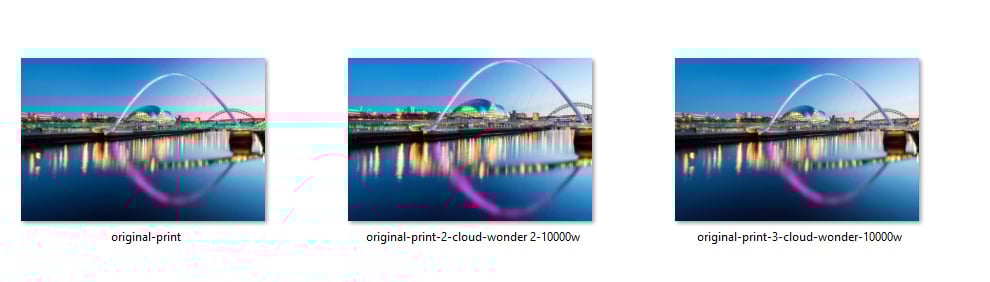
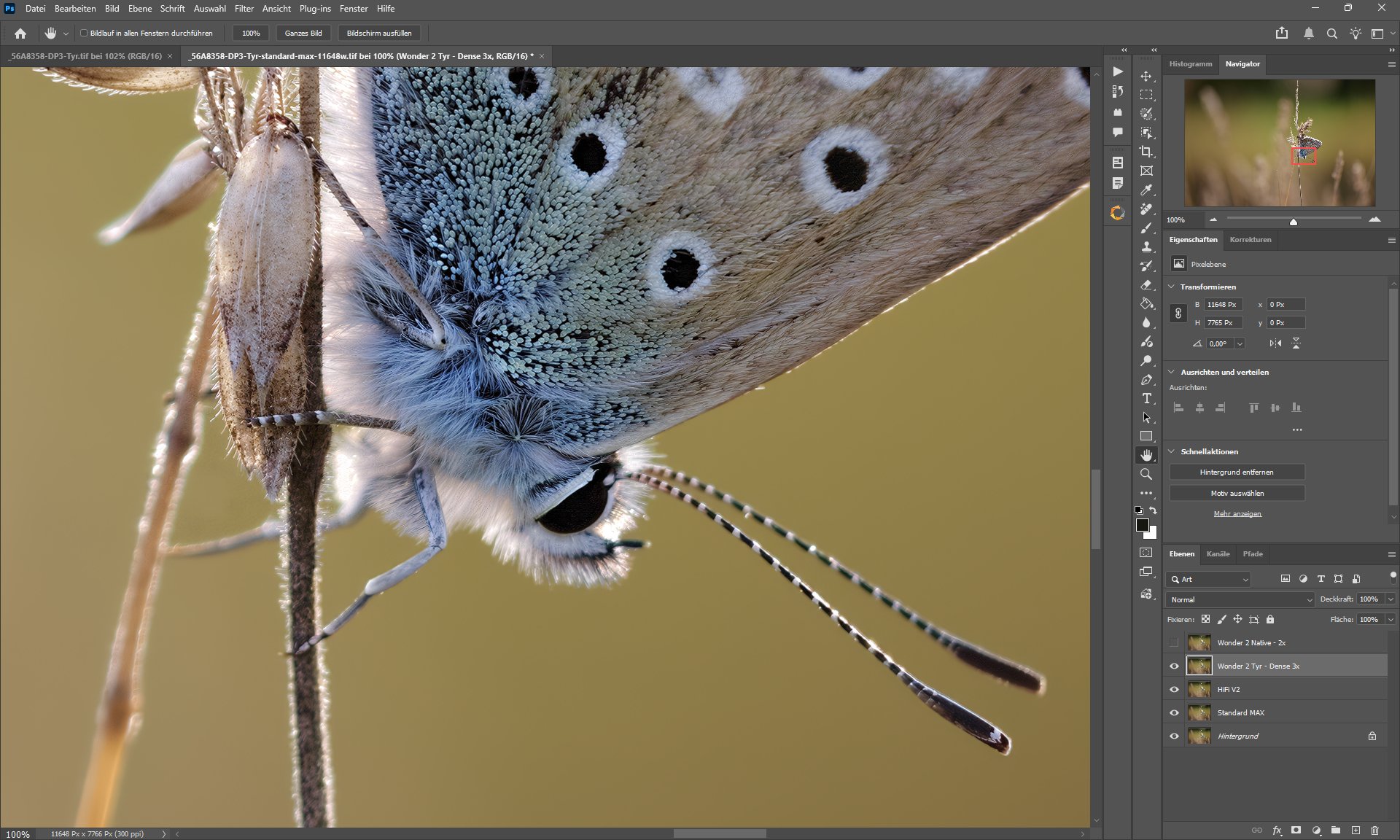
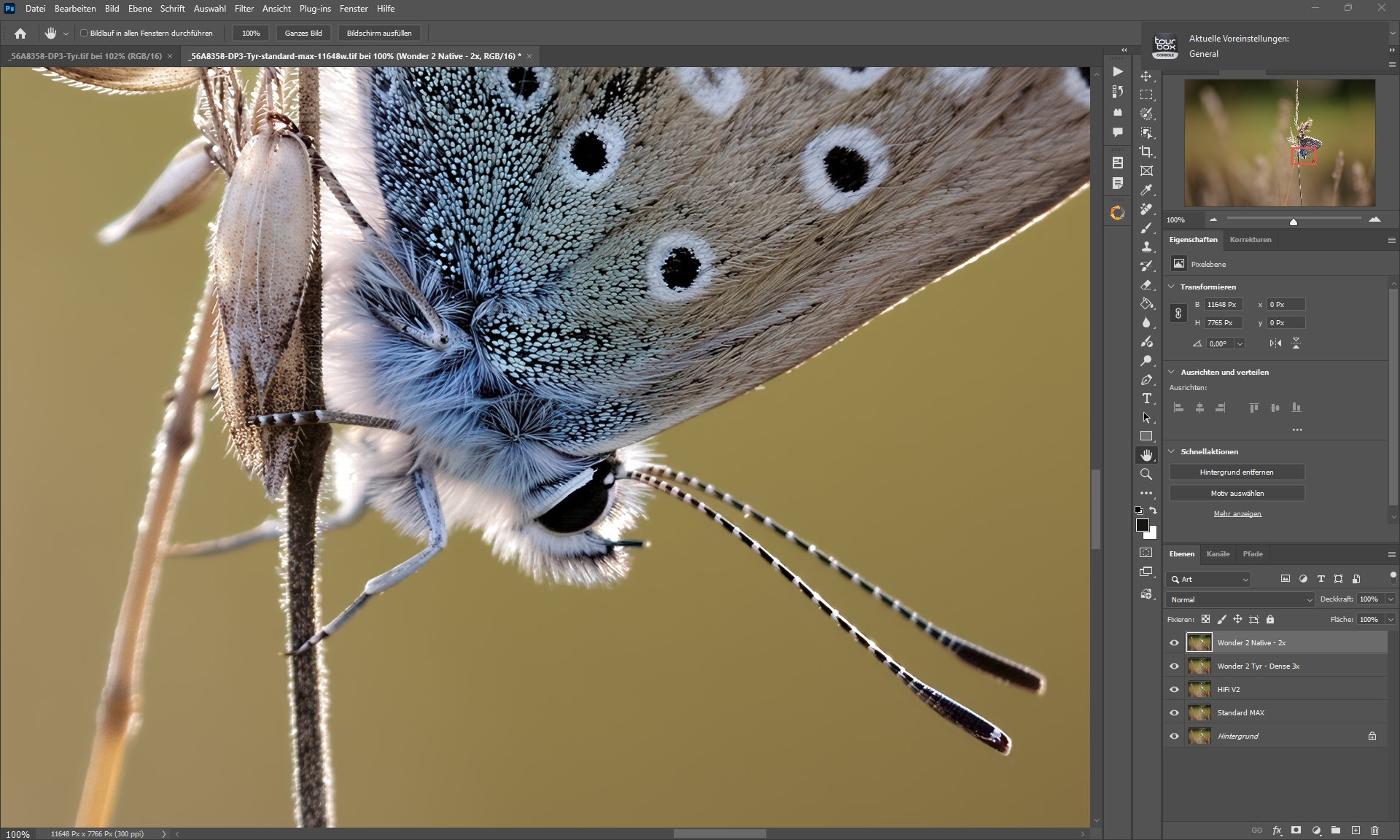
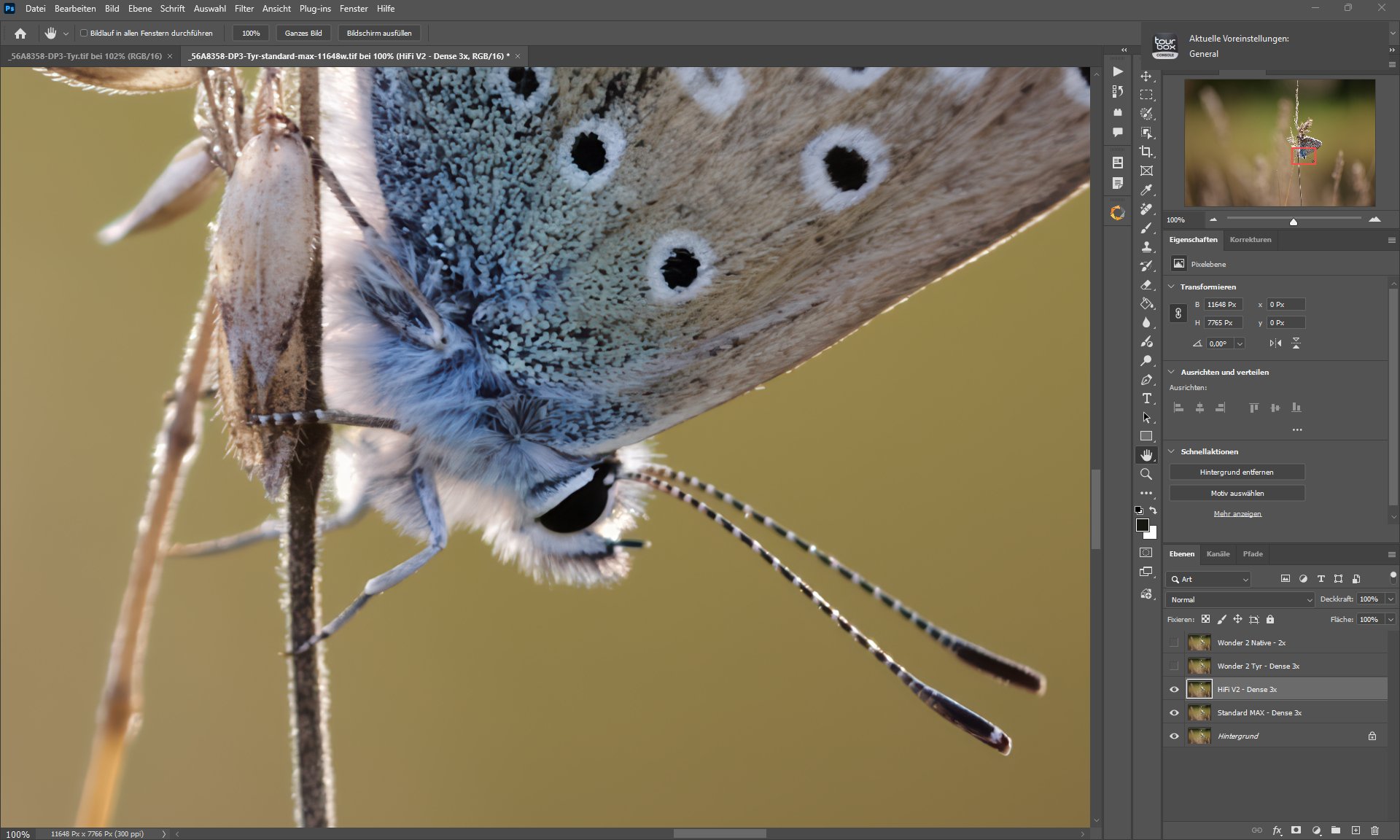
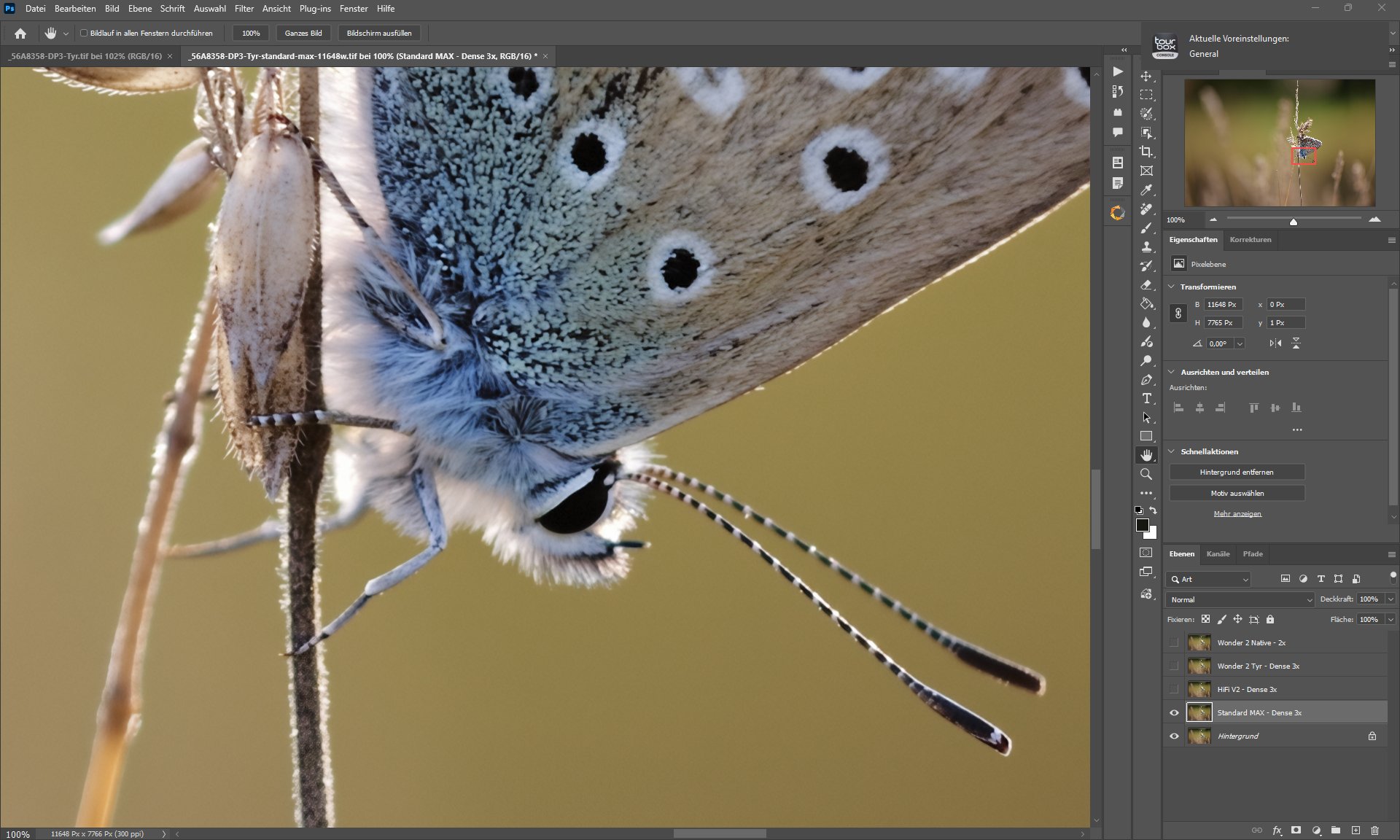
Wonder 2 — Precision Detail Without the “AI Look” (Cloud Only)
Wonder 2 is an evolution of the original Wonder model, redesigned to focus on precision and realism—especially in faces, skin textures, and fine surface detail.
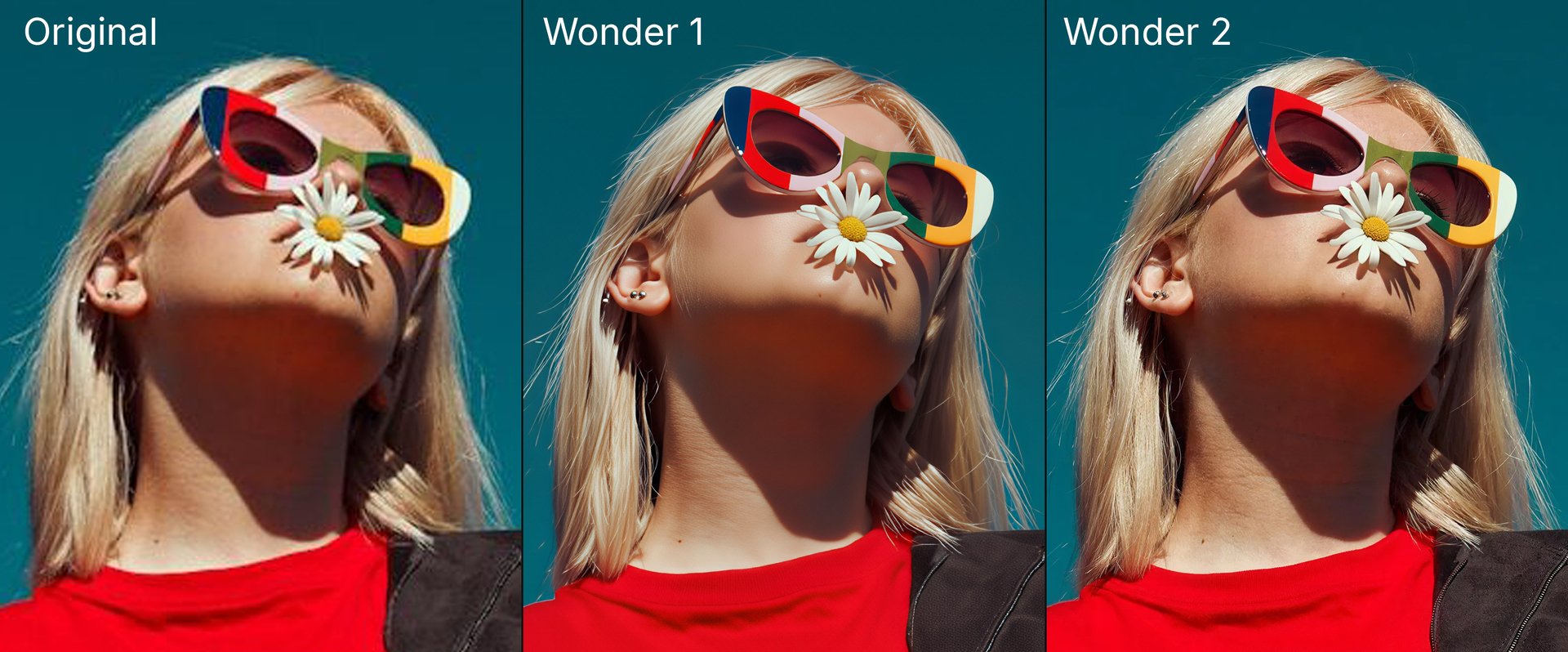
The goal with Wonder 2 is to aim for:
- Restore fine facial and texture detail
- Recovers text, logos, and signage
- Reduce artificial-looking patterns
- Minimize generative artifacts
- Improve overall quality compared to Wonder 1
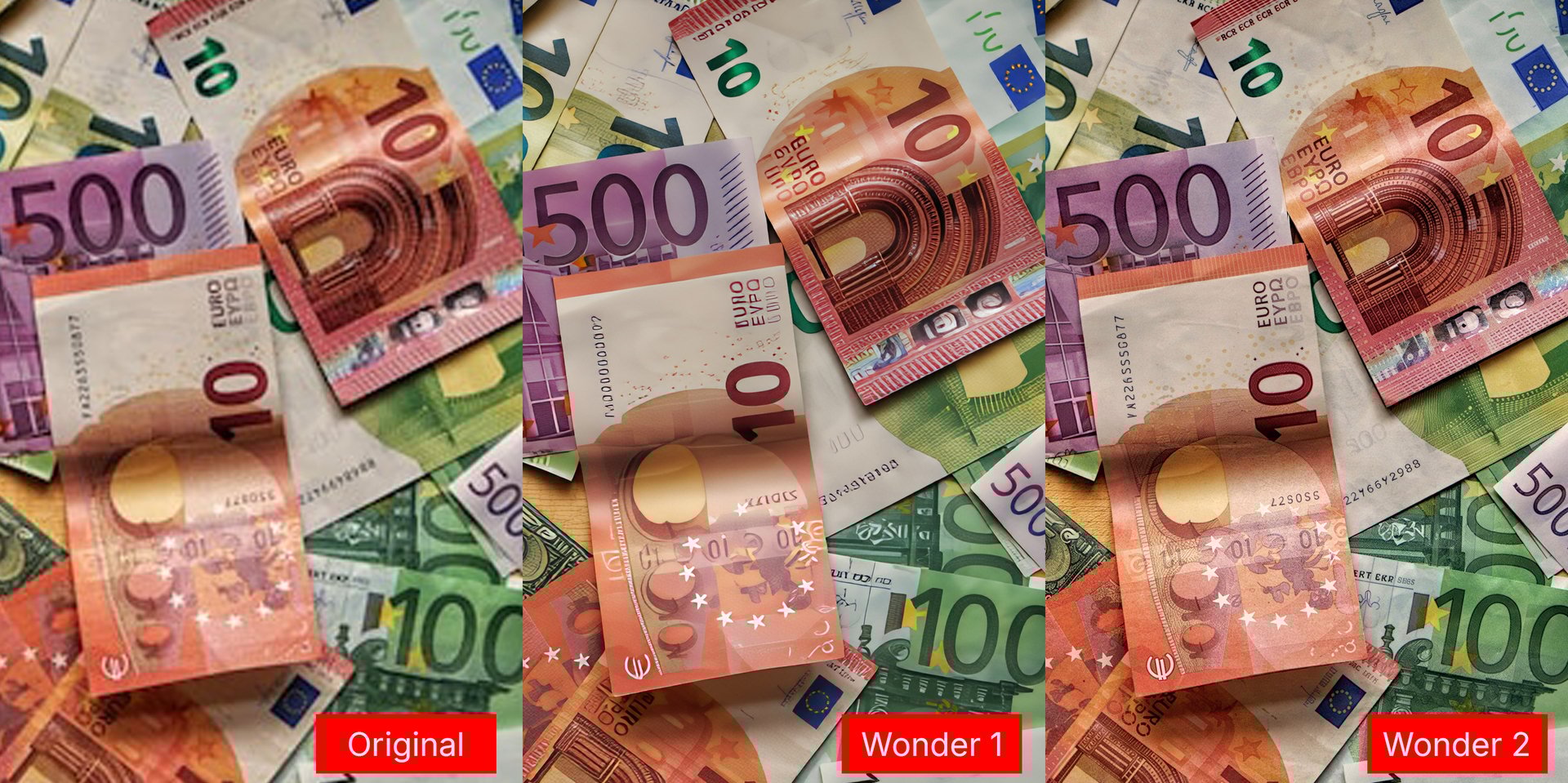
Key things to know
- Cloud render only for Topaz Gigapixel
- Single-step model with no preview controls
- Best results when upscaling 4×
- Not recommended for low-light phone images with heavy noise
Wonder 1 vs Wonder 2 results & false resolution
If you’ve experienced getting good results with Wonder 1 but not with Wonder 2, there is a chance your image may have false resolution. This is common with images from scanners, screen captures, or online sources. False resolution happens when an image is upscaled—its pixel dimensions are increased without adding real detail. The image looks large, but the extra pixels are interpolated and don’t contain true information.
You can spot false resolution by viewing the image at 100% (actual size). If you see compression blocks, pixel stepping, or artifacts in areas that should be smooth, the image likely has false resolution.
Workaround:
Try downscaling the image first. Downscaling can be done in a different image editor. Downscaling removes excess fake pixels and condenses the real detail, which often leads to clearer results when processing the image in Topaz Gigapixel with Wonder 2.
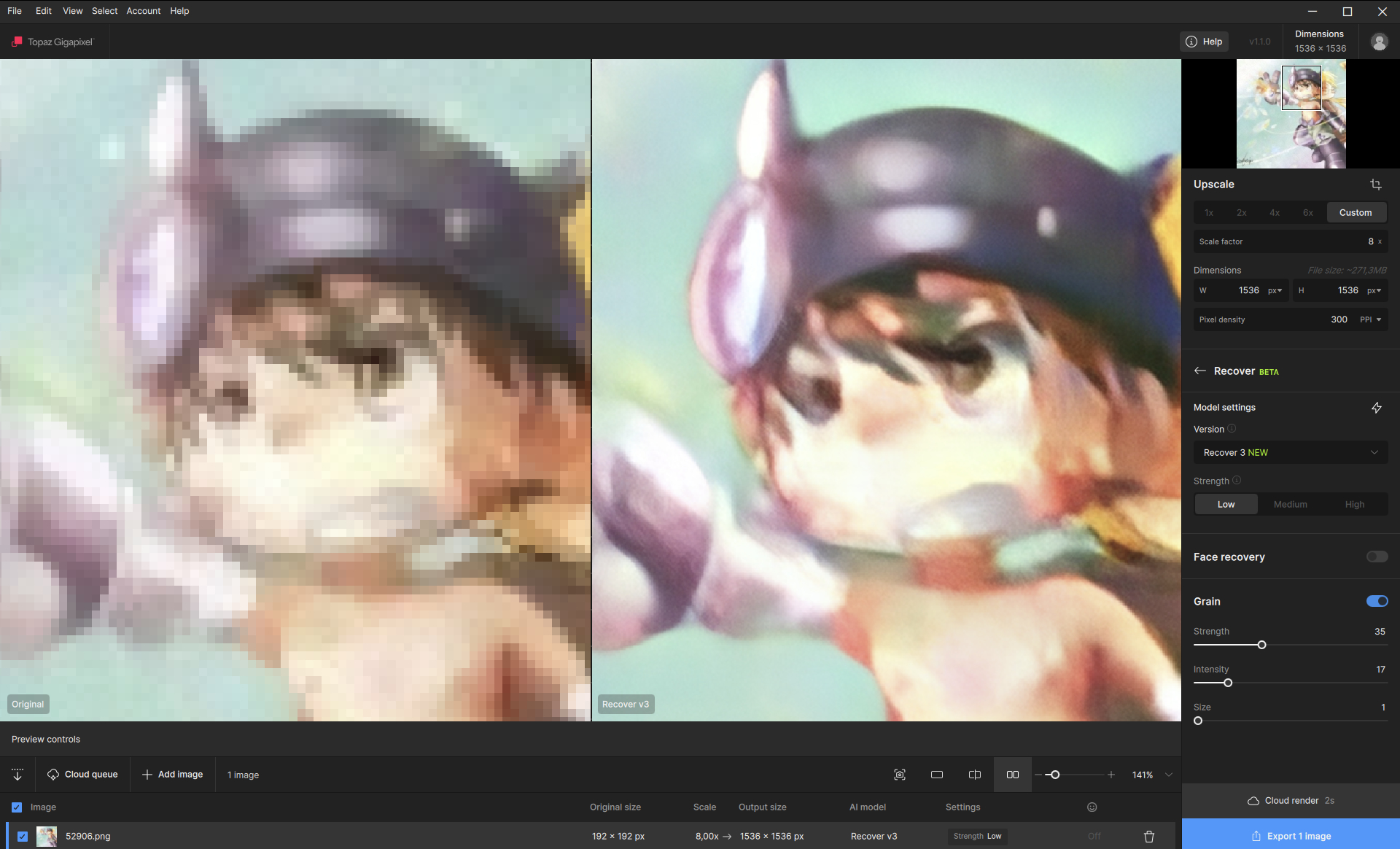
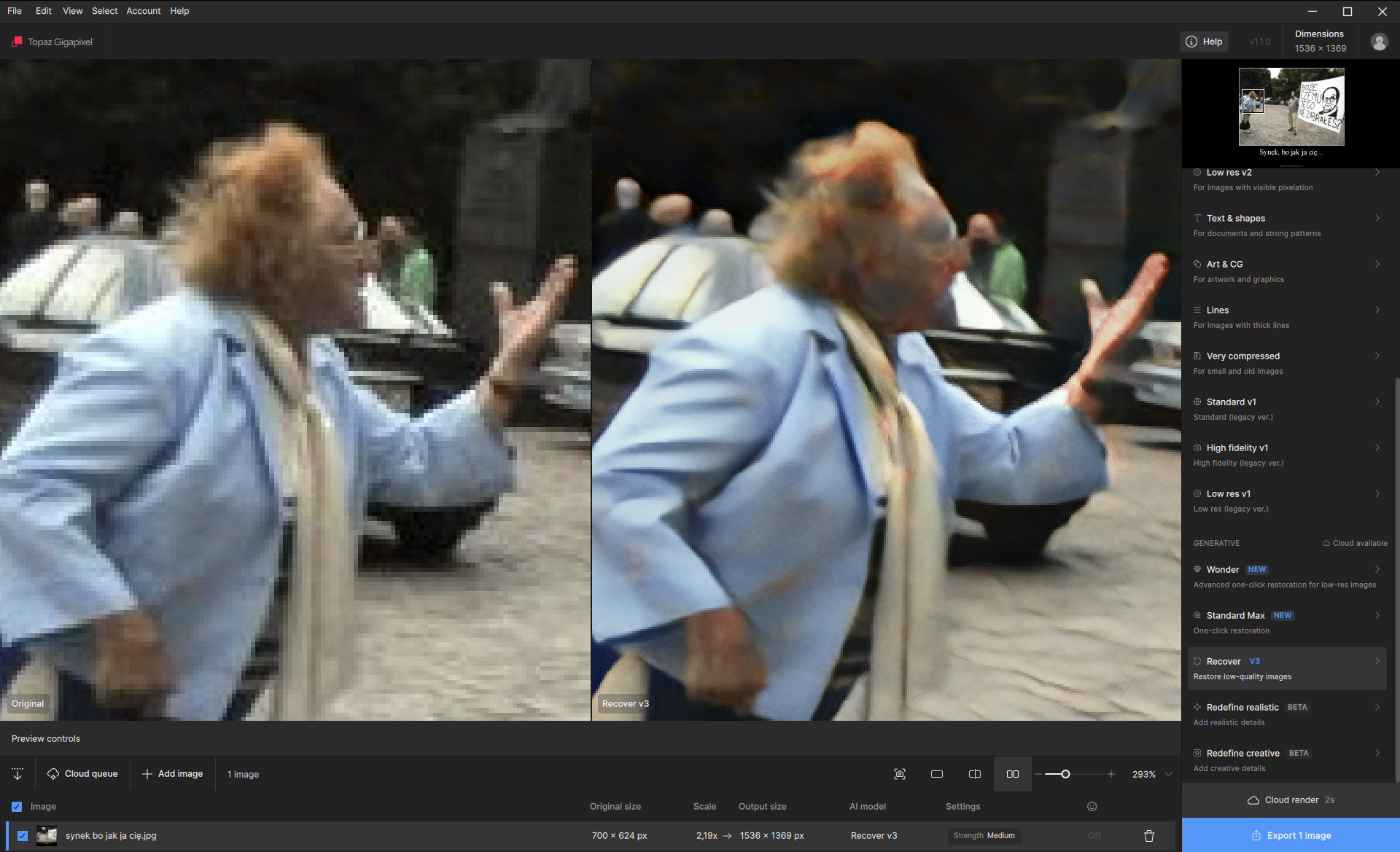
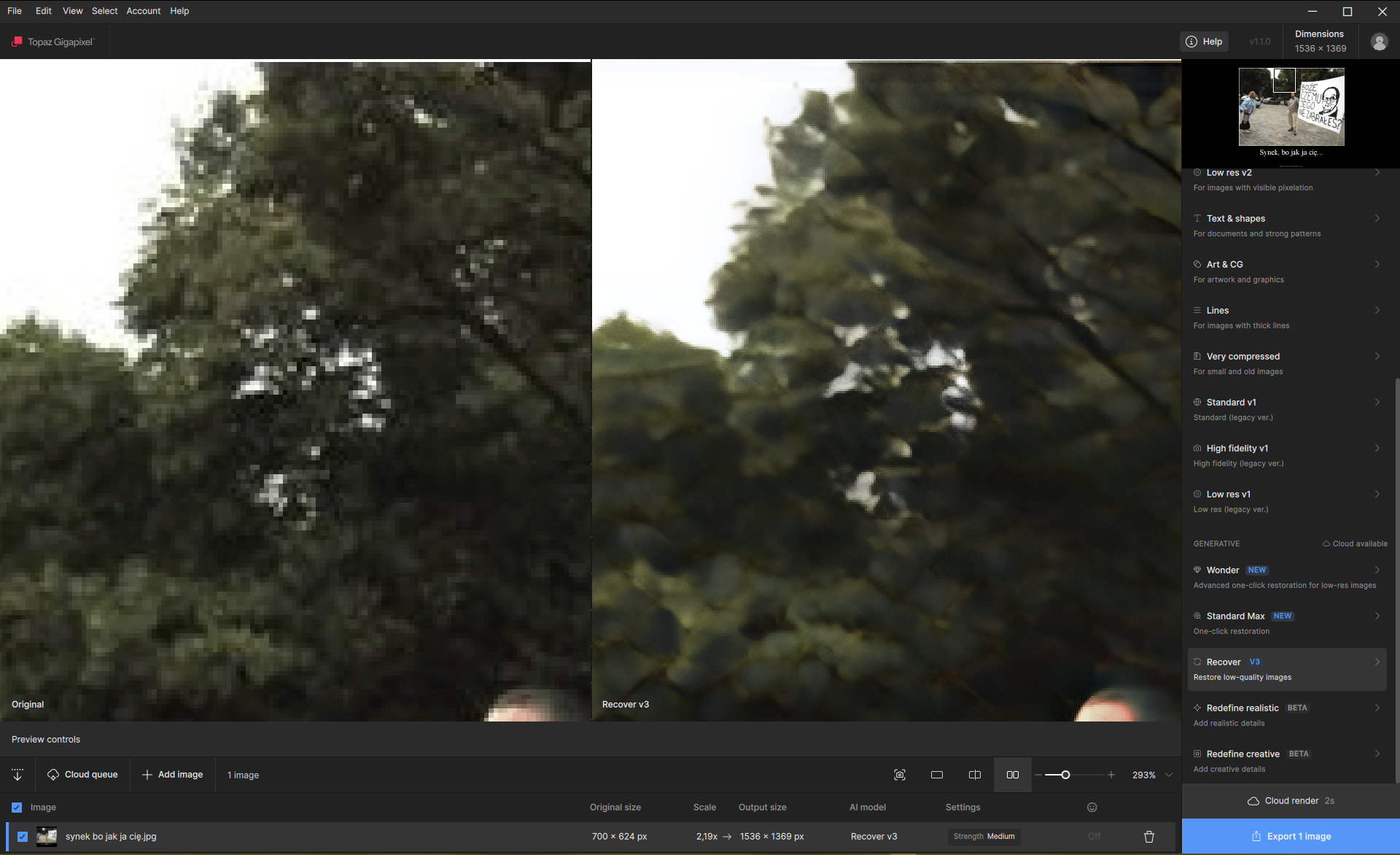
Recover 3 — Our Most Natural Enhancement Model Yet
Recover 3 is built for users who want soft, realistic enhancement rather than aggressive detail reconstruction. It shines especially with:
- Fur and feathers
- Natural textures that benefit from subtle recovery
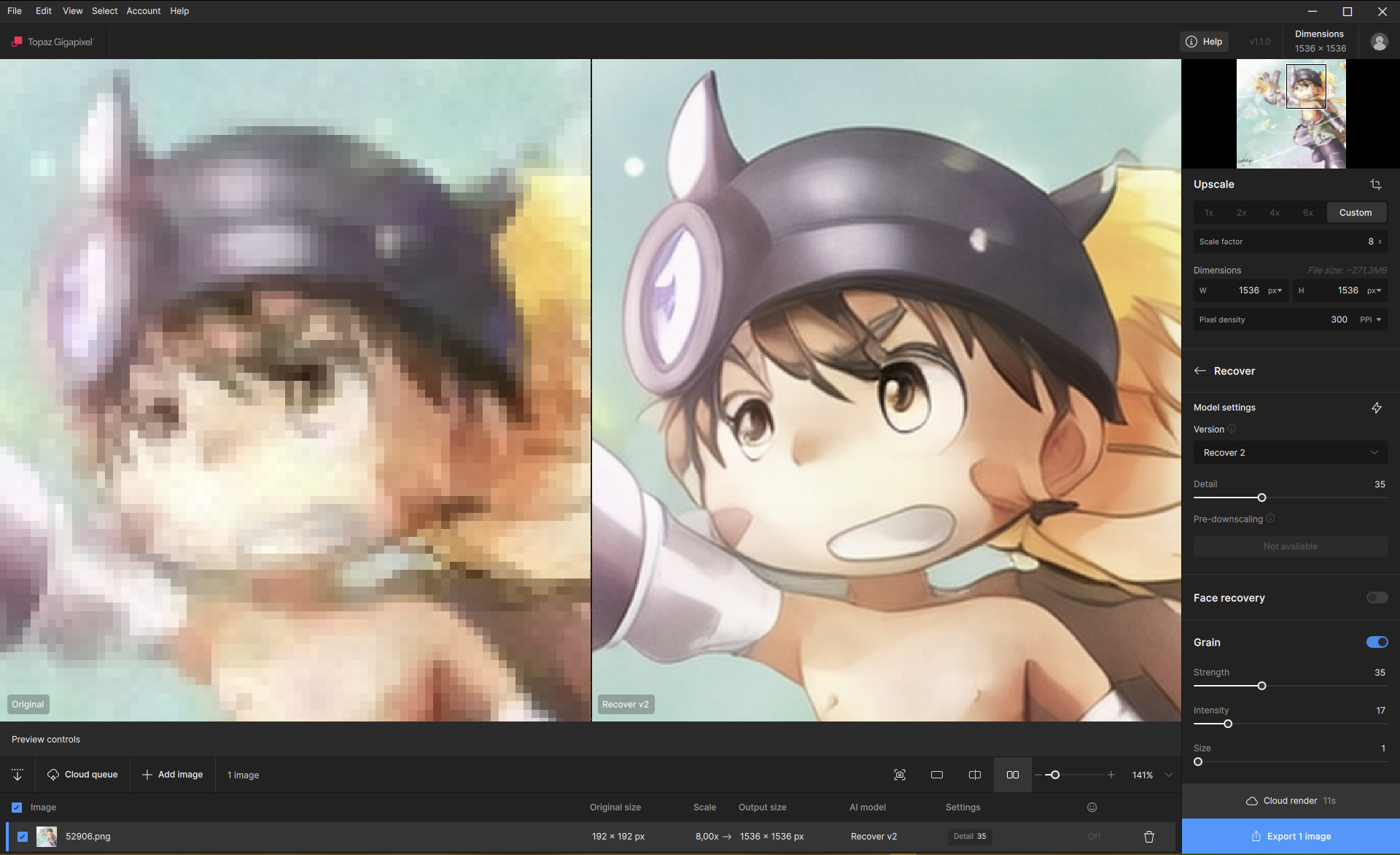
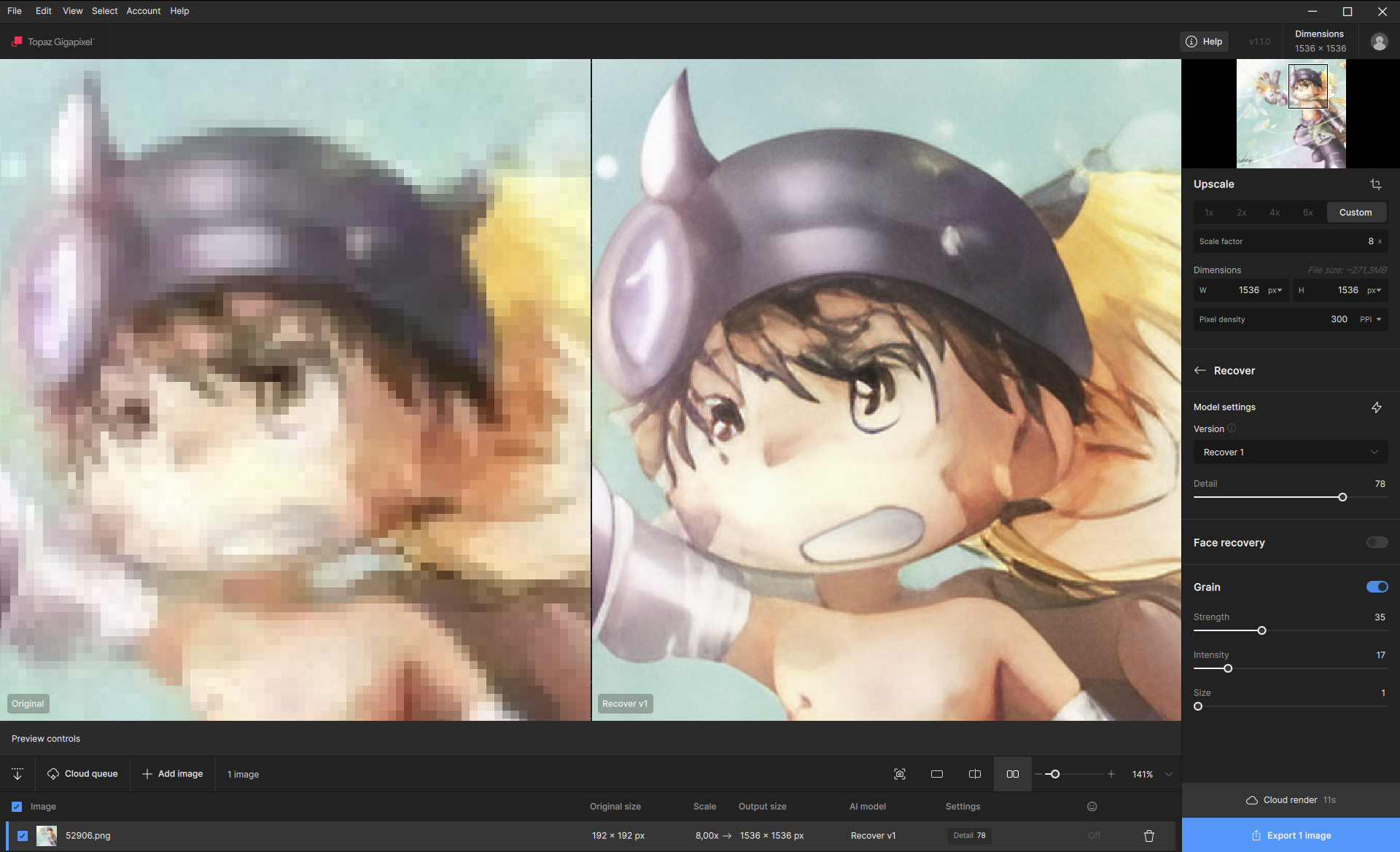
Unlike Wonder 2, Recover 3 is designed to be a general-purpose enhancement model rather than a precision generative tool.
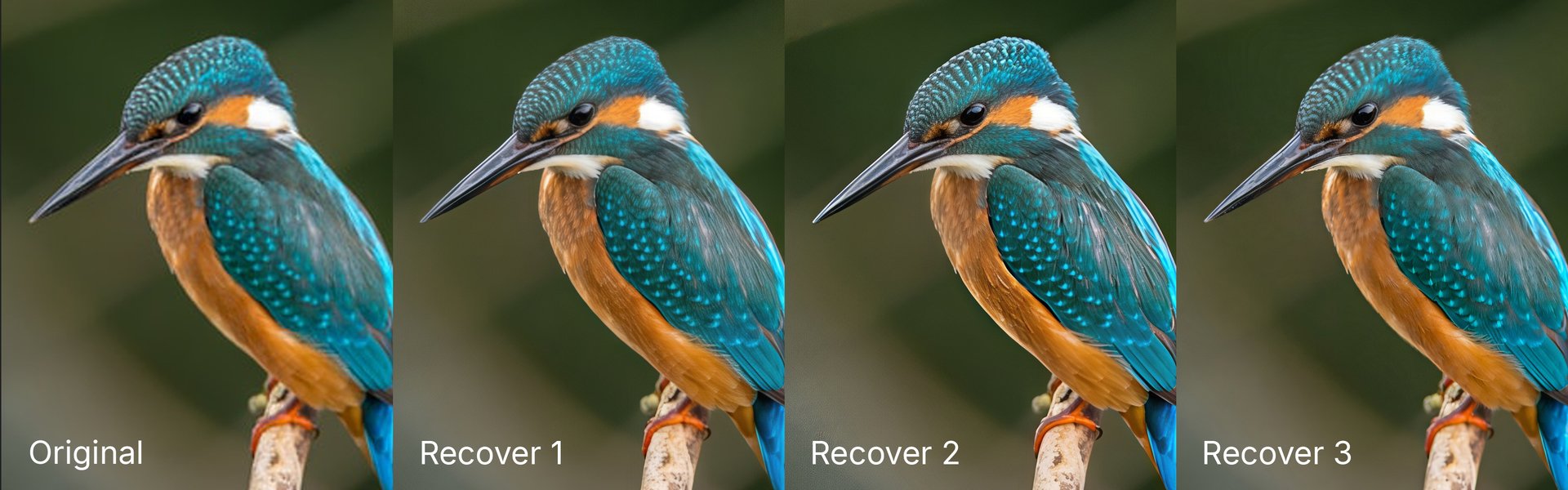
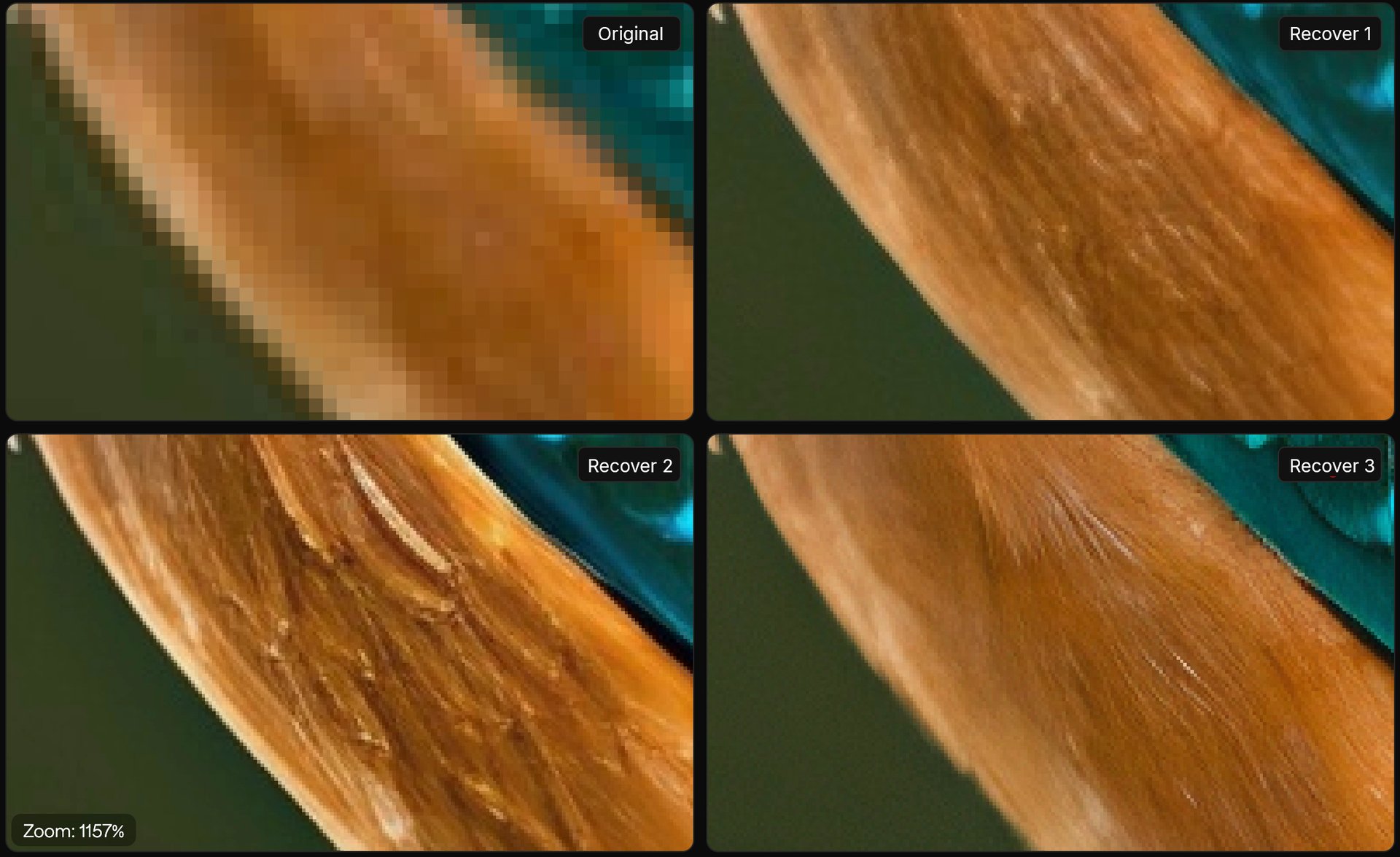
Availability
- Windows: Local + Cloud
- macOS: Cloud only (local support coming later)
How to Use
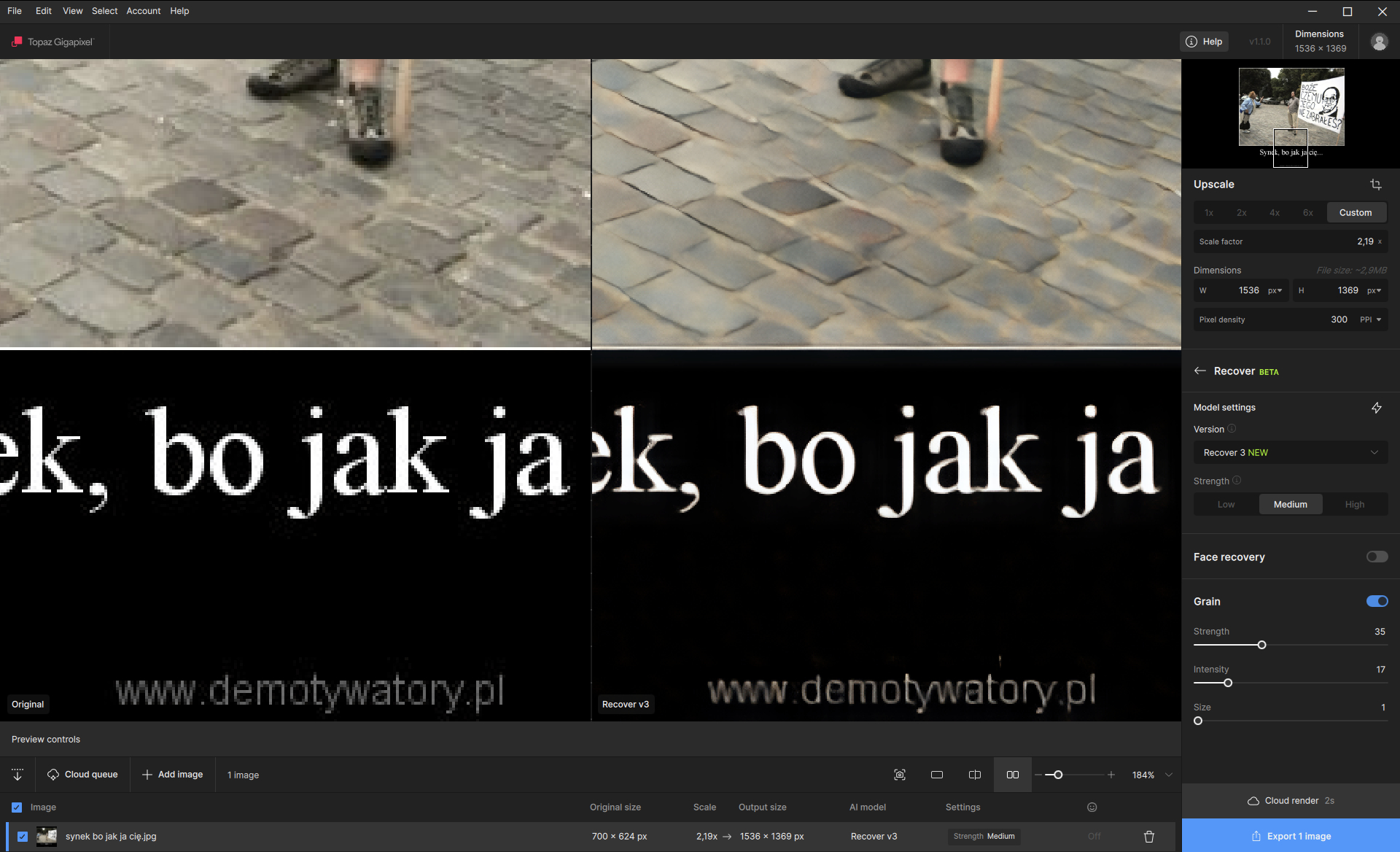
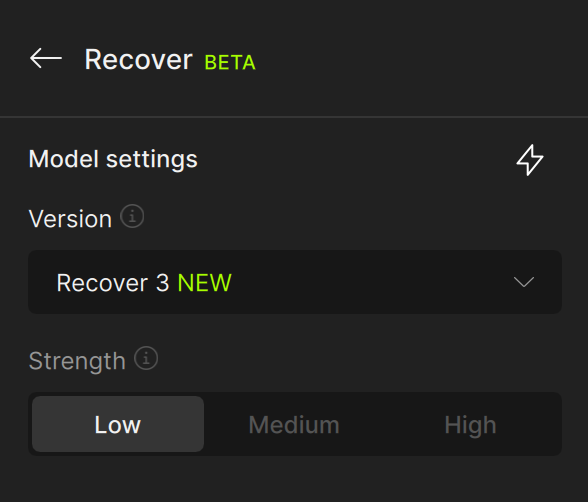
- Select the Recover model
- Selec the version from the dropdown menu and select “Recover 3”
- Choose a strength mode (Low/Med/High) - the app defaults the Medium option as the best balanced enhancement. The strength mode controls the intensity of the detail enhanced.
Recommended usage
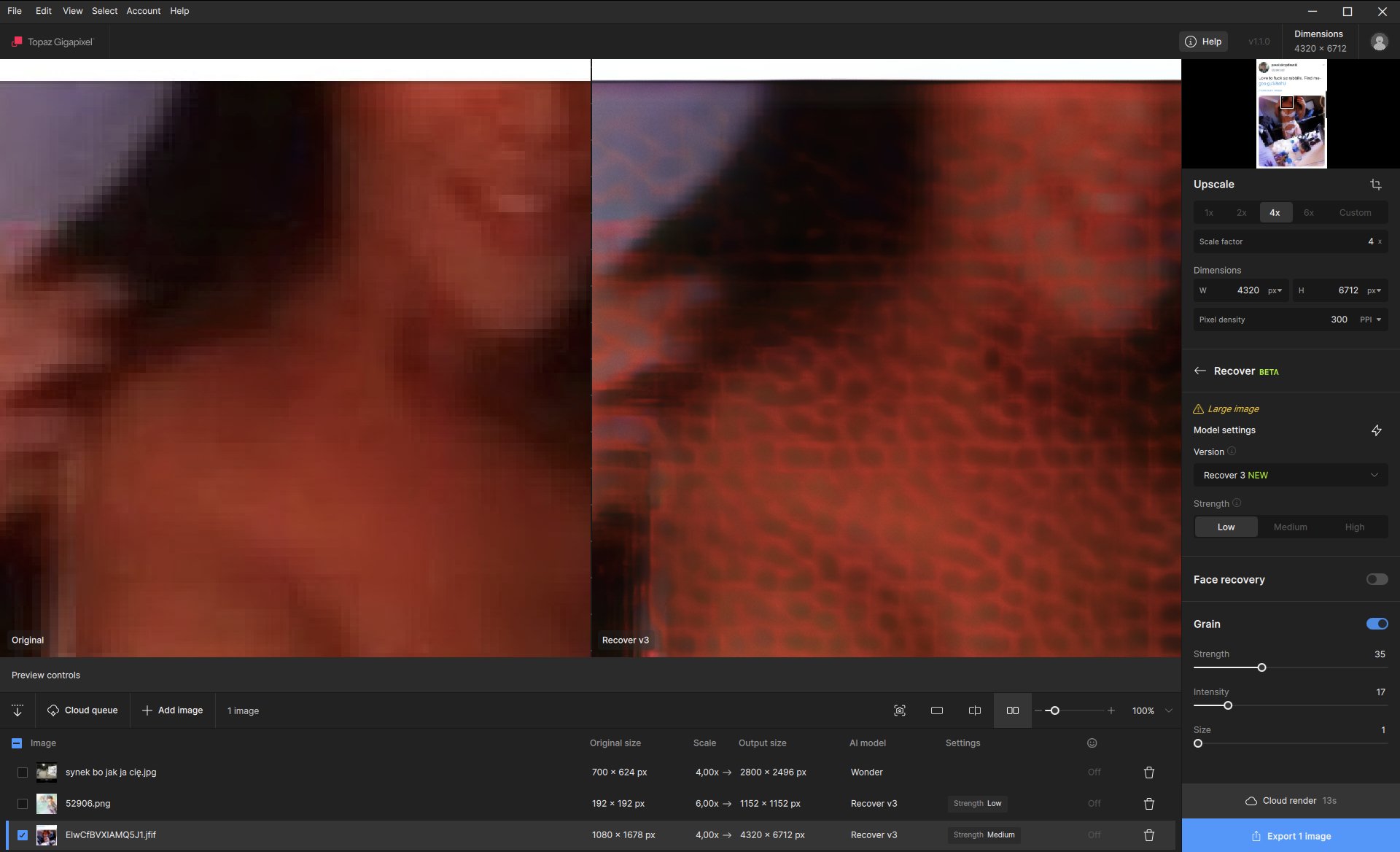
- Optimal input size: 1024 × 1024 or smaller
- Larger images are supported, but renders more slowly
- Not recommended for highly structured or high-grain images
Updated File List
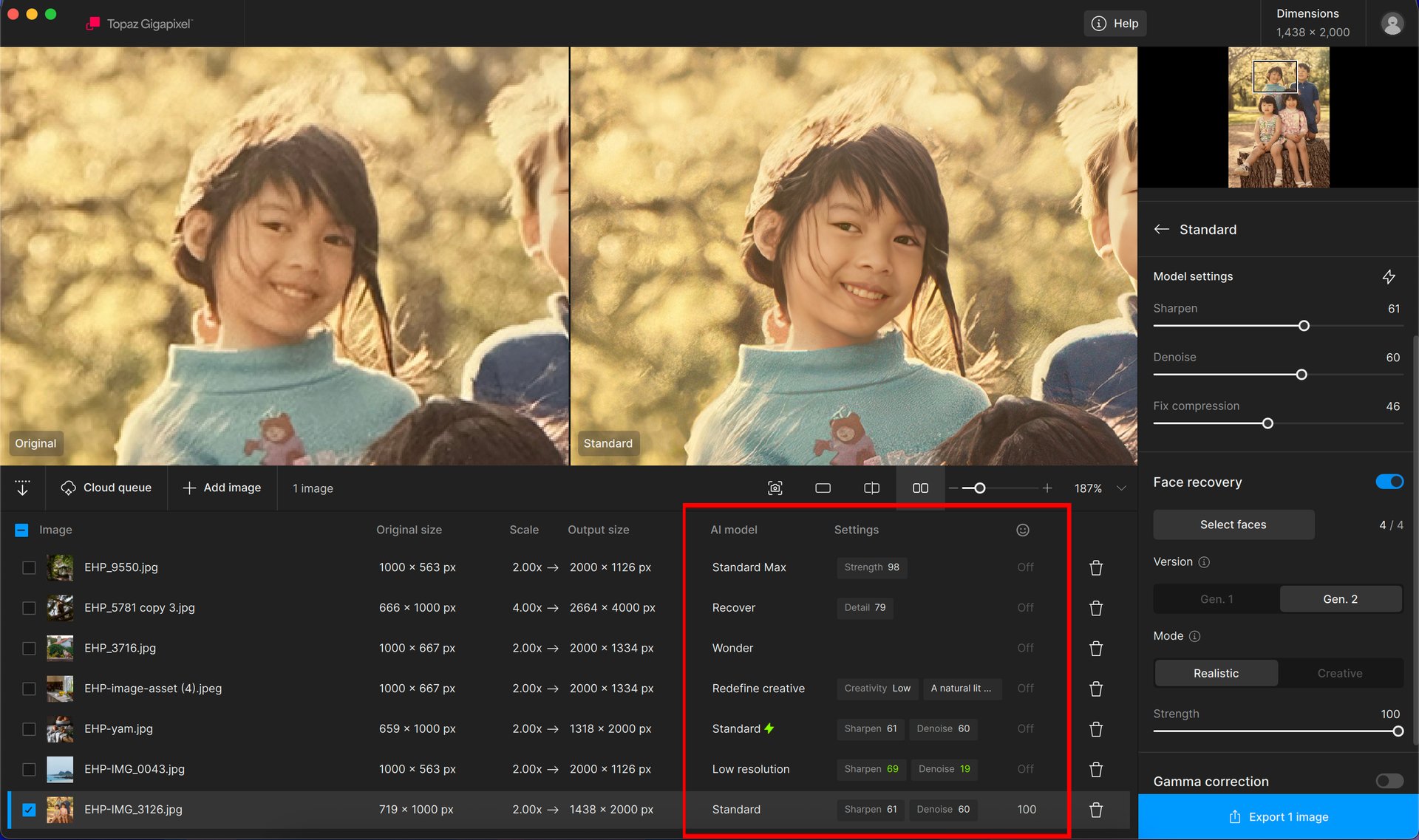
We’ve updated the File List to better reflect generative workflows.
You’ll now see:
- Which generative model was used
- Any associated model settings
- Quick hover access to Redefine prompts
This makes it much easier to review how an image was processed—especially when mixing Core and Generative models.

Cloud Queue — Small Workflow Improvements
In this release, we focused on workflow refinements and stability improvements for Cloud rendering—not a full overhaul.
What’s new
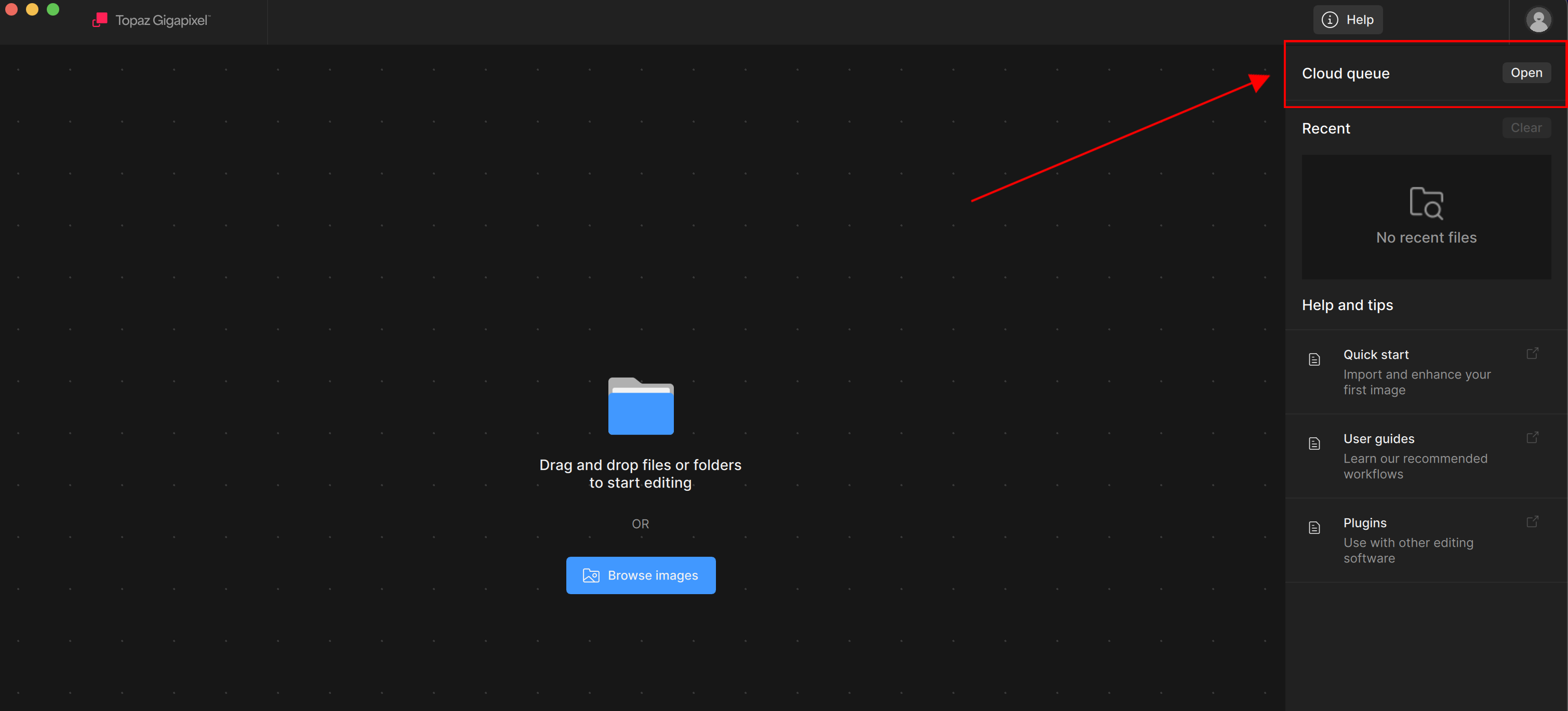
- Cloud Queue access directly from the Import page
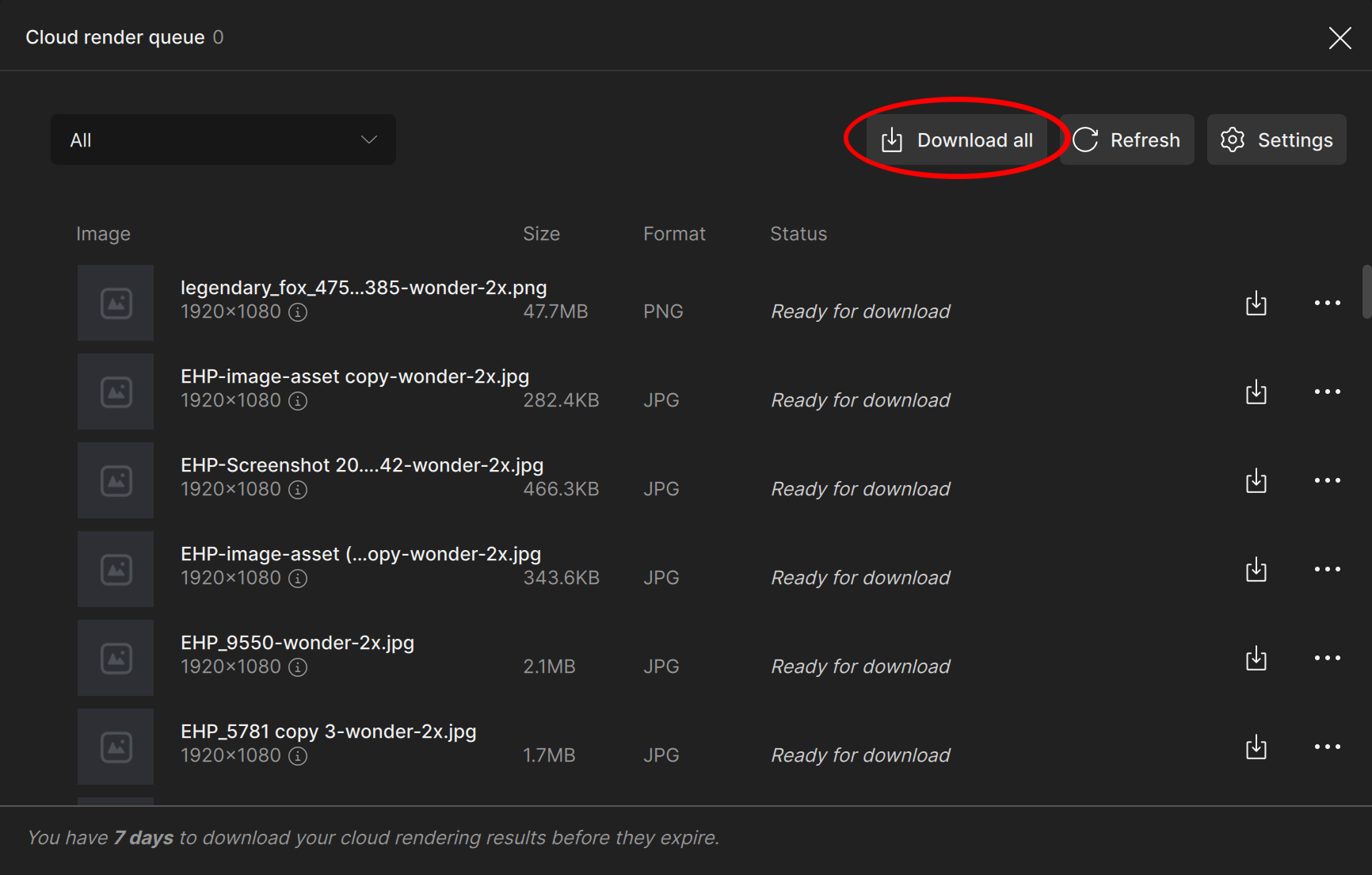
- Download All button for completed Cloud renders
- Improved error handling and status updates
These changes are meant to reduce friction and make Cloud renders easier to manage, while we continue improving reliability behind the scenes.
Download all - Access your downloads with one single button instead of manually downloading each image. The app will take any “Ready for download” status images and download them in the background.
Changelog:
- Added Wonder 2 (Cloud only)
- Enabled Recover 3 local rendering on Windows
- Added "Download All” added to Cloud Queue
- Added Cloud Queue button to Import page
- Updated Image AI
- File List updated for generative models
- Updated error handling for TIFF files in Cloud Compare tool
- Fixed HEIC loading issues in some cases
- Fixed plugin dialog not appearing
- Fixed potential crashes in model downloader
- Fixed longest edge preferences not sticking
- Fixed Cloud queue naming and refresh issues
- Fixed cloud thumbnails in most cases
- Fixed cloud filenames being incorrect on upload
- Fixed cloud uploads not being deleted in some cases
- Fixed cloud errors displaying wrong model name<
- New Features dialog restored with updated slides
- Cloud rendering stability improvements
- Automatic Lensfun updates
- Prevented source file deletion in rare Cloud cases
- (v1.1.1) Fixed cloud uploads sometimes deleting files incorrectly
- (v1.1.1) Removed neural engine toggle on legacy models on Mac
Known Issues:
- Recover 3 local rendering is not yet available on macOS**
- Face Recovery disabled for Wonder 2
- Recover 3 does not support Face Recovery on Cloud
- Tooltip not showing for Wonder 2 & Recover 3 when large images over 128 megapixels may fail to process in the cloud
- Tooltip not showing for Wonder when an unsupported scale (over 6×) may fail to process in the cloud