I see two eyes in the round end of the pipe – I would even say that the pipe chamber (from above) has turned into a (not entirely clear) face.
yeah Indeed
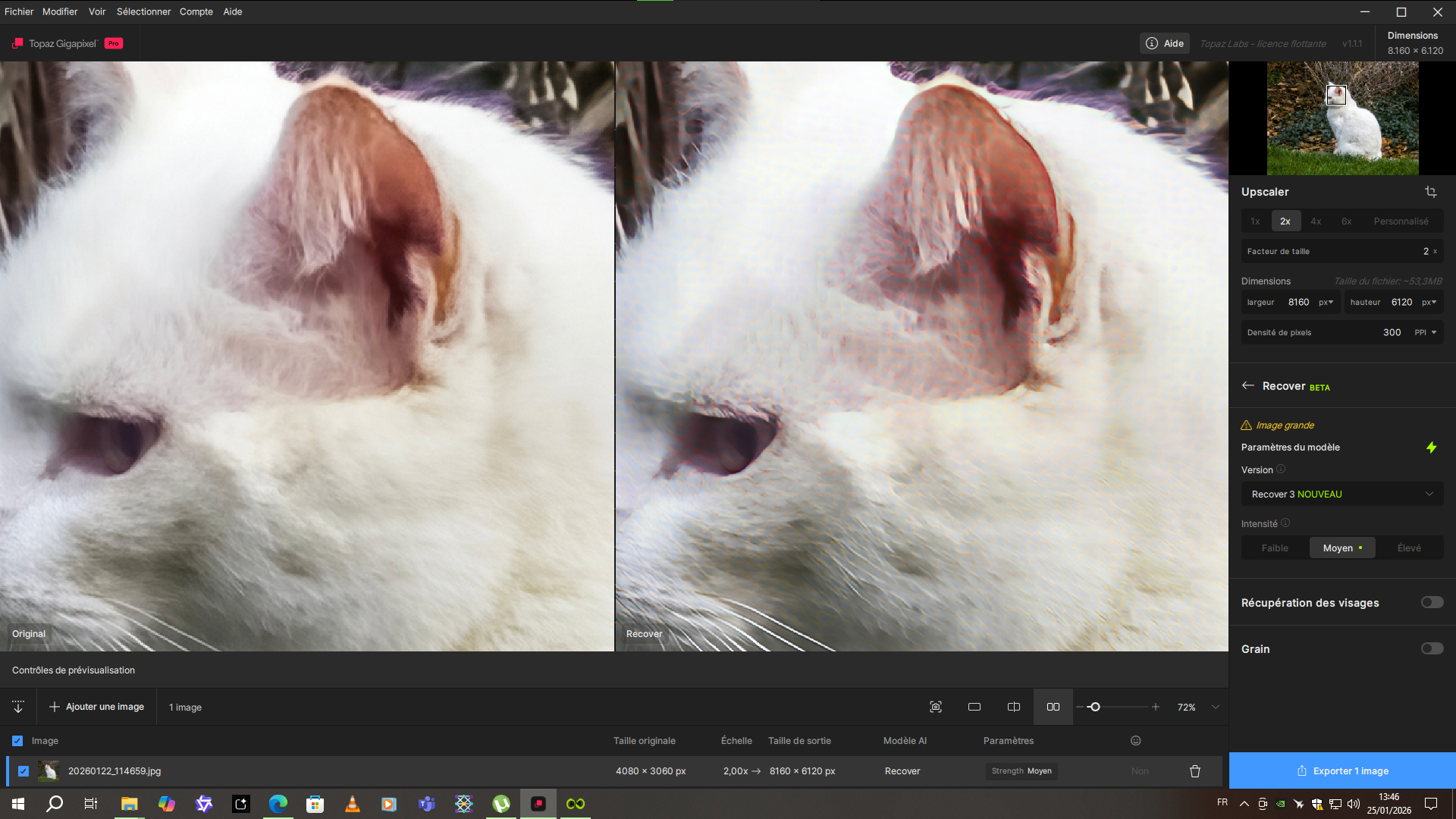
On a 12.5 megapixel photo (4080 x 3060 pixels), I tested Recover V3 with a 2x upscaling. The result isn’t amazing, although it did take quite a while to render. In addition, there are clearly visible red alveolar artifacts on the cat’s ear.
Here too we can see the red alveoli.
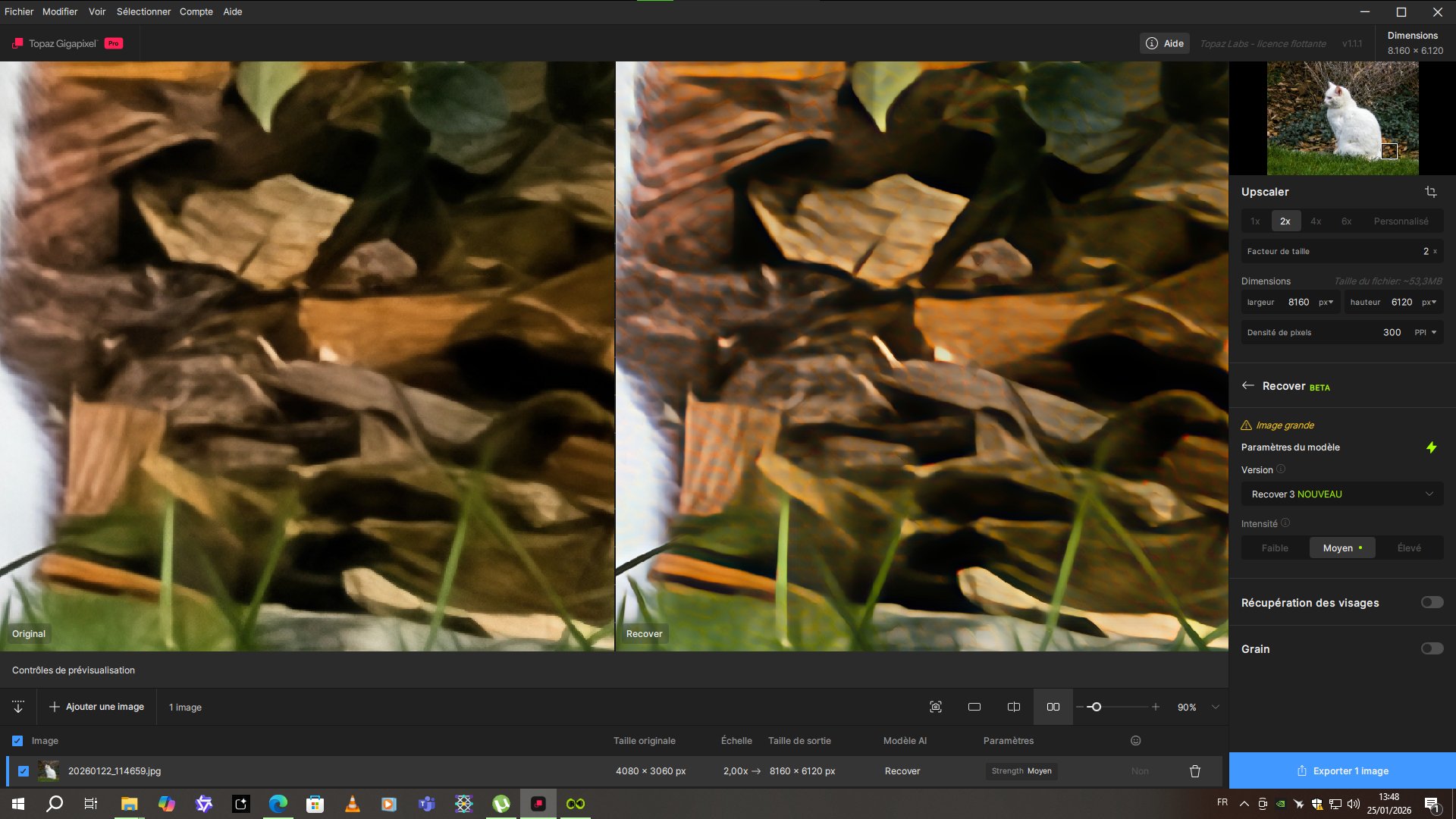
In fact, it’s everywhere in the rendered image, but it’s very visible in the pink and orangey-brown tints.
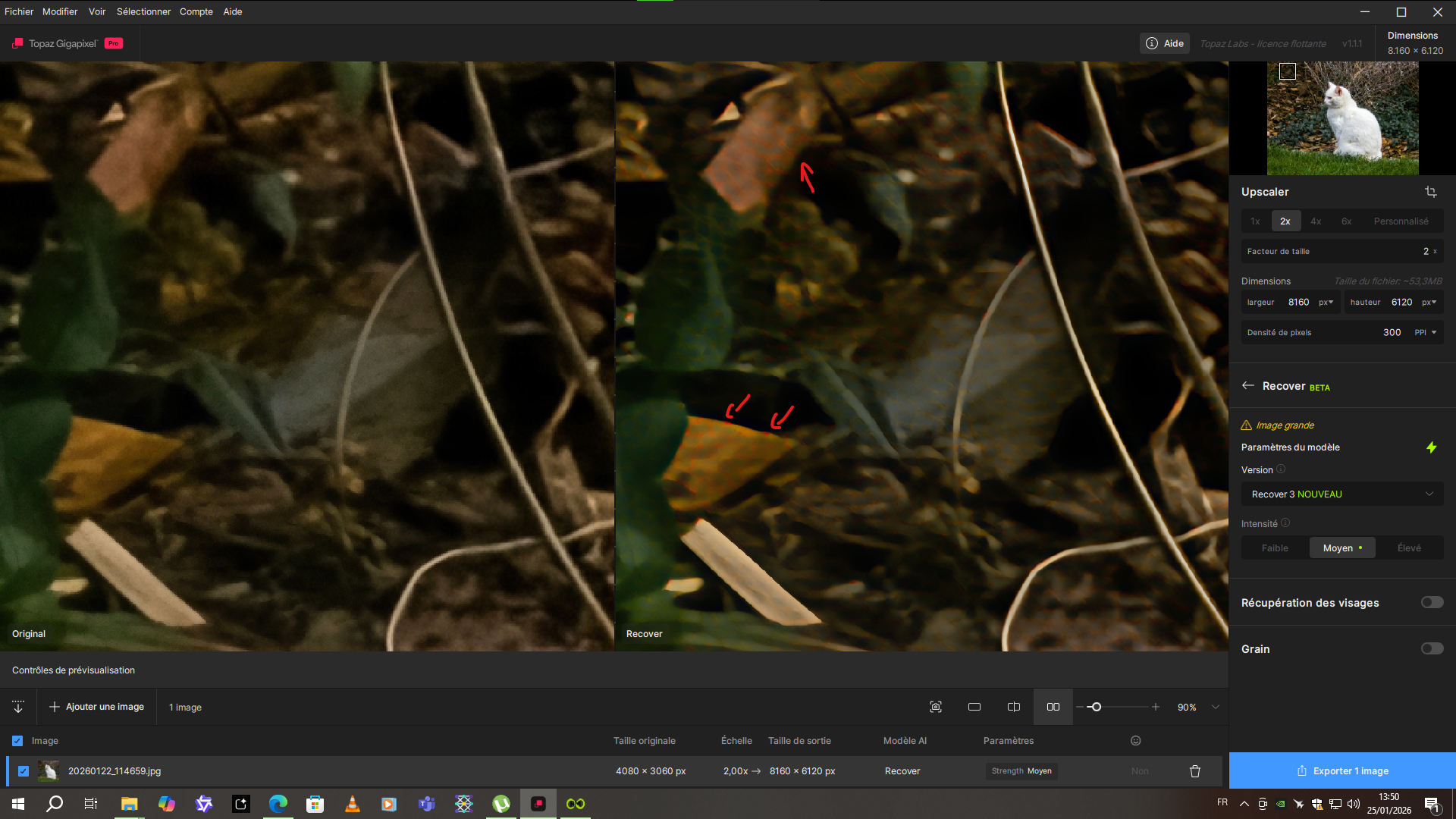
It’s more subtle in green and white.
In short, for this image, Recover V3 is barely usable.
Why is there no way to compare the output of Wonder in Gigapixel before exporting like Topaz Photo? I’ll use the latter for the time being, but I loathe the forced autopilot process at the beginning of loading each and every photo.
There wasn’t further ‘cleaning’ just a lens blur to soften the background. Theoretically the bird was supposed to not be affected. It was marked as in the area to remain sharp. I did resize the image a lot for posting. That’s probably the effect you’re seeing…it was quite large in processed size.
Hum hum I see
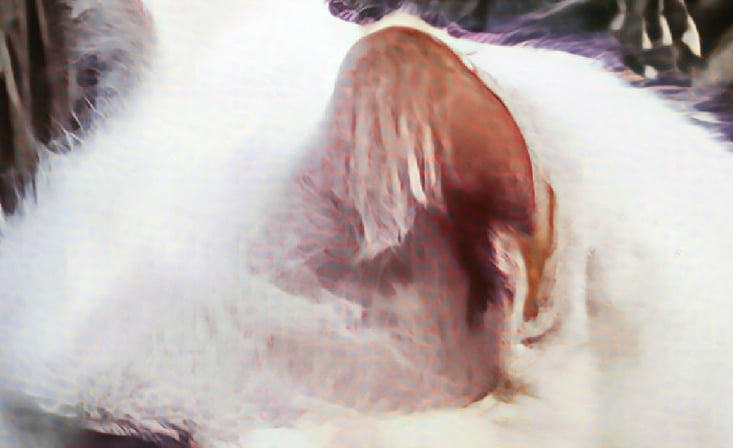
Yikes… am I the only one who sees massive horizontal banding in the white fur as well as in the pinkish inner ear?
1 Like
Is there any reason why I haven’t got cloud rendering with Wonder 2 in Gigapixel, or am i missing something obvious?
Thanks
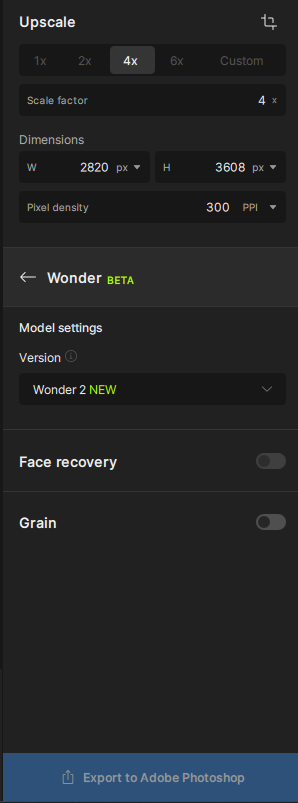

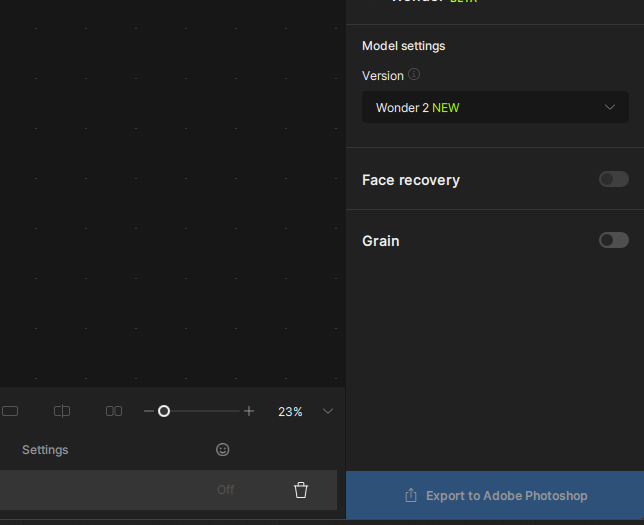
If I select Version 1 I get Preview Entire Image Box appear, but nothing for Wonder 2
is it just me or am I finding this Wonder v2 absolutely disappointing? it’s shocking up upscaling, Wonder 1, is fantastic.
That’s kinda generalized…
What, specifically, do you find ‘disappointing’ with Wonder 2 upscaling? Do you have snips of Before & After to point out what didn’t come out as expected or hoped with Wonder 2?
Do you have snips of Wonder 1 vs Wonder 2 used on the same image to post to show how Wonder 1 did a better job for you?
Let me put it this way: For most of my favorite stuff, which is photorealistic animals real and AI generated, none of the cloud-only models do any better than I can achieve with a careful selection out of the non-generative models. For many of my pictures, even High Fidelity V1 or Standard V1 are the models of choice. Wonder V1 comes close but usually is not needed. Should I ever decide to cancel subscription and be stuck with 8.4.x, I shall not be missing a lot, given the performance of the 1.x models by now.
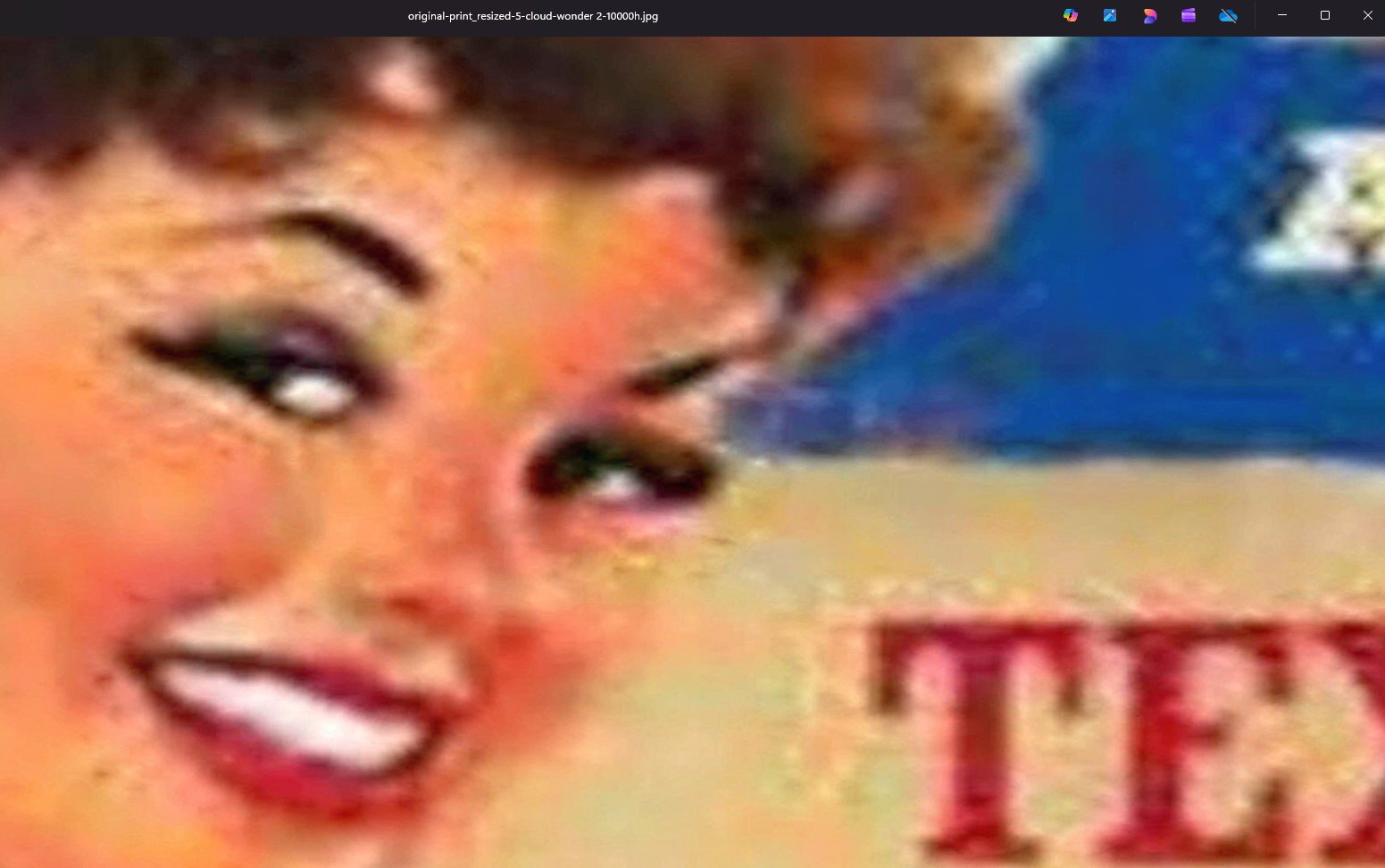
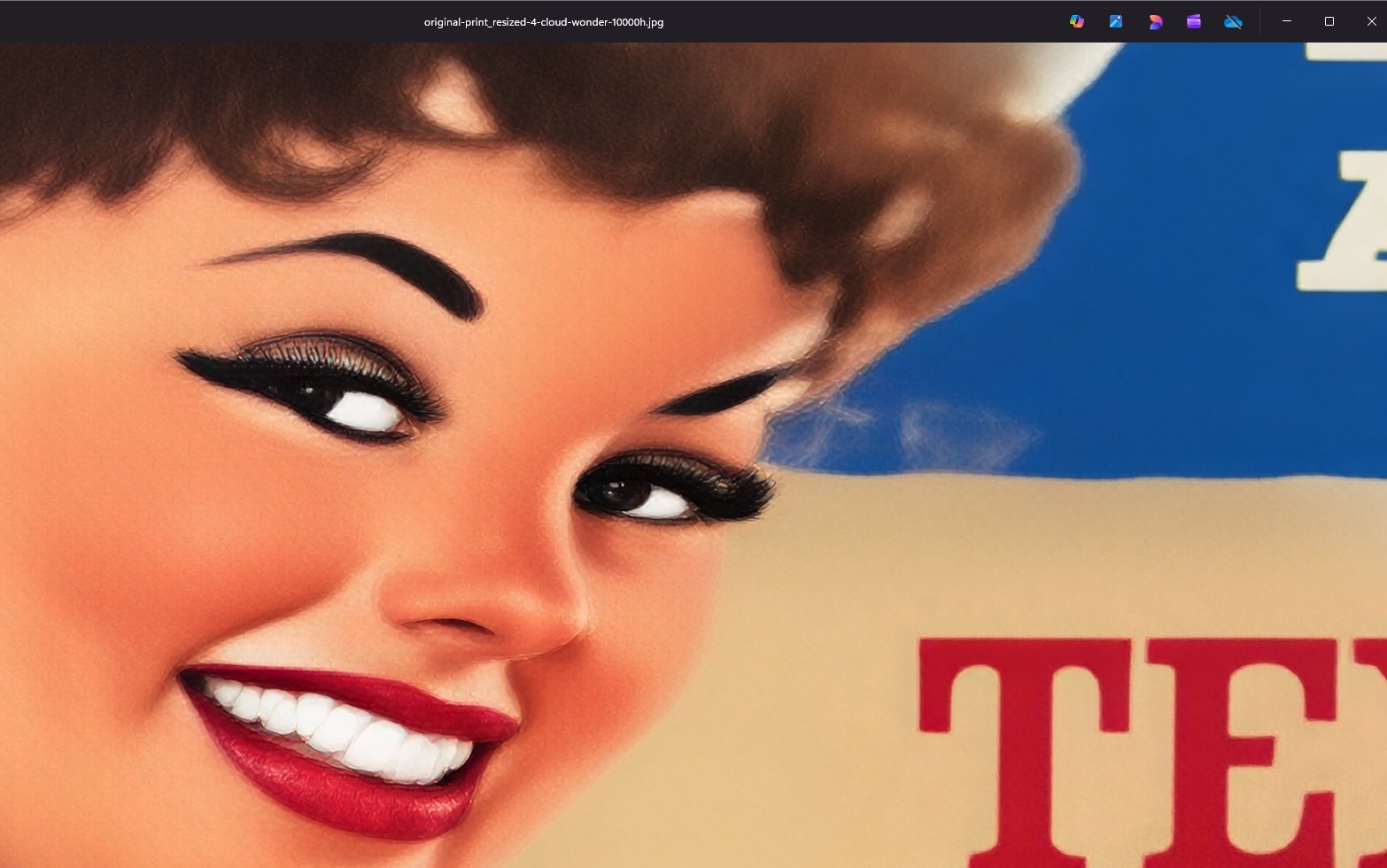
I wonder  lol
lol
Recover v3 still adds artifacts to clear skies and backgrounds with depth of field; it’s more like Standard Max XL and Redefine Lite than Recover, and the speed that Recover v2 was known for is also gone.
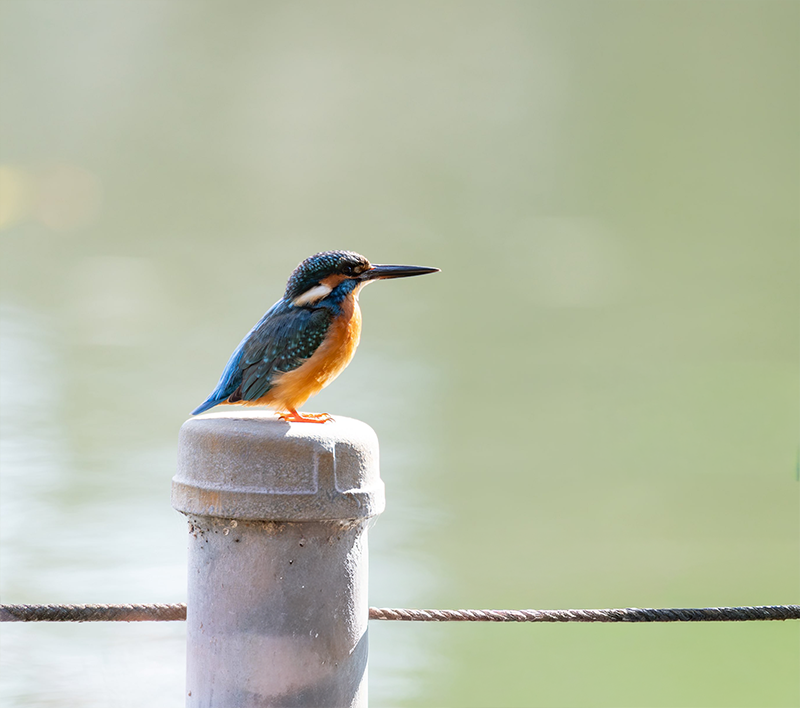
original
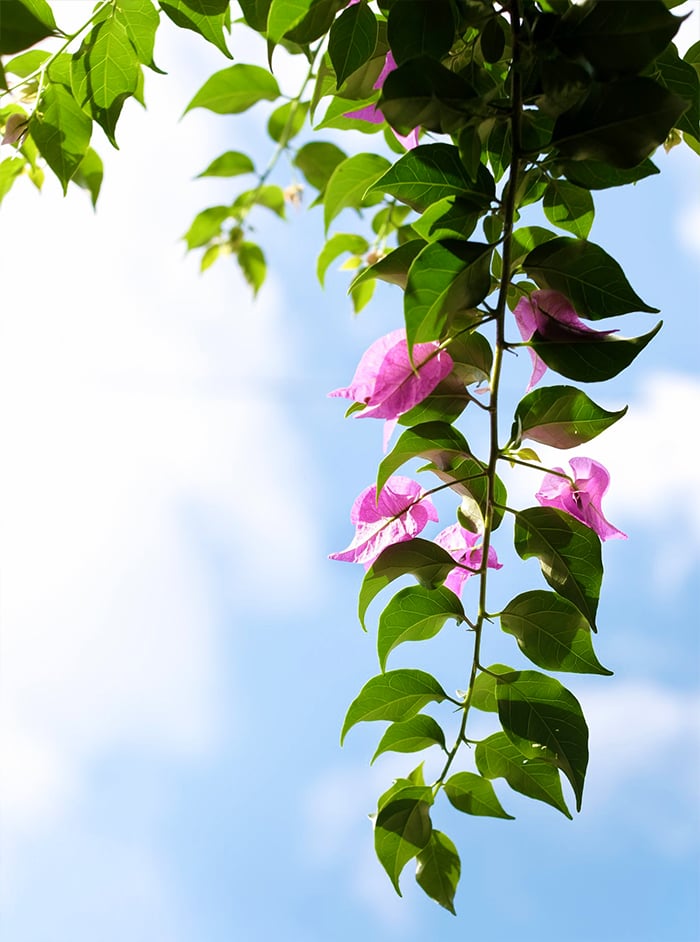
rec v2 none pre-downscaling
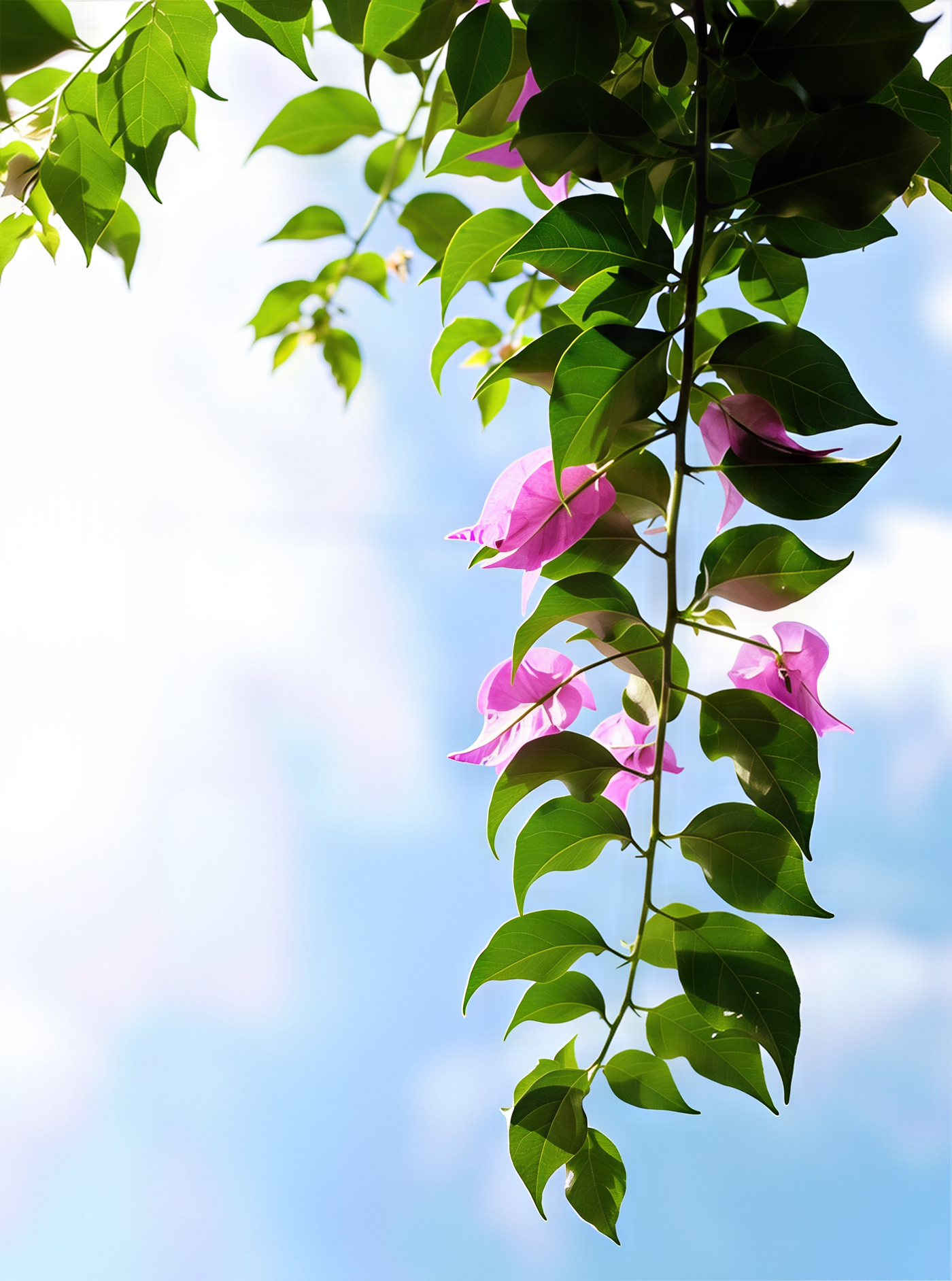
rec v3 low settings
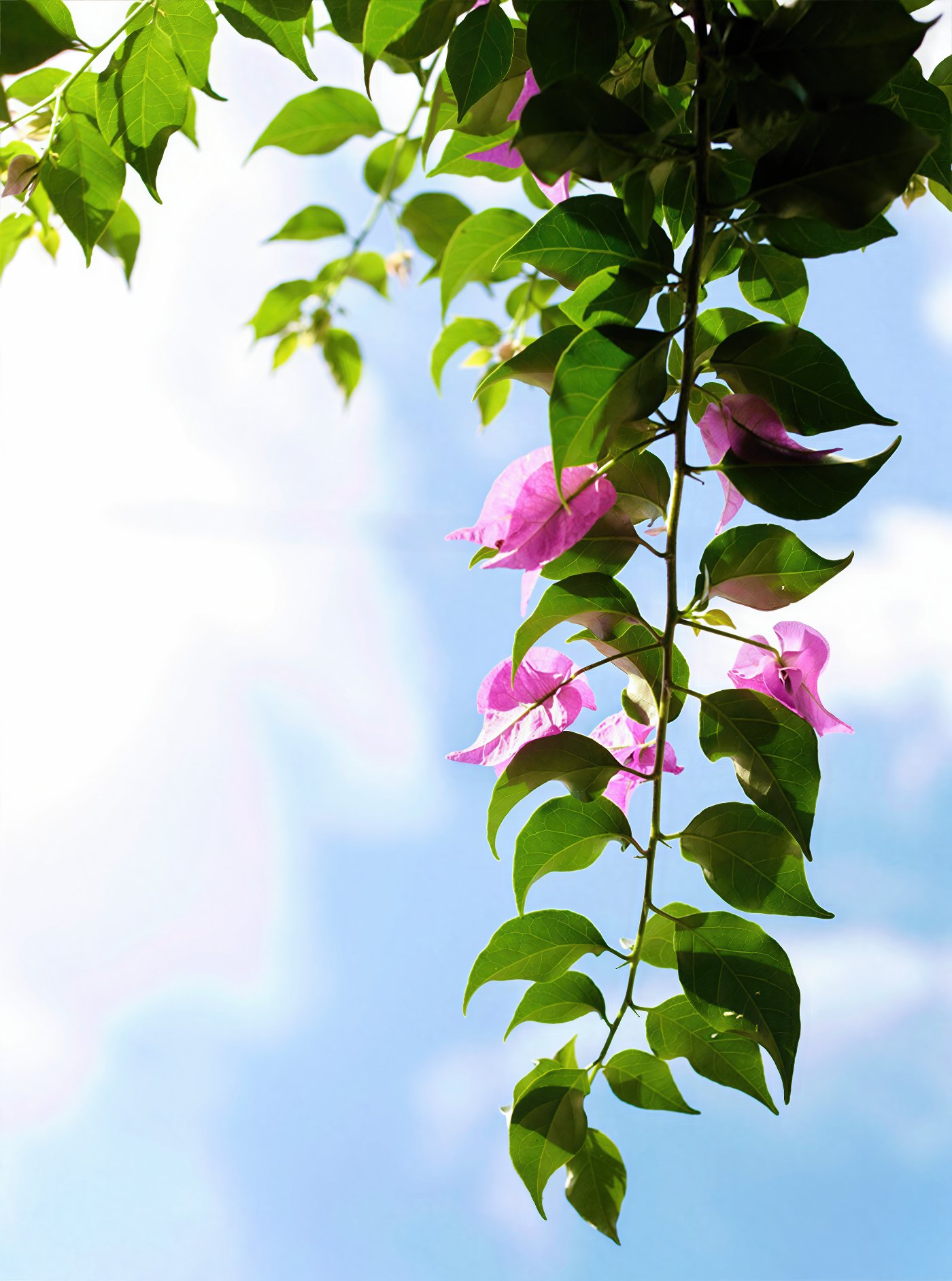
original
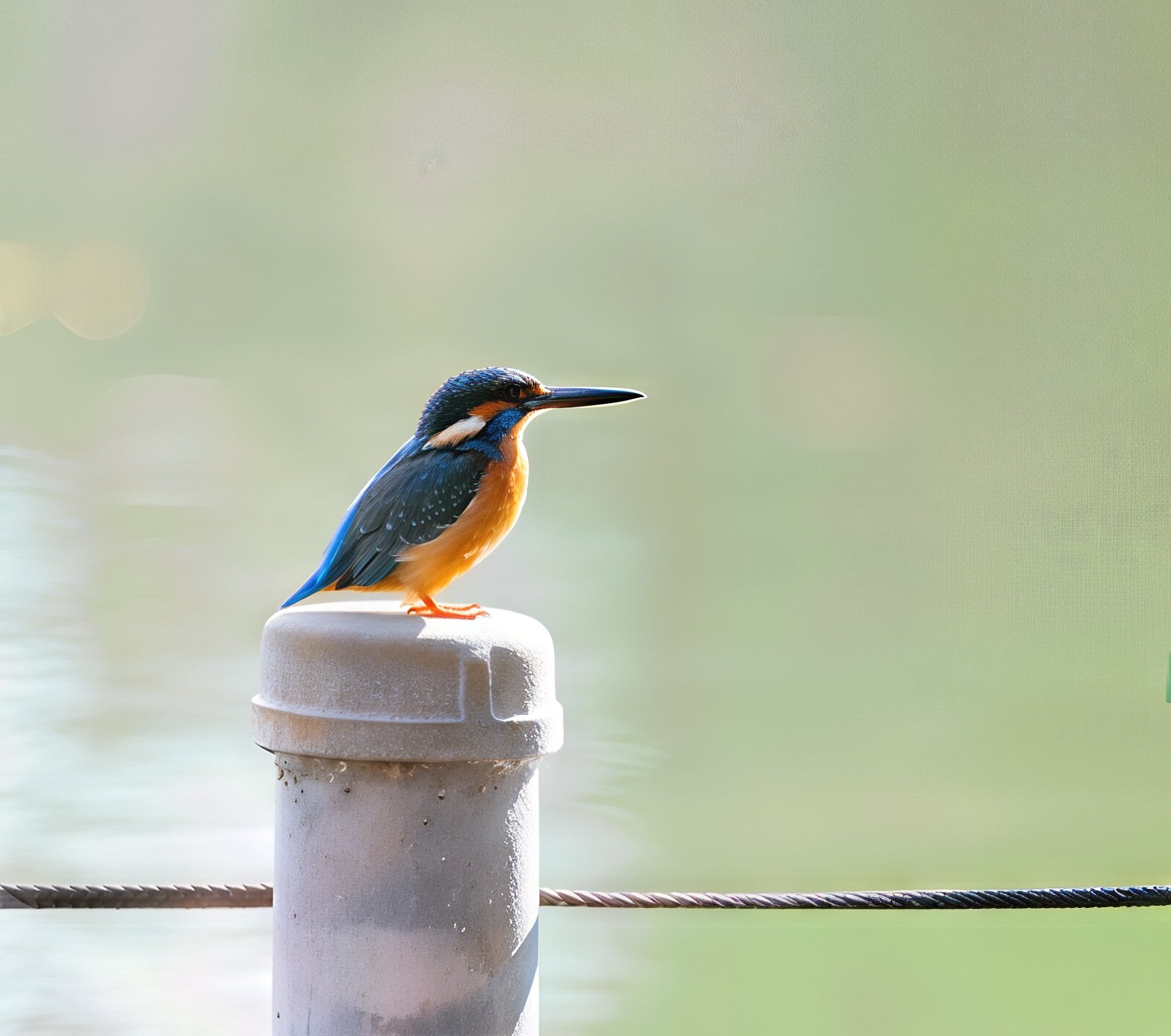
rec v2
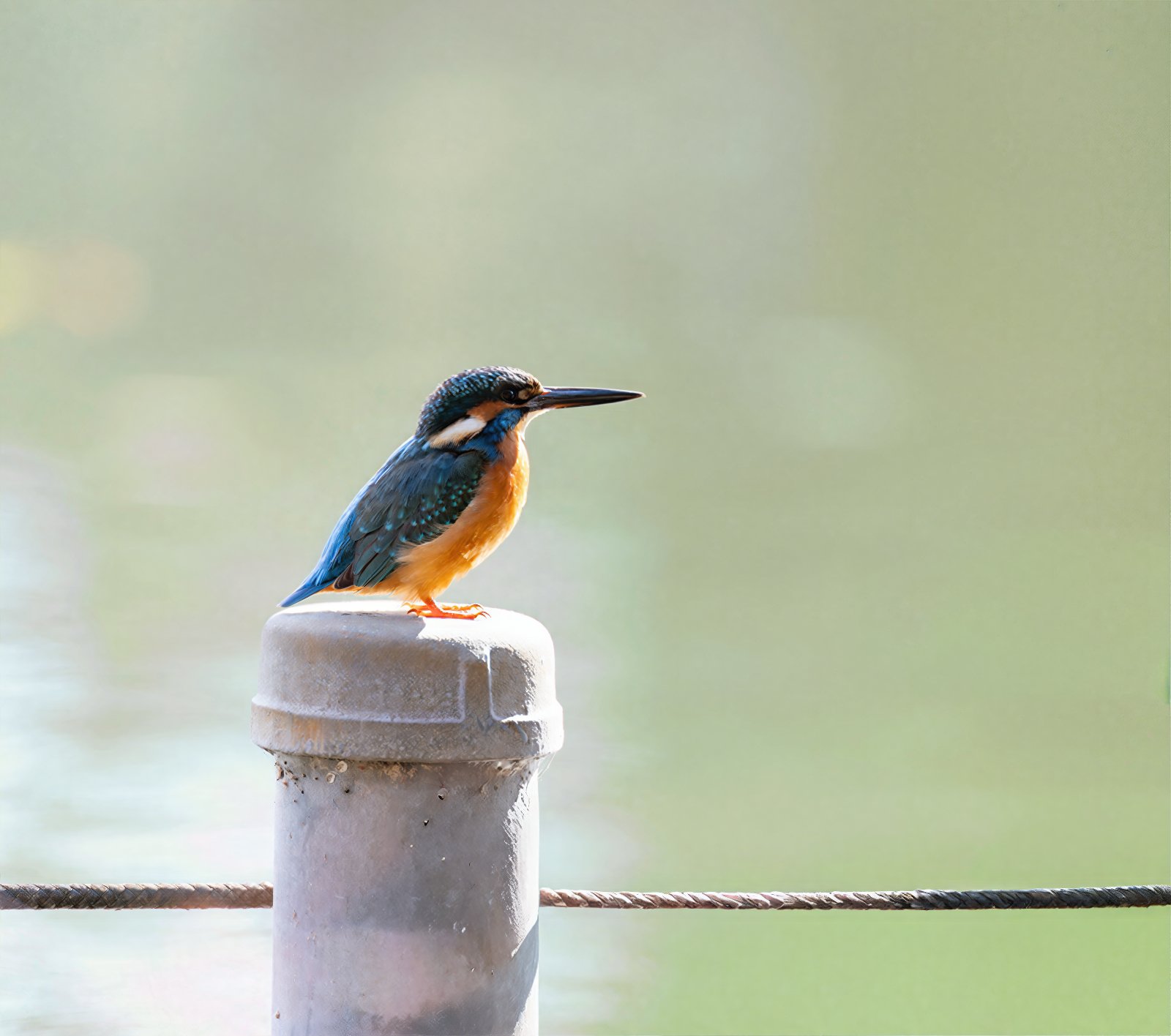
rec v3
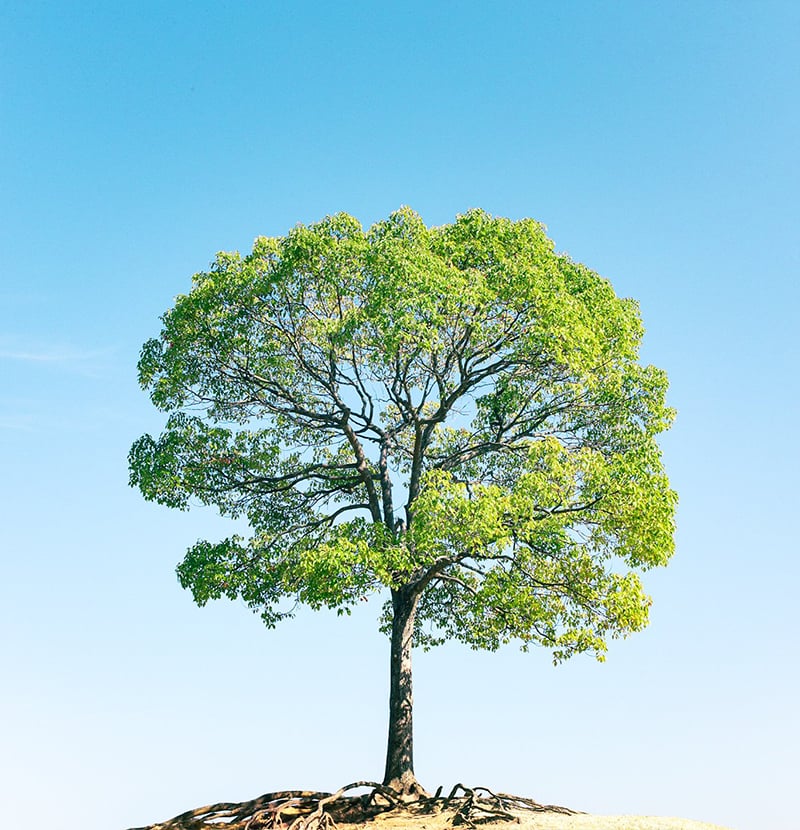
It’s more obvious here.
I think both V2 and V3 need artifact correction. V2 can maintain its current quality and be renamed the “fast” version, while V3 can be designated as the “high-quality” version.
That helps! I assume the top is v2 and bottom is v1? You didn’t label. Trouble is devs need details b/c aren’t there with you to see what you see…
I think it’s easier for the devs (I don’t work for TL) if they see what needs correcting or know specifically if something is going off the rails.
And, need to know if it’s only happening with certain OS’ (sometimes that’s the case…). Or, only an issue on certain types of images (art/illustrations vs photos). Etc. Details rptd like that help them diagnose the issue.
mines are clearly labelled, I took a screenshot with the title name in the window. Topaz devs will have access to my cloud generations, so they can get the initial upload image.
Regards,
1 Like
At 3.1, deviations are fairly small but visible; 4x could deviate too much (in terms of pattern and details).
I’ll try it anyway.
I find it absurd that smaller images produce better results because pixel density is more important for the model.
If you have pre-downscaling somewhere, use bilinear downscaling, which ensures smoother transitions and better details.
Pre-sharpening is useless; it only makes the details coarser and thus the end result.
Strictly speaking, a Bayer pattern-based sensor has an incorrect resolution.
A Foveon sensor with 4.7 megapixels has the same resolution as a 10-megapixel Bayer pattern sensor.
When using Gigapixel as a plugin there is no access to cloud processing.
Was the input picture already 1.5 MP when fed into GP? I have had similarly strange results when the input picture was a bit on the large side and I used an “upscale” factor of 1. You may try to downscale the original to half its size and use 2x upscale in succession.
