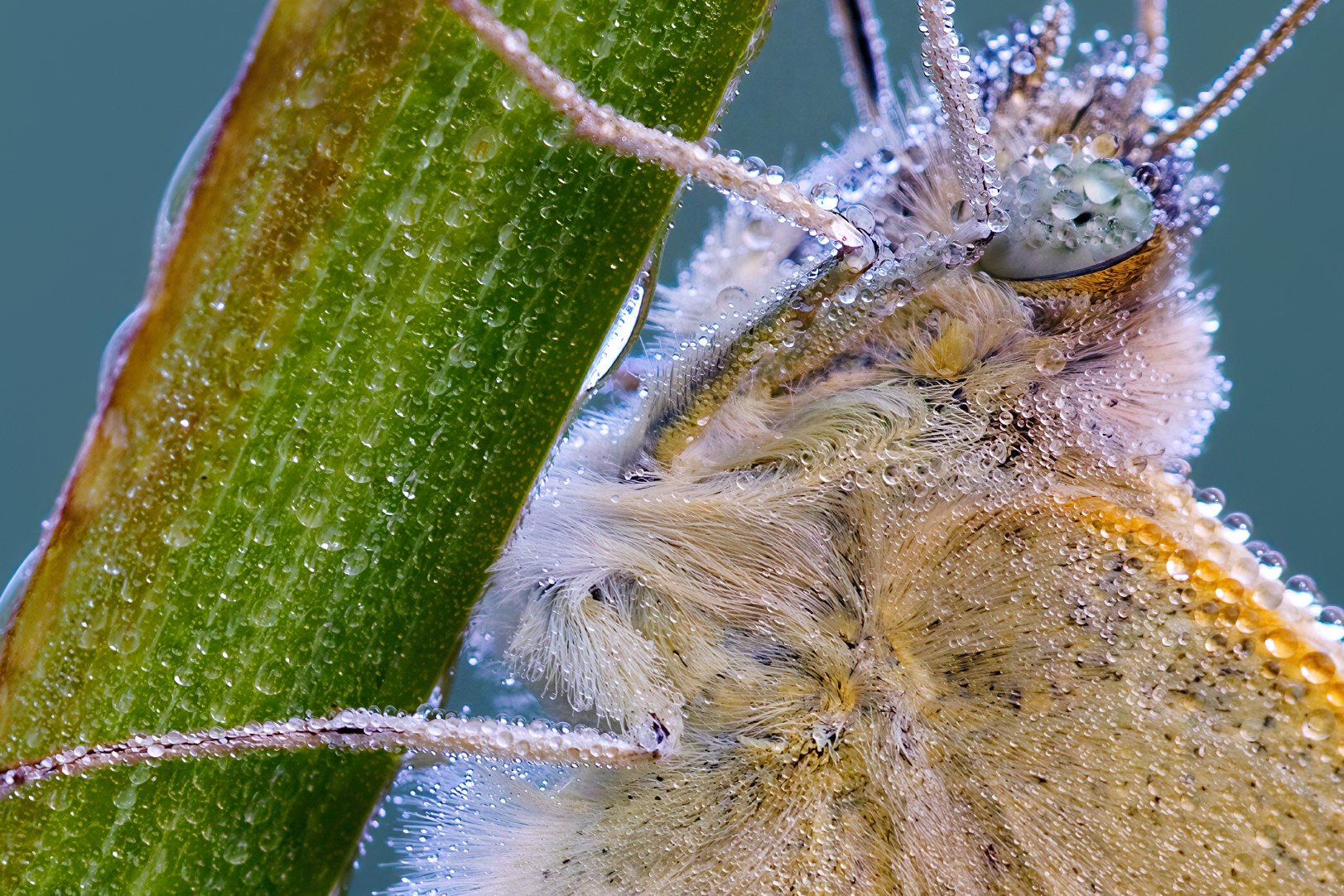
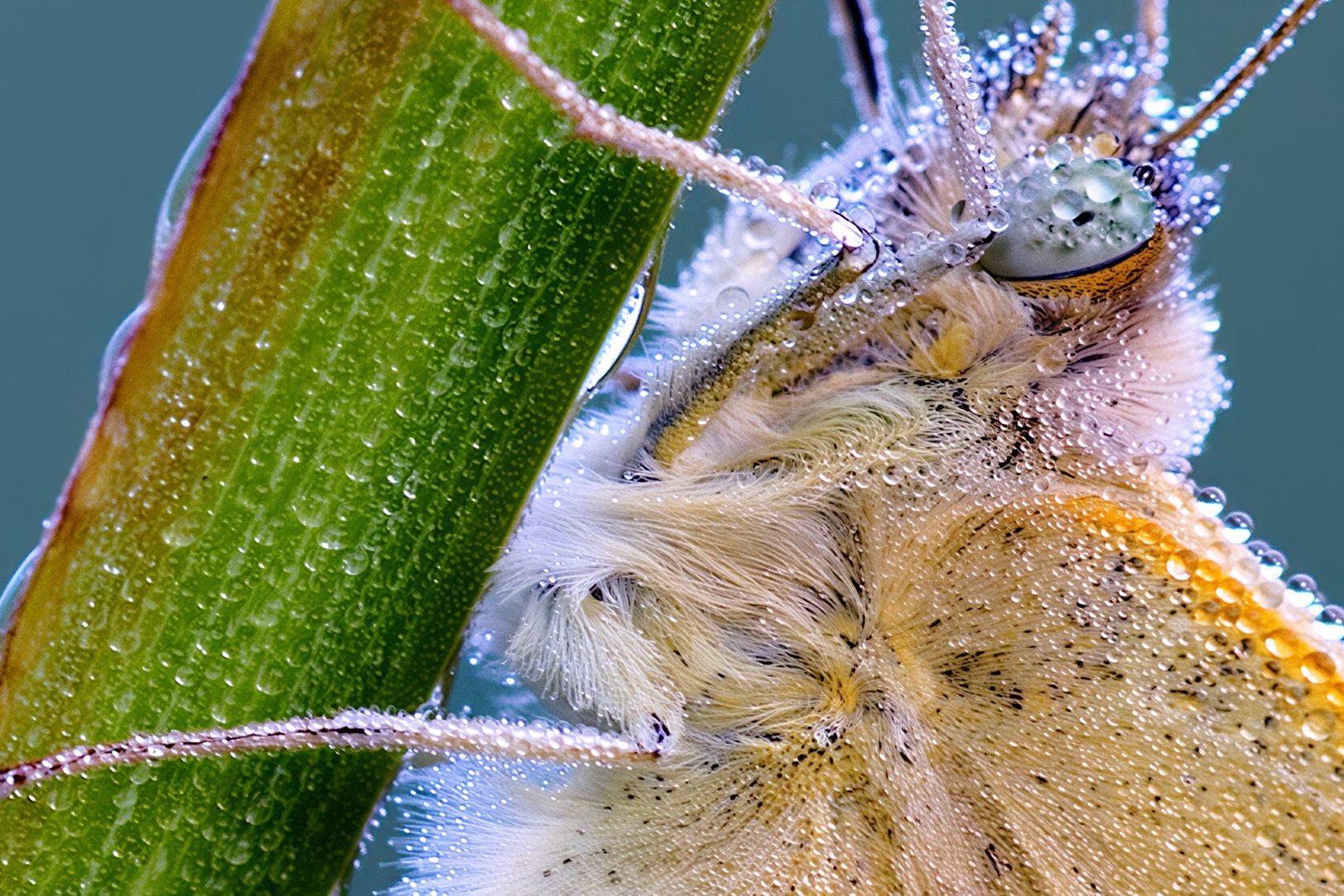
Just installed to Win 11 laptop (NVIDIA 4090). Rel. 1.1.1.
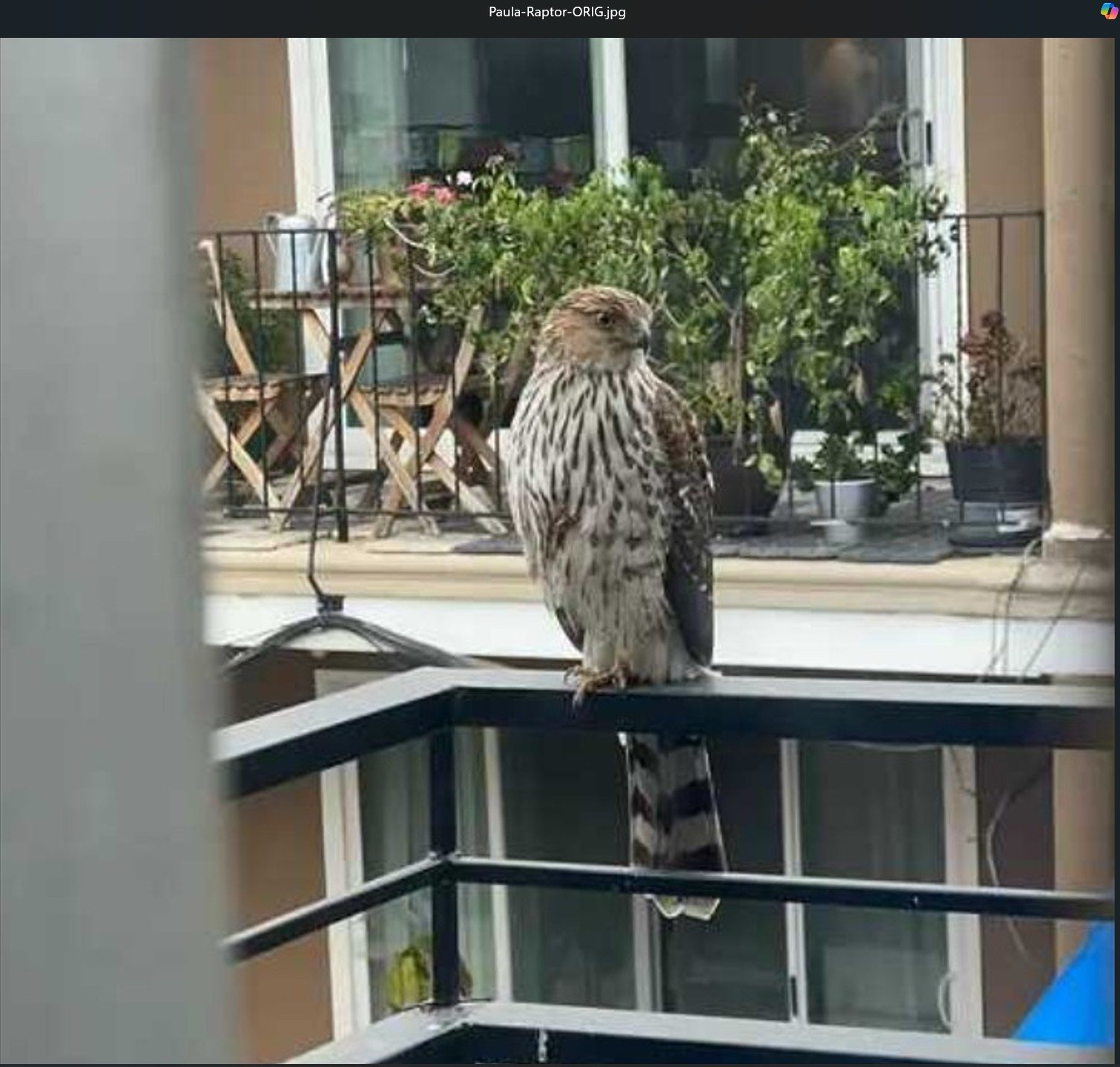
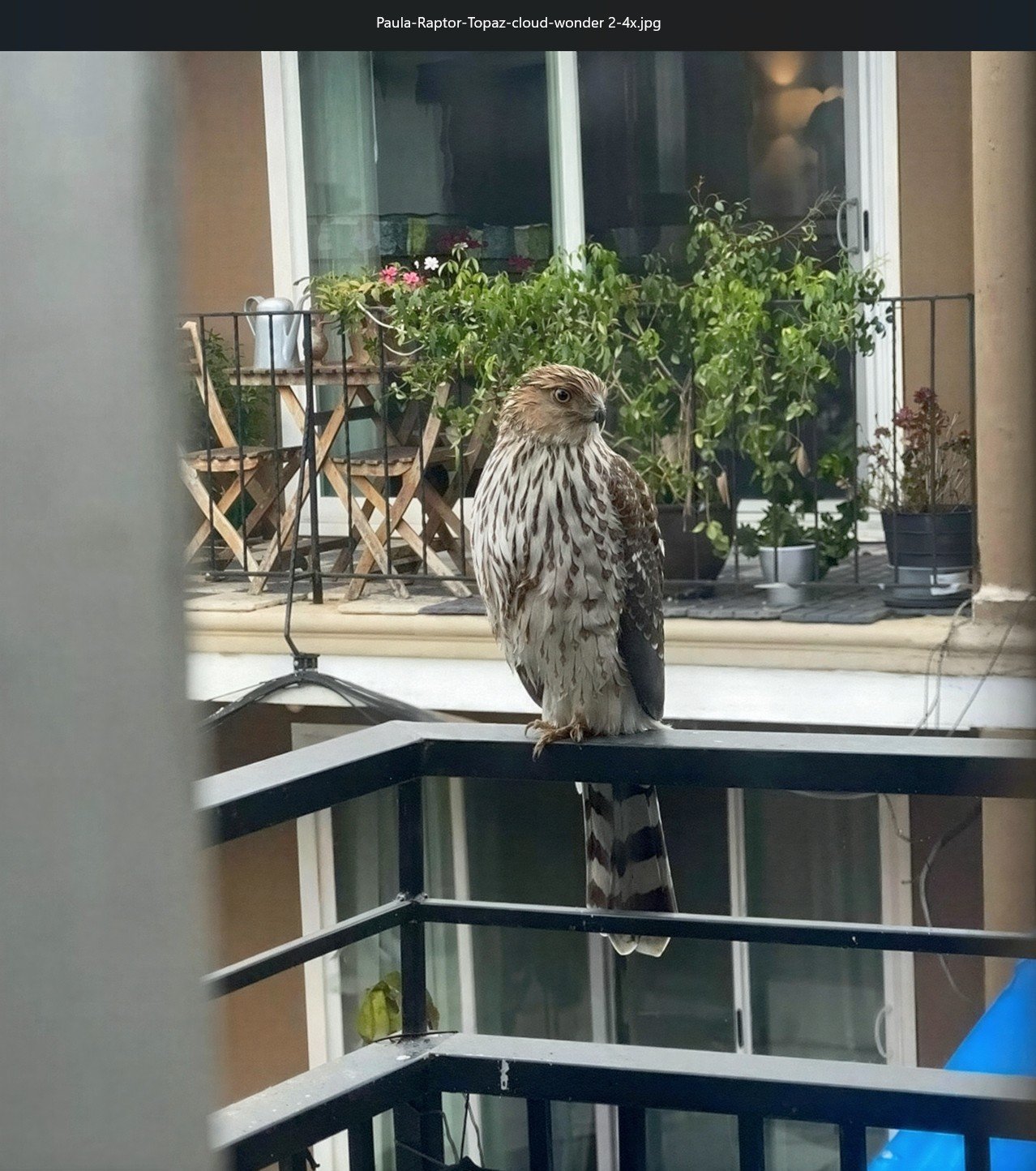
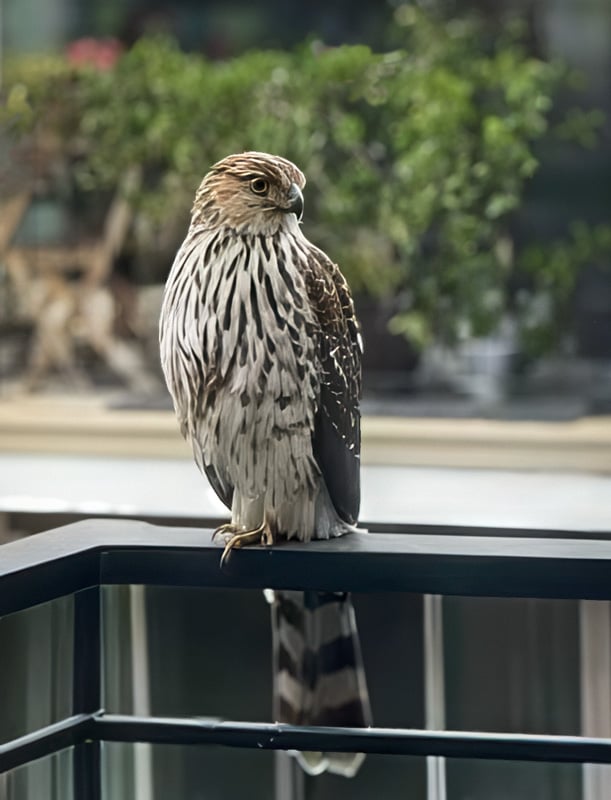
Ran a low res phone cam pic of a raptor published on local NextDoor today. The person saw the bird on their balcony railing and shot a quick grab shot of it:
I think Wonder 2 (Cloud - 4x) did a nice job recovering details in the bird (given what the shot is and how it started out!). It’s not as soft as what I thought of the prior Wonder as producing. Granted the shooter needs to crop and straighten and perhaps add a depth/lens blur to soften the background. But it’s considerably improved from the original above:
(Quote from the previous thread:) I found that sometimes using Redefine Realistic can create that texture you want, and then you can blend with the original. (end quote)
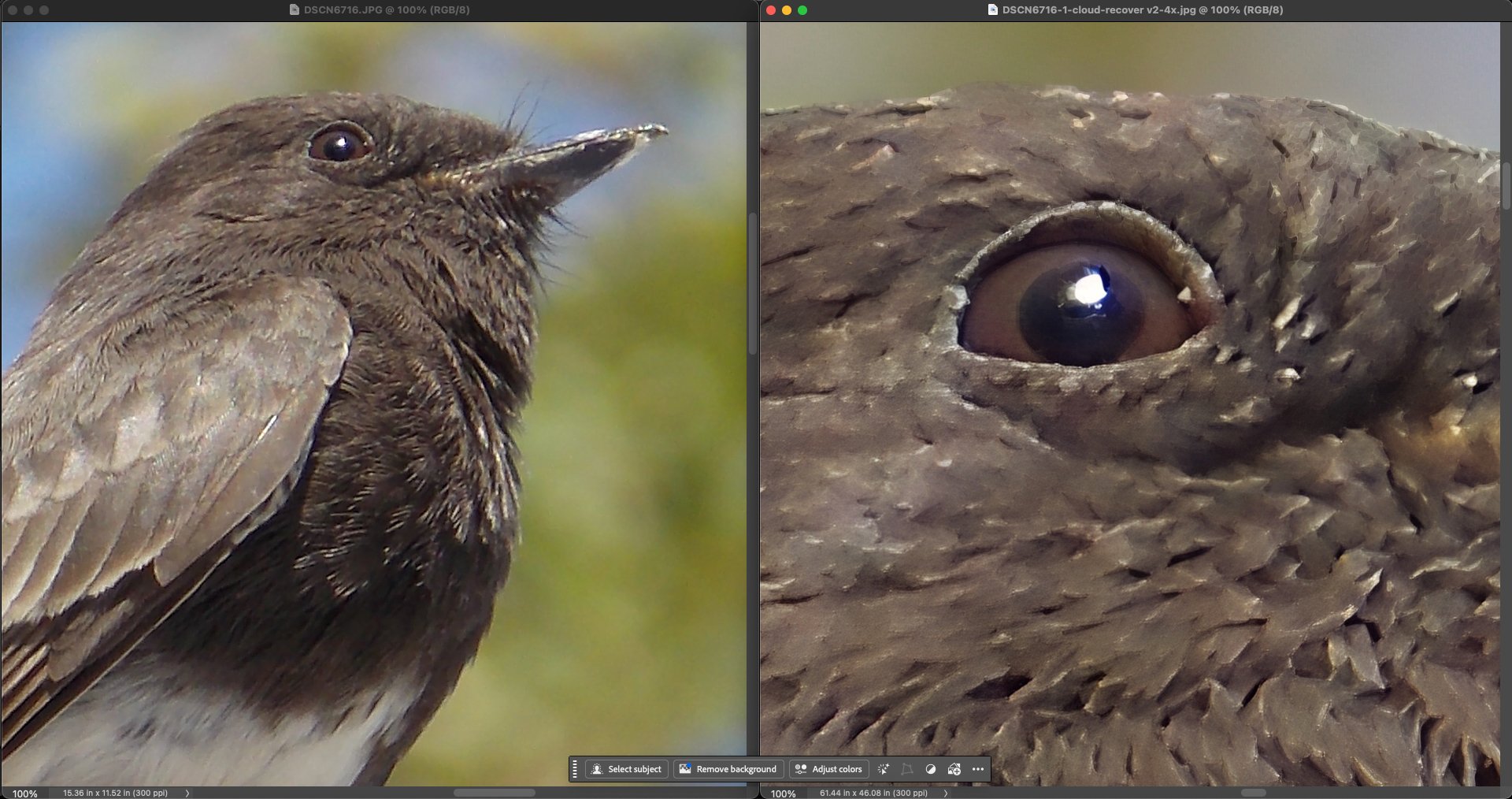
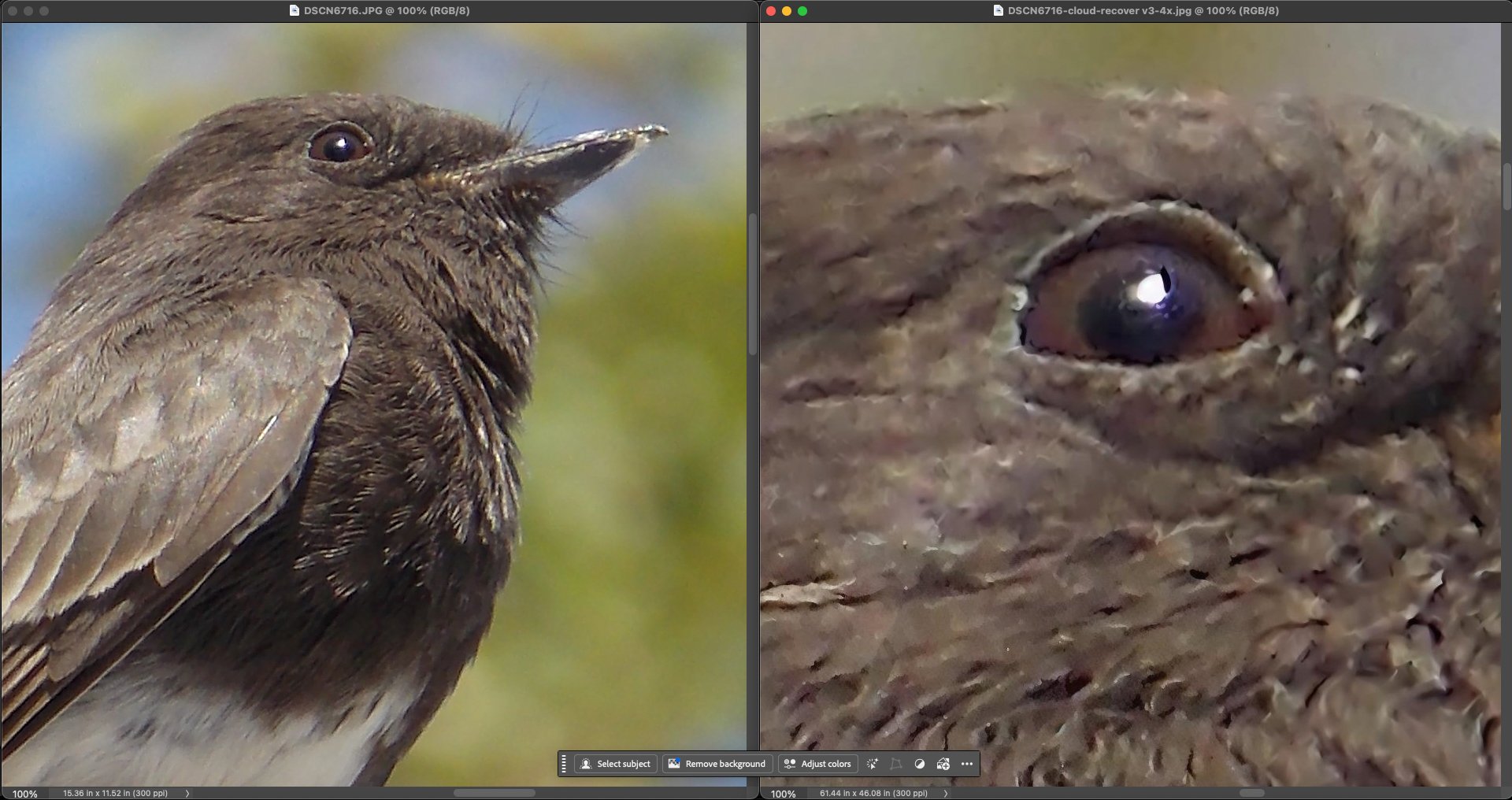
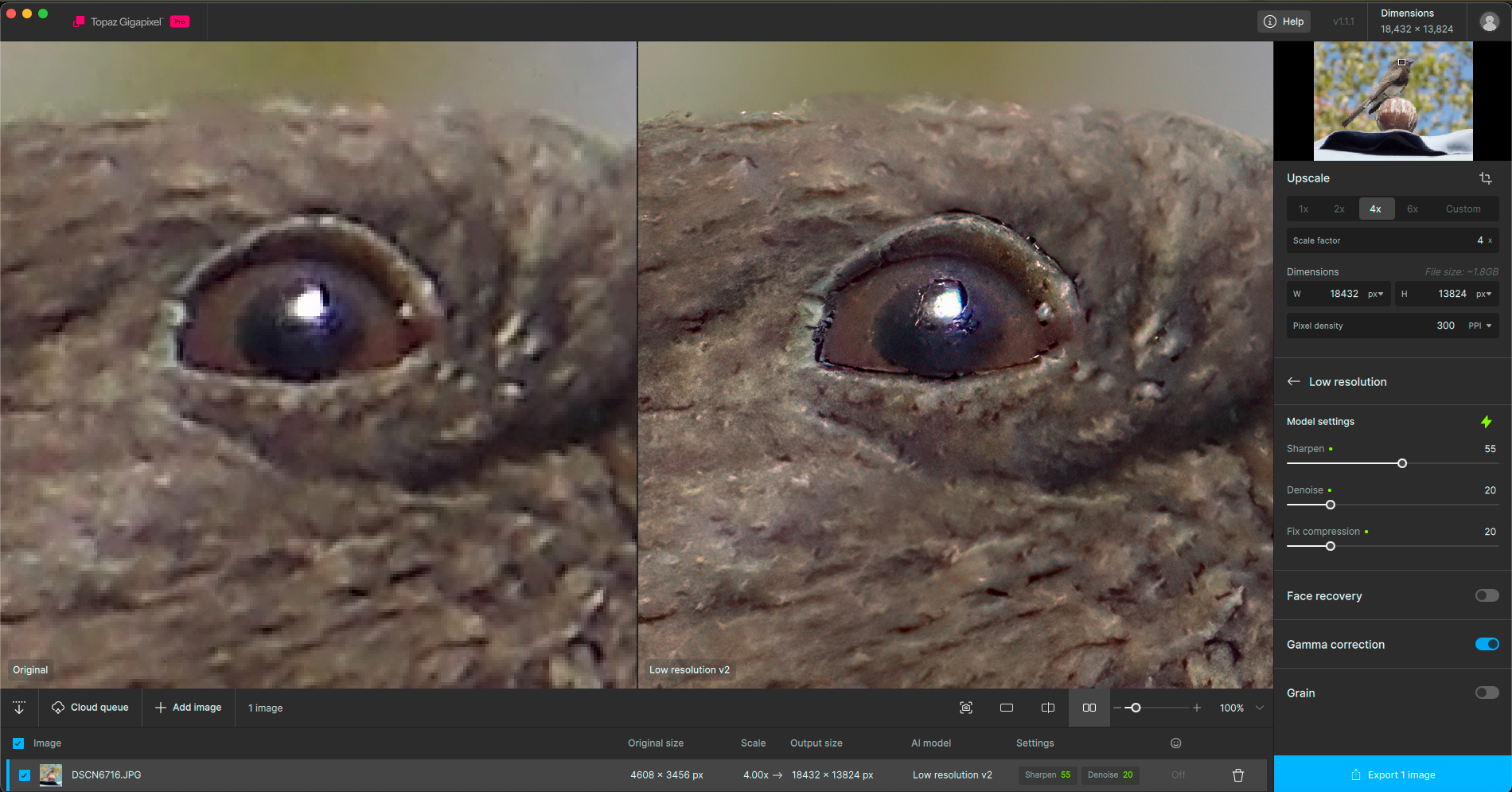
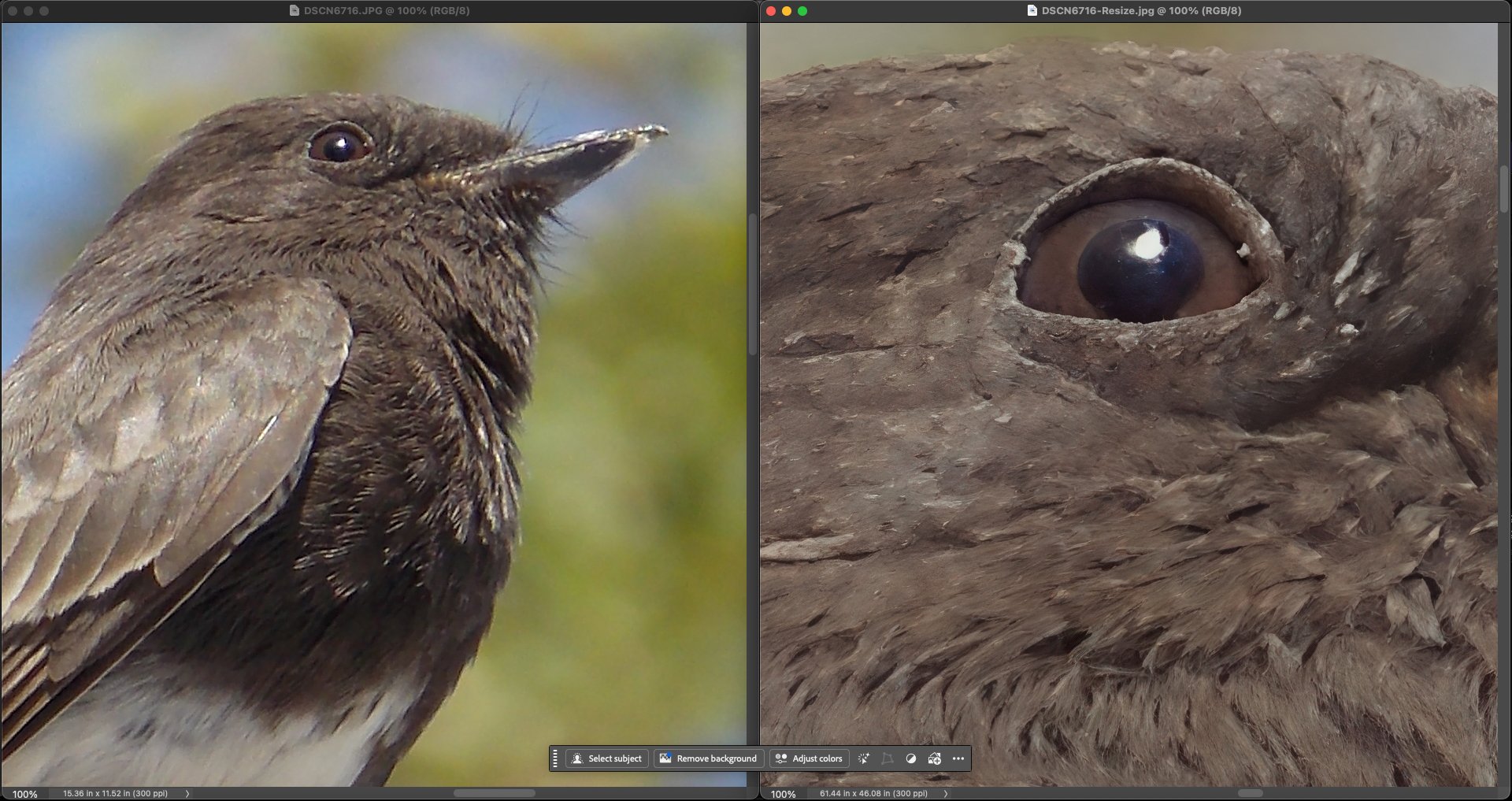
I have had good success especially with animal pictures by blending the upscaled version from a generative model with that of a non-AI model such as High Fidelity 2.
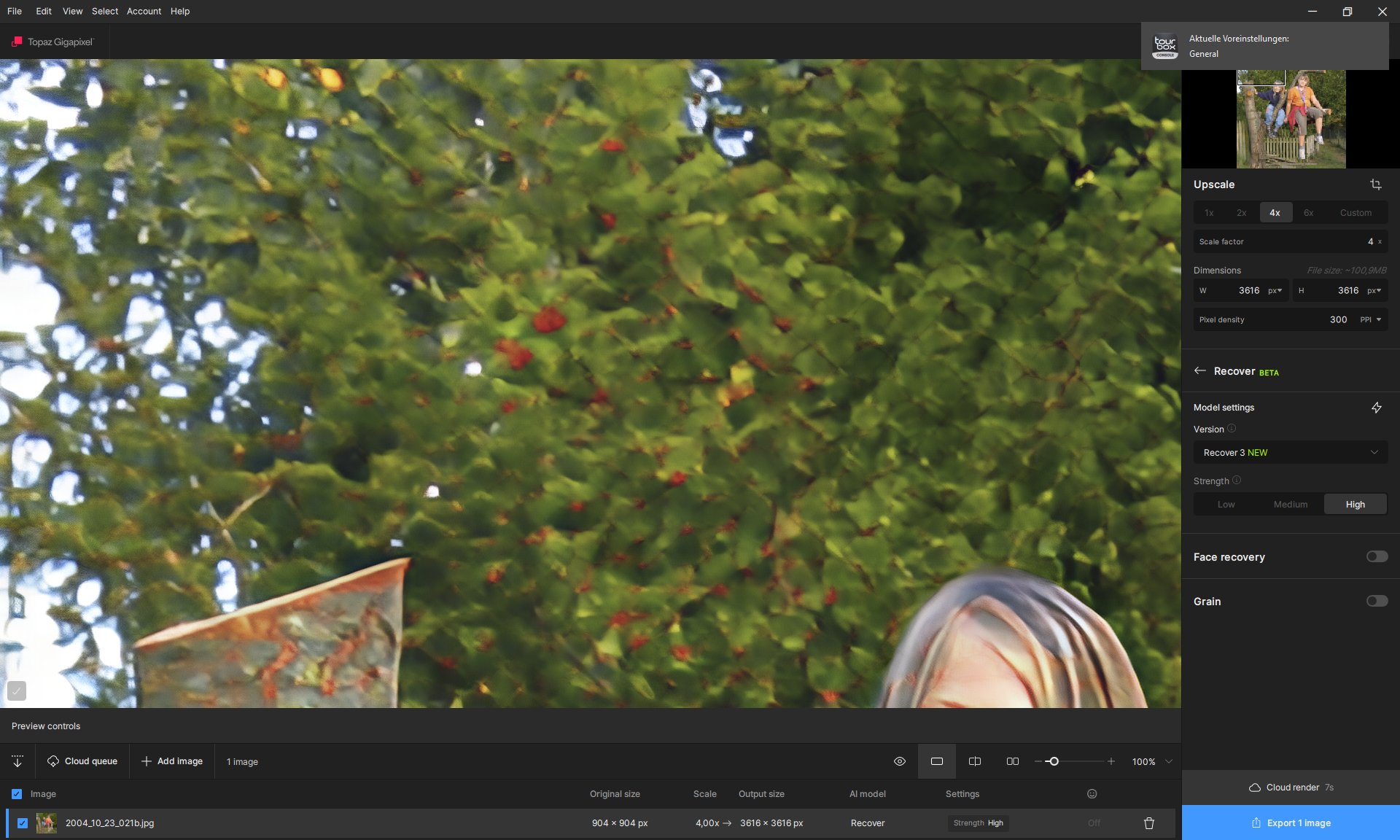
There are some details that are better with Recover V2. For example, the clothing and the hand holding a bag. I think combining the Wonder V2 version with the Recover V2 version will create an excellent enhanced image.
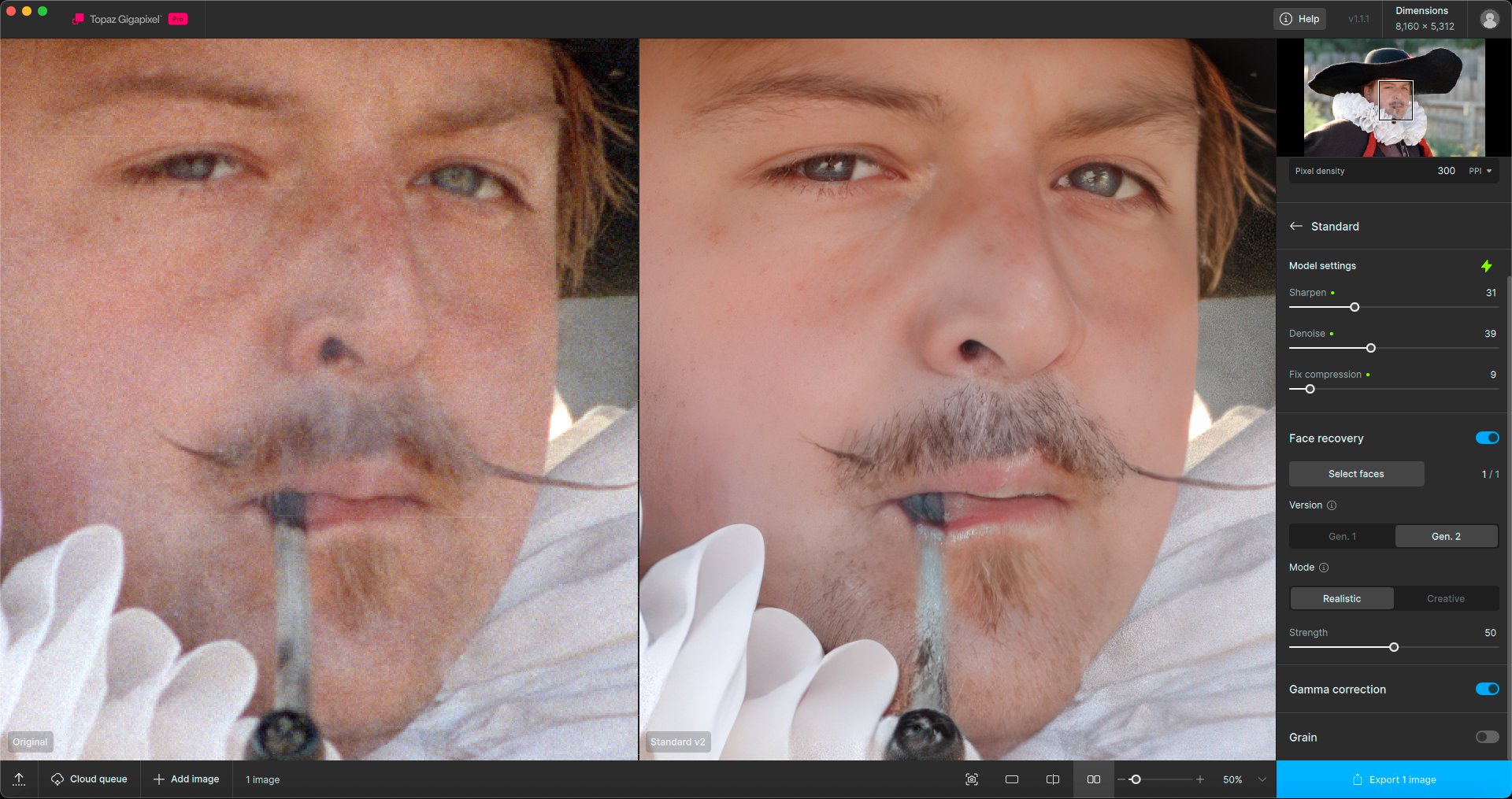
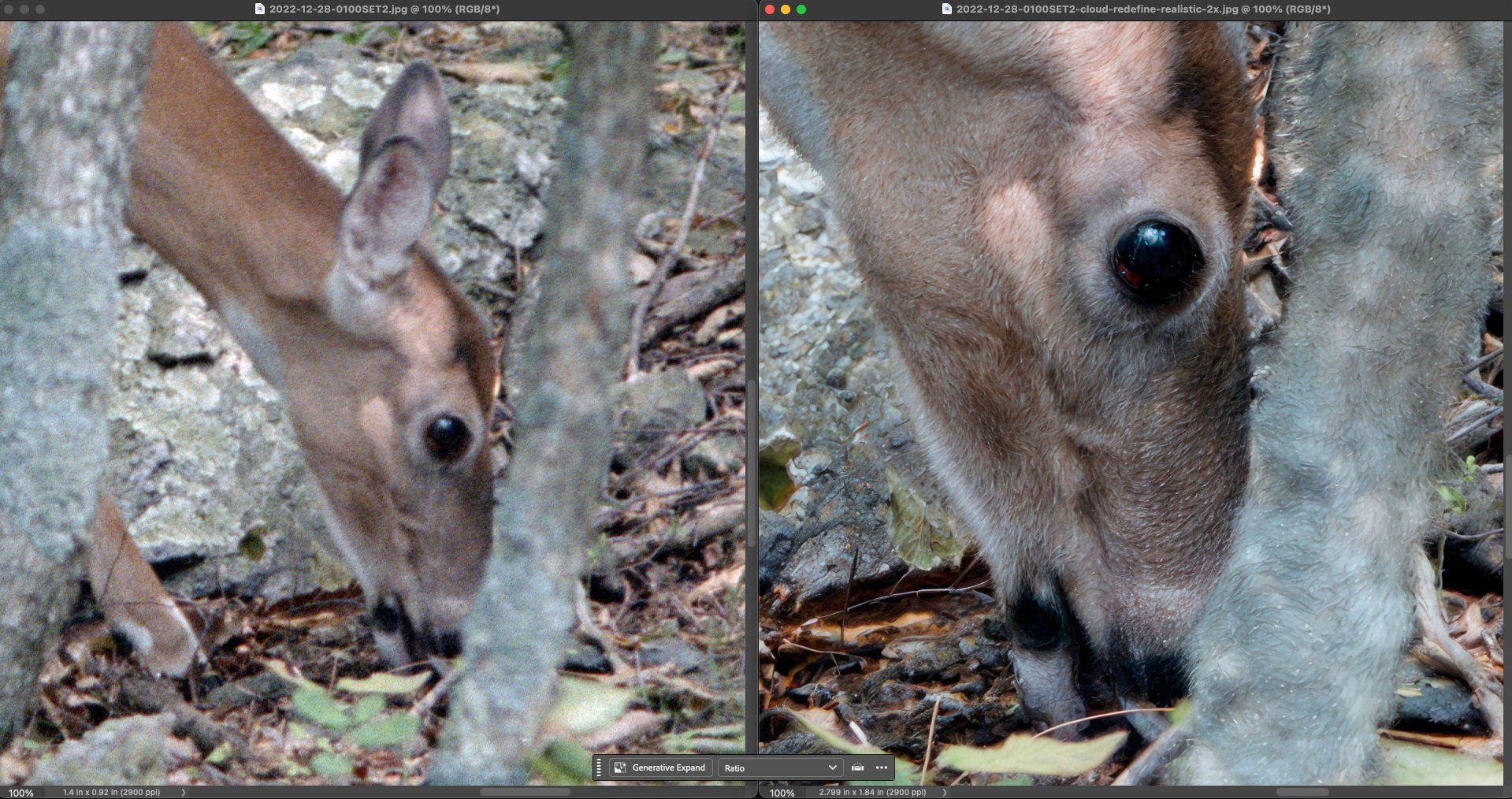
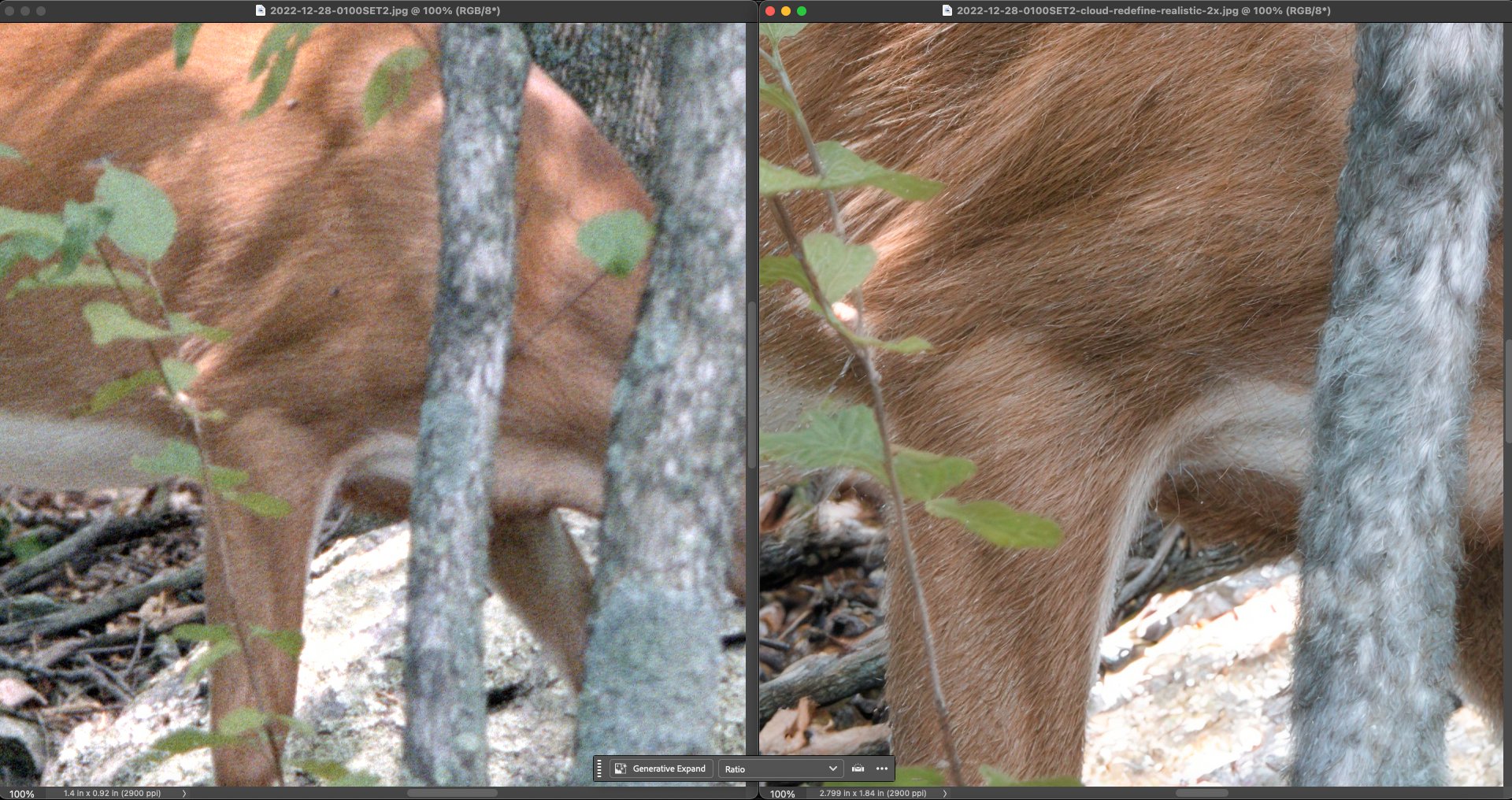
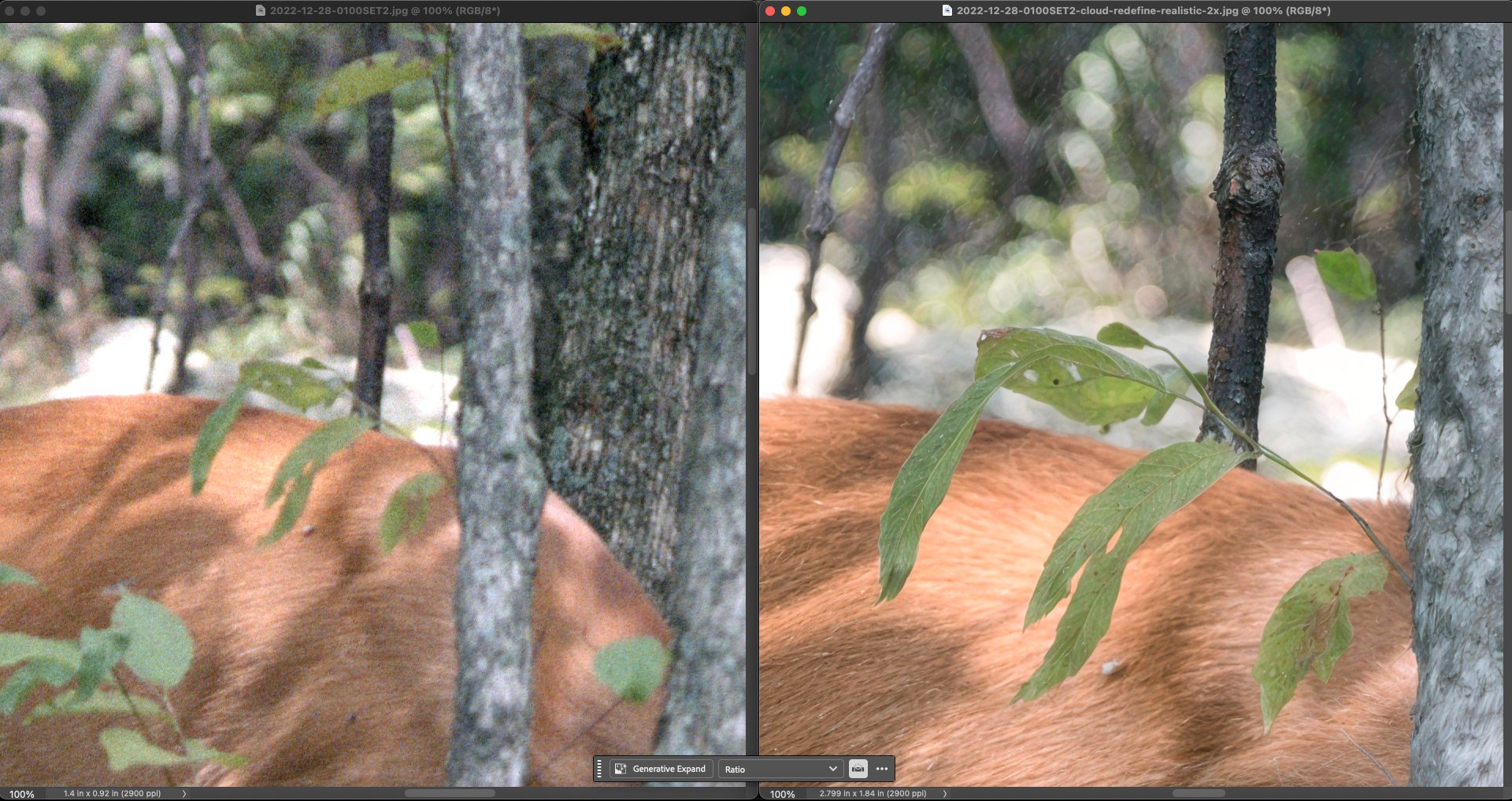
Results from 1990s 35mm film scans. For the man, the traditional Standard model gave the best result. For the deer, Redefine Realistic (except the tree got hairy).
I did not make note of sub-settings for the deer, it would be nice if they could be coded into the file name without taking up too many characters.
I really like the brief, succinct bulleted summary of changes Lingyu included in the most recent TL Photo rel. changelog. It helped me quickly grasp what’s new in that product (with a very short explanatory benefit statement for each bullet). He positioned that above the more in-depth Changelog features/visual examples. It’s a great format for TL product rel. Changelogs to quickly scan for what’s new. Then we can concentrate reading more about the specific features of interest to our indiv workflows. @alexandre.topazlabs@esther.huynh
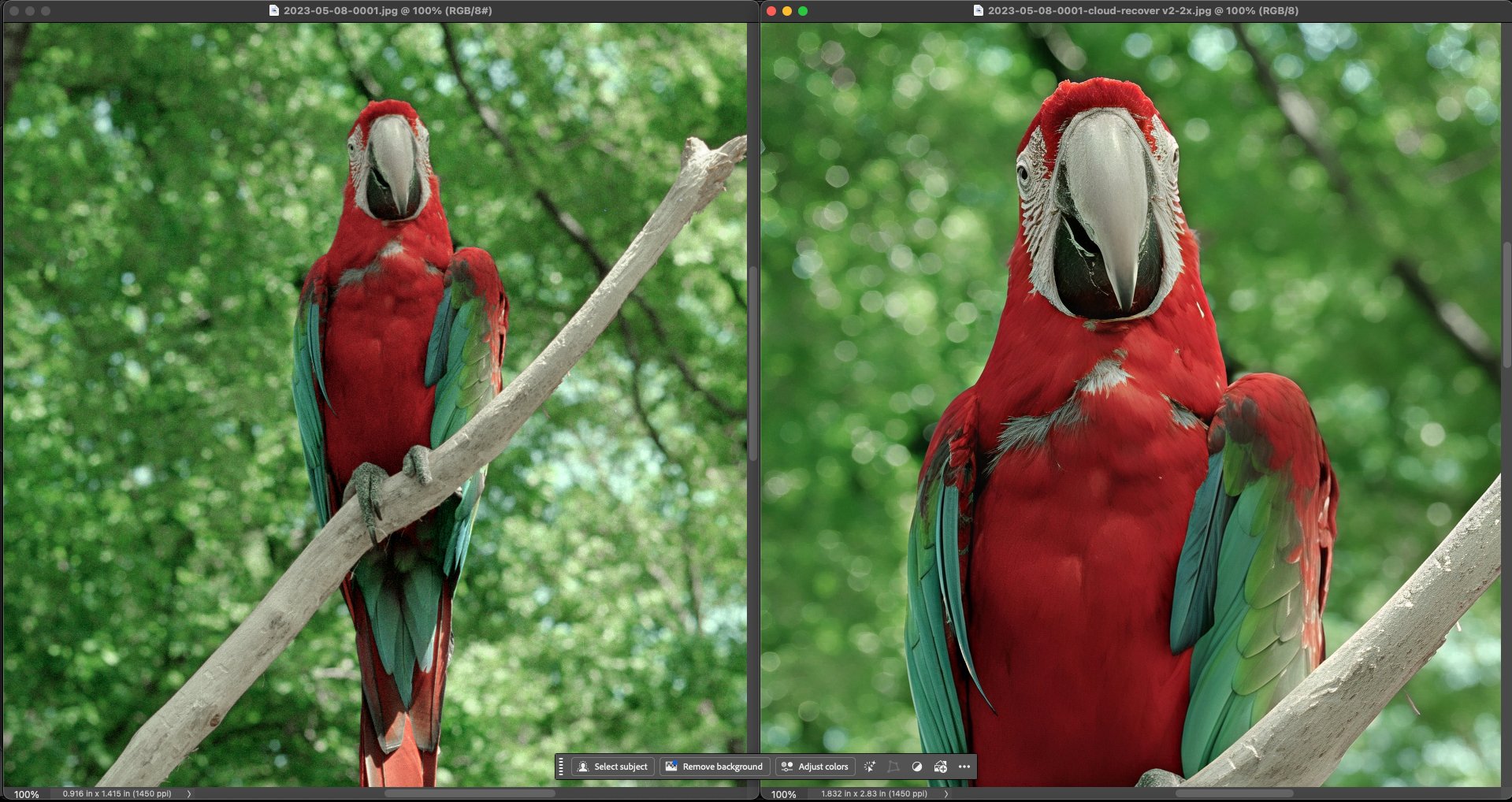
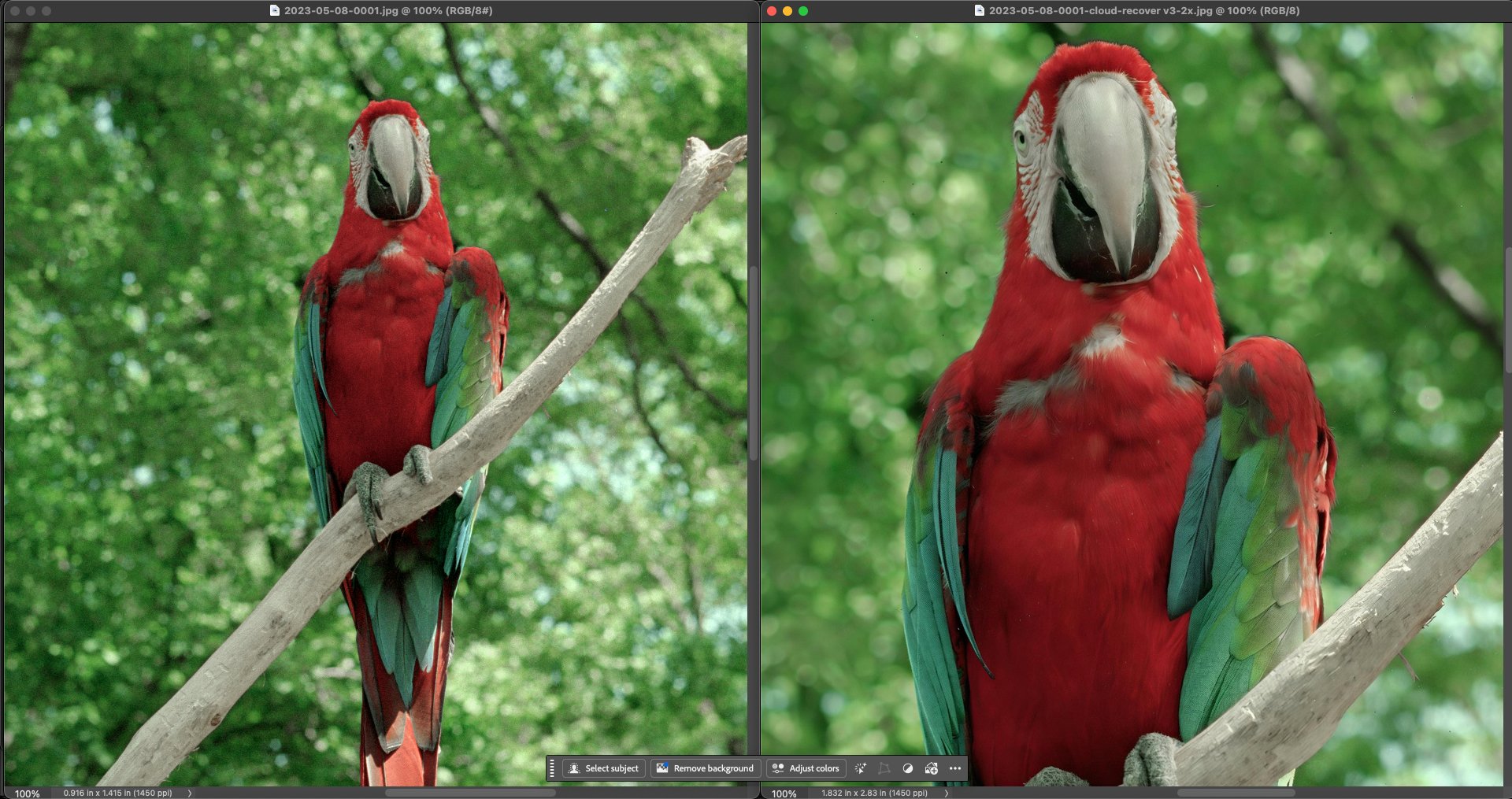
Another film-based image. Recover 2 and 3 are adding spots in different ways (Recover 3 added little block spots, like dust, while v2 added some white ones)
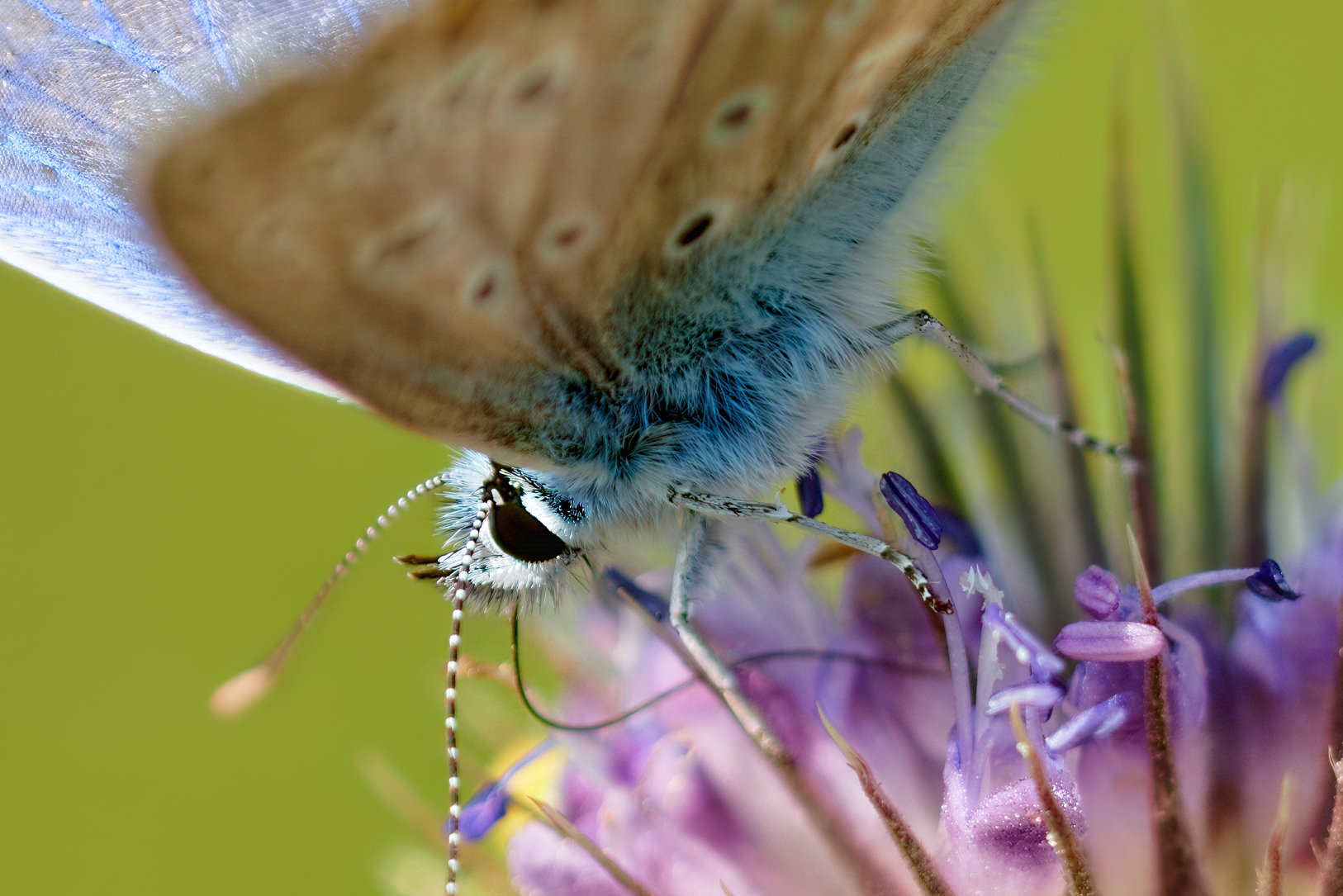
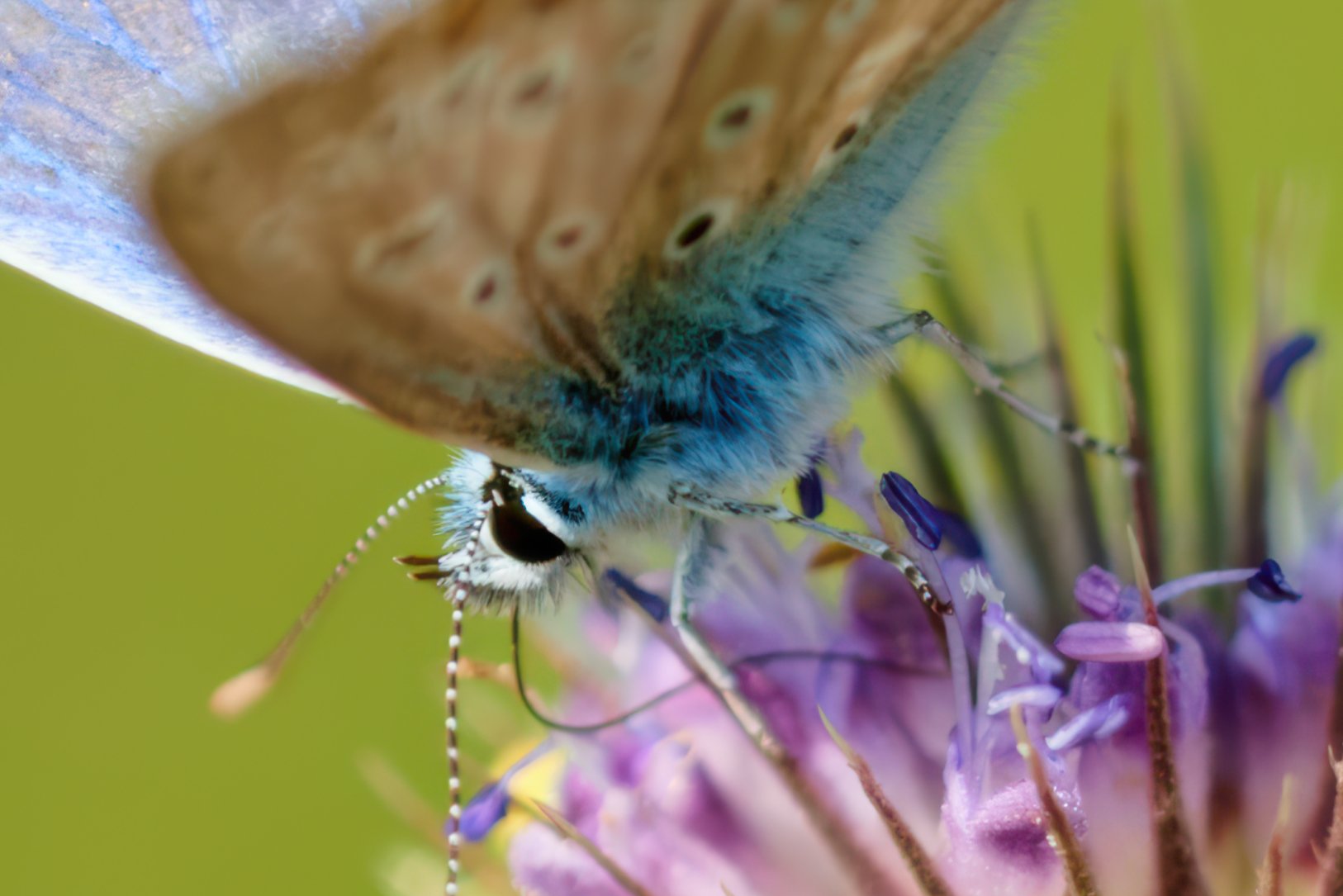
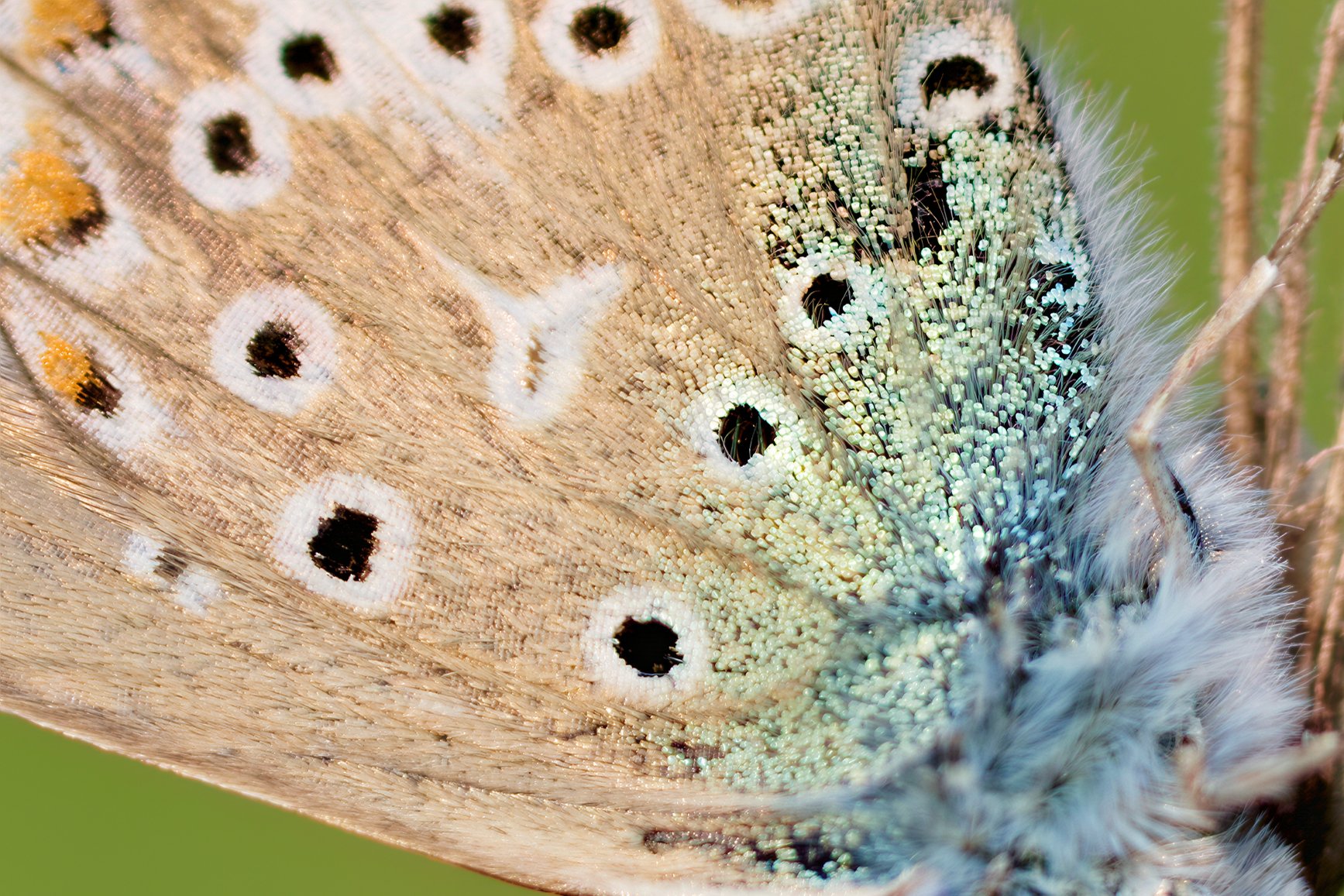
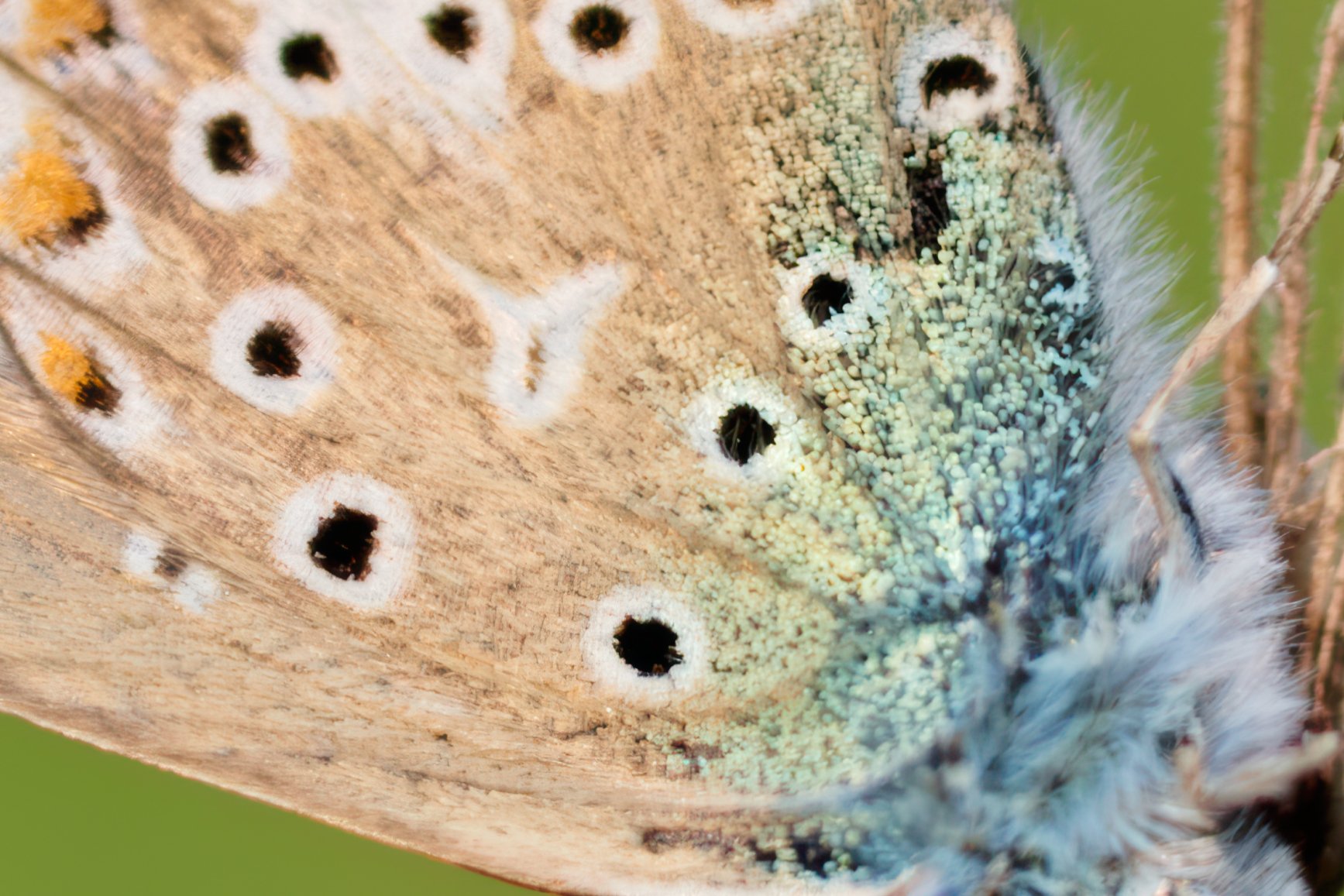
The texture is better with On1 Resize. It’s always useful to have several different software programs and models to see which one will be best depending on the source image.
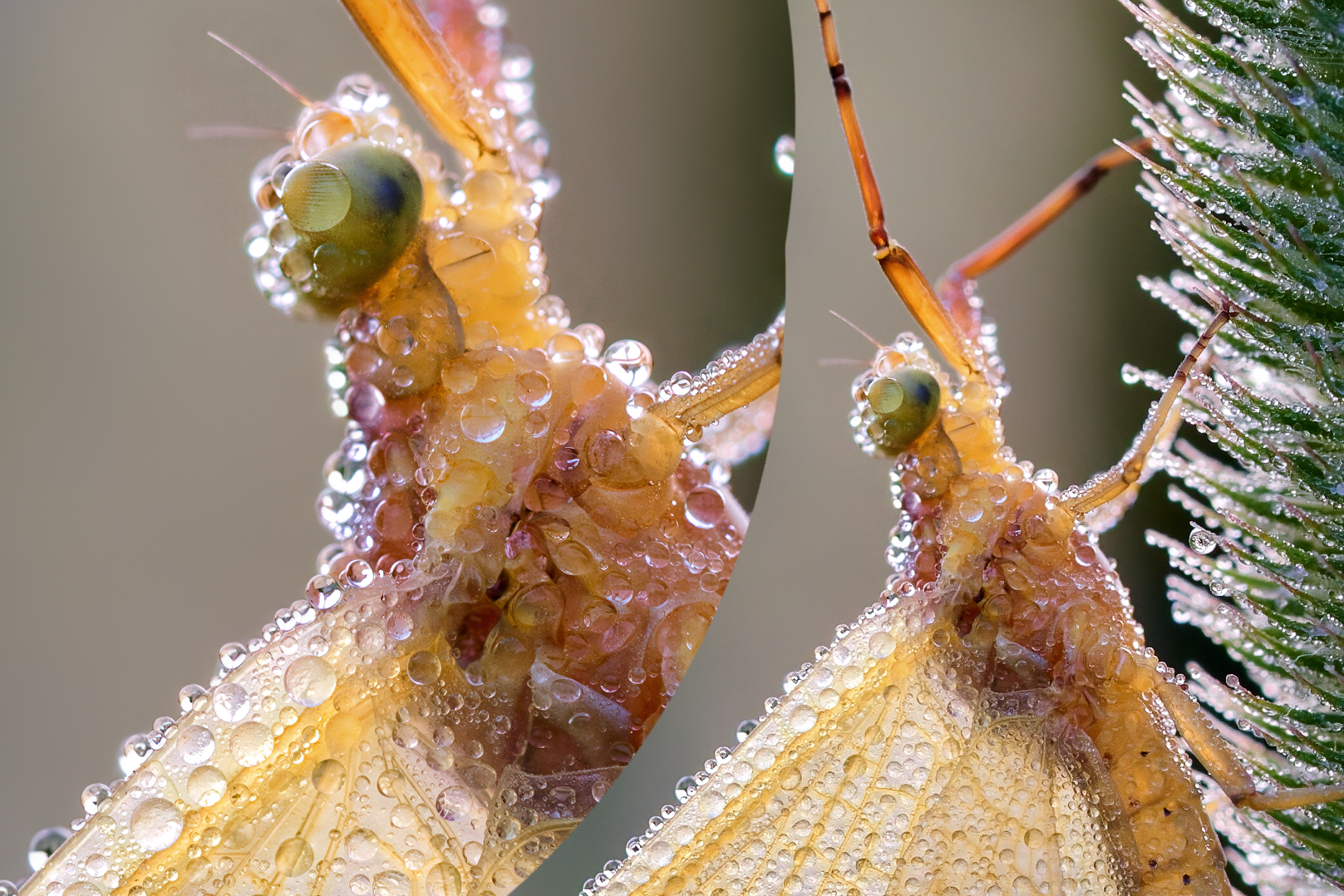
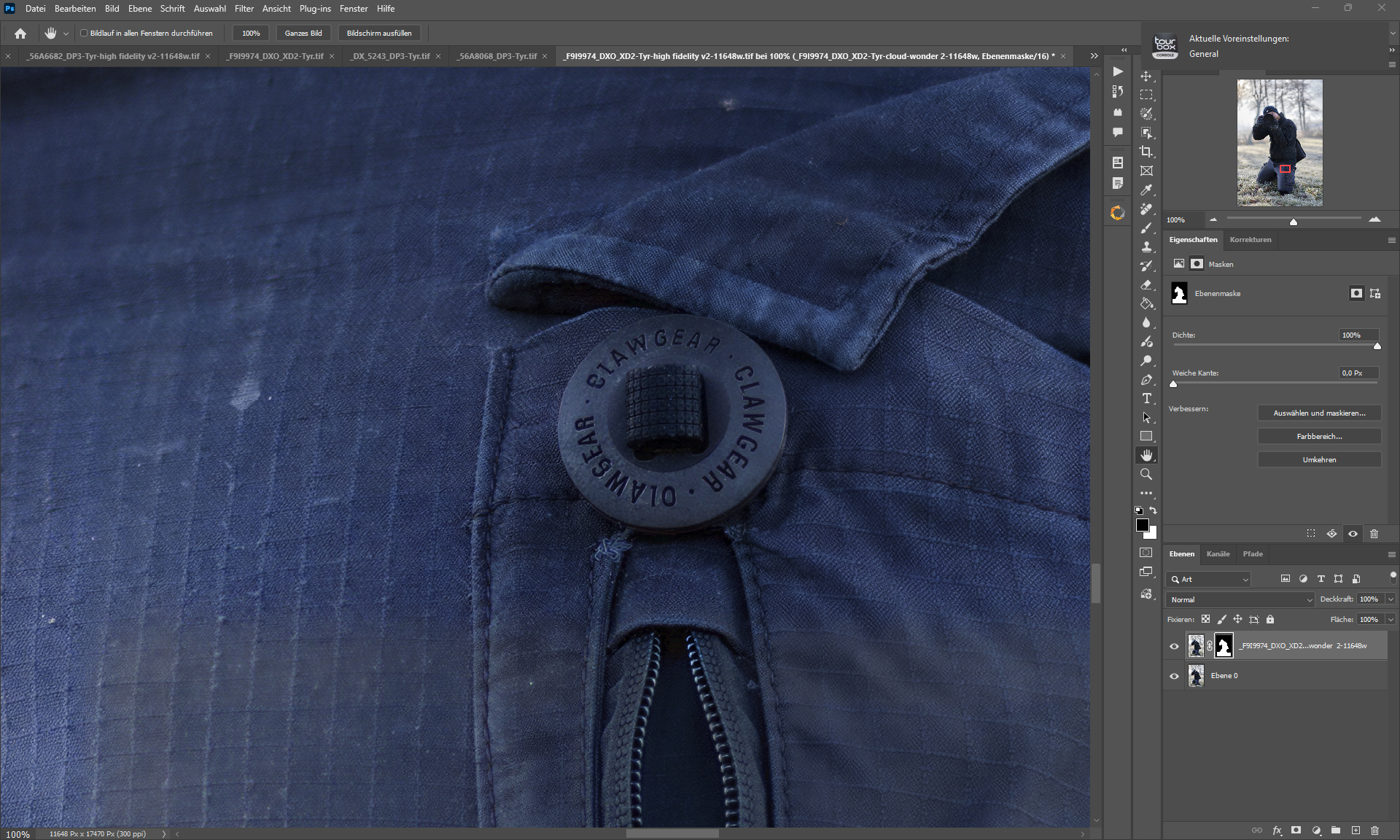
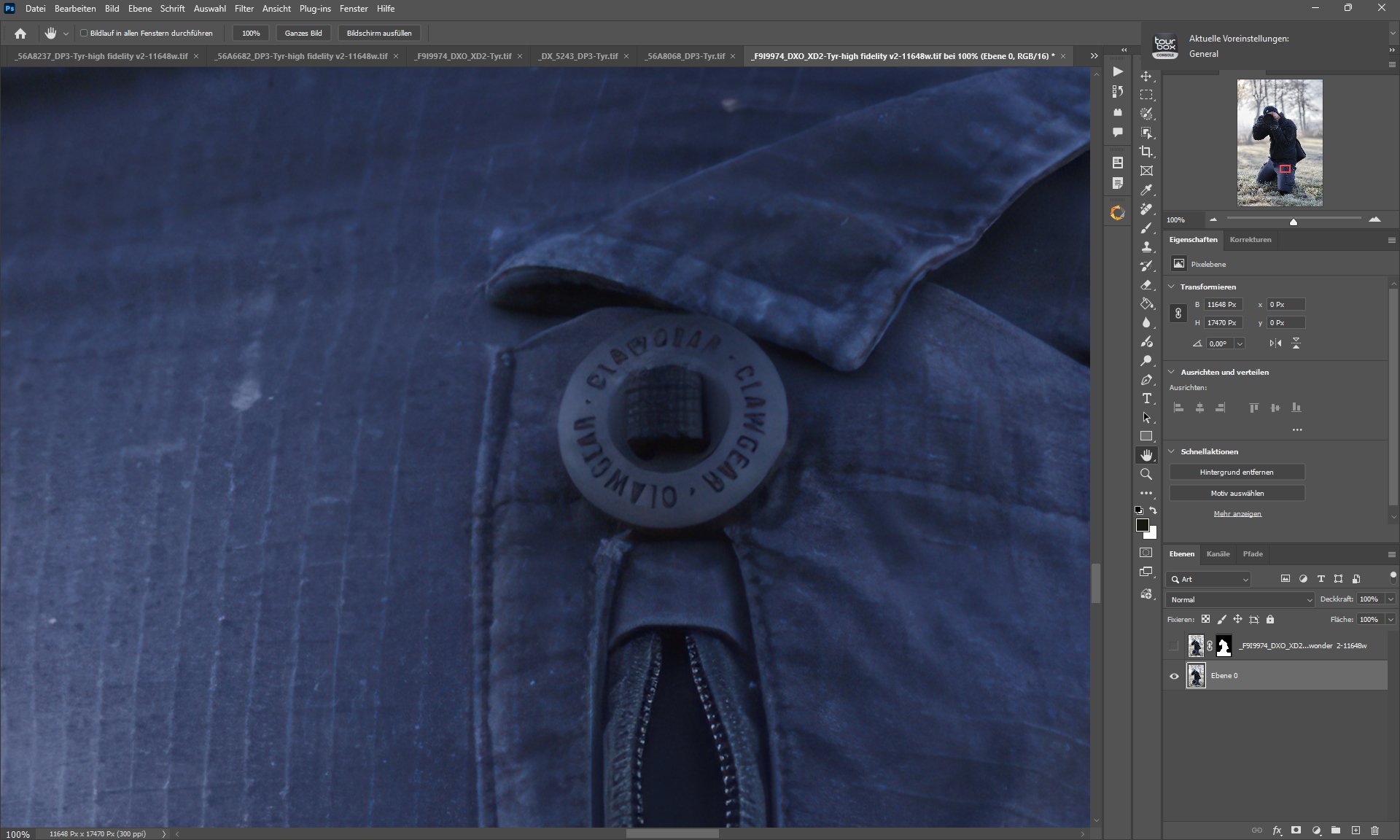
The results of Wonder V2 are truly impressive. It’s far superior to V1. I’m really looking forward to it being added for local use. I prefer it to using the cloud.

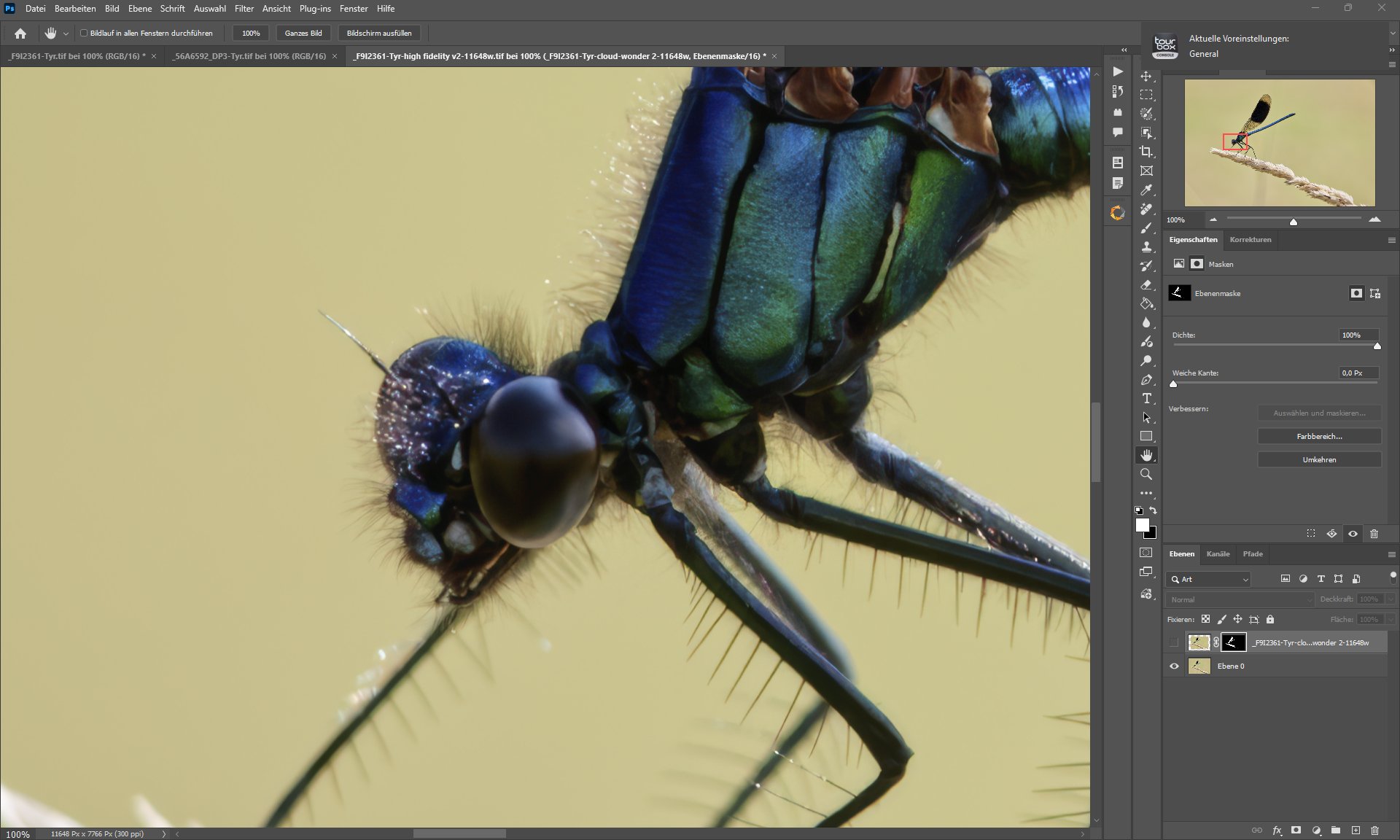

 not 2887